
Classic Financial II manual · Chapter 13 of 16
Date calculations (DATE)
Days between two dates, and finding a date a number of days away.
13.1Count the days between two dates#
Press 2NDDATE5. Lines are DT1 (first date), DT2 (second date), DBD (days between dates) and a choice of ACT (actual days) or 360 (twelve 30-day months). Dates are typed as month.dayyear: 1.0123 means January 1, 2023. Valid years are 1950 to 2049.
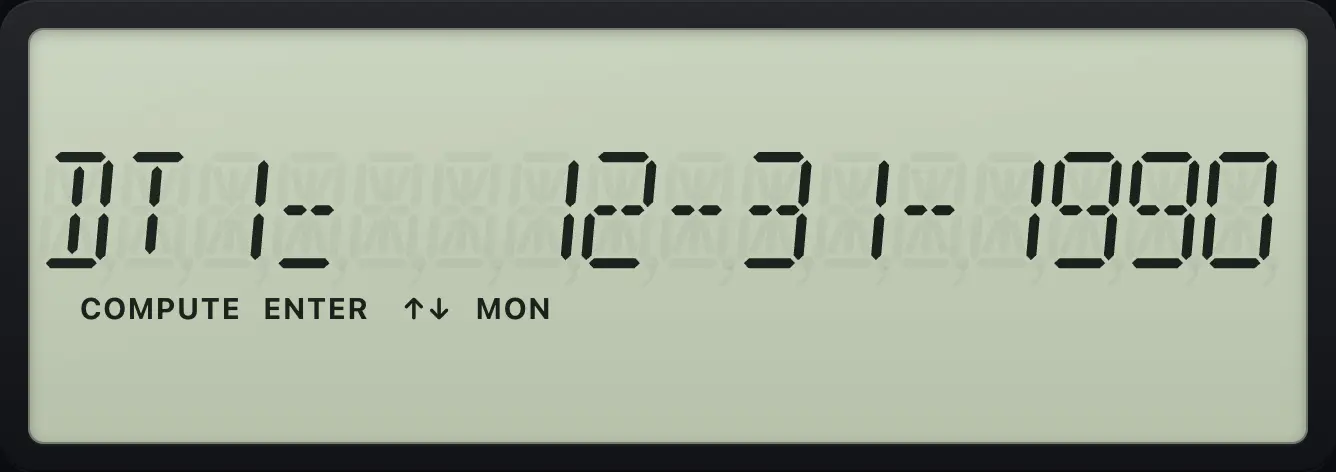
Enter a date
Type 1.0123 and press enter. The weekday shows on the right.
2NDDATE51.0123ENTER
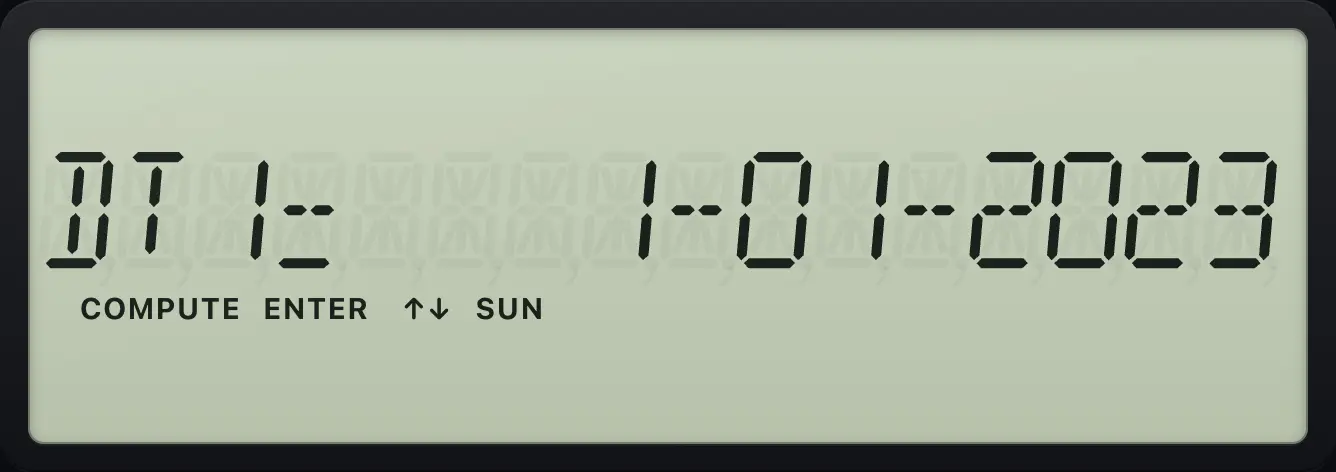
DT1= 1-01-2023Days between January 1 and March 15, 2023
Enter both dates, then press CPT on DBD.
2NDDATE51.0123ENTER↓3.1523ENTER↓CPT
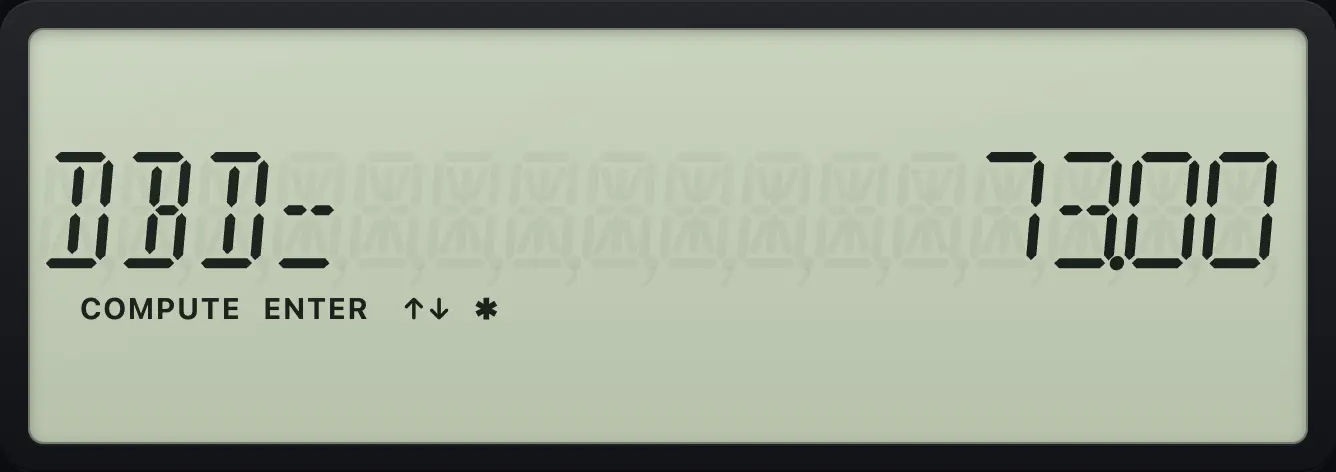
DBD= 73.00Using a 360-day year
Press down to the ACT line, change to 360, and compute DBD again.
2NDDATE512.3123ENTER↓3.3124ENTER↓↓2NDSETENTER↑CPT
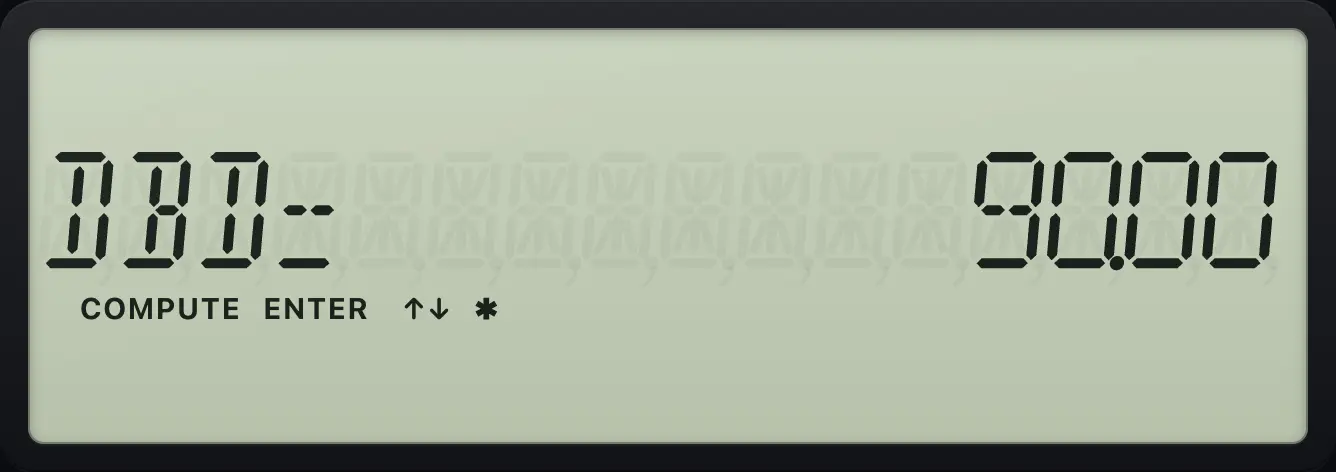
DBD= 90.00See also Days between two dates
13.2Find the date a number of days later#
Enter DT1, move to DBD, type the number of days and press ENTER, then go back up to DT2 and press CPT. To find an earlier date, enter DT2 and DBD and compute DT1.
Thirty days after January 31, 2024
Enter DT1, set DBD to 30, then compute DT2.
2NDDATE51.3124ENTER↓↓30ENTER↑CPT
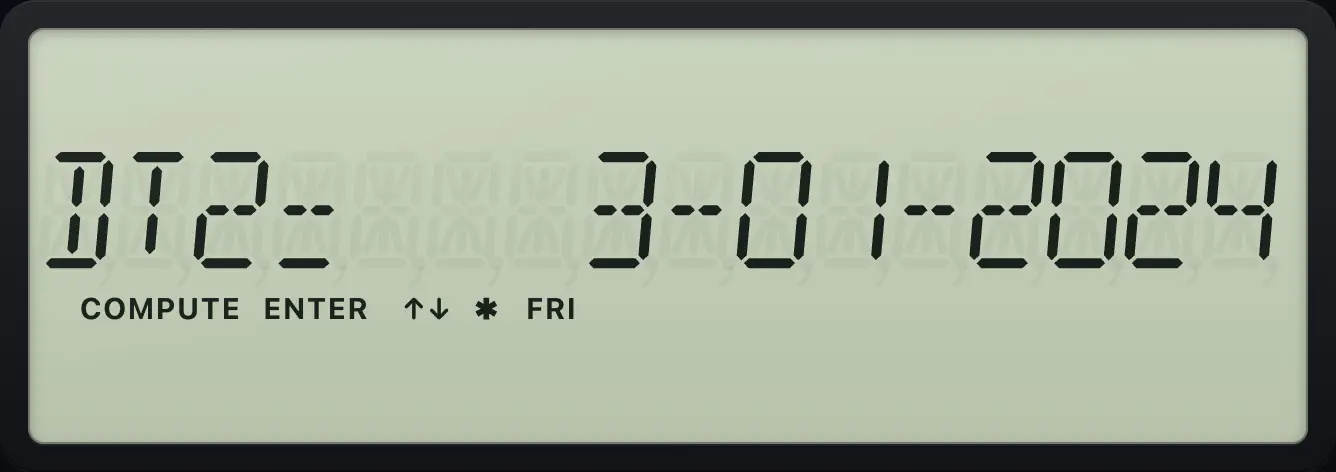
DT2= 3-01-2024BA II Plus is a trademark of Texas Instruments Incorporated. Trident Calculator is an independent product by South View Studios and is not affiliated with, sponsored by or endorsed by Texas Instruments. The name is used only to describe the kind of calculator this model resembles; Trident's names, keys, display, fonts and software are its own clean-room design.