
Classic Financial II manual · Chapter 4 of 16
Memories
Store numbers in memories 0 to 9, recall them, do arithmetic in memory and view the MEM worksheet.
4.1Store and recall a number#
There are ten memories, M0 to M9. Press STO then a digit to store the displayed number. Press RCL then the digit to bring it back. If a calculation is pending, STO finishes it first.
Store and recall
Store 5 in memory 1, clear, and recall it.
5STO1CE/CRCL1

5.00Store a result
Work out 2 + 3, store it in M9, then use it in 1 + M9.
2+3=STO91+RCL9=

6.004.2Do arithmetic in a memory#
Press STO, then an operator (+, −, ×, ÷ or yˣ), then the memory digit. The memory is combined with the displayed number and the result stays in the memory.
Add to a memory
Store 5 in M1, then add 3 to it and recall.
5STO13STO+1RCL1
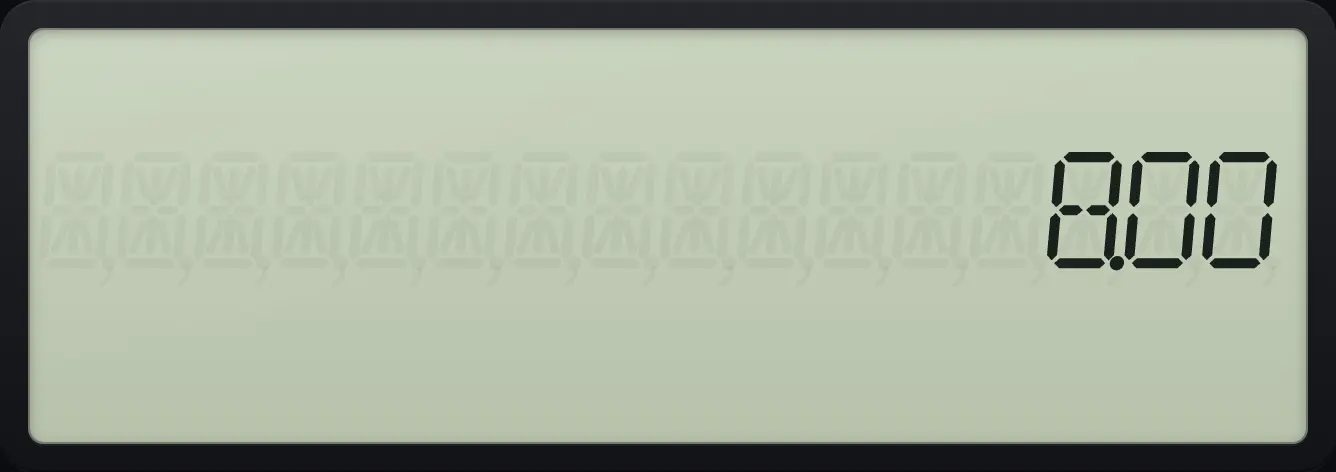
8.00Multiply a memory
Store 5 in M1, multiply by 3, recall.
5STO13STO×1RCL1

15.004.3View and edit memories (MEM)#
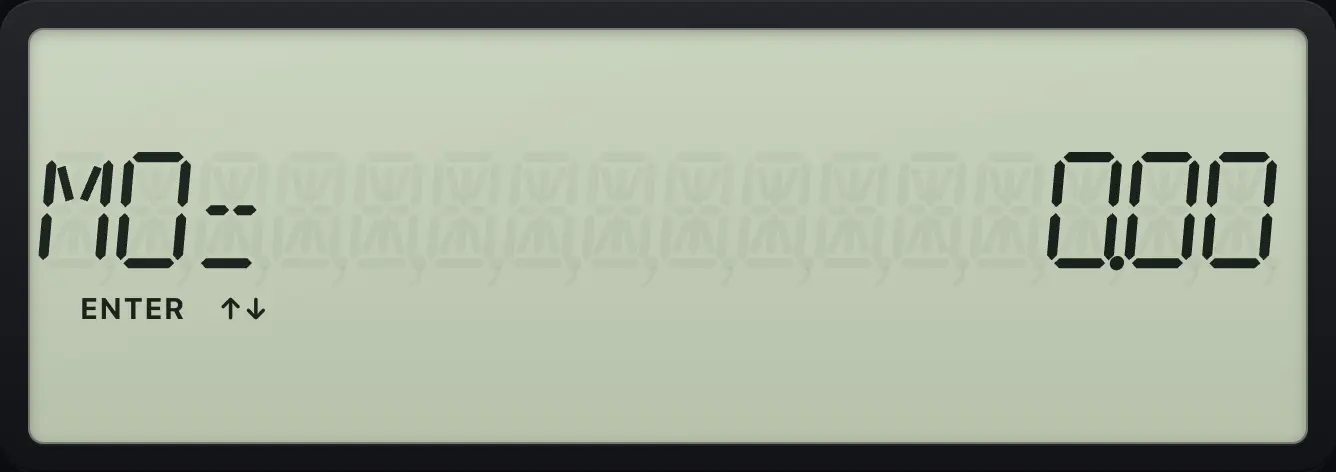
Press 2NDMEM0 to open MEM. Use ↓ and ↑ to move between M0 and M9. To change one, type a value and press ENTER. 2NDCLR WORKCE/C clears all ten memories.
See a stored value
Store 7 in M3, open MEM and move down three times.
7STO32NDMEM0↓↓↓
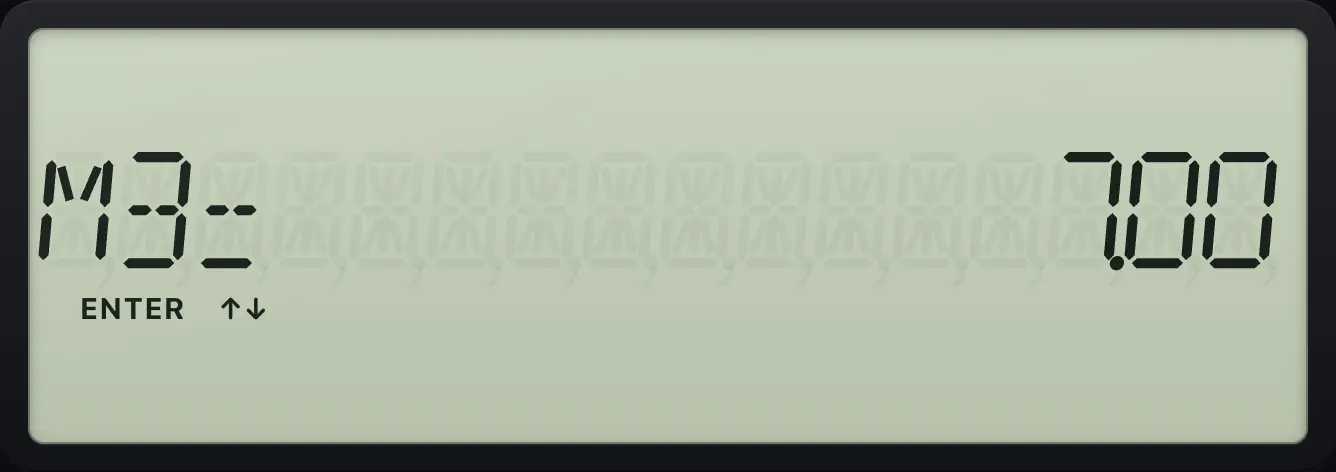
M3= 7.00Type a value into a memory
Open MEM, type 42, enter, quit, and recall M0.
2NDMEM042ENTER2NDQUITCPTRCL0

42.00Clear all memories
Store 7 in M3, clear the memories with 2ND CE/C, and look at M3.
7STO32NDMEM02NDCLR WORKCE/C↓↓↓
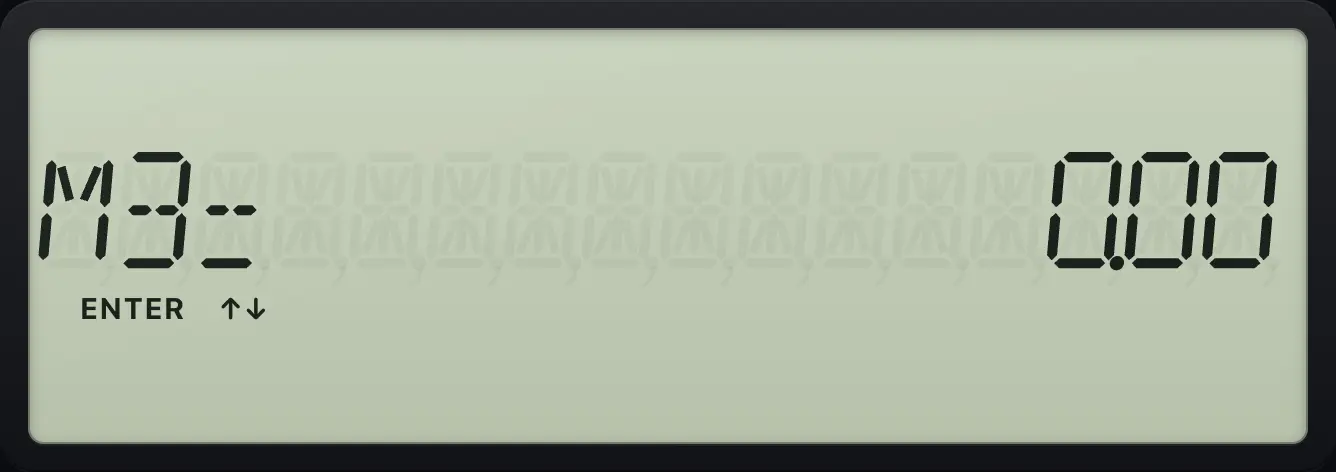
M3= 0.00BA II Plus is a trademark of Texas Instruments Incorporated. Trident Calculator is an independent product by South View Studios and is not affiliated with, sponsored by or endorsed by Texas Instruments. The name is used only to describe the kind of calculator this model resembles; Trident's names, keys, display, fonts and software are its own clean-room design.