
Natural Color Graphing manual · Chapter 3 of 18
Calculations in Run-Matrix
Order of operations, exact fractions, roots and π, decimals, scientific notation, Ans and history.
3.1Order of operations and negatives#
Powers and roots come first, then multiplication and division, then addition and subtraction. Brackets change the order. Use (−) for the sign of a number and − for subtraction.
A negative number
Type -5 + 2.
(−)5+2EXE
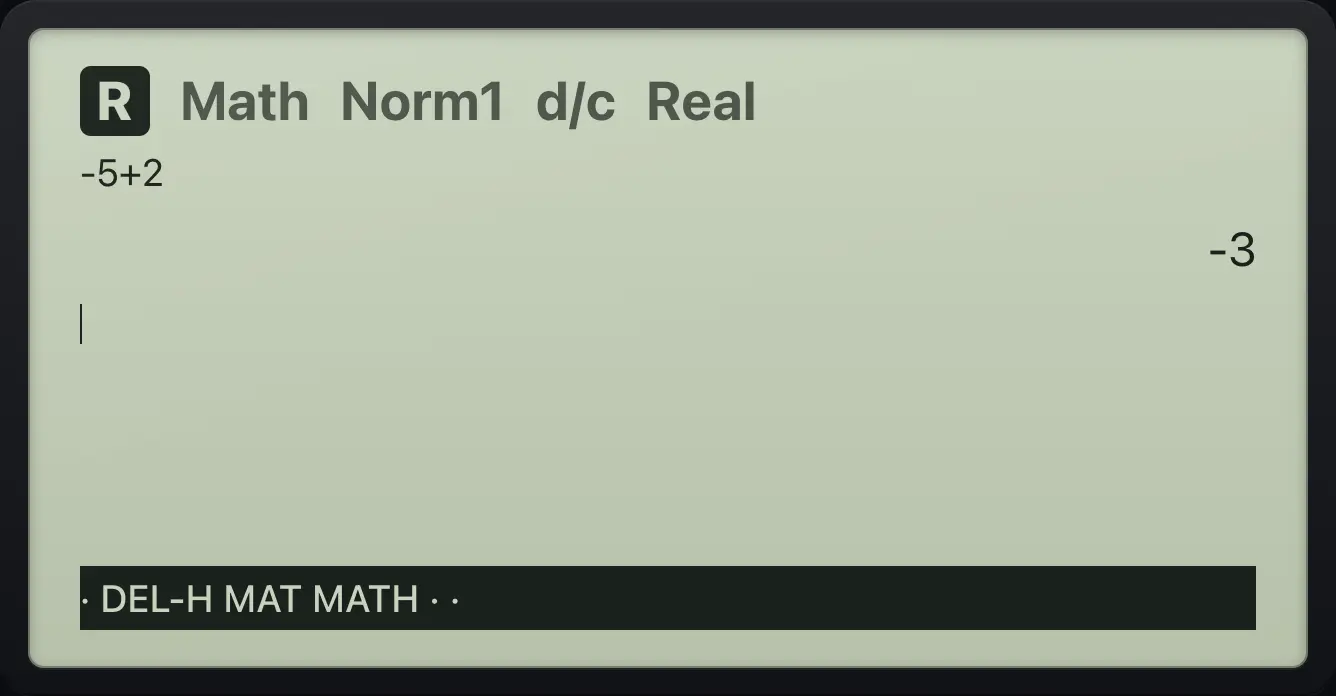
-33.2Add and multiply fractions#
Press / for a fraction template: type the numerator, press ▼ for the denominator, then ▶ to step out. A number typed before / becomes the numerator.
Add two fractions
Type 1/3 + 1/6.
/1▼3▶+/1▼6EXE
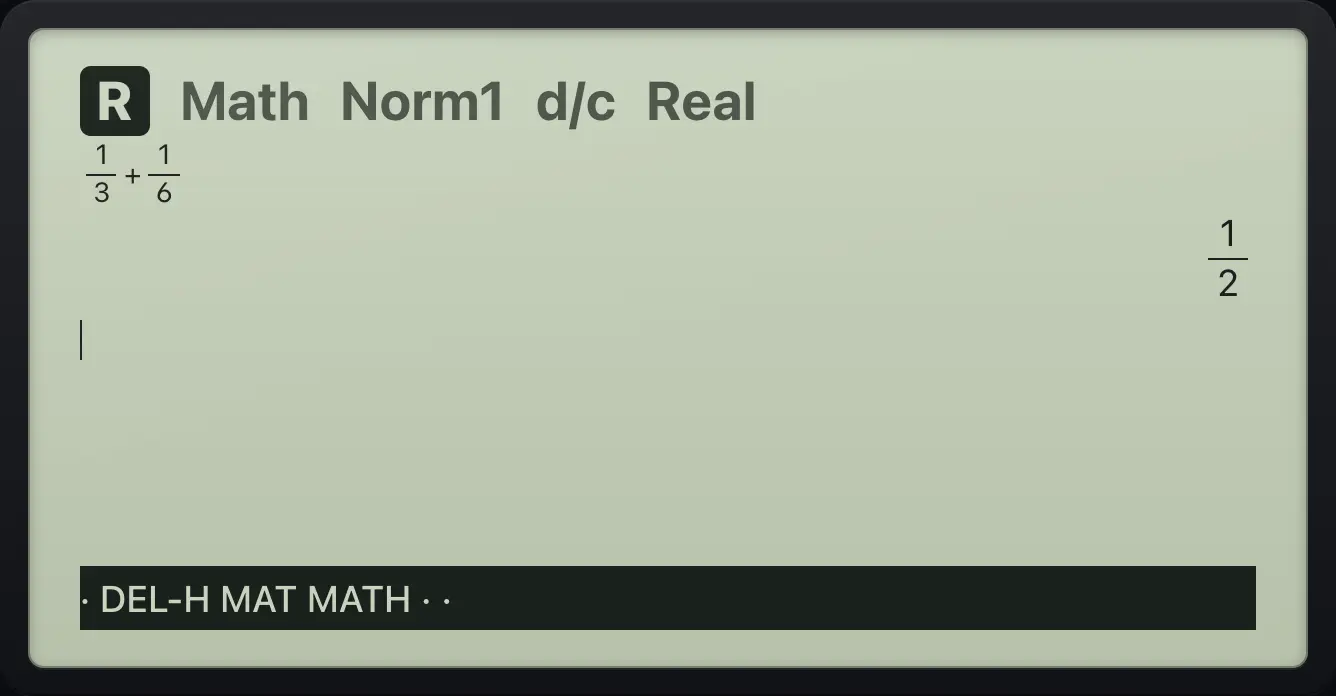
1/2Number first
Type 2/3 × 3/4 by typing the numbers first.
2/3▶×3/4EXE
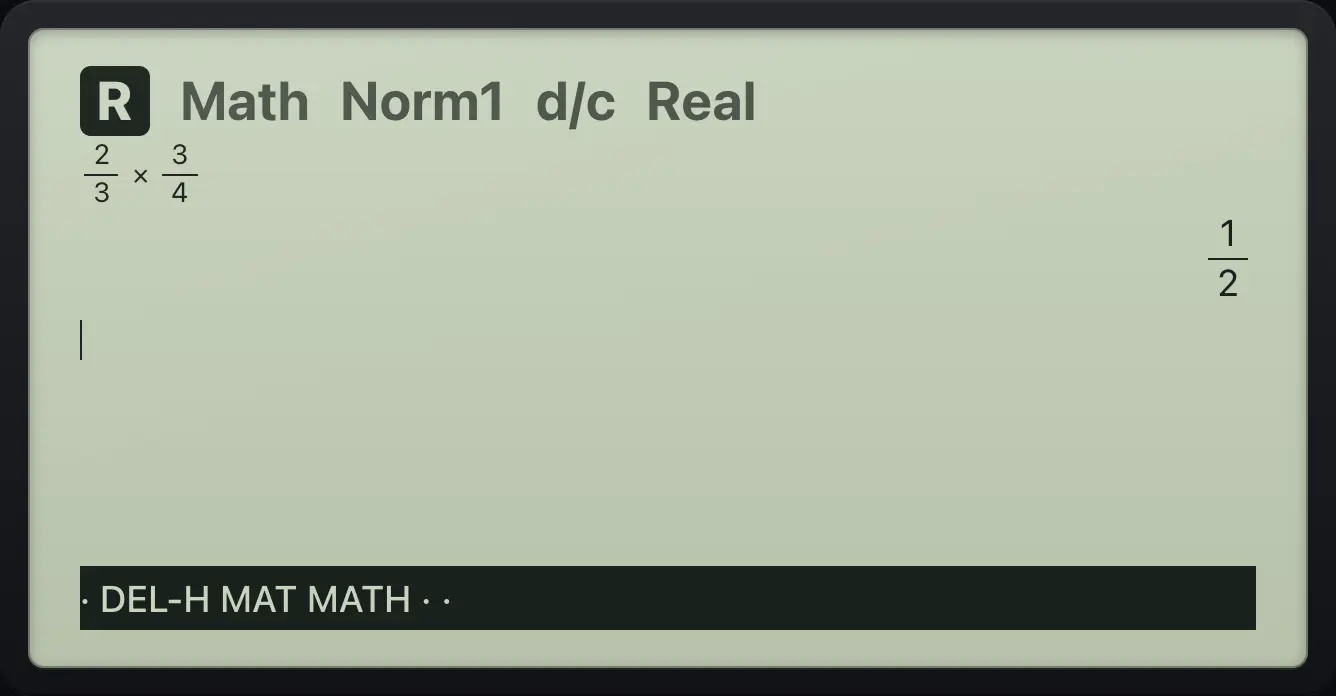
1/2A decimal as a fraction
0.1 + 0.2 comes out exact.
0.1+0.2EXE
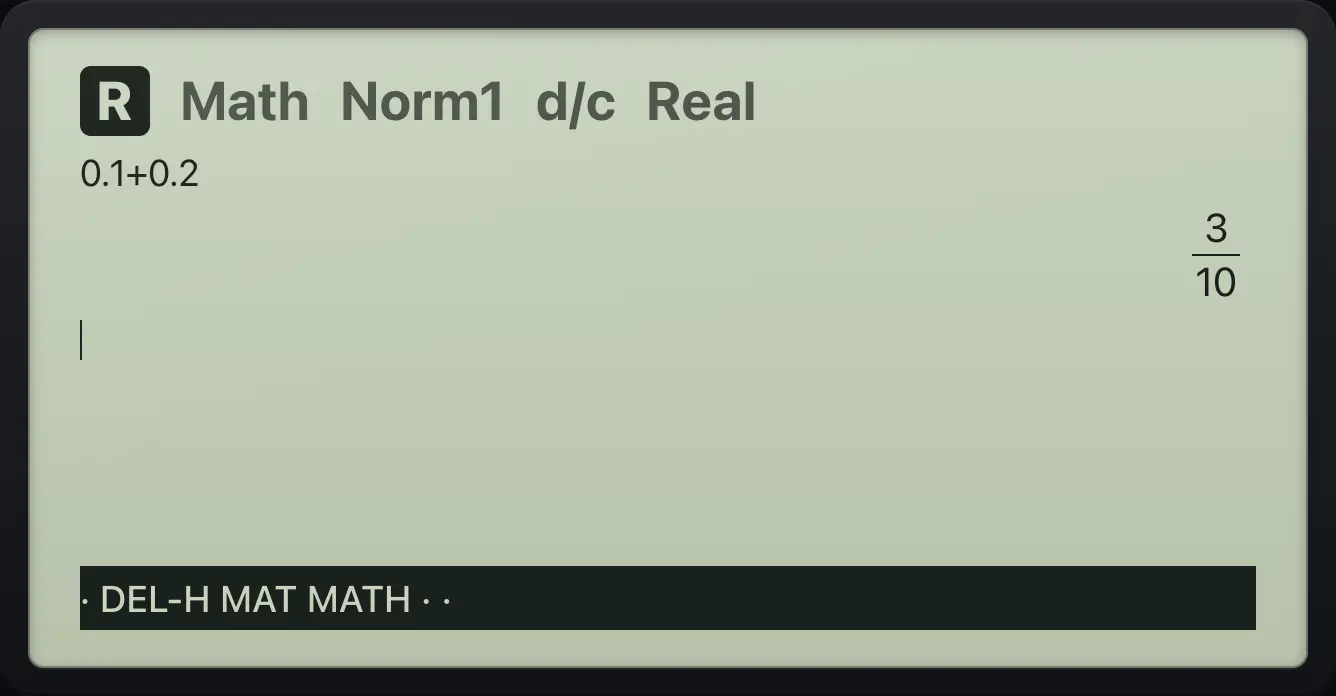
3/103.3Mixed numbers#
SHIFT// opens a mixed-number template (whole part, numerator, denominator). SHIFTab/c⇔d/cS⇔D switches an answer between mixed and improper form.
Add to a mixed number
Type 1 1/2 + 1/2.
SHIFT//1▶1▶2▶+1/2EXE
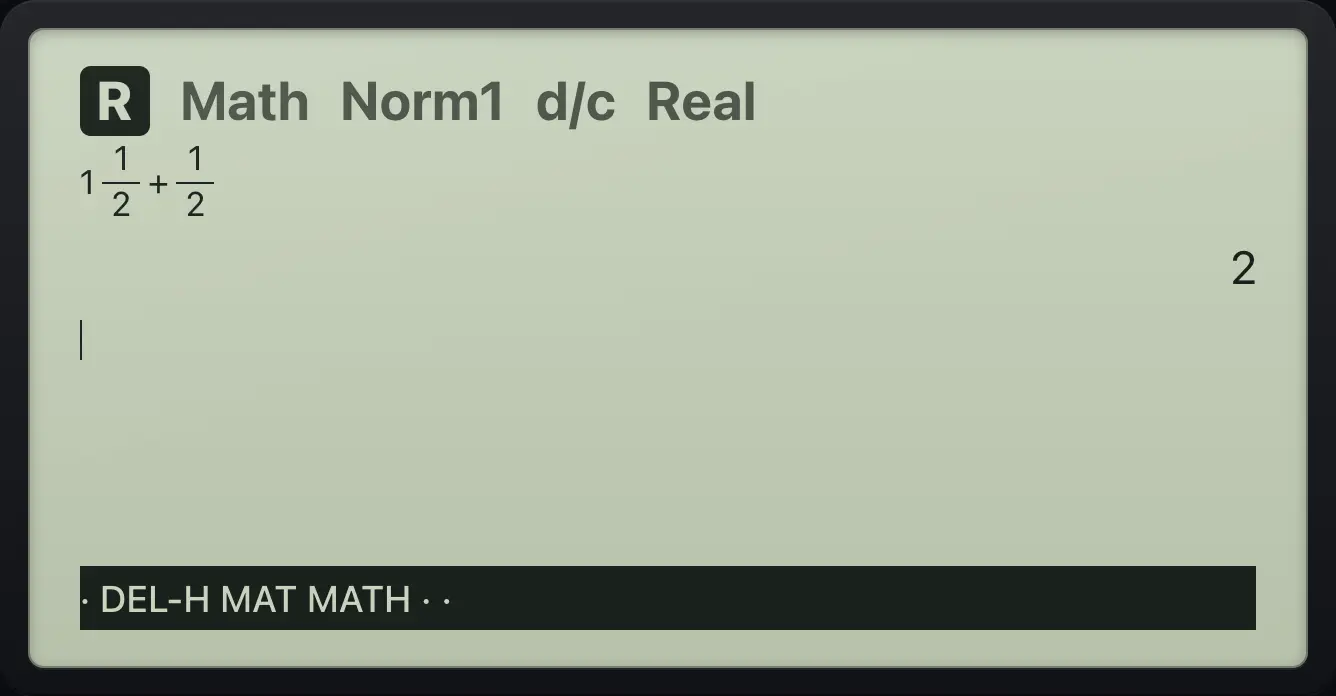
2Show 7/2 as a mixed number
Calculate 7/2, then SHIFT S⇔D.
7/2EXESHIFTab/c⇔d/cS⇔D
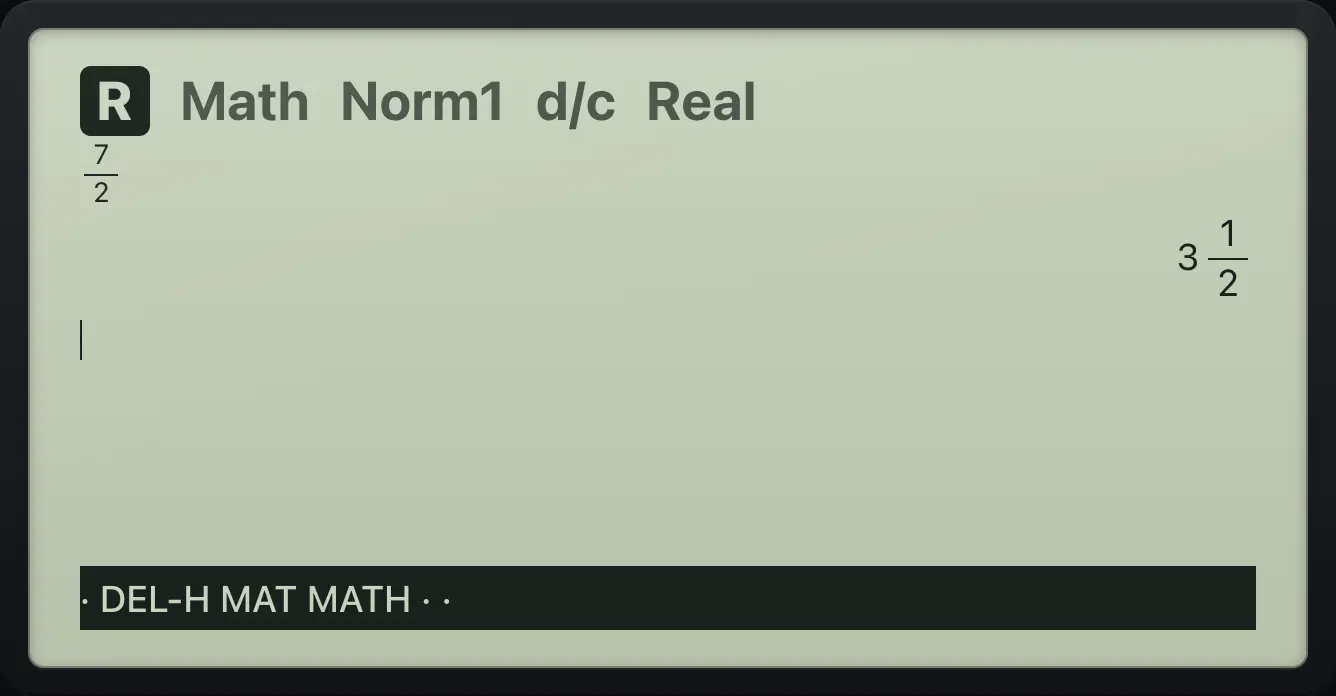
3⌟1/23.4Exact answers and decimals#
Answers stay exact when they can: 1/3, 2√2, π. Press S⇔D to switch the last answer to a decimal and back.
Fraction to decimal
1/3, then S⇔D.
1/3EXES⇔D
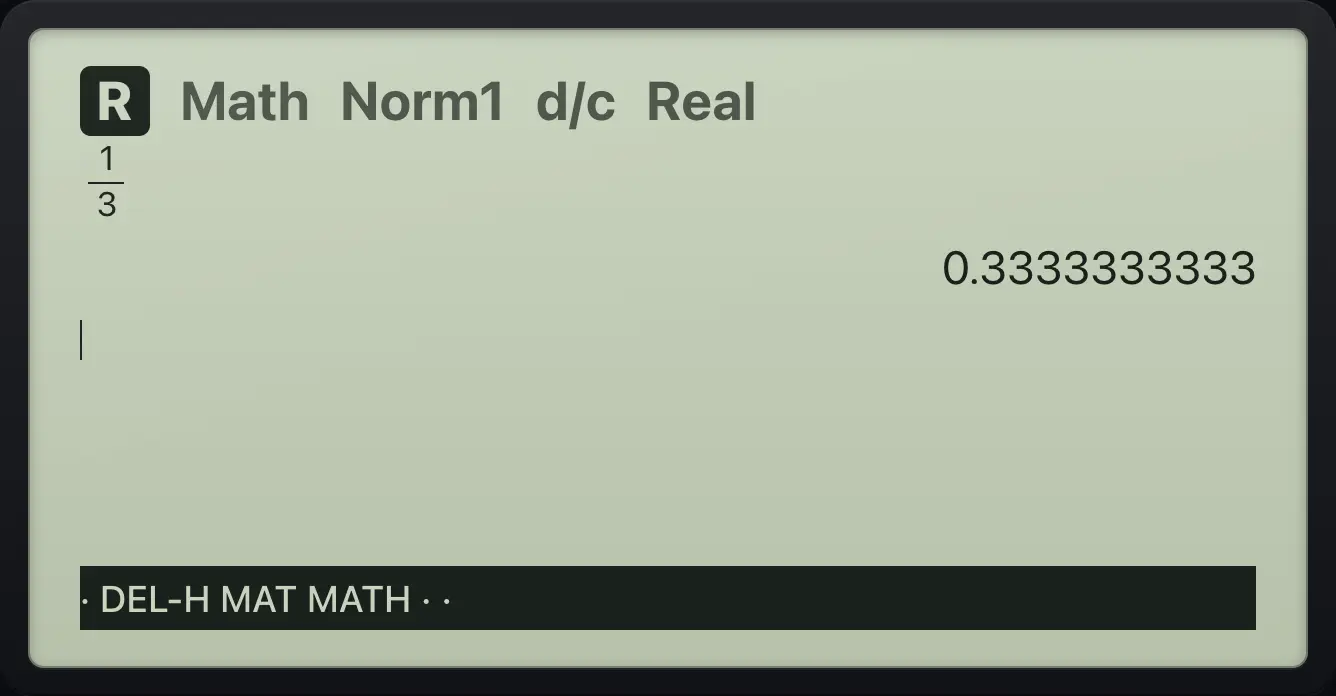
0.3333333333Back to exact
S⇔D again.
1/3EXES⇔DS⇔D
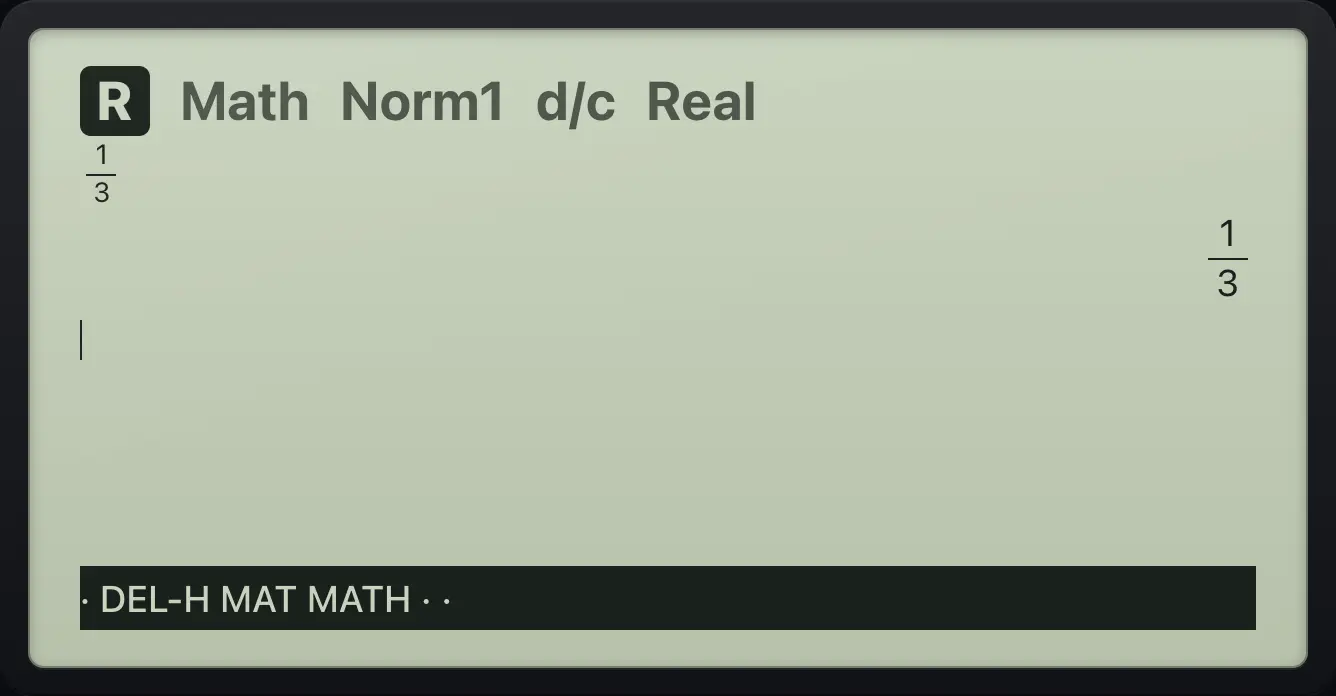
1/3Root to decimal
Square root of 2 times 2, then S⇔D.
2SHIFT√x²2EXES⇔D
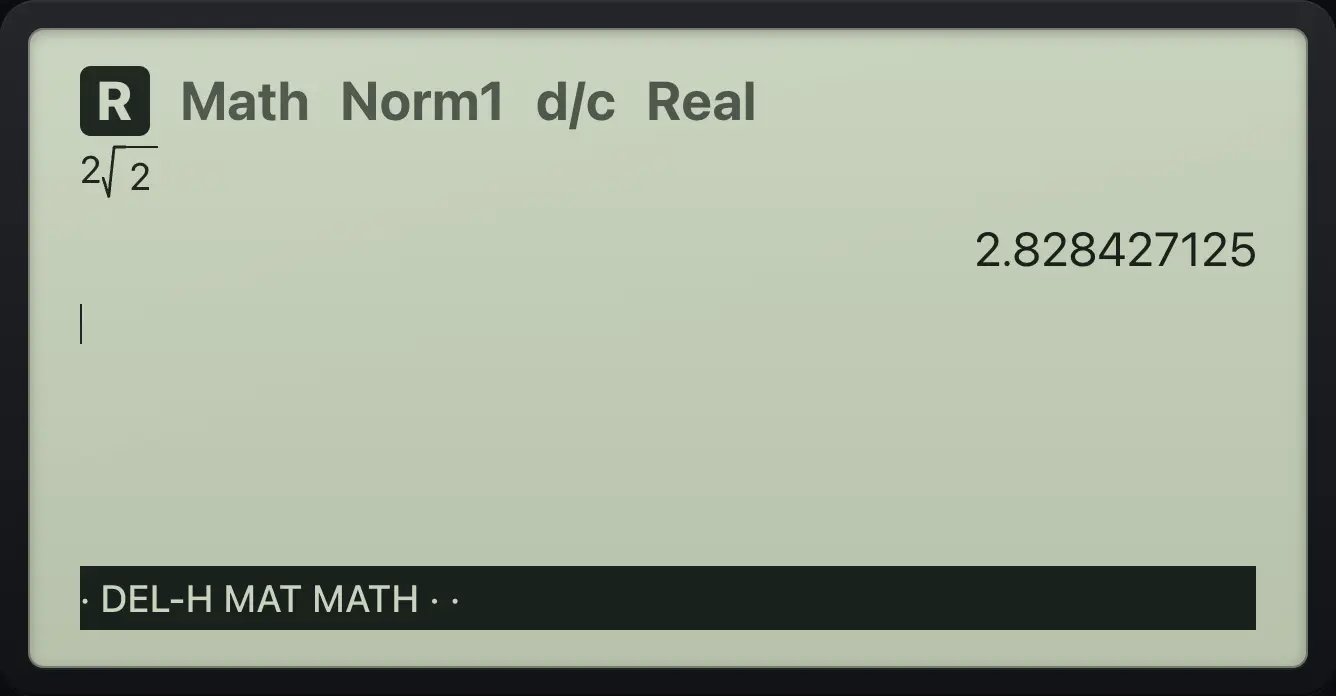
2.8284271253.5Roots and π#
Roots are simplified. Multiples of π are exact.
Simplify a root
SHIFT x² then 8.
SHIFT√x²8EXE
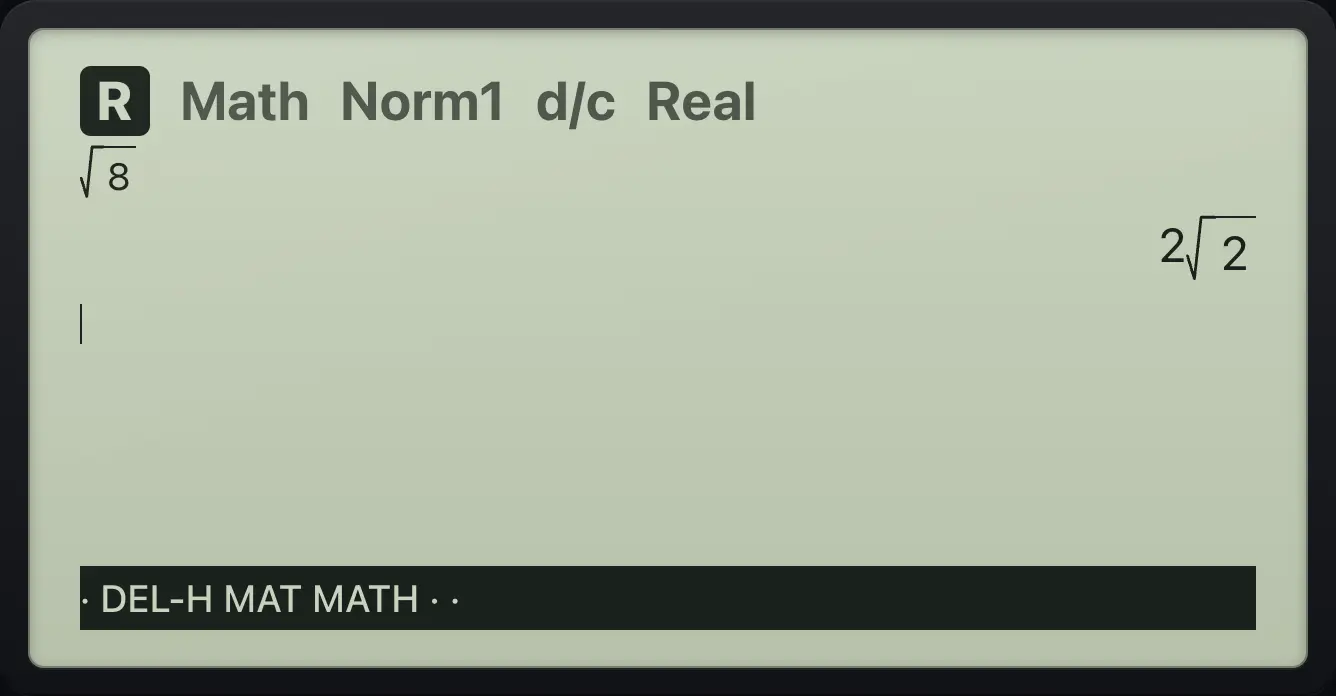
2√2Rationalize
1 divided by √2.
1/SHIFT√x²2EXE
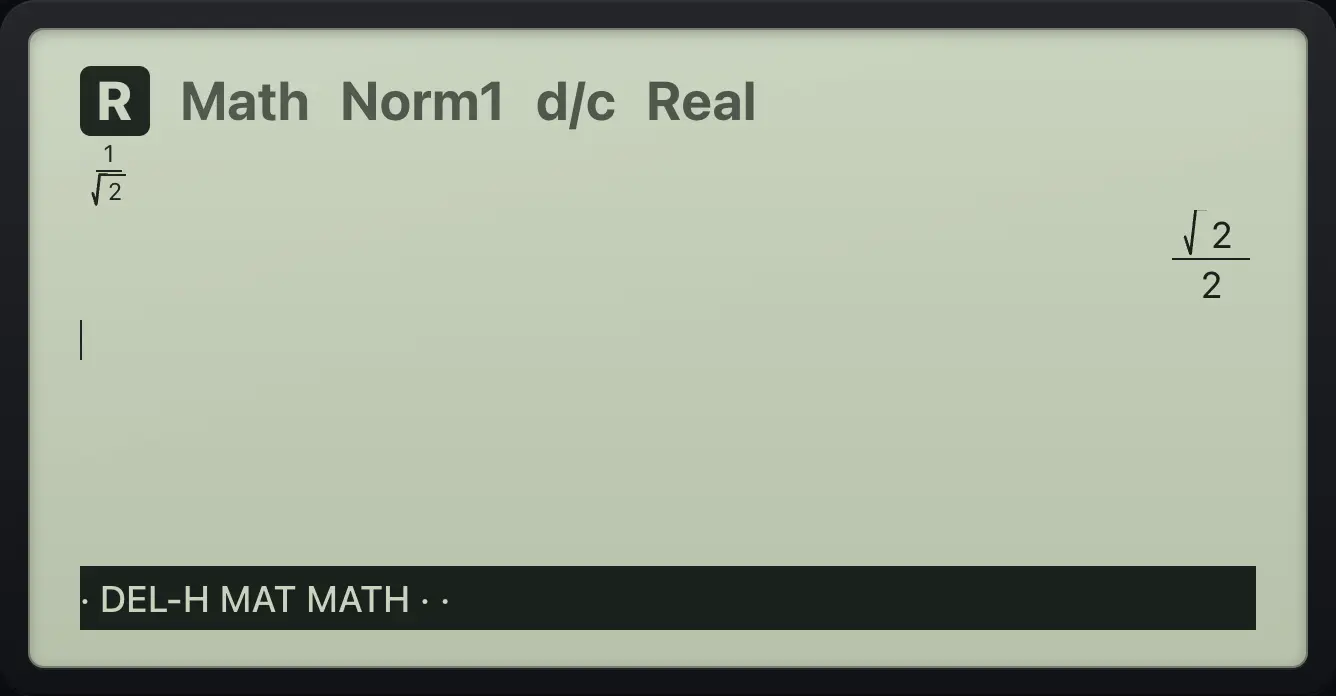
√2/2Multiples of π
2 times π.
2SHIFTπ×10ˣEXE
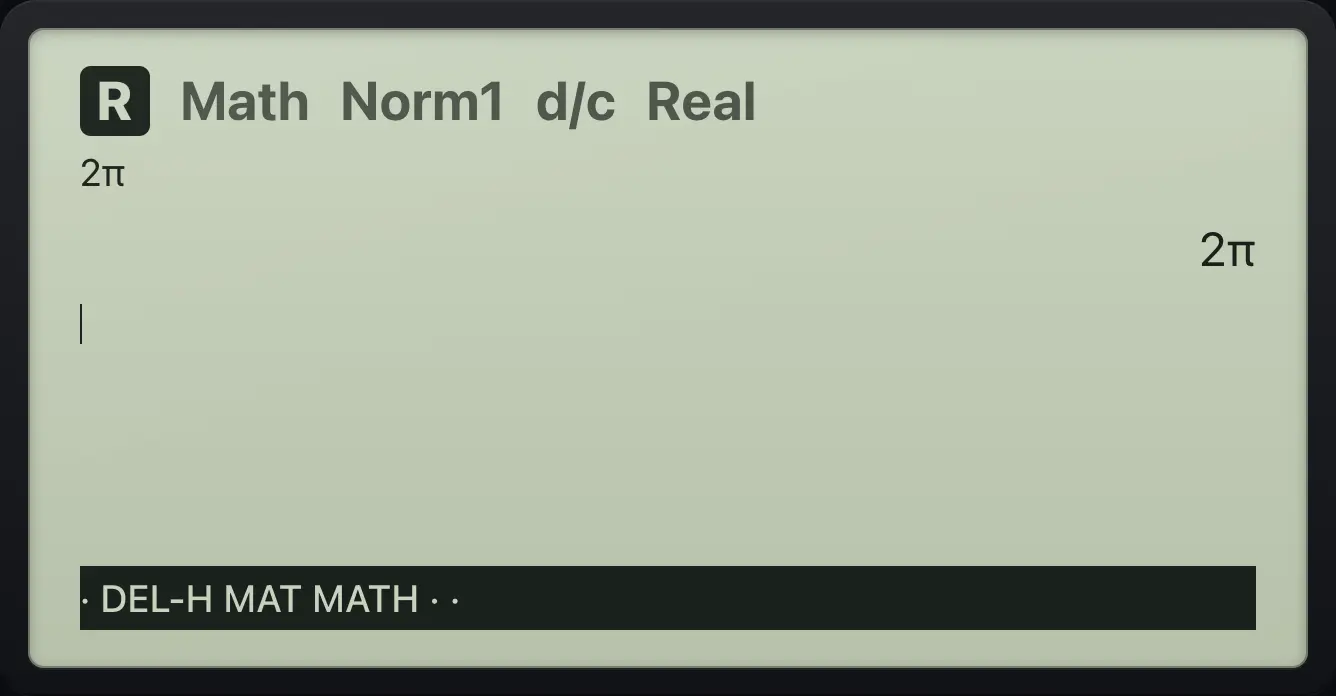
2π3.6Powers, roots and logarithms#
| Task | Keys |
|---|---|
| Square | x² after the number |
| Any power | ^, type the exponent, ▶ |
| Square root | SHIFT√x² |
| Cube root | SHIFT∛( |
| Any root | SHIFTˣ√^: index, ▶, radicand |
| Reciprocal | SHIFTx⁻¹) after the number |
| log base 10 and ln | log ln |
| 10 to a power, e to a power | SHIFT10ˣlog SHIFTeˣln |
A power
2 to the power 10.
2^10EXE
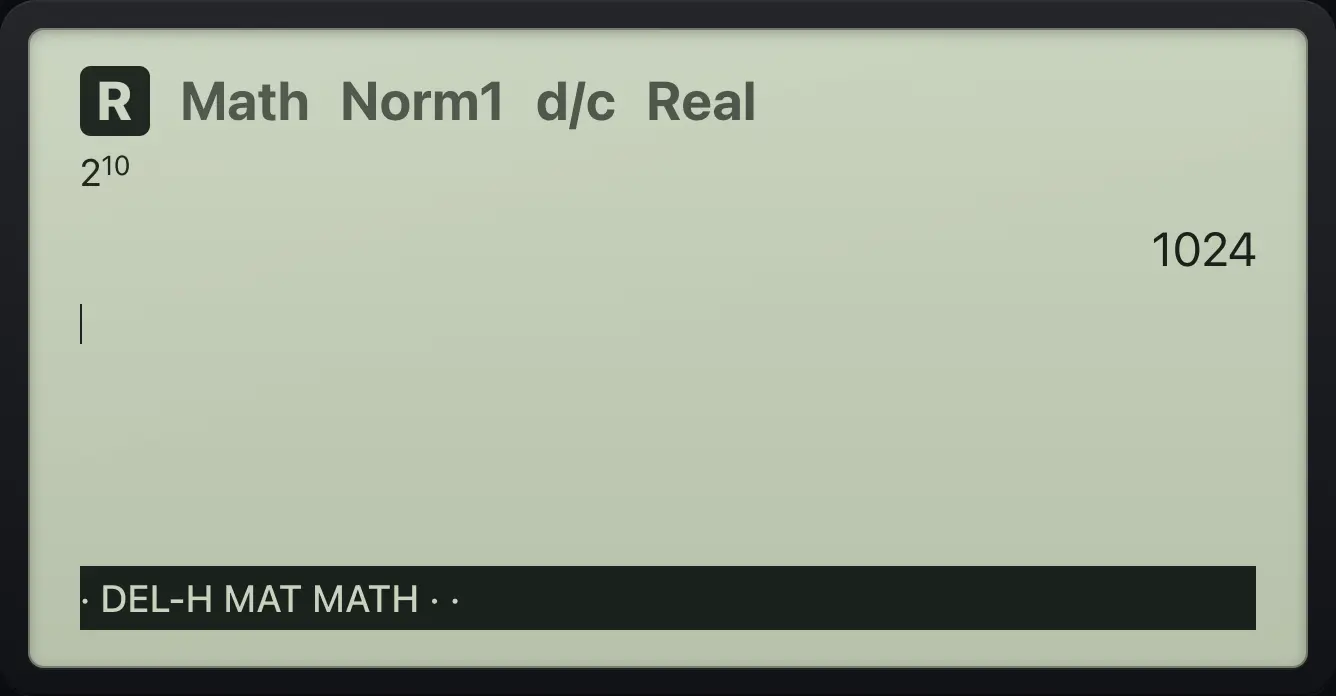
1024Step out of an exponent
2³ + 1, pressing right after the 3.
2^3▶+1EXE
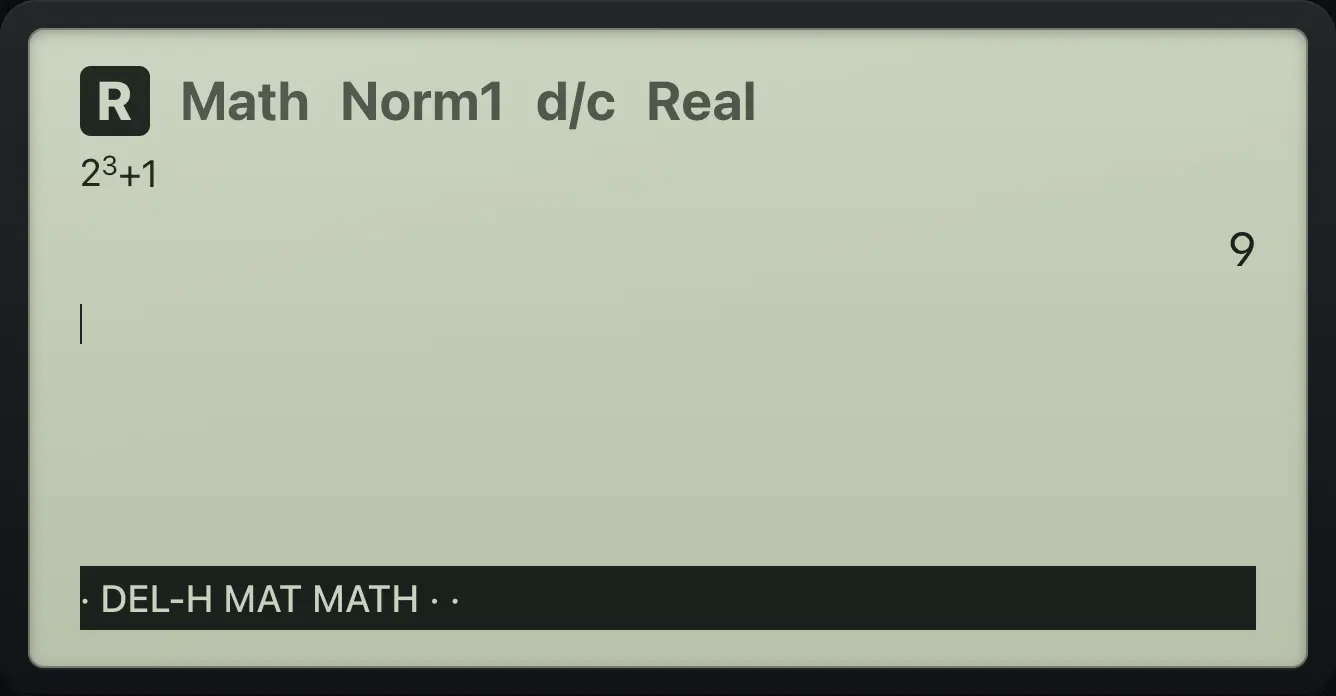
9A cube root
The cube root of 27.
SHIFT∛(27EXE
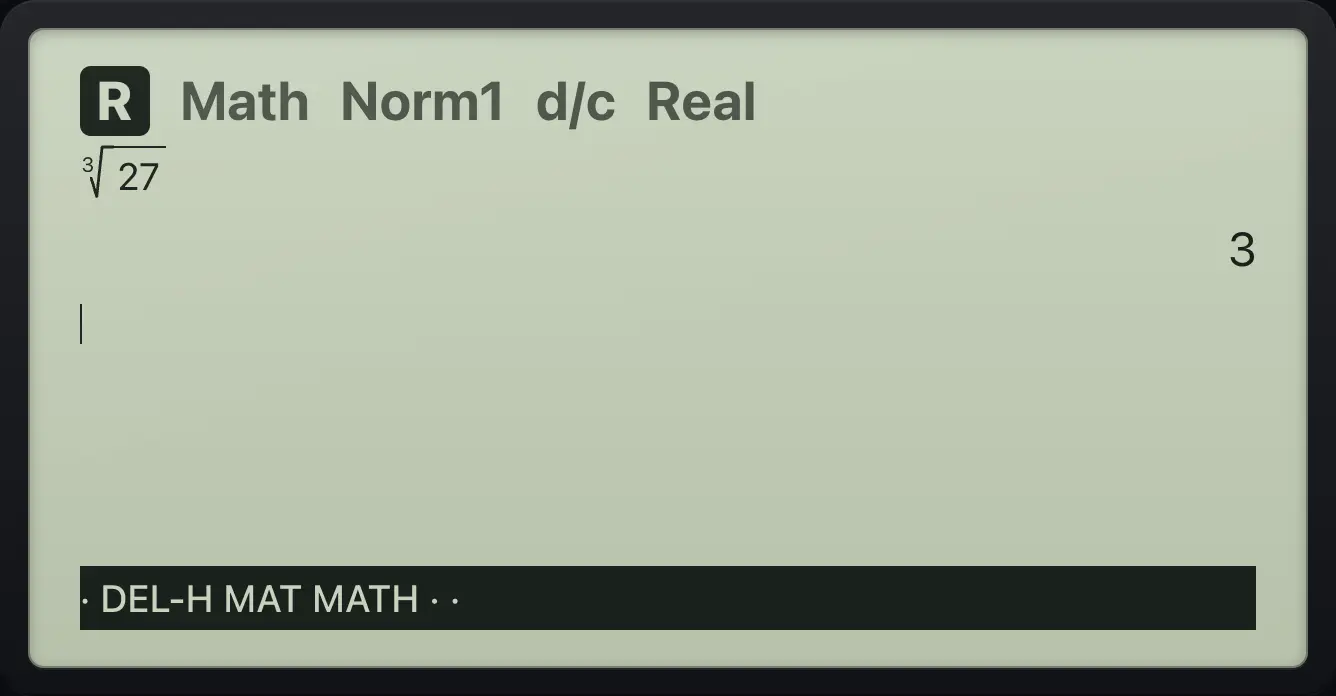
3A fourth root
Index 4, then 81.
SHIFTˣ√^4▶81EXE
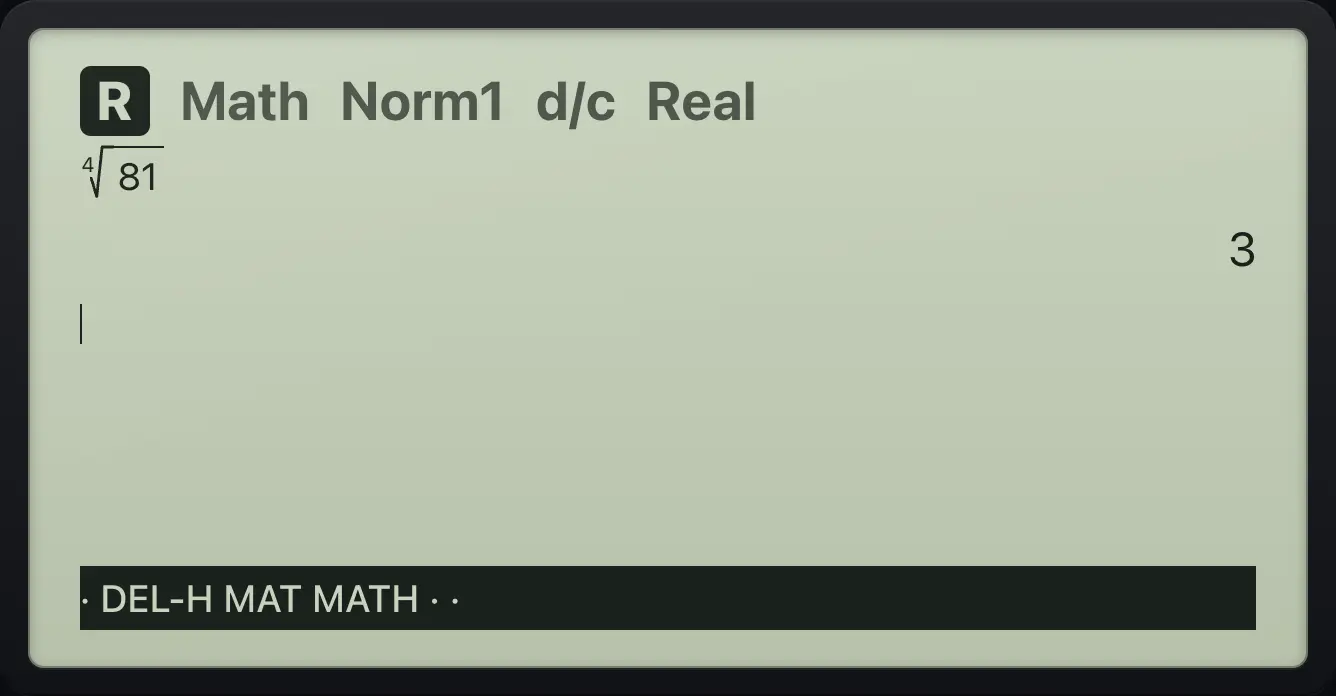
3Reciprocal
4, then SHIFT ).
4SHIFTx⁻¹)EXE
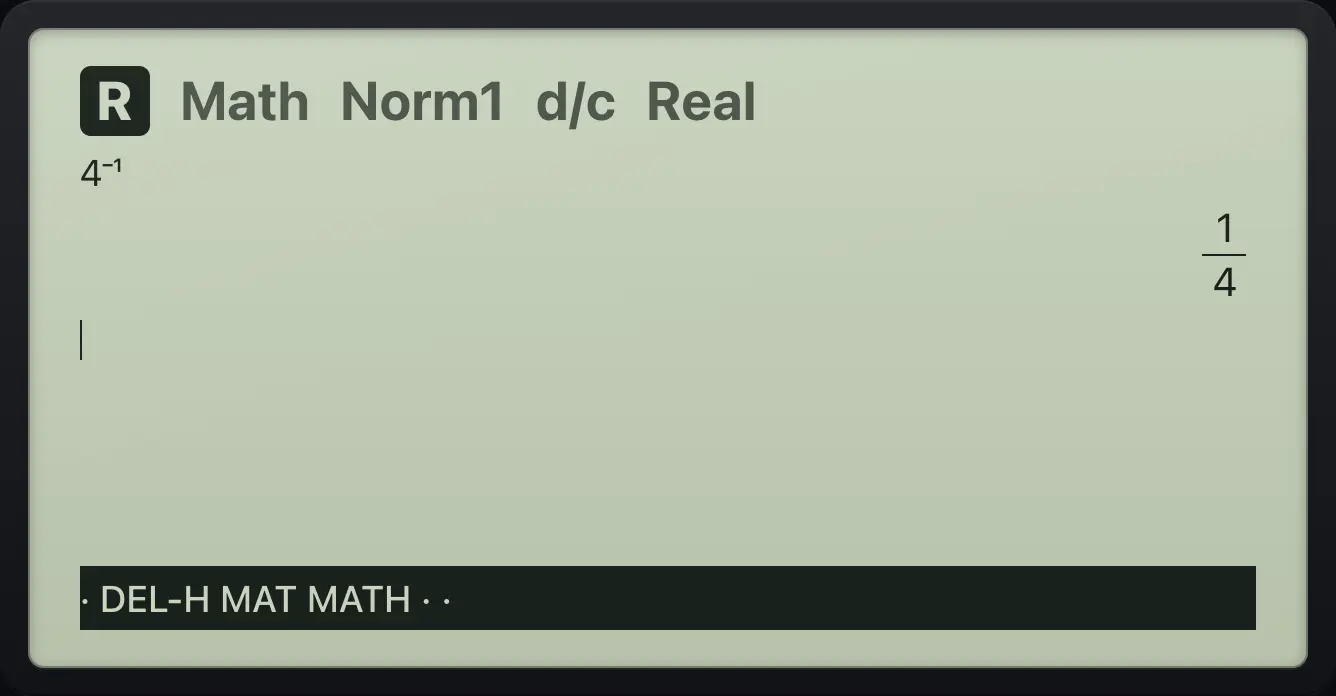
1/4Log base 10
log 100.
log100EXE
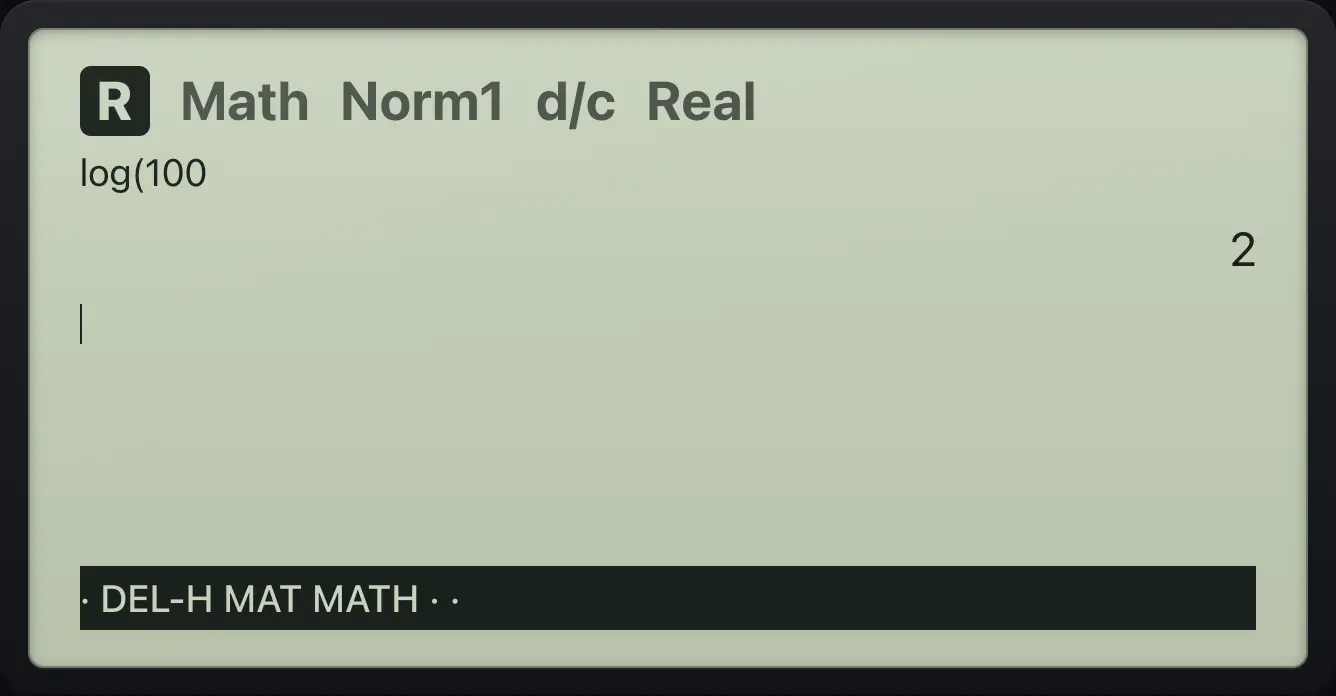
2Natural log
ln of e cubed.
lnSHIFTeˣln3EXE
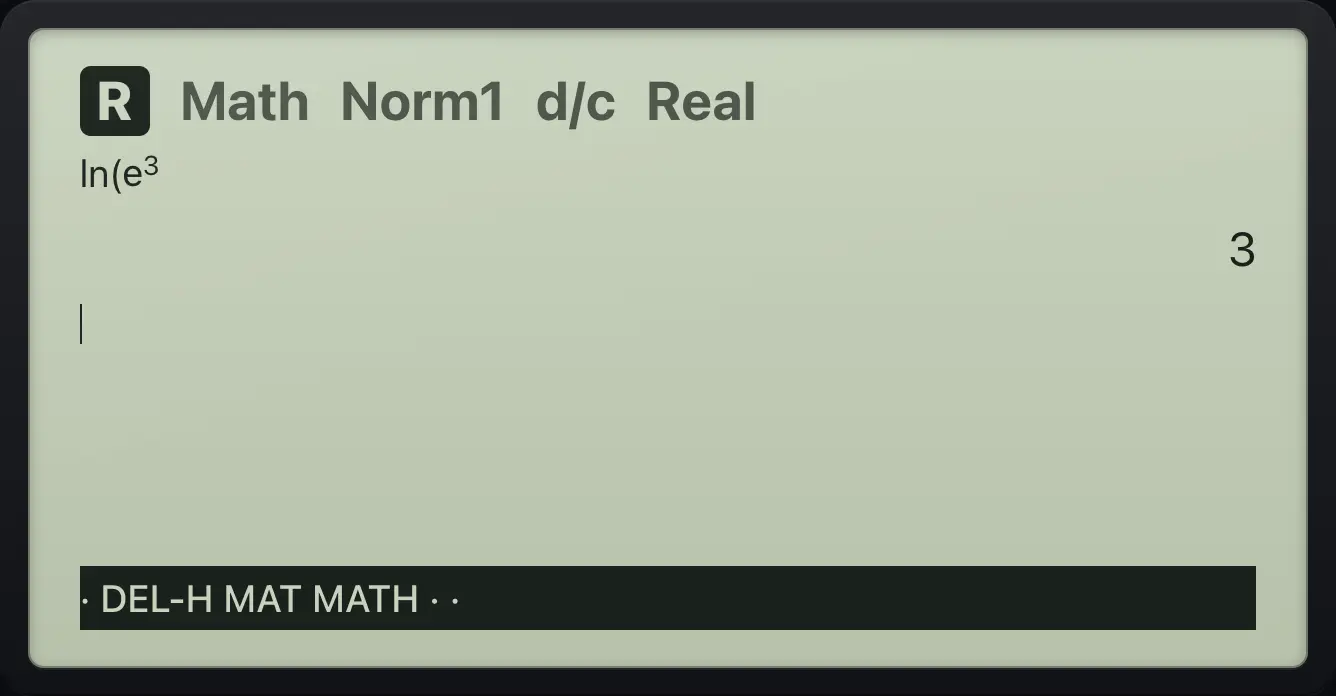
33.7Scientific notation#
Press ×10ˣ to type "times ten to the power". Very large answers are shown as ×10 to a power.
2 × 10³
Type 2, ×10ˣ, 3.
2×10ˣ3EXE
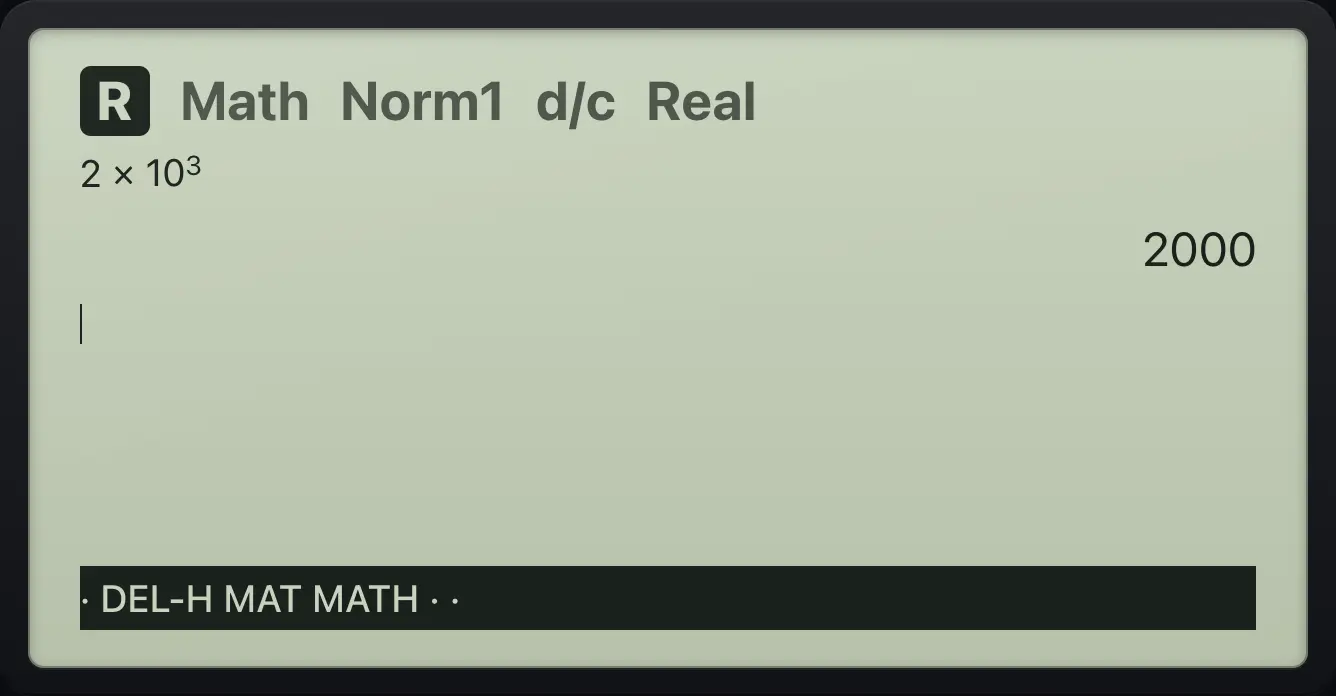
2000A negative exponent
2 ×10 to the minus 3.
2×10ˣ(−)3EXE
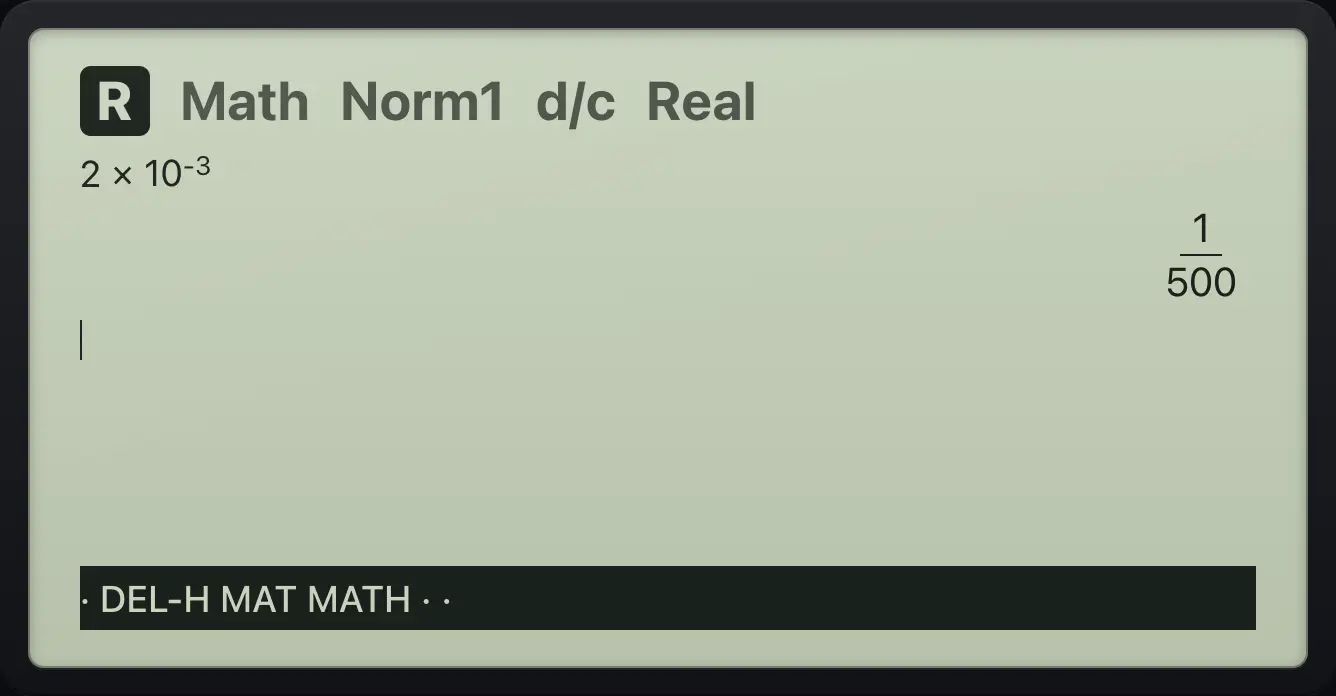
1/500A very large answer
999999 to the fourth power, using two squarings.
999999x²x²EXE
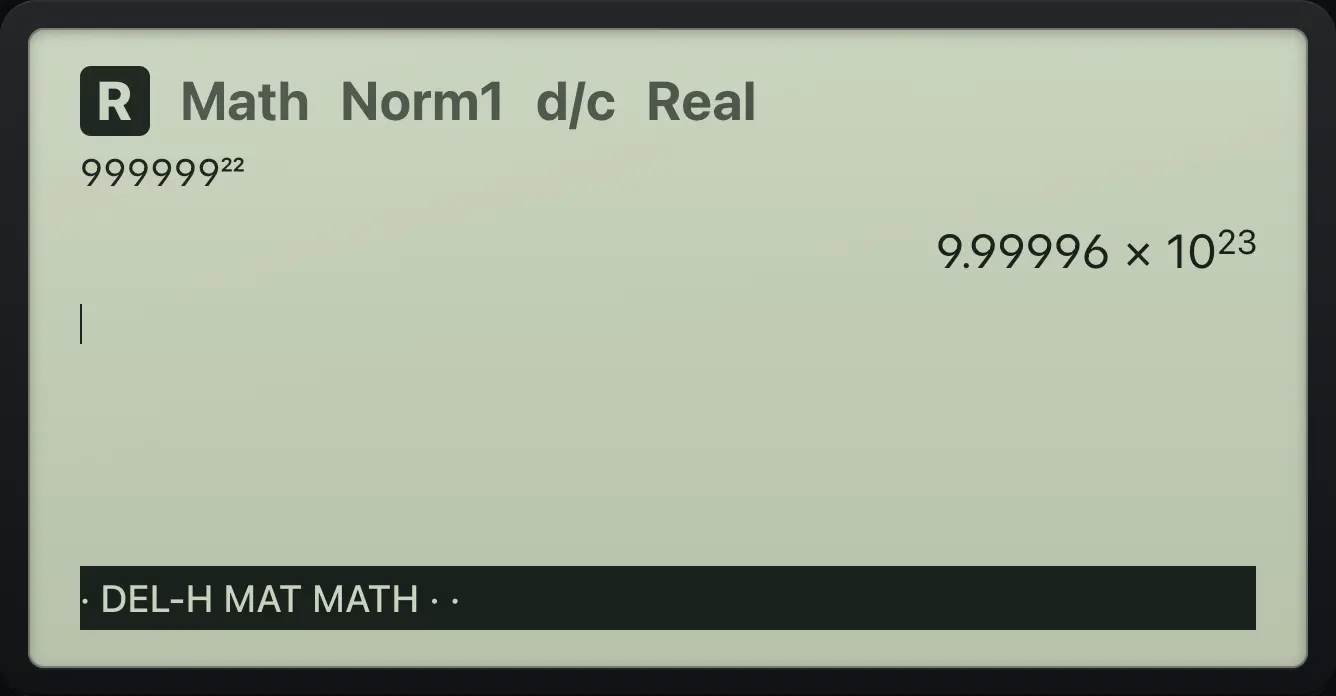
9.99996×10^233.8Ans, history and recall#
The last answer is stored as Ans. Press SHIFTAns(−) to type it, or start a line with an operator. The calculator keeps your last 30 entries; use ▲ and ▼ to recall them.
Ans key
Calculate 5, then Ans + 1.
5EXESHIFTAns(−)+1EXE
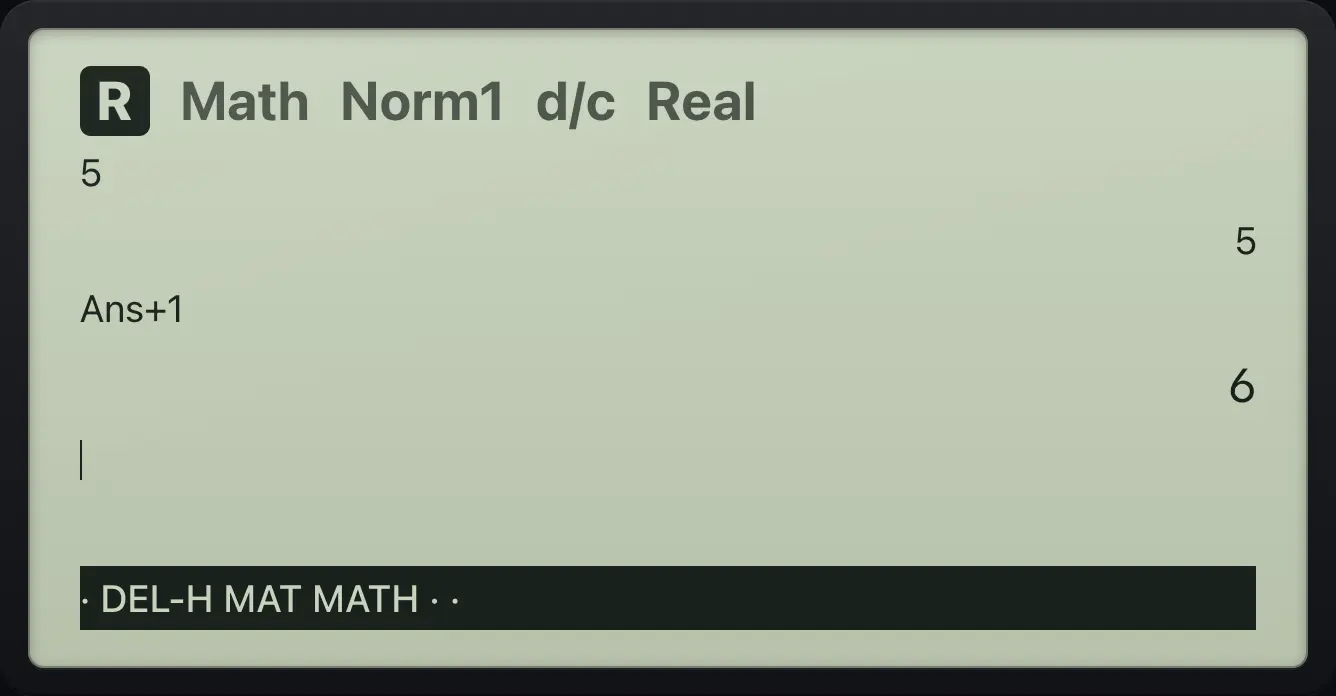
6History is on screen
Do 2 + 3 then 4 × 5.
2+3EXE4×5EXE
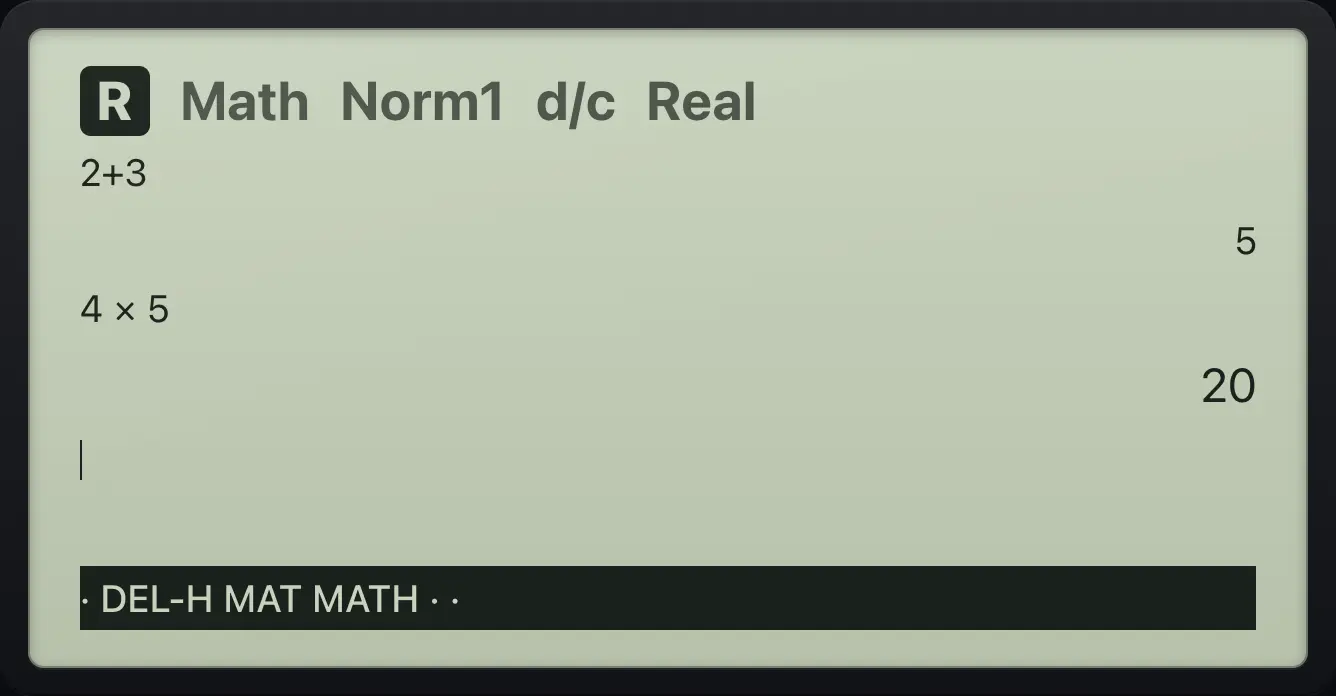
5 20fx-CG50 is a trademark of Casio Computer Co., Ltd.. Trident Calculator is an independent product by South View Studios and is not affiliated with, sponsored by or endorsed by Casio. The name is used only to describe the kind of calculator this model resembles; Trident's names, keys, display, fonts and software are its own clean-room design.