
Natural Color Graphing manual · Chapter 6 of 18
Variables
Store values in A to Z and θ, and use them in calculations.
6.1Store a value in a variable#
There are 26 variables, A to Z, plus θ. Type a value, press → (→), press ALPHA and then the key whose red letter you want, and press EXE. Press ALPHA before the same key to type the letter in a calculation.
- Value
- →
- ALPHA + letter key
- EXE
Store 7 in A and double it
7 → A.
7→ALPHAAX,θ,TEXEA × 2.
ALPHAAX,θ,T×2EXE
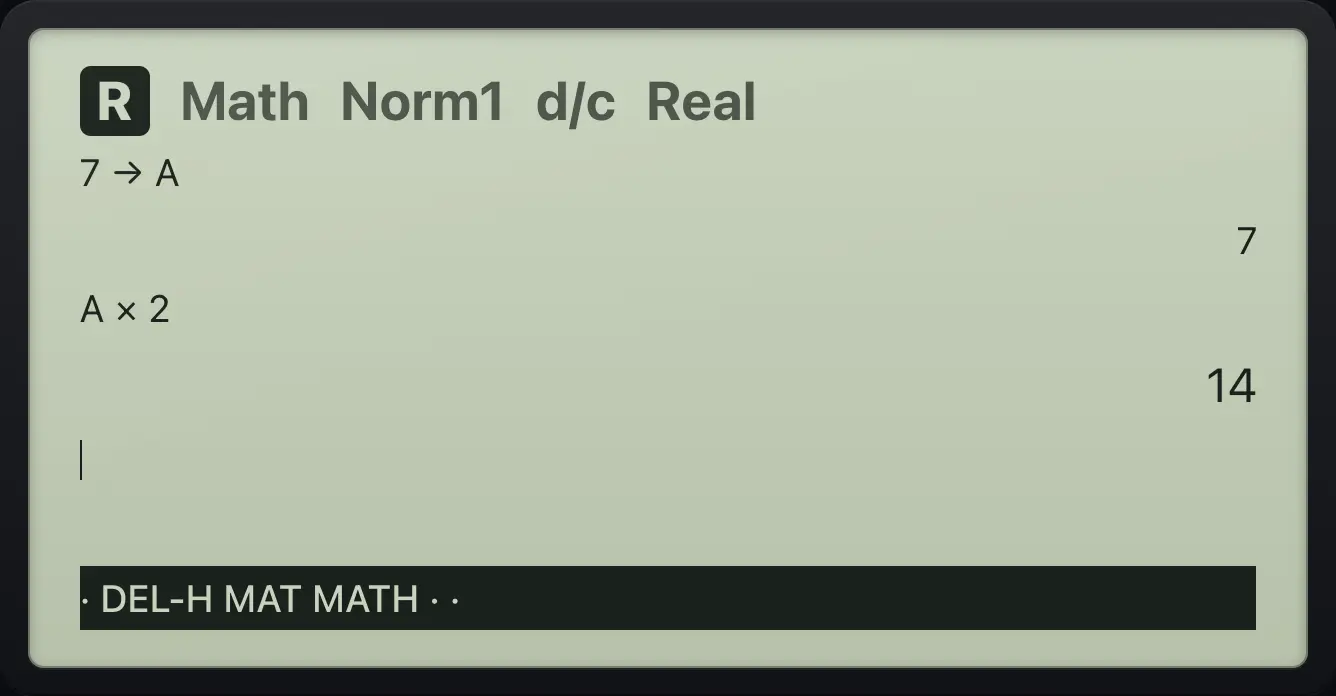
14The θ variable
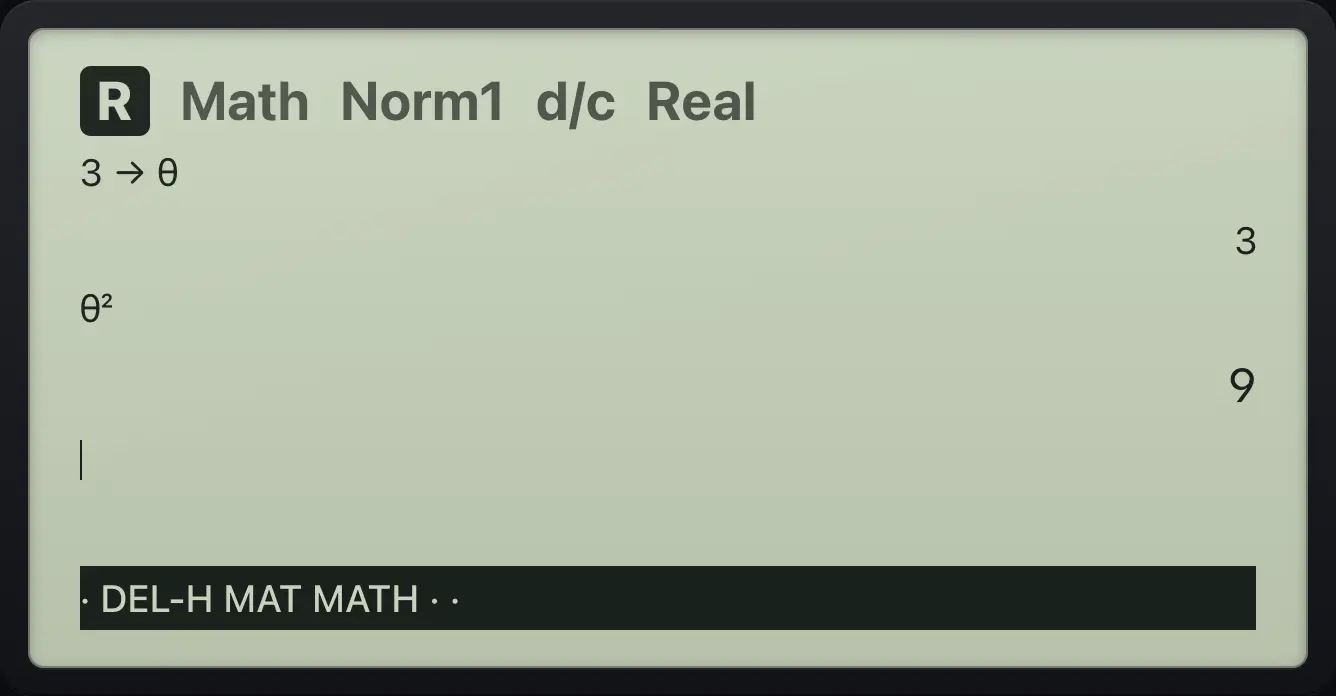
3 → θ, then θ².
3→ALPHAθ^EXEALPHAθ^x²EXE
96.2Type several letters with A-LOCK#
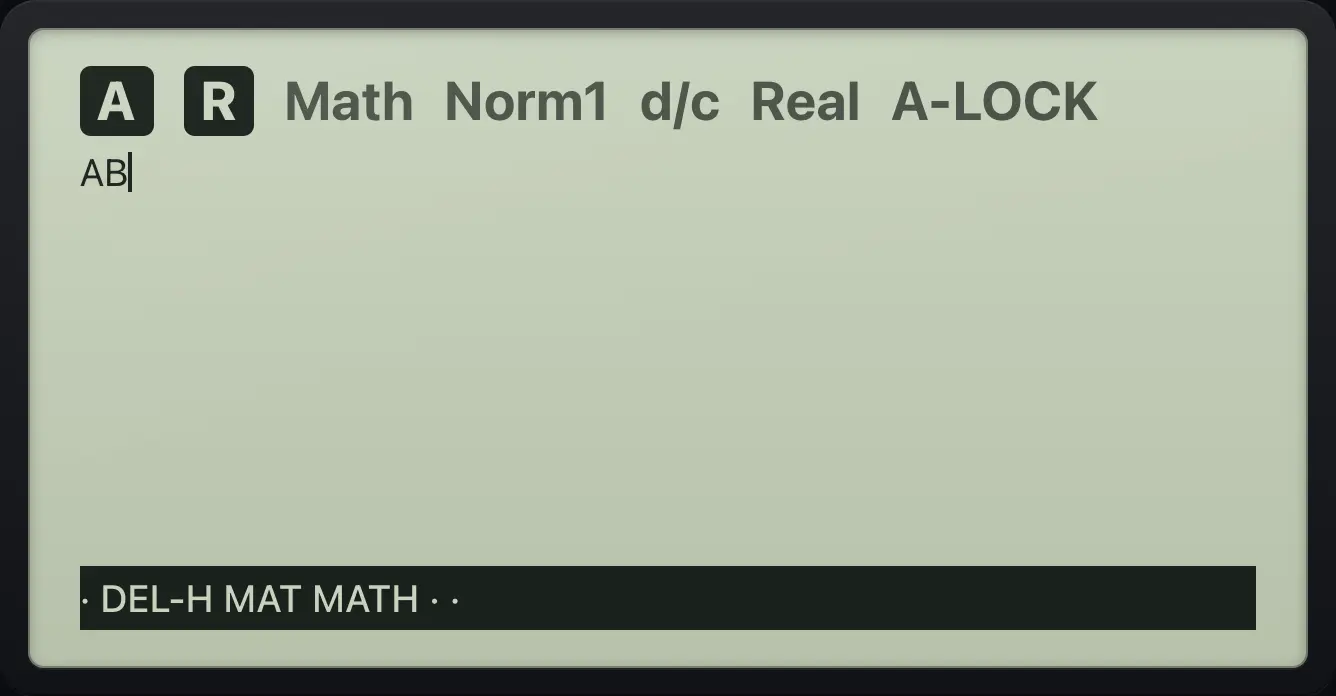
A-LOCK
SHIFT ALPHA, then the keys for A and B.
SHIFTA-LOCKALPHAX,θ,Tlog
ABfx-CG50 is a trademark of Casio Computer Co., Ltd.. Trident Calculator is an independent product by South View Studios and is not affiliated with, sponsored by or endorsed by Casio. The name is used only to describe the kind of calculator this model resembles; Trident's names, keys, display, fonts and software are its own clean-room design.