
Natural Color Graphing manual · Chapter 16 of 18
Equations
Simultaneous equations with 2 to 6 unknowns, polynomials of degree 2 to 6, and a general solver.
16.1Open the Equation app#
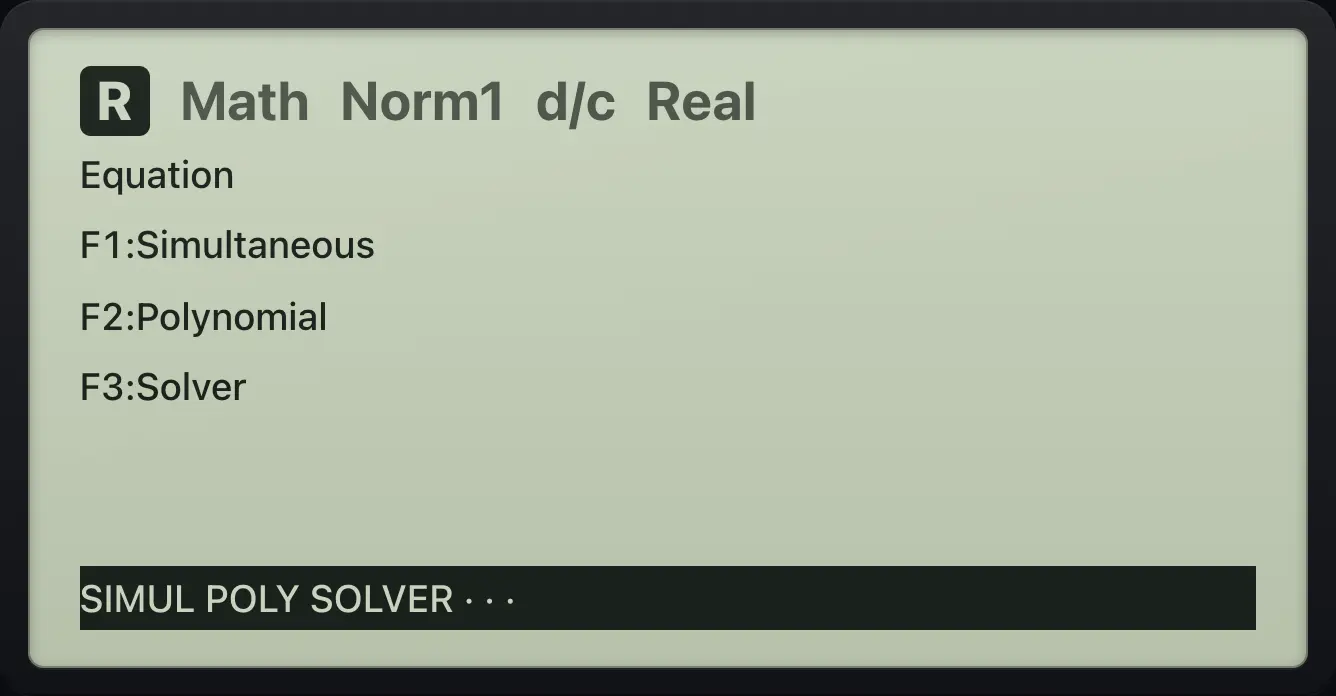
Press MENU then 5. The bar offers SIMUL (F1), POLY (F2) and SOLVER (F3).
16.2Solve simultaneous equations#
Press F1 (SIMUL) and then the number of unknowns (F1 for 2, F2 for 3, and so on up to 6). Fill in the grid row by row: for 2x + 3y = 8 type 2, 3 and 8. Press EXE after each value and F1 (SOLVE) at the end. F2 (DELETE) clears a value and F3 (CLEAR) clears the whole grid.
2x + 3y = 8 and x − y = −1
SIMUL, 2 unknowns, then the rows 2, 3, 8 and 1, -1, -1.
MENU5F1F12EXE3EXE8EXE1EXE(−)1EXE(−)1EXEF1
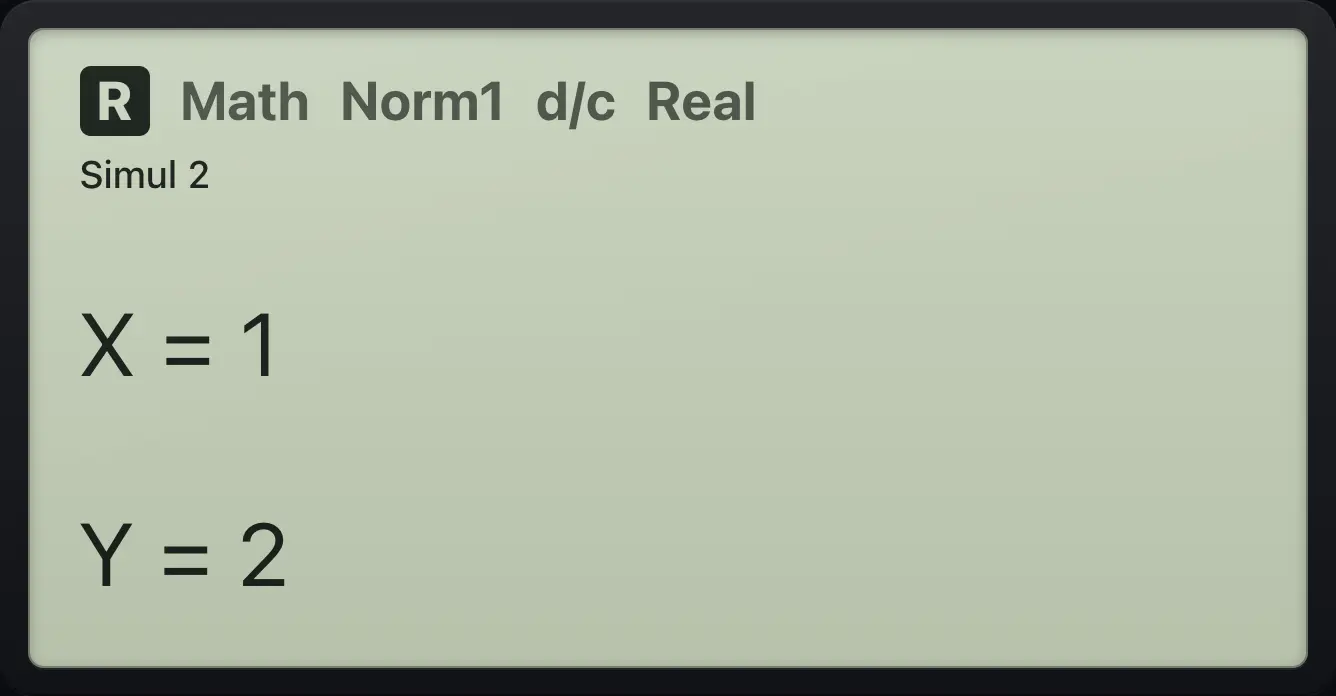
X=1 Y=2Three unknowns
Three equations with a solution (5, 3, -2).
MENU5F1F21EXE1EXE1EXE6EXE0EXE2EXE5EXE(−)4EXE2EXE5EXE(−)1EXE27EXEF1
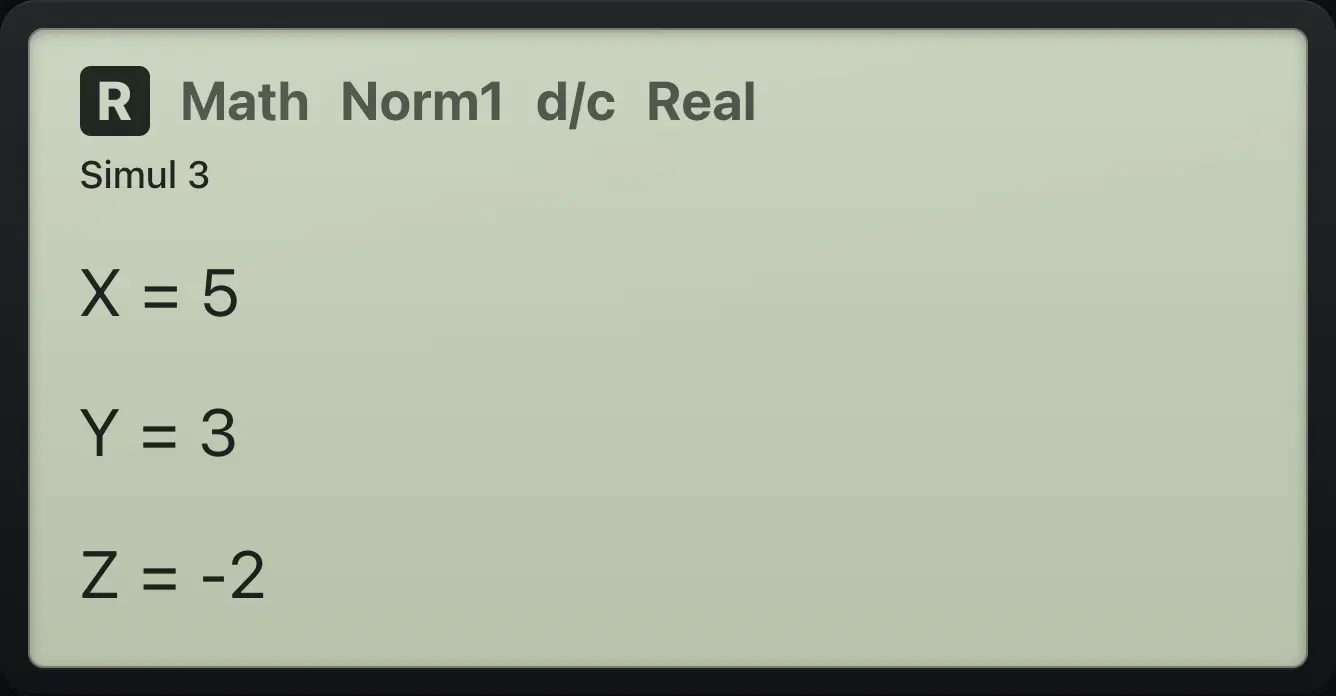
X=5 Y=3 Z=-2Fractional solutions
x + y = 1 and x − y = 0.
MENU5F1F11EXE1EXE1EXE1EXE(−)1EXE0EXEF1
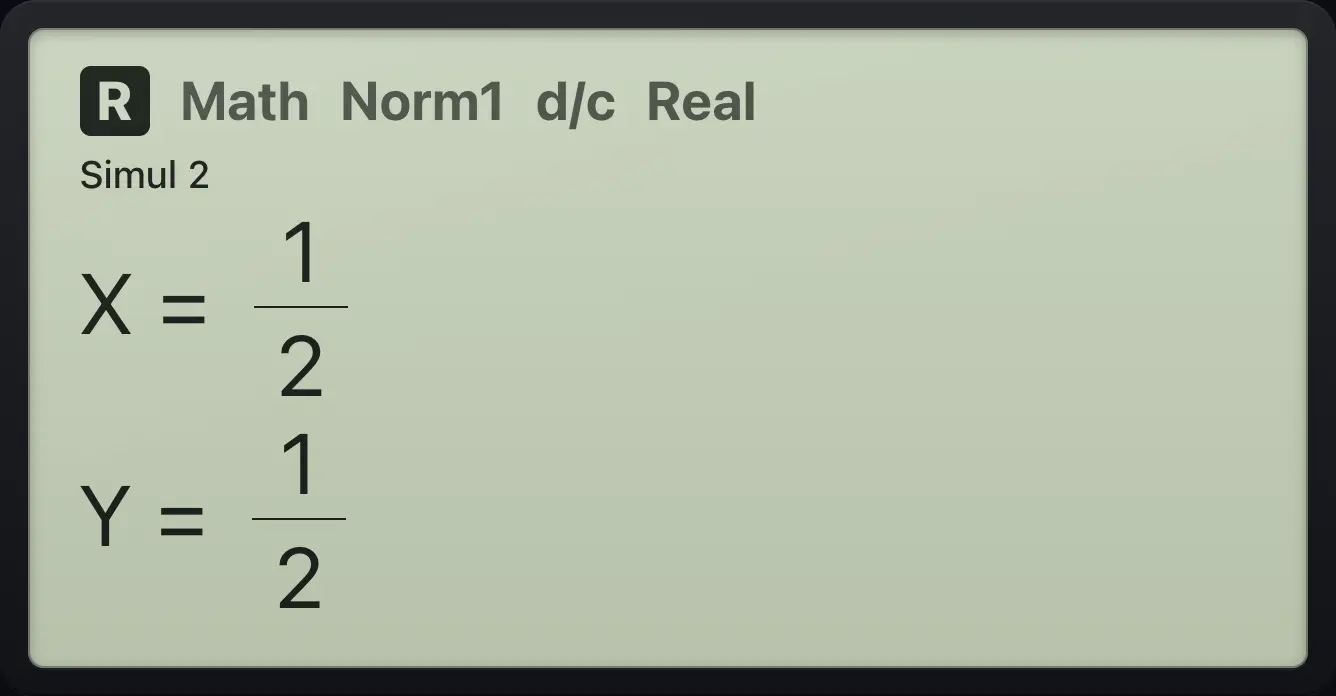
X=1/2 Y=1/2No solution
x + y = 1 and x + y = 2.
MENU5F1F11EXE1EXE1EXE1EXE1EXE2EXEF1
![Result of the example "No solution" The display shows: No Solution / Press:[EXIT].](/trident/app/help/manual/img/2afa274es.webp)
No SolutionInfinite solutions
x + y = 1 and 2x + 2y = 2.
MENU5F1F11EXE1EXE1EXE2EXE2EXE2EXEF1
![Result of the example "Infinite solutions" The display shows: Infinite Solution / Press:[EXIT].](/trident/app/help/manual/img/91cd4076s.webp)
Infinite Solution16.3Solve a polynomial equation#
Press F2 (POLY) and pick the degree (F1 is degree 2 up to F5 for degree 6). Type the coefficients from the highest power, pressing EXE after each, then F1 (SOLVE). Real and complex roots are listed, exact when they can be.
x² − 3x + 2 = 0
POLY, degree 2, 1, -3, 2, SOLVE.
MENU5F2F11EXE(−)3EXE2EXEF1
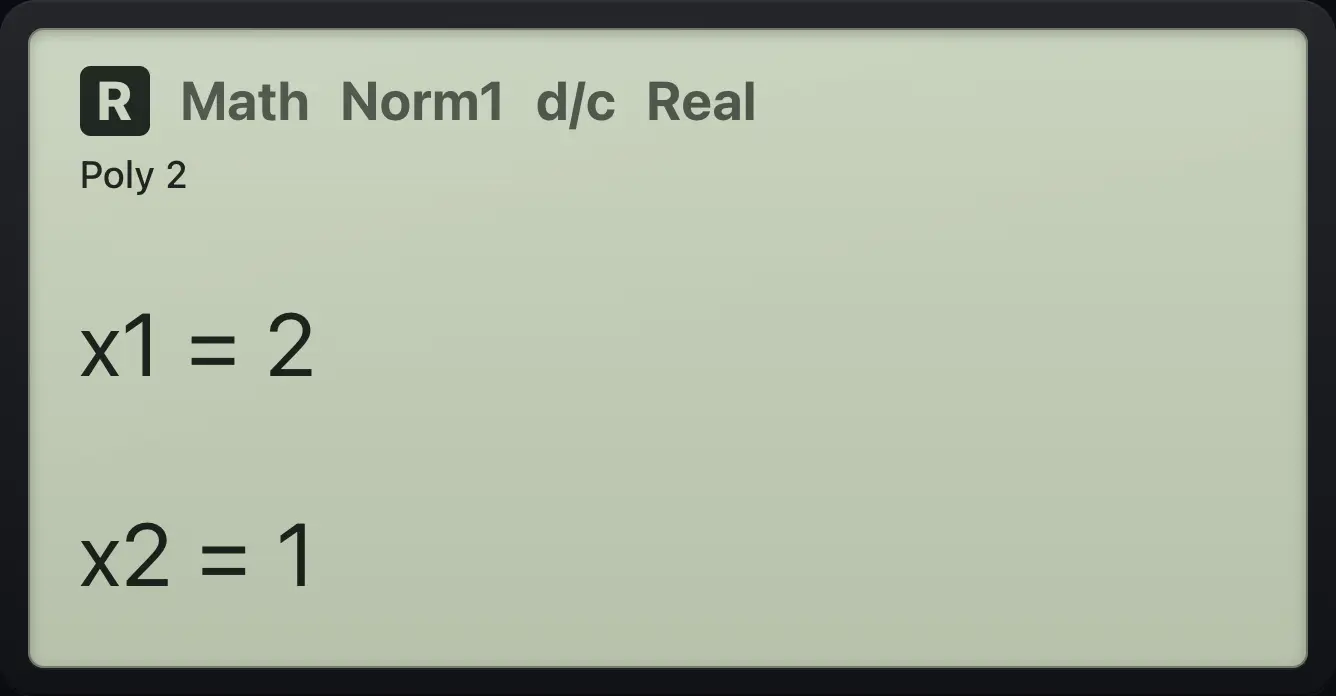
x1=2 x2=1Roots with square roots
x² − 2 = 0.
MENU5F2F11EXE0EXE(−)2EXEF1
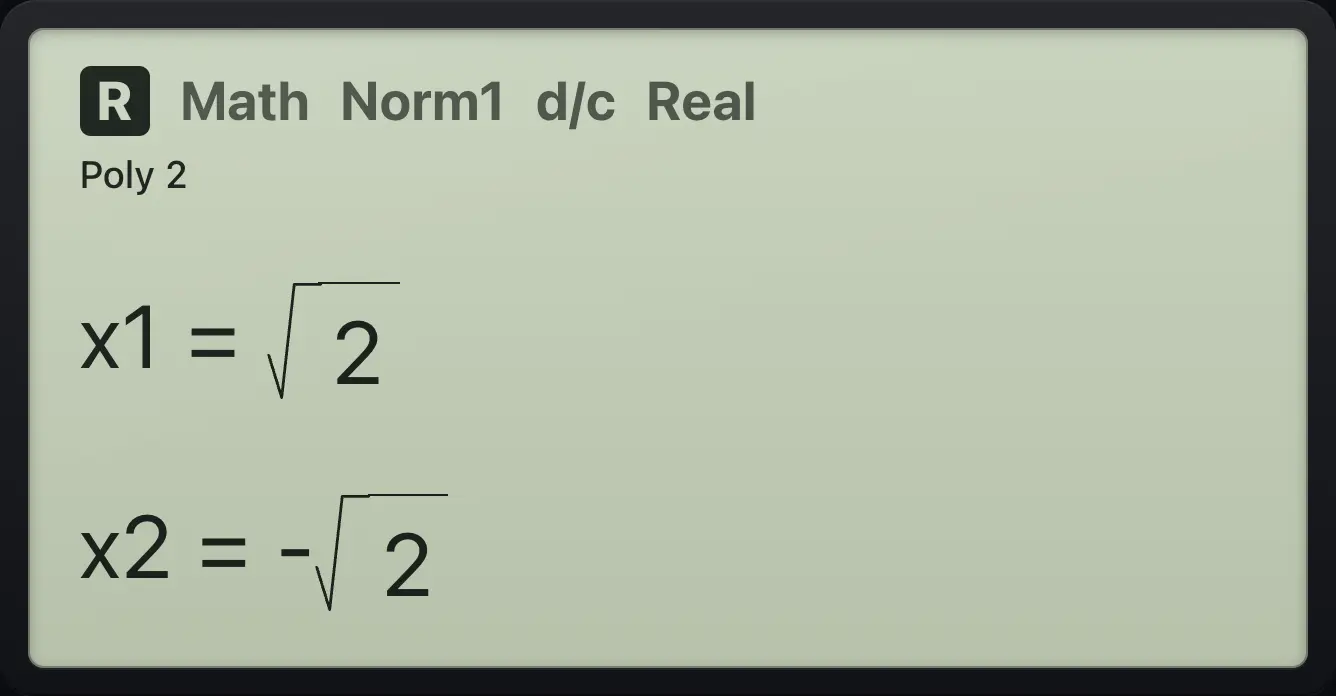
x1=√2 x2=-√2Complex roots
x² + 2x + 5 = 0.
MENU5F2F11EXE2EXE5EXEF1
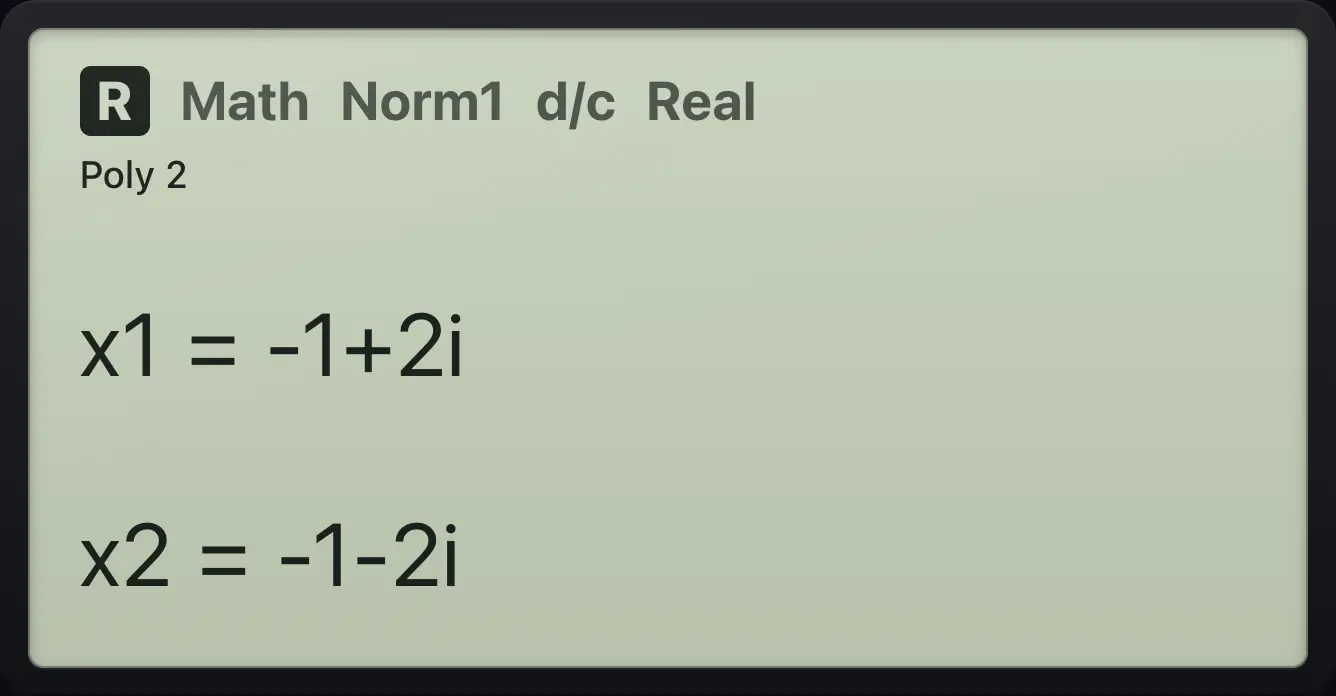
x1=-1+2i x2=-1-2iA cubic
x³ − 6x² + 11x − 6 = 0, degree 3.
MENU5F2F21EXE(−)6EXE11EXE(−)6EXEF1
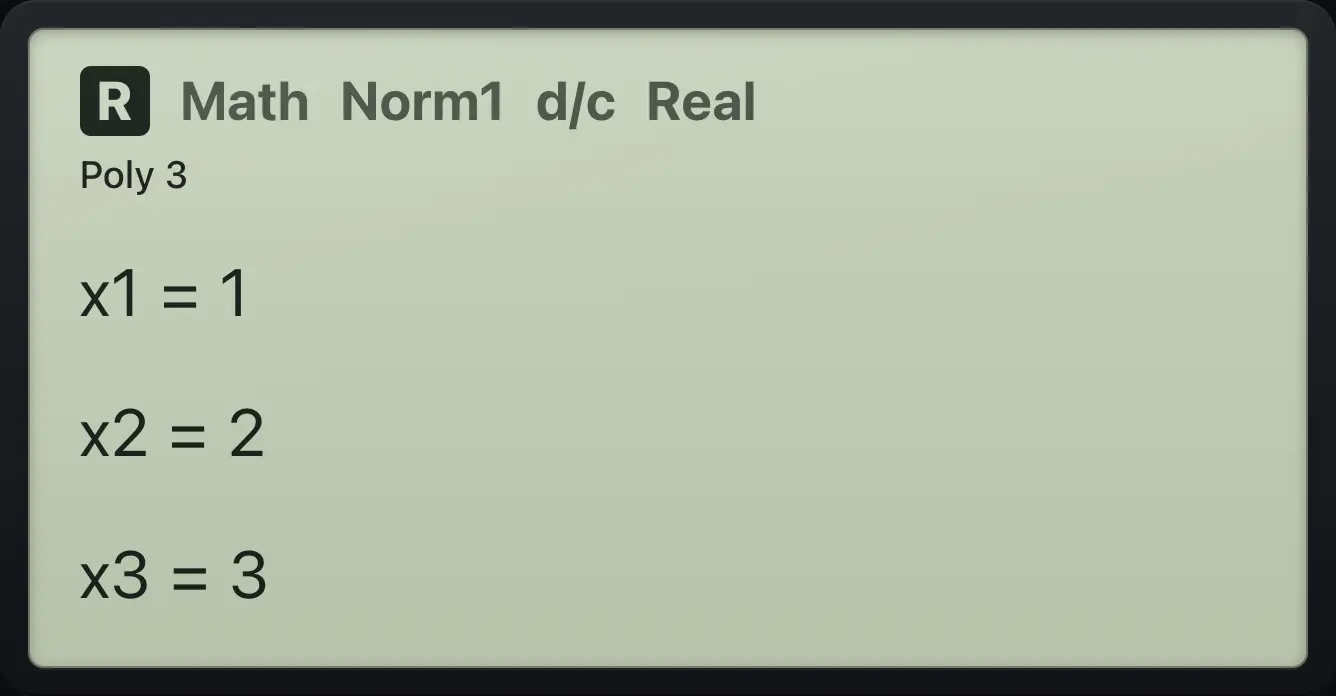
x1=1 x2=2 x3=3A quartic
x⁴ − 1 = 0, degree 4.
MENU5F2F31EXE0EXE0EXE0EXE(−)1EXEF1
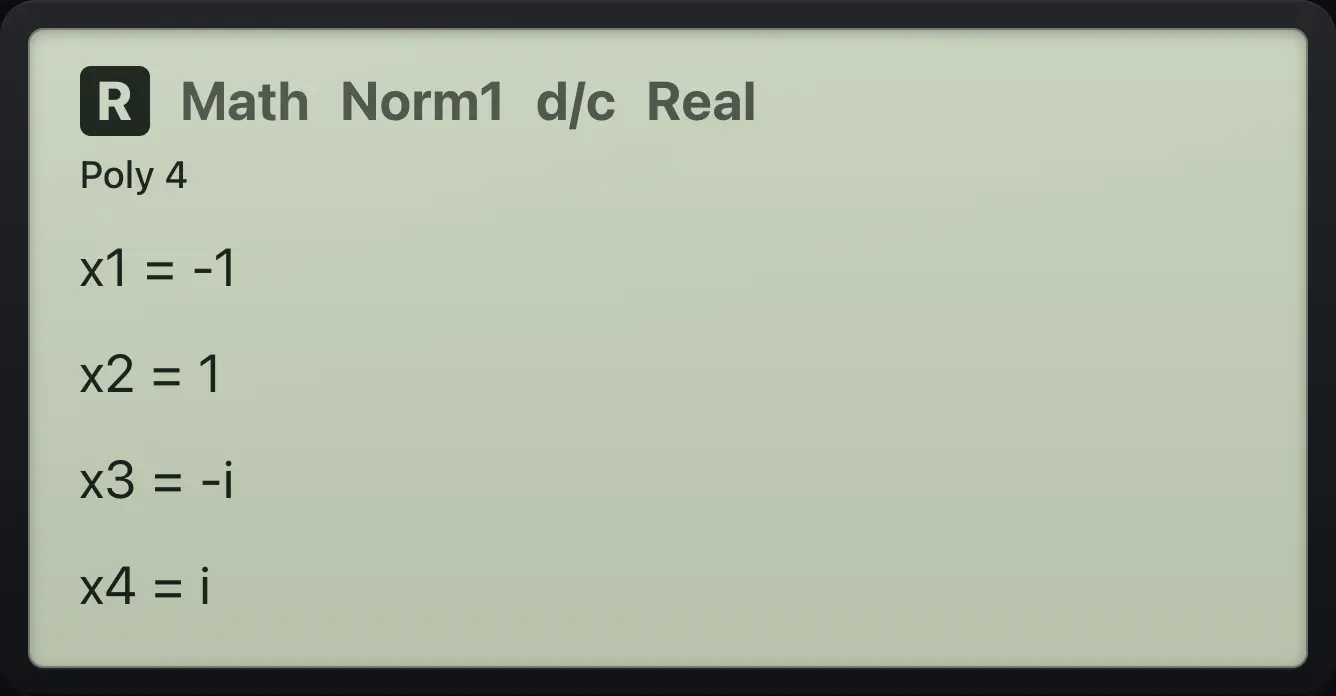
x1=-1 x2=1 x3=-i x4=i16.4Solve any equation (SOLVER)#
Press F3 (SOLVER). Type an equation using ALPHA=. for the equals sign and press EXE; the calculator asks for a starting value for each variable. Press F6 (SOLVE) to get X, plus Lft and Rgt, the two sides at the solution.
Solve x² = 2
Type X² = 2, EXE, starting value 1, SOLVE.
MENU5F3X,θ,Tx²ALPHA=.2EXE1EXEF6
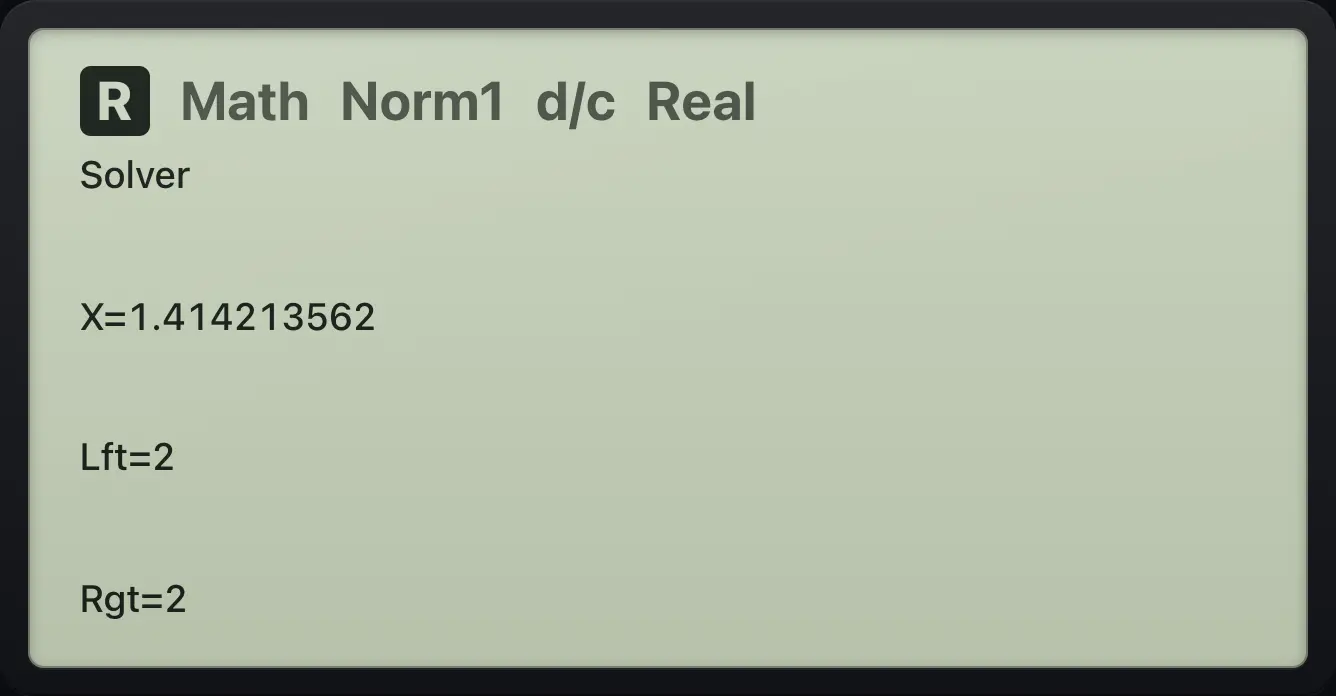
X=1.414213562 Lft=2 Rgt=2fx-CG50 is a trademark of Casio Computer Co., Ltd.. Trident Calculator is an independent product by South View Studios and is not affiliated with, sponsored by or endorsed by Casio. The name is used only to describe the kind of calculator this model resembles; Trident's names, keys, display, fonts and software are its own clean-room design.