Trident Help

Natural Color Graphing manual · Chapter 2 of 18

Key by key

Every key with what it does on its own, after SHIFT and after ALPHA.

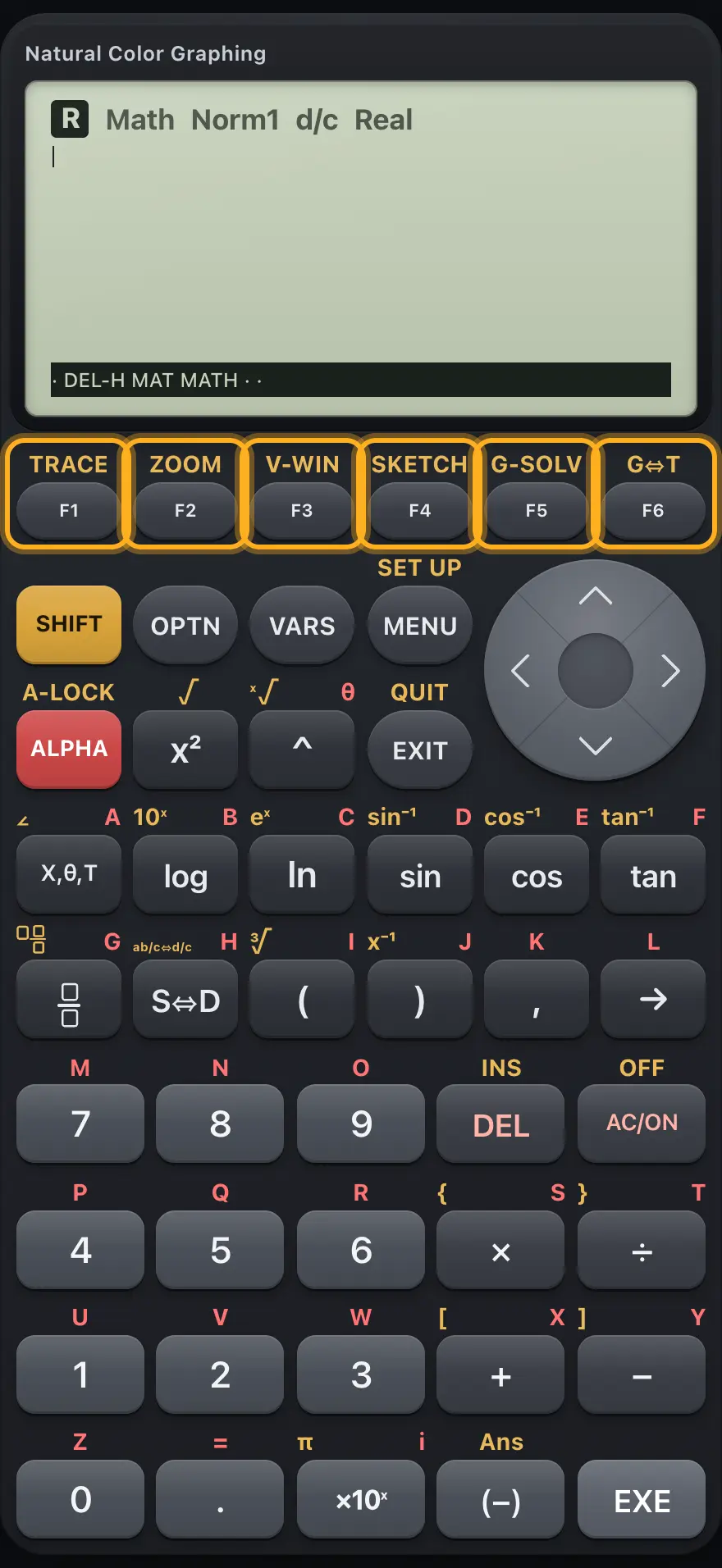
2.1The F keys#

The F keys The display shows: · DEL-H MAT MATH · ·.
The F keys
KeyPrimaryAfter SHIFTAfter ALPHA
F1First label on the bottom bar.TRACE: trace along a graph.
F2Second label.ZOOM: zoom tools.
F3Third label.V-WIN: the View Window.
F4Fourth label.SKETCH: tangent, normal, clear.
F5Fifth label.G-SOLV: root, max, min, intercept, intersection, integral.
F6Sixth label, or the next page of the bar (▷).G⇔T: back to the function list.

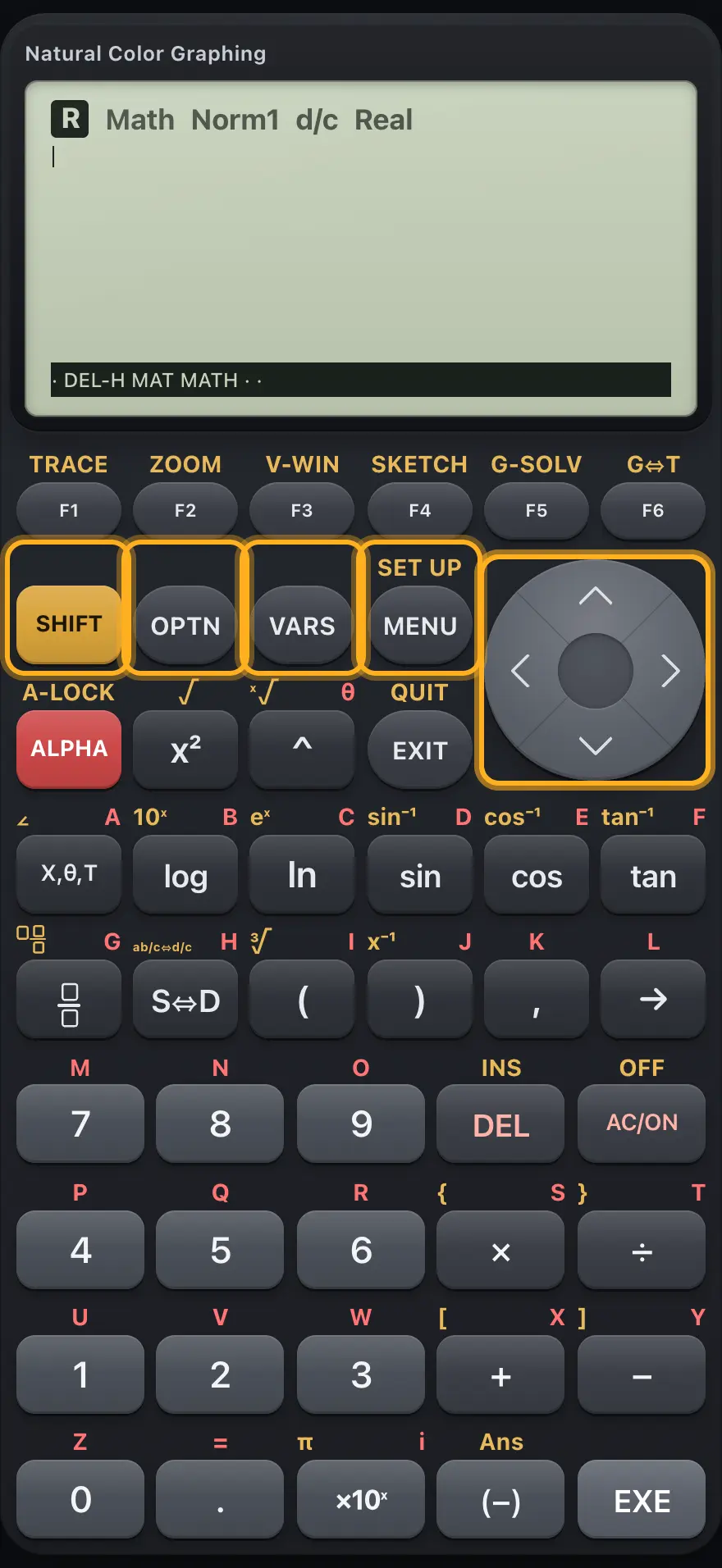
2.2SHIFT, OPTN, VARS, MENU and arrows#

The control keys The display shows: · DEL-H MAT MATH · ·.
The control keys
KeyPrimaryAfter SHIFTAfter ALPHA
SHIFTSelects the gold function of the next key.(cancels)
OPTNIn Run-Matrix, opens the option bar: LIST, MAT, CPLX, CALC, HYPRBL, PROB, NUMRIC, ANGLE.
VARSIn Run-Matrix, opens the variable bar (GRAPH: Y and r).
MENUOpens the MAIN MENU.SET UP: the settings.
◀Moves left.
▲Moves up, or recalls earlier entries.

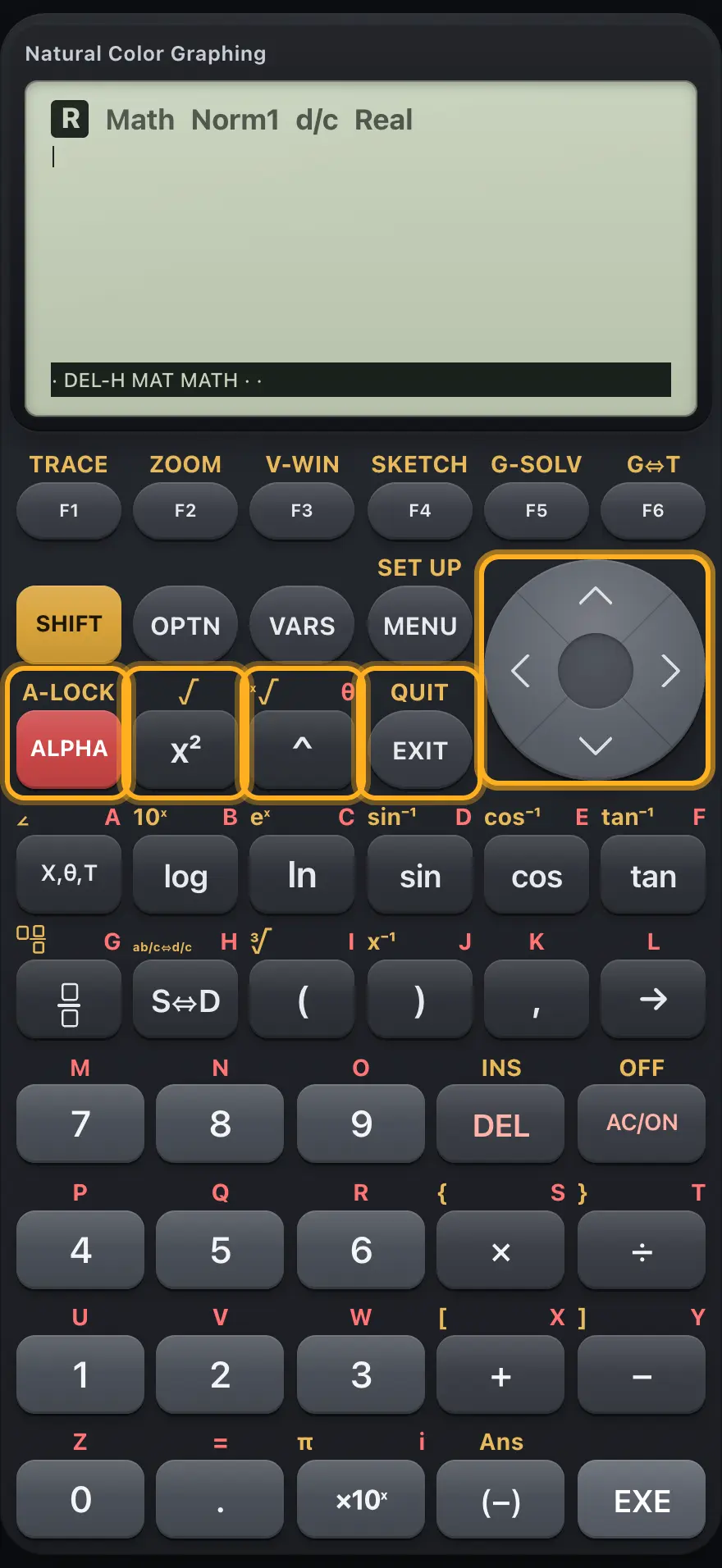
2.3ALPHA, x², power, EXIT and arrows#

ALPHA, square, power, EXIT The display shows: · DEL-H MAT MATH · ·.
ALPHA, square, power, EXIT
KeyPrimaryAfter SHIFTAfter ALPHA
ALPHASelects the red letter of the next key.A-LOCK: keeps letters on.
x²Squares the previous value.Square root template.
^Power template.Root template with an index.The variable θ.
EXITBacks out of a bar, menu or screen.QUIT: back to the start of the current app.
▼Moves down, or steps forward through earlier entries.
▶Moves right, or steps out of a template box.

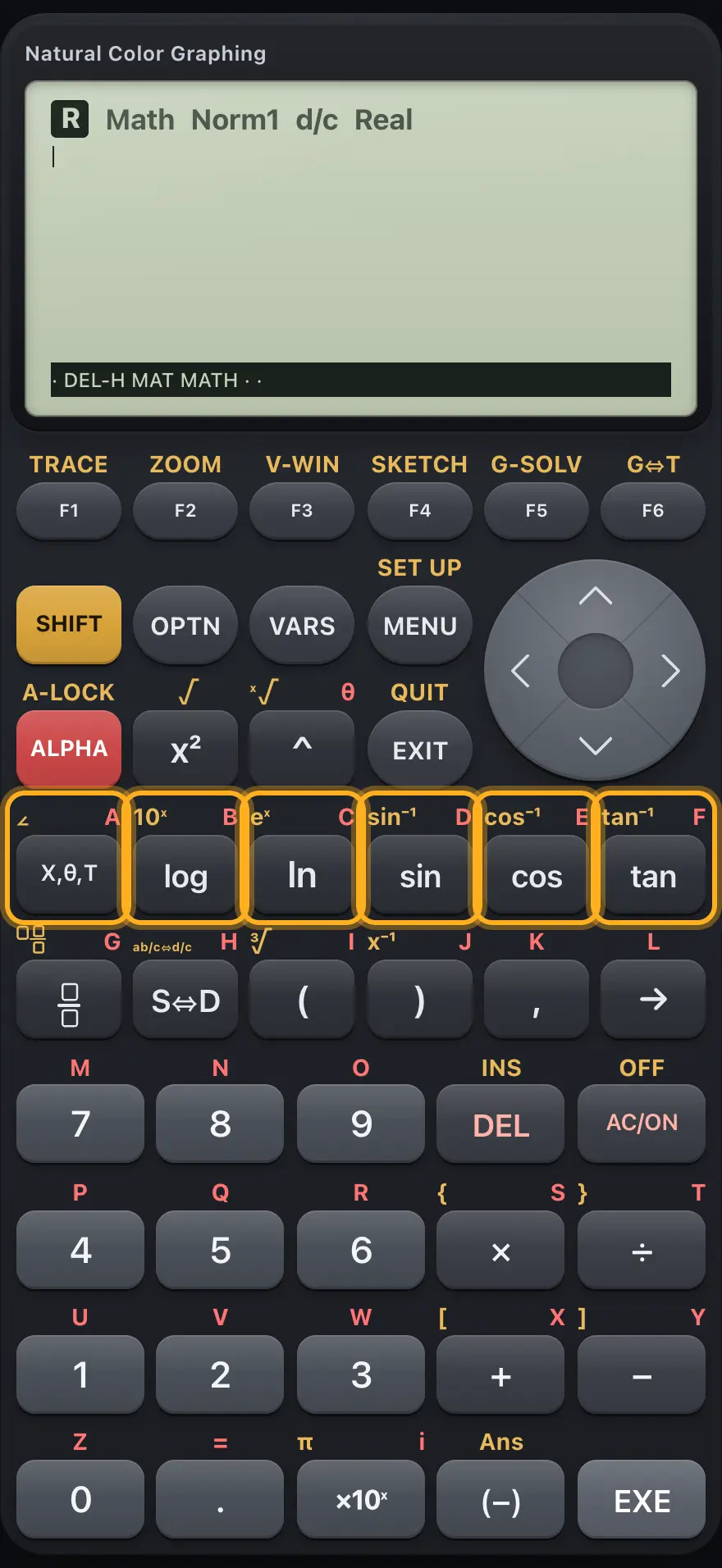
2.4Variable, log, ln, sin, cos and tan#

X,θ,T, log, ln and trig keys The display shows: · DEL-H MAT MATH · ·.
X,θ,T, log, ln and trig keys
KeyPrimaryAfter SHIFTAfter ALPHA
X,θ,TTypes the variable of the current app: X, θ (polar graphs) or T (parametric).∠: separates the modulus and angle of a polar complex number.Variable A.
logBase-10 logarithm.10 to a power.Variable B.
lnNatural logarithm.e to a power.Variable C.
sinSine.Inverse sine.Variable D.
cosCosine.Inverse cosine.Variable E.
tanTangent.Inverse tangent.Variable F.

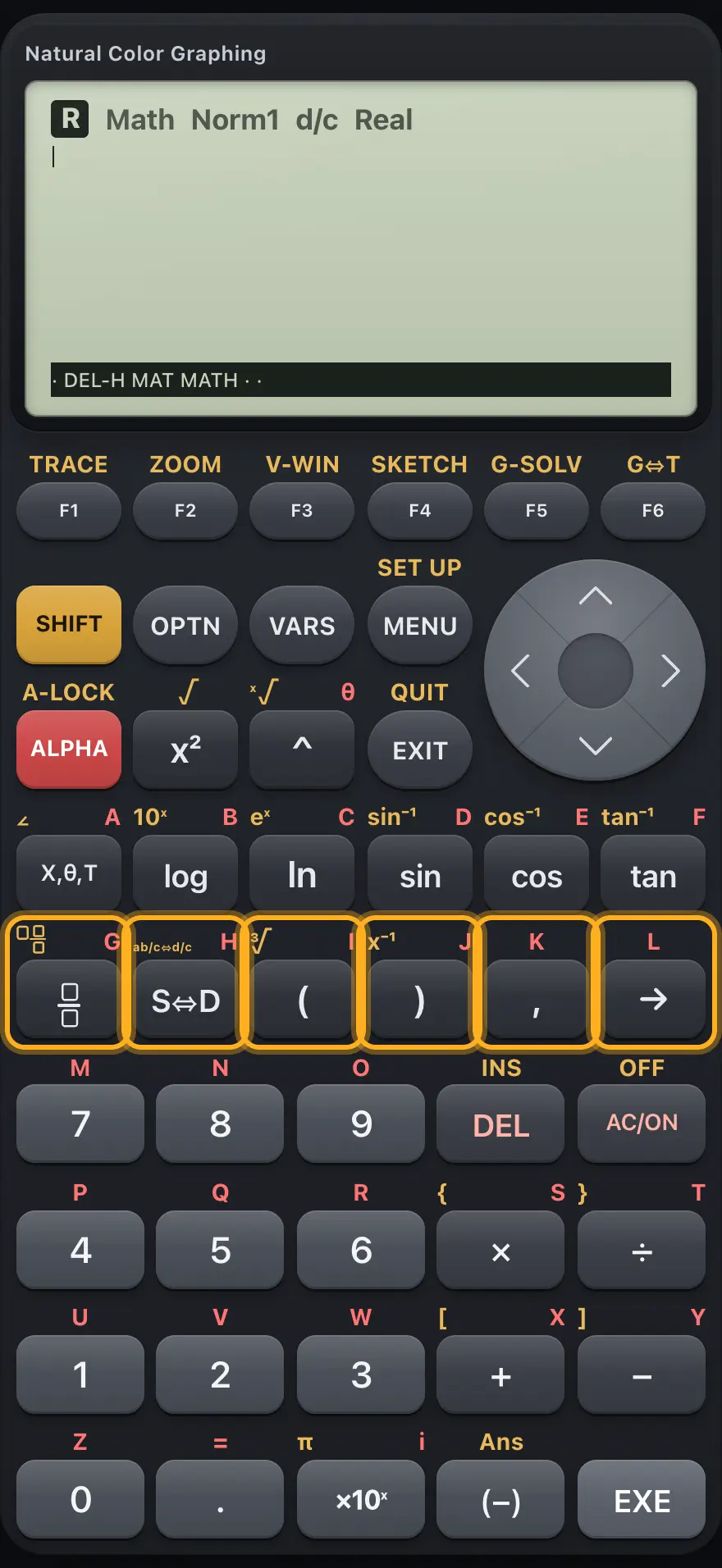
2.5Fraction, S⇔D, brackets, comma and store#

Fraction, S⇔D, brackets, comma and store The display shows: · DEL-H MAT MATH · ·.
Fraction, S⇔D, brackets, comma and store
KeyPrimaryAfter SHIFTAfter ALPHA
/Fraction template.Mixed-number template.Variable G.
S⇔DSwitches the last answer between exact and decimal.Switches between mixed and improper fractions.Variable H.
(Opens a bracket.Cube root template.Variable I.
)Closes a bracket.x⁻¹: the reciprocal.Variable J.
,Comma between arguments.Variable K.
→Store arrow: puts a value in the variable typed next.Variable L.

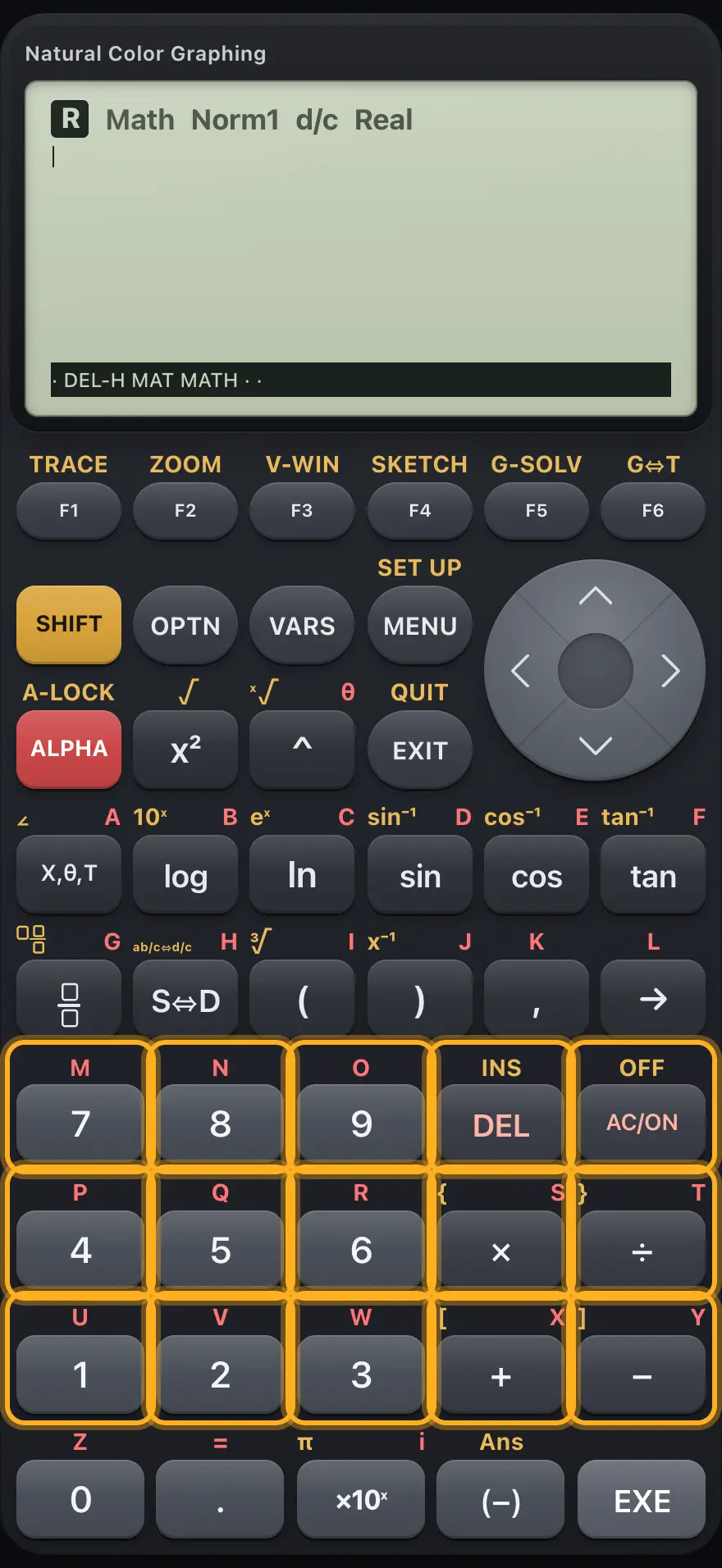
2.6Digits, DEL, AC and operators#

The number pad The display shows: · DEL-H MAT MATH · ·.
The number pad
KeyPrimaryAfter SHIFTAfter ALPHA
7Digit 7.Variable M.
8Digit 8.Variable N.
9Digit 9.Variable O.
DELDeletes the character before the cursor (or the list value or row in some editors).INS: no effect here.
AC/ONClears the entry line.OFF: no effect here.
4Digit 4.Variable P.
5Digit 5.Variable Q.
6Digit 6.Variable R.
×Multiply.{ : opens a list.Variable S.
÷Divide.} : closes a list.Variable T.
1Digit 1.Variable U.
2Digit 2.Variable V.
3Digit 3.Variable W.
+Add.[ : opens a matrix.Variable X.
−Subtract.] : closes a matrix.Variable Y.

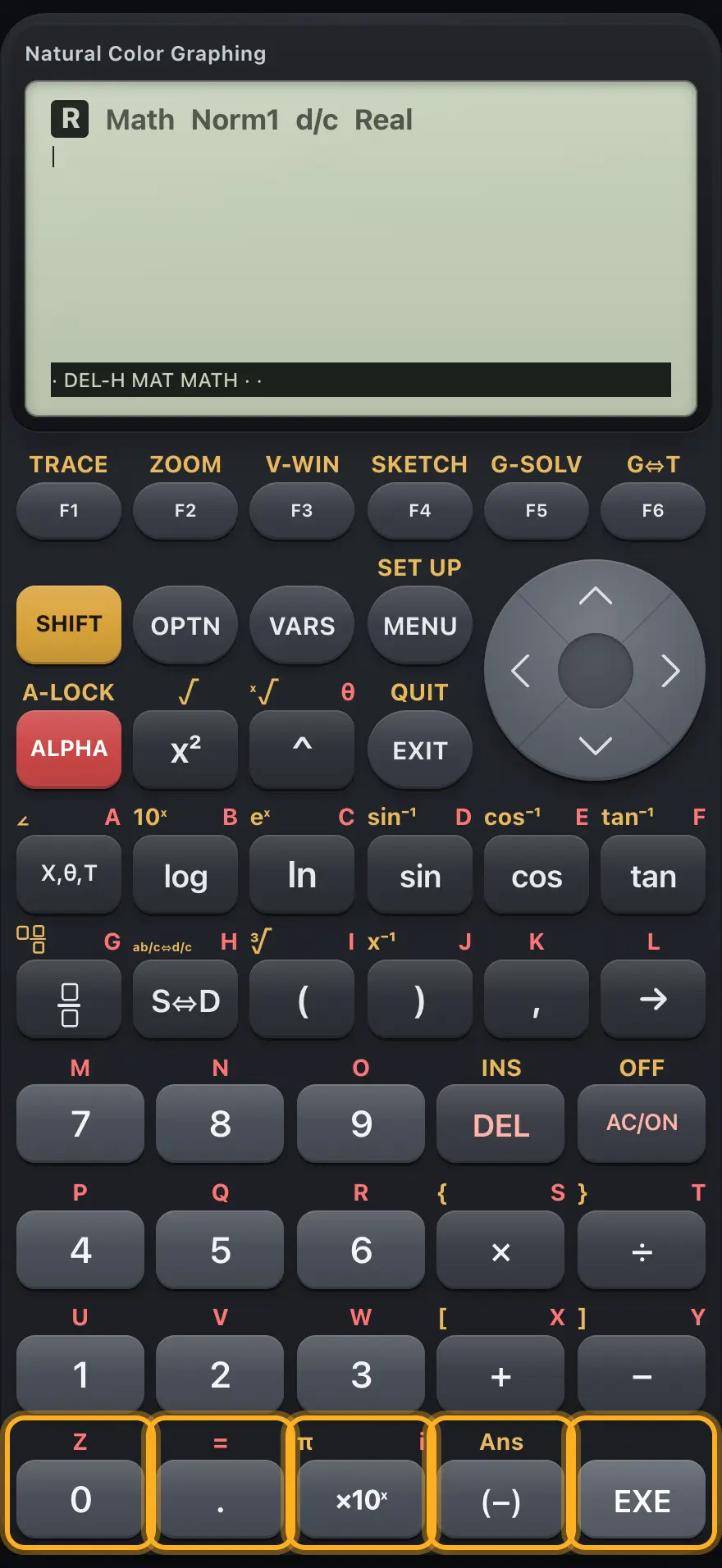
2.7The bottom row: 0, point, ×10ˣ, negative and EXE#

The bottom row The display shows: · DEL-H MAT MATH · ·.
The bottom row
KeyPrimaryAfter SHIFTAfter ALPHA
0Digit 0.Variable Z.
.Decimal point.Equals sign (=).
×10ˣTimes ten to a power.π.The imaginary unit i.
(−)Negative sign for the next number.Ans: the previous answer.
EXEEvaluates the line, or confirms a choice or field.

fx-CG50 is a trademark of Casio Computer Co., Ltd.. Trident Calculator is an independent product by South View Studios and is not affiliated with, sponsored by or endorsed by Casio. The name is used only to describe the kind of calculator this model resembles; Trident's names, keys, display, fonts and software are its own clean-room design.