
Natural Color Graphing manual · Chapter 17 of 18
Error messages
Every message the calculator can show, what it means and how to fix it.
17.1What each error means#
An error screen shows the message and "Press:[EXIT]". Press EXIT to dismiss it; the entry line stays so you can correct it, or press AC/ON to clear.
| Message | What it means | How to fix |
|---|---|---|
| Math ERROR | No valid answer: divide by zero, a result too large, a singular matrix, a value outside the allowed range. | Check the numbers. |
| Syntax ERROR | The line is incomplete or an operator is misplaced. | Fix the expression and run again. |
| Argument ERROR | A function got the wrong number of values. | Give it exactly the values it needs. |
| Dimension ERROR | Matrix sizes do not match, or a statistics list is empty or the lists are different lengths. | Check sizes and fill the lists. |
| Non-Real ERROR | The answer is a complex number but the Complex Mode is Real. | Set Complex Mode to a+bi in SET UP. |
| Range ERROR | The View Window or table range is impossible (Xmin not below Xmax, or a zero step). | Correct the window or range. |
| Not Found | No solution of that kind exists in the window, or a table or graph has no function. | Widen the window or enter a function. |
| No Solution | Simultaneous equations contradict each other. | Check the coefficients. |
| Infinite Solution | Simultaneous equations have many solutions. | Check the coefficients. |
| Can't Solve! | The solver found no solution near the starting value. | Try another starting value. |
| Time Out | A numeric calculation could not finish accurately. | Narrow the range. |
| Memory ERROR | Too many rows (a table over 999 rows). | Use a larger step. |
| Undefined, Too Much Data | A variable or item was missing, or too much data was given. | Define it first or use less data. |
Divide by zero
1 ÷ 0.
1÷0EXE
![Result of the example "Divide by zero" The display shows: Math ERROR / Press:[EXIT].](/trident/app/help/manual/img/d6c7ca9es.webp)
Math ERROR Press:[EXIT]Syntax error
1 × then EXE.
1×EXE
![Result of the example "Syntax error" The display shows: Syntax ERROR / Press:[EXIT].](/trident/app/help/manual/img/a6f09511s.webp)
Syntax ERRORArgument error
sin with two values.
sin1,2)EXE
![Result of the example "Argument error" The display shows: Argument ERROR / Press:[EXIT].](/trident/app/help/manual/img/16b194a8s.webp)
Argument ERRORMatrix error
Define Mat A, then add 1 to it.
F3EXE▼▼EXE1EXE2EXE3EXE4EXEEXITEXITOPTNF2F1+1EXE
![Result of the example "Matrix error" The display shows: Math ERROR / Press:[EXIT].](/trident/app/help/manual/img/a7fcf9e1s.webp)
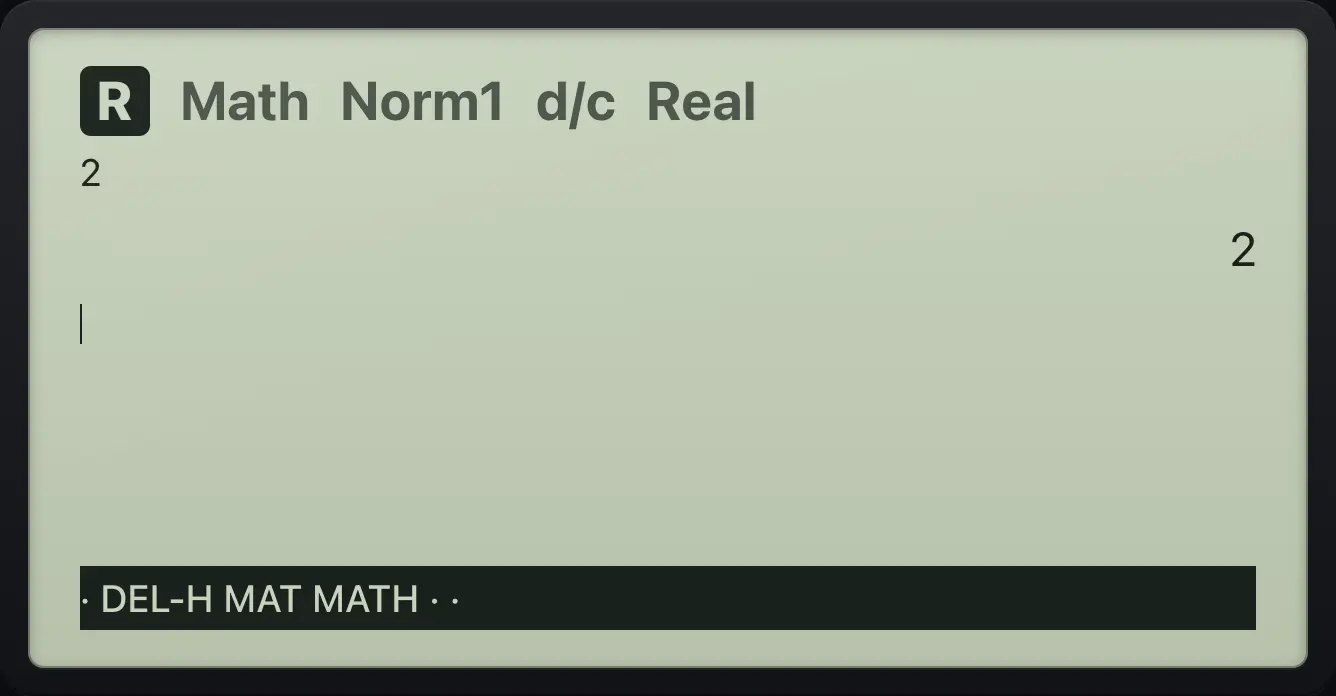
Math ERRORExit the error
Divide by zero, EXIT, AC, then 2.
1÷0EXEEXITAC/ON2EXE
2fx-CG50 is a trademark of Casio Computer Co., Ltd.. Trident Calculator is an independent product by South View Studios and is not affiliated with, sponsored by or endorsed by Casio. The name is used only to describe the kind of calculator this model resembles; Trident's names, keys, display, fonts and software are its own clean-room design.