
Natural Color Graphing manual · Chapter 4 of 18
Functions and the OPTN and MATH bars
Trigonometry, hyperbolic, probability, numeric functions, calculus, lists and angle tools.
4.1Sine, cosine, tangent and inverses#
The calculator starts in radians. For angles in degrees change the angle unit first (see Modes). Exact trigonometric values are shown exactly.
sin(π/6) in radians
sin, π, divided by 6.
sinSHIFTπ×10ˣ÷6)EXE
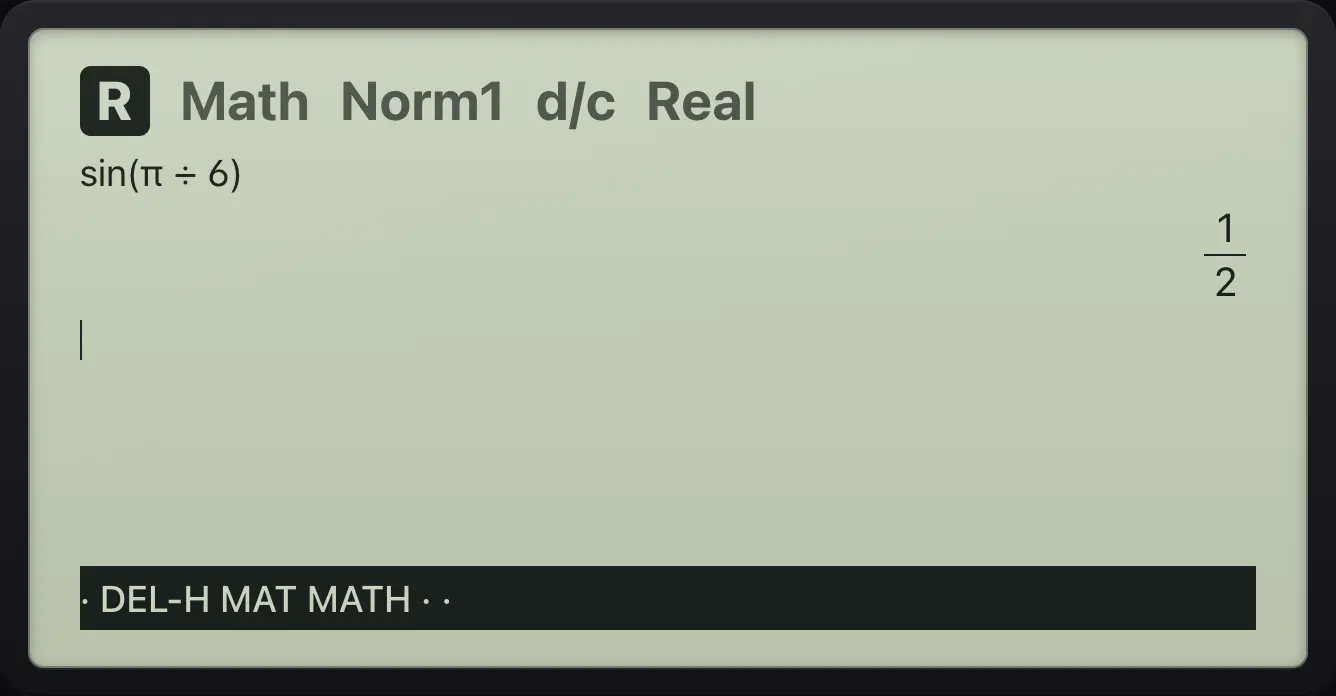
1/2tan(π/4)
tan, π divided by 4.
tanSHIFTπ×10ˣ÷4)EXE
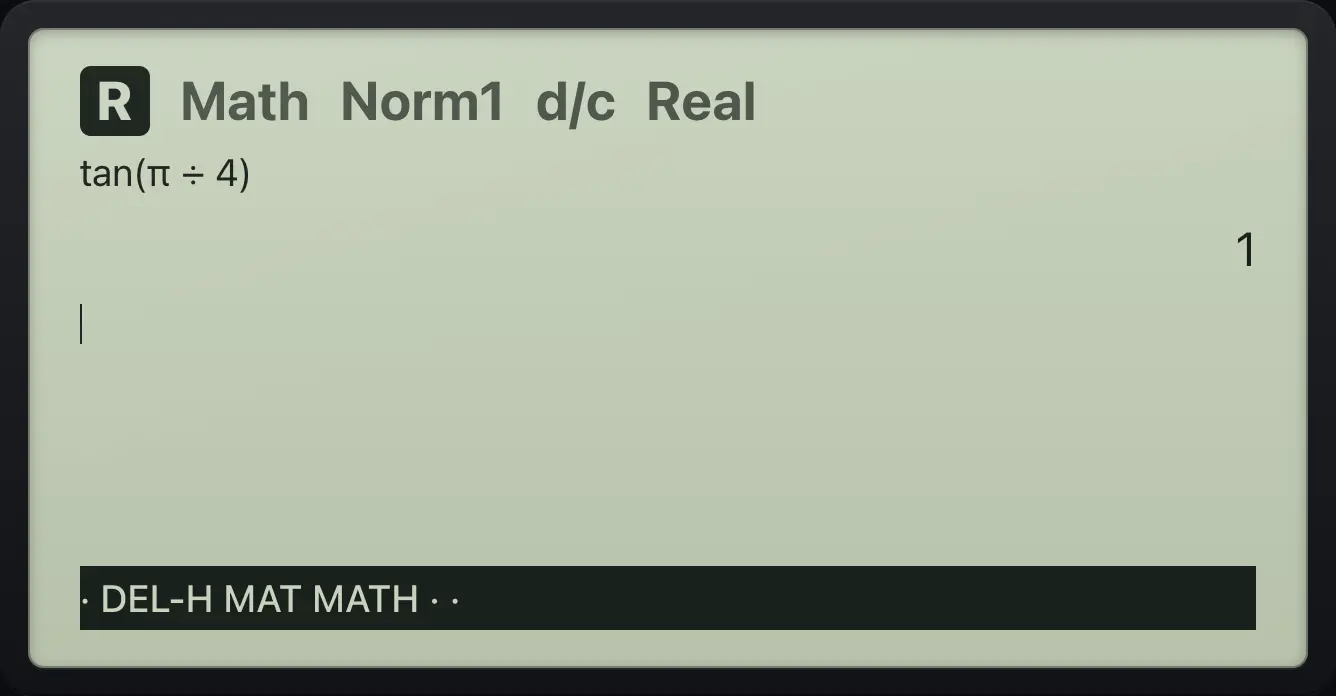
1Inverse sine
SHIFT sin, then 1.
SHIFTsin⁻¹sin1EXE
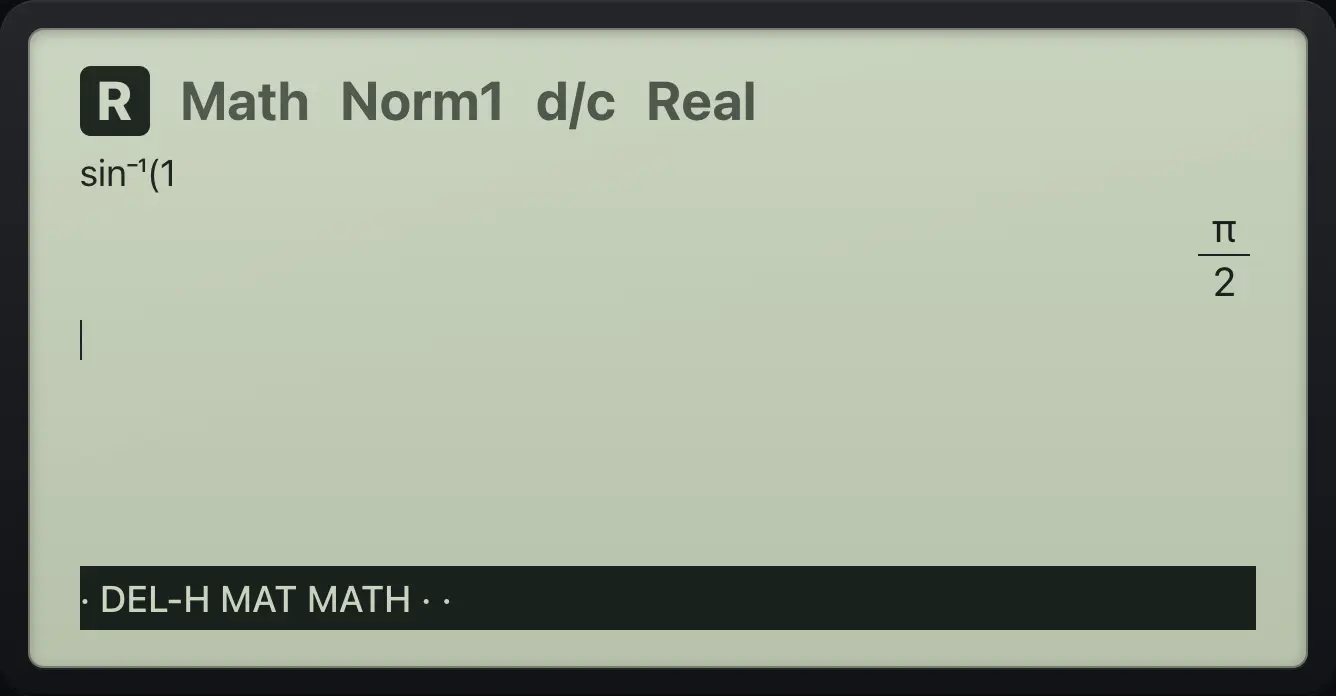
π/2Inverse cosine
SHIFT cos, then -1/2.
SHIFTcos⁻¹cos(−)1/2EXE
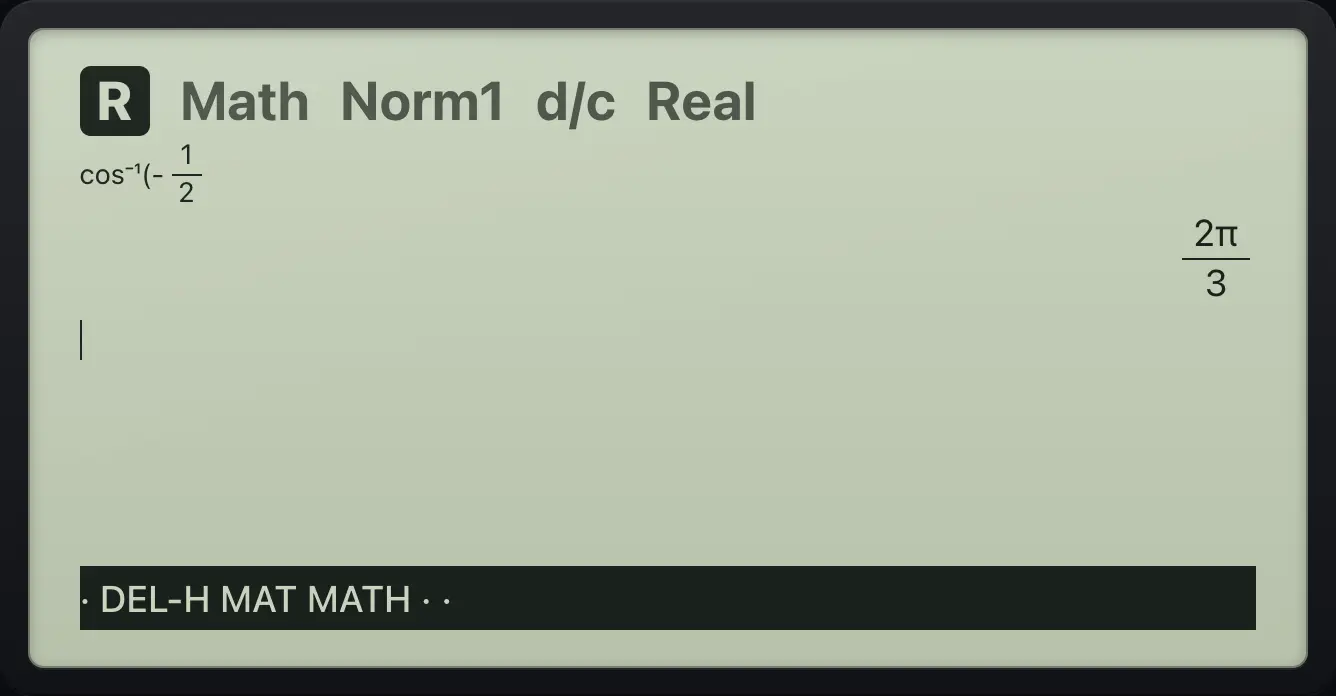
2π/3sin 30 in degrees
Switch to degrees (SET UP, Angle, Deg).
SHIFTSET UPMENU▼▼F2EXITsin 30.
sin30EXE
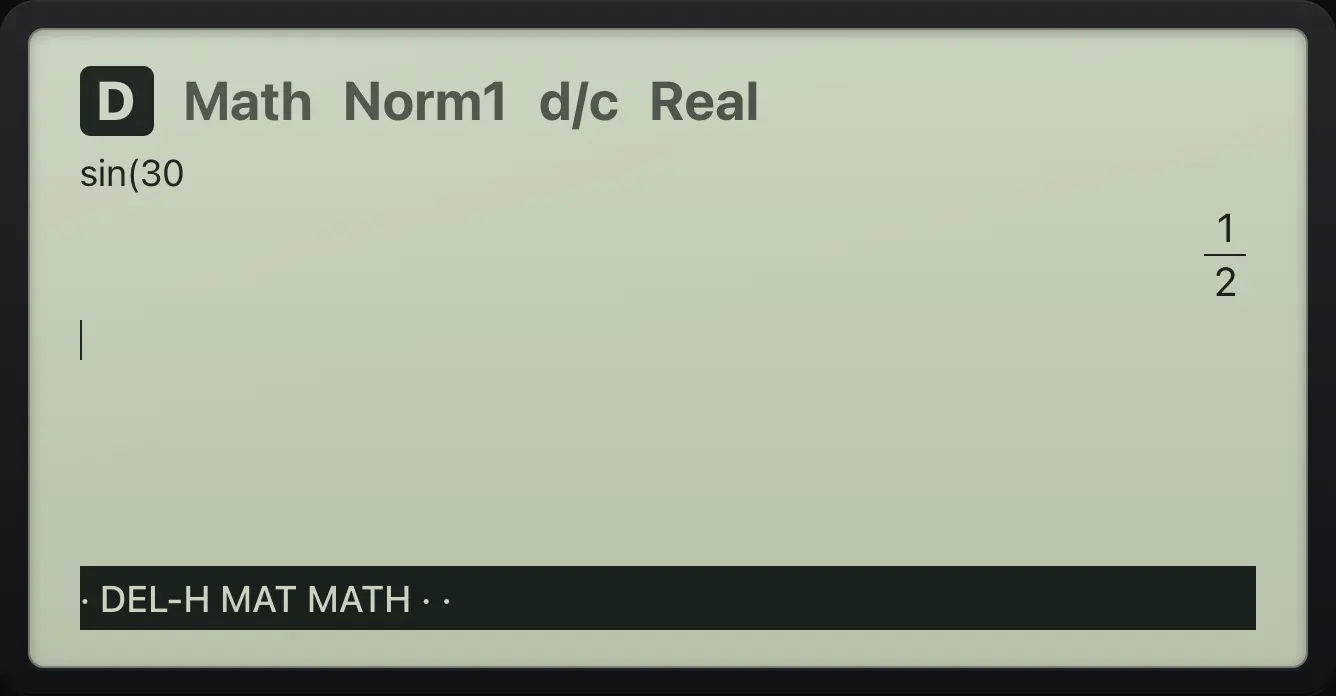
1/24.2The MATH bar: log base, abs, calculus#
Press F4 (MATH) for templates. The second page (F6) holds the nth root and the mixed fraction.
| F key | Label | Inserts |
|---|---|---|
| F1 | logab | Logarithm with any base. |
| F2 | Abs | Absolute value. |
| F3 | d/dx | Derivative at a point. |
| F4 | ∫dx | Definite integral. |
| F5 | Σ( | Summation. |
| F6 then F1 | ⁿ√ | Nth root. |
Log base 2
MATH, logab, base 2, step right, 8.
F4F12▶8EXE
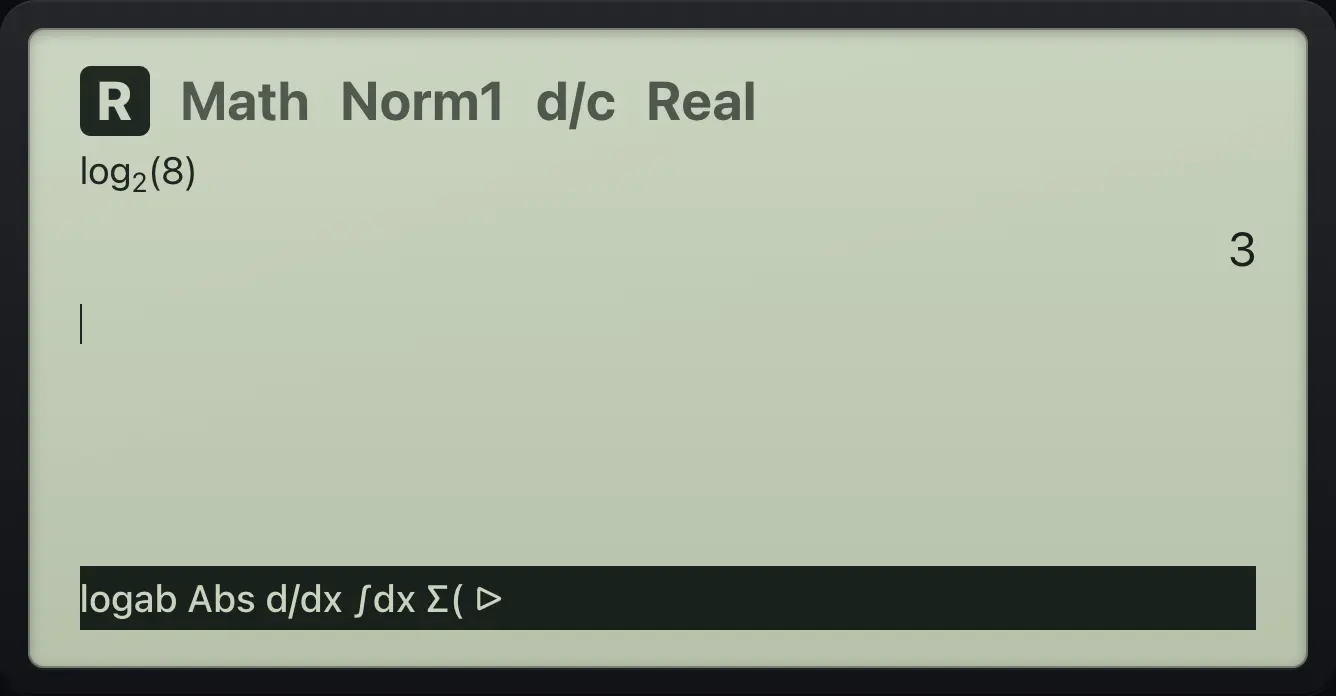
3Absolute value
MATH, Abs, then -7.
F4F2(−)7EXE
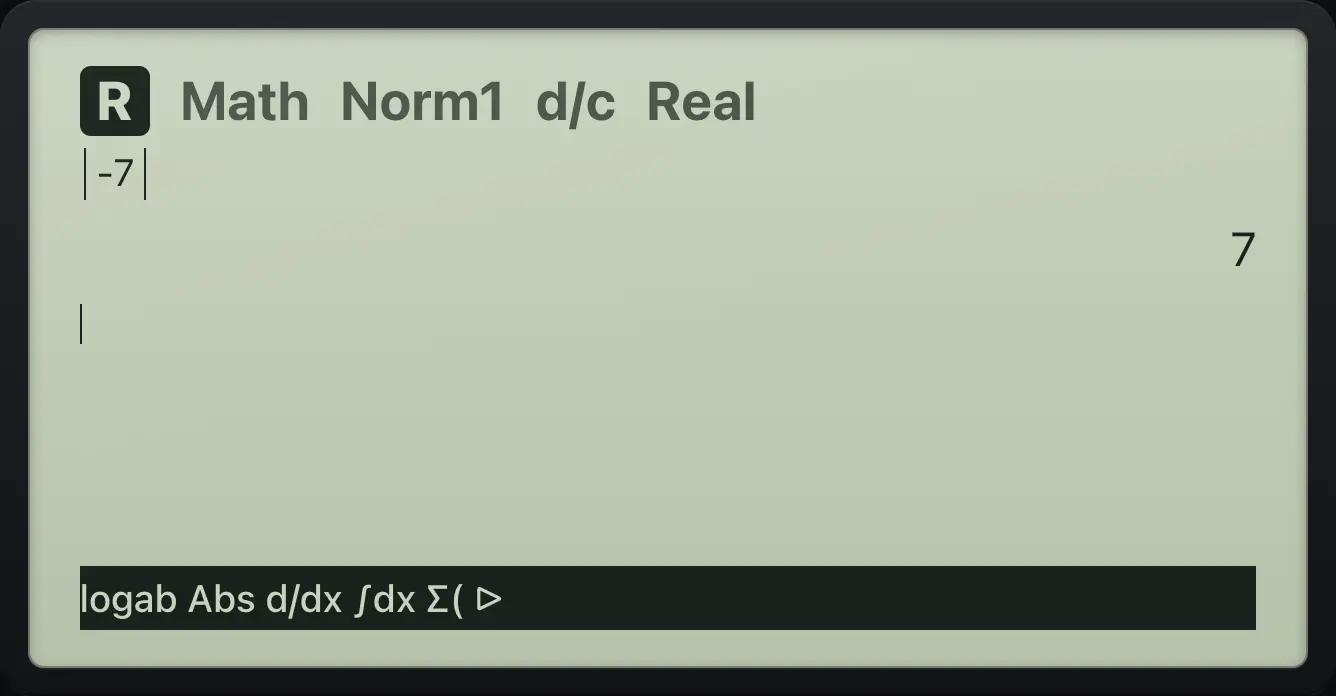
7Slope at a point
MATH, d/dx, X squared, step right, 3.
F4F3X,θ,Tx²▶3EXE
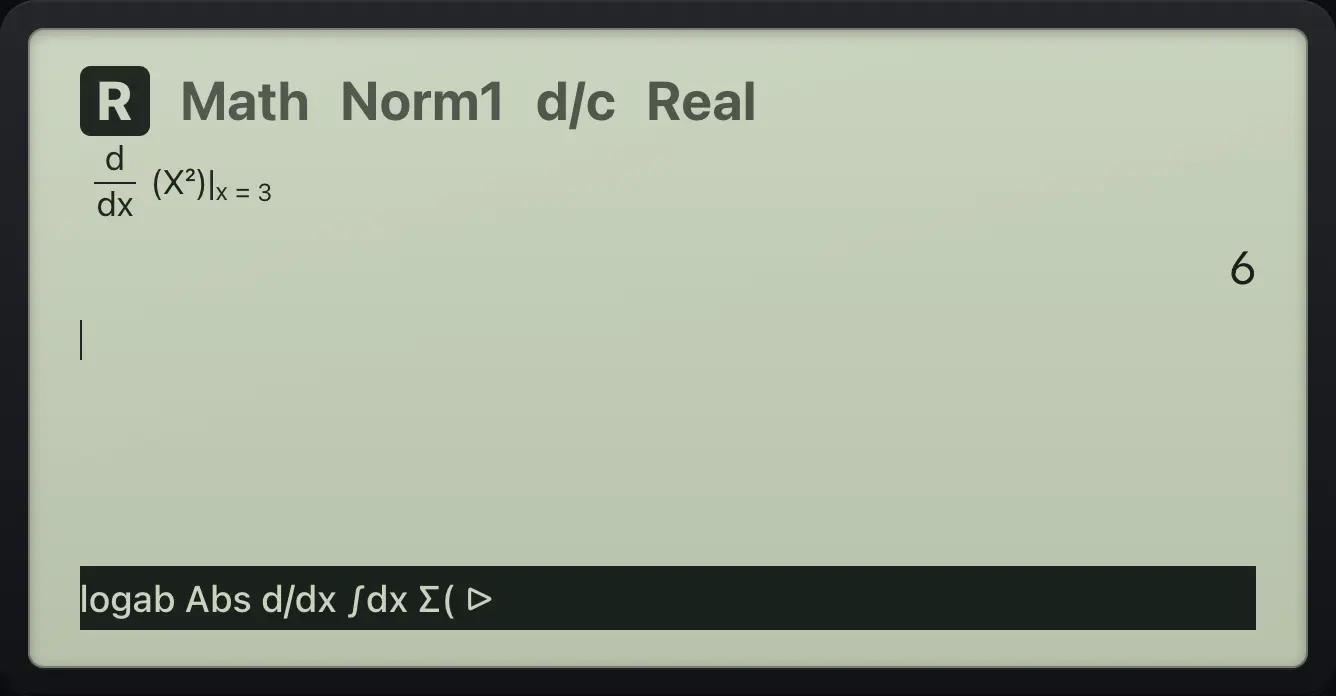
6A definite integral
MATH, integral, X squared, limits 0 and 1.
F4F4X,θ,Tx²▶0▶1EXE
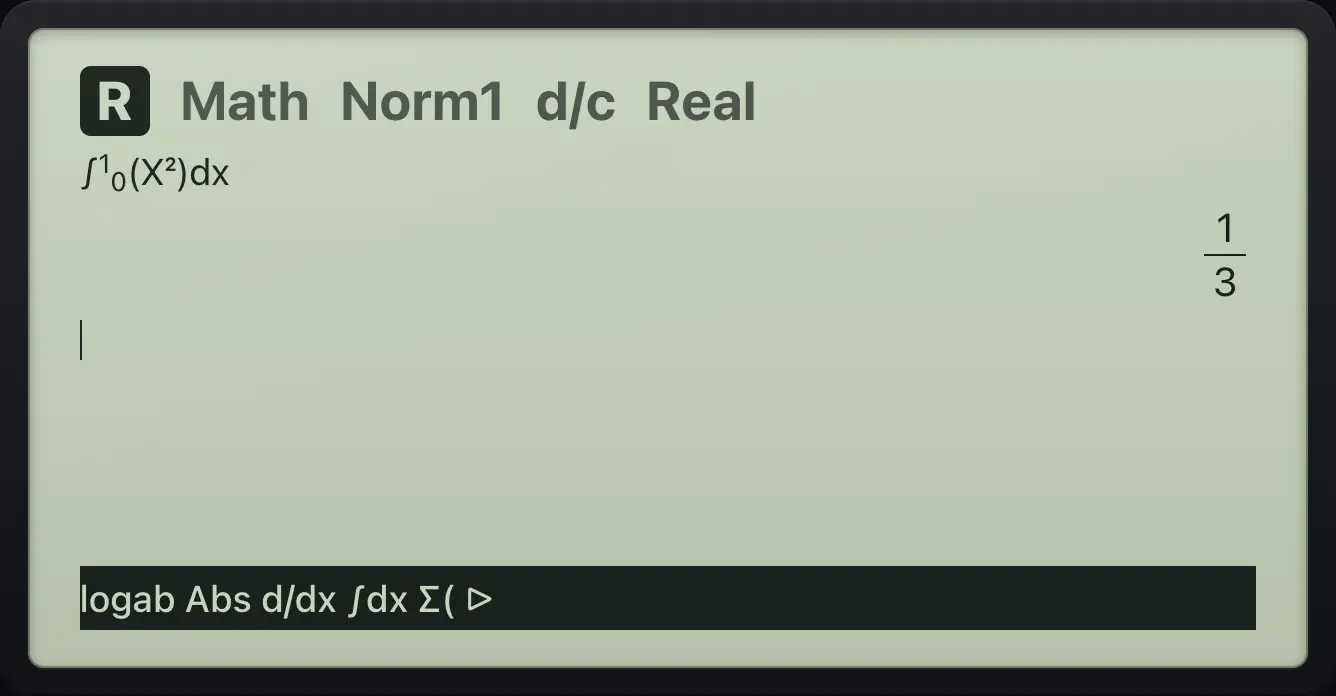
1/3A sum
MATH, Σ, X, from 1 to 10.
F4F5X,θ,T▶1▶10EXE
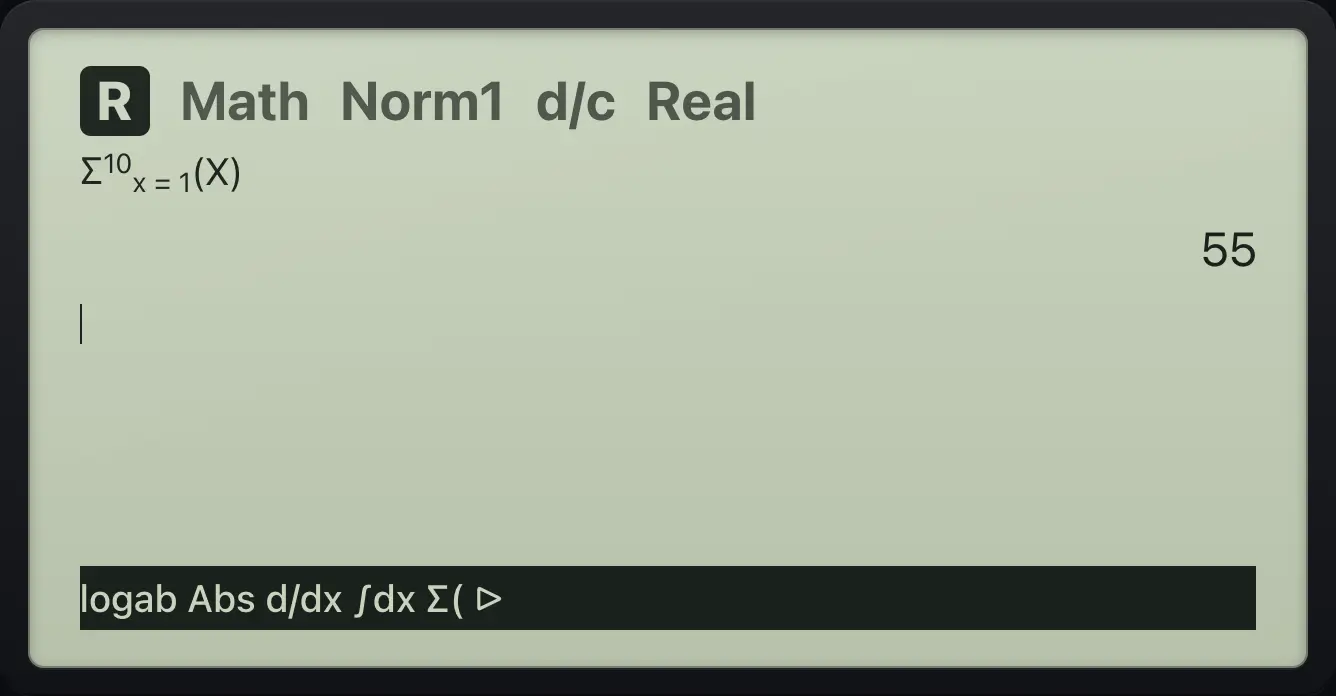
55Nth root from page 2
MATH, next page, nth root: index 3, then 64.
F4F6F13▶64EXE
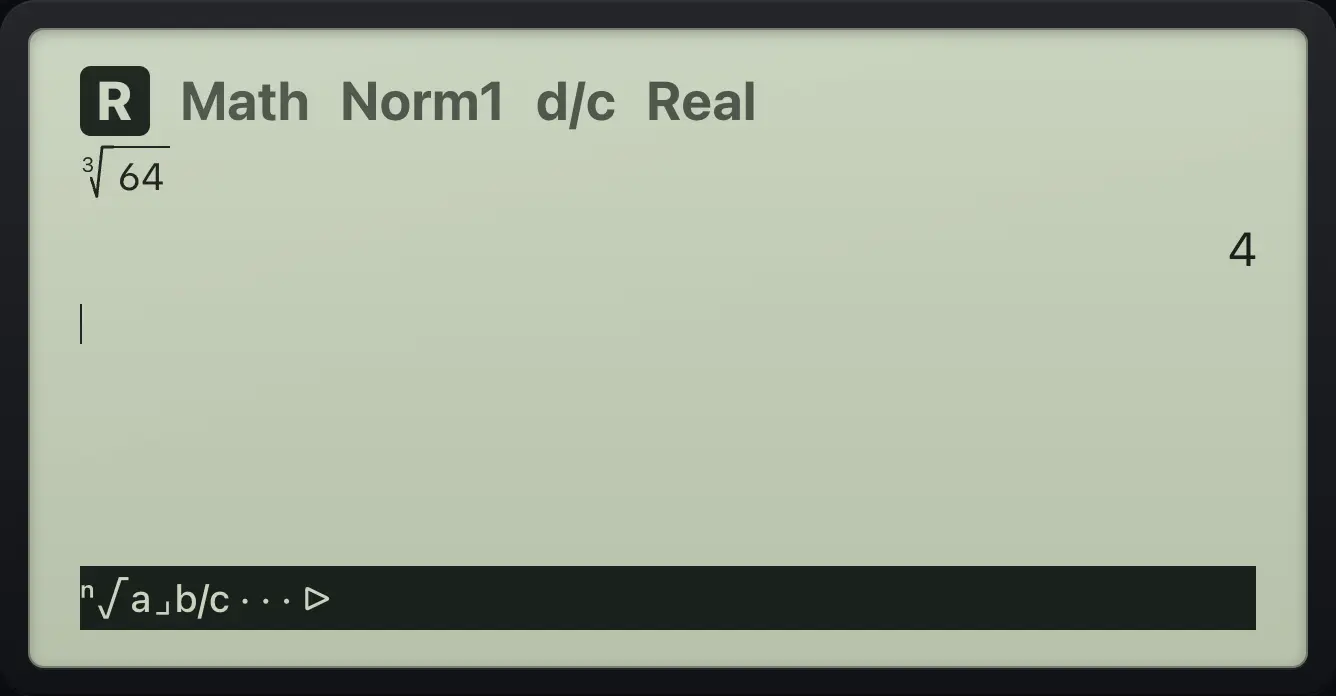
44.3The OPTN bar#
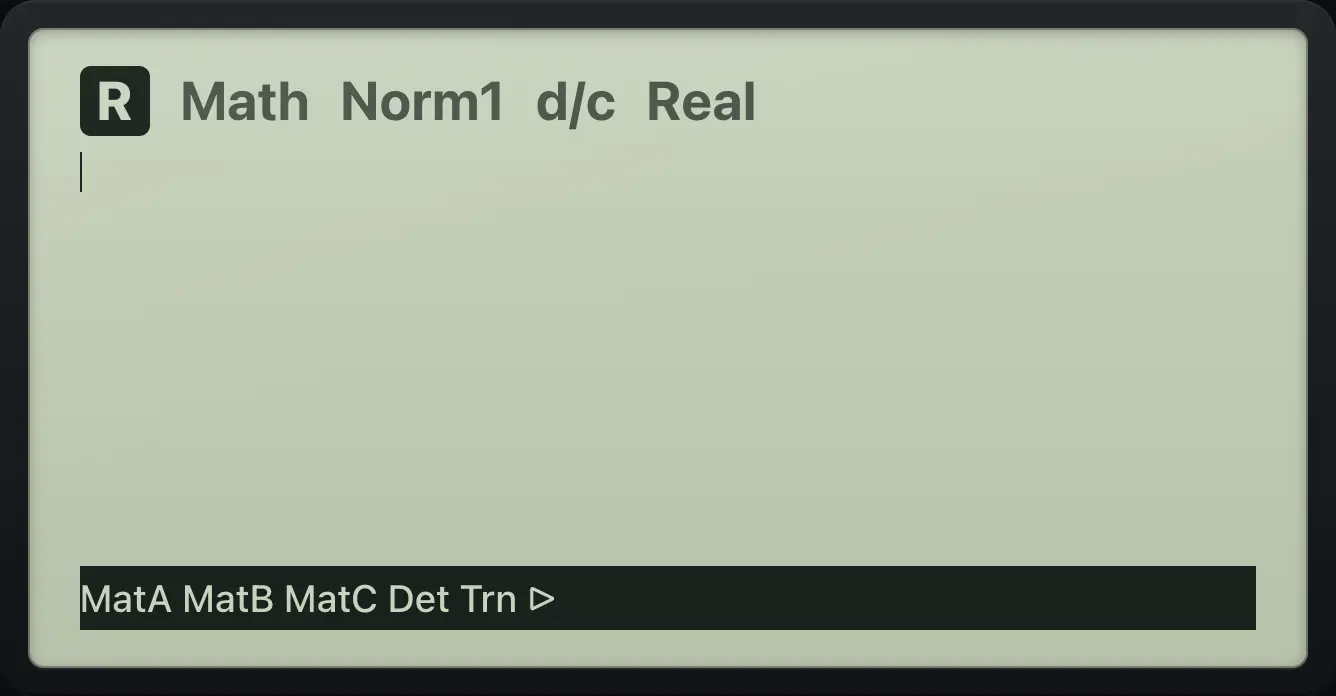
Press OPTN in Run-Matrix. Choose a group with an F key, then an item. EXIT goes back one bar.
| F key | Group | Contains |
|---|---|---|
| F1 | LIST | List, Dim, Sum, Mean, Med, Prod, Min, Max |
| F2 | MAT | MatA to MatF, Det, Trn, Iden, Ref, Rref |
| F3 | CPLX | i, Abs, Arg, Conjg, ReP, ImP |
| F4 | CALC | d/dx, ∫dx, Σ(, logab |
| F5 | HYPRBL | sinh, cosh, tanh and inverses |
| F6 then F1 | PROB | x!, nPr, nCr, Ran#, RanInt |
| F6 then F2 | NUMRIC | Abs, Int, Frac, Rnd, Intg, GCD, LCM |
| F6 then F3 | ANGLE | °, r, Pol(, Rec( |
Integral from the CALC group
OPTN, CALC, ∫dx; 2X from 0 to 3.
OPTNF4F22X,θ,T▶0▶3EXE
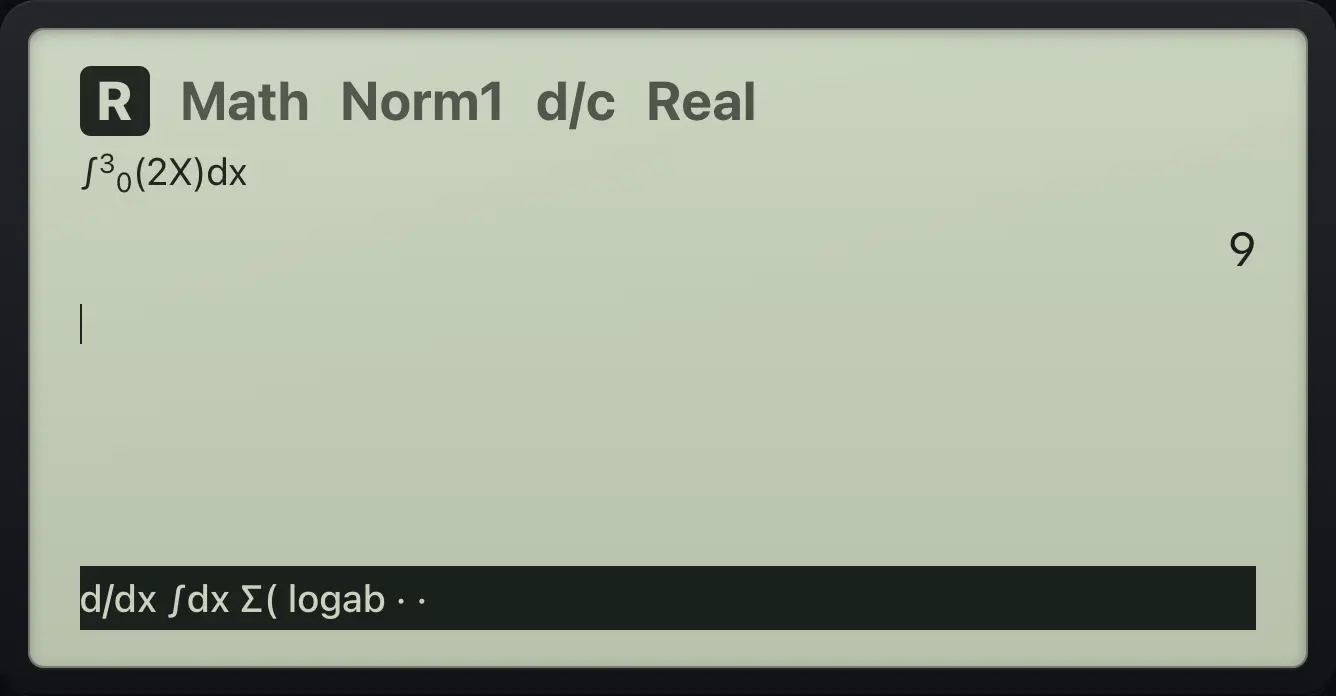
9Back out of a bar
OPTN, MAT, then EXIT twice.
OPTNF2EXITEXIT
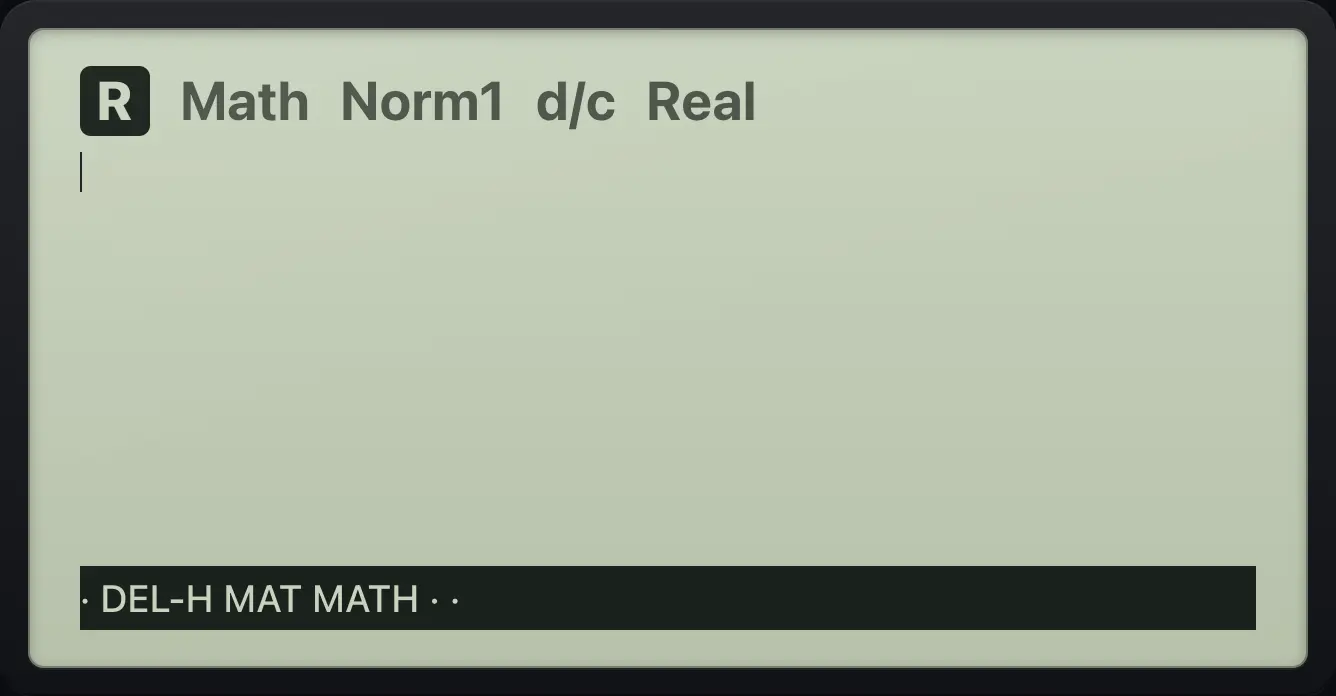
MATH4.4Factorials, permutations and combinations#
5 factorial
5, OPTN, next page, PROB, x!.
5OPTNF6F1F1EXE
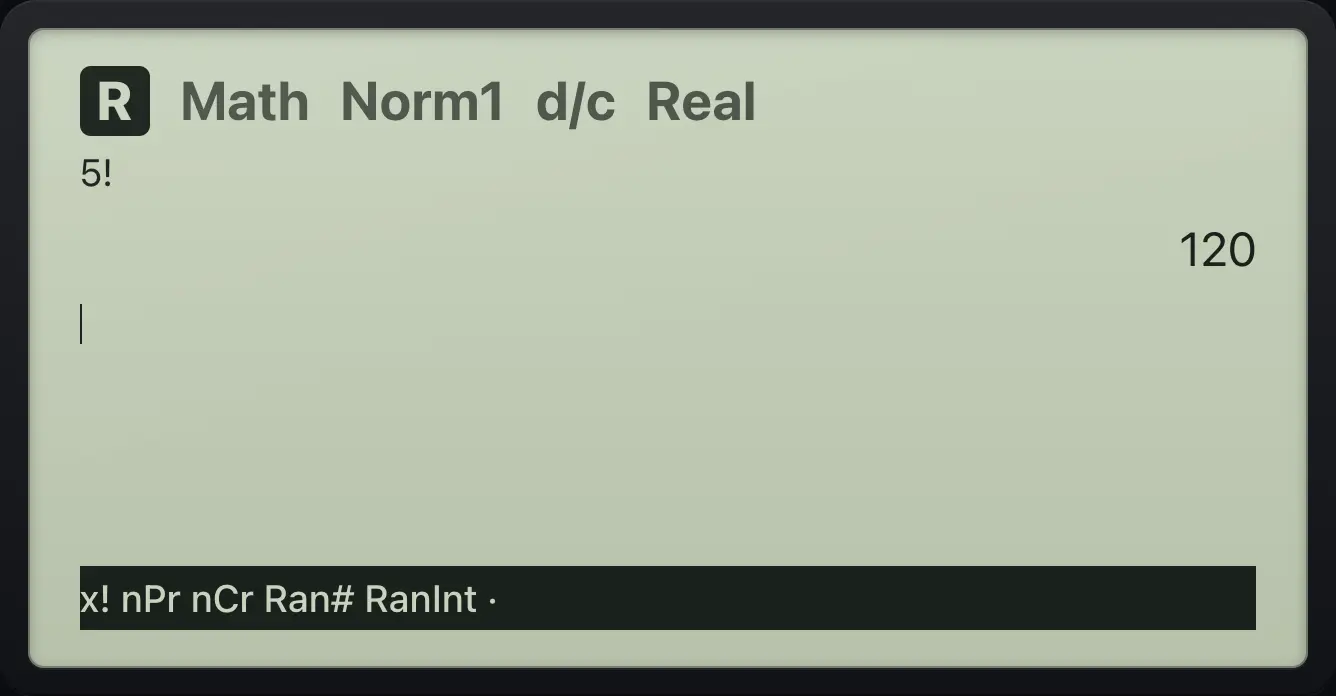
1205P2
5, PROB, nPr, 2.
5OPTNF6F1F22EXE
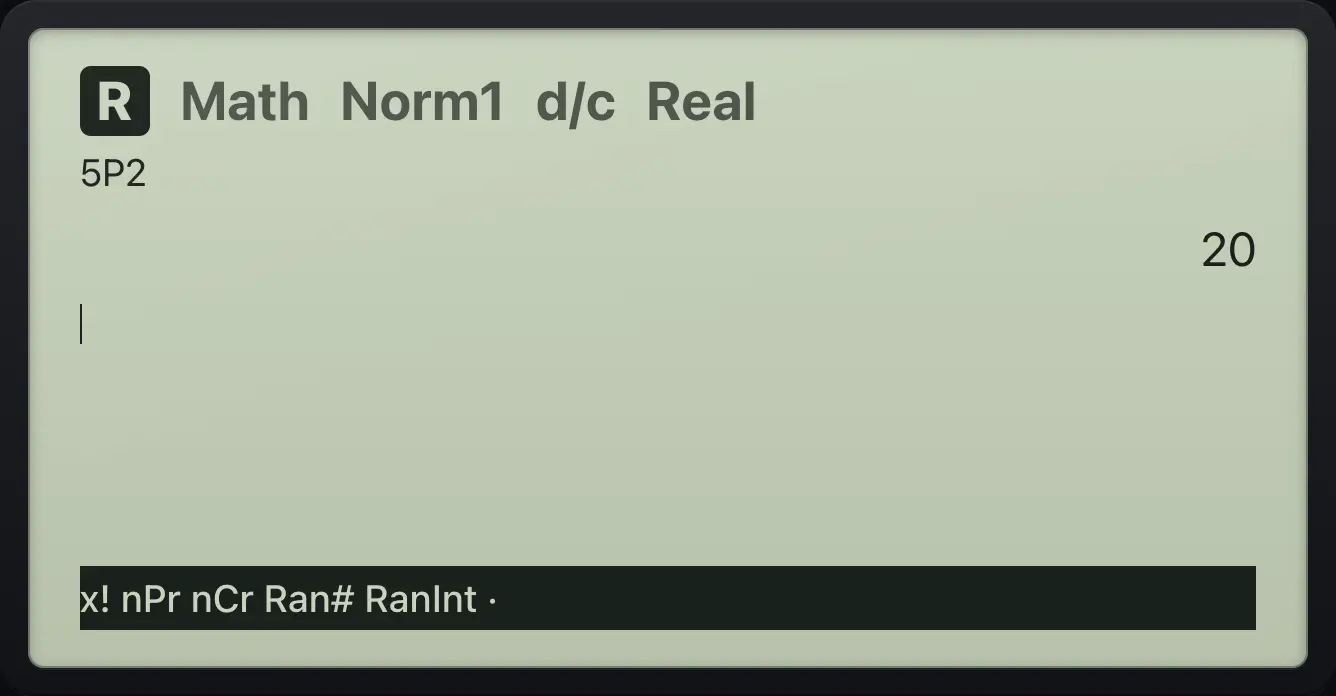
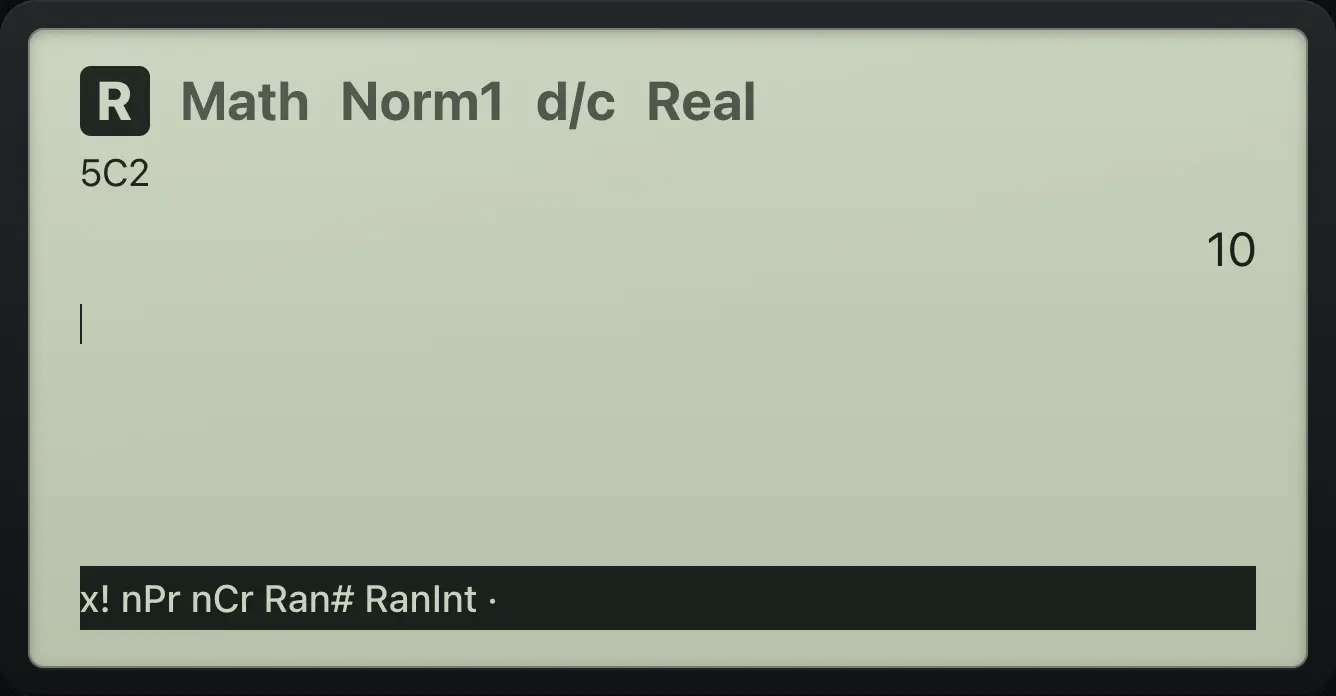
205C2
5, PROB, nCr, 2.
5OPTNF6F1F32EXE
104.5Rounding, GCD and LCM#
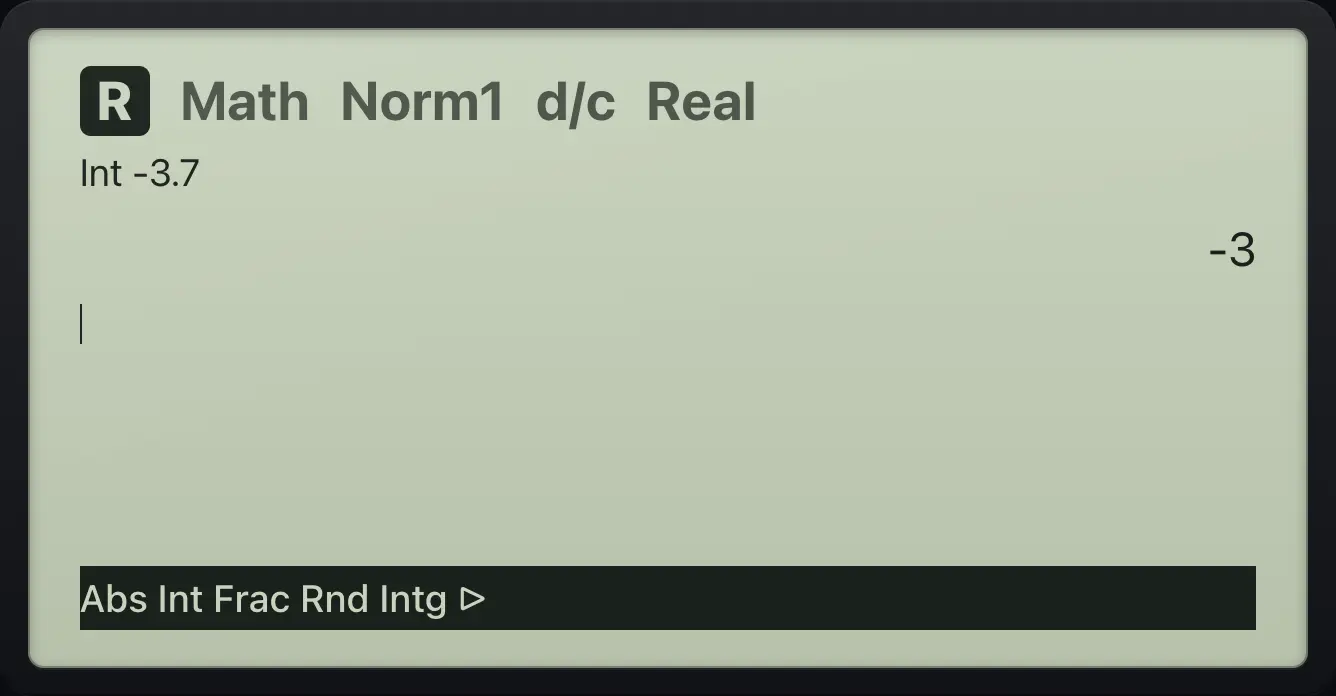
NUMRIC: Int drops the fraction toward zero, Intg gives the greatest whole number not above, Frac the fractional part, Rnd rounds to the Fix or Sci setting.
Int of a negative number
OPTN, next page, NUMRIC, Int, -3.7.
OPTNF6F2F2(−)3.7EXE
-3GCD
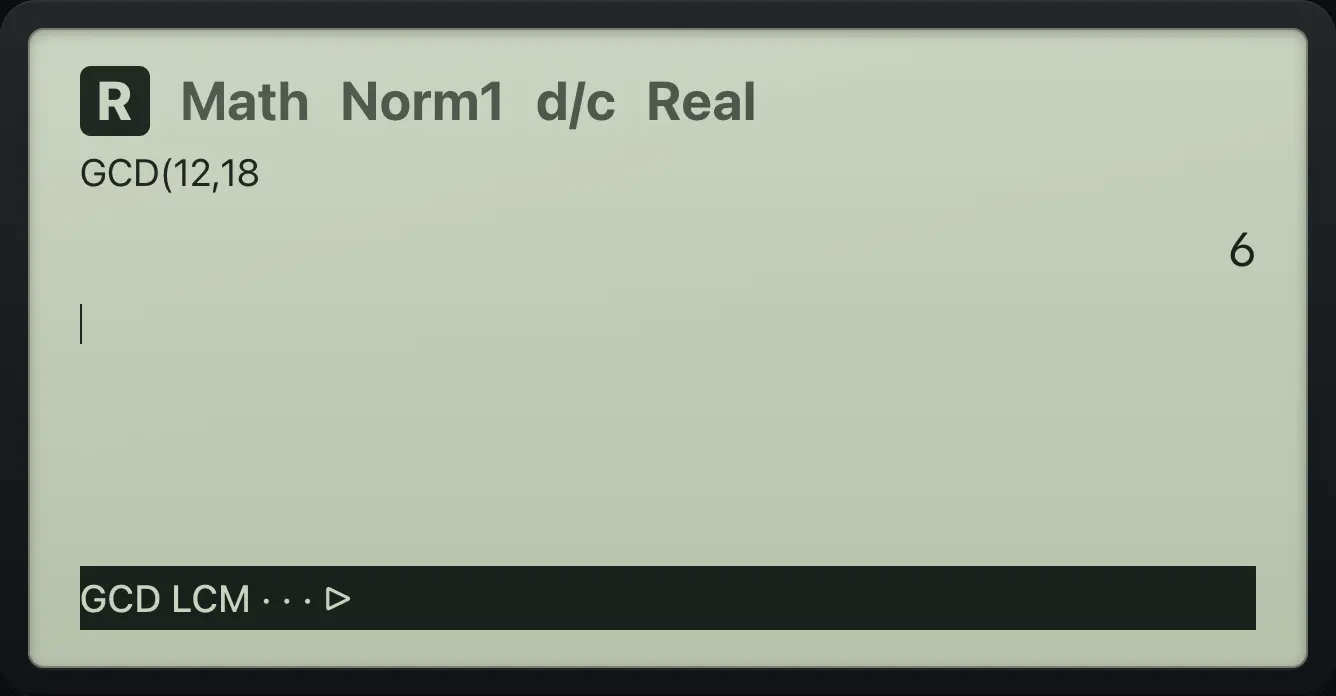
NUMRIC, page 2 for GCD; 12 and 18.
OPTNF6F2F6F112,18EXE
64.6Hyperbolic functions#
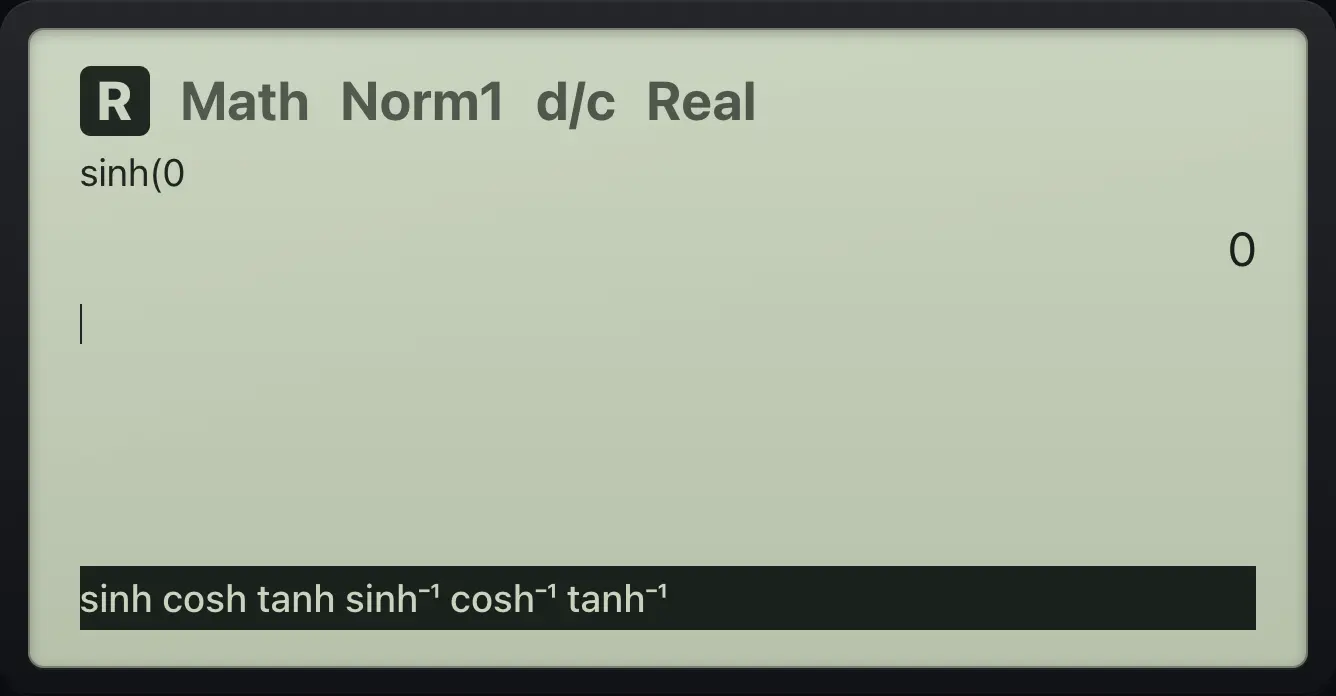
OPTN then HYPRBL (F5) lists sinh, cosh, tanh and their inverses.
sinh 0
OPTN, HYPRBL, sinh, 0.
OPTNF5F10EXE
04.7Lists in a calculation#
Braces make a list: SHIFT{× opens one and SHIFT}÷ closes it. Arithmetic works on every element. The LIST group has Sum, Mean, Med, Min and more.
Multiply a list
{1, 2} × 3.
SHIFT{×1,2SHIFT}÷×3EXE
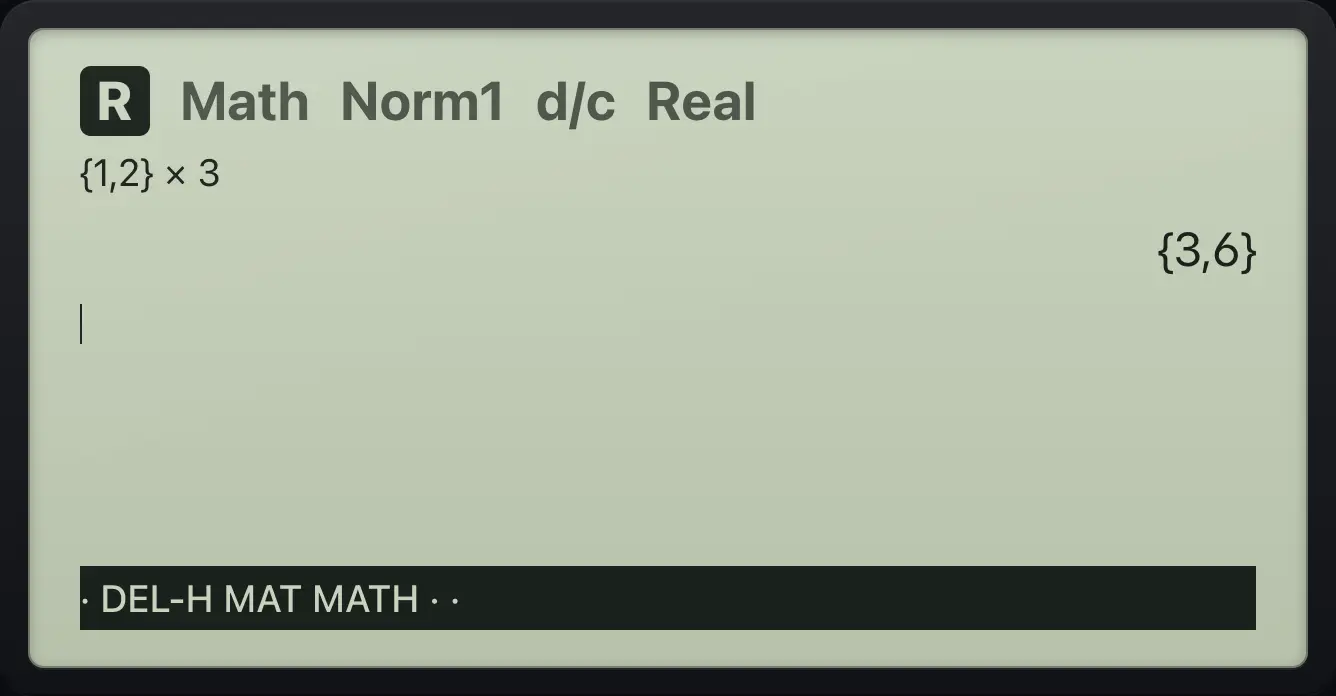
{3,6}Sum of a list
OPTN, LIST, Sum, {1,2,3}.
OPTNF1F3SHIFT{×1,2,3SHIFT}÷EXE
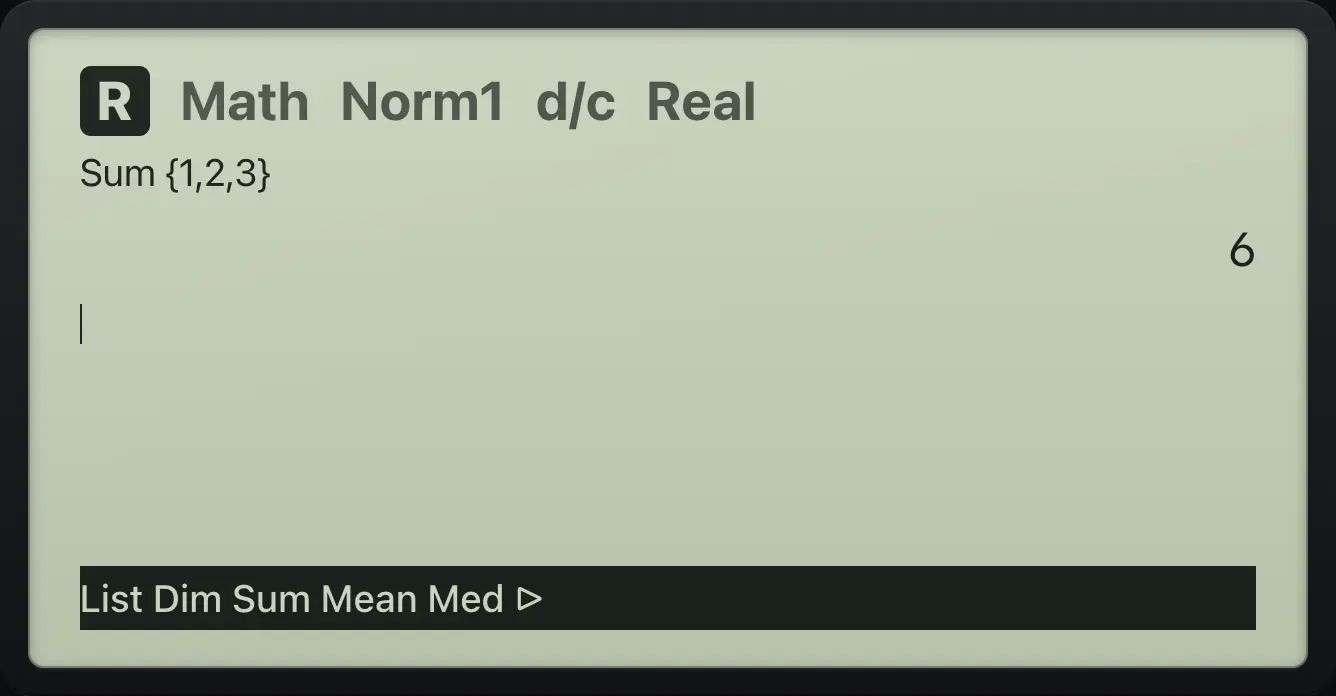
6Mean of a list
OPTN, LIST, Mean, {2,4}.
OPTNF1F4SHIFT{×2,4SHIFT}÷EXE
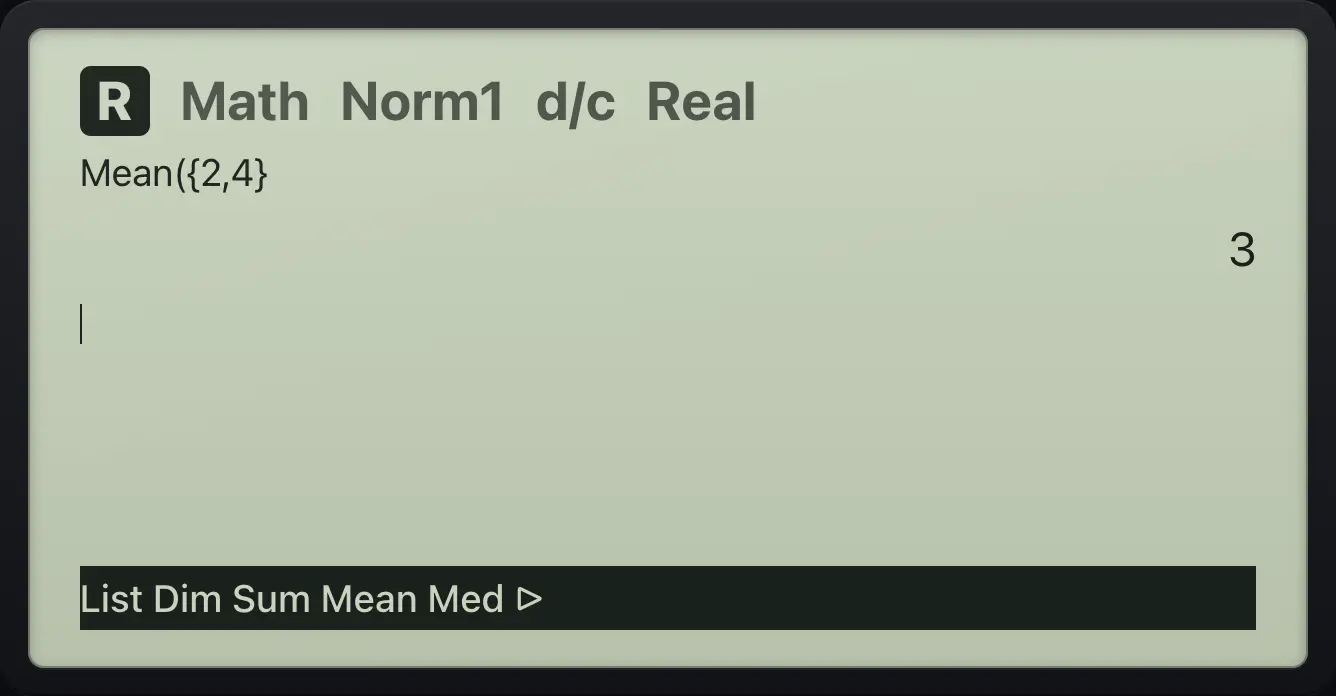
3fx-CG50 is a trademark of Casio Computer Co., Ltd.. Trident Calculator is an independent product by South View Studios and is not affiliated with, sponsored by or endorsed by Casio. The name is used only to describe the kind of calculator this model resembles; Trident's names, keys, display, fonts and software are its own clean-room design.