
Natural Color Graphing manual · Chapter 7 of 18
Matrices
Define matrices A to F in the MAT editor, then calculate with them.
7.1Define a matrix#
Press F3 (MAT) in Run-Matrix. The list shows Mat A to Mat F with their sizes. Move to one and press EXE; enter the number of rows (m) and columns (n), move down to Execute and press EXE, then fill in the grid, pressing EXE after each value. Press EXIT to leave.
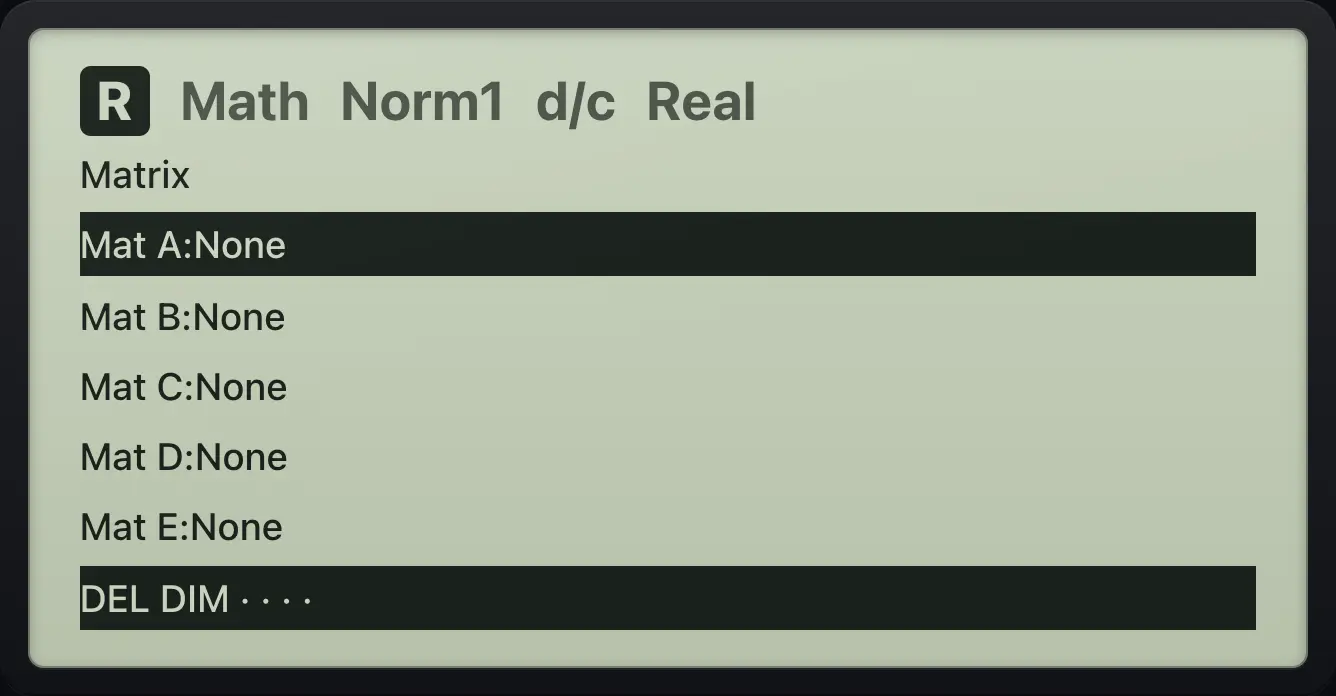
Define a 2×2 matrix
Open MAT and choose Mat A with EXE; accept 2 rows and 2 columns and Execute.
F3EXE▼▼EXE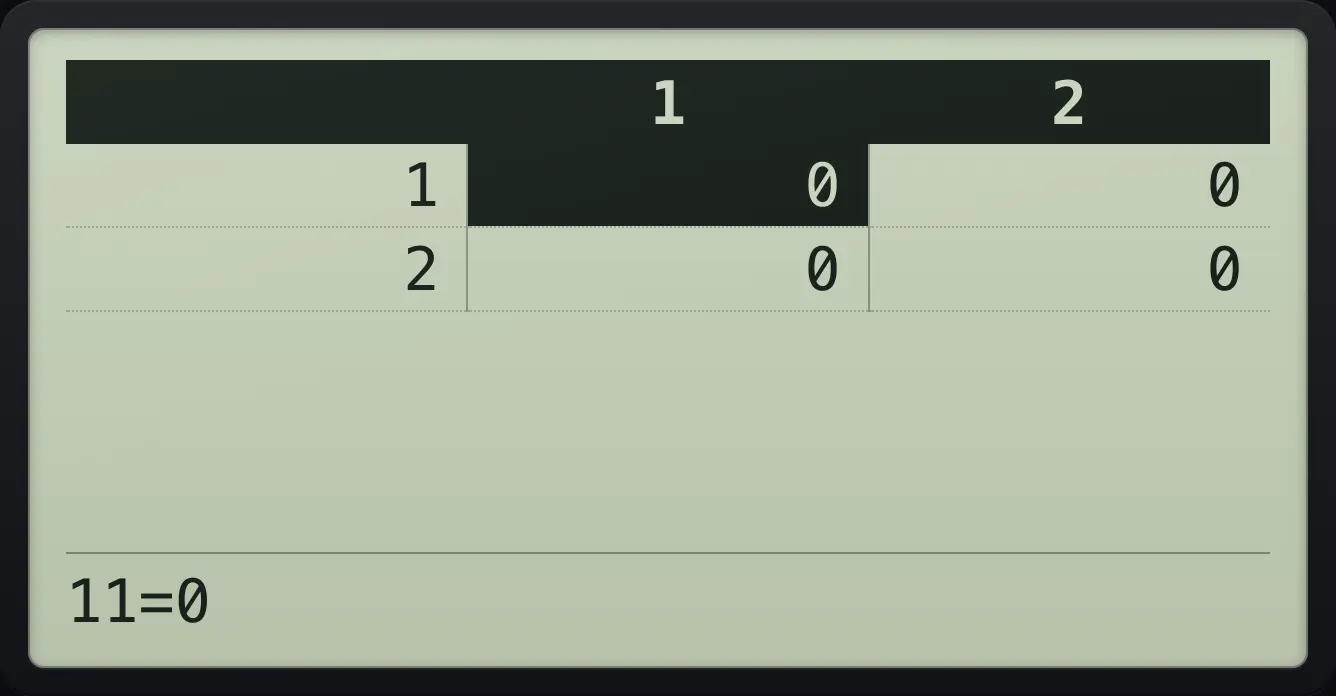
Type 1, 2, 3, 4.
1EXE2EXE3EXE4EXE
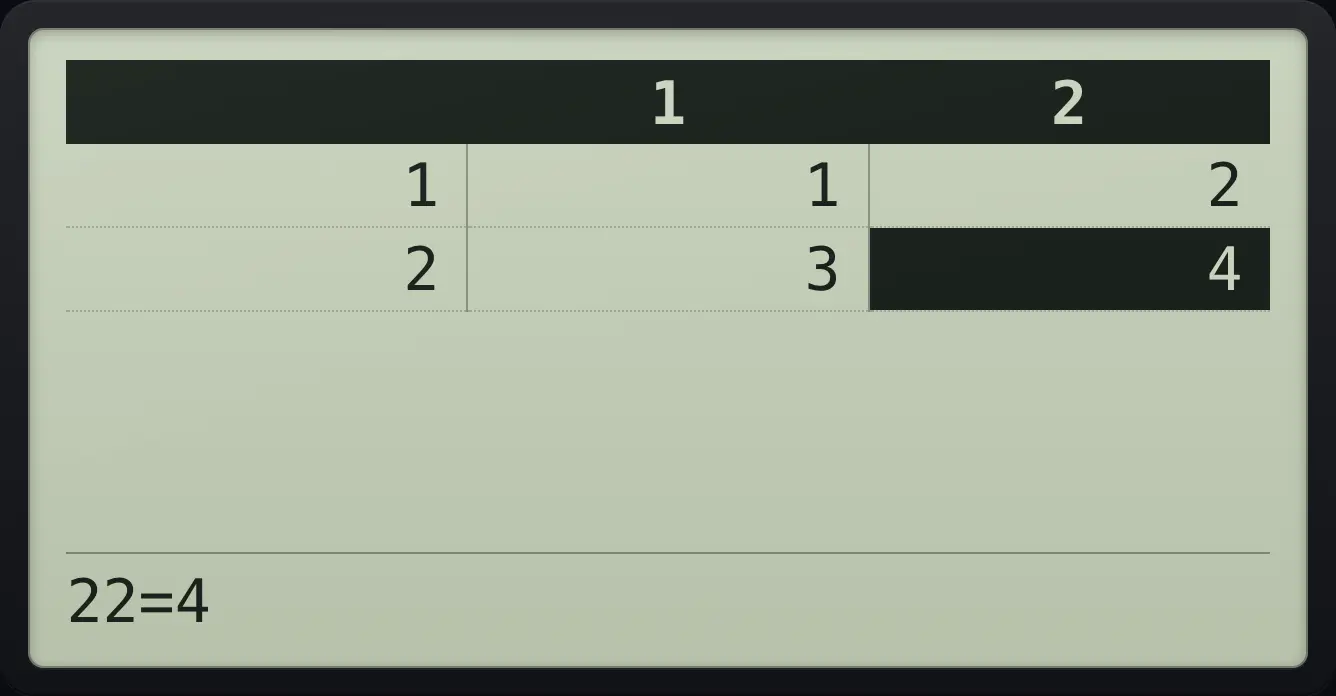
1 47.2Determinant, inverse and arithmetic#
OPTN, MAT lists Mat A to Mat C on the first page and Det, Trn, Iden on it too; the second page (F6) holds Mat D to F, Ref and Rref. Insert a matrix, then calculate as usual.
Determinant
Define Mat A first.
F3EXE▼▼EXE1EXE2EXE3EXE4EXEEXITEXITOPTN, MAT, Det, Mat A, EXE.
OPTNF2F4F1EXE
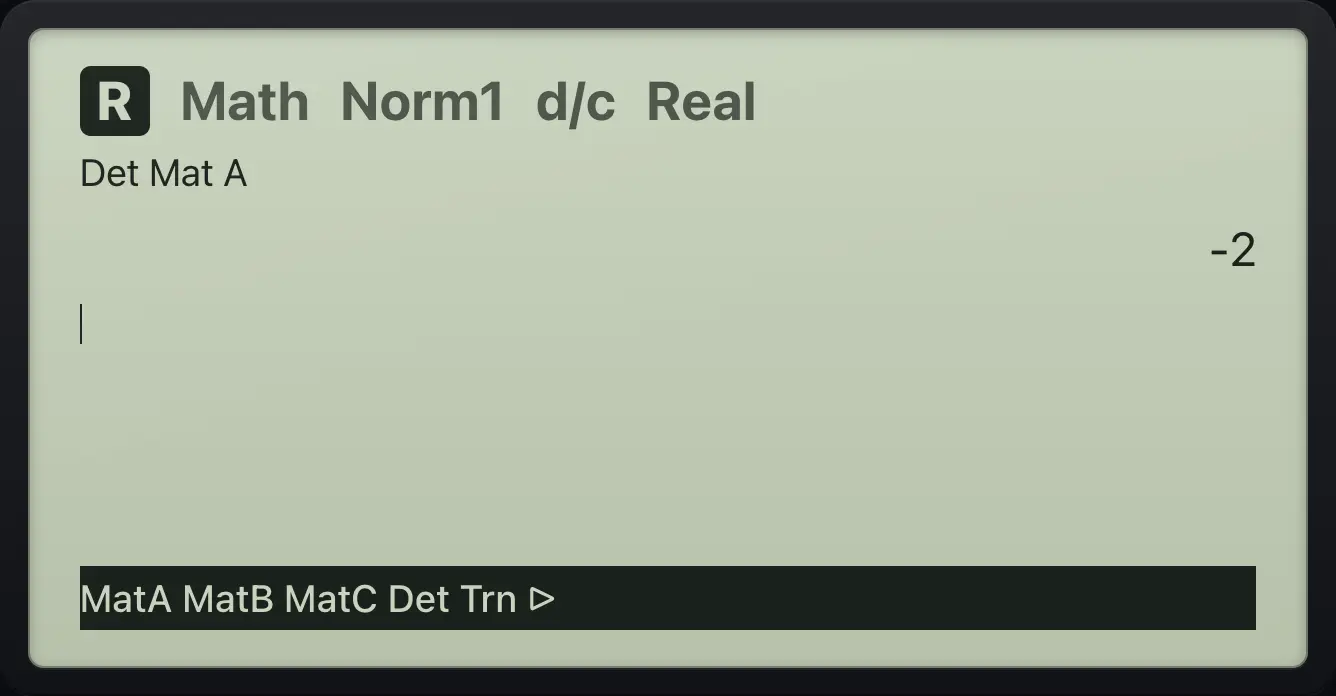
-2Inverse
Define Mat A first.
F3EXE▼▼EXE1EXE2EXE3EXE4EXEEXITEXITOPTN, MAT, Mat A, then SHIFT ).
OPTNF2F1SHIFTx⁻¹)EXE
![Result of the example "Inverse" The display shows: Mat A⁻¹ / [[ -2 1] / [1.5 -0.5]] / MatA MatB MatC Det Trn ▷.](/trident/app/help/manual/img/65150c4ds.webp)
-2 1.5Matrix list shows size
Define Mat A, then open the MAT list.
F3EXE▼▼EXE1EXE2EXE3EXE4EXEEXITEXITF3
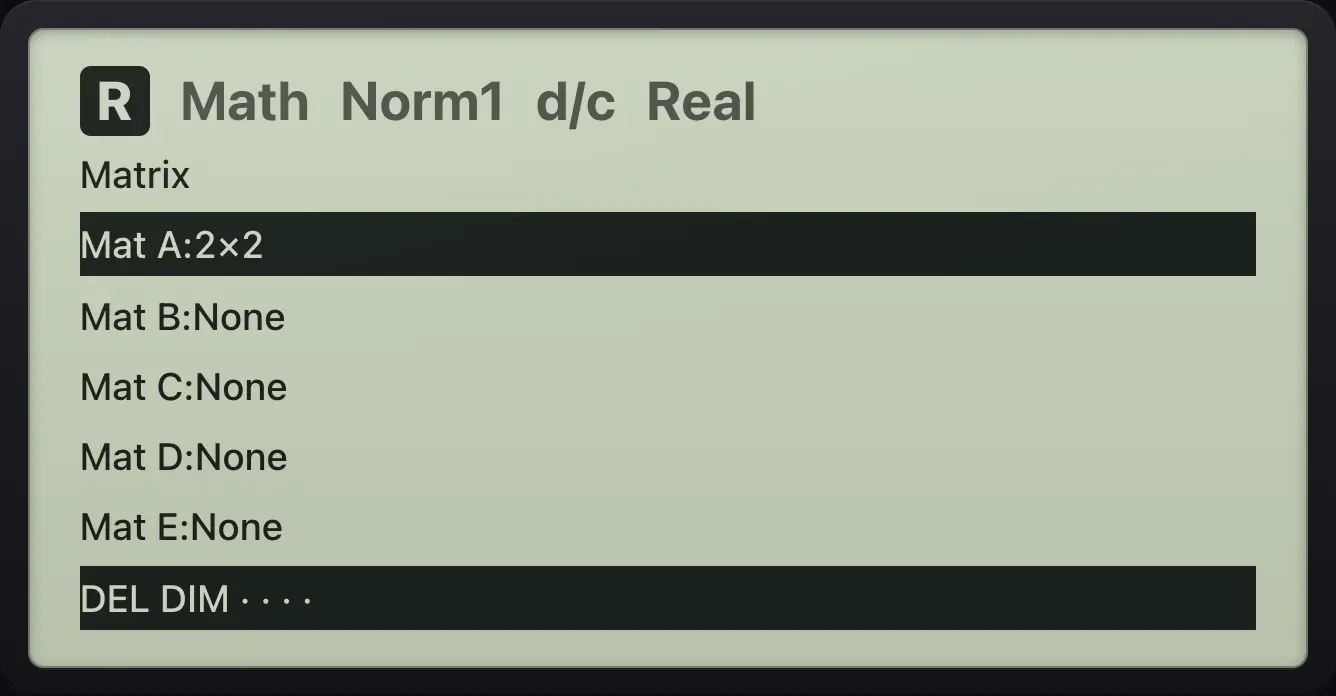
Mat A:2×2fx-CG50 is a trademark of Casio Computer Co., Ltd.. Trident Calculator is an independent product by South View Studios and is not affiliated with, sponsored by or endorsed by Casio. The name is used only to describe the kind of calculator this model resembles; Trident's names, keys, display, fonts and software are its own clean-room design.