
Natural Color Graphing manual · Chapter 8 of 18
Complex numbers
Arithmetic with i, and the CPLX tools.
8.1Calculate with i#
Choose a+bi or r∠θ in SET UP (Complex Mode). Type i with ALPHAi×10ˣ. The CPLX group in OPTN holds Abs, Arg, Conjg, ReP and ImP.
Square of 1 + i
SET UP, Complex Mode a+bi, EXIT.
SHIFTSET UPMENU▼▼▼F2EXIT(1 + i)².
(1+ALPHAi×10ˣ)x²EXE
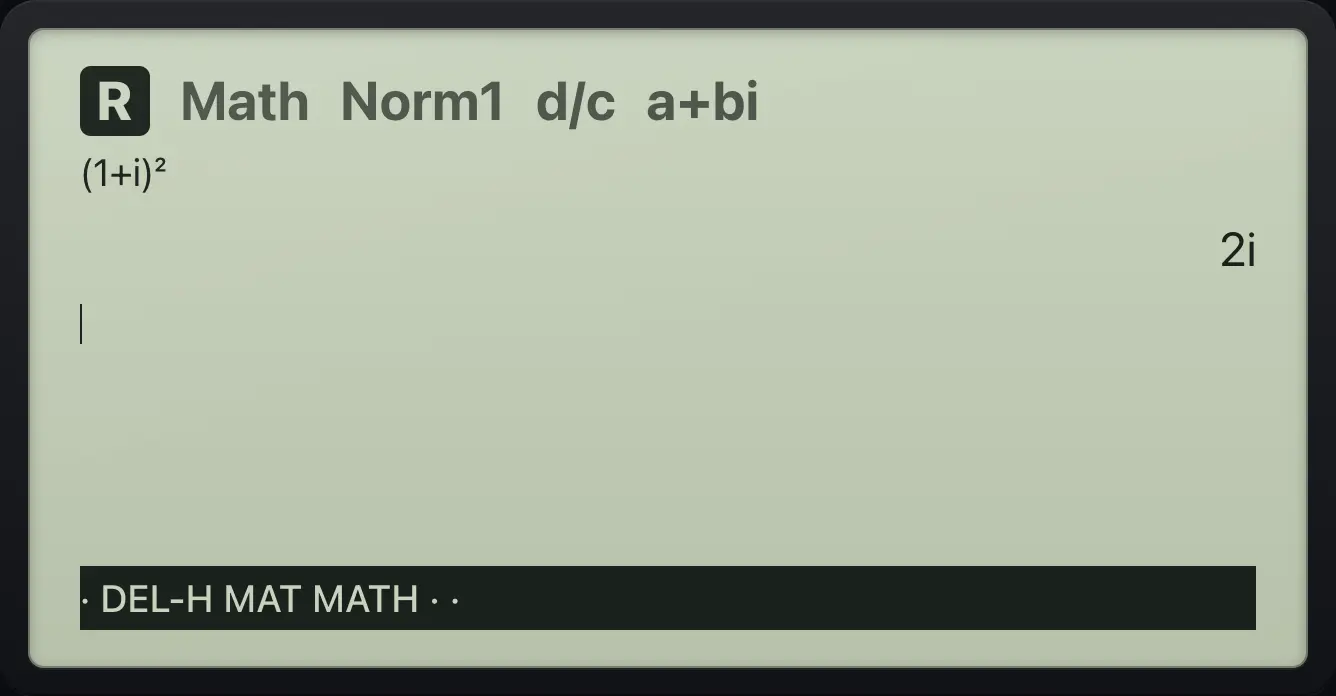
2iRoot of a negative number
With a+bi mode, √-4.
SHIFTSET UPMENU▼▼▼F2EXITSHIFT√x²(−)4EXE
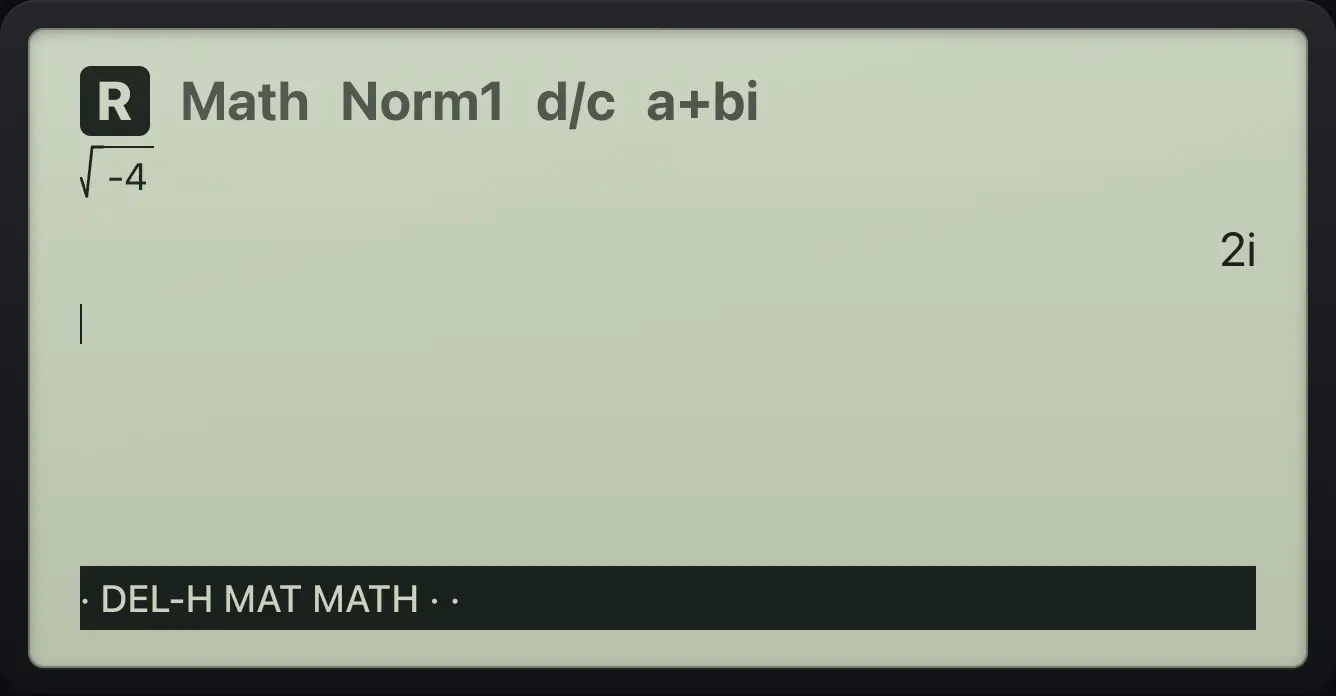
2iReal mode refuses
In Real mode √-4 fails.
SHIFT√x²(−)4EXE
![Result of the example "Real mode refuses" The display shows: Non-Real ERROR / Press:[EXIT].](/trident/app/help/manual/img/e57103c0s.webp)
Non-Real ERROR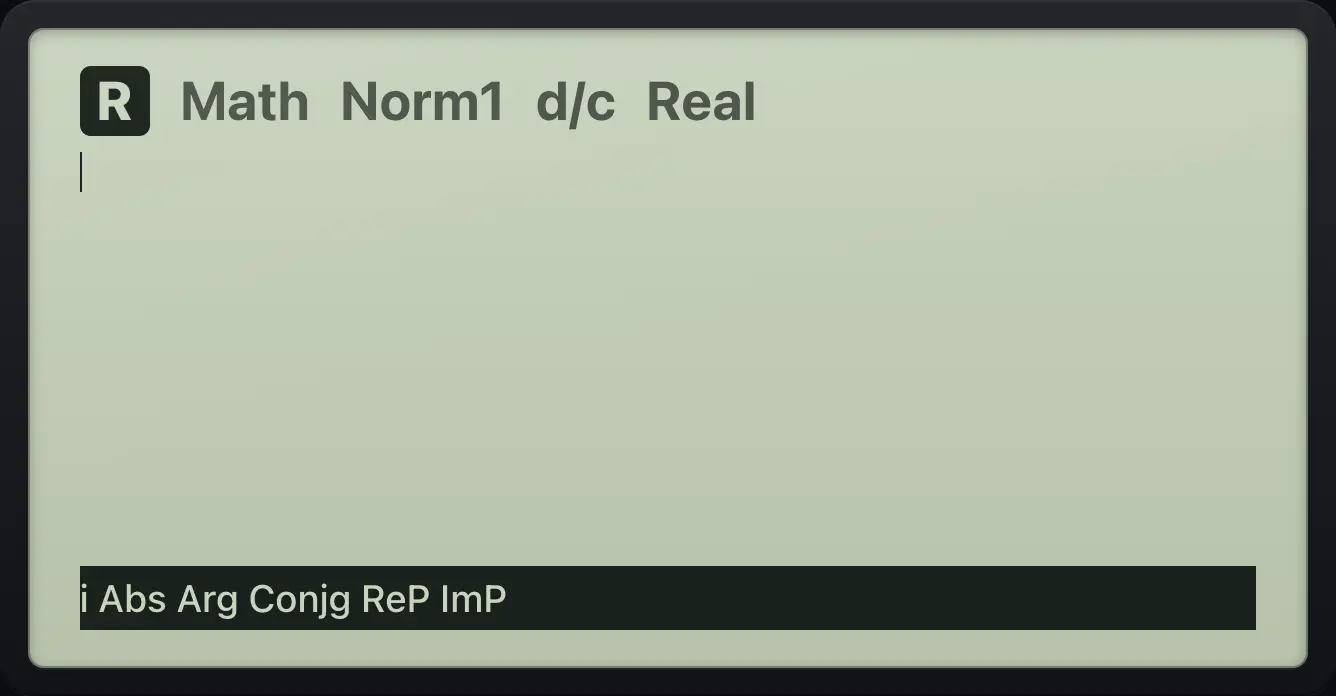
fx-CG50 is a trademark of Casio Computer Co., Ltd.. Trident Calculator is an independent product by South View Studios and is not affiliated with, sponsored by or endorsed by Casio. The name is used only to describe the kind of calculator this model resembles; Trident's names, keys, display, fonts and software are its own clean-room design.