
Natural Color Graphing manual · Chapter 5 of 18
SET UP and modes
Input/Output, fractions, angle unit, complex mode, graph options and the display format.
5.1Open SET UP and change a setting#
Press SHIFTSET UPMENU. Move to a line with ▲ and ▼; the F keys at the bottom then show the choices for that line. Press the matching F key, and EXIT when you are done.
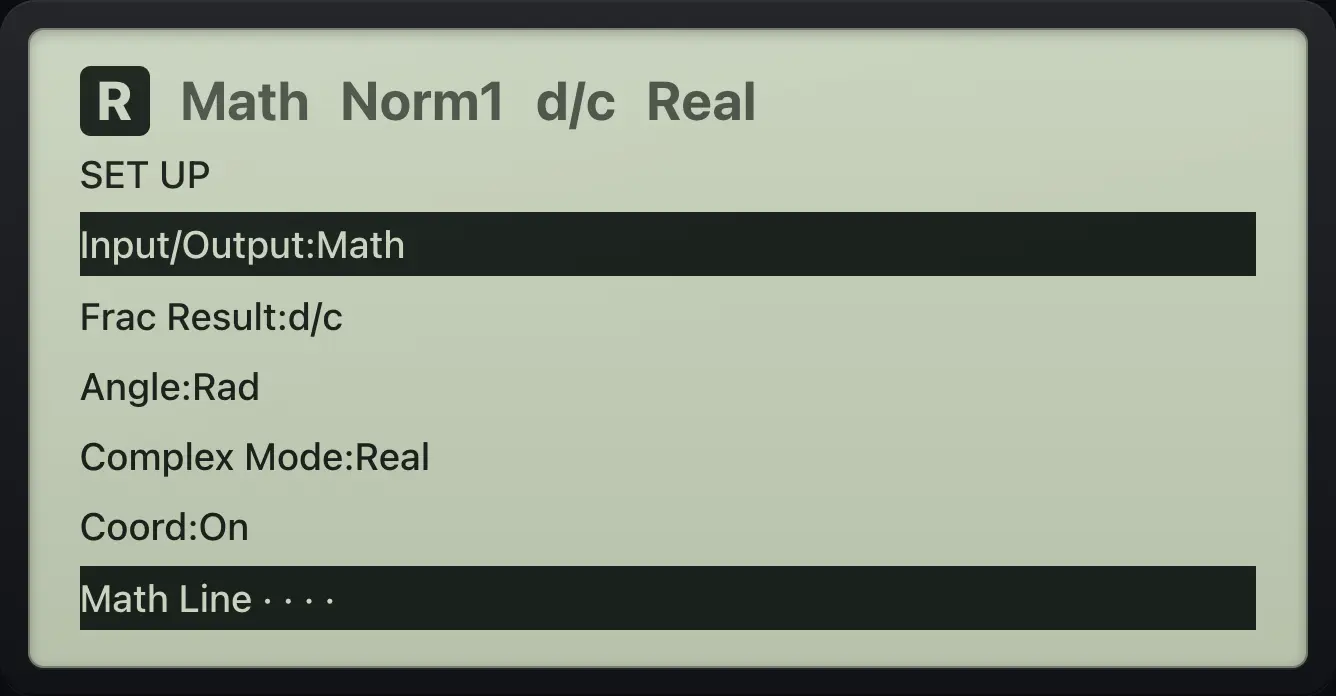
| Line | Choices (default first on the left) | F keys |
|---|---|---|
| Input/Output | Math, Line | F1 F2 |
| Frac Result | d/c, ab/c | F1 F2 |
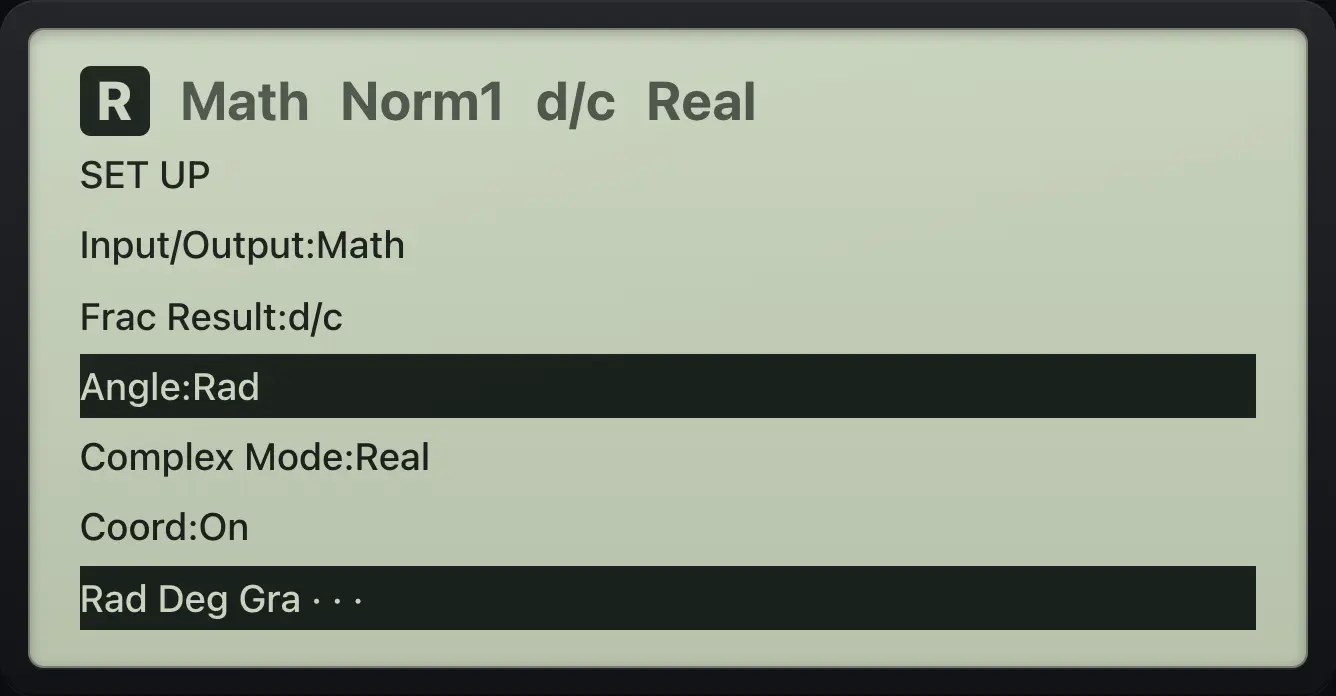
| Angle | Rad, Deg, Gra | F1 F2 F3 |
| Complex Mode | Real, a+bi, r∠θ | F1 F2 F3 |
| Coord | On, Off | F1 F2 |
| Grid | Off, On, Line | F1 F2 F3 |
| Axes | On, Off | F1 F2 |
| Display | Norm1, Norm2, Fix, Sci | F1 to F4 |
| Digits | 0 to 9 (used by Fix and Sci) | number keys |
5.2Math or Line input#
Math input uses templates and exact answers. Line input types everything on one line with brackets and shows decimal answers, but fractions you typed remain fractions.
Line mode
SET UP, Input/Output, F2 (Line), EXIT. Then 1 ÷ 3.
SHIFTSET UPMENUF2EXIT1÷3EXE
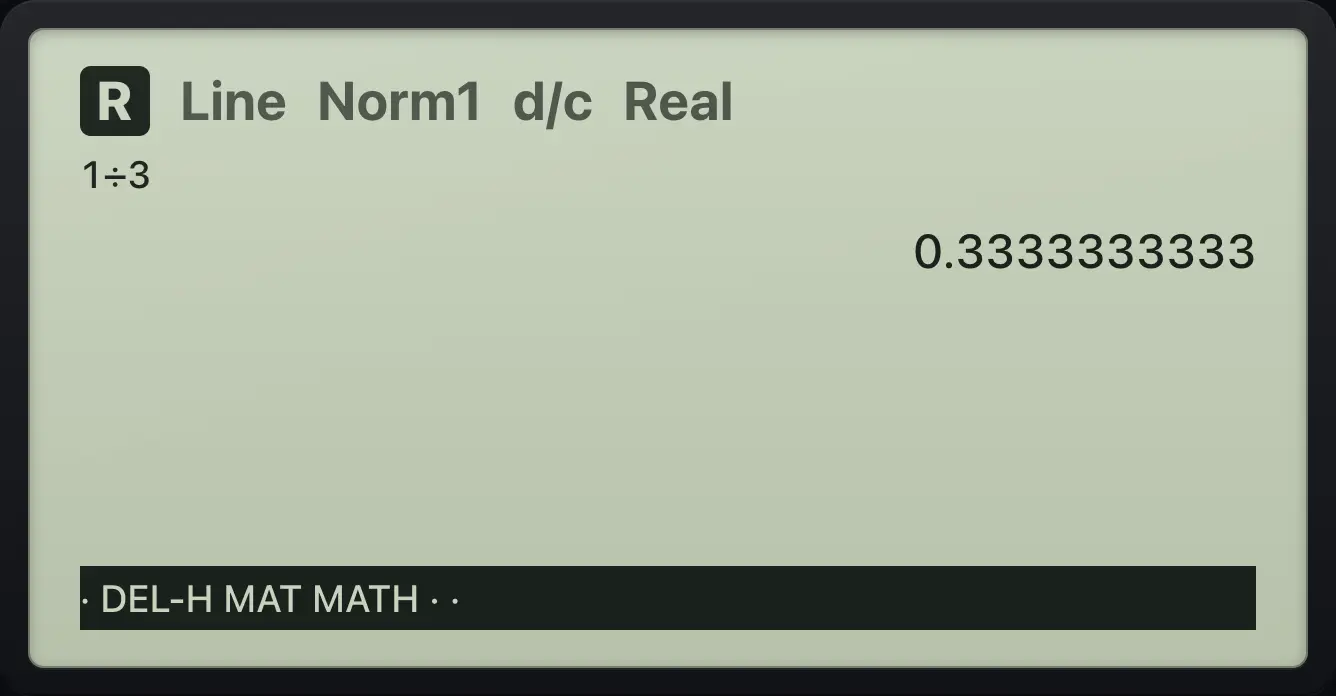
0.33333333335.3Degrees, radians and gradians#
The default angle unit is Rad. Move down two lines to Angle and press F2 for Deg. The status line shows the unit.
Switch to degrees
SET UP, down, down, F2, EXIT. Then sin 30.
SHIFTSET UPMENU▼▼F2EXITsin30EXE
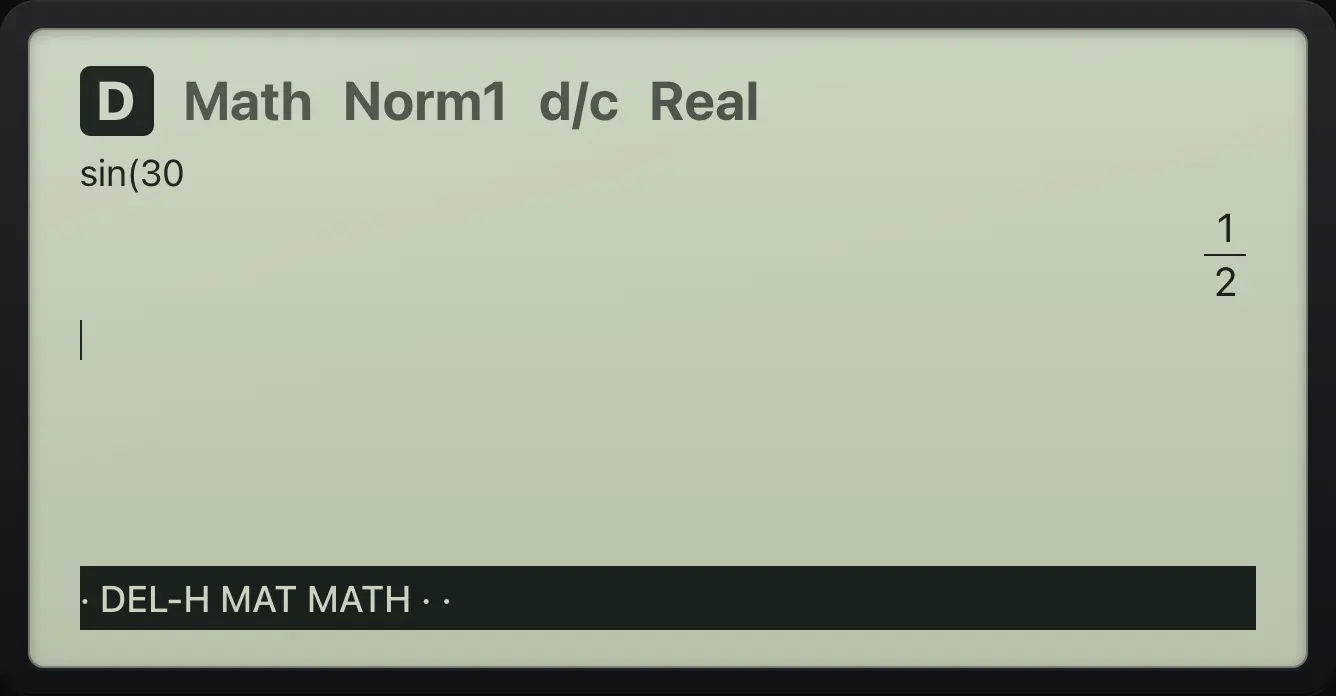
1/25.4Mixed or improper fractions#
Mixed fractions
SET UP, down, F2 (ab/c), EXIT. Then 7/2.
SHIFTSET UPMENU▼F2EXIT7/2EXE
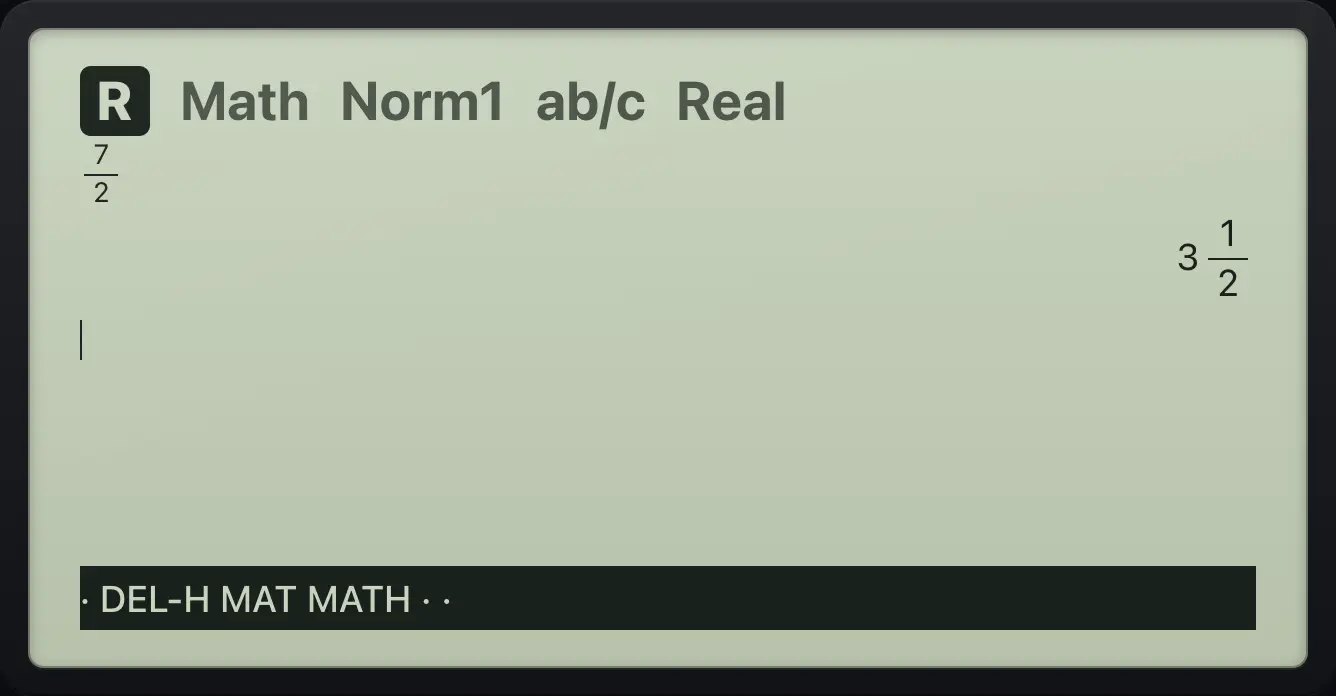
3⌟1/25.5Complex mode#
In Real mode a square root of a negative number gives Non-Real ERROR. Choose a+bi or r∠θ to work with complex numbers. See the Complex numbers chapter.
a+bi mode
SET UP, down three lines, F2 (a+bi), EXIT. Then (1 + i)².
SHIFTSET UPMENU▼▼▼F2EXIT(1+ALPHAi×10ˣ)x²EXE
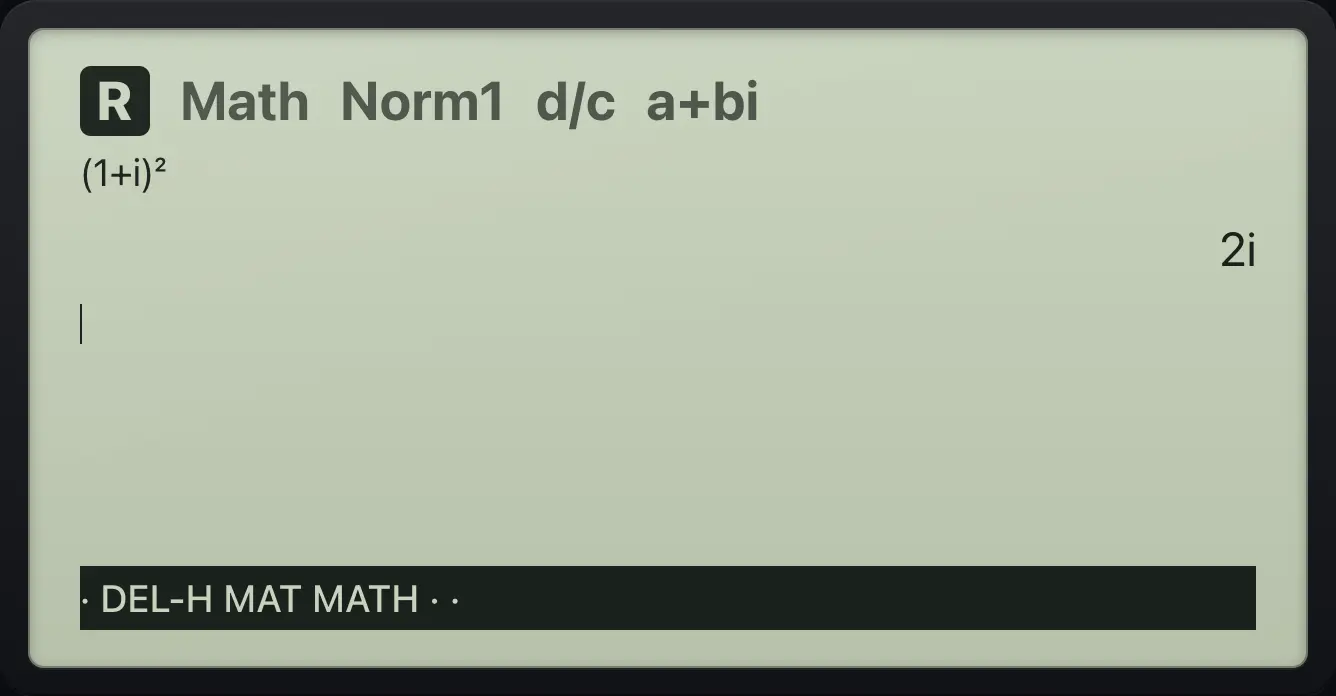
2i5.6Fix, Sci and Norm#
Fix rounds decimals to the Digits setting. Sci shows that many significant digits in scientific notation. Norm 1 and Norm 2 switch to scientific notation for very small or very large numbers (Norm 1 sooner).
Fix 2
SET UP, move to Display (seven lines down), F3 (Fix), EXIT. Then 1 ÷ 3 and S⇔D.
SHIFTSET UPMENU▼▼▼▼▼▼▼F3EXIT1÷3EXES⇔D
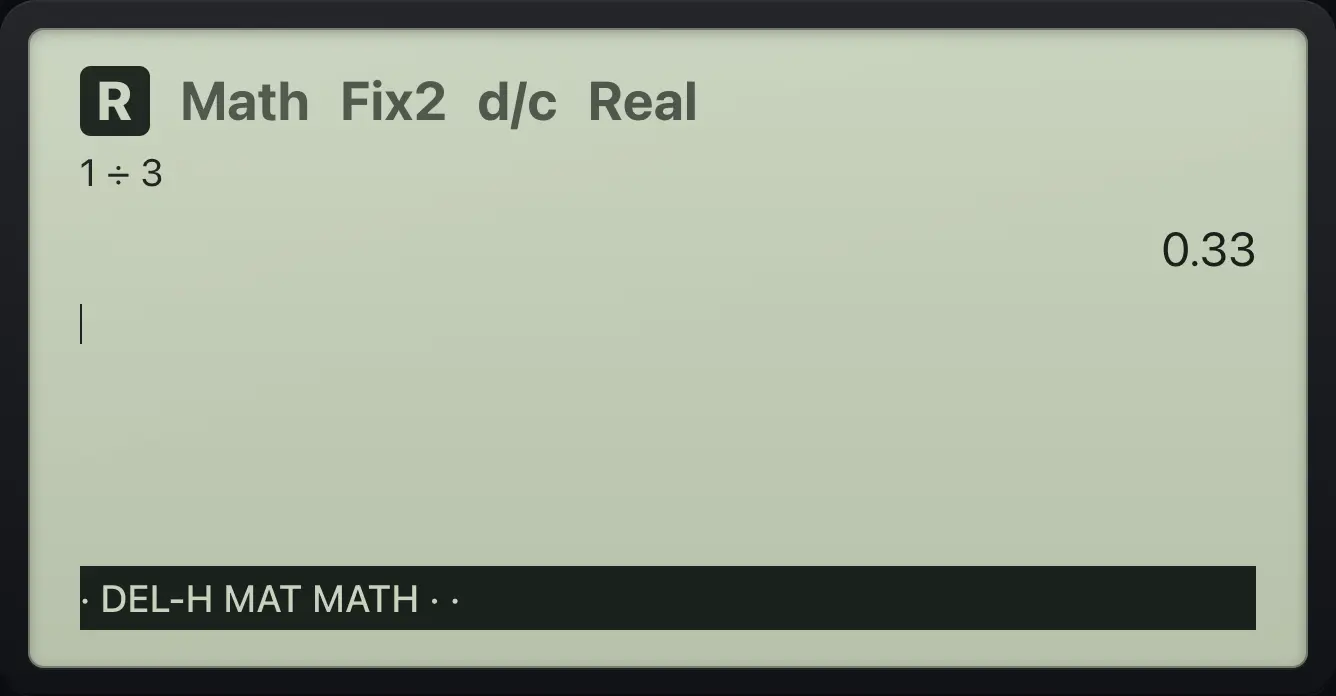
0.335.7Coord, Grid and Axes#
Coord shows the coordinate readout in the graph. Grid draws dots or lines at the scale marks. Axes turns the axes on or off. They are used by the Graph app.
Grid on, axes off
SET UP, down to Grid (five lines), F2 (On), down, F2 (Off axes), EXIT. Then draw y = x.
MENU3SHIFTSET UPMENU▼▼▼▼▼F2▼F2EXITX,θ,TEXEF6
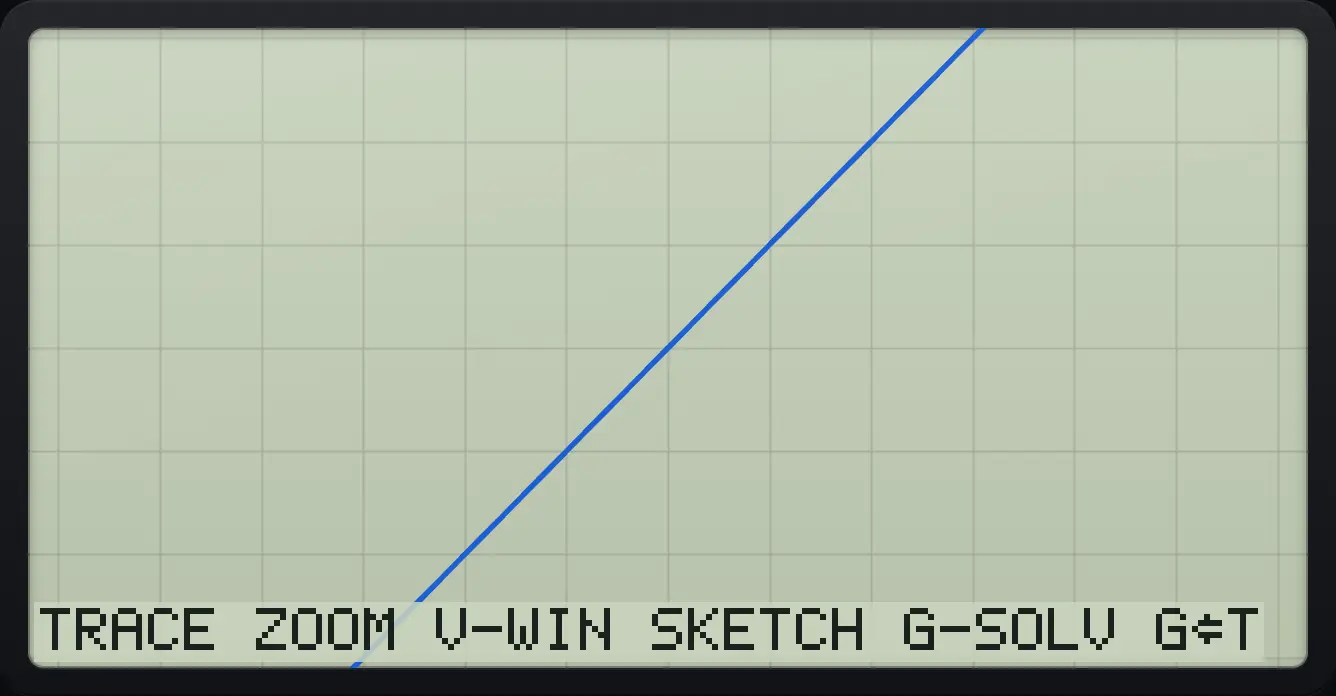
TRACEfx-CG50 is a trademark of Casio Computer Co., Ltd.. Trident Calculator is an independent product by South View Studios and is not affiliated with, sponsored by or endorsed by Casio. The name is used only to describe the kind of calculator this model resembles; Trident's names, keys, display, fonts and software are its own clean-room design.