Trident Help

RPN Power 48 manual · Chapter 10 of 19

Complex numbers

Build, split and calculate with complex numbers in rectangular or polar form.

10.1Make a complex number#

A complex number is shown as (re,im). Type it directly with right shift 8 and 9, or push two reals and press left shift 1 (R→C). Right shift 1 (C→R) splits it again. Left shift 2 types the imaginary unit i.

Example 10.1

Make 3 + 4i from two reals

  1. Type 3, ENTER, 4 and press left shift 1.

    3ENTER4◀R→C1
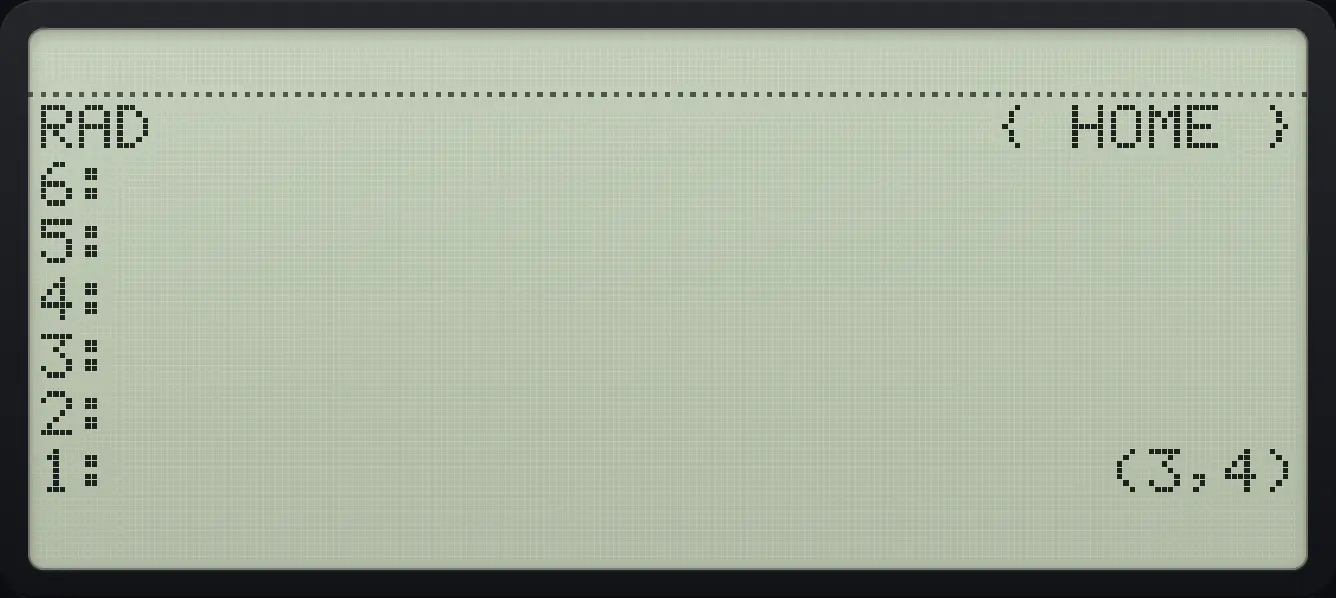
Result of the example "Make 3 + 4i from two reals" The display shows: RAD                      { HOME } / 6: / 5: / 4: / 3: / 2: / 1:                          (3,4).
You should see1: (3,4)
Example 10.2

Type a complex number directly

  1. Right shift 8 gives parentheses, right shift 9 a comma.

    ▶( )81▶,92ENTER
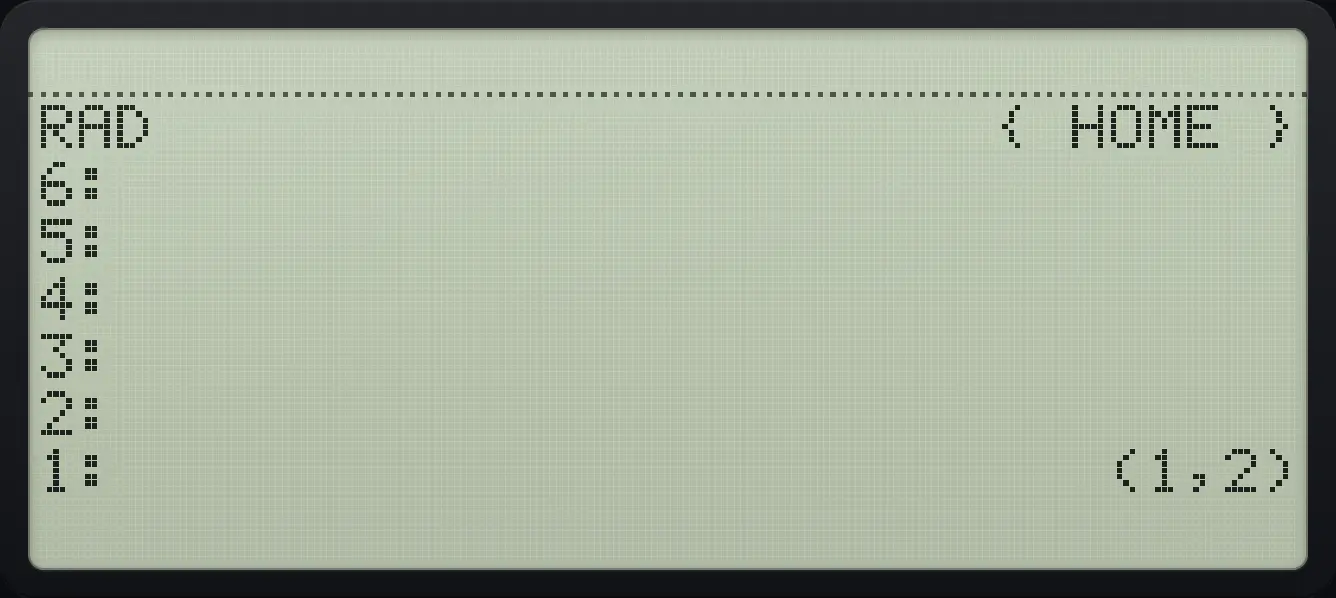
Result of the example "Type a complex number directly" The display shows: RAD                      { HOME } / 6: / 5: / 4: / 3: / 2: / 1:                          (1,2).
You should see1: (1,2)
Example 10.3

Split a complex number

  1. Press right shift 1 (C→R).

    3ENTER4◀R→C1▶C→R1
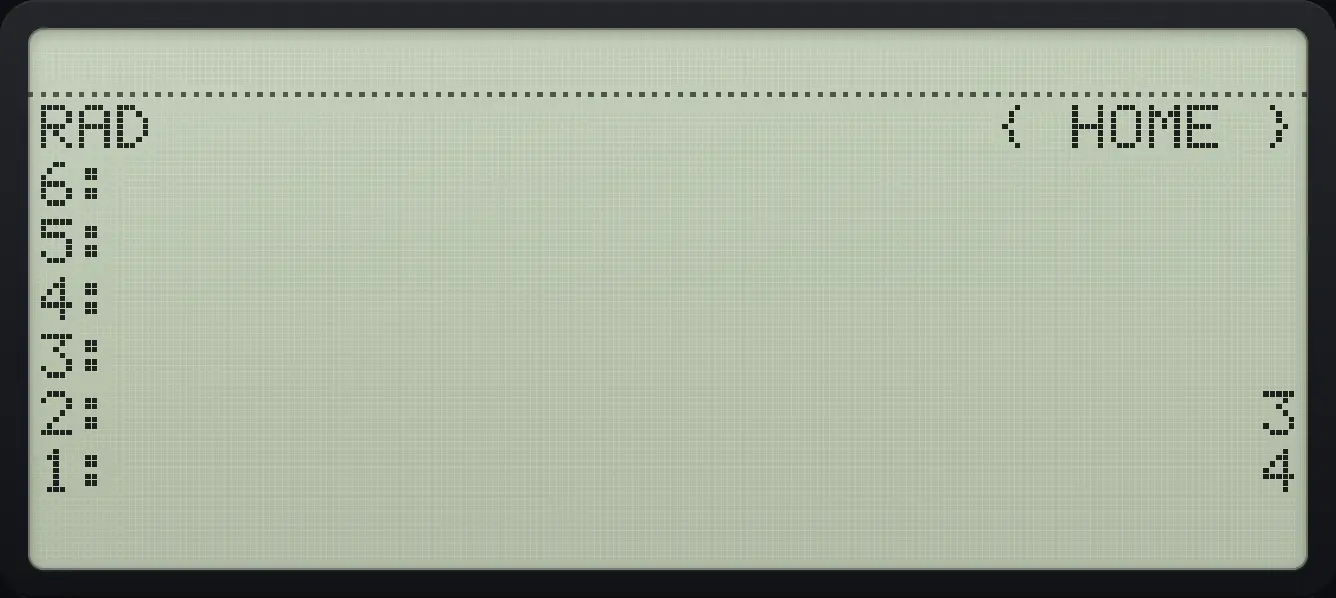
Result of the example "Split a complex number" The display shows: RAD                      { HOME } / 6: / 5: / 4: / 3: / 2:                              3 / 1:                              4.
You should see2: 3 1: 4
Example 10.4

Use the imaginary unit

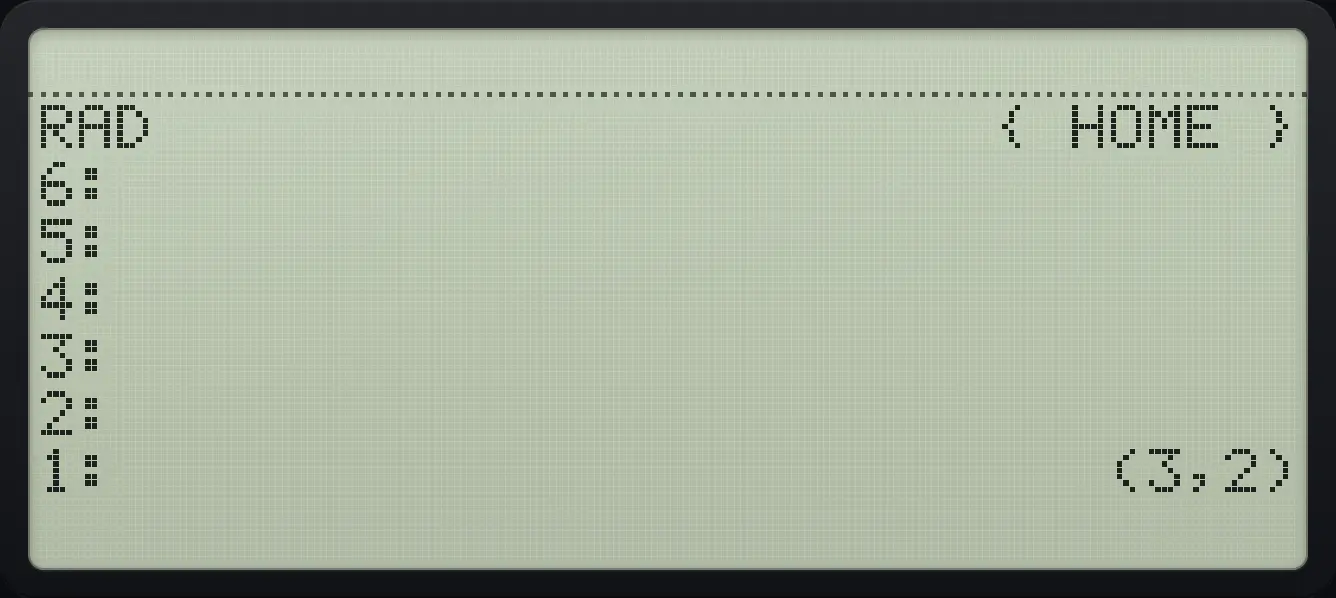
  1. 2 times i plus 3.

    2◀i2×3+
Result of the example "Use the imaginary unit" The display shows: RAD                      { HOME } / 6: / 5: / 4: / 3: / 2: / 1:                          (3,2).
You should see1: (3,2)

10.2Add, multiply and divide complex numbers#

(1+2i)(3+4i)=−5+10i(1+2i)(3+4i)=-5+10i
Example 10.5

Multiply (1+2i) by (3+4i)

  1. Make each number, then multiply.

    1ENTER2◀R→C13ENTER4◀R→C1×
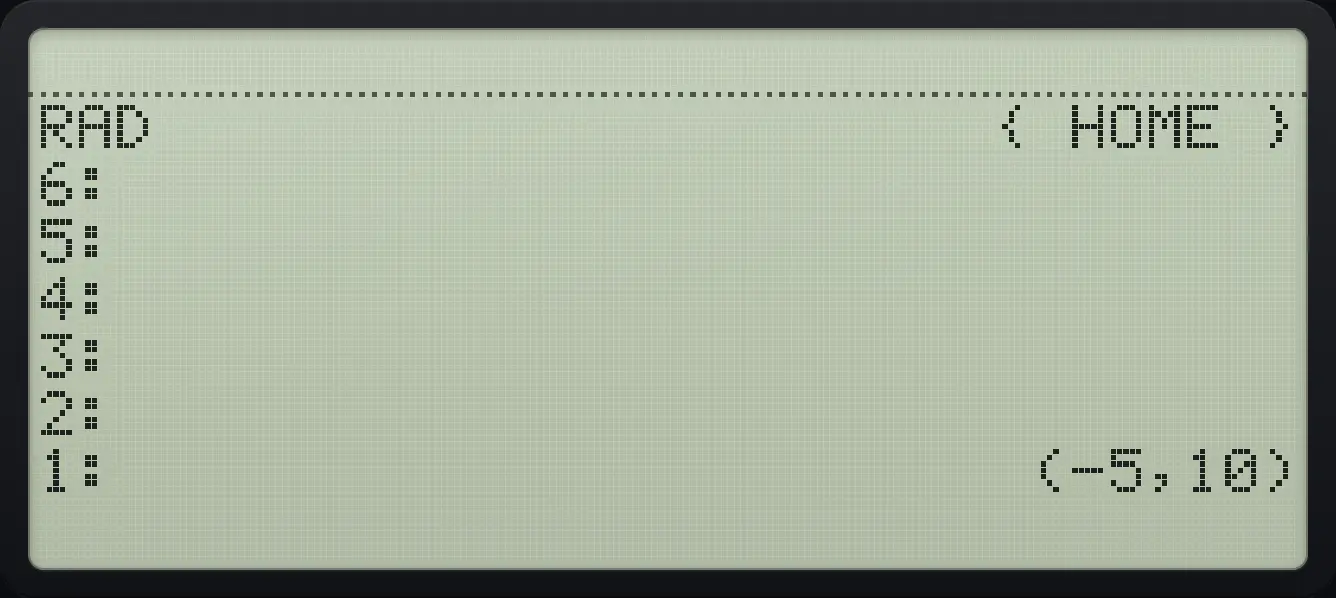
Result of the example "Multiply (1+2i) by (3+4i)" The display shows: RAD                      { HOME } / 6: / 5: / 4: / 3: / 2: / 1:                        (-5,10).
You should see(-5,10)
Example 10.6

Divide (1+2i) by (3+4i)

  1. Make each number, then divide.

    1ENTER2◀R→C13ENTER4◀R→C1÷
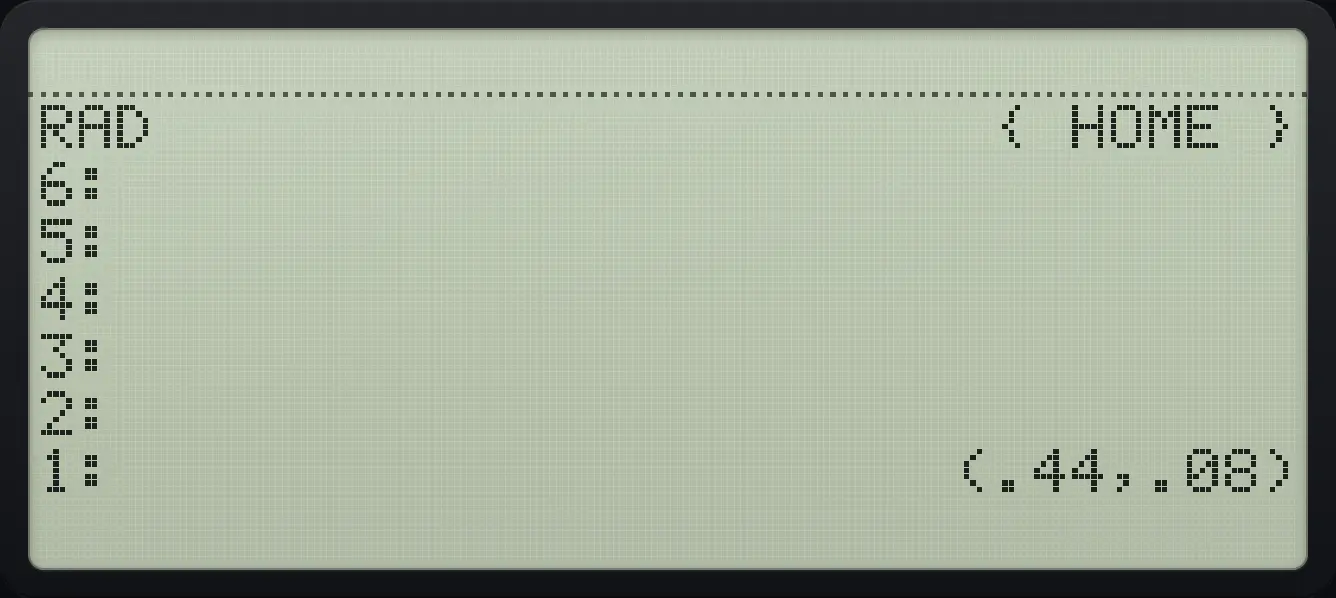
Result of the example "Divide (1+2i) by (3+4i)" The display shows: RAD                      { HOME } / 6: / 5: / 4: / 3: / 2: / 1:                      (.44,.08).
You should see(.44,.08)
Example 10.7

The square of i

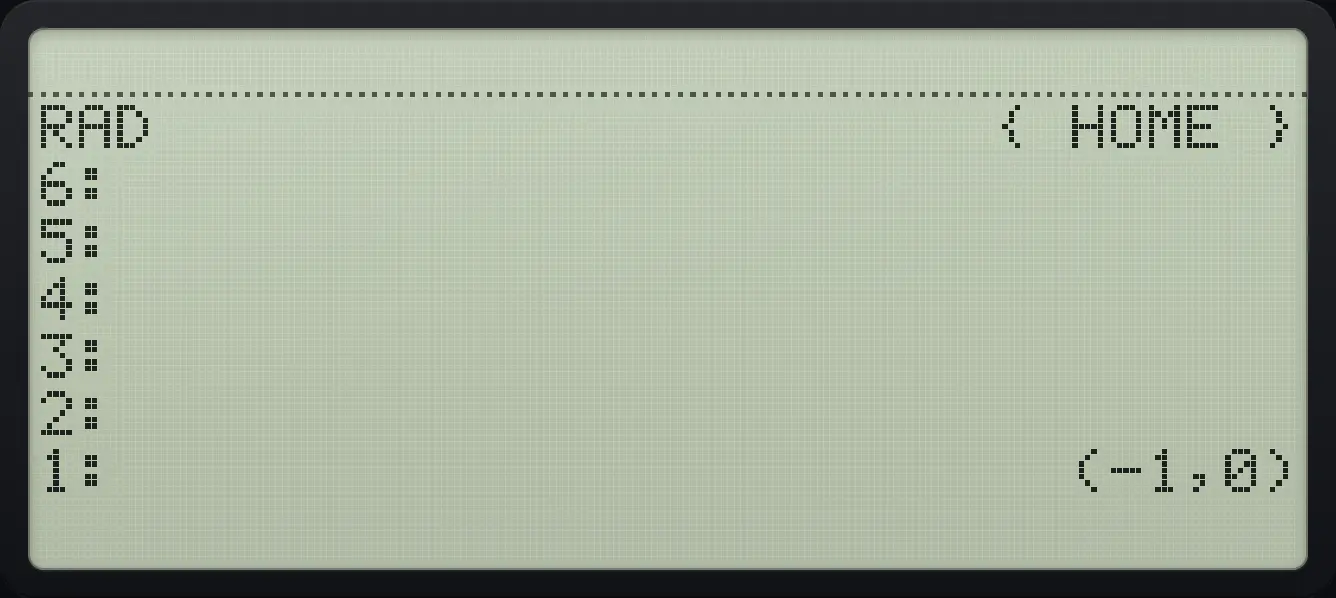
  1. i times i is −1.

    ◀i2◀i2×
Result of the example "The square of i" The display shows: RAD                      { HOME } / 6: / 5: / 4: / 3: / 2: / 1:                         (-1,0).
You should see(-1,0)
Example 10.8

Square root of a negative number

  1. A negative real has a complex square root.

    4+/−√x
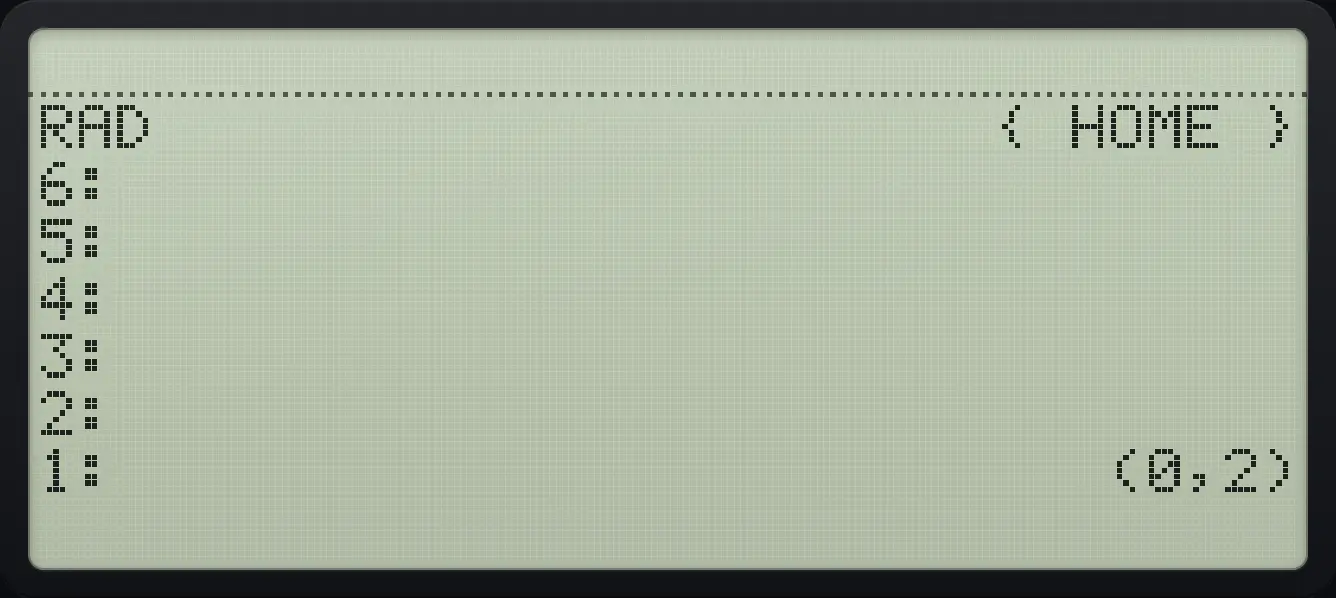
Result of the example "Square root of a negative number" The display shows: RAD                      { HOME } / 6: / 5: / 4: / 3: / 2: / 1:                          (0,2).
You should see(0,2)
Example 10.9

Euler: e to the power i

ei=cos⁡1+isin⁡1e^{i}=\cos1+i\sin1
  1. Put i on the stack and press EXP (left shift power).

    ◀i2◀eˣyˣ
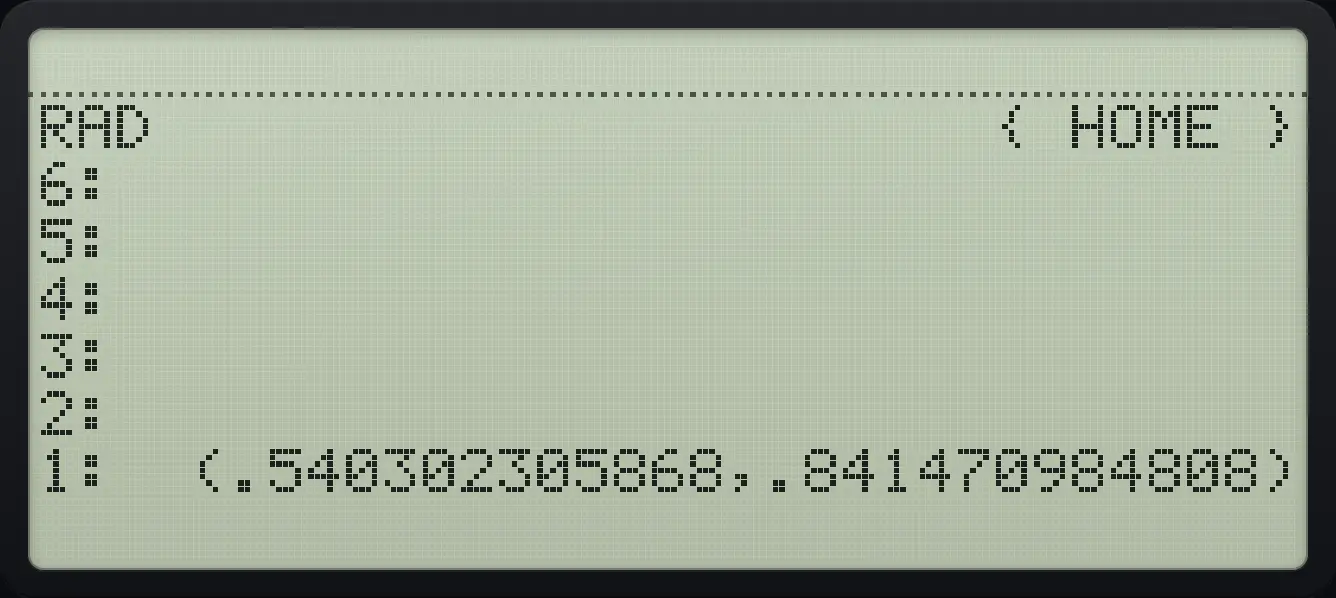
Result of the example "Euler: e to the power i" The display shows: RAD                      { HOME } / 6: / 5: / 4: / 3: / 2: / 1:  (.540302305868,.841470984808).
You should see(.540302305868,.841470984808)

10.3The CPLX menu#

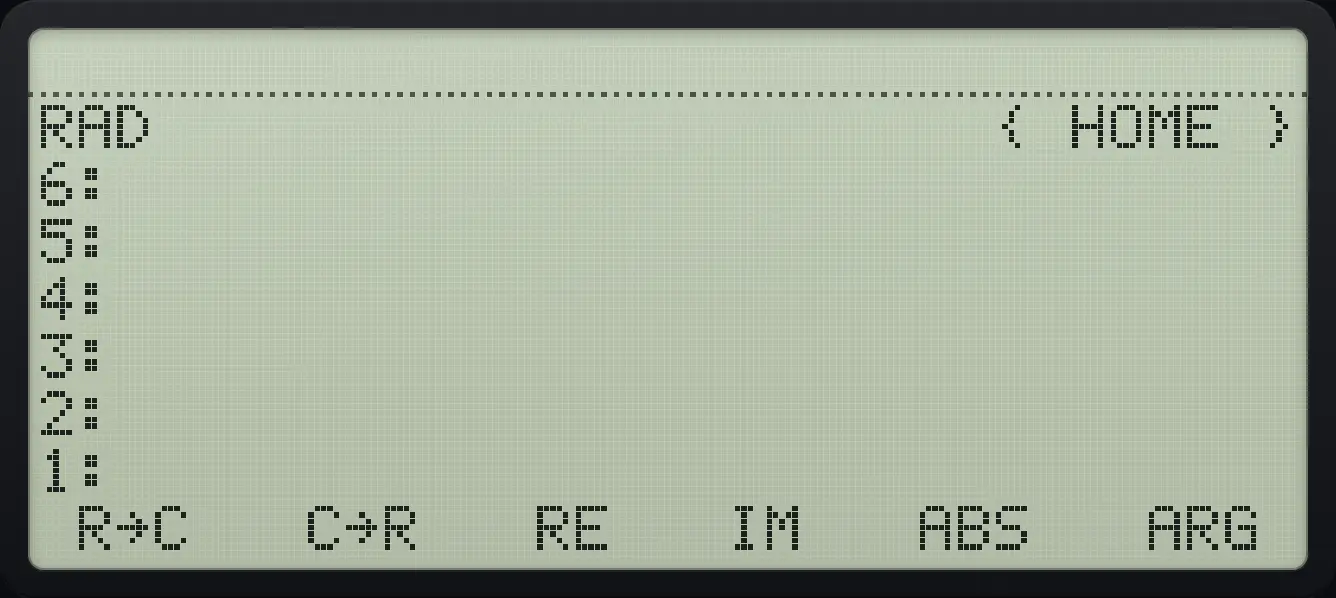
CPLX page 1: R→C, C→R, RE, IM, ABS, ARG. The display shows: RAD                      { HOME } / 6: / 5: / 4: / 3: / 2: / 1: /  R→C   C→R   RE   IM   ABS   ARG .
CPLX page 1: R→C, C→R, RE, IM, ABS, ARG.
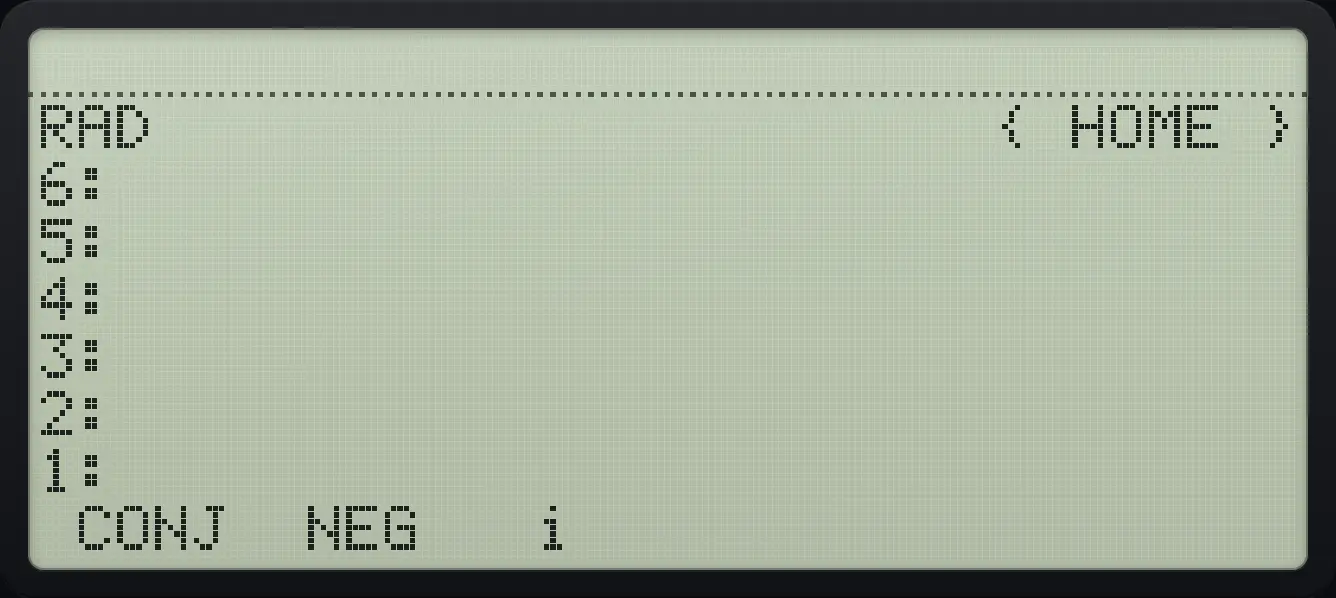
CPLX page 2: CONJ, NEG, i. The display shows: RAD                      { HOME } / 6: / 5: / 4: / 3: / 2: / 1: /  CONJ  NEG   i                   .
CPLX page 2: CONJ, NEG, i.
CommandWhat it does
R→C, C→RBuild or split.
RE, IMThe real part or imaginary part.
ABSThe magnitude.
ARGThe angle, in the current angle unit.
CONJThe complex conjugate.
NEGChange the sign.
iPush the imaginary unit.
∣z∣=x2+y2,arg⁡z=tan⁡−1yx|z|=\sqrt{x^{2}+y^{2}},\qquad \arg z=\tan^{-1}\frac{y}{x}
Example 10.10

Real part

  1. Make 3 + 4i and press RE (third key).

    3ENTER4◀R→C1▶CPLXAPPSF3
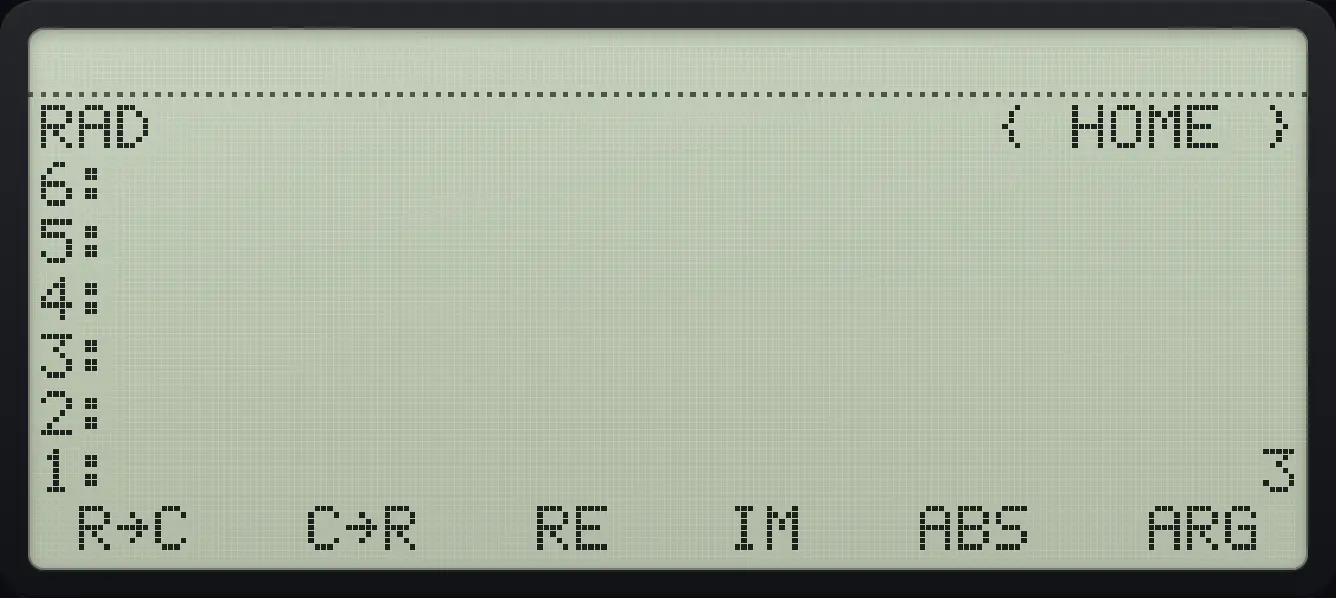
Result of the example "Real part" The display shows: RAD                      { HOME } / 6: / 5: / 4: / 3: / 2: / 1:                              3 /  R→C   C→R   RE   IM   ABS   ARG .
You should see1: 3
Example 10.11

Imaginary part

  1. IM is the fourth key.

    3ENTER4◀R→C1▶CPLXAPPSF4
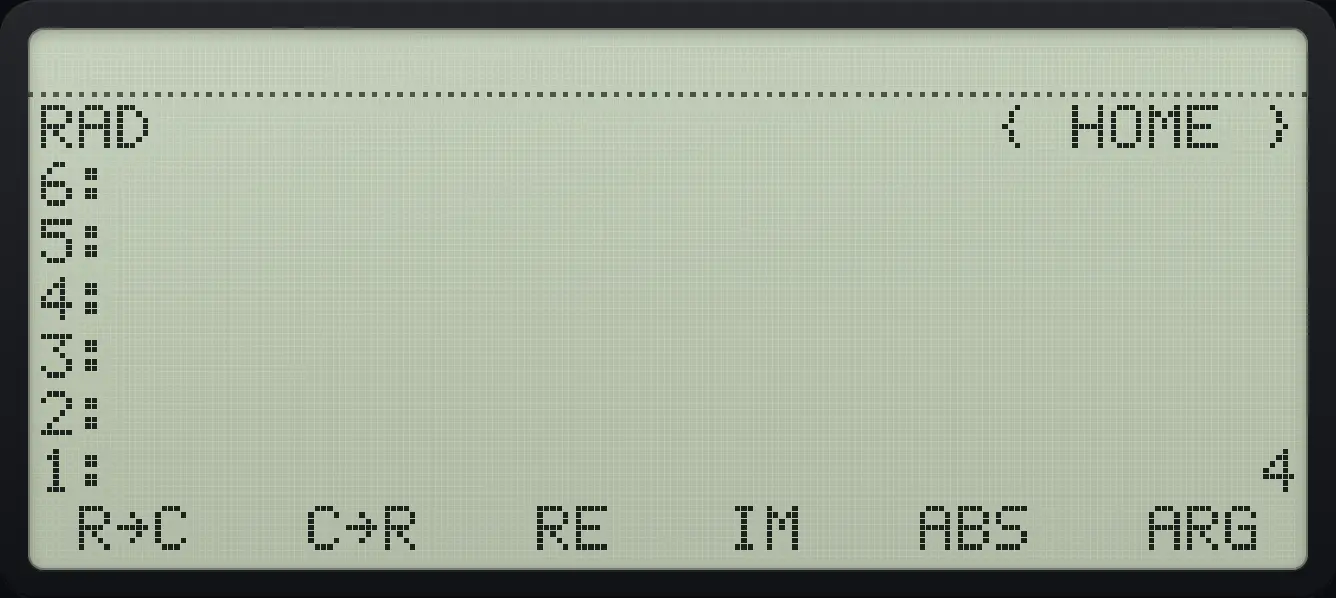
Result of the example "Imaginary part" The display shows: RAD                      { HOME } / 6: / 5: / 4: / 3: / 2: / 1:                              4 /  R→C   C→R   RE   IM   ABS   ARG .
You should see1: 4
Example 10.12

Magnitude

∣3+4i∣=5|3+4i|=5
  1. ABS is the fifth key.

    3ENTER4◀R→C1▶CPLXAPPSF5
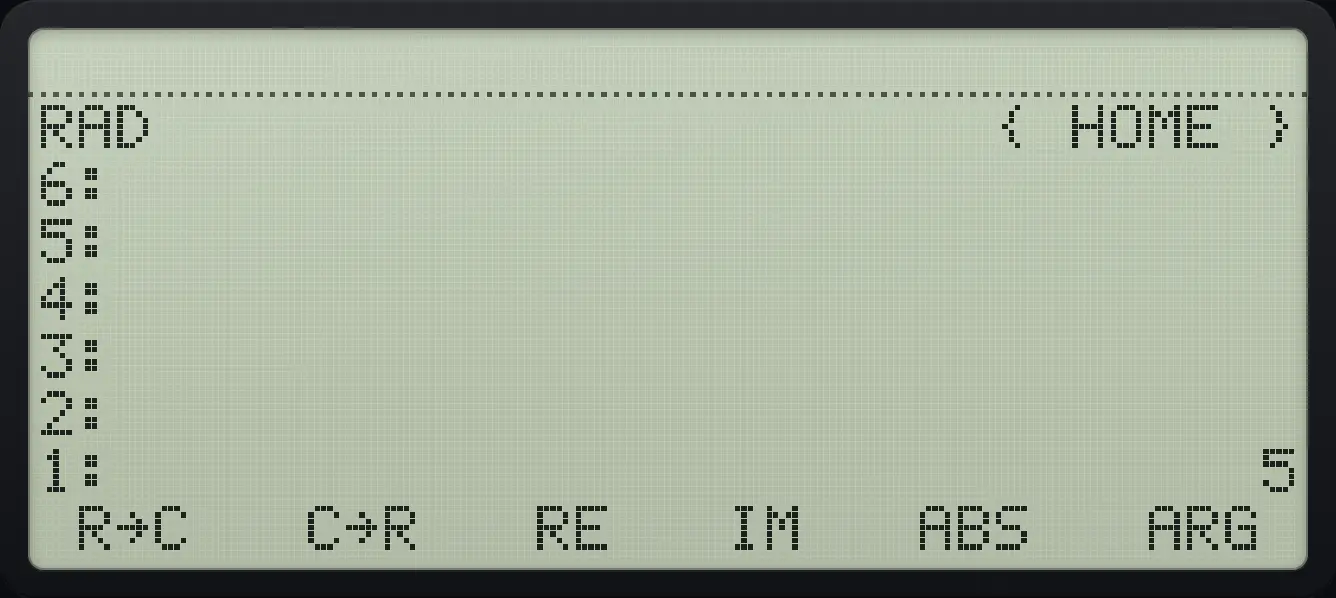
Result of the example "Magnitude" The display shows: RAD                      { HOME } / 6: / 5: / 4: / 3: / 2: / 1:                              5 /  R→C   C→R   RE   IM   ABS   ARG .
You should see1: 5
Example 10.13

Angle

  1. ARG is the sixth key (radians by default).

    3ENTER4◀R→C1▶CPLXAPPSF6
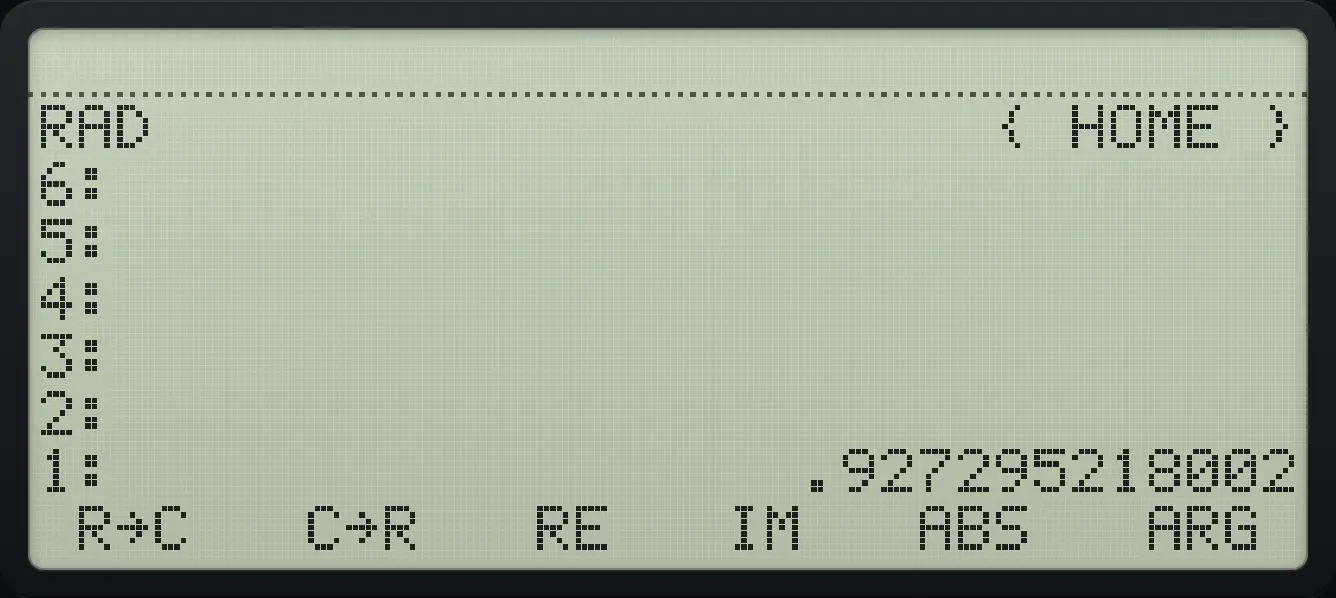
Result of the example "Angle" The display shows: RAD                      { HOME } / 6: / 5: / 4: / 3: / 2: / 1:                  .927295218002 /  R→C   C→R   RE   IM   ABS   ARG .
You should see1: .927295218002

10.4Show complex numbers in polar form#

In POLAR mode a complex number is shown as (r,∠angle) with the angle in the current unit, and the status line shows R∠Z. The object is the same; only the display changes.

Example 10.14

Polar display

  1. Make 3 + 4i and choose POLAR.

    3ENTER4◀R→C1MODENXTF3
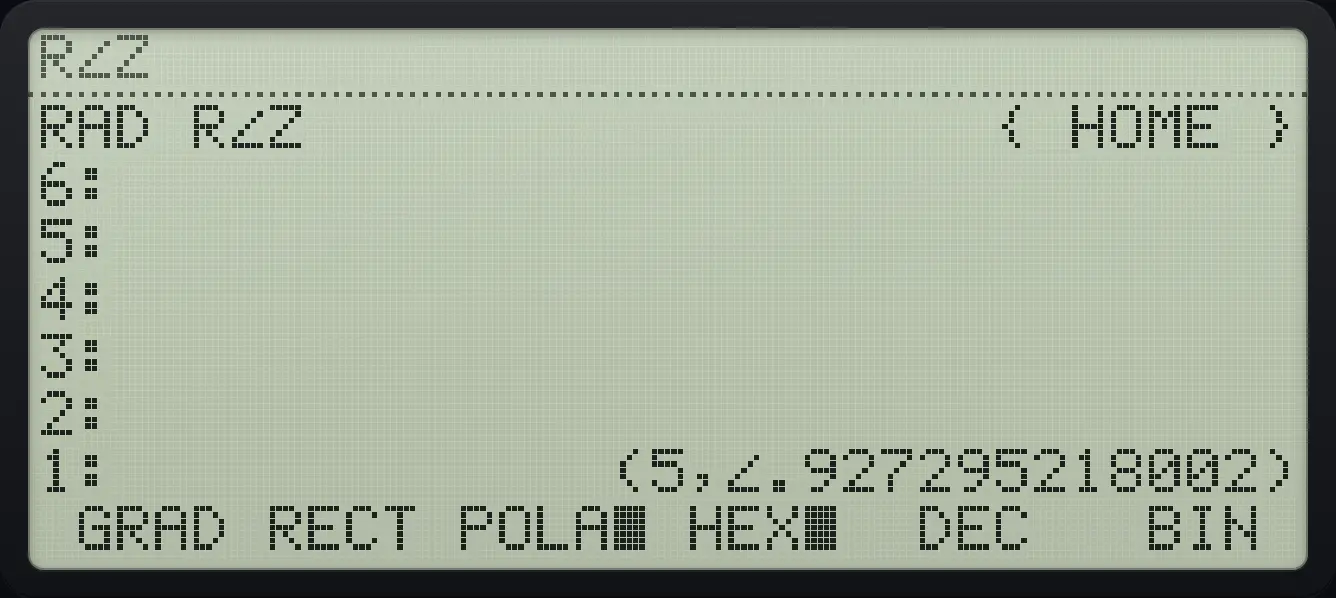
Result of the example "Polar display" The display shows: RAD R∠Z                  { HOME } / 6: / 5: / 4: / 3: / 2: / 1:             (5,∠.927295218002) /  GRAD RECT POLA■ HEX■  DEC   BIN .
You should see(5,∠.927295218002)

HP 48 and HP 50g is a trademark of HP Inc.. Trident Calculator is an independent product by South View Studios and is not affiliated with, sponsored by or endorsed by HP. The name is used only to describe the kind of calculator this model resembles; Trident's names, keys, display, fonts and software are its own clean-room design.