
RPN Power 48 manual · Chapter 3 of 19
The stack
How the RPL stack works: numbered levels, ENTER, SWAP, DROP, ROT, PICK, ROLL, DEPTH, LASTARG, UNDO and how commands use the levels.
3.1Stack levels and what commands do with them#
The stack is a tower of objects. Level 1 is the newest and sits at the bottom of the display; level 2 is just above it, and so on. Unlike a four-register stack, this one is unlimited, so you never lose a number off the top. The screen shows as many levels as fit above the command line.
A command removes the objects it needs from the top levels and pushes its answer. + removes levels 1 and 2 and pushes the sum. A function such as √x takes one object; a command such as XROOT takes two. If the stack has too few objects the command fails with Too Few Arguments and the stack is restored.
3.2ENTER, space and copying with ENTER#
ENTER takes what you typed on the command line, compiles it into objects and pushes them. A space does the same for separating several objects on one line. There is no hidden stack lift to worry about: a new number never replaces an old one.
ENTER on an empty command line copies level 1 (the DUP command), which is a quick way to square a number or use it twice.
Square by copying
Type 7, ENTER to push it, ENTER again to copy it, then multiply.
7ENTERENTER×
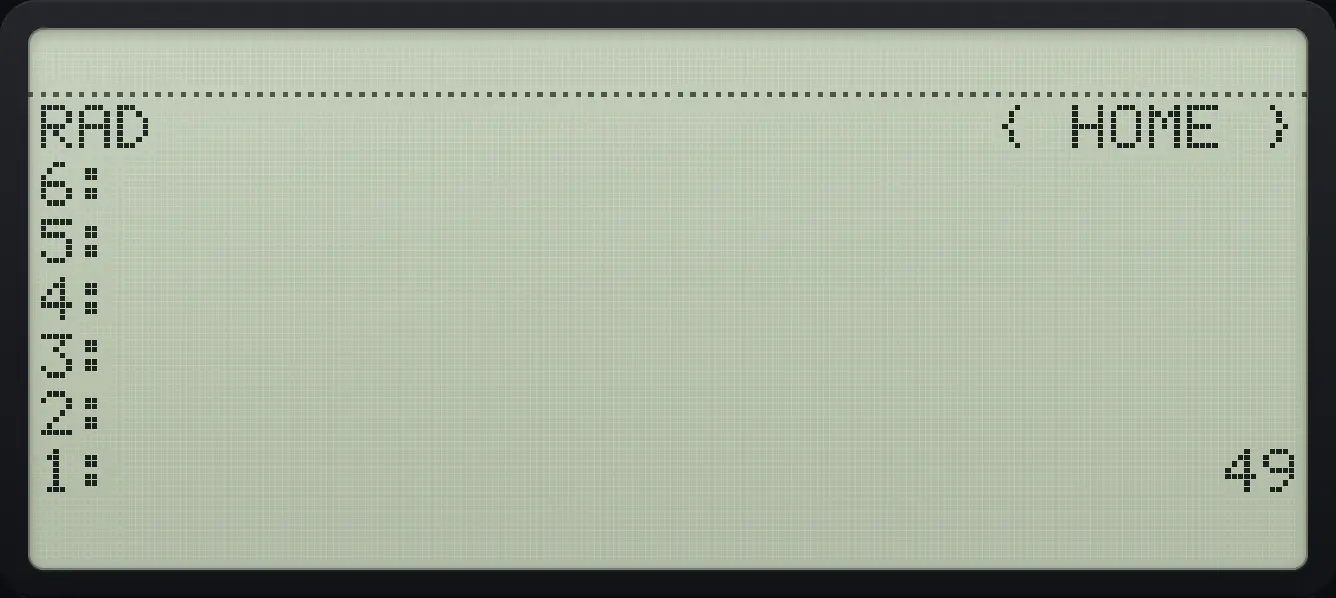
1: 49Enter several numbers on one line
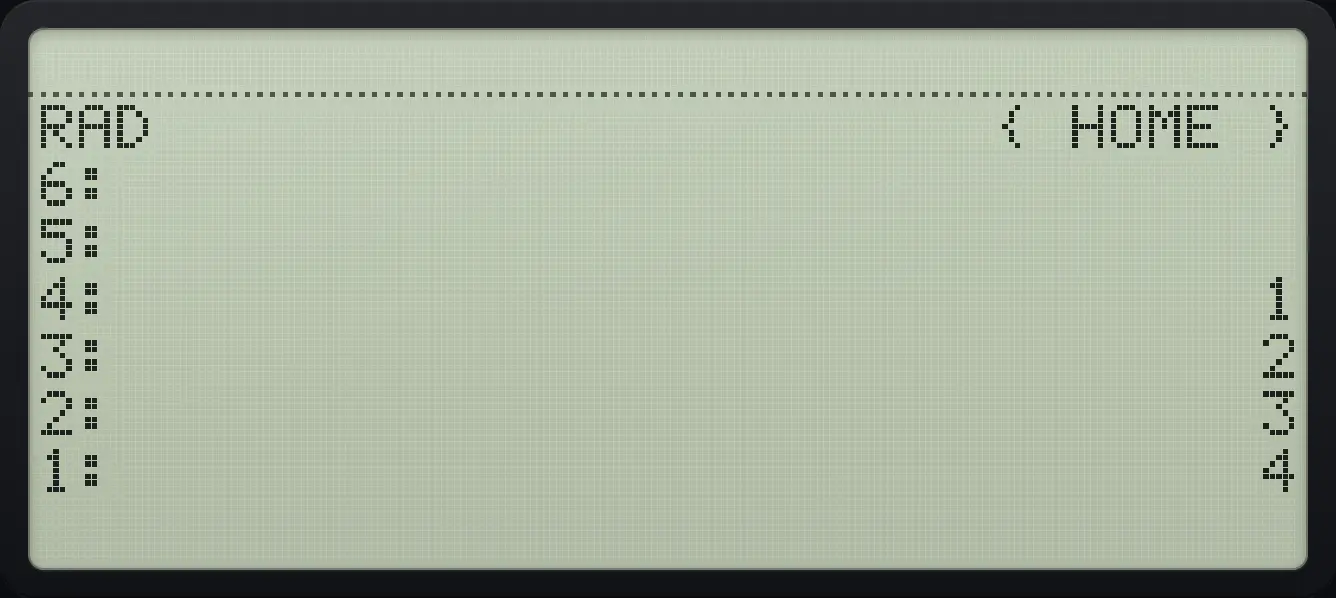
Type 1 2 3 with spaces, then ENTER: three objects arrive.
1SPC2SPC3ENTER
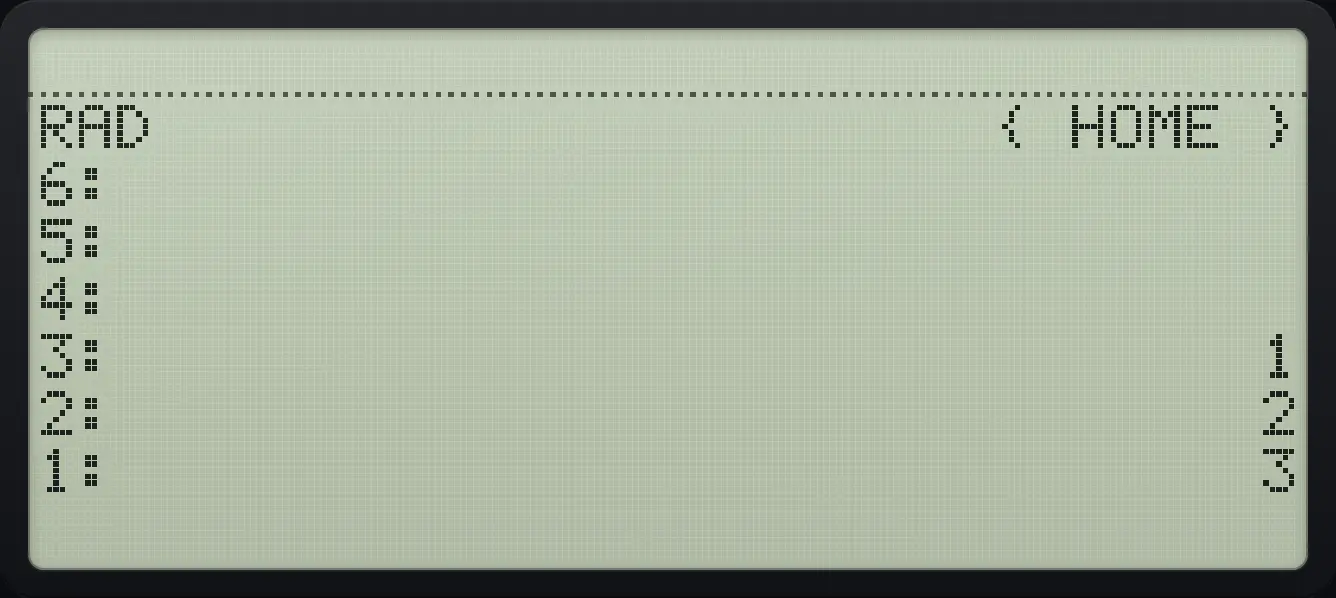
3: 1 2: 2 1: 33.3The STACK menu#
Left shift TOOL opens the STACK menu. It has three pages of six commands.
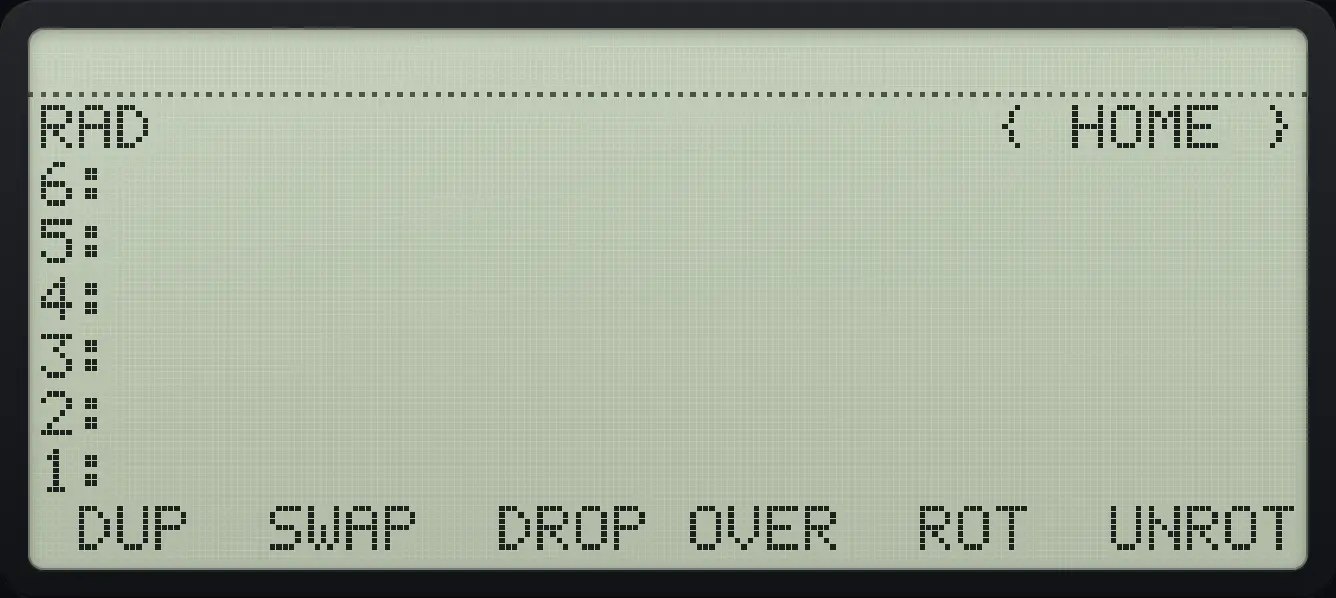
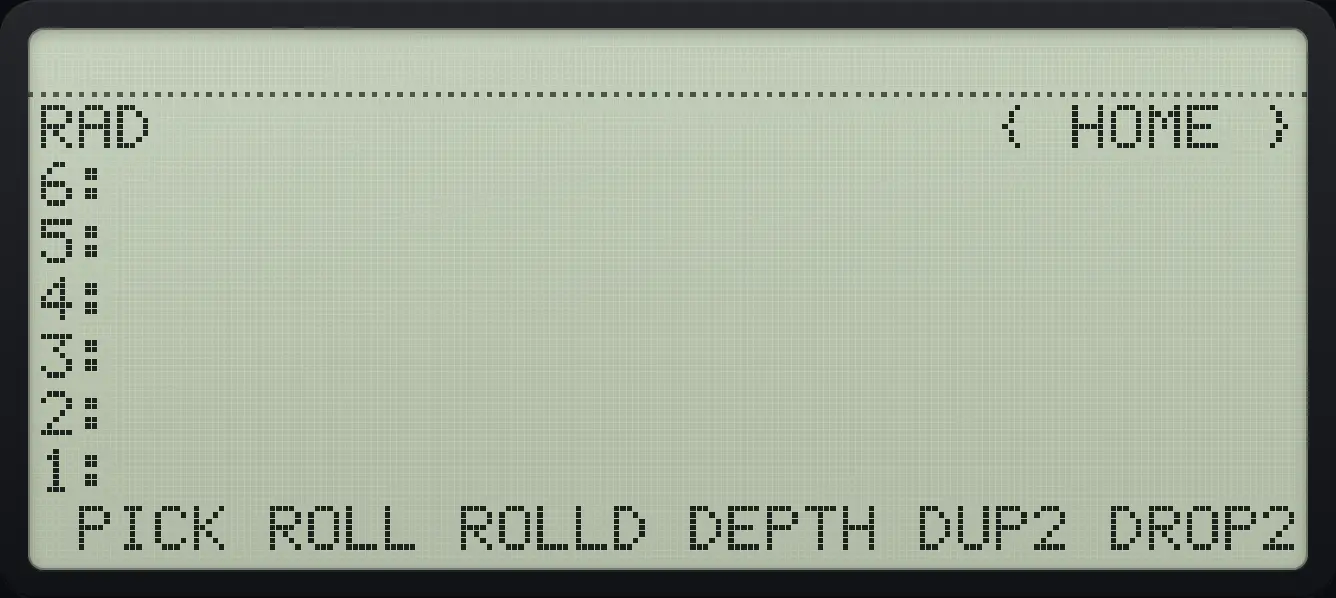
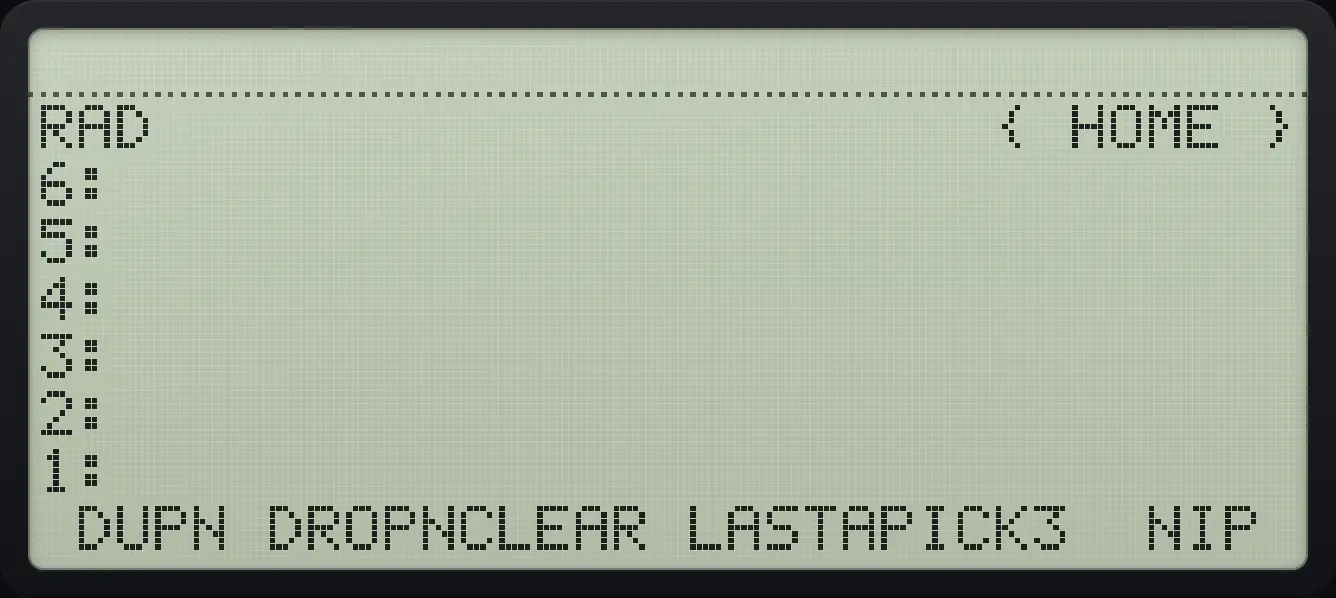
| Command | What it does | Stack before and after (level 1 last) |
|---|---|---|
| DUP | Copies level 1. | 1 2 → 1 2 2 |
| SWAP | Exchanges levels 1 and 2. | 1 2 → 2 1 |
| DROP | Removes level 1. | 1 2 → 1 |
| OVER | Copies level 2 to level 1. | 1 2 → 1 2 1 |
| ROT | Moves level 3 to level 1. | 1 2 3 → 2 3 1 |
| UNROT | Moves level 1 to level 3. | 1 2 3 → 3 1 2 |
| PICK | Copies level n to level 1 (n is typed first). | 1 2 3 2 → 1 2 3 2 |
| ROLL | Moves level n to level 1. | 1 2 3 4 3 → 1 3 4 2 |
| ROLLD | Moves level 1 to level n. | 1 2 3 4 3 → 1 4 2 3 |
| DEPTH | Pushes the number of objects. | 1 2 3 → 1 2 3 3 |
| DUP2 | Copies levels 1 and 2. | 1 2 → 1 2 1 2 |
| DROP2 | Removes levels 1 and 2. | 1 2 3 → 1 |
| DUPN | Copies the top n objects. | 1 2 3 2 → 1 2 3 2 3 |
| DROPN | Removes the top n objects. | 1 2 3 4 2 → 1 2 |
| CLEAR | Empties the stack. | 1 2 3 → (empty) |
| LASTARG | Puts back the arguments of the last command. | — |
| PICK3 | Copies level 3 to level 1. | 1 2 3 → 1 2 3 1 |
| NIP | Removes level 2. | 1 2 3 → 1 3 |
3.4Swap, drop, over and rotate#
Swap levels 1 and 2
Put 1, 2 and 3 on the stack.
1ENTER2ENTER3ENTEROpen STACK and press SWAP (second key).
◀STACKTOOLF2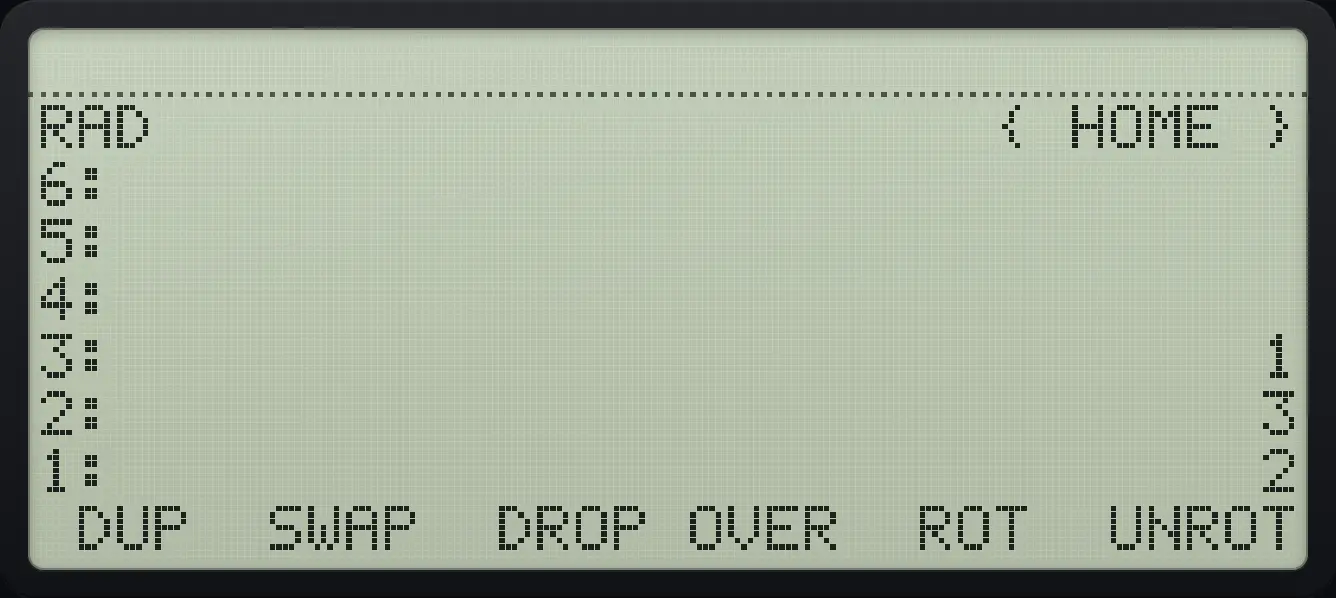
3: 1 2: 3 1: 2The shortcut for SWAP is the right shift on the 0 key.
Drop the top object
Put 1, 2 and 3 on the stack and press DROP (third key).
1ENTER2ENTER3ENTER◀STACKTOOLF3
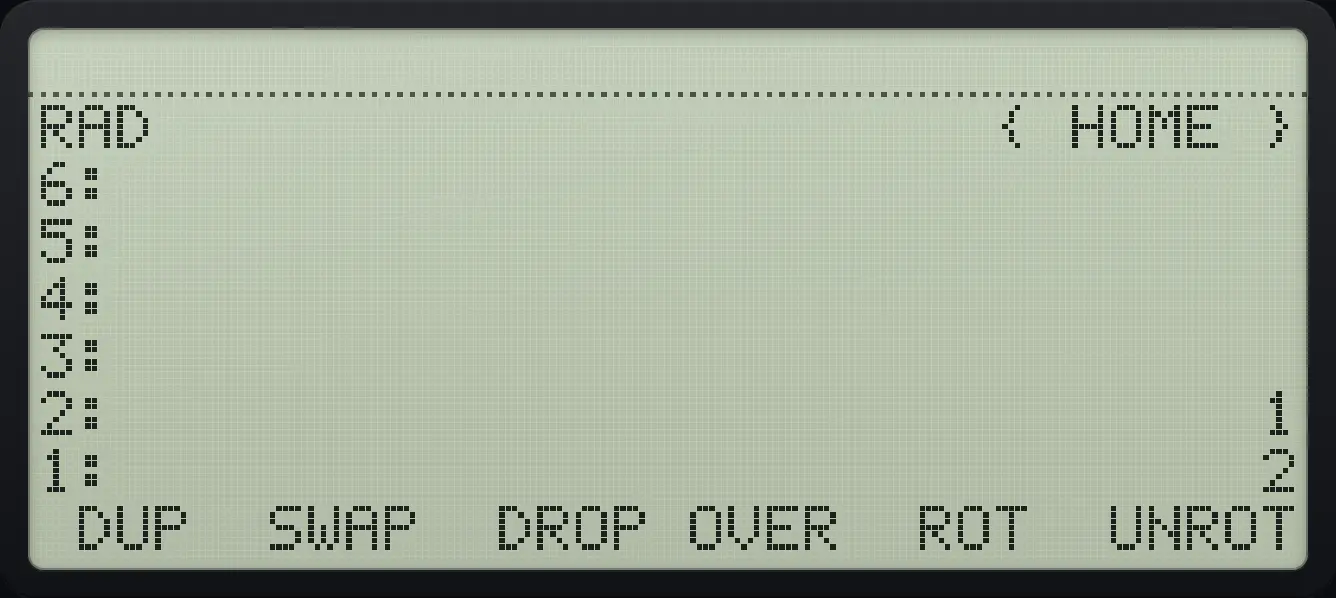
2: 1 1: 2Copy level 2 with OVER
Put 1, 2 on the stack and press OVER (fourth key).
1ENTER2ENTER◀STACKTOOLF4
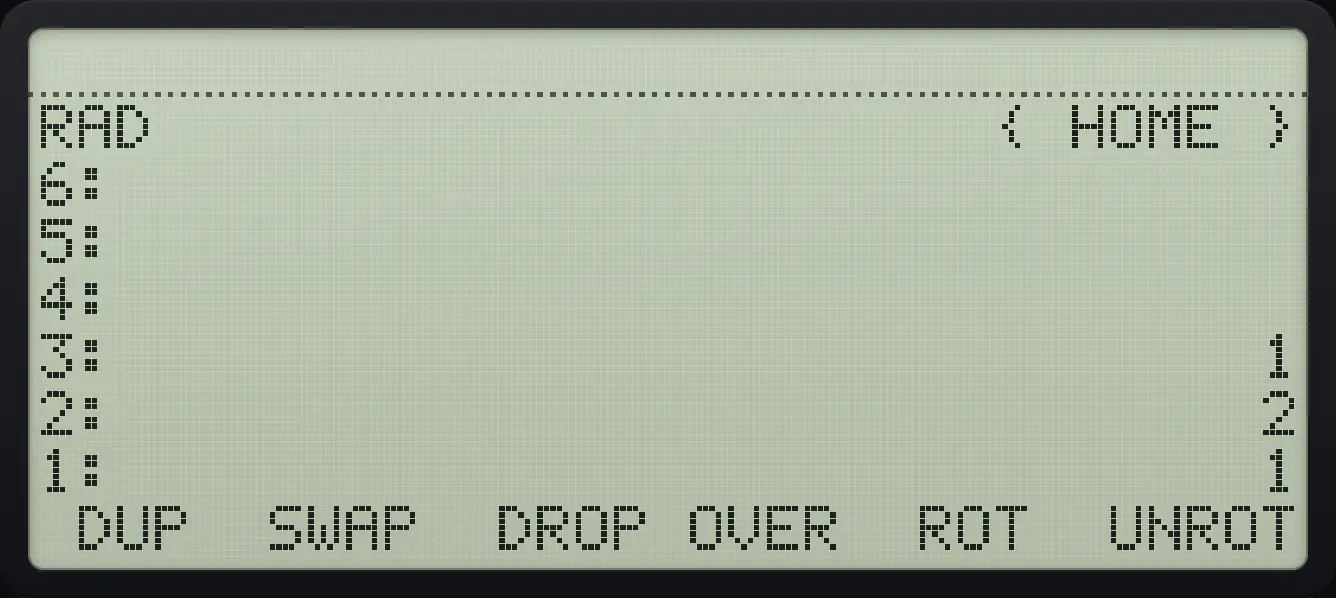
3: 1 2: 2 1: 1Rotate three objects
Put 1, 2, 3 and press ROT (fifth key). Level 3 moves to level 1.
1ENTER2ENTER3ENTER◀STACKTOOLF5
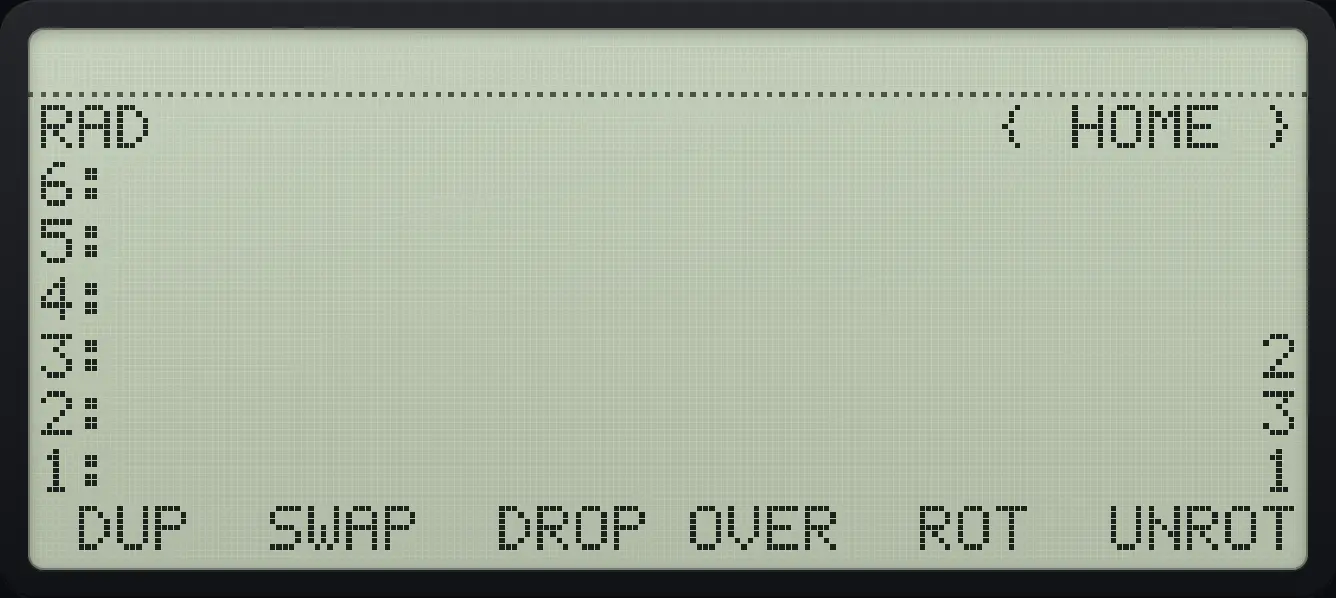
3: 2 2: 3 1: 1Rotate the other way
UNROT (sixth key) moves level 1 down to level 3.
1ENTER2ENTER3ENTER◀STACKTOOLF6
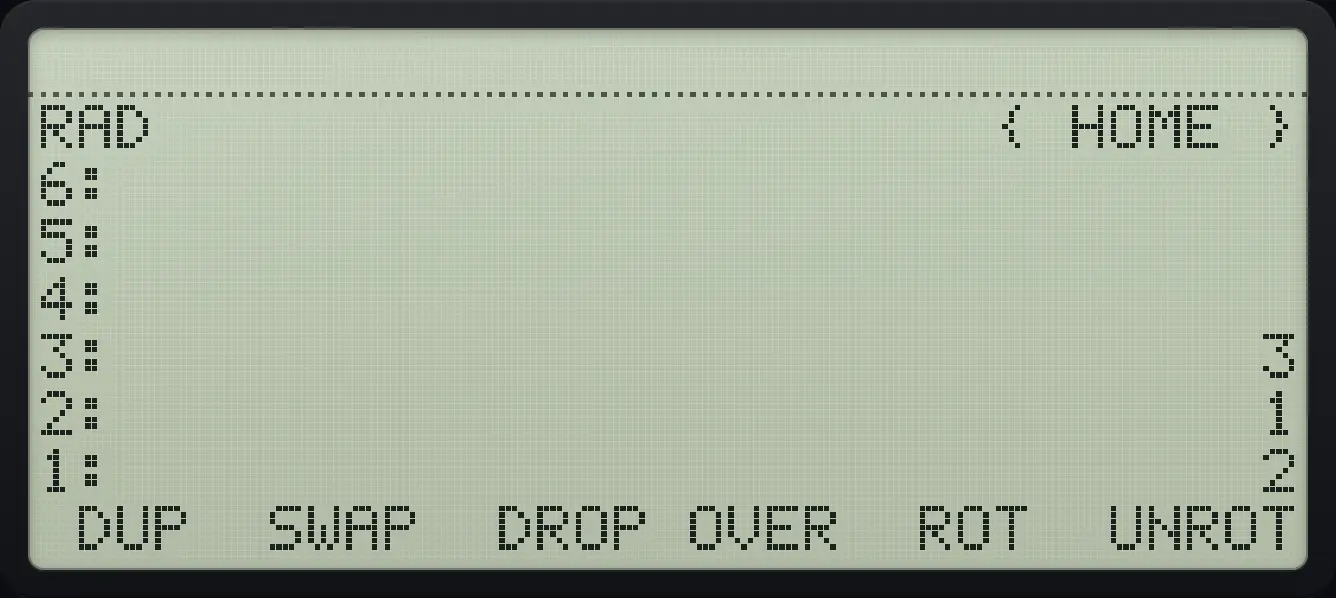
3: 3 2: 1 1: 23.5Pick, roll, depth and the n commands#
Commands that need a count take it from level 1: type the count and then press the command key.
Copy an object from deep in the stack
Put 1, 2, 3 on the stack, type 2 and press PICK (STACK page 2, first key).
1ENTER2ENTER3ENTER2◀STACKTOOLNXTF1
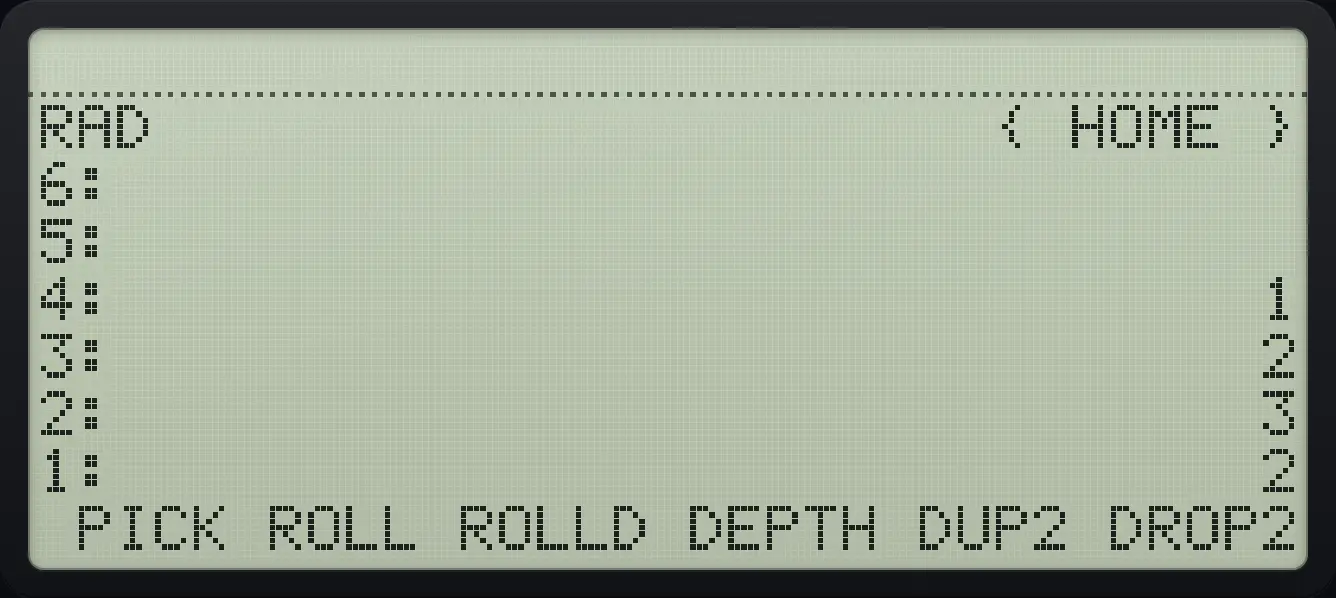
1: 2 2: 3Roll the third object to the top
Put 1 to 4 on the stack, type 3, press ROLL (page 2, second key).
1ENTER2ENTER3ENTER4ENTER3◀STACKTOOLNXTF2
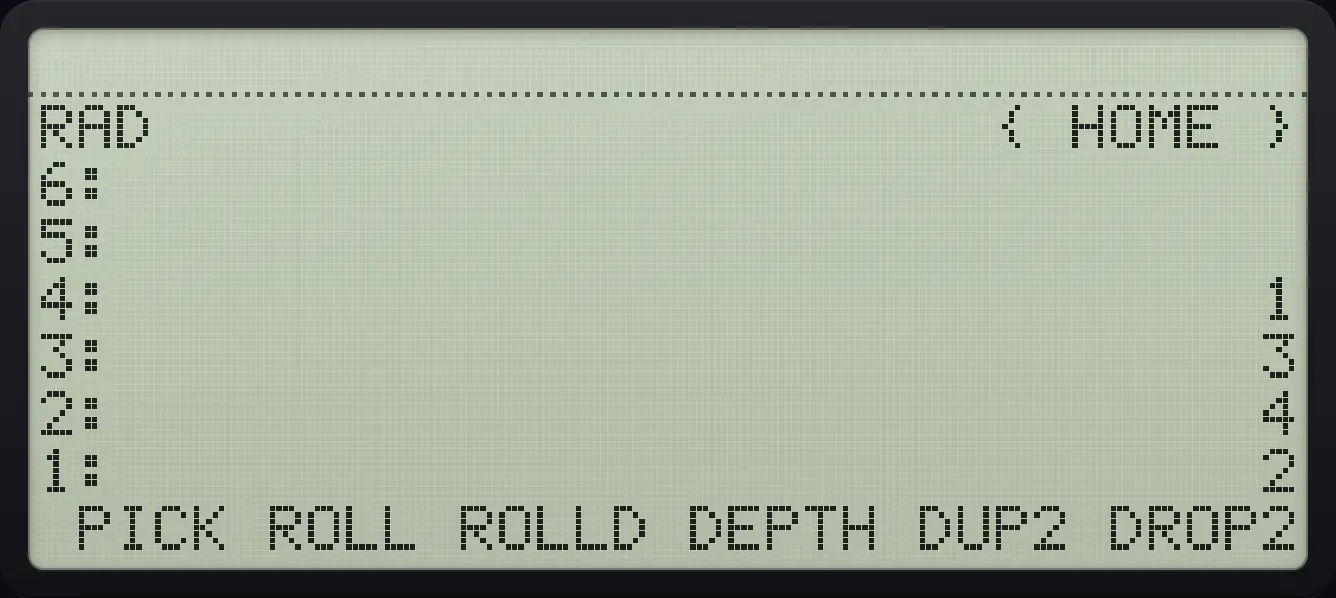
1: 2 2: 4 3: 3Roll the top object down
Same stack, type 3, press ROLLD (page 2, third key).
1ENTER2ENTER3ENTER4ENTER3◀STACKTOOLNXTF3
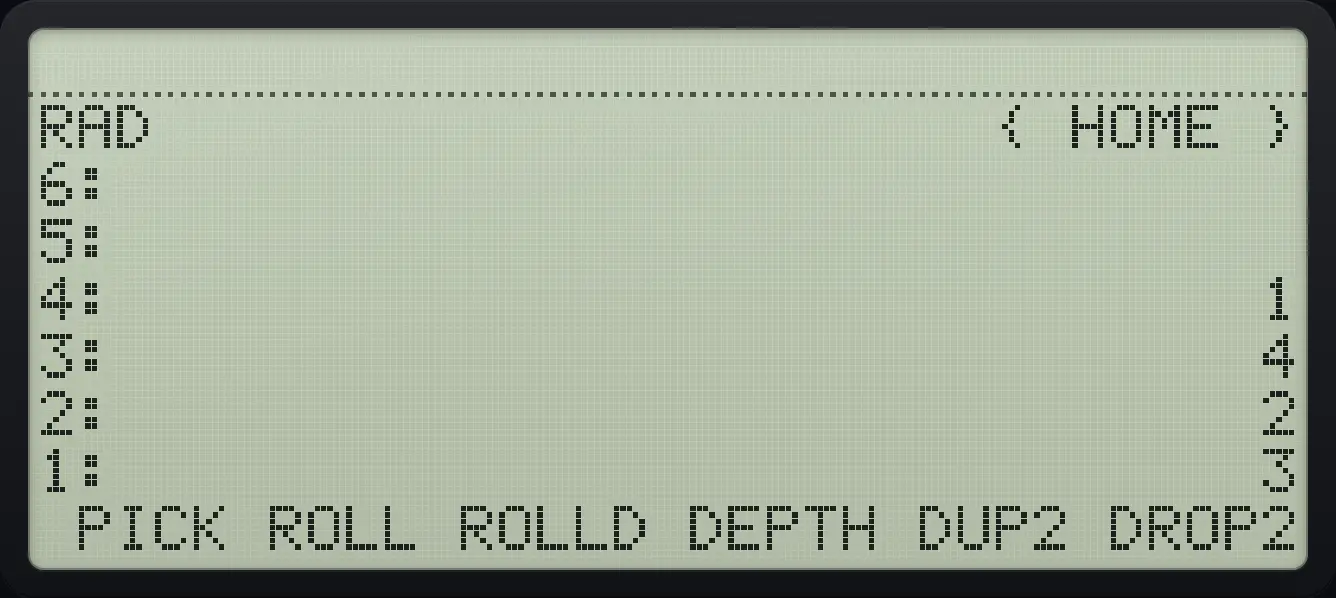
1: 3 2: 2 3: 4Count the objects with DEPTH
Left shift 0 is DEPTH.
1ENTER2ENTER3ENTER◀DEPTH0
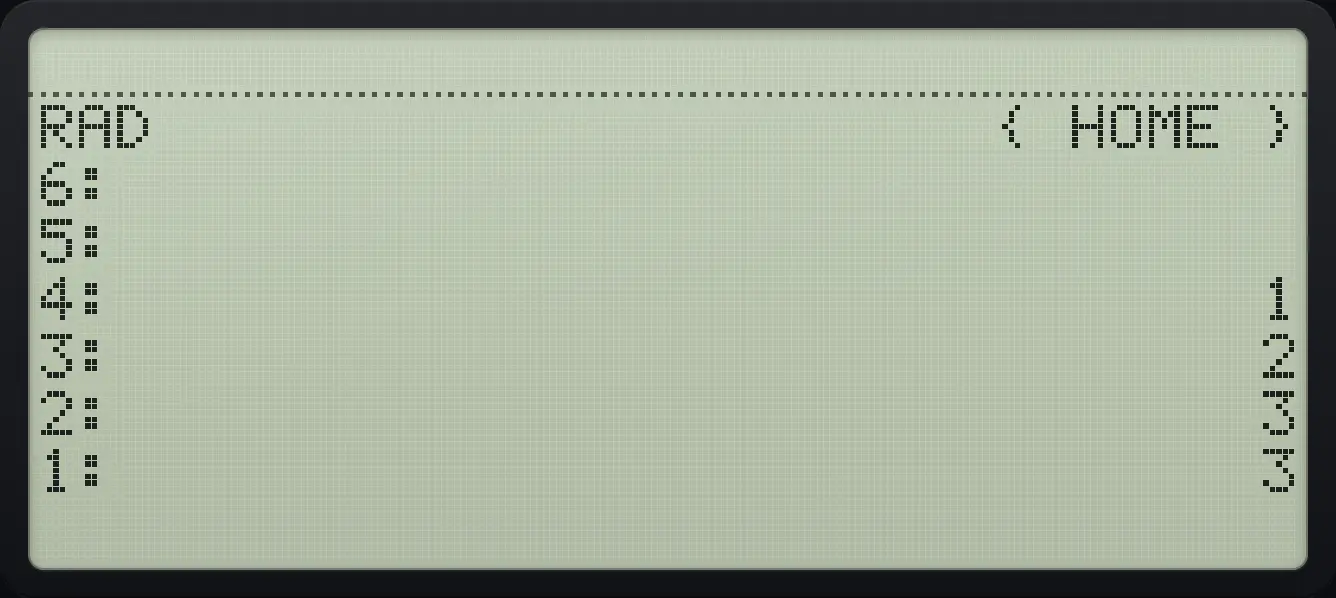
1: 3 4: 1Copy two objects
DUP2 (page 2, fifth key).
1ENTER2ENTER◀STACKTOOLNXTF5
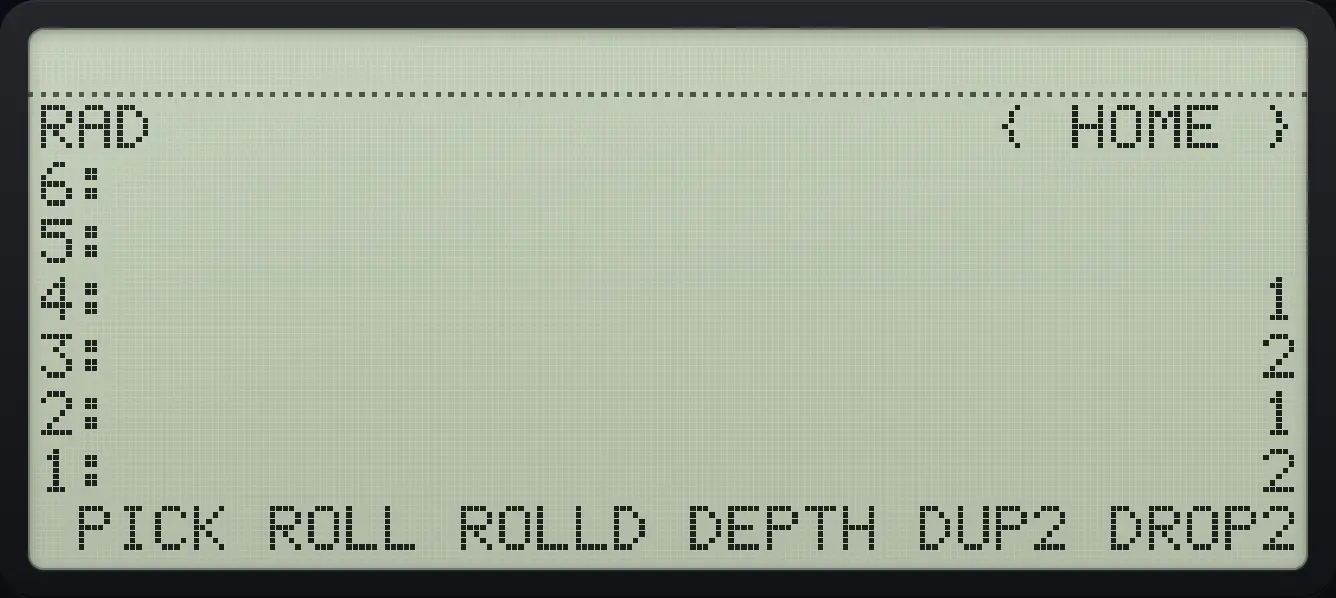
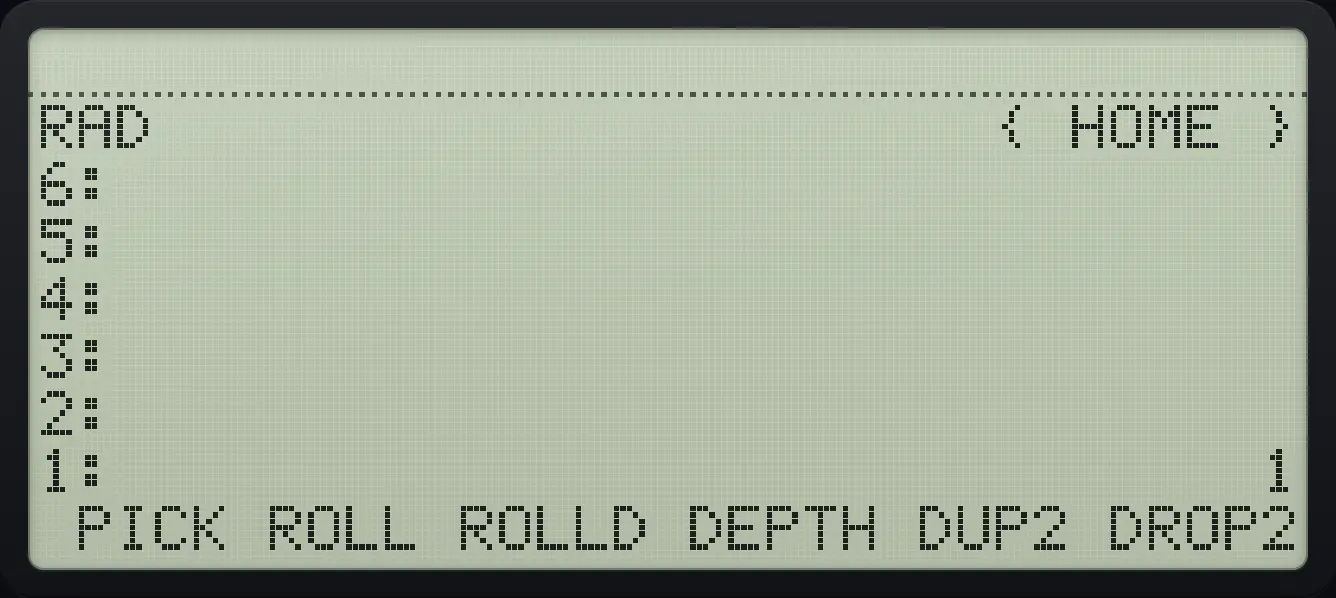
4: 1 3: 2 2: 1 1: 2Remove two objects
DROP2 (page 2, sixth key).
1ENTER2ENTER3ENTER◀STACKTOOLNXTF6
1: 1Copy the top three objects with DUPN
Type 2 and press DUPN (page 3, first key).
1ENTER2ENTER3ENTER2◀STACKTOOLNXTNXTF1
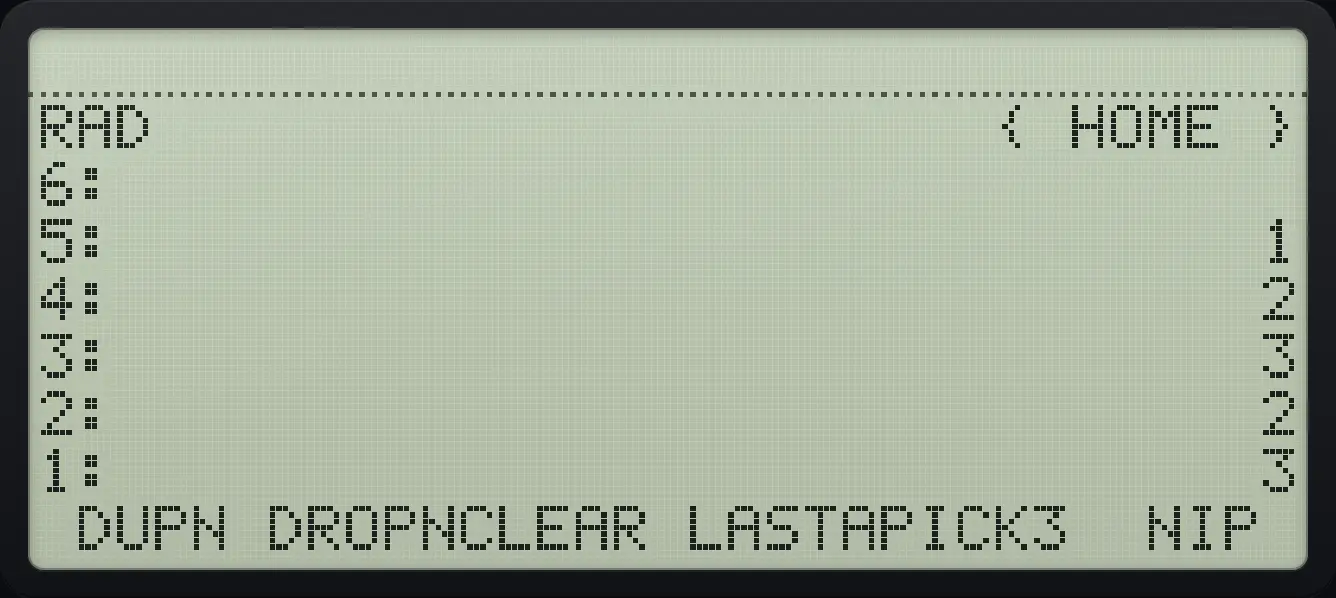
5: 1 2: 2 1: 3The count is consumed. DUPN 2 copies the top two objects.
Remove the second object with NIP
NIP is the sixth key on page 3.
1ENTER2ENTER3ENTER◀STACKTOOLNXTNXTF6
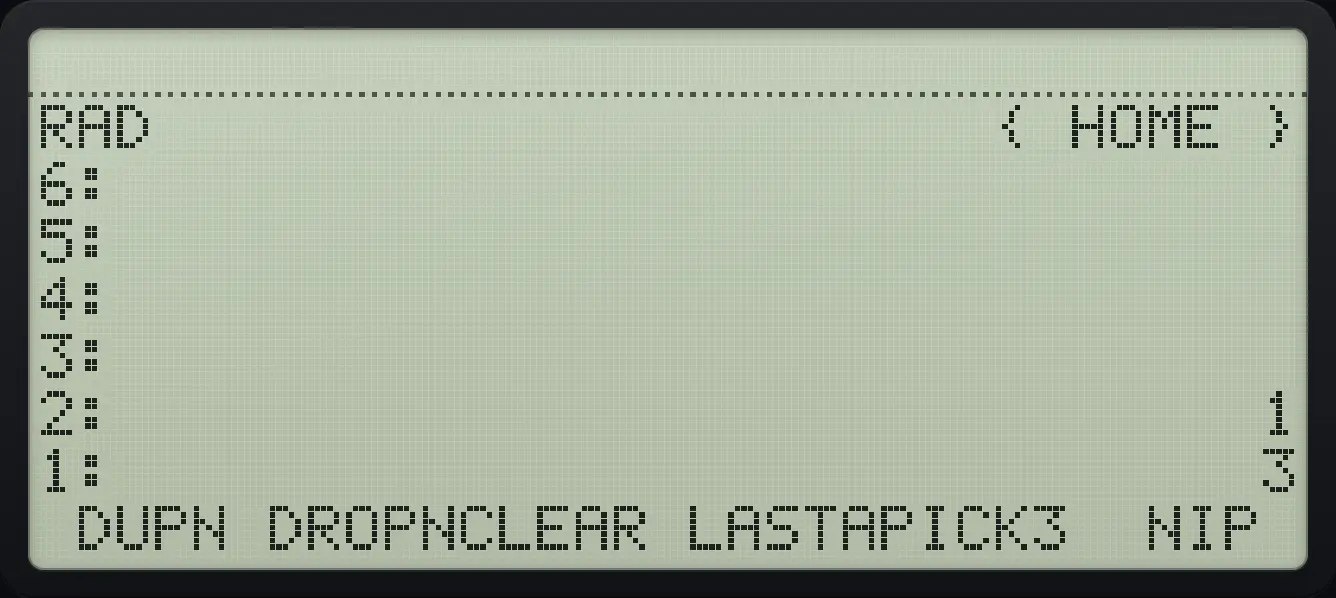
2: 1 1: 3Copy level 3 with PICK3
PICK3 is the fifth key on page 3.
1ENTER2ENTER3ENTER◀STACKTOOLNXTNXTF5
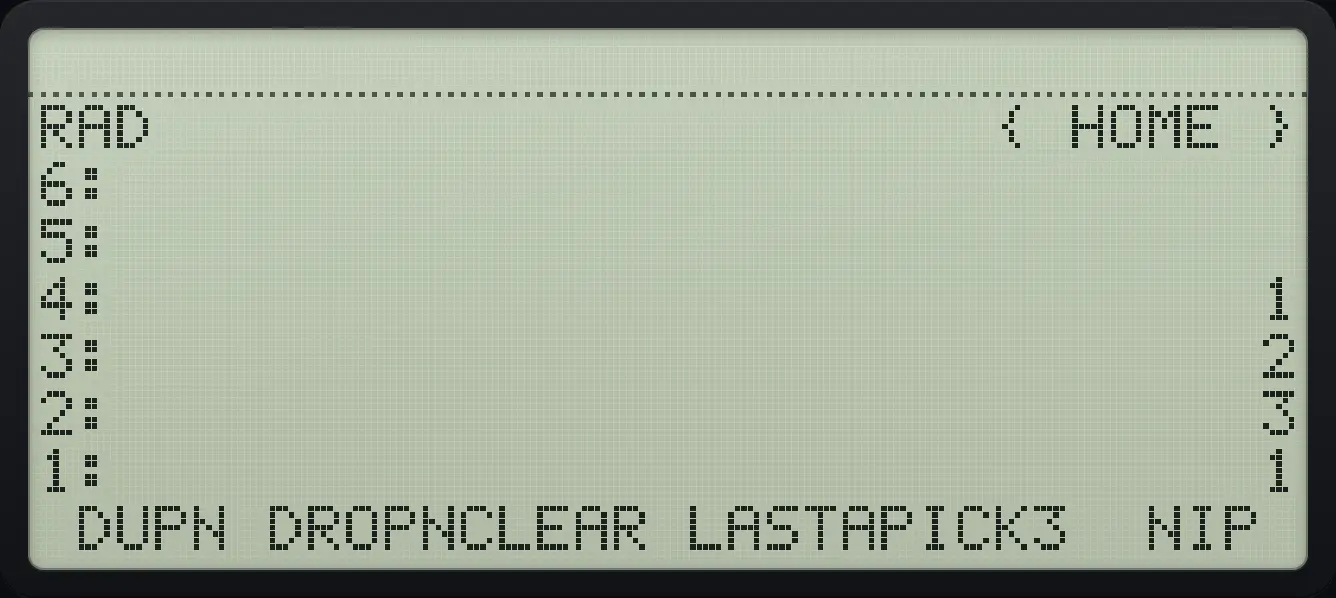
1: 1 4: 13.6Recover from mistakes: LASTARG and UNDO#
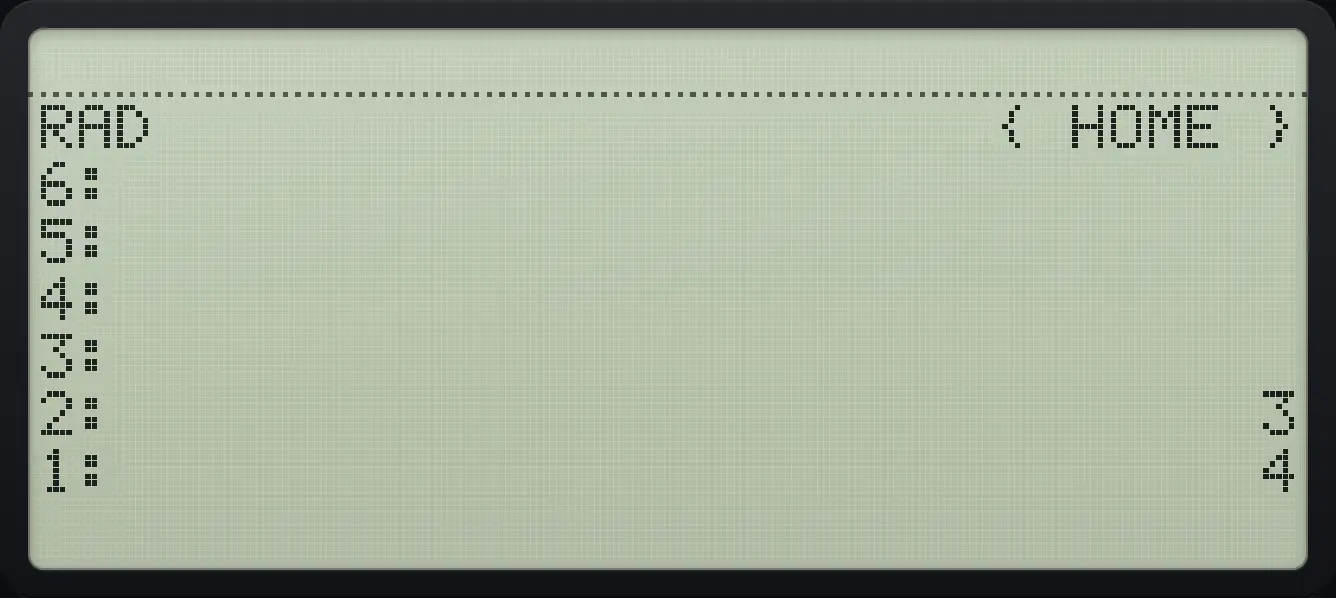
Right shift HIST is LASTARG: it pushes back the arguments that the last command used, so you can try another command on them. Left shift HIST is UNDO: it restores the stack as it was before the last action. Press UNDO again to redo.
Get back the numbers you added
Add 3 and 4, then press LASTARG.
3ENTER4+▶LASTHIST
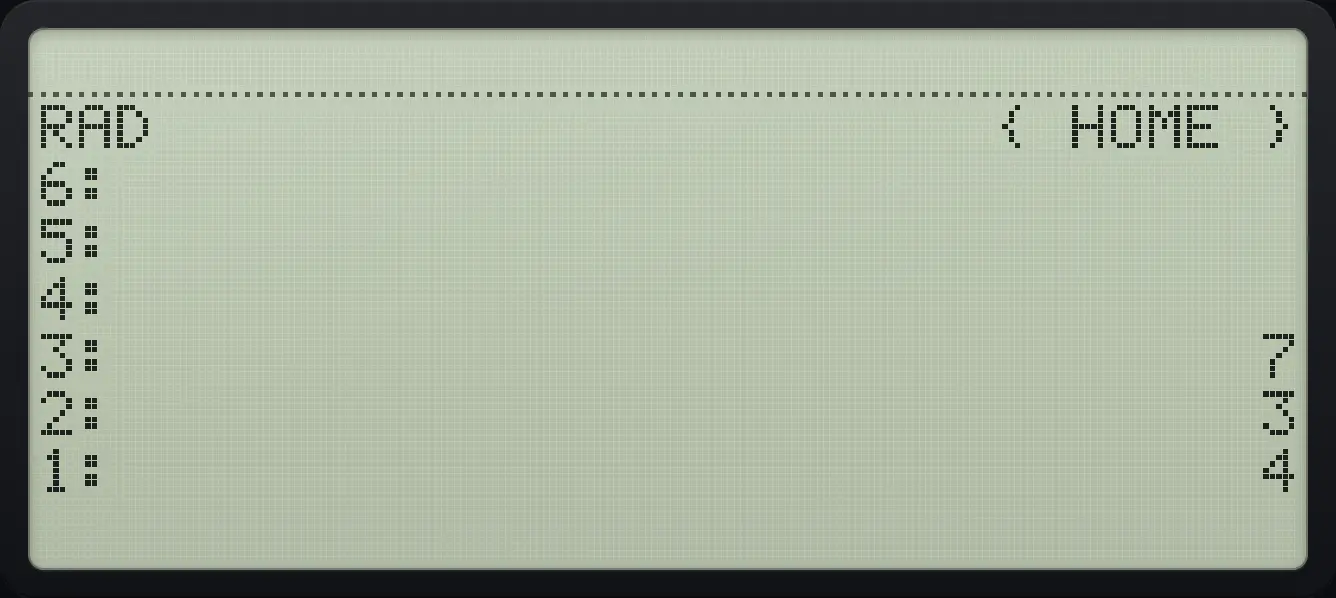
3: 7 2: 3 1: 4Undo an operation
Add 3 and 4, enter them first so both are on the stack, then undo.
3ENTER4ENTER+◀UNDOHIST
2: 3 1: 4Undo straight after typing
Type 4 and press + without ENTER, then undo. The 4 you typed stays on the stack.
3ENTER4+◀UNDOHIST
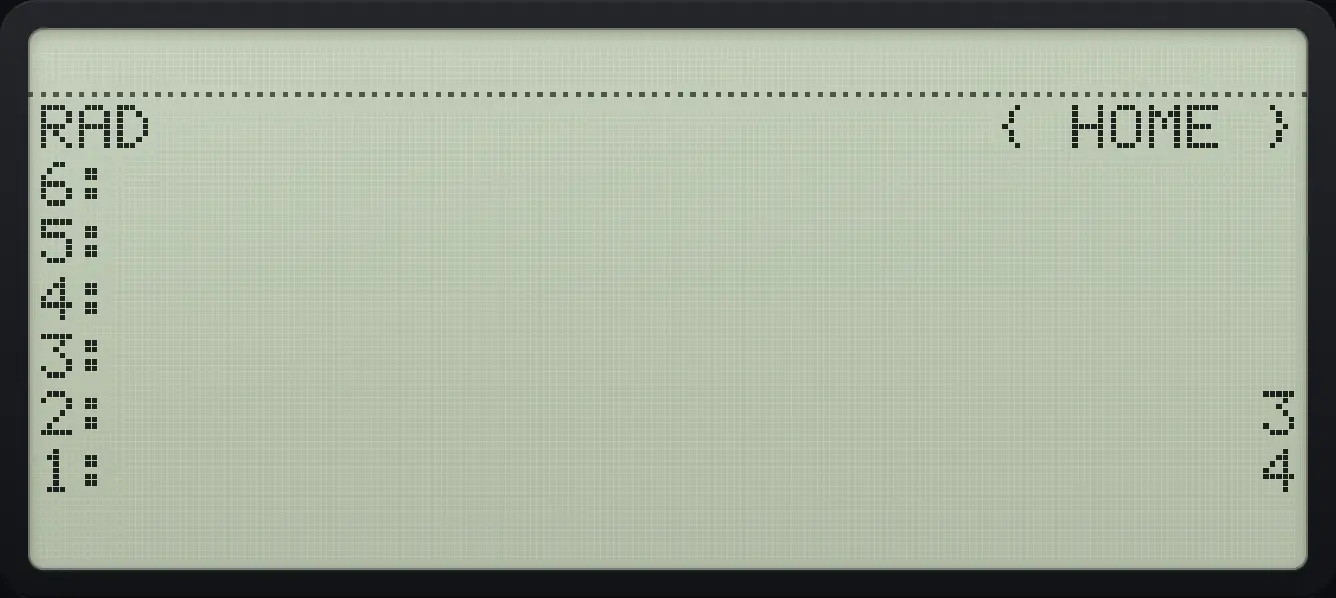
2: 3 1: 4The plain HIST key brings back your last command lines (up to eight) into the command line so you can edit and run them again.
3.7Plan a longer calculation#
Work from the inside out, and use the unlimited stack to keep every intermediate result. Compare with brackets: to find you add 2 and 4 first, then divide.
Calculate 12 divided by (2 + 4)
Push 12 and then 2 and 4.
12ENTER2ENTER4ENTERAdd the top two, then divide.
+÷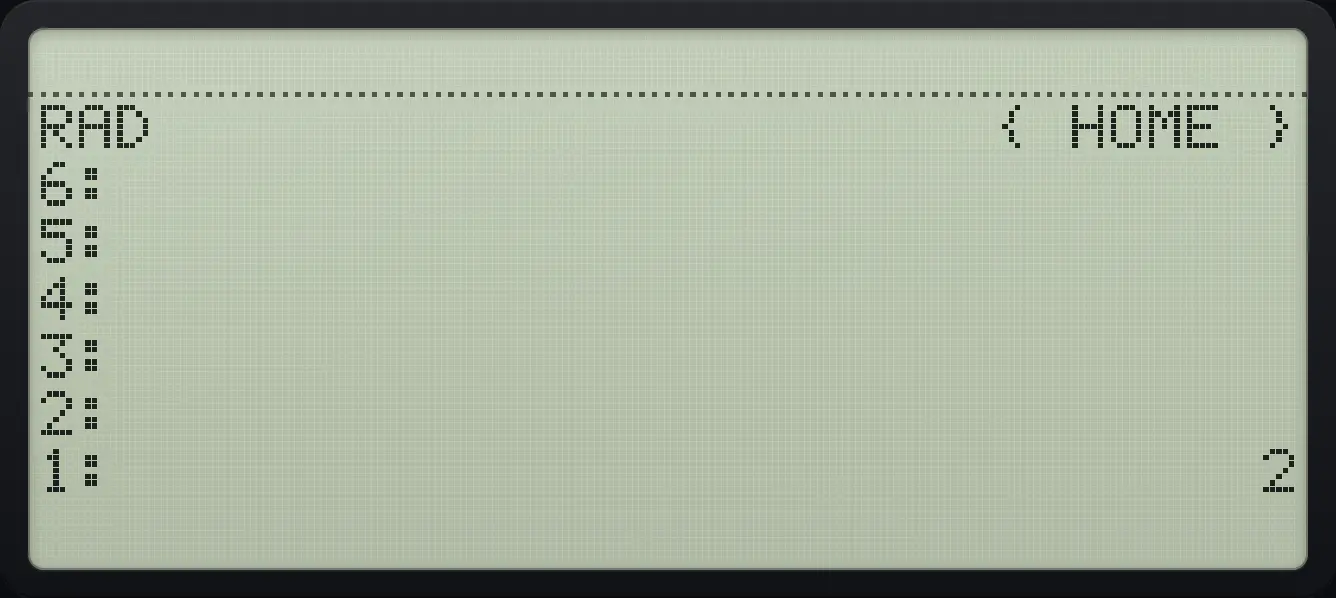
1: 2Calculate (2 × 3) + (4 × 5)
Multiply each pair, then add.
2ENTER3×4ENTER5×+
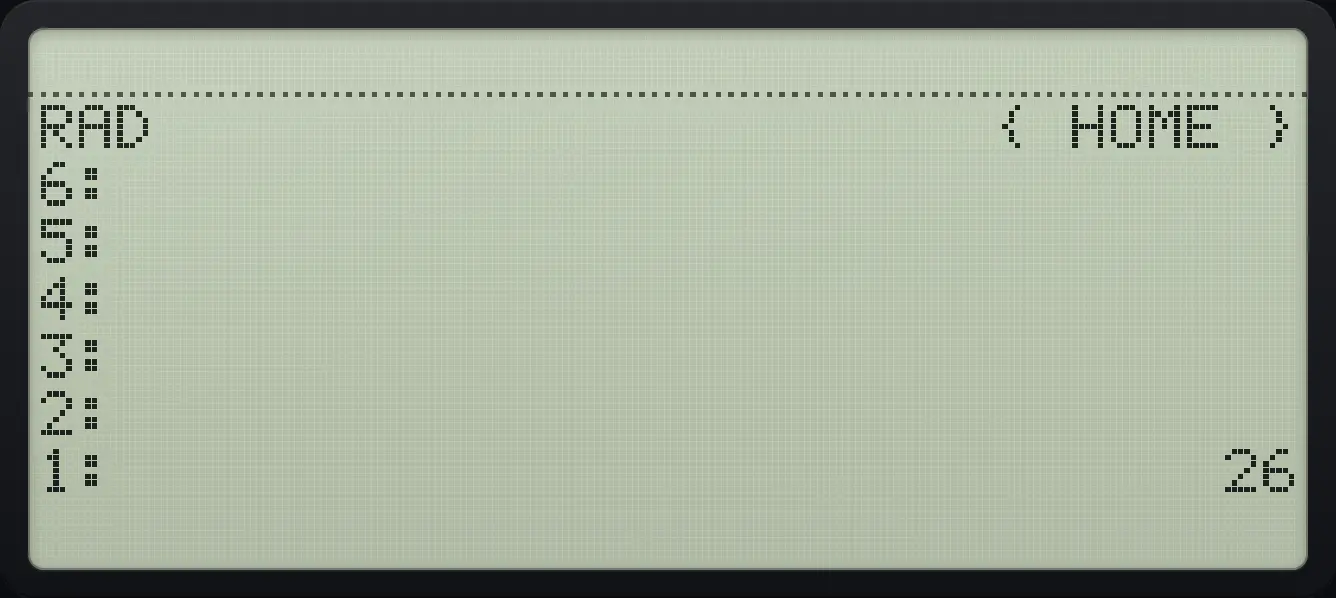
1: 263.8Edit the object on level 1#
Press ▼ when there is no command line, or right shift ENTER (EDIT), to copy level 1 into the command line. Change it with the cursor keys and press ENTER: the edited object replaces the old one.
Edit a number
Push 5, open it for editing, add a digit and press ENTER.
5ENTER▶EDITENTER6ENTER
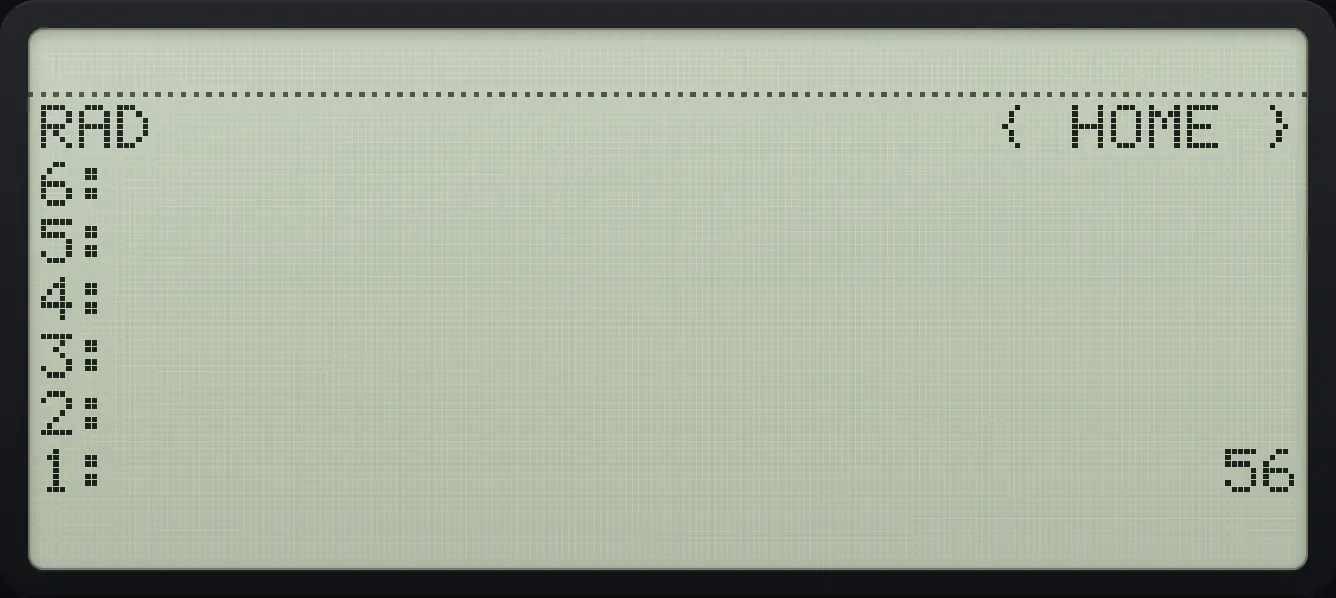
1: 56HP 48 and HP 50g is a trademark of HP Inc.. Trident Calculator is an independent product by South View Studios and is not affiliated with, sponsored by or endorsed by HP. The name is used only to describe the kind of calculator this model resembles; Trident's names, keys, display, fonts and software are its own clean-room design.