RPN Power 48 manual · Chapter 2 of 19
Keyboard reference
Every key: its plain function, its left-shift and right-shift functions, and the letter it types in alpha mode.
2.1 How to read the key tables2.2 Top row: the soft keys2.3 Second row: APPS, MODE, TOOL, VAR, STO, NXT2.4 Third row: HIST, EVAL, quote, square root, cursor keys2.5 Fourth row: SIN, COS, TAN, power, cursor keys2.6 Fifth row: ENTER, +/−, EEX, DEL, backspace2.7 Sixth and seventh rows: alpha, 7 8 9, shift, 4 5 62.8 Eighth and ninth rows: right shift, 1 2 3, ON, 0, point, space, plus2.9 All shifted menus at a glance2.1 How to read the key tables# Each table has five columns: the key, what it does on its own, what it does after the left shift ◀ ▶
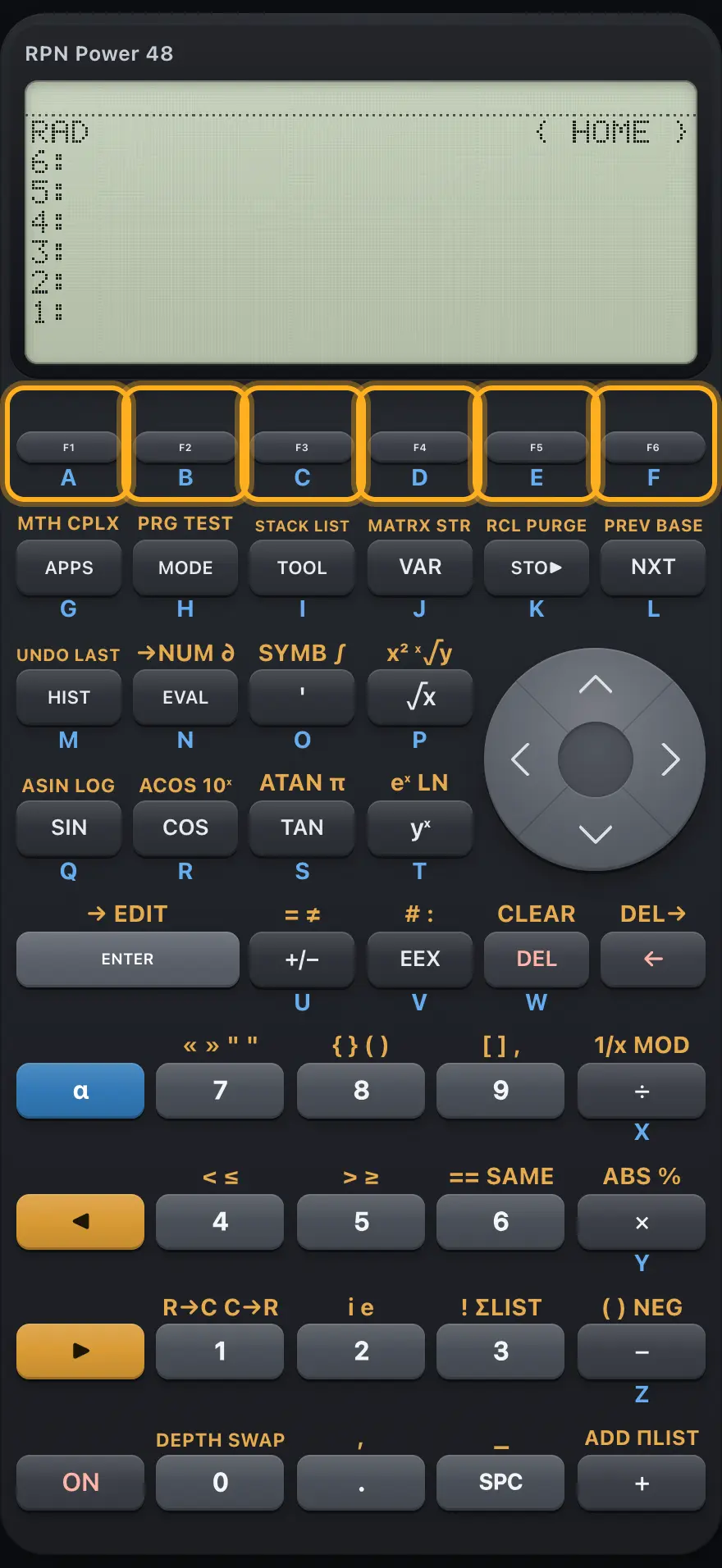
2.2 Top row: the soft keys# The six soft keys under the display. Key Primary Left shift Right shift Alpha Runs the first menu label. In the VAR menu: stores level 2 in that variable. In the VAR menu: recalls that variable. A Second label. As F1 in VAR. As F1 in VAR. B Third label. As F1 in VAR. As F1 in VAR. C Fourth label. As F1 in VAR. As F1 in VAR. D Fifth label. As F1 in VAR. As F1 in VAR. E Sixth label. As F1 in VAR. As F1 in VAR. F
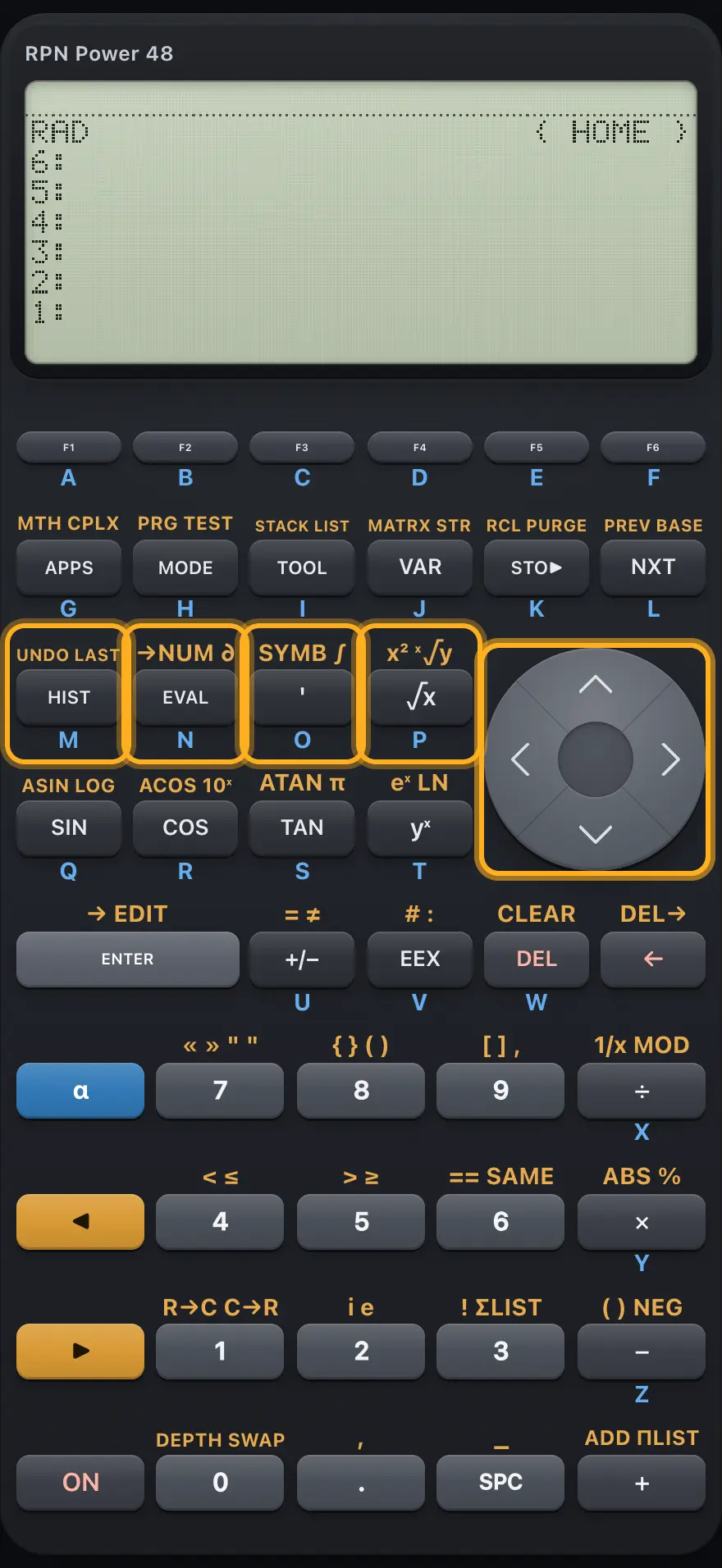
2.4 Third row: HIST, EVAL, quote, square root, cursor keys# HIST, EVAL, quote and the square-root key, with the left and up arrows. Key Primary Left shift Right shift Alpha HIST Brings back earlier command lines, one at a time. UNDO: restores the stack as it was before the last action. LASTARG: puts back the arguments of the last command. M EVAL EVAL: evaluates level 1. →NUM: converts level 1 to a decimal number. ∂: derivative with respect to a variable. N ' Types a pair of single quotes. SYMB menu. ∫: definite integral. O √x Square root. Square. XROOT: the x-th root of y. P ◀ Moves the cursor left. Cursor to start of line. Cursor to start of line. — ▲ Moves the cursor up a row. Cursor to start of line. — —
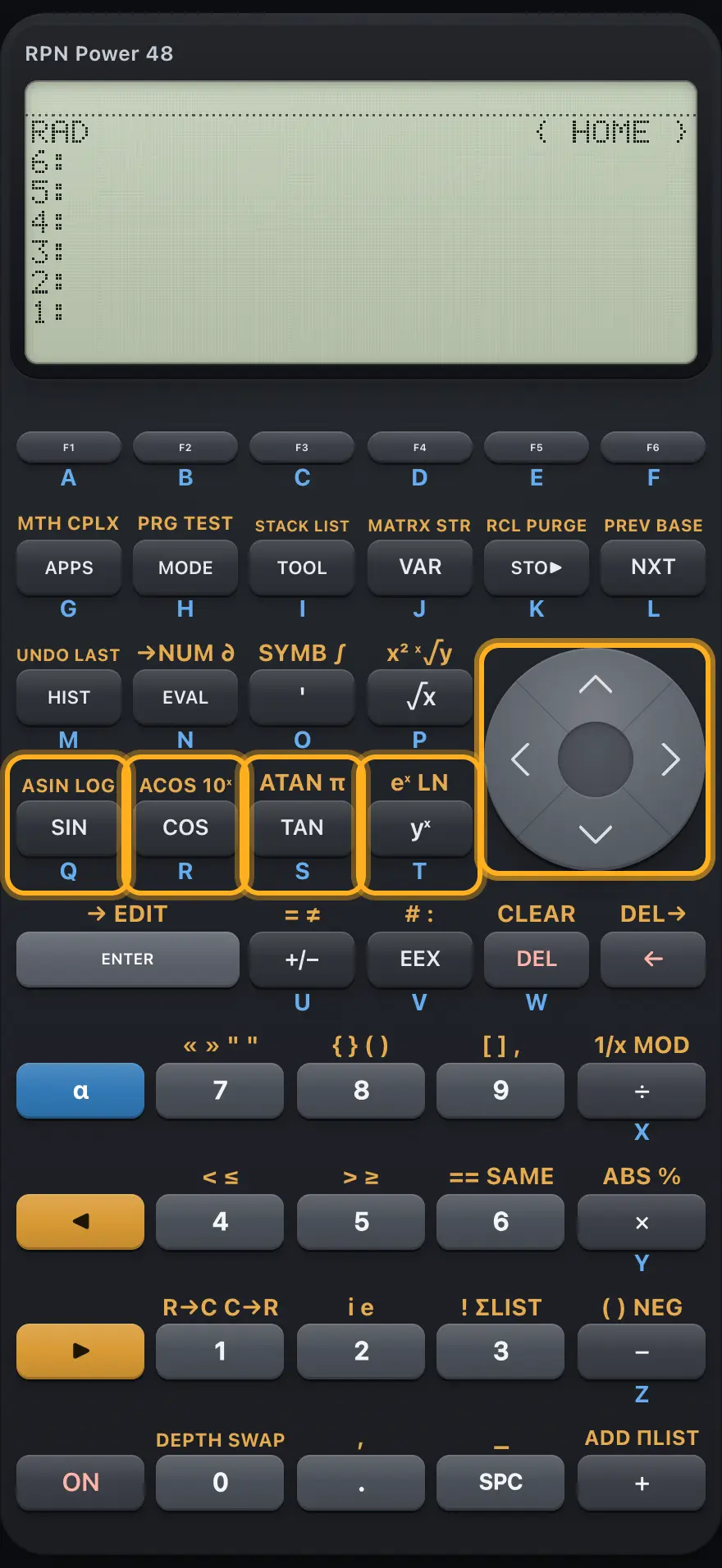
2.5 Fourth row: SIN, COS, TAN, power, cursor keys# The trigonometric keys, the power key and the down and right arrows. Key Primary Left shift Right shift Alpha SIN Sine. Inverse sine. LOG: logarithm base 10. Q COS Cosine. Inverse cosine. ALOG: 10 to the power x. R TAN Tangent. Inverse tangent. Pushes pi. S yˣ Raises level 2 to the power in level 1. EXP: e to the power x. LN: natural logarithm. T ▼ Moves the cursor down; with no command line, edits level 1. Cursor to end of line. — — ▶ Moves the cursor right. Cursor to end of line. Steps over the next closing bracket. —
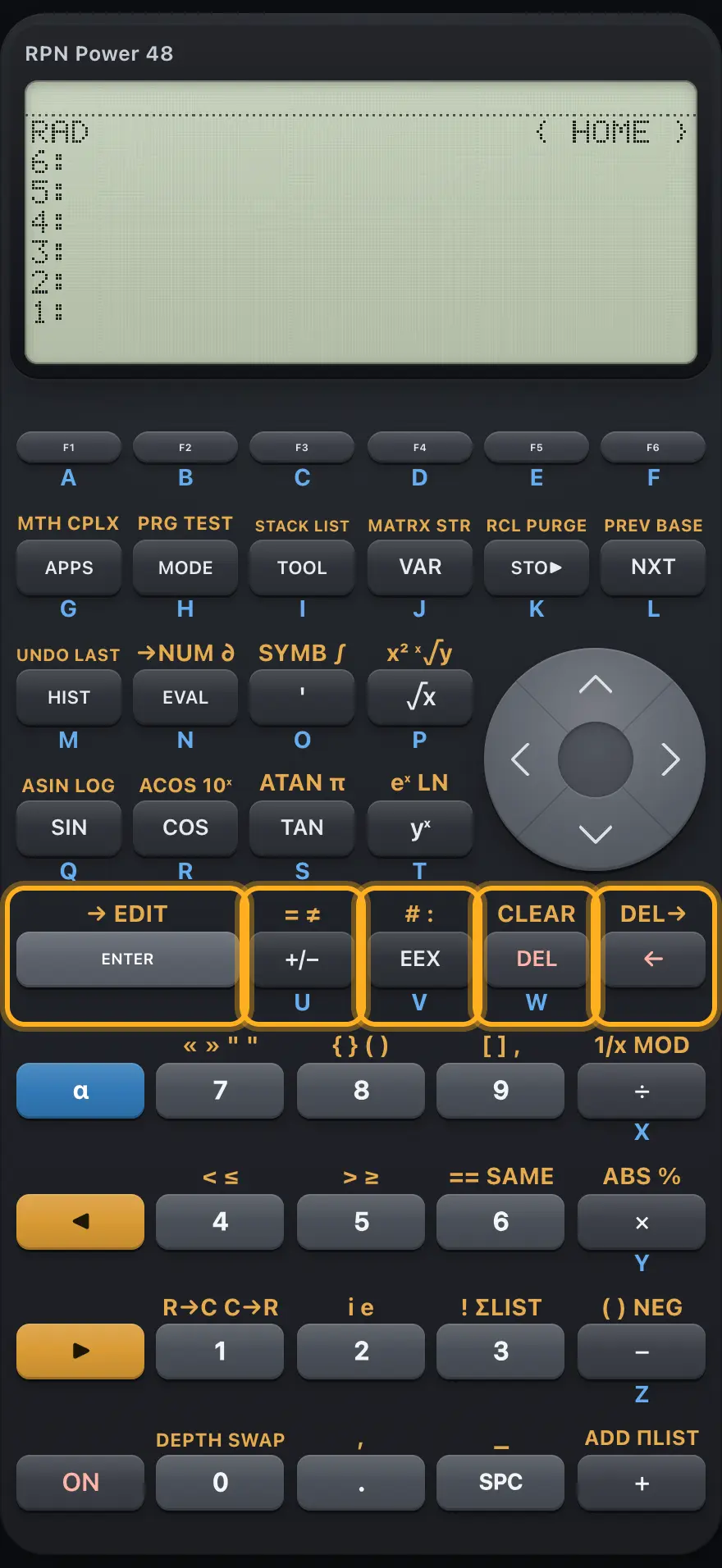
2.6 Fifth row: ENTER, +/−, EEX, DEL, backspace# ENTER and the editing keys. Key Primary Left shift Right shift Alpha ENTER Enters the command line; on an empty line copies level 1. Types an arrow for local variables. EDIT: opens level 1 in the command line. — +/− Changes the sign of the number being typed, or of level 1. Types an equals sign. Types a not-equal sign. U EEX Types the exponent marker E. Types # for a binary integer. Types a colon (tags). V DEL Deletes the character to the right of the cursor. CLEAR: empties the stack. — W ← Deletes the character to the left; with no command line, drops level 1. Deletes to the right. — —
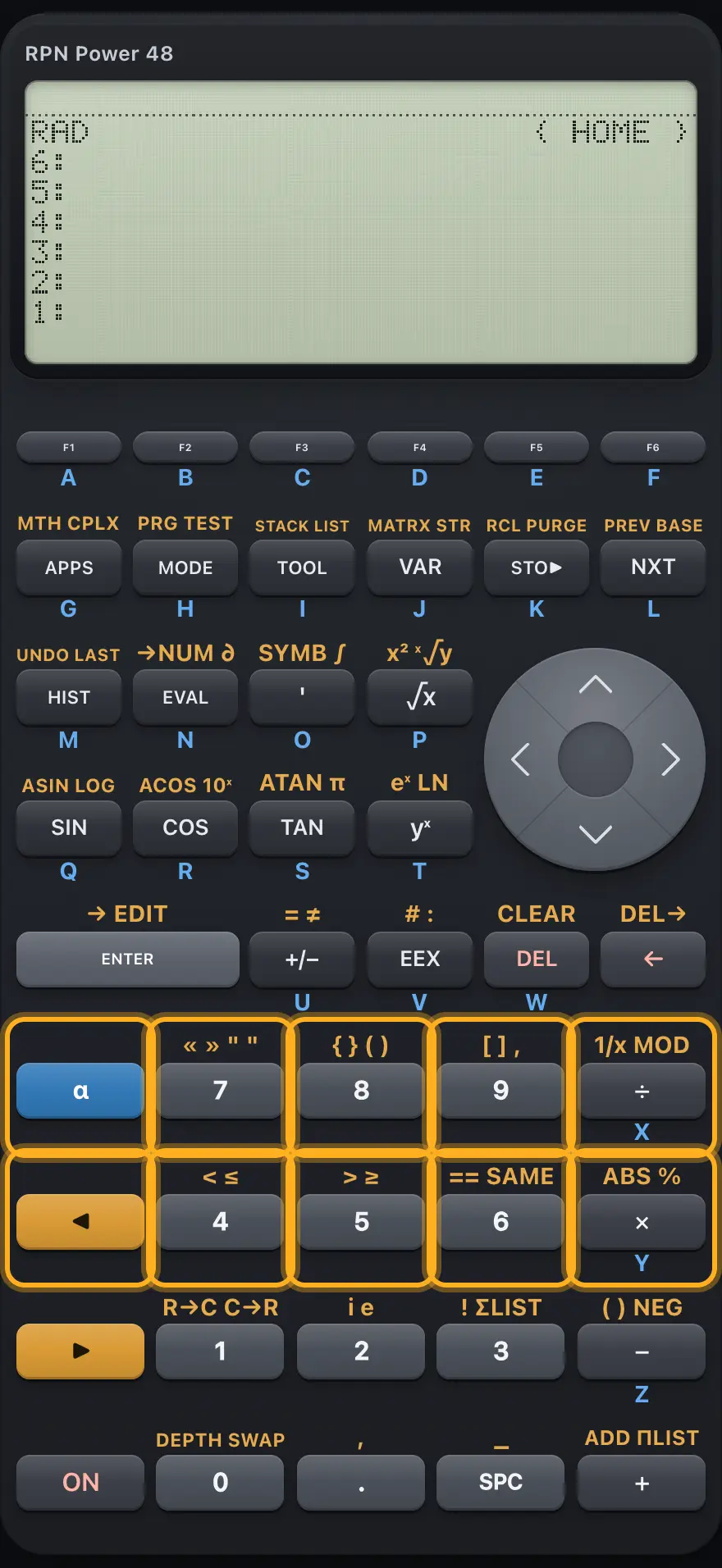
2.7 Sixth and seventh rows: alpha, 7 8 9, shift, 4 5 6# The upper digits, the divide and multiply keys, alpha and the left shift. Key Primary Left shift Right shift Alpha α Alpha mode: once for one letter, twice to lock, a third time to turn off. — — — 7 Digit 7. Types « » program brackets. Types string quotes. — 8 Digit 8. Types { } list braces. Types ( ) parentheses. — 9 Digit 9. Types [ ] matrix brackets. Types a comma. — ÷ Divides level 2 by level 1. INV: reciprocal. MOD: remainder. X ◀ Left shift. — — Lowercase letter in alpha mode. 4 Digit 4. Types <. Types ≤. — 5 Digit 5. Types >. Types ≥. — 6 Digit 6. Types == (test equal). SAME: tests if two objects are identical. — × Multiplies level 2 by level 1. ABS: absolute value or magnitude. %: percent. Y
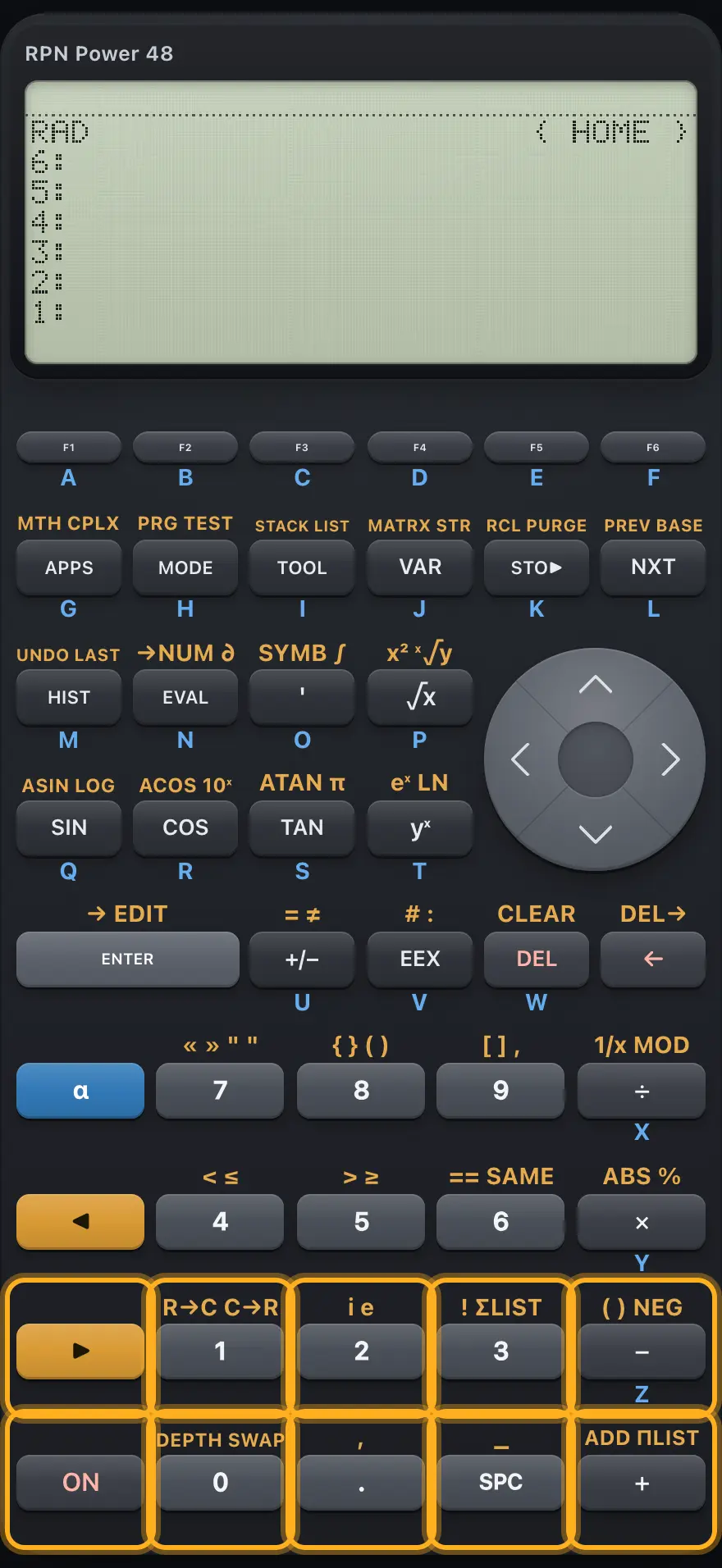
2.8 Eighth and ninth rows: right shift, 1 2 3, ON, 0, point, space, plus# The lower digits and the bottom row. Key Primary Left shift Right shift Alpha ▶ Right shift. — — — 1 Digit 1. R→C: builds a complex number. C→R: splits a complex number. — 2 Digit 2. Pushes the imaginary unit i. Pushes e. — 3 Digit 3. !: factorial. ΣLIST: sum of a list. — − Subtracts level 1 from level 2. Types ( ). NEG: changes the sign. Z ON Cancels the command line and alpha mode. — — — 0 Digit 0. DEPTH: counts the stack. SWAP: swaps levels 1 and 2. — . Decimal point. Types a comma. — — SPC Types a space. Types an underscore. — — + Adds level 1 to level 2. ADD: adds two lists element by element. ΠLIST: product of a list. —
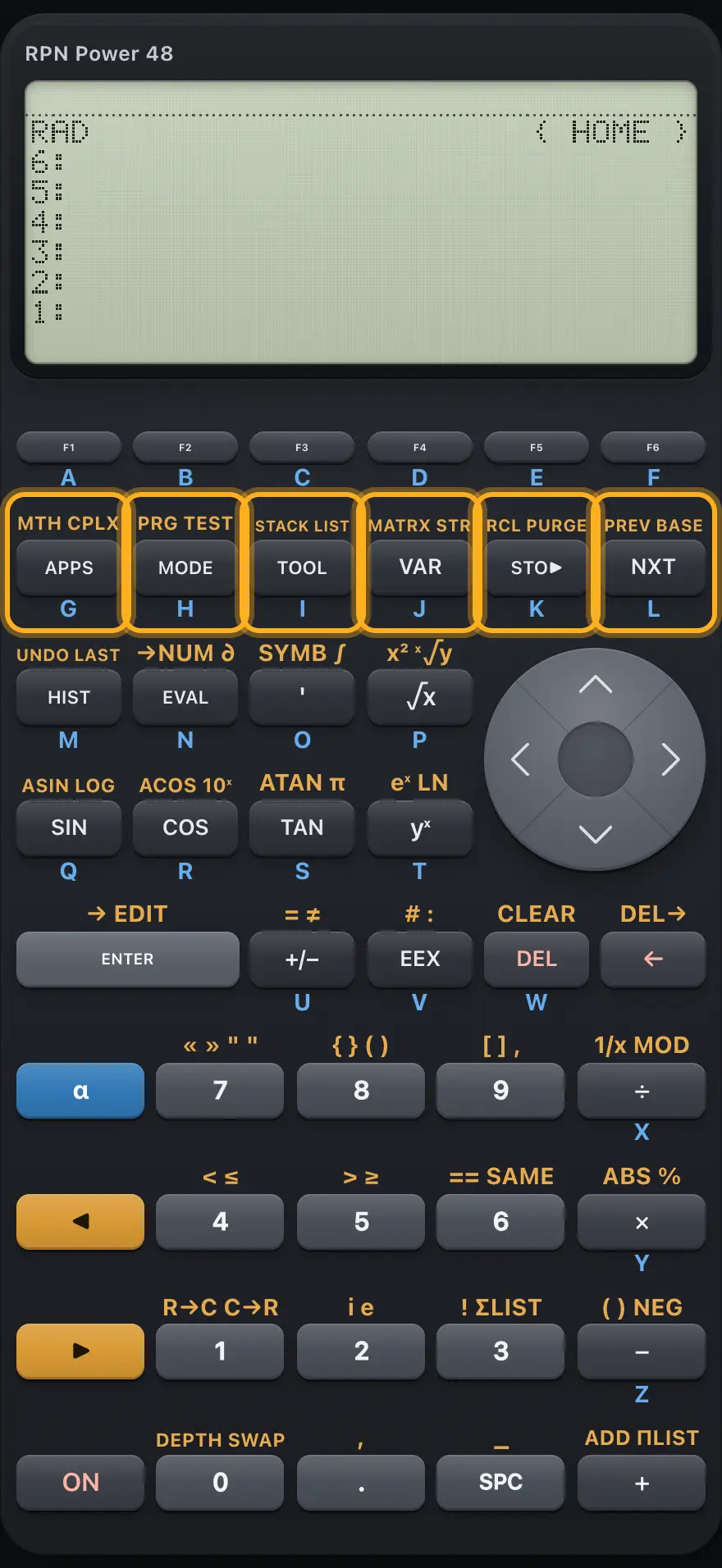
2.9 All shifted menus at a glance# F1 F2 F3 F4 F5 F6 APPS 1 MODE 2 TOOL 3 VAR 4 STO▶ NXT 5 HIST EVAL ' 6 √x SIN COS TAN yˣ ENTER +/− EEX DEL ← α 7 8 9 ÷ ◀ 4 5 6 × ▶ 1 2 3 − ON 0 . SPC + ▲▼◀▶ APPS MODE TOOL VAR NXT ' Keys that open a menu with the left shift (top) or right shift. HP 48 and HP 50g is a trademark of HP Inc.. Trident Calculator is an independent product by South View Studios and is not affiliated with, sponsored by or endorsed by HP. The name is used only to describe the kind of calculator this model resembles; Trident's names, keys, display, fonts and software are its own clean-room design.