
RPN Power 48 manual · Chapter 9 of 19
Typing and editing
The command line: typing objects, brackets that close themselves, the cursor keys, strings and recalling earlier lines.
9.1How the command line works#
Whatever you type goes on the command line, shown below the stack. ENTER compiles the whole line: it can hold many objects, even program structures. If the line is not valid you see Invalid Syntax and the line is kept so you can fix it.
Several objects on one line
Type 1 2 3 and ENTER: three objects arrive.
1SPC2SPC3ENTER
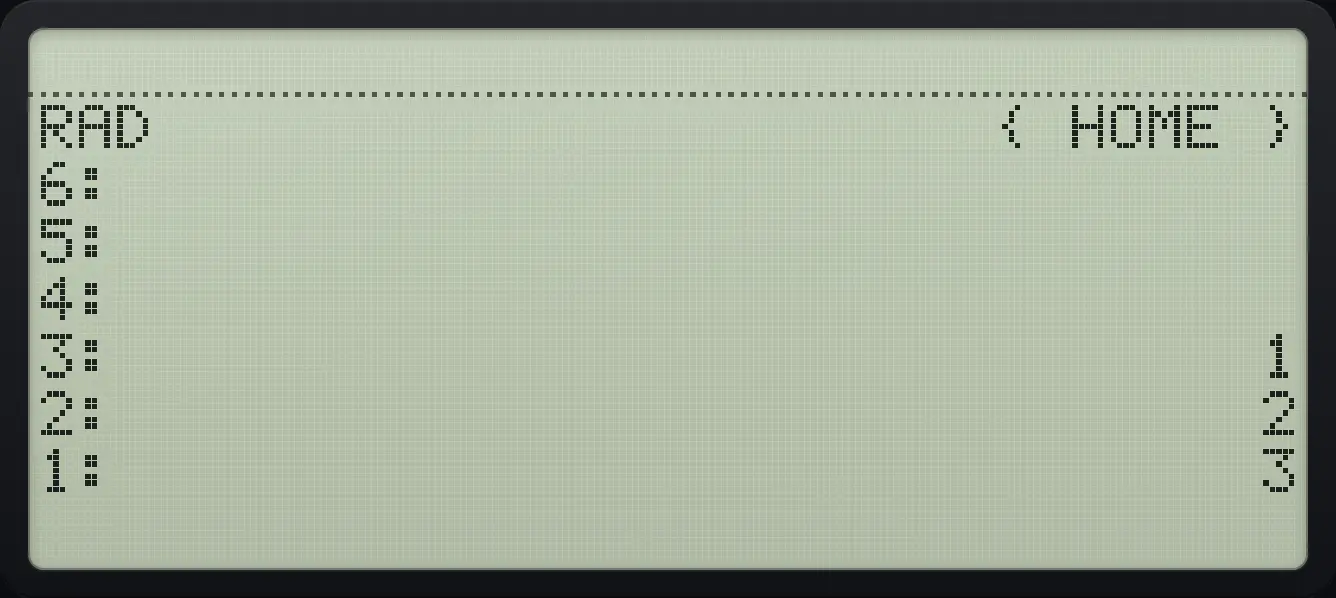
3: 1An invalid line
Empty single quotes are not a valid object.
'ENTER
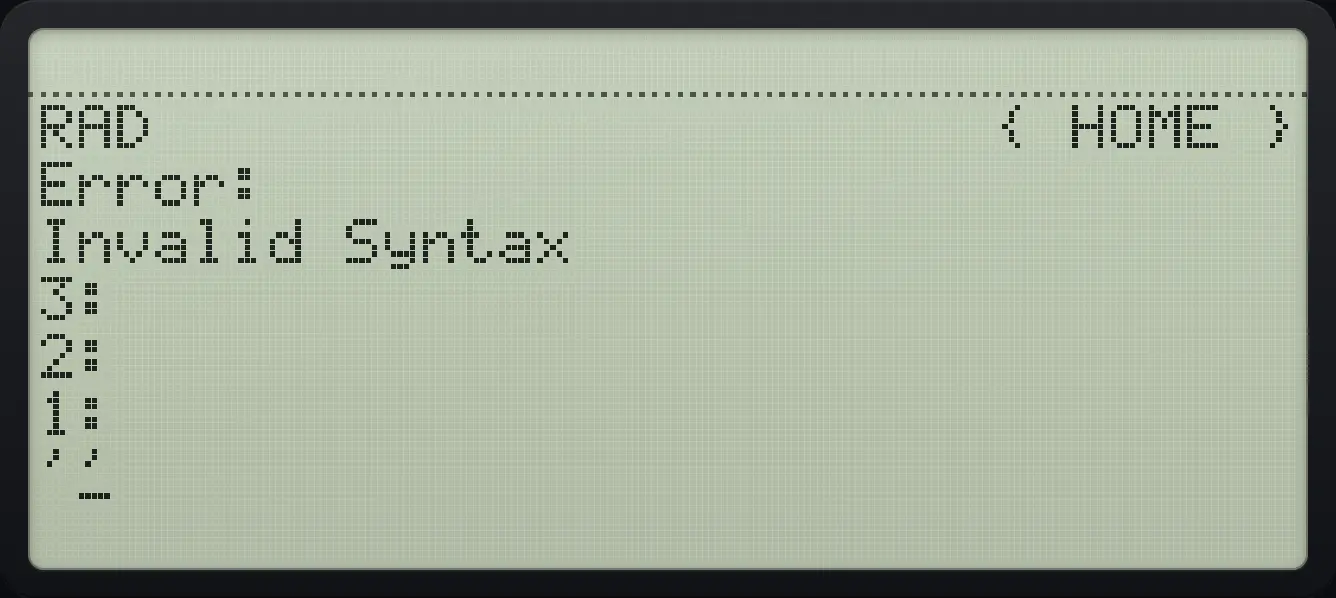
Invalid Syntax9.2Brackets, quotes and braces that close themselves#
Opening a pair of quotes, a string, a list, a matrix or a program also types the closing mark. Type inside, then ENTER; you do not have to type the closer. Typing the closing mark again steps over it. The cursor keys can step over a closer too, and right shift ▶ steps over the next closing bracket.
Type a list
Left shift 8 gives braces. Type 1 2 3 and ENTER.
◀{ }81SPC2SPC3ENTER
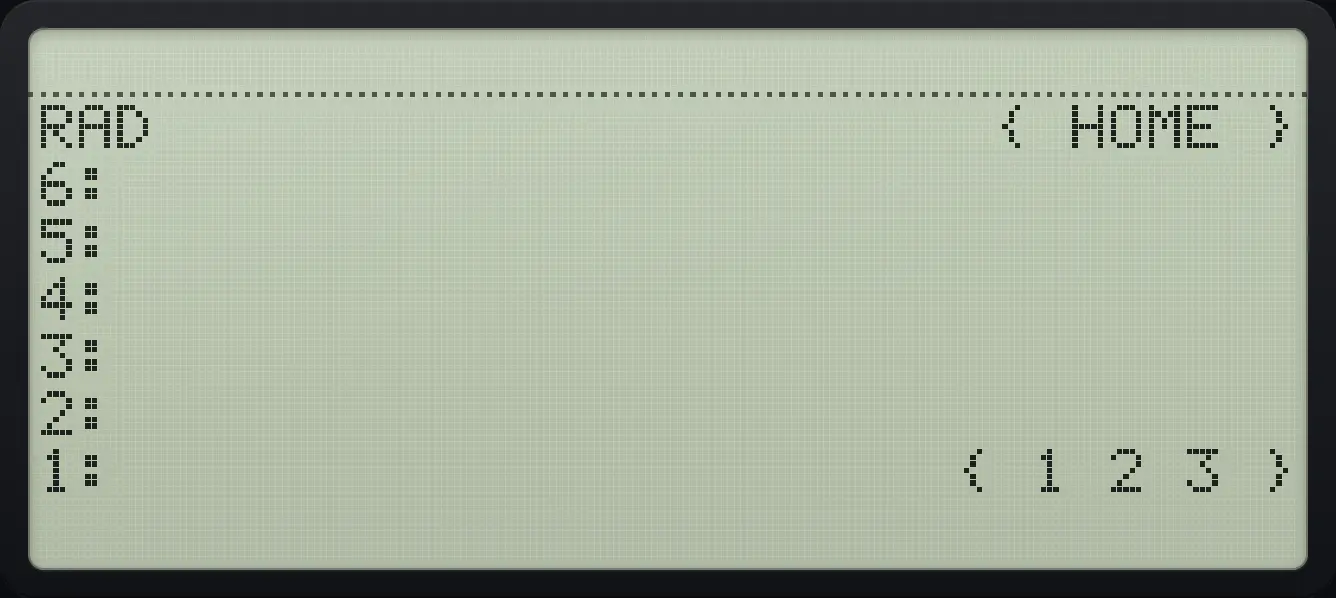
{ 1 2 3 }Type a string
Right shift 7 gives quotes; type letters with alpha lock.
▶" "7ααMODE◀F5◀PREVNXT◀PREVNXT◀SYMB'α▶7ENTER
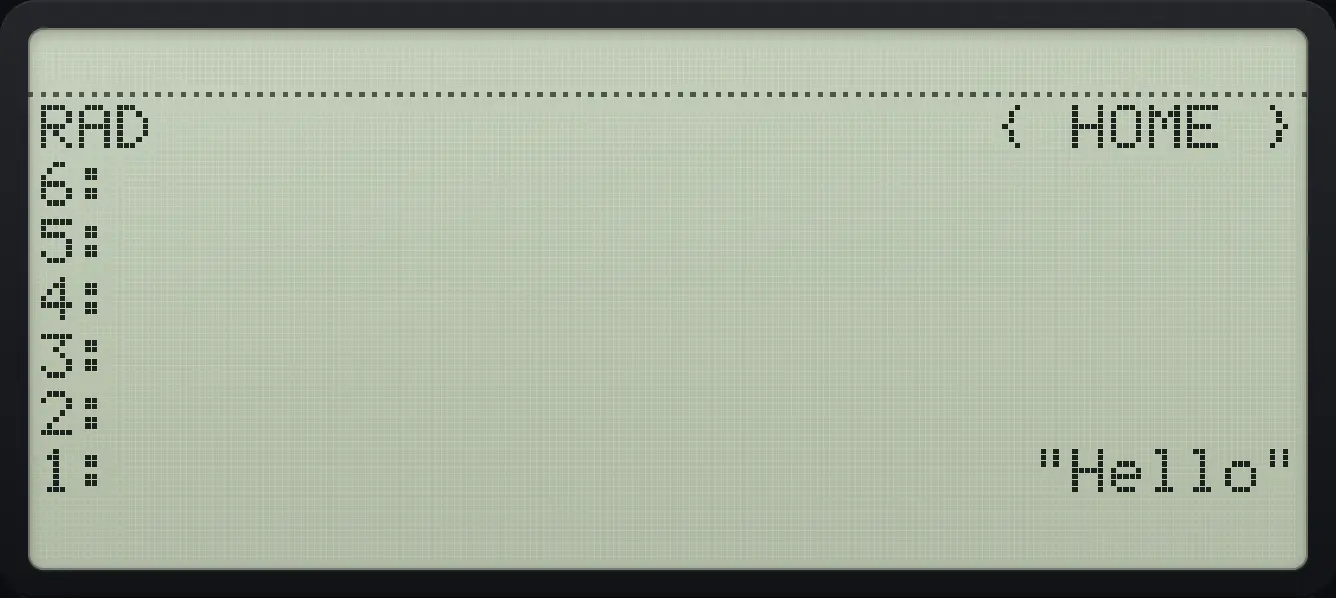
"Hello"9.3Move the cursor and edit#
◀ and ▶ move the cursor along the line, ▲ and ▼ move it by a row (about 33 characters). Left shift with an arrow jumps to the start or end. ← deletes on the left, DEL on the right.
Edit a number
Type 1 2 3 and press left twice and delete.
123◀◀DEL
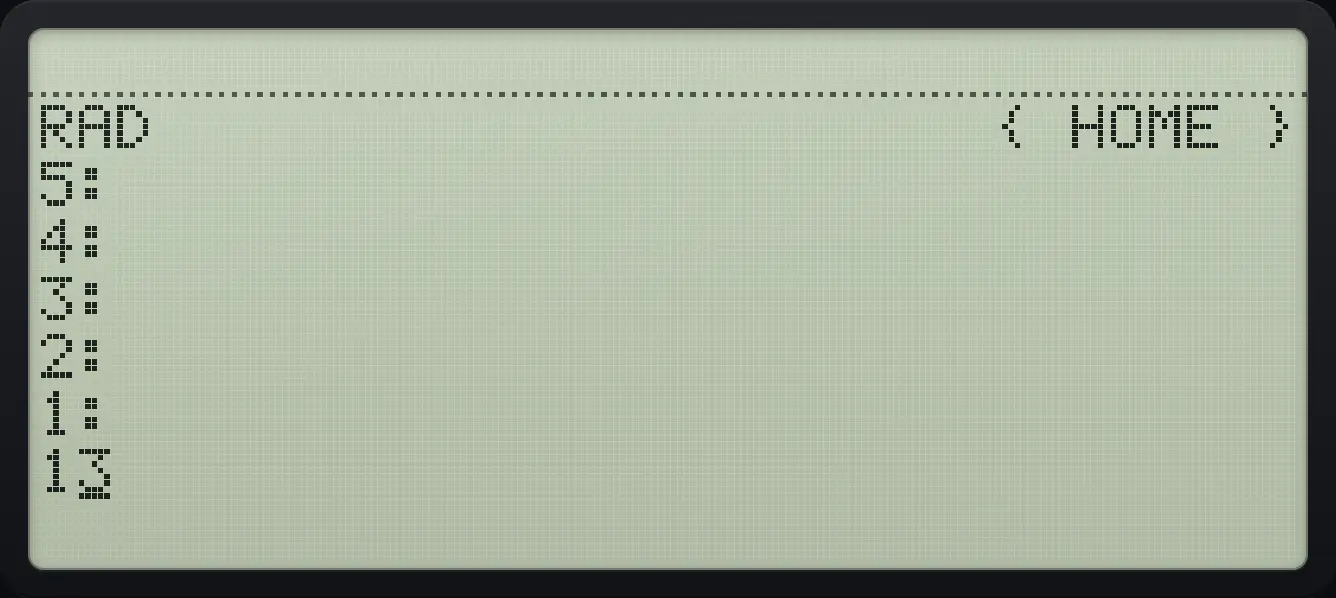
139.4Bring back an earlier command line#
The HIST key puts your most recent command line into the command line for editing. Press it again for the one before (up to eight are kept).
Repeat the last line
Enter the line 3 4, then press HIST: the line comes back for editing.
3SPC4ENTERHIST
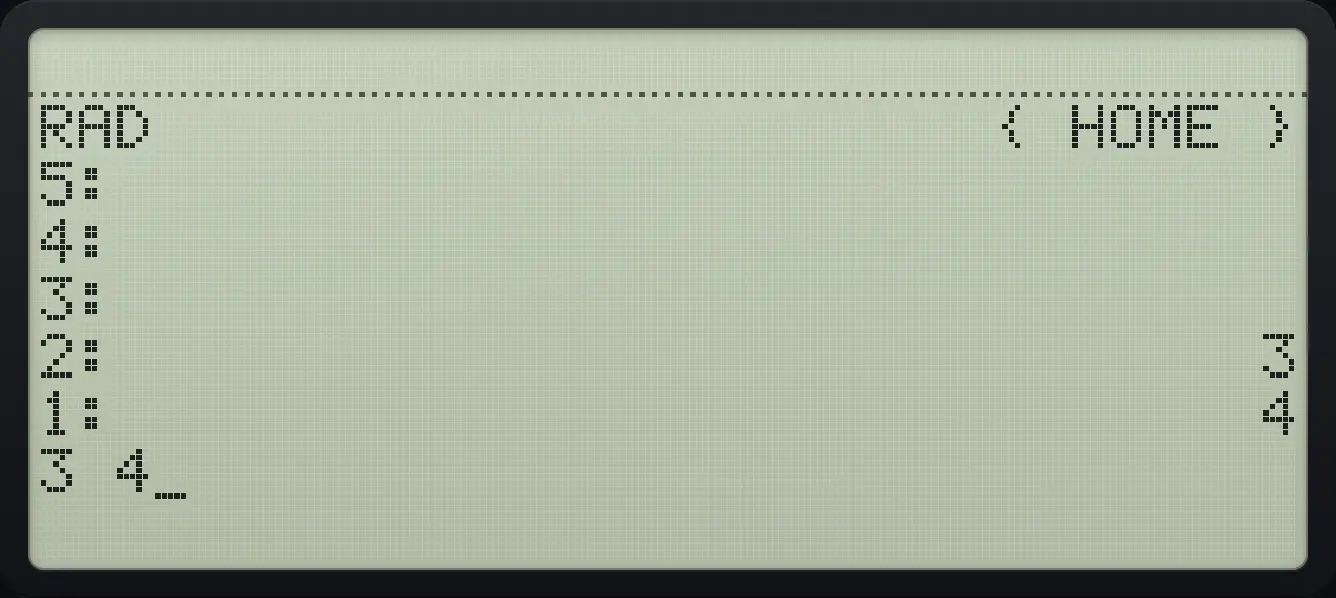
3 49.5Edit an object on the stack#
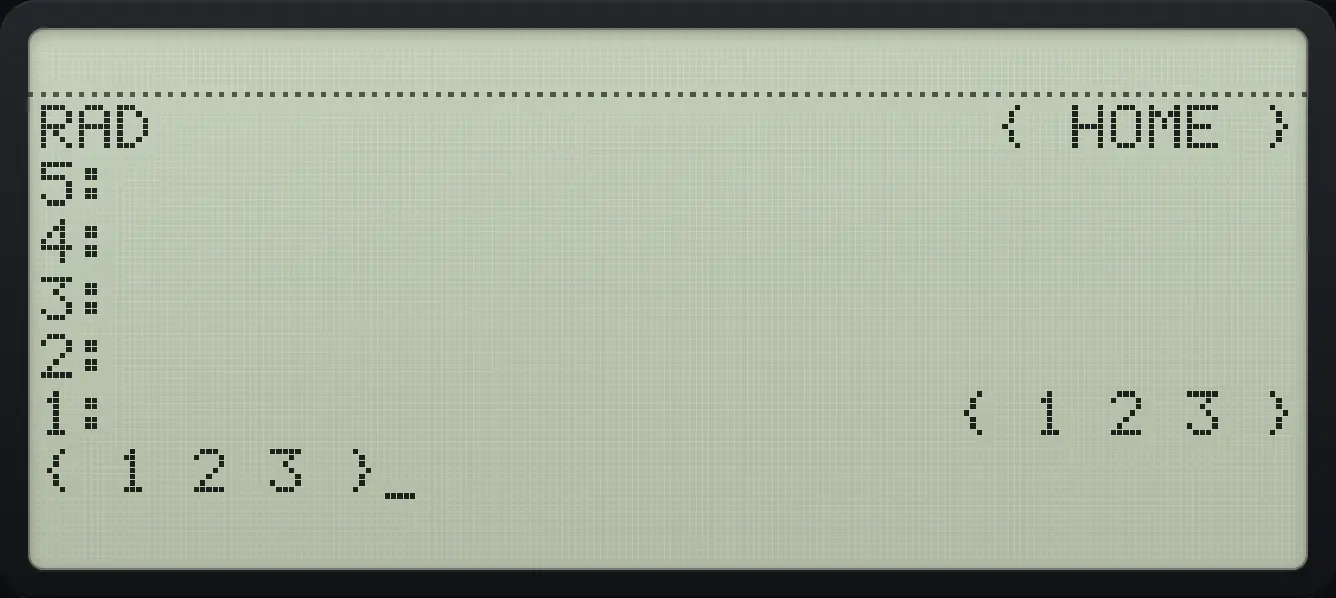
Press ▼ (with no command line) or right shift ENTER: level 1 appears in the command line as source text, ready to edit. Press ENTER to put it back; it replaces the original.
Edit a list
Make a list, edit it, add a number.
◀{ }81SPC2SPC3ENTER▼
{ 1 2 3 }HP 48 and HP 50g is a trademark of HP Inc.. Trident Calculator is an independent product by South View Studios and is not affiliated with, sponsored by or endorsed by HP. The name is used only to describe the kind of calculator this model resembles; Trident's names, keys, display, fonts and software are its own clean-room design.