
RPN Power 48 manual · Chapter 15 of 19
Programming
Write programs between the program brackets, use local variables and the control structures, and run them from the VAR menu.
15.1What a program is#
A program is an object written between « and ». It holds a sequence of objects and commands that run when you evaluate it. Left shift 7 types the brackets. Commands you press inside a program are typed as words instead of being run. Store the program in a variable and it becomes a new command that you run from the VAR menu.
Type a program
Left shift 7, then 2 and the multiply key.
◀« »72×ENTER
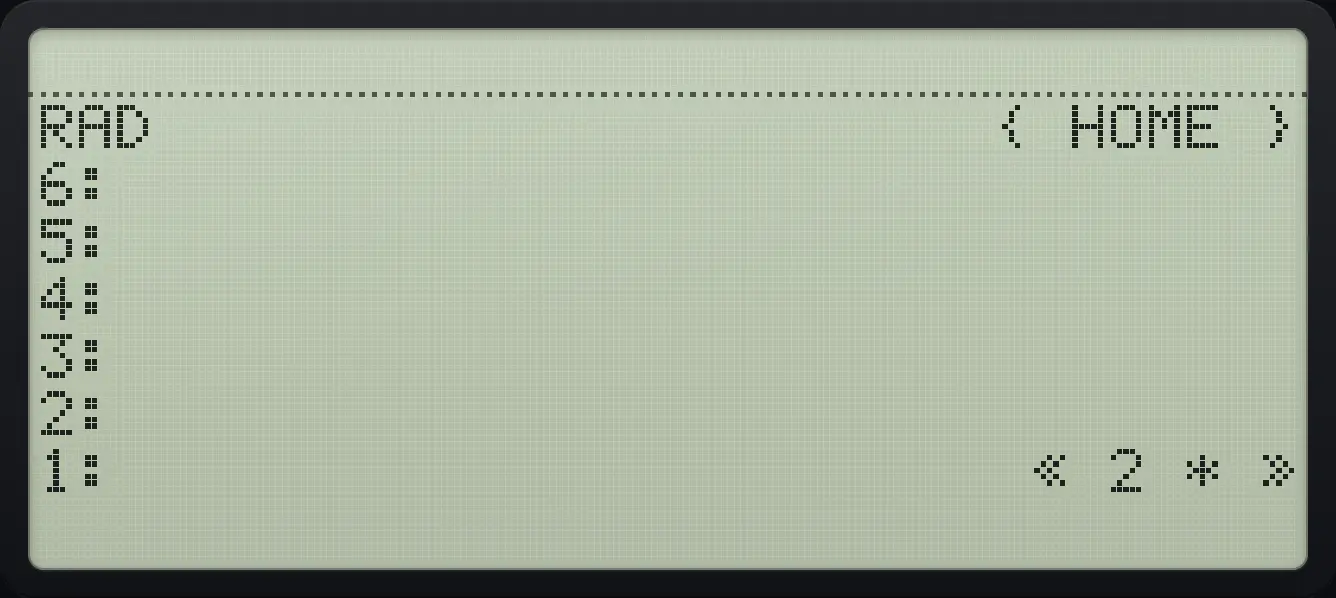
« 2 * »Store and run a program
Type the program « 2 * » and store it in a variable called dbl.
◀« »72×ENTER'αα◀F4◀F2◀PREVNXTαENTERSTO▶Type 21 and press the dbl soft key in VAR.
21VARF1
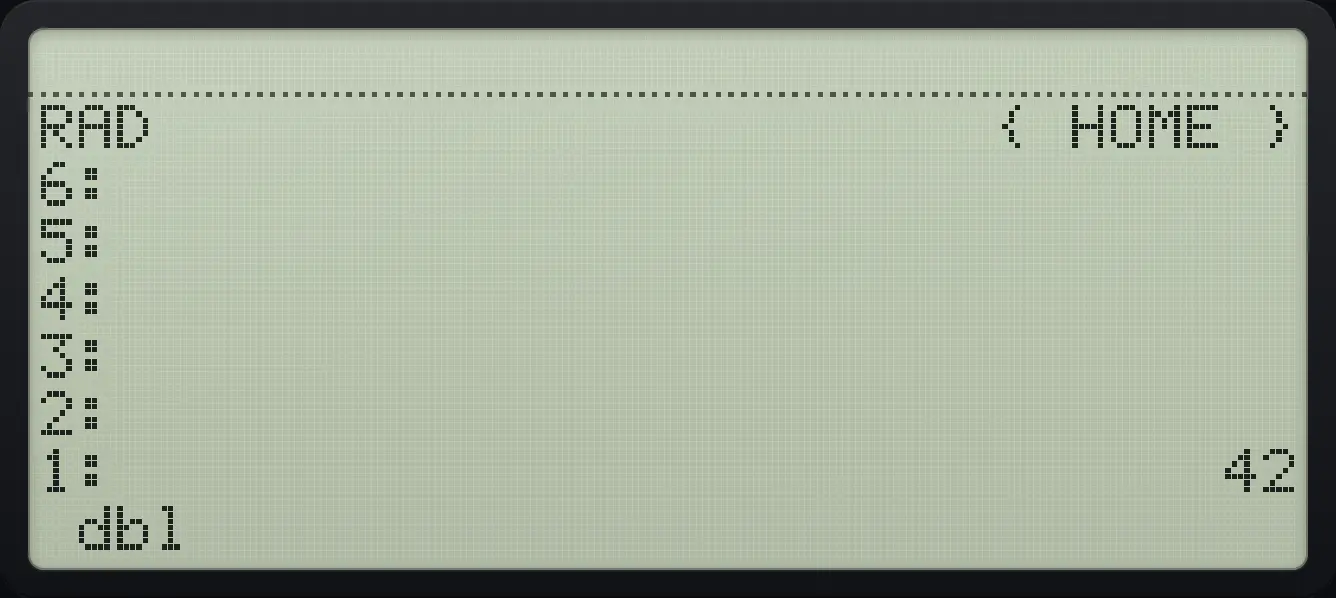
1: 42See also Write a program in RPL
15.2A program that works on the stack#
Square a number
Type « DUP * »: left shift 7, then DUP from the STACK menu, then multiply.
◀« »7◀STACKTOOLF1×ENTERStore it in a variable called sqr.
'αα◀ATANTAN◀ASINSIN◀ACOSCOSαENTERSTO▶Run it on 5.
5VARF1
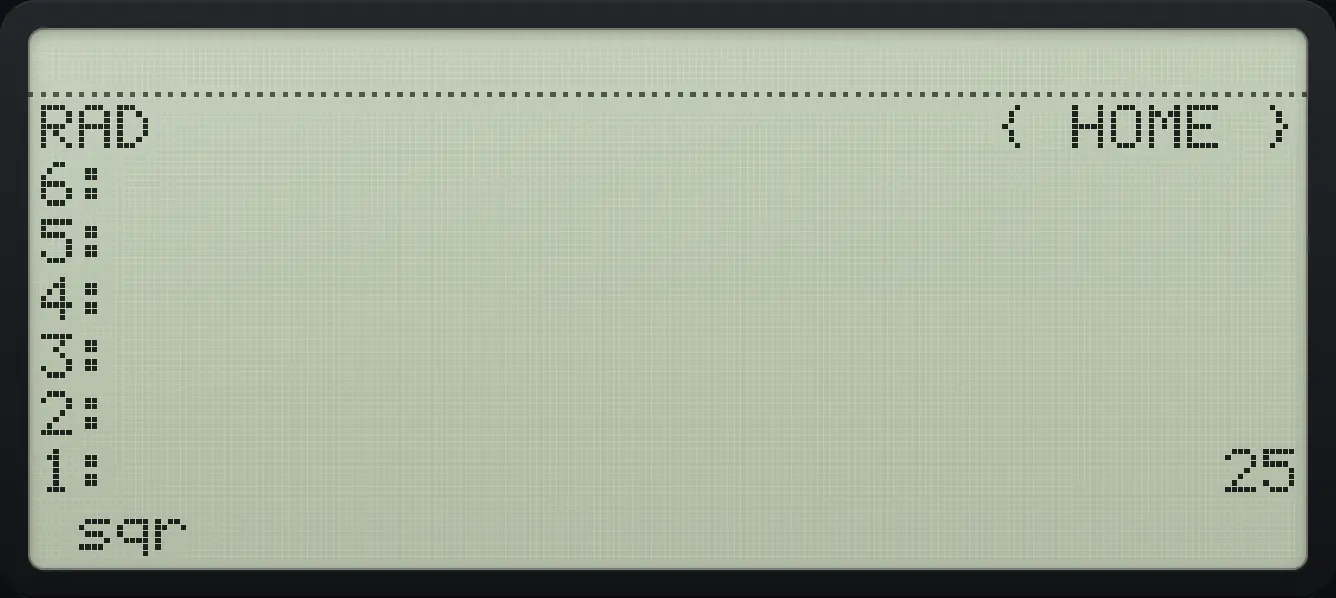
1: 2515.3Local variables with the arrow#
The arrow (left shift ENTER) at the start of a program takes values from the stack into local names. Inside the inner program the names hold the values. This is how you write formulas in a readable way.
Hypotenuse program
Type « → a b « a SQ b SQ + √ » » and store it as hyp.
◀« »7◀→ENTERαα◀F1αSPCαα◀F2αSPC◀« »7αα◀F1α◀√xSPCαα◀F2α◀√x+√xENTER'αα◀PRGMODE◀ABS×◀x²√xαENTERSTO▶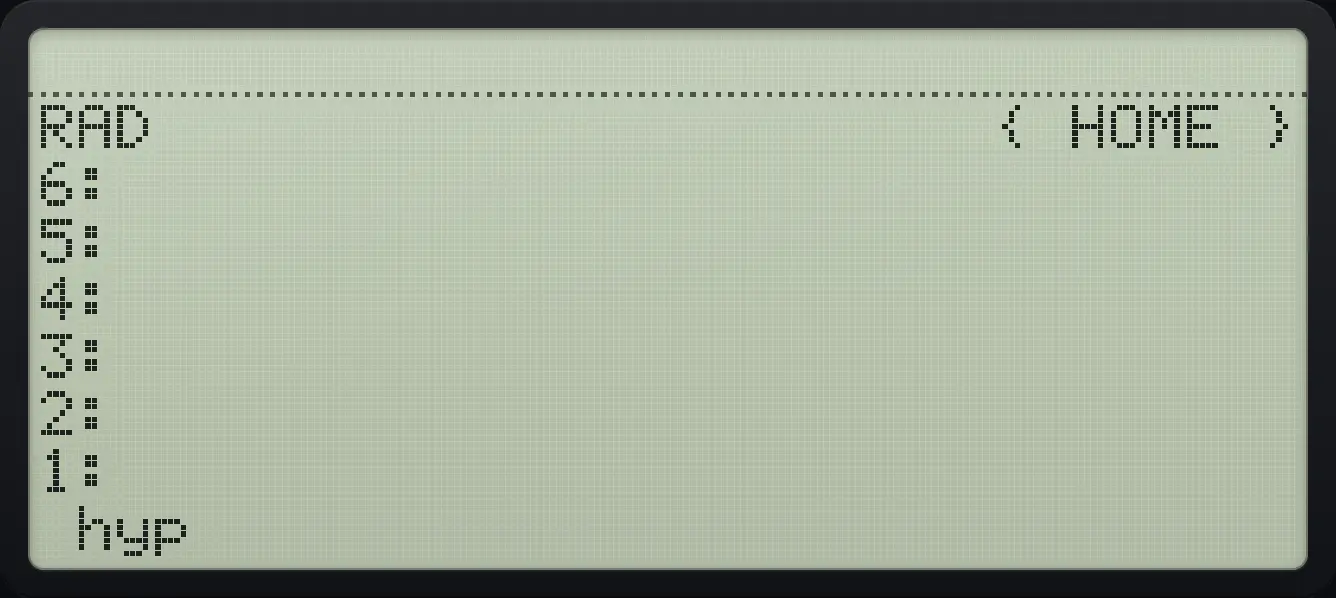
Run it with legs 3 and 4.
3ENTER4VARF1
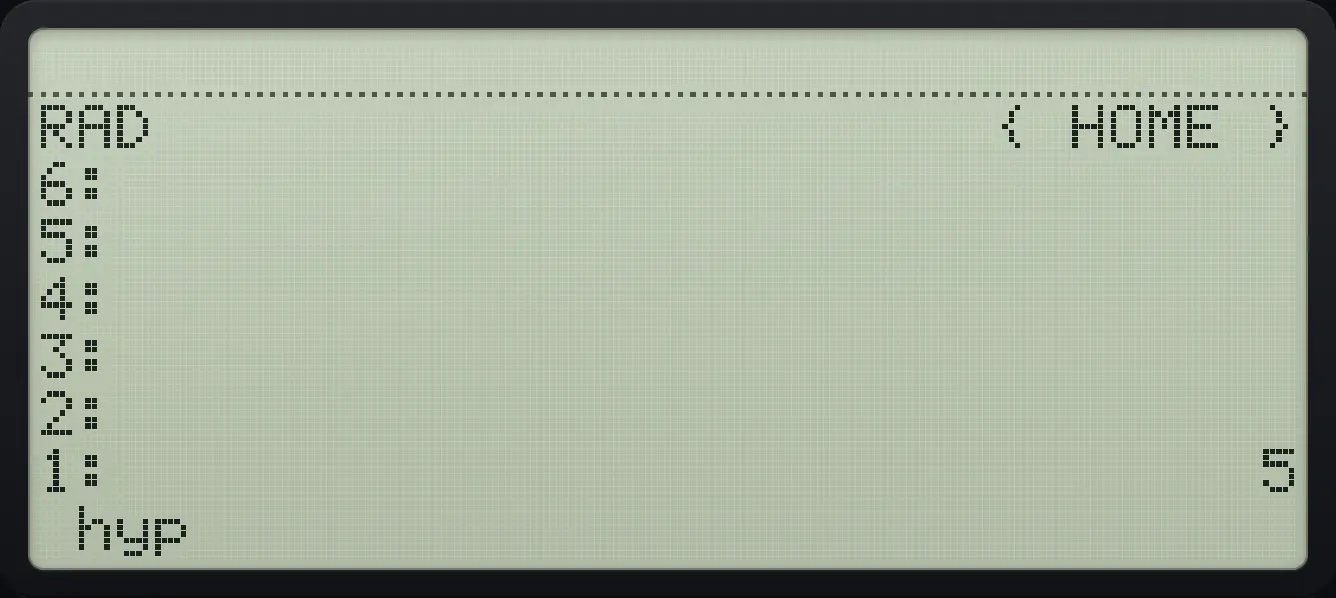
1: 515.4The PRG menu#
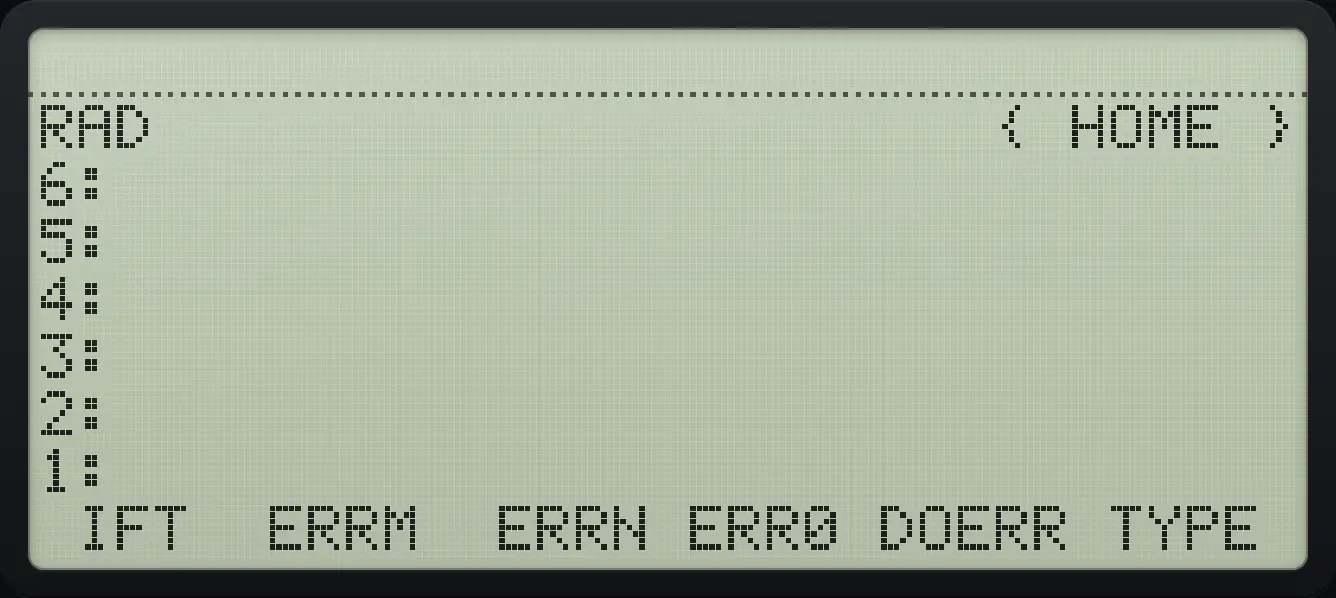
Left shift MODE opens PRG with the structure words. Pressing one inside a program types the word with spaces around it.
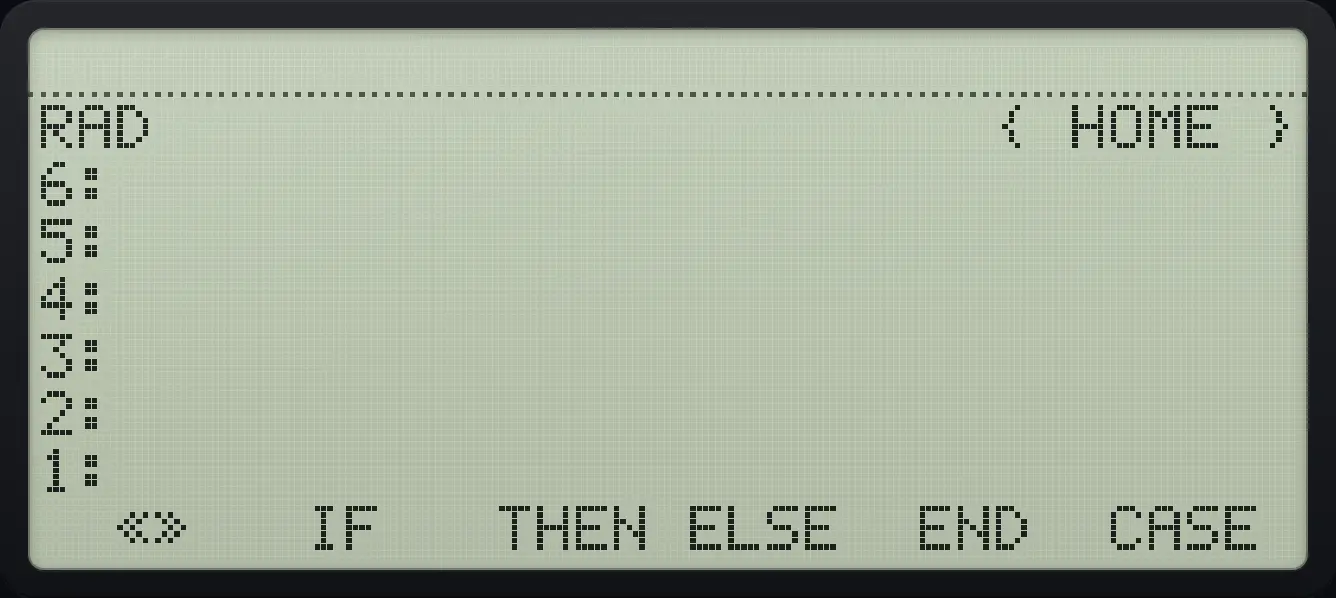
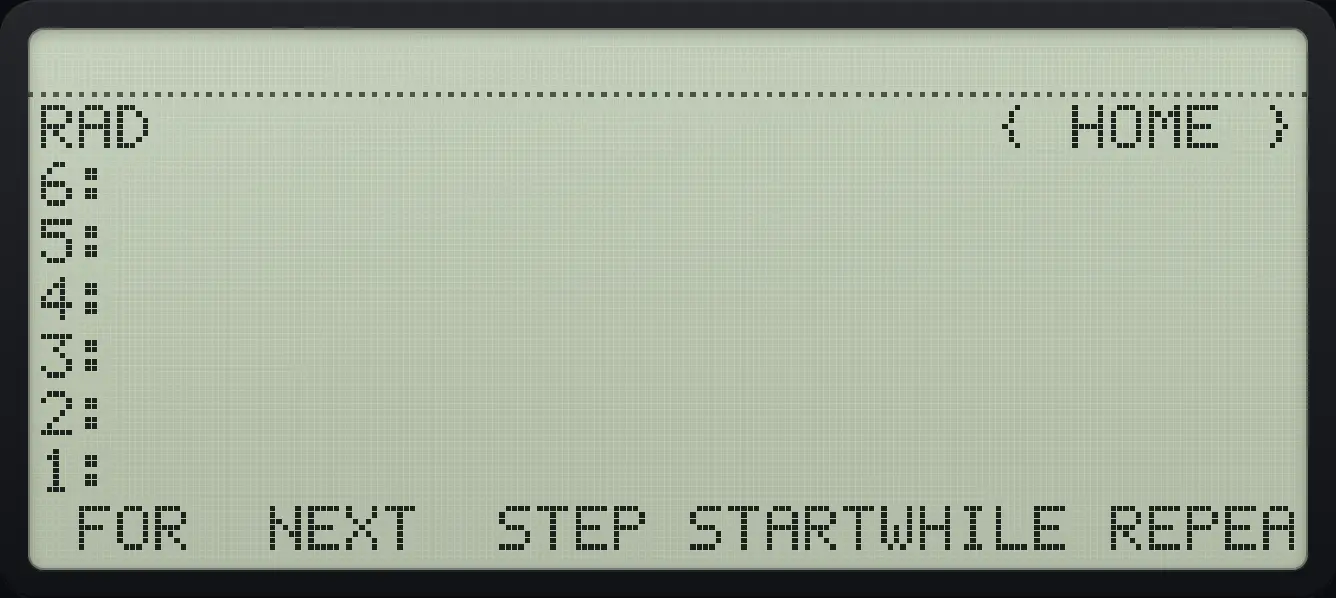
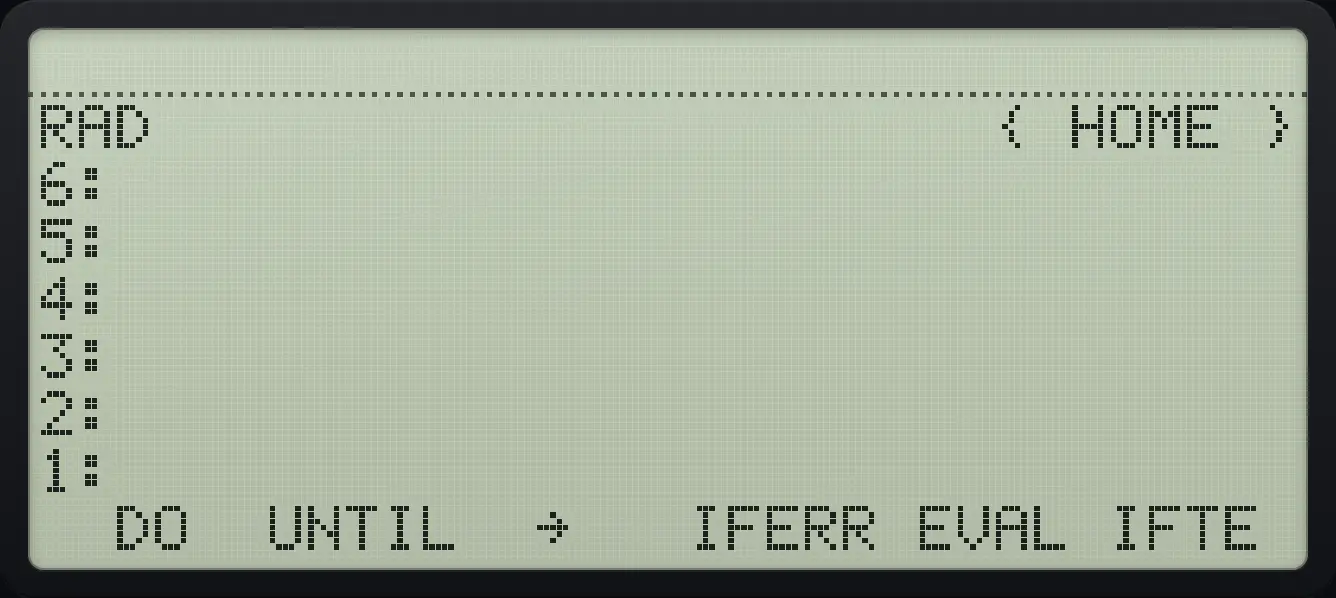
| Words | Meaning |
|---|---|
| «» | A pair of program brackets. |
| IF THEN ELSE END | Do something only if a test is true. |
| CASE | A multi-way choice. |
| FOR NEXT STEP | A counting loop with a named counter. |
| START NEXT | A counting loop with no named counter. |
| WHILE REPEAT END | Repeat while a test is true. |
| DO UNTIL END | Repeat until a test is true. |
| → | Create local variables. |
| IFERR | Run code and catch an error. |
| EVAL, IFTE, IFT | Evaluate; choose a value by a test; run if a test is true. |
| ERRM, ERRN, ERR0, DOERR | Error message, number, clear it, raise one. |
| TYPE | The kind of object. |
15.5Decisions with IF#
IF test THEN true-part ELSE false-part END. The test leaves 1 (true) or 0 (false) on the stack.
Absolute value program
Type « → x « IF x 0 < THEN x NEG ELSE x END » » and store it as absv.
◀« »7◀→ENTERαα◀1/x÷α◀7◀PRGMODEF2αα◀1/x÷αSPC0SPC◀<4SPC◀PRGMODEF3SPCαα◀1/x÷αSPC▶NEG−SPC◀PRGMODEF4SPCαα◀1/x÷αSPC◀PRGMODEF5ENTER'αα◀F1◀F2◀ATANTAN◀#EEXαENTERSTO▶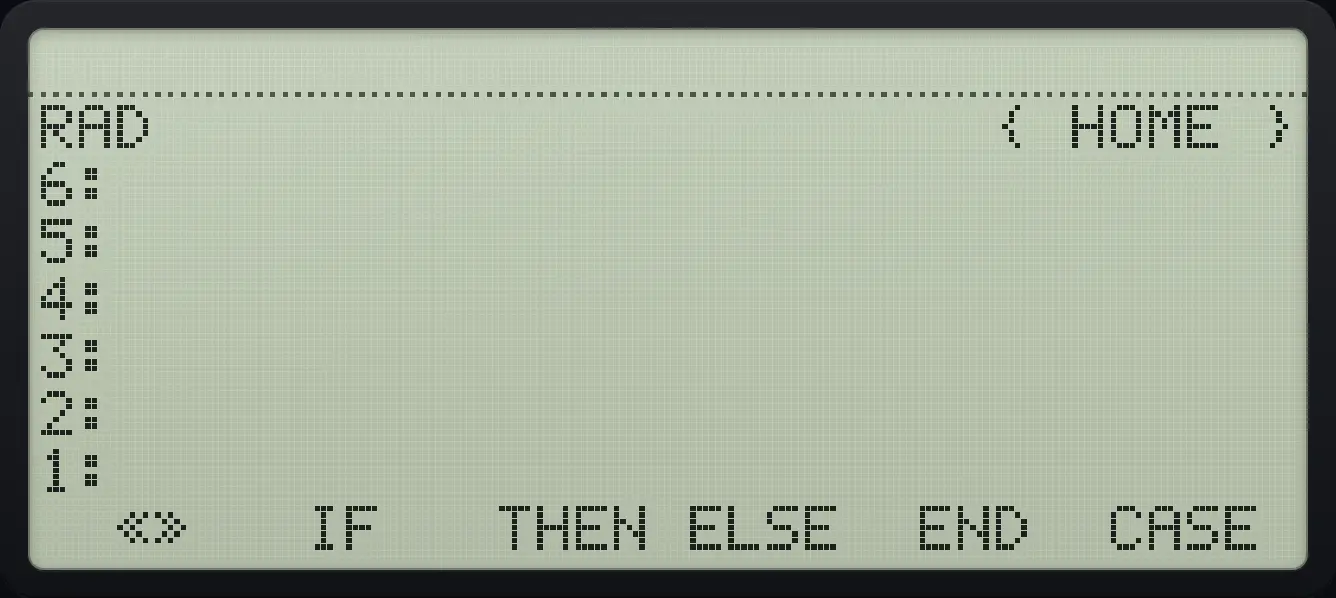
Run it on −5.
5+/−VARF1
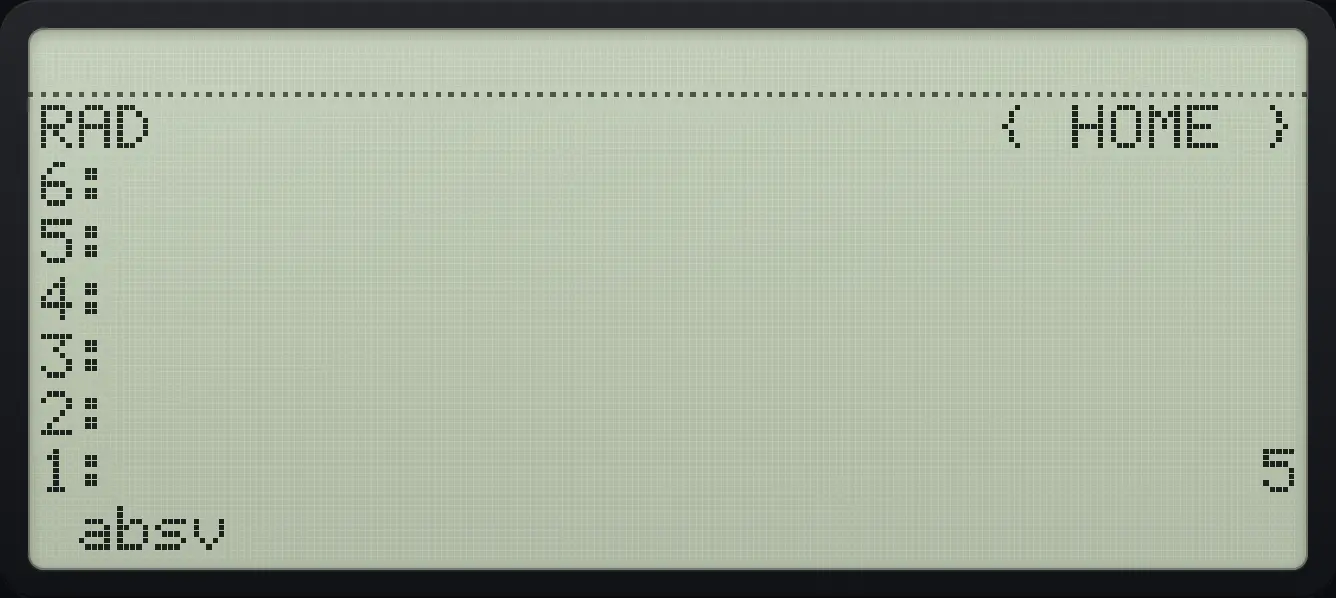
1: 515.6Loops with FOR and NEXT#
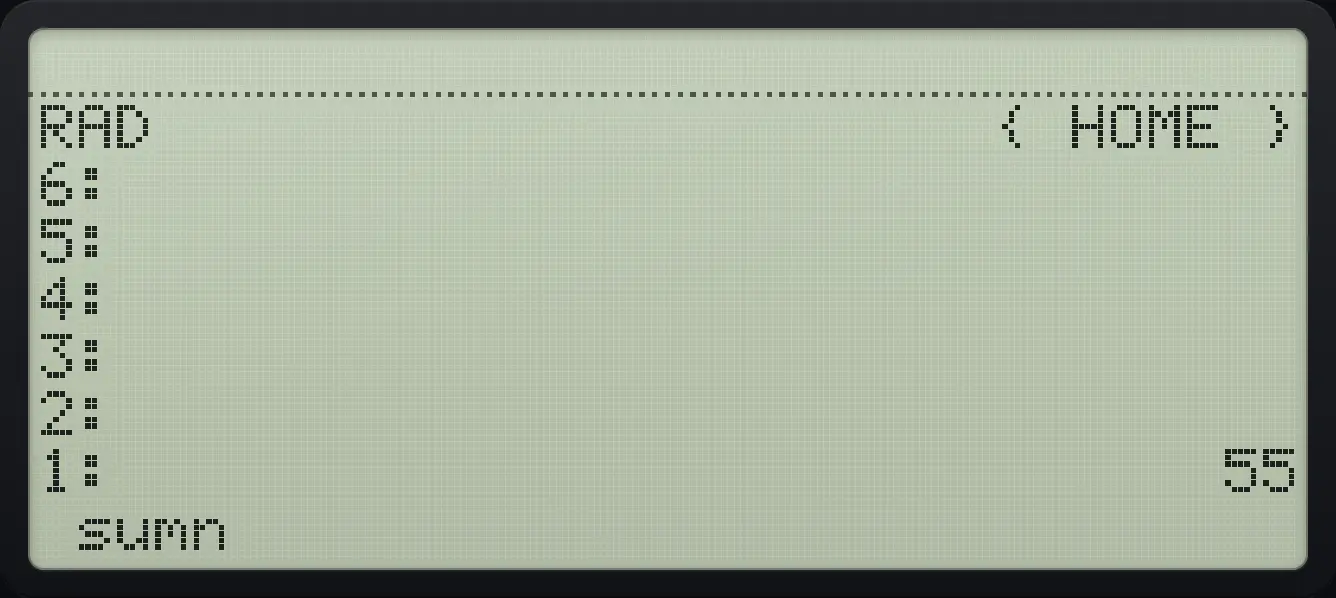
FOR takes a start and an end from the stack and runs the body once for each value of its named counter. The program below sums the numbers from 1 to n.
Sum 1 to 10
Type « → n « 0 1 n FOR k k + NEXT » » and store it as sumn.
◀« »7◀→ENTERαα◀→NUMEVALα◀70SPC1SPCαα◀→NUMEVALα◀MODENXTF1αα◀RCLSTO▶αSPCαα◀RCLSTO▶αSPC+SPC◀PRGMODENXTF2ENTER'αα◀ATANTAN◀=+/−◀UNDOHIST◀→NUMEVALαENTERSTO▶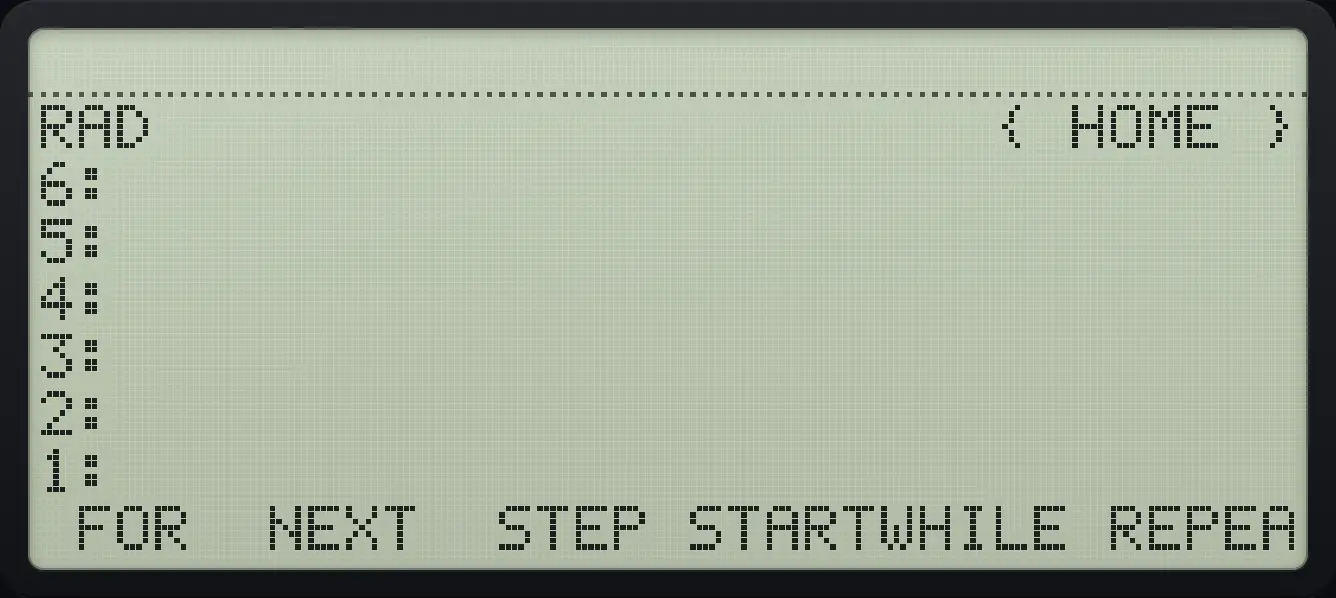
Run it with 10.
10VARF1
1: 5515.7START, WHILE, DO and CASE#
START n m … NEXT repeats without a counter name. WHILE test REPEAT body END tests first; DO body UNTIL test END tests after. CASE test THEN action END … END chooses the first true branch. IFTE takes a test and two values and returns one of them; IFT runs the next object only when the test is true.
Choose a value with IFTE
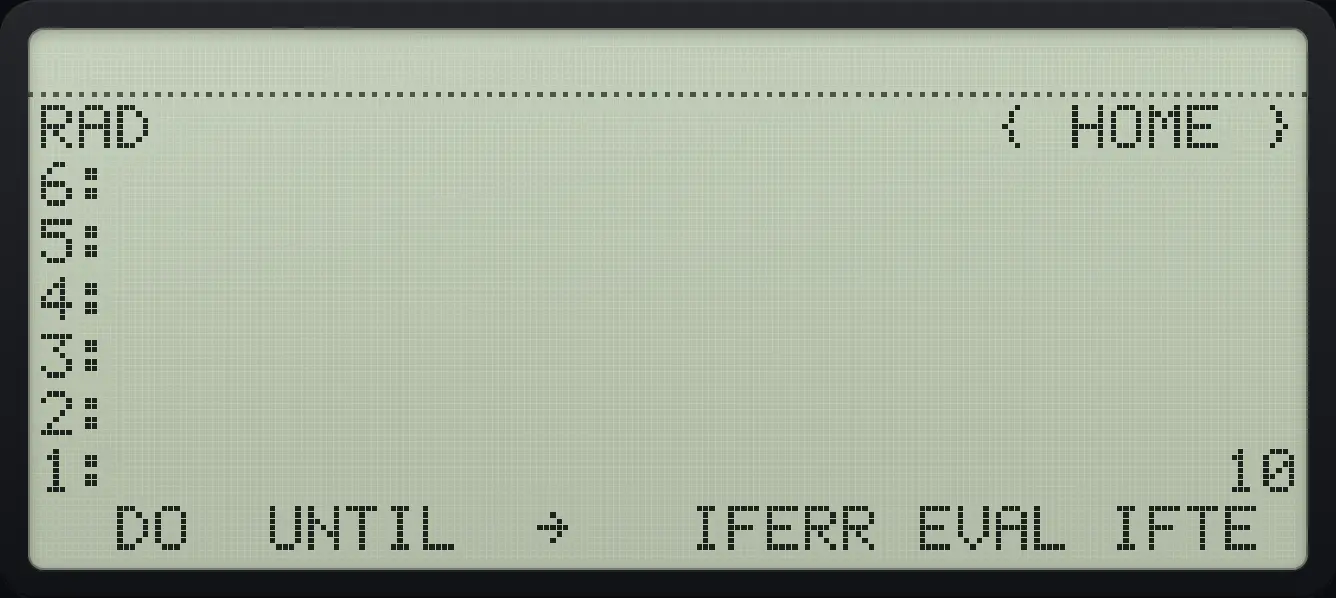
Push the test 1, then two values, then IFTE (PRG page 3, sixth key): the first value is chosen.
1ENTER10ENTER20ENTER◀PRGMODENXTNXTF6
1: 10Use IFT
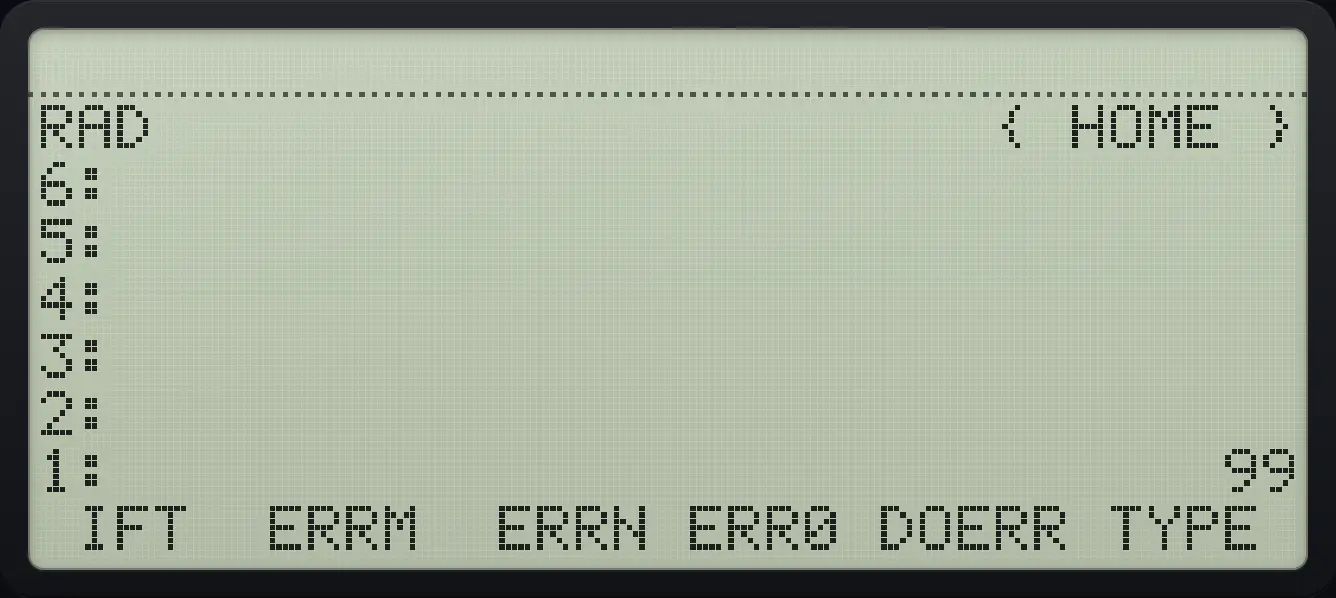
Push test 1, a value 99, press IFT (page 4, first key).
1ENTER99ENTER◀PRGMODENXTNXTNXTF1
1: 9915.8Catch errors with IFERR#
IFERR body THEN handler END runs the handler if the body causes an error. ERRM returns the message text of the last error, ERRN its number, and ERR0 clears it. DOERR raises an error of your own.
15.9Read and paste a program listing#
Programs are plain RPL text, for example:
- « DUP * »
- « → a b « a SQ b SQ + √ » »
The Data and programs sheet lists the programs stored in variables and lets you copy them as text or load a program from text.
See also Import and export programs
HP 48 and HP 50g is a trademark of HP Inc.. Trident Calculator is an independent product by South View Studios and is not affiliated with, sponsored by or endorsed by HP. The name is used only to describe the kind of calculator this model resembles; Trident's names, keys, display, fonts and software are its own clean-room design.