
RPN Power 48 manual · Chapter 14 of 19
Algebra and calculus
Expressions on the stack, derivatives, integrals, solving equations, expanding, factoring and substituting.
14.1Type an algebraic expression#
An expression goes between single quotes. Inside the quotes the keys type their text: + types a plus, yˣ a power sign, and parentheses come from right shift 8. Names that hold no value stay as symbols.
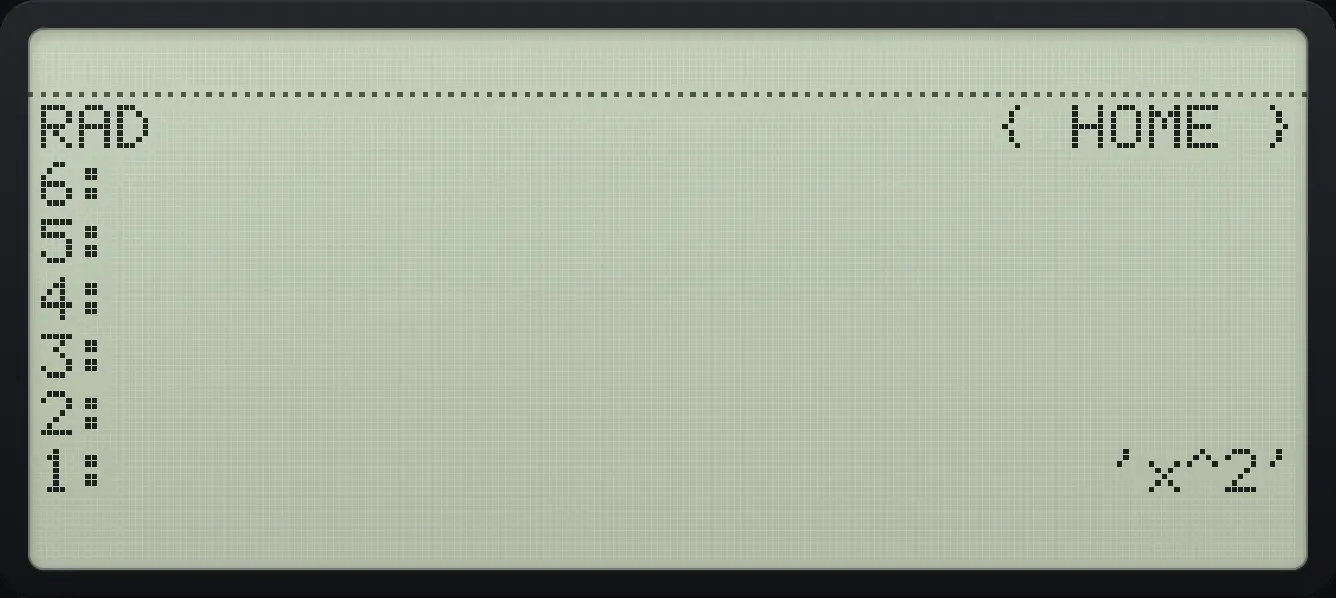
Type x squared
Quote, x, power, 2, ENTER.
'αα◀1/x÷αTyˣ2ENTER
'x^2'Evaluate with a value
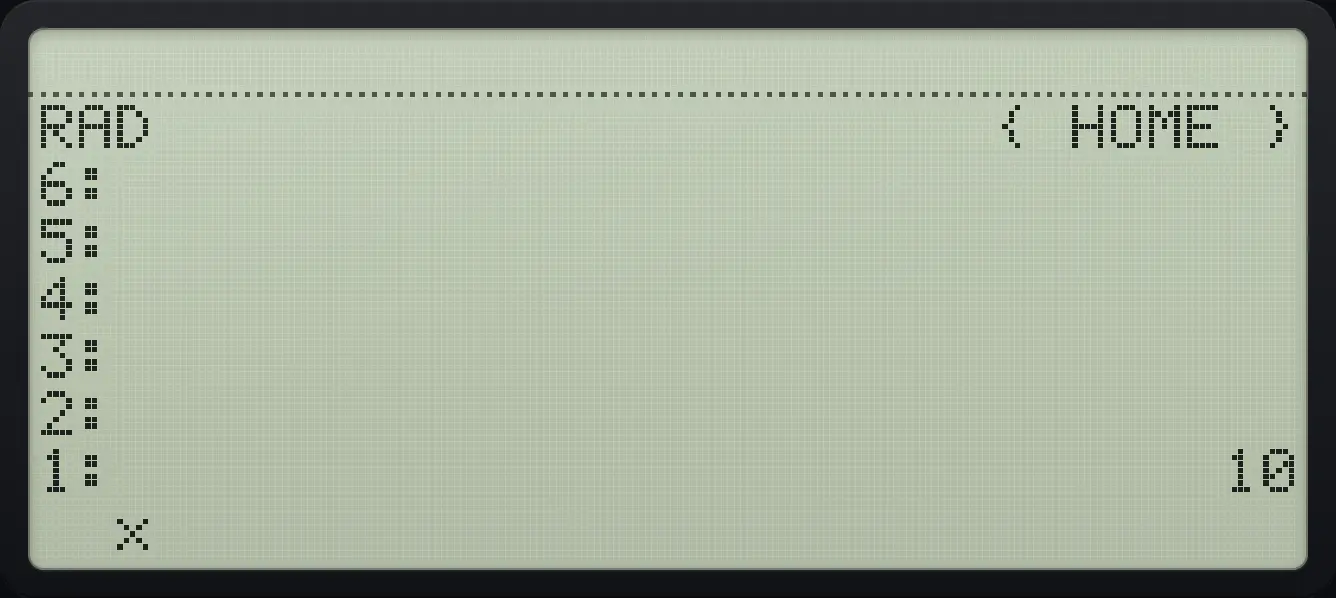
Store 3 in x, then evaluate x squared plus 1.
3'αα◀1/x÷αENTERSTO▶'αα◀1/x÷αTyˣ2+1ENTEREVAL
1: 1014.2The SYMB menu#
14.3Take a derivative#
Put the expression on level 2 and the variable name on level 1, then press the derivative key (right shift EVAL, or the first key of SYMB).
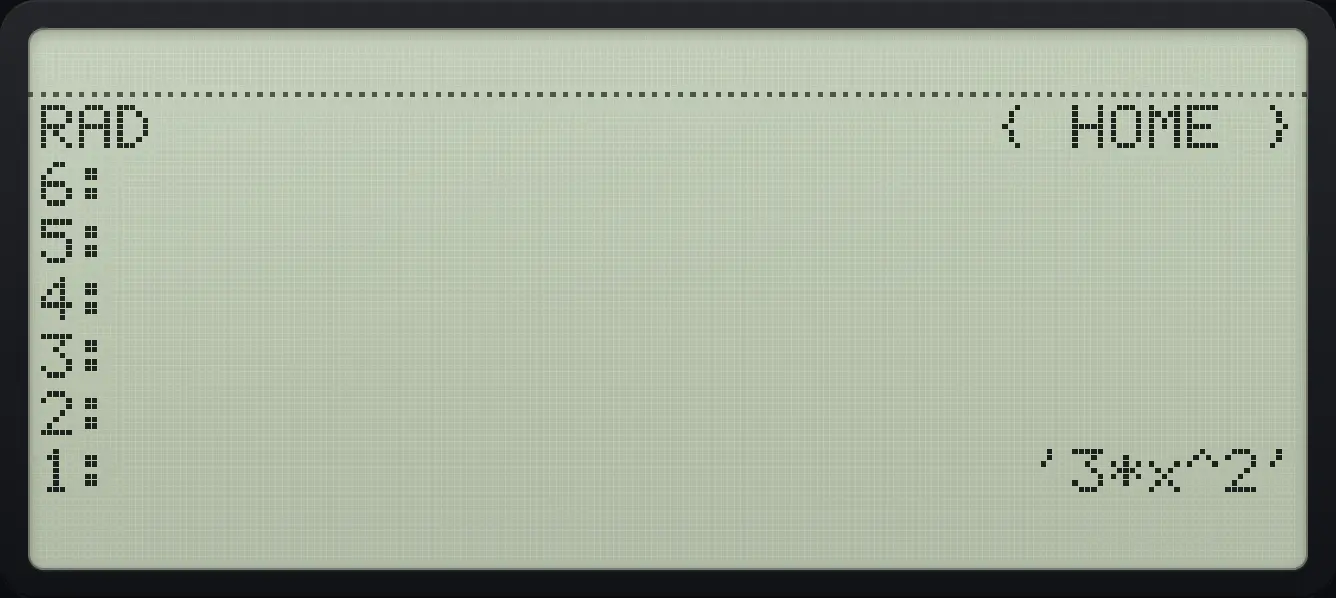
Derivative of x cubed
Type the expression and the name x, then press the derivative key.
'αα◀1/x÷αTyˣ3ENTER'αα◀1/x÷αENTER▶∂EVAL
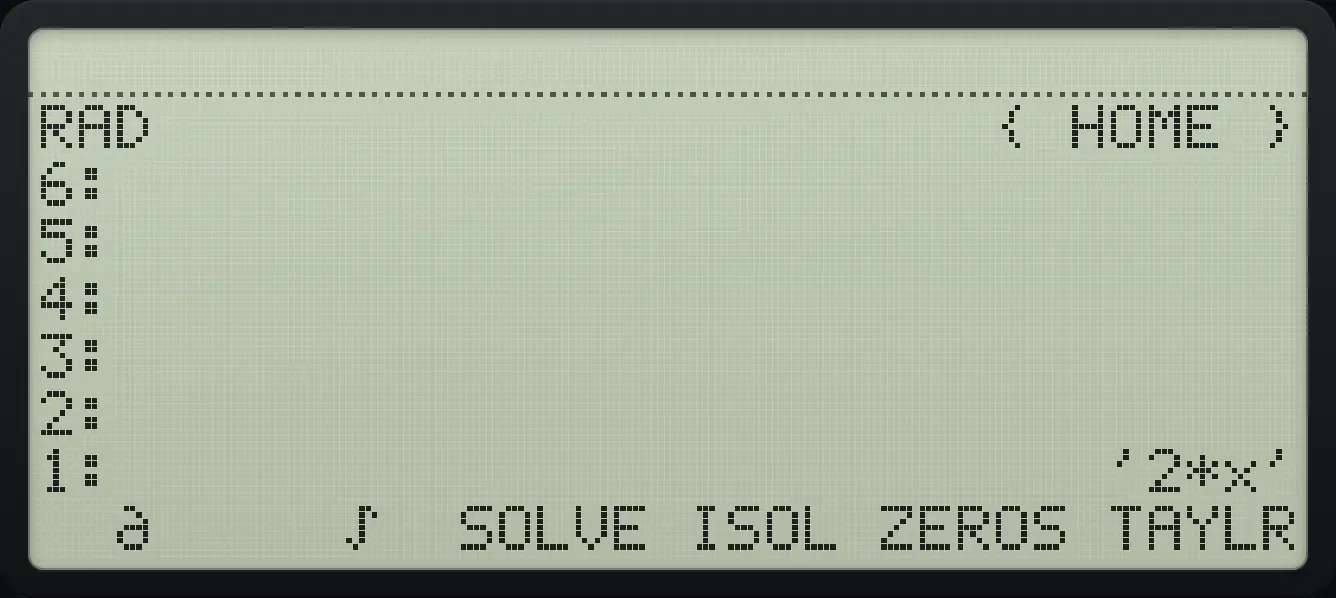
'3*x^2'Derivative of x squared
The same with the SYMB menu key.
'αα◀1/x÷αTyˣ2ENTER'αα◀1/x÷αENTER◀SYMB'F1
'2*x'See also Differentiate with a formula answer
14.4Integrate between two limits#
The integral key (right shift quote) needs four objects: the lower limit, the upper limit, the expression and the variable name, in that order from level 4 to level 1.
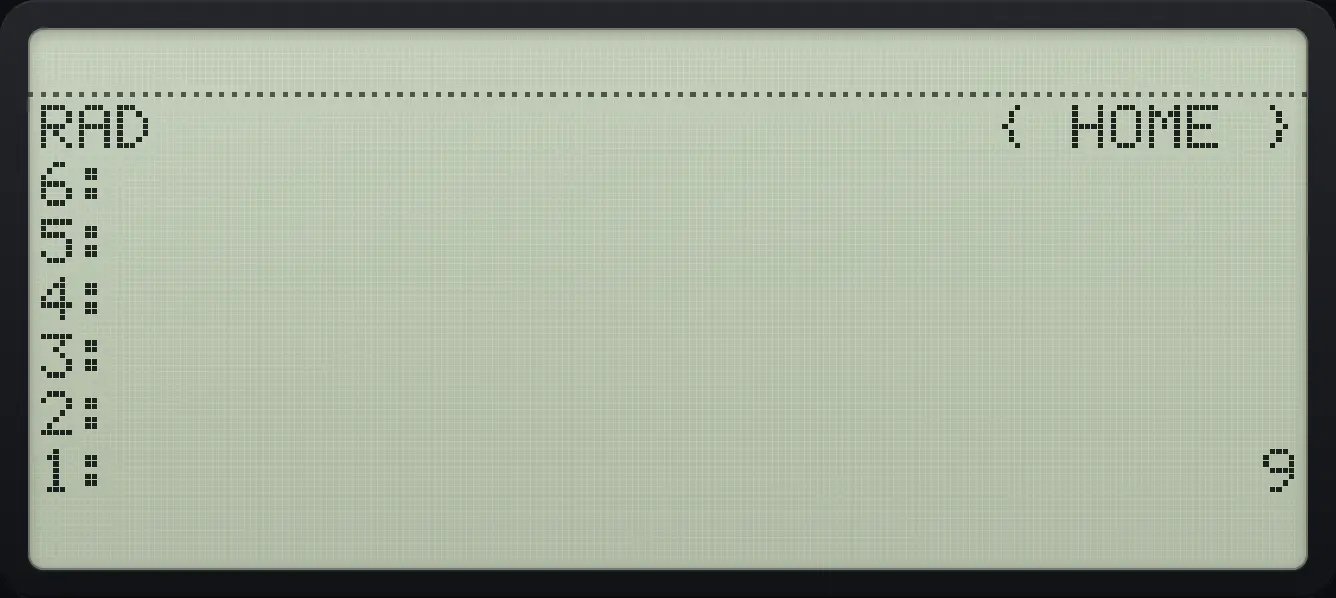
Integral of x squared from 0 to 3
Push 0, 3, the expression and the name x, then press right shift quote.
0ENTER3ENTER'αα◀1/x÷αTyˣ2ENTER'αα◀1/x÷αENTER▶∫'
1: 9See also Integrate with a formula answer
14.5Solve an equation#
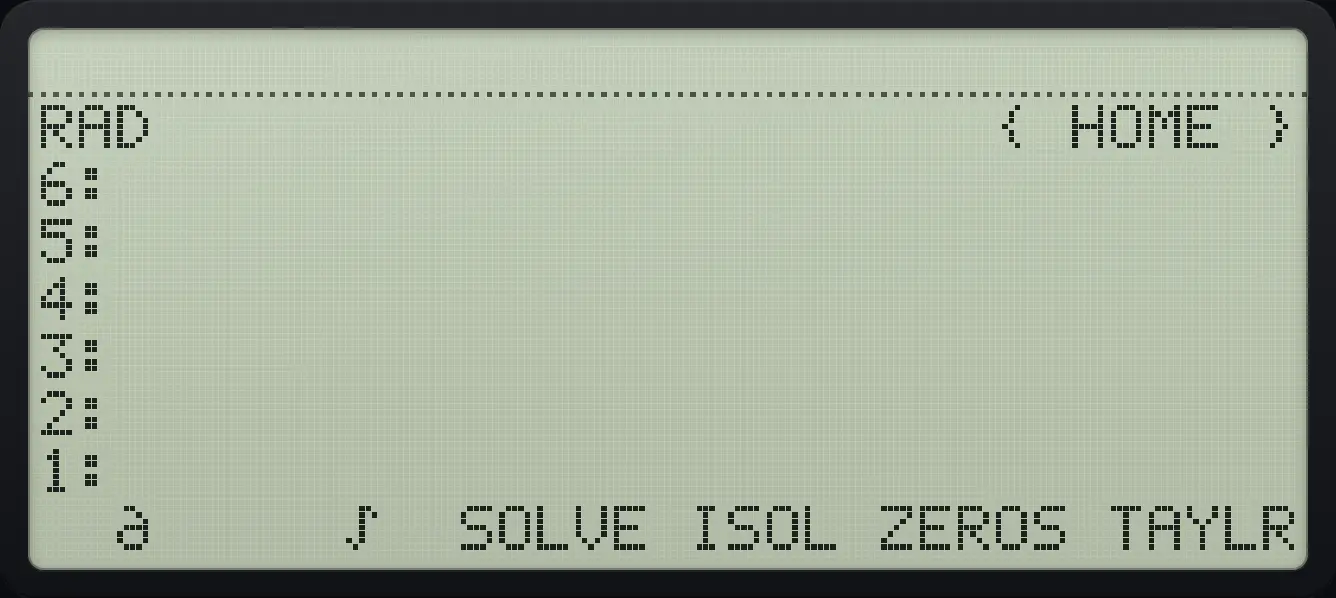
SOLVE takes an equation (use left shift + for the equals sign) and the unknown name, and returns the list of solutions. ISOL returns one solution. ZEROS returns the numbers that make an expression zero.
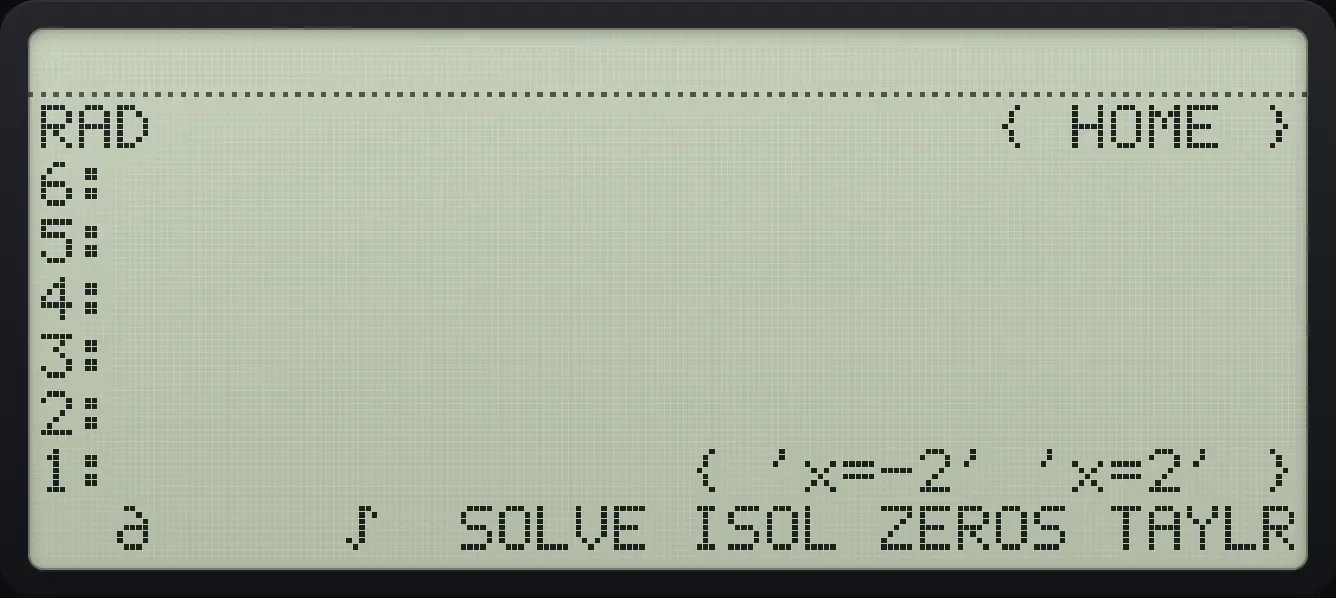
Solve x squared minus 4 equals 0
Type the equation, using left shift +/− for the equals sign, then the name, then SOLVE (SYMB, third key).
'αα◀1/x÷αTyˣ2−4◀=+/−0ENTER'αα◀1/x÷αENTER◀SYMB'F3
{ 'x=-2' 'x=2' }Zeros of an expression
ZEROS is the fifth key.
'αα◀1/x÷αTyˣ2−4ENTER'αα◀1/x÷αENTER◀SYMB'F5
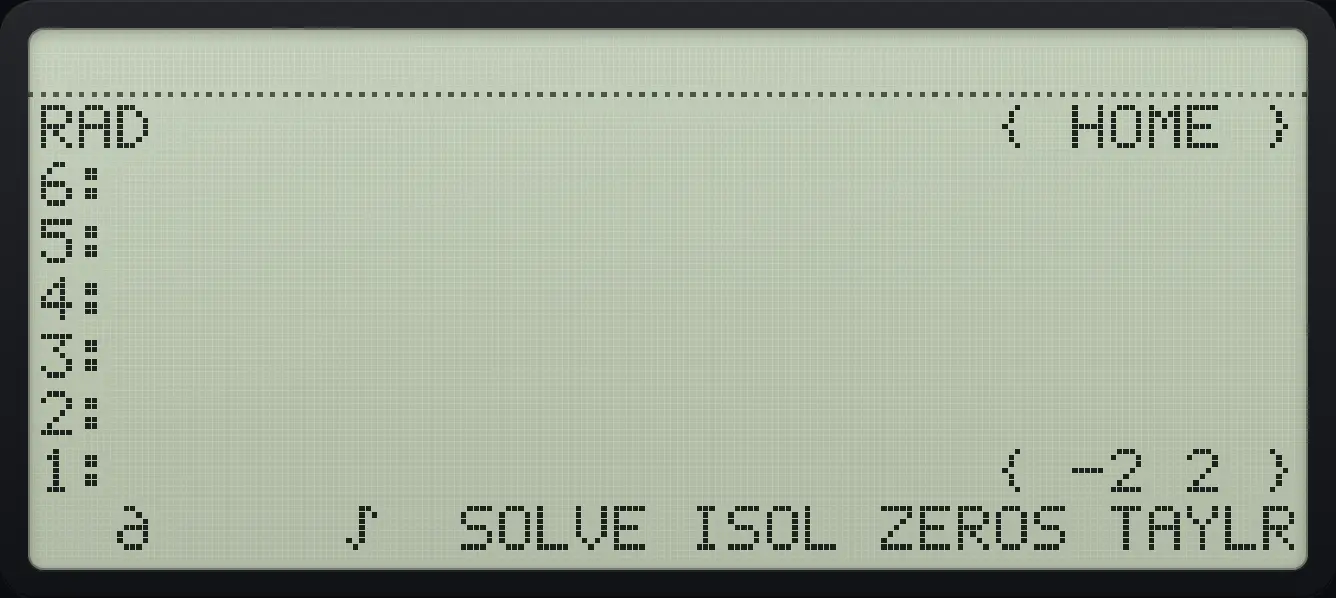
{ -2 2 }See also Solve an equation exactly
14.6Expand, factor and simplify#
Expand (x+1) squared
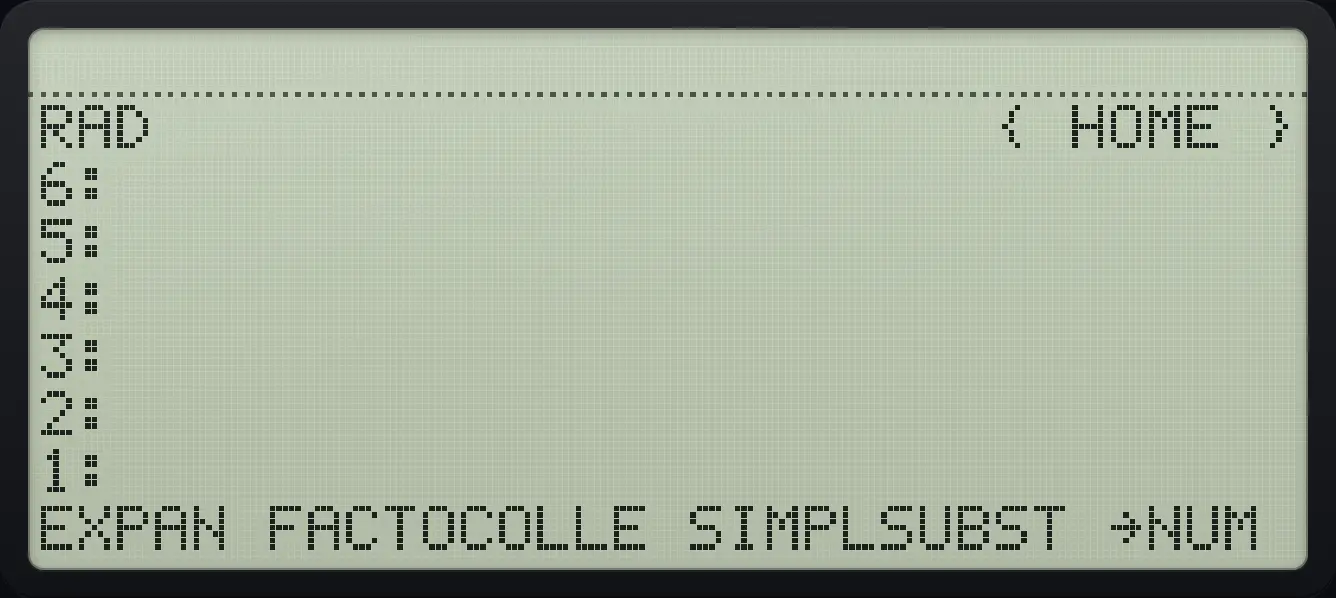
Type the expression with parentheses (right shift 8) and press EXPAND (SYMB page 2, first key).
'▶( )8αα◀1/x÷α+1▶yˣ2ENTER◀SYMB'NXTF1
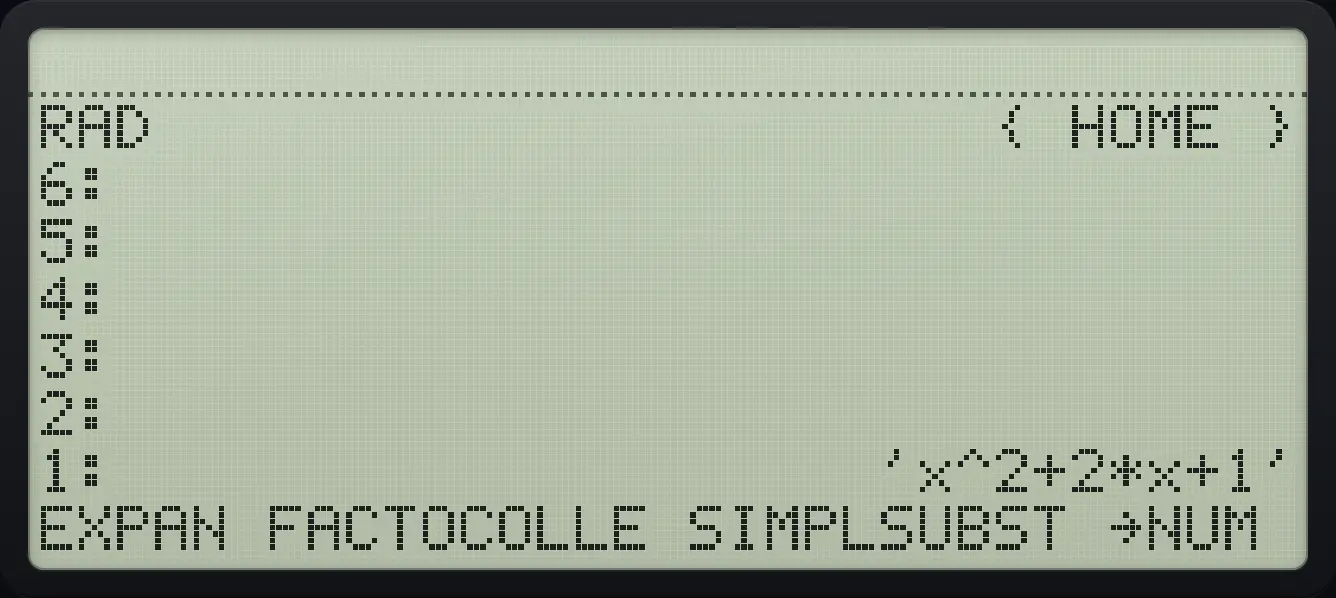
'x^2+2*x+1'Factor x squared minus 1
FACTOR is the second key.
'αα◀1/x÷αTyˣ2−1ENTER◀SYMB'NXTF2
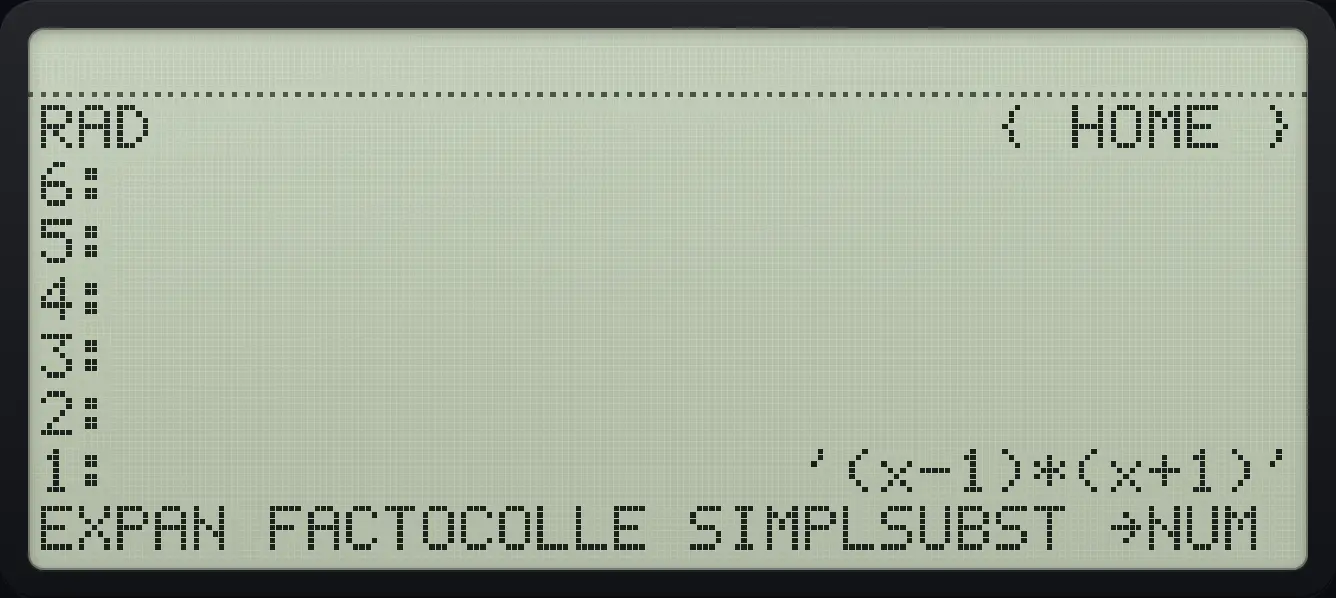
'(x-1)*(x+1)'14.7Substitute a value#
Substitute x = 3 into x squared
Type the expression and the equation x=3, then SUBST (SYMB page 2, fifth key).
'αα◀1/x÷αTyˣ2ENTER'αα◀1/x÷α◀+/−3ENTER◀SYMB'NXTF5
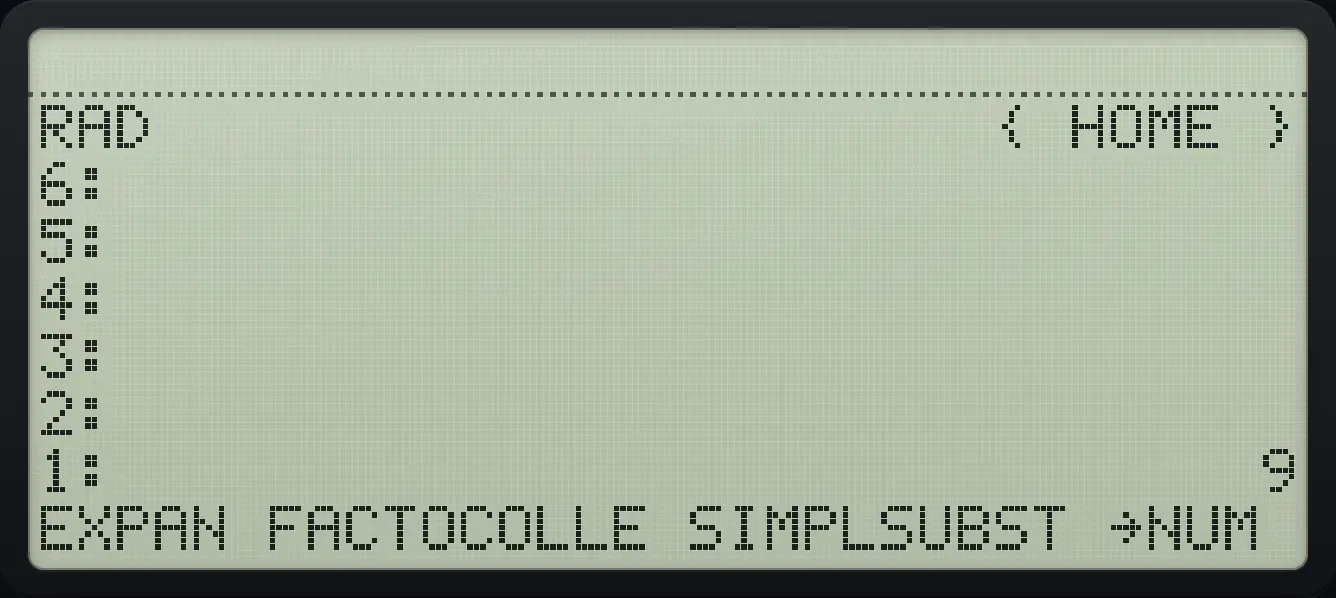
1: 9HP 48 and HP 50g is a trademark of HP Inc.. Trident Calculator is an independent product by South View Studios and is not affiliated with, sponsored by or endorsed by HP. The name is used only to describe the kind of calculator this model resembles; Trident's names, keys, display, fonts and software are its own clean-room design.