
RPN Power 48 manual · Chapter 12 of 19
Vectors and matrices
Type vectors and matrices, take determinants and inverses, multiply, solve linear systems, and use dot and cross products.
12.1Type a vector or matrix#
Left shift 9 gives square brackets. A vector is one pair of brackets with numbers separated by spaces. A matrix is a pair of brackets around one inner pair per row. The easiest way to type a matrix: press left shift 9 twice, type the first row, press right shift ▶ to step over the inner bracket, press left shift 9 again for the next row, and ENTER.
Type a vector
Left shift 9, then 1 2 3, ENTER.
◀[ ]91SPC2SPC3ENTER
![Result of the example "Type a vector" The display shows: RAD { HOME } / 6: / 5: / 4: / 3: / 2: / 1: [ 1 2 3 ].](/trident/app/help/manual/img/f4d10c56s.webp)
[ 1 2 3 ]Type a 2 by 2 matrix
Two bracket pairs for the rows.
◀[ ]9◀[ ]91SPC2▶▶◀[ ]93SPC4ENTER
![Result of the example "Type a 2 by 2 matrix" The display shows: RAD { HOME } / 6: / 5: / 4: / 3: / 2: / 1: [[ 1 2 ] [ 3 4 ]].](/trident/app/help/manual/img/669a9742s.webp)
[[ 1 2 ] [ 3 4 ]]12.2The MATRX menu#
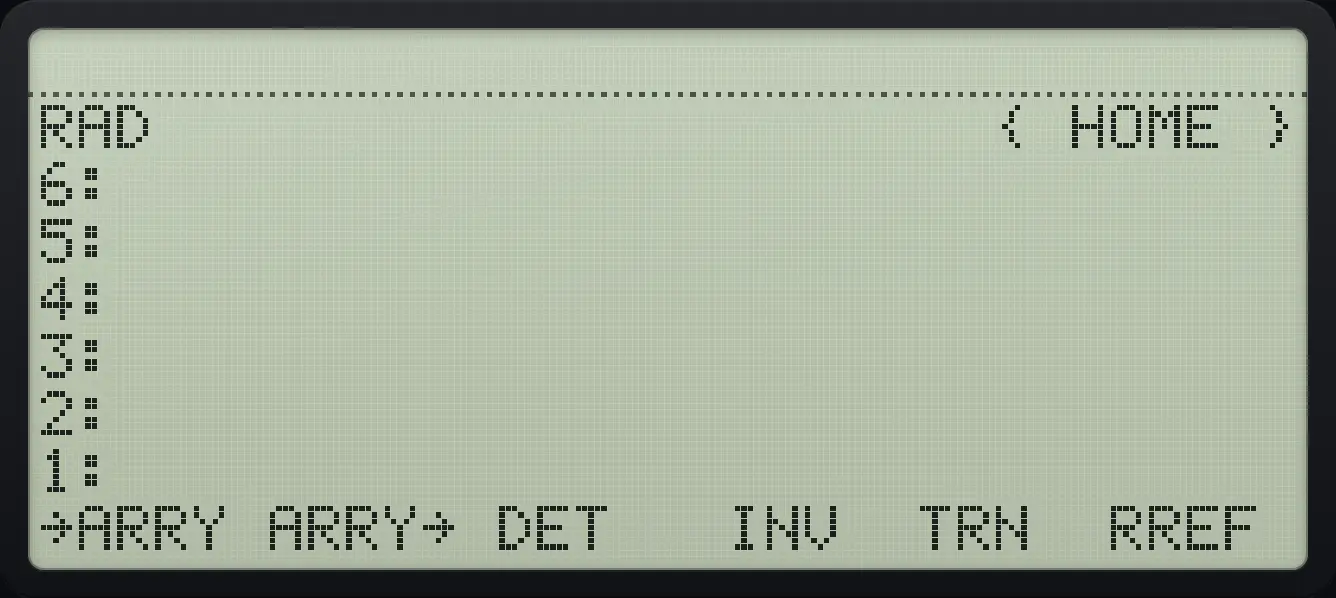
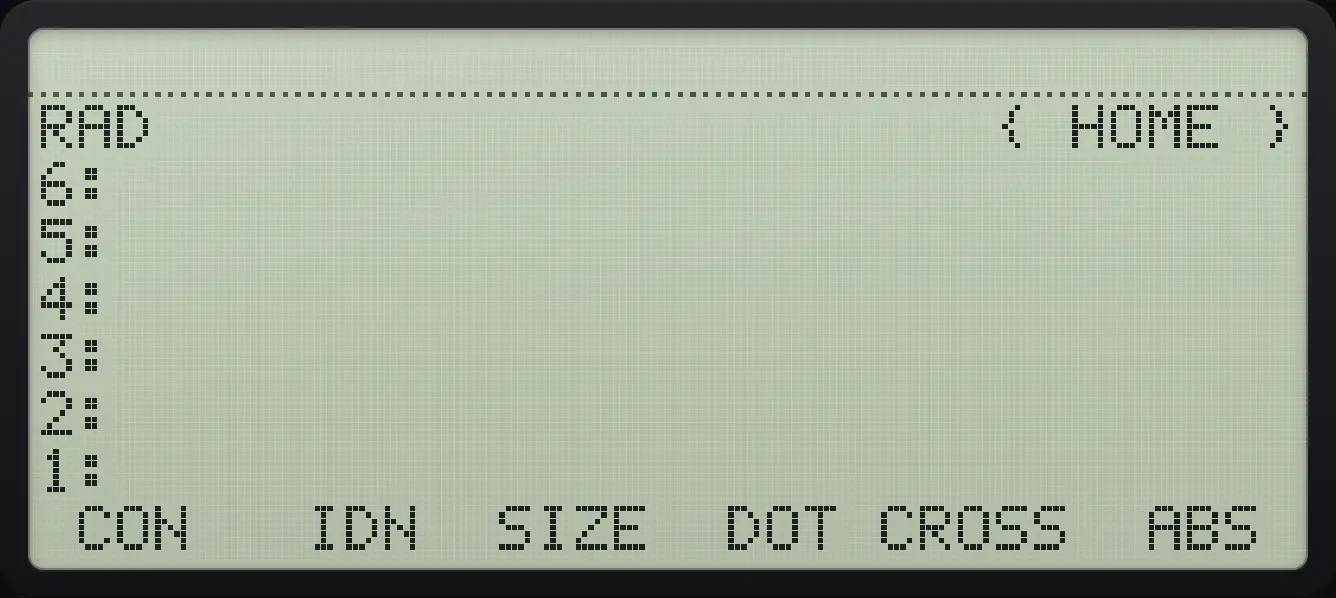
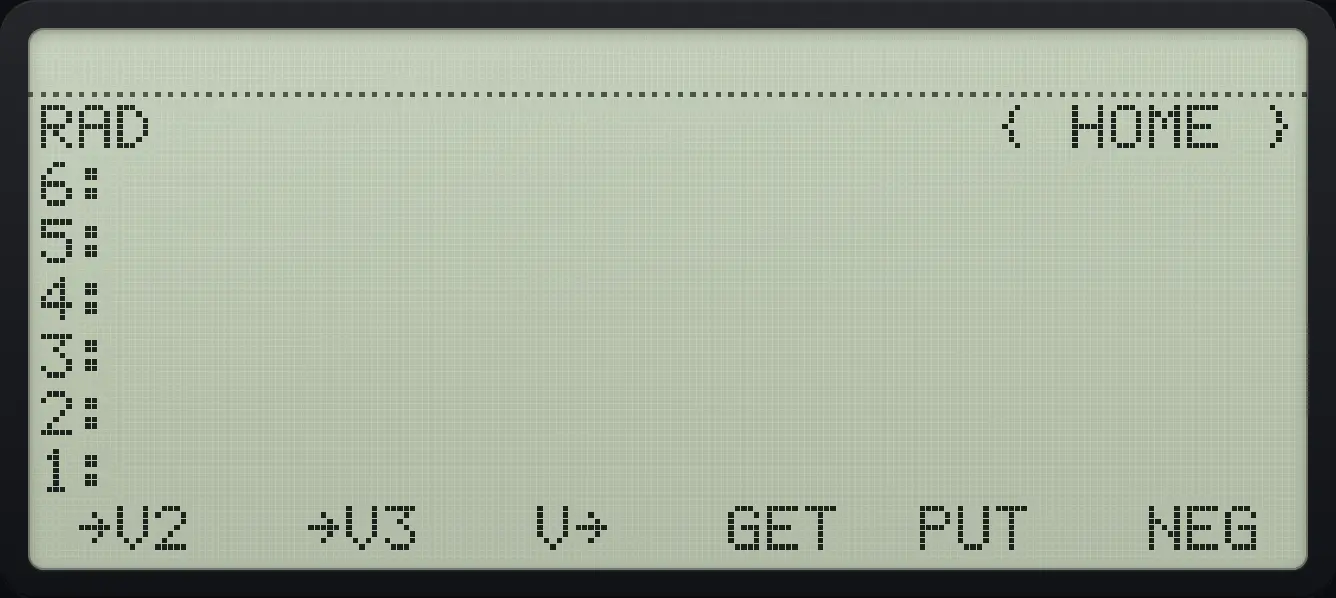
| Command | What it does |
|---|---|
| →ARRY, ARRY→ | Build an array from stack objects, or explode it. |
| DET | Determinant of a square matrix. |
| INV | Inverse. |
| TRN | Transpose. |
| RREF | Reduce to row-echelon form. |
| CON, IDN | Constant matrix, identity matrix. |
| SIZE | The dimensions as a list. |
| DOT, CROSS | Dot and cross product of vectors. |
| ABS | Length of a vector. |
| →V2, →V3, V→ | Make a 2D or 3D vector from numbers, or explode one. |
| GET, PUT | Read or replace one element. |
12.3Determinant, inverse and transpose#
Determinant
Press DET (third key).
◀[ ]9◀[ ]91SPC2▶▶◀[ ]93SPC4ENTER◀MATRXVARF3
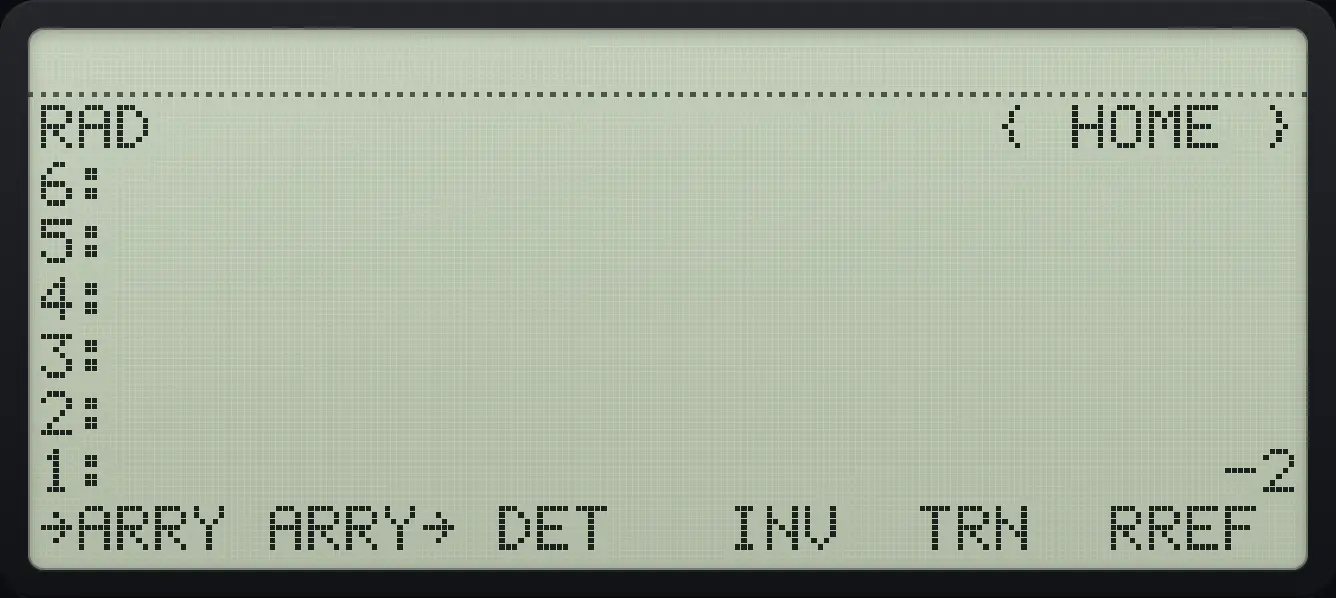
1: -2Inverse
Press INV (fourth key).
◀[ ]9◀[ ]91SPC2▶▶◀[ ]93SPC4ENTER◀MATRXVARF4
![Result of the example "Inverse" The display shows: RAD { HOME } / 6: / 5: / 4: / 3: / 2: / 1: [[ -2 1 ] [ 1.5 -.5 ]] / →ARRY ARRY→ DET INV TRN RREF .](/trident/app/help/manual/img/43d08715s.webp)
[[ -2 1 ] [ 1.5 -.5 ]]Transpose
Press TRN (fifth key).
◀[ ]9◀[ ]91SPC2▶▶◀[ ]93SPC4ENTER◀MATRXVARF5
![Result of the example "Transpose" The display shows: RAD { HOME } / 6: / 5: / 4: / 3: / 2: / 1: [[ 1 3 ] [ 2 4 ]] / →ARRY ARRY→ DET INV TRN RREF .](/trident/app/help/manual/img/93c1fc58s.webp)
[[ 1 3 ] [ 2 4 ]]Size
SIZE is the third key of page 2.
◀[ ]9◀[ ]91SPC2▶▶◀[ ]93SPC4ENTER◀MATRXVARNXTF3
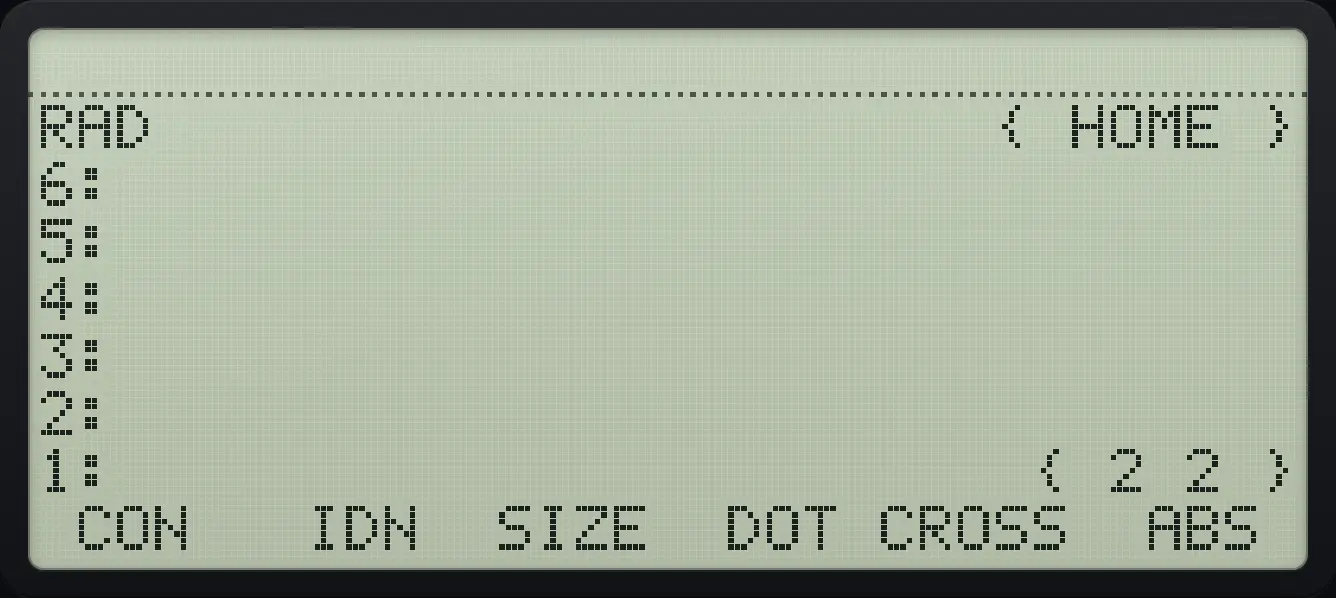
{ 2 2 }Identity matrix
Type 2 and press IDN (page 2, second key).
2◀MATRXVARNXTF2
![Result of the example "Identity matrix" The display shows: RAD { HOME } / 6: / 5: / 4: / 3: / 2: / 1: [[ 1 0 ] [ 0 1 ]] / CON IDN SIZE DOT CROSS ABS .](/trident/app/help/manual/img/109d9f76s.webp)
[[ 1 0 ] [ 0 1 ]]See also Enter and multiply matricesMatrix determinant and inverse
12.4Multiply matrices and solve systems#
Use +, − and × on matrices of matching size. Adding or subtracting a number and a matrix is Bad Argument Type; multiply or divide by a number to scale. A matrix times a vector gives a vector. ÷ with a vector on level 2 and a matrix on level 1 solves the linear system.
Square a matrix
Copy the matrix with ENTER and multiply.
◀[ ]9◀[ ]91SPC2▶▶◀[ ]93SPC4ENTERENTER×
![Result of the example "Square a matrix" The display shows: RAD { HOME } / 6: / 5: / 4: / 3: / 2: / 1: [[ 7 10 ] [ 15 22 ]].](/trident/app/help/manual/img/4b2b002es.webp)
[[ 7 10 ] [ 15 22 ]]Scale a matrix
Multiply by 2.
◀[ ]9◀[ ]91SPC2▶▶◀[ ]93SPC4ENTER2×
![Result of the example "Scale a matrix" The display shows: RAD { HOME } / 6: / 5: / 4: / 3: / 2: / 1: [[ 2 4 ] [ 6 8 ]].](/trident/app/help/manual/img/f24825b2s.webp)
[[ 2 4 ] [ 6 8 ]]Multiply a matrix and a vector
Type the vector [ 1 0 ] and multiply.
◀[ ]9◀[ ]91SPC2▶▶◀[ ]93SPC4ENTER◀[ ]91SPC0ENTER×
![Result of the example "Multiply a matrix and a vector" The display shows: RAD { HOME } / 6: / 5: / 4: / 3: / 2: / 1: [ 1 3 ].](/trident/app/help/manual/img/f9815206s.webp)
[ 1 3 ]Solve a linear system
Type the right-hand side [ 5 6 ] first, then the coefficient matrix, then divide.
◀[ ]95SPC6ENTER◀[ ]9◀[ ]91SPC2▶▶◀[ ]93SPC4ENTER÷
![Result of the example "Solve a linear system" The display shows: RAD { HOME } / 6: / 5: / 4: / 3: / 2: / 1: [ -4 4.5 ].](/trident/app/help/manual/img/991ca301s.webp)
[ -4 4.5 ]12.5Dot product, cross product and length#
Dot product
Type [ 1 2 3 ] and [ 4 5 6 ], press DOT (page 2, fourth key).
◀[ ]91SPC2SPC3ENTER◀[ ]94SPC5SPC6ENTER◀MATRXVARNXTF4
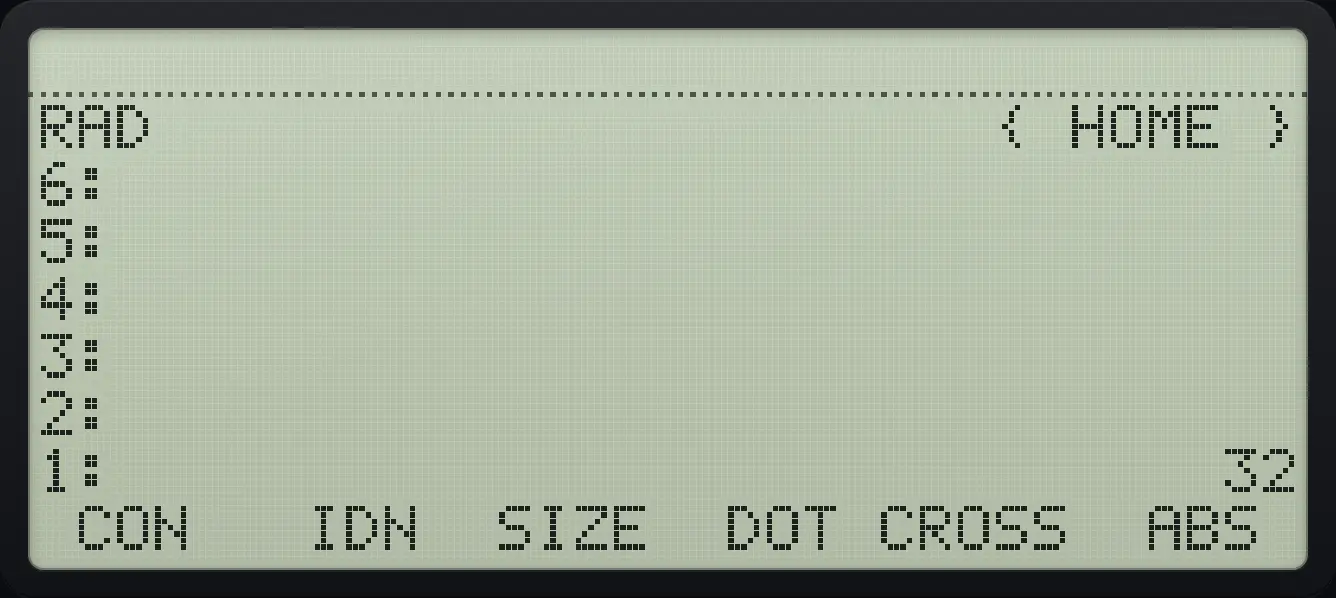
1: 32Cross product
CROSS is the fifth key.
◀[ ]91SPC2SPC3ENTER◀[ ]94SPC5SPC6ENTER◀MATRXVARNXTF5
![Result of the example "Cross product" The display shows: RAD { HOME } / 6: / 5: / 4: / 3: / 2: / 1: [ -3 6 -3 ] / CON IDN SIZE DOT CROSS ABS .](/trident/app/help/manual/img/da6bc64es.webp)
[ -3 6 -3 ]Length of a vector
Type [ 3 4 ], press ABS (page 2, sixth key).
◀[ ]93SPC4ENTER◀MATRXVARNXTF6
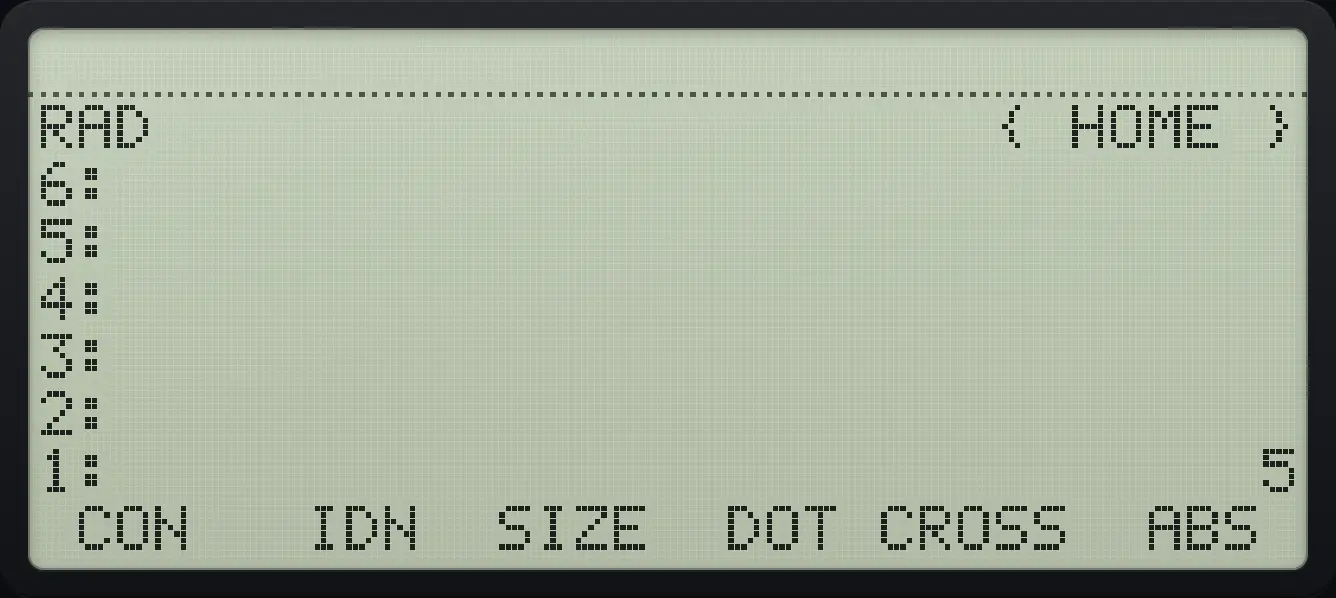
1: 5HP 48 and HP 50g is a trademark of HP Inc.. Trident Calculator is an independent product by South View Studios and is not affiliated with, sponsored by or endorsed by HP. The name is used only to describe the kind of calculator this model resembles; Trident's names, keys, display, fonts and software are its own clean-room design.