
RPN Power 48 manual · Chapter 8 of 19
Variables and the VAR menu
Store, recall, evaluate and purge named variables, and use the VAR menu soft keys.
8.1Names#
A name is an object between single quotes, such as 'x'. Names can hold letters and digits and must start with a letter. Press ', lock alpha, type the name, unlock alpha and press ENTER. A name that holds no value stays on the stack as a name; one that holds a value is replaced by the value when evaluated.
Put a name on the stack
Quote, alpha lock, x, alpha, ENTER.
'αα◀1/x÷αENTER
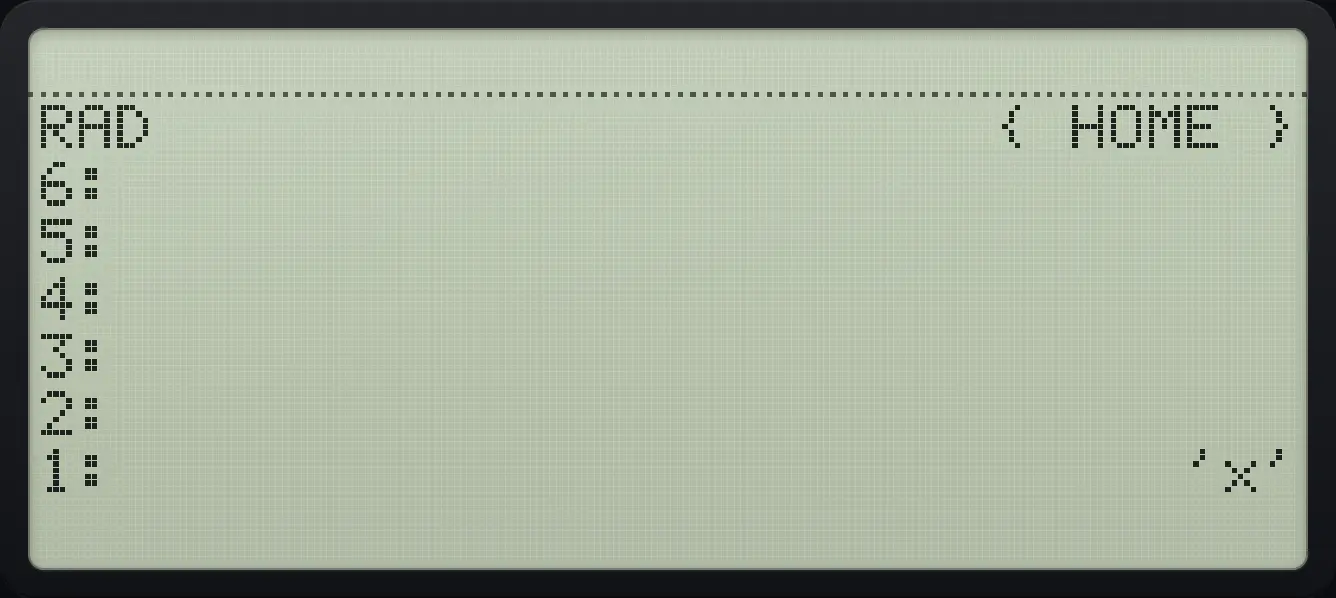
1: 'x'8.2Store a value in a variable#
Put the value on level 2 and the name on level 1, then press STO▶. The stack is emptied of both. To get the value back, put the name on the stack and press left shift STO▶ (RCL), or just press the variable's soft key in the VAR menu.
- value
- ENTER
- name in quotes
- ENTER
- STO▶
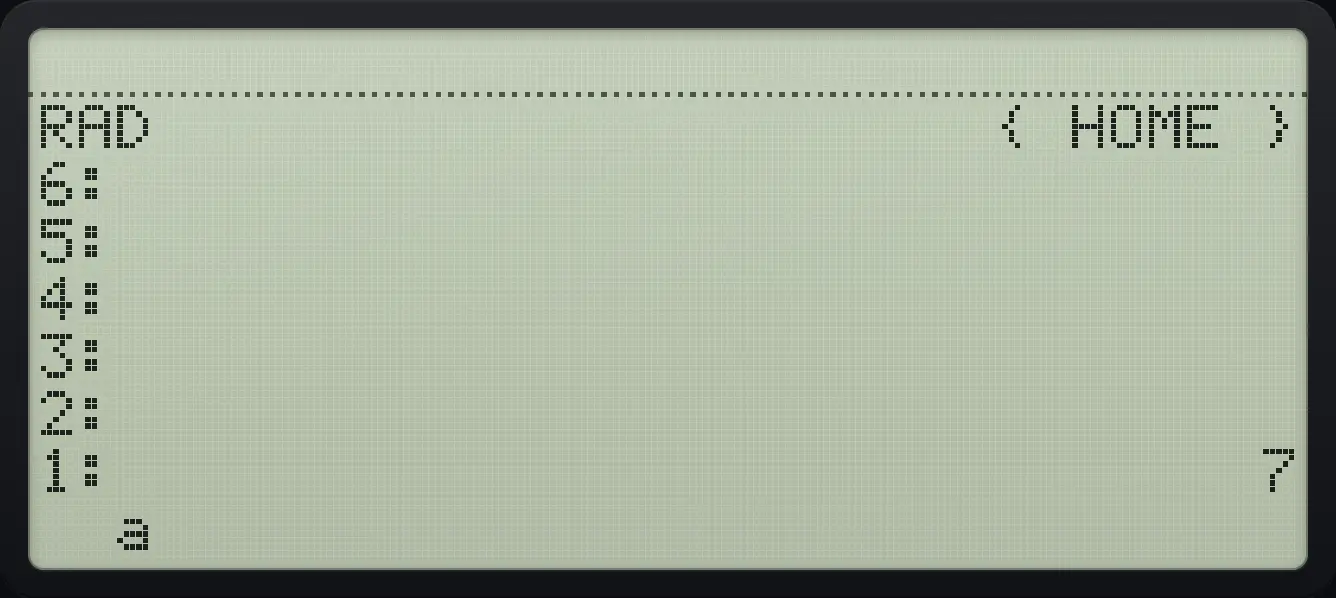
Store 7 in a variable called a
Type 7, enter the name, press STO. Open VAR to see the new variable.
7'αα◀F1αENTERSTO▶VAR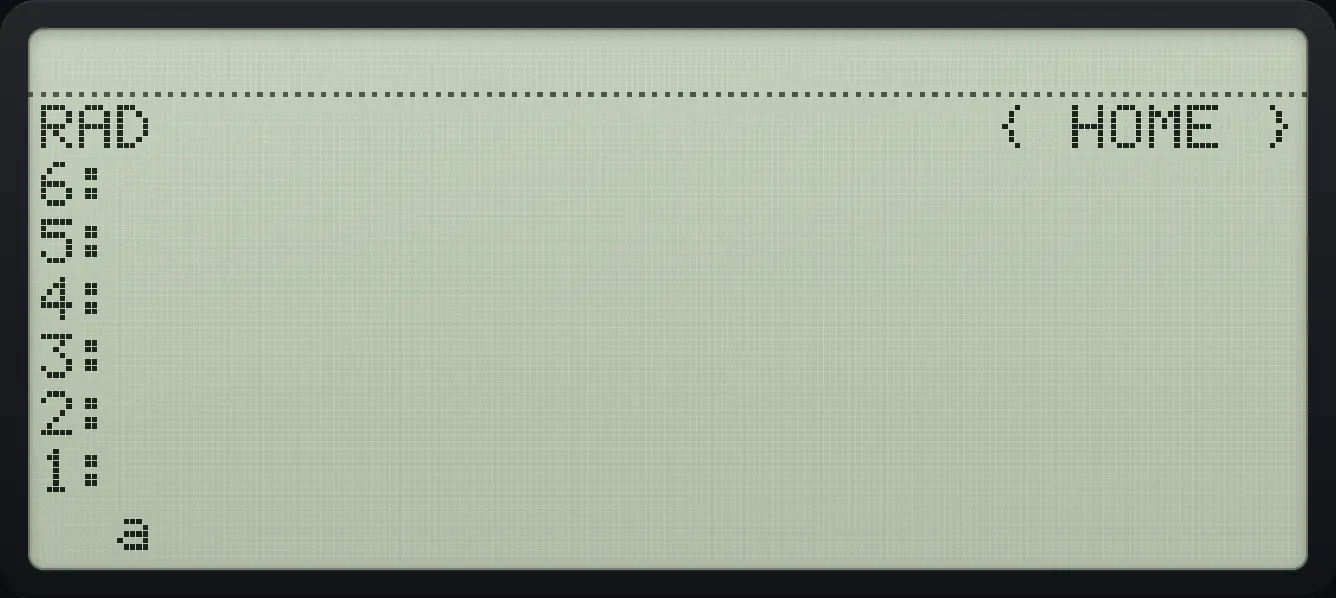
aRecall it with RCL
Store 7 in a.
7'αα◀F1αENTERSTO▶Enter the name and press left shift STO (RCL).
'αα◀F1αENTER◀RCLSTO▶
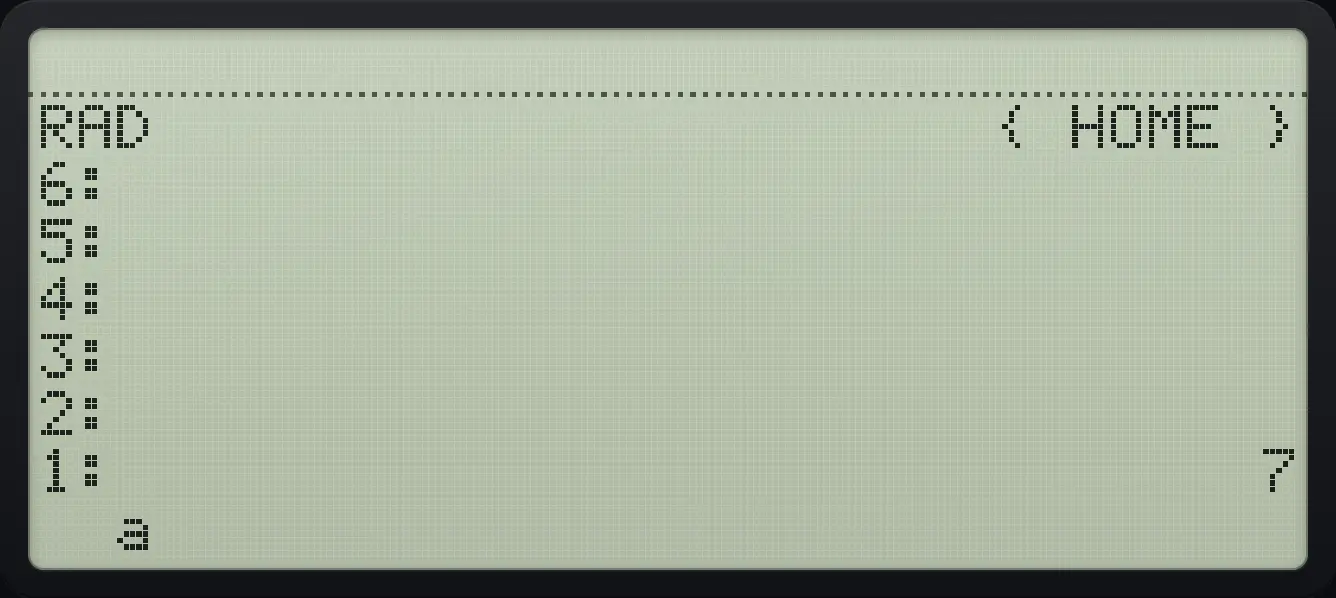
1: 7Recall it with the VAR menu
Store 5 in a, open VAR and press the variable soft key.
5'αα◀F1αENTERSTO▶VARF1
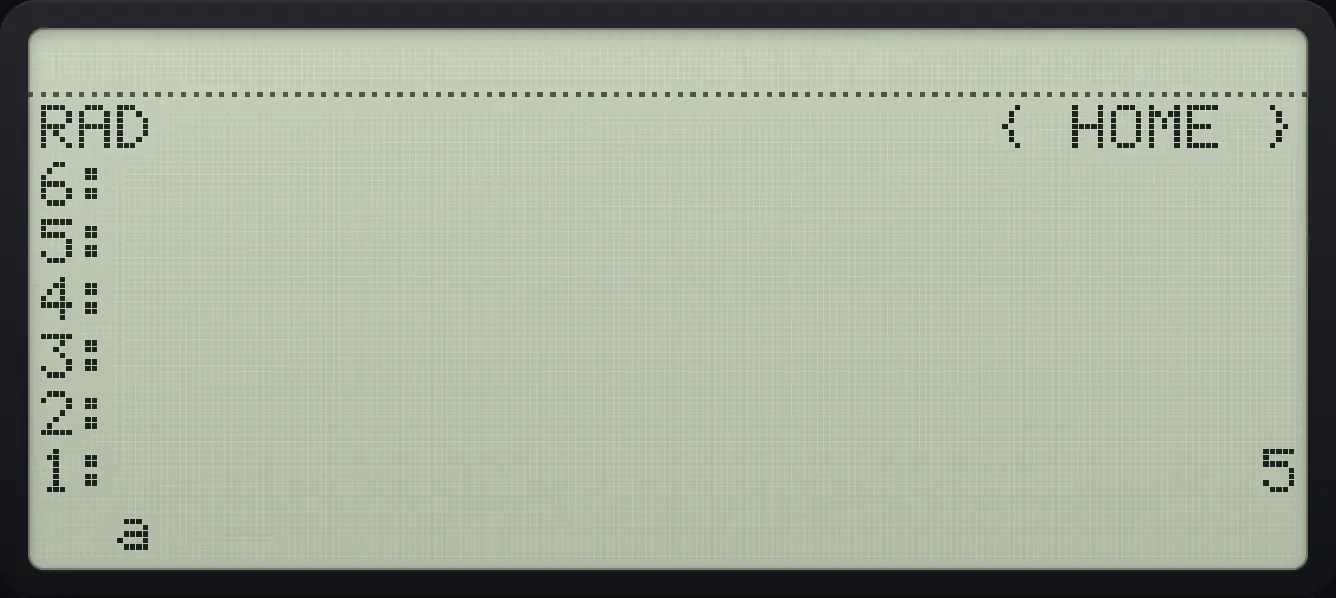
1: 5Use a variable in a calculation
Store 2 in a, then compute a + 5 by evaluating the expression.
2'αα◀F1αENTERSTO▶'αα◀F1α+5ENTEREVAL
1: 78.3Use the VAR menu#
VAR lists your variables with the newest first, six at a time. The soft key of a variable runs or recalls it: a number or object is pushed, a program is run, a name is evaluated. Left shift plus the soft key stores level 1 into that variable; right shift plus the soft key recalls the variable.
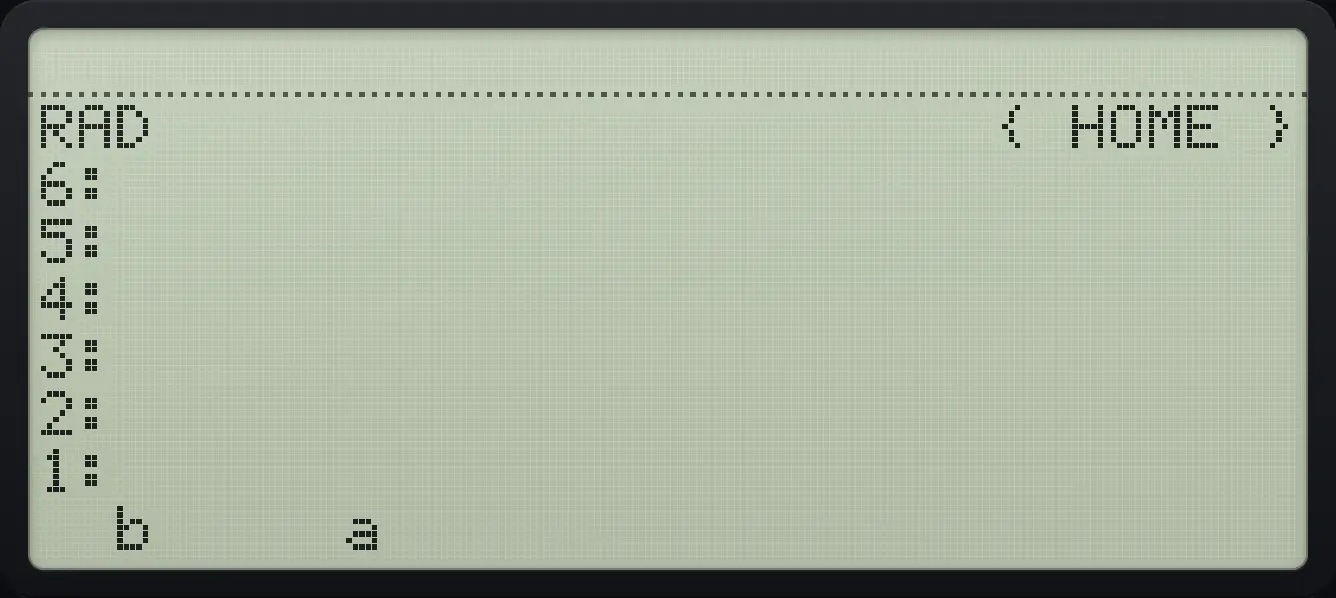
Two variables in the menu
Store 7 in a and 8 in b, then open VAR.
7'αα◀F1αENTERSTO▶8'αα◀F2αENTERSTO▶VAR
b aStore into a variable with left shift
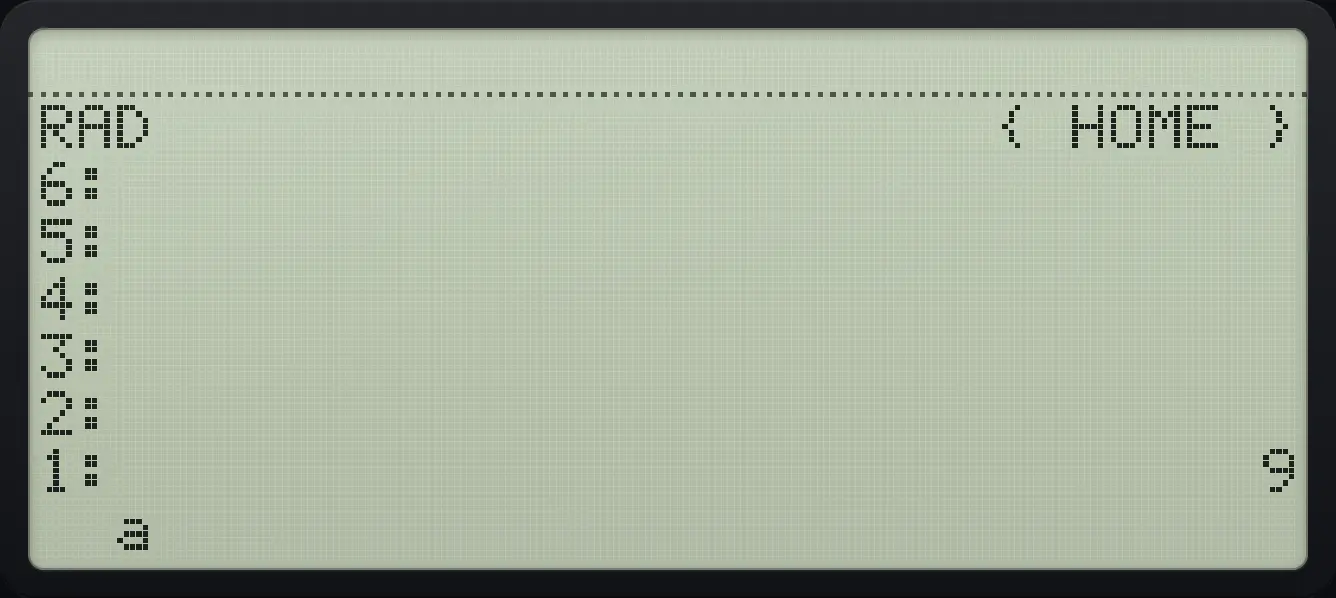
Store 5 in a. Put 9 on the stack, then left shift plus the soft key stores it.
5'αα◀F1αENTERSTO▶9ENTERVAR◀F1VARF1
1: 98.4Delete a variable#
Put the name on the stack and press right shift STO▶ (PURGE). The variable is removed.
Purge a variable
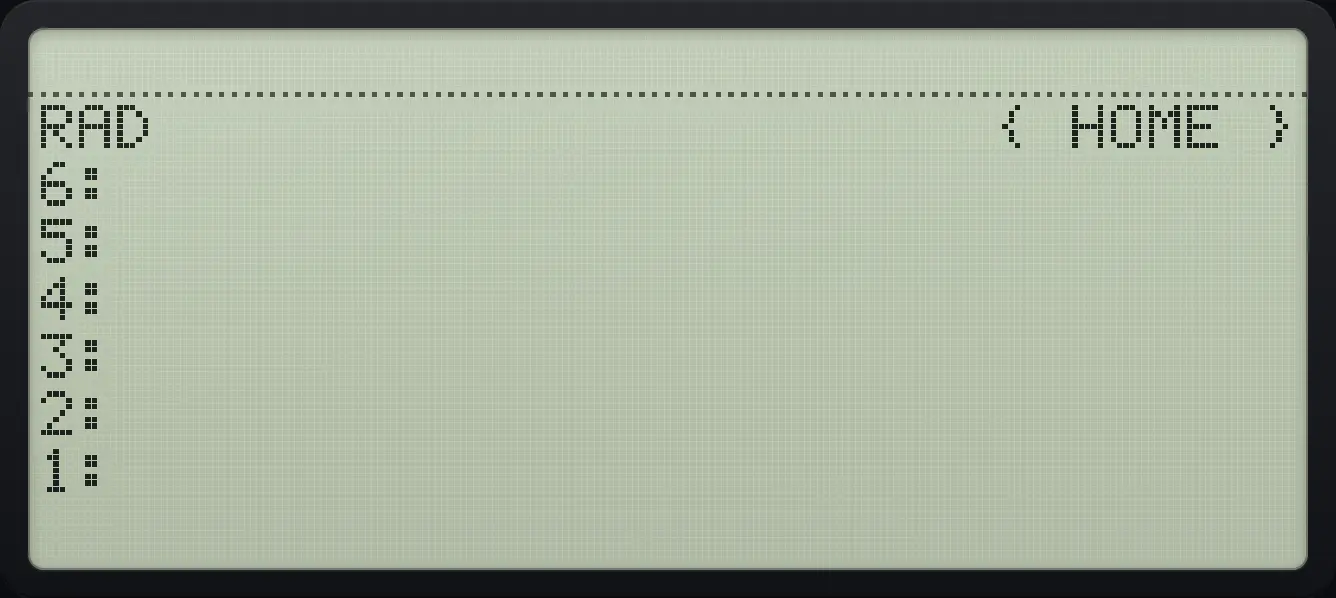
Store 7 in a, then purge it.
7'αα◀F1αENTERSTO▶'αα◀F1αENTER▶PURGESTO▶Open the VAR menu: it is empty.
VAR
1:Recalling a missing variable
Try to recall a name that holds nothing.
'αα◀ASINSINαENTER◀RCLSTO▶
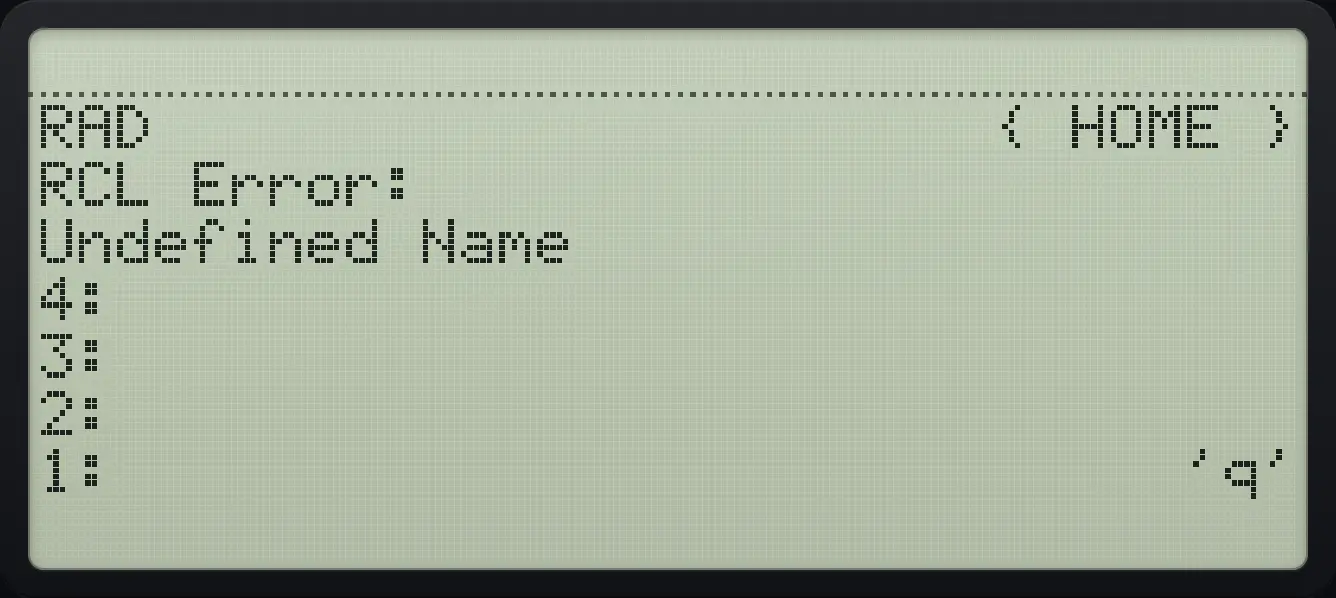
Undefined Name8.5The TOOL menu#
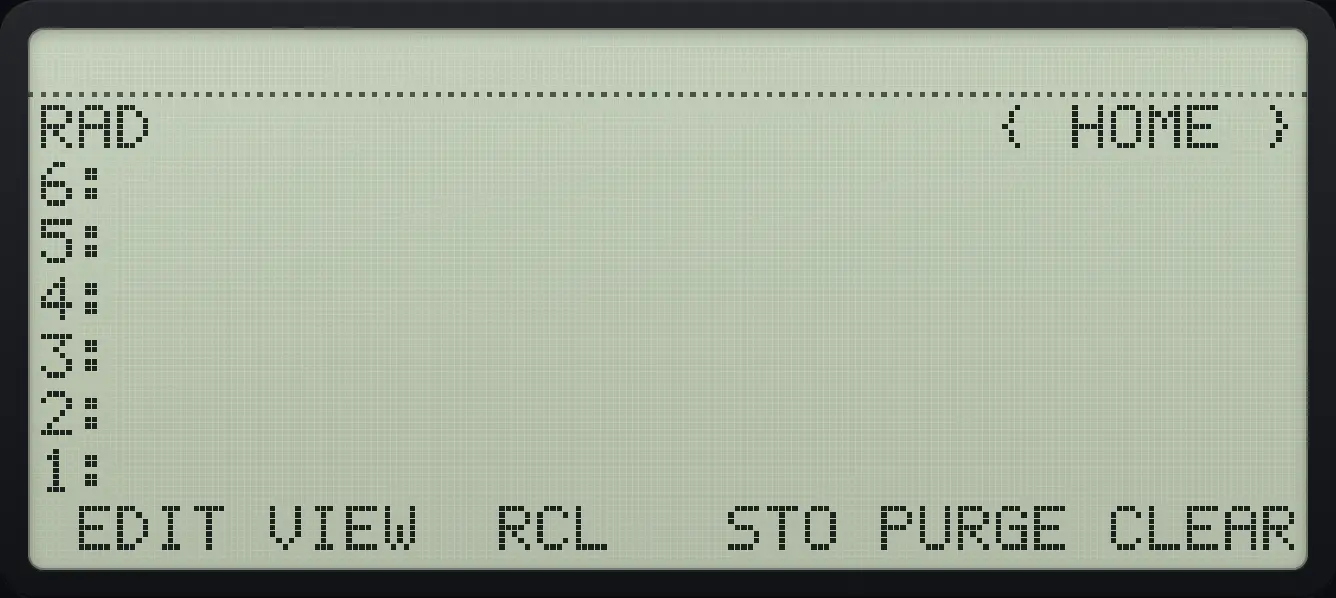
TOOL gathers EDIT, VIEW, RCL, STO, PURGE and CLEAR. EDIT and VIEW open level 1 in the command line.
HP 48 and HP 50g is a trademark of HP Inc.. Trident Calculator is an independent product by South View Studios and is not affiliated with, sponsored by or endorsed by HP. The name is used only to describe the kind of calculator this model resembles; Trident's names, keys, display, fonts and software are its own clean-room design.