Trident Help

RPN Power 48 manual · Chapter 17 of 19

Binary integers

Type binary integers, change the base they are shown in, set the word size and use logic operations on bits.

17.1Binary integers#

A binary integer is a whole number written after a # sign and followed by a letter for its base: h for hexadecimal, d for decimal, o for octal, b for binary. Type # with left shift EEX. Digits you type are read in the current base (HEX by default).

Example 17.1

Type a hexadecimal number

  1. Left shift EEX, then 255 and ENTER.

    ◀#EEX255ENTER
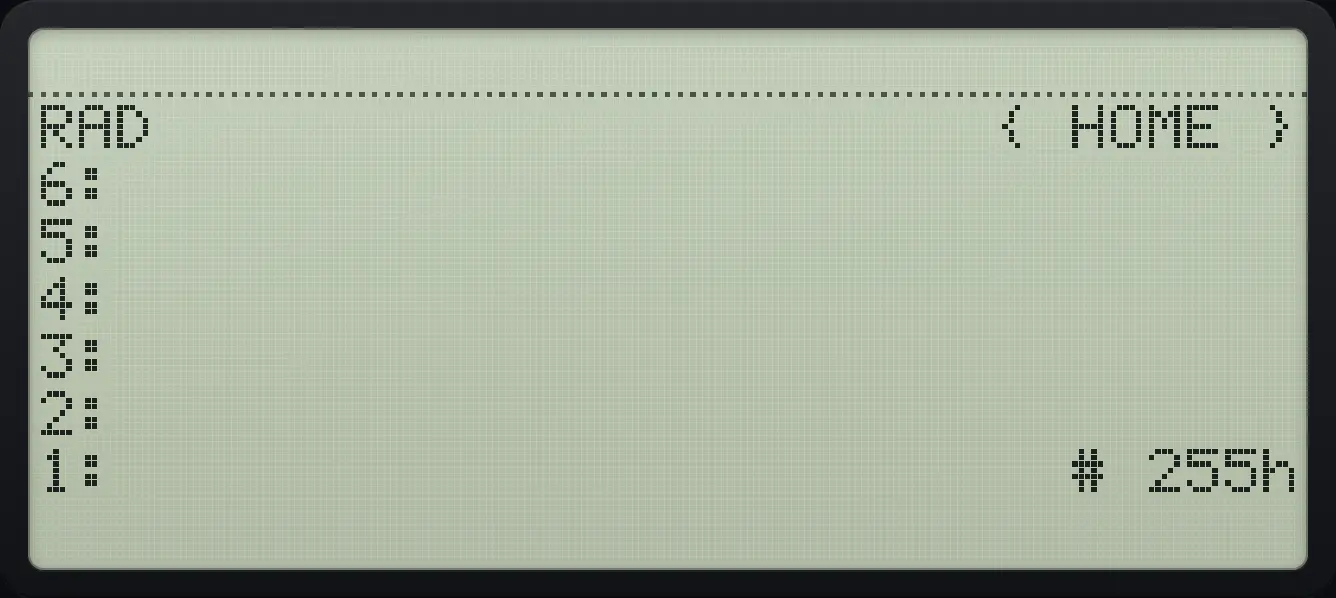
Result of the example "Type a hexadecimal number" The display shows: RAD                      { HOME } / 6: / 5: / 4: / 3: / 2: / 1:                         # 255h.
You should see# 255h
Example 17.2

Add two binary integers

  1. # 10h plus # 3h is # 13h.

    ◀#EEX10ENTER◀#EEX3ENTER+
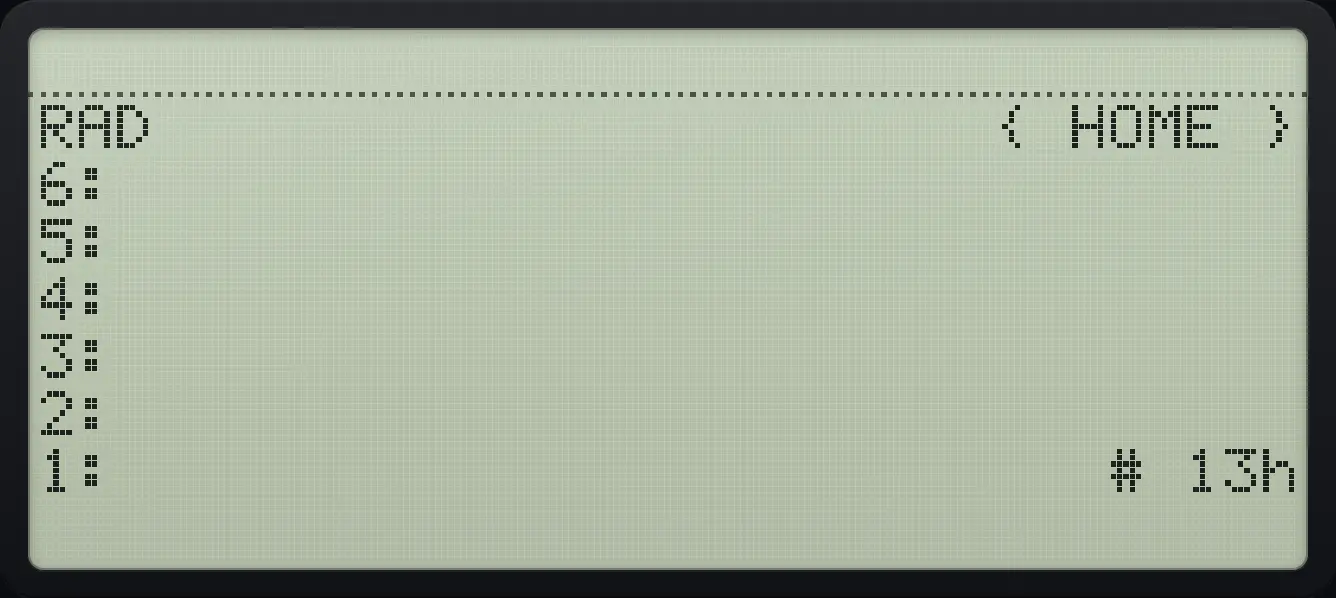
Result of the example "Add two binary integers" The display shows: RAD                      { HOME } / 6: / 5: / 4: / 3: / 2: / 1:                          # 13h.
You should see# 13h

17.2The BASE menu#

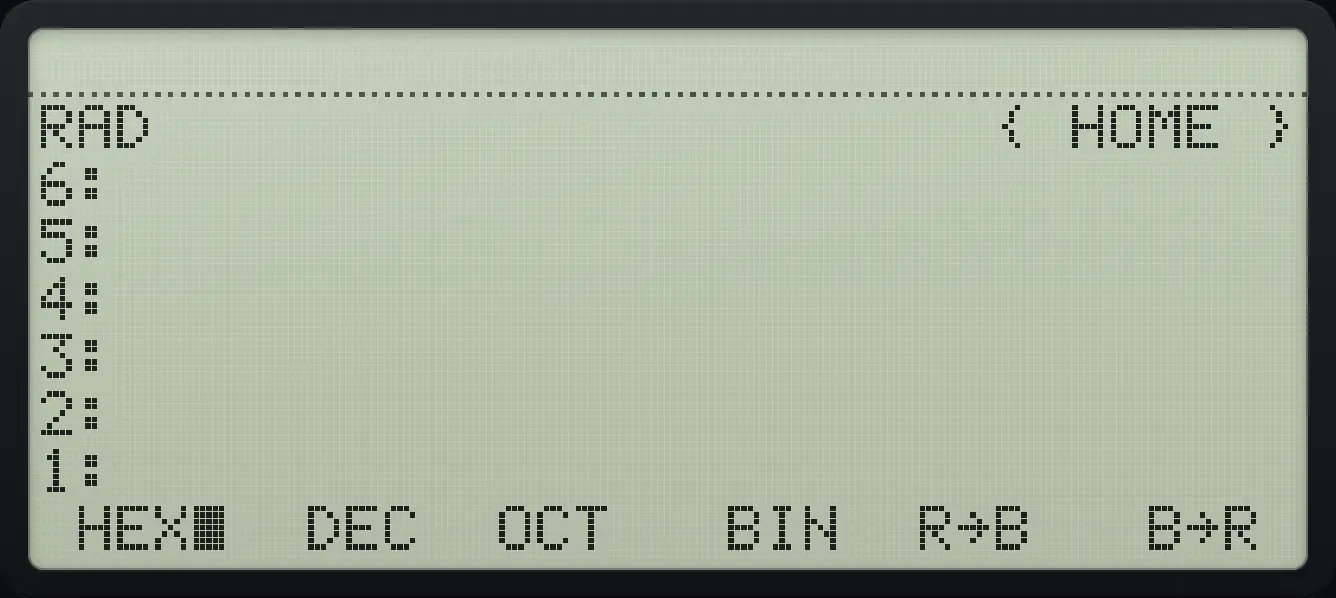
BASE page 1: HEX, DEC, OCT, BIN, R→B, B→R. The display shows: RAD                      { HOME } / 6: / 5: / 4: / 3: / 2: / 1: /  HEX■  DEC  OCT   BIN  R→B   B→R .
BASE page 1: HEX, DEC, OCT, BIN, R→B, B→R.
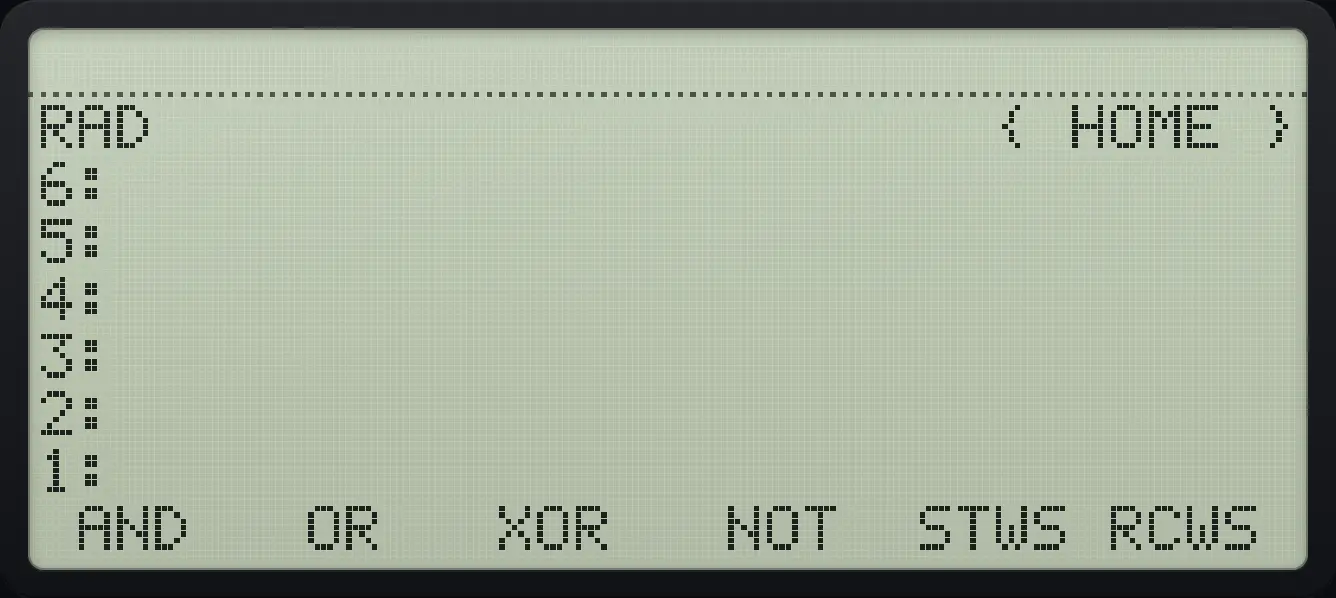
BASE page 2: AND, OR, XOR, NOT, STWS, RCWS. The display shows: RAD                      { HOME } / 6: / 5: / 4: / 3: / 2: / 1: /  AND   OR   XOR   NOT  STWS RCWS .
BASE page 2: AND, OR, XOR, NOT, STWS, RCWS.

HEX, DEC, OCT and BIN change how binary integers are shown. R→B turns a real number into a binary integer and B→R turns it back.

Example 17.3

Show # 10h in decimal

  1. Press DEC (second key).

    ◀#EEX10ENTER▶BASENXTF2
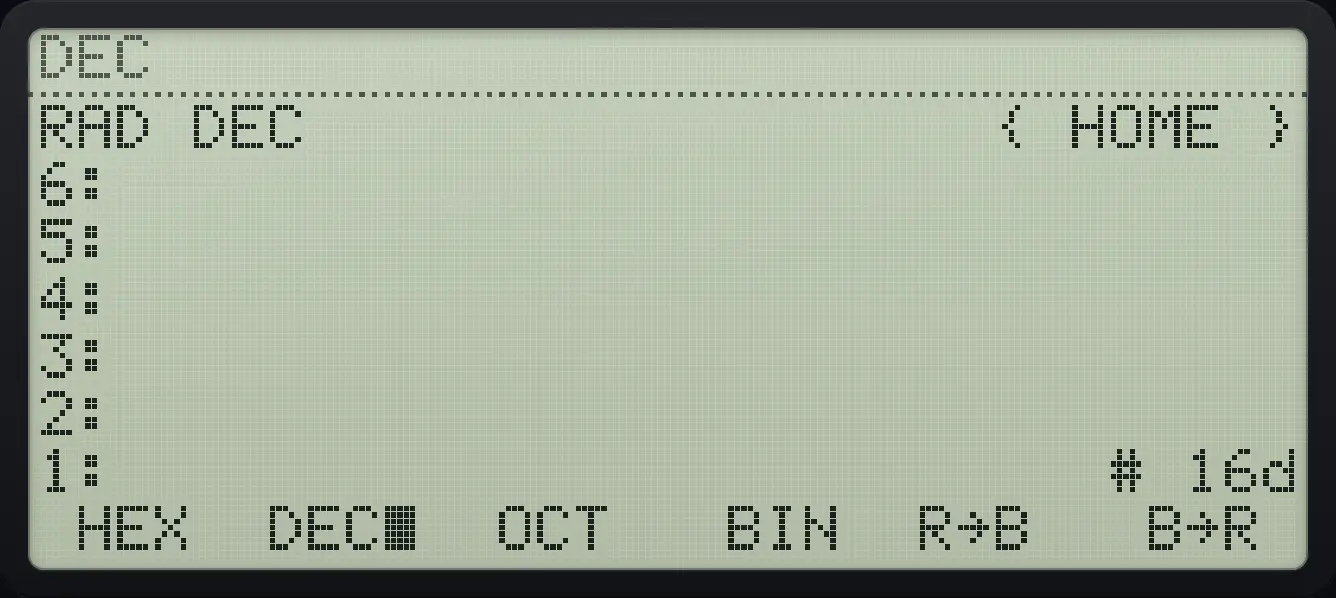
Result of the example "Show # 10h in decimal" The display shows: RAD DEC                  { HOME } / 6: / 5: / 4: / 3: / 2: / 1:                          # 16d /  HEX  DEC■  OCT   BIN  R→B   B→R .
You should see# 16d
Example 17.4

Show # 10h in binary

  1. Press BIN (fourth key).

    ◀#EEX10ENTER▶BASENXTF4
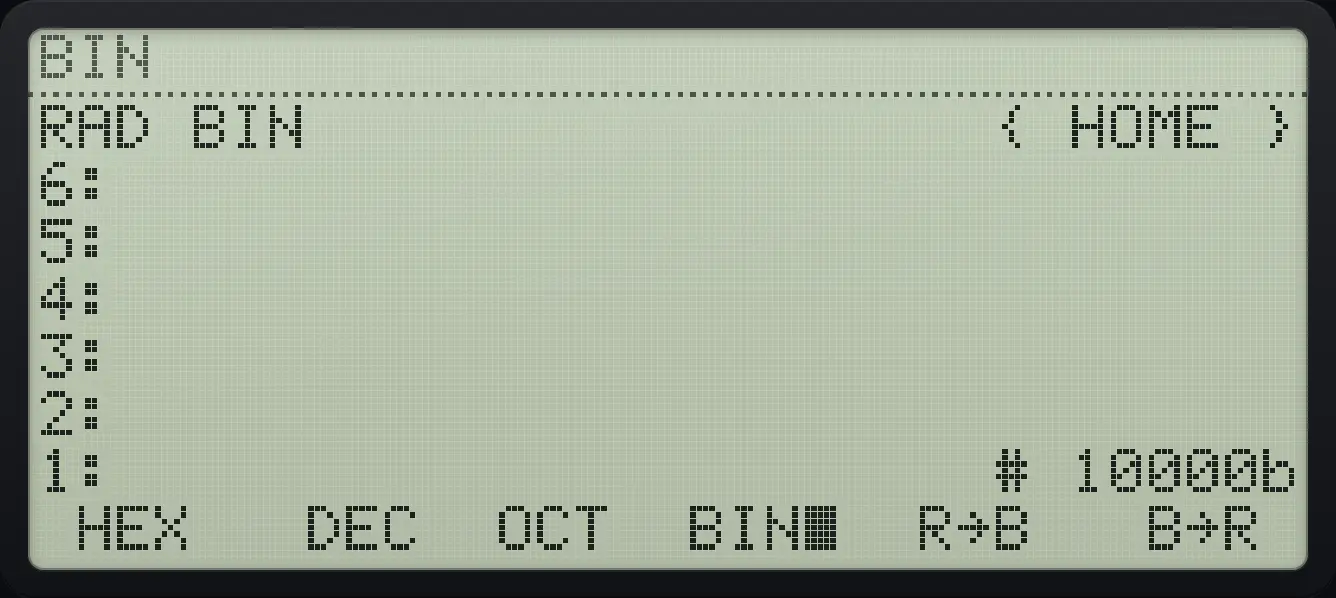
Result of the example "Show # 10h in binary" The display shows: RAD BIN                  { HOME } / 6: / 5: / 4: / 3: / 2: / 1:                       # 10000b /  HEX   DEC  OCT  BIN■  R→B   B→R .
You should see# 10000b
Example 17.5

Show # 10h in octal

  1. Press OCT (third key).

    ◀#EEX10ENTER▶BASENXTF3
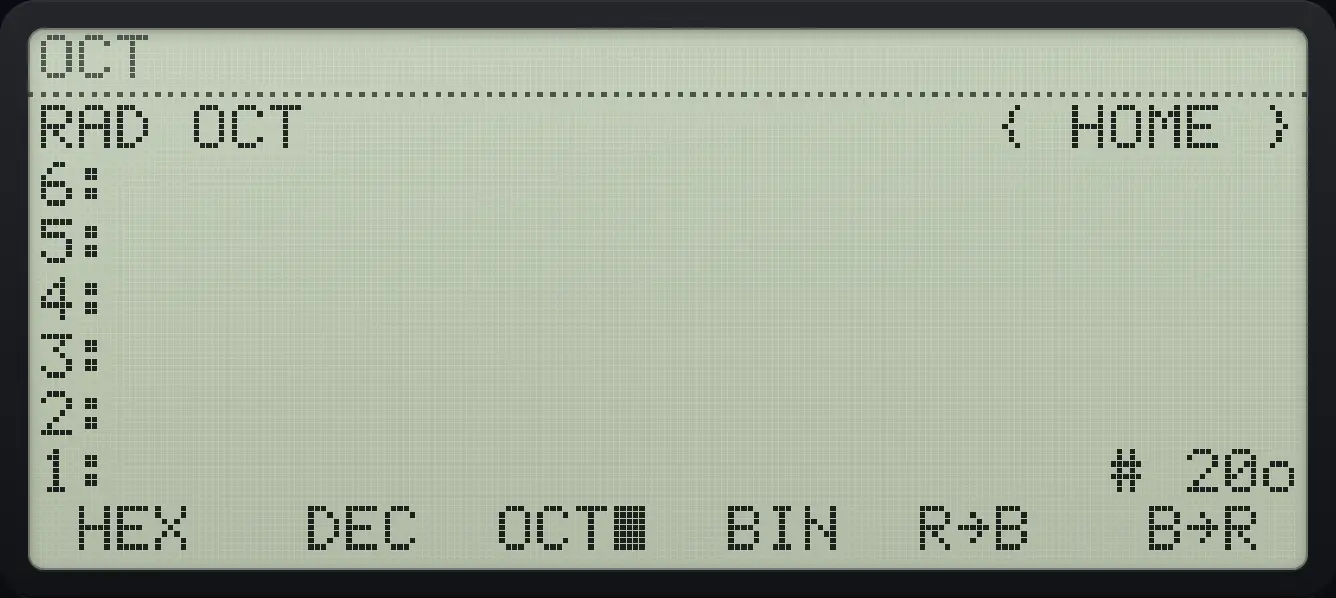
Result of the example "Show # 10h in octal" The display shows: RAD OCT                  { HOME } / 6: / 5: / 4: / 3: / 2: / 1:                          # 20o /  HEX   DEC  OCT■  BIN  R→B   B→R .
You should see# 20o
Example 17.6

Real number to binary integer

  1. Type 255 and press R→B (fifth key).

    255▶BASENXTF5
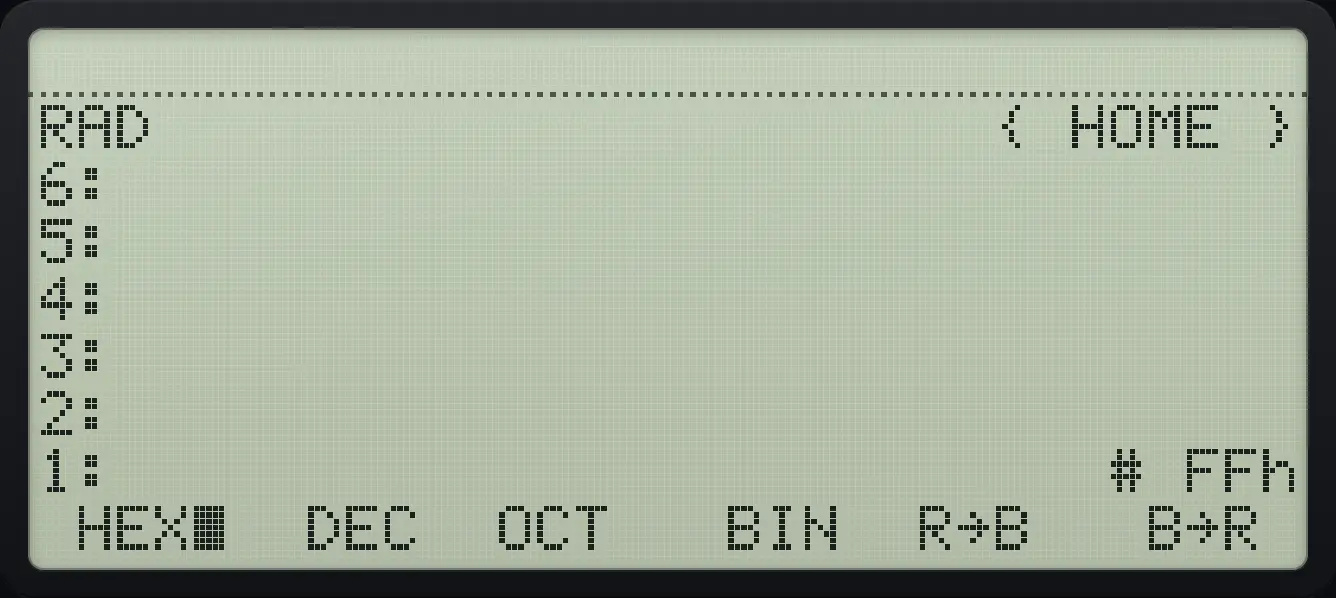
Result of the example "Real number to binary integer" The display shows: RAD                      { HOME } / 6: / 5: / 4: / 3: / 2: / 1:                          # FFh /  HEX■  DEC  OCT   BIN  R→B   B→R .
You should see# FFh

17.3Logic on bits#

Example 17.7

AND of two hexadecimal numbers

  1. # 12h AND # 10h is # 10h (BASE page 2, first key).

    ◀#EEX12ENTER◀#EEX10ENTER▶BASENXTNXTF1
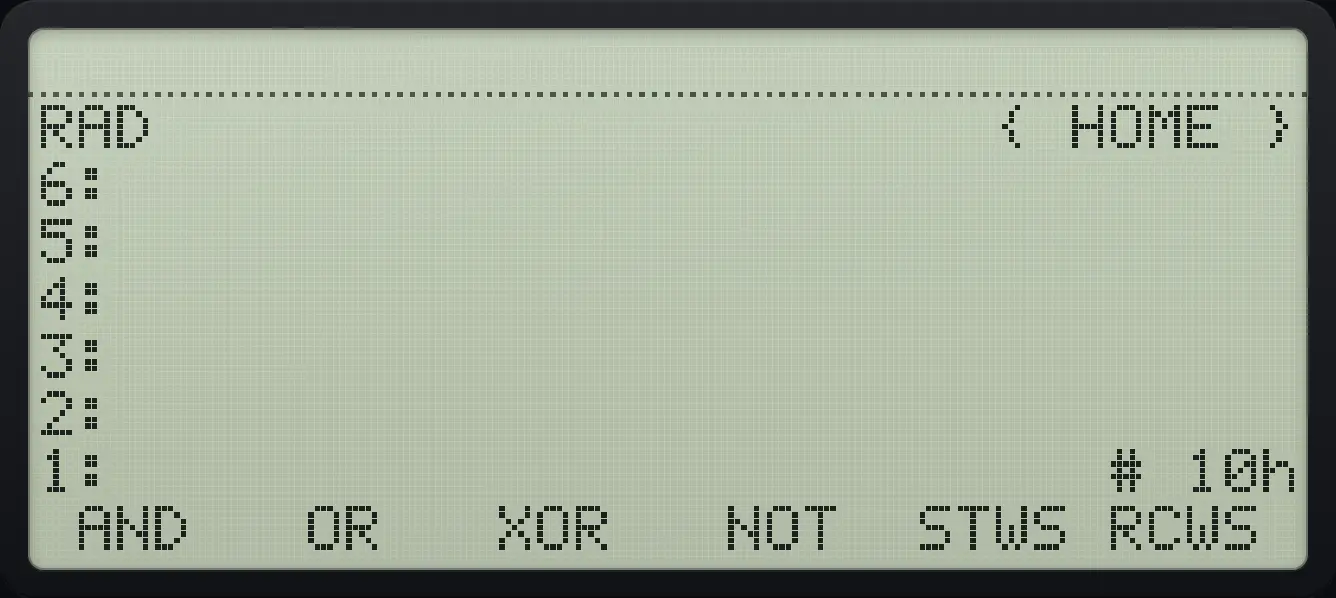
Result of the example "AND of two hexadecimal numbers" The display shows: RAD                      { HOME } / 6: / 5: / 4: / 3: / 2: / 1:                          # 10h /  AND   OR   XOR   NOT  STWS RCWS .
You should see# 10h

HP 48 and HP 50g is a trademark of HP Inc.. Trident Calculator is an independent product by South View Studios and is not affiliated with, sponsored by or endorsed by HP. The name is used only to describe the kind of calculator this model resembles; Trident's names, keys, display, fonts and software are its own clean-room design.