Trident Help

RPN Power 48 manual · Chapter 13 of 19

Strings

Type text, join strings, take parts, reverse, and convert between text and numbers.

13.1Type a string#

A string is text between double quotes. Right shift 7 types the quotes. Lock alpha to type letters; press ◀ before a letter for lowercase. Numbers and symbols are typed with their normal keys when alpha is off.

Example 13.1

Type a string

  1. Right shift 7, lock alpha, type Hello, unlock, close, ENTER.

    ▶" "7ααMODE◀F5◀PREVNXT◀PREVNXT◀SYMB'α▶7ENTER
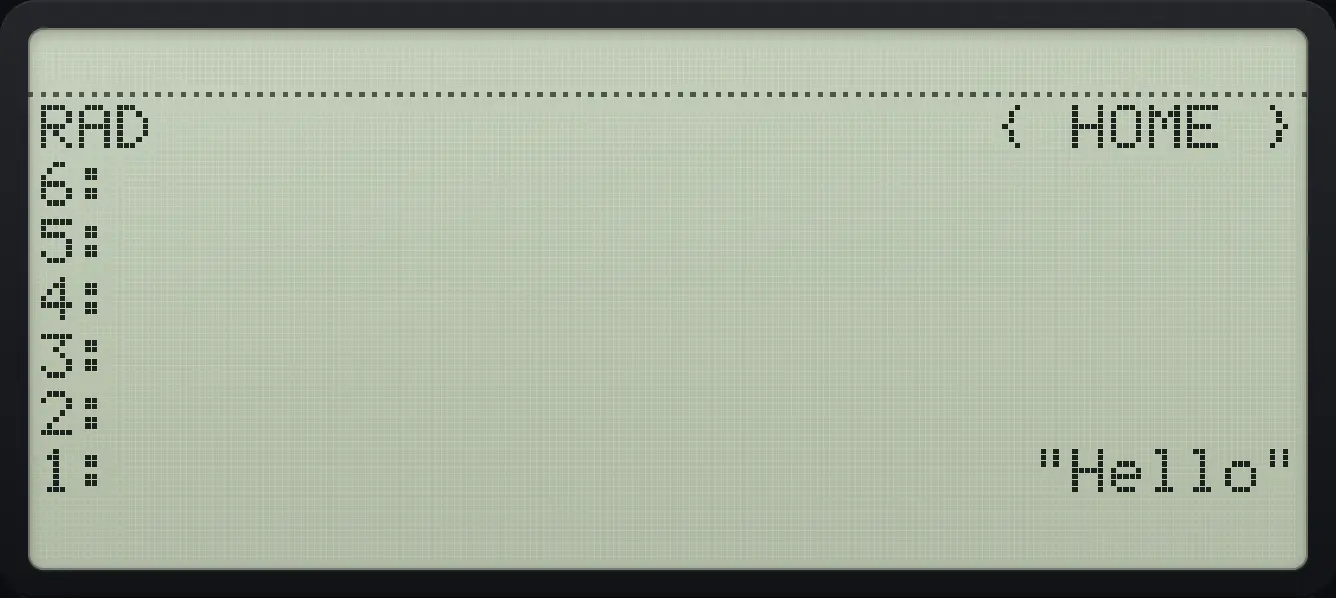
Result of the example "Type a string" The display shows: RAD                      { HOME } / 6: / 5: / 4: / 3: / 2: / 1:                        "Hello".
You should see"Hello"

13.2The STR menu#

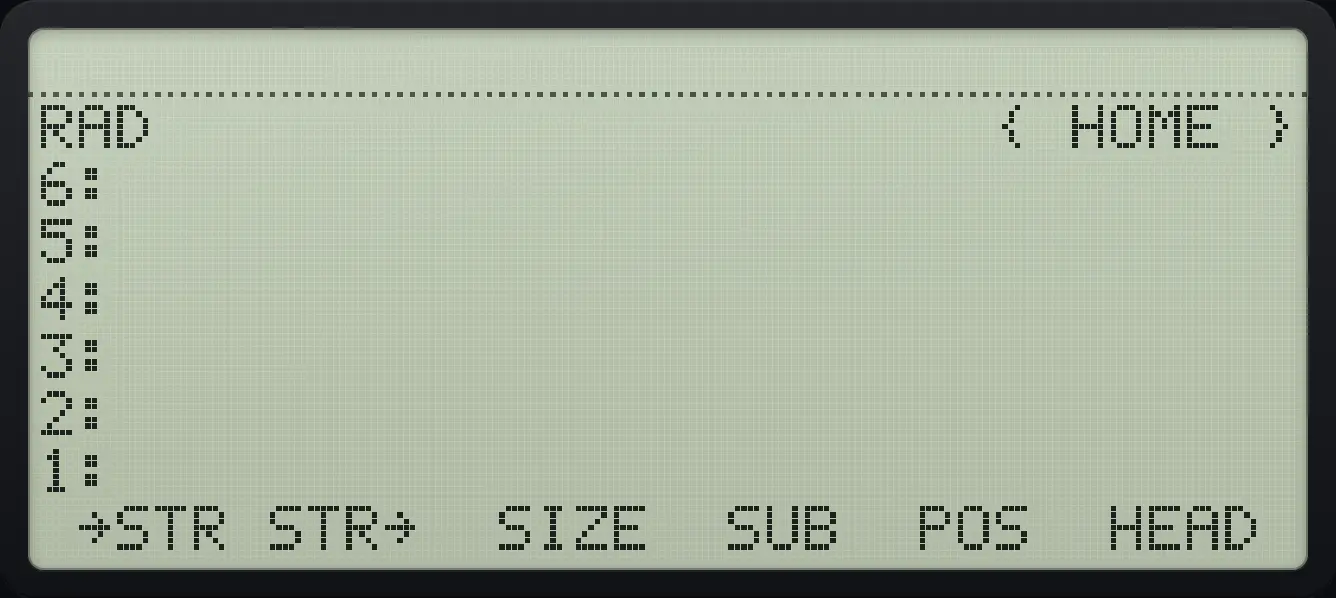
STR page 1. The display shows: RAD                      { HOME } / 6: / 5: / 4: / 3: / 2: / 1: /  →STR STR→  SIZE  SUB  POS  HEAD .
STR page 1.
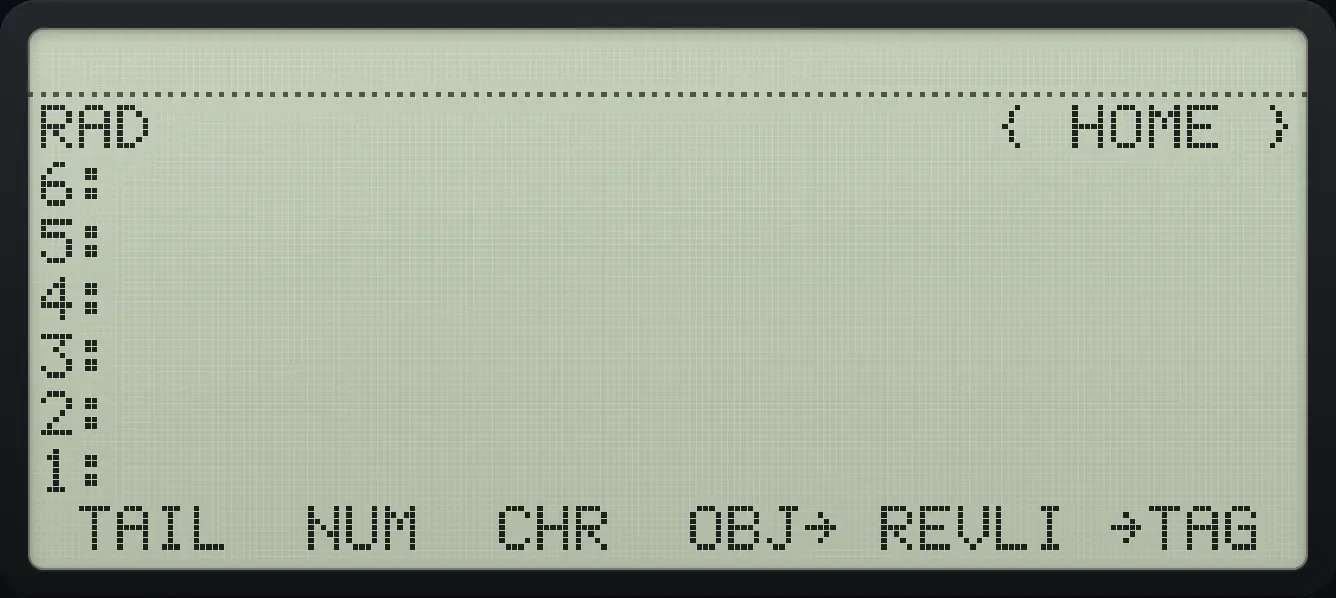
STR page 2. The display shows: RAD                      { HOME } / 6: / 5: / 4: / 3: / 2: / 1: /  TAIL  NUM  CHR  OBJ→ REVLI →TAG .
STR page 2.
CommandWhat it does
→STRTurn any object into a string.
STR→Turn a string into the object it describes.
SIZENumber of characters.
SUBA part of the string (string, first, last).
POSPosition of one string inside another.
HEAD, TAILFirst character; everything after it.
NUM, CHRCharacter code of the first character; the character for a code.
REVLISTReverse.
→TAG, DTAGAdd or remove a tag.
Example 13.2

Length of a string

  1. SIZE is the third key.

    ▶" "7ααMODE◀F5◀PREVNXT◀PREVNXT◀SYMB'α▶7ENTER▶STRVARF3
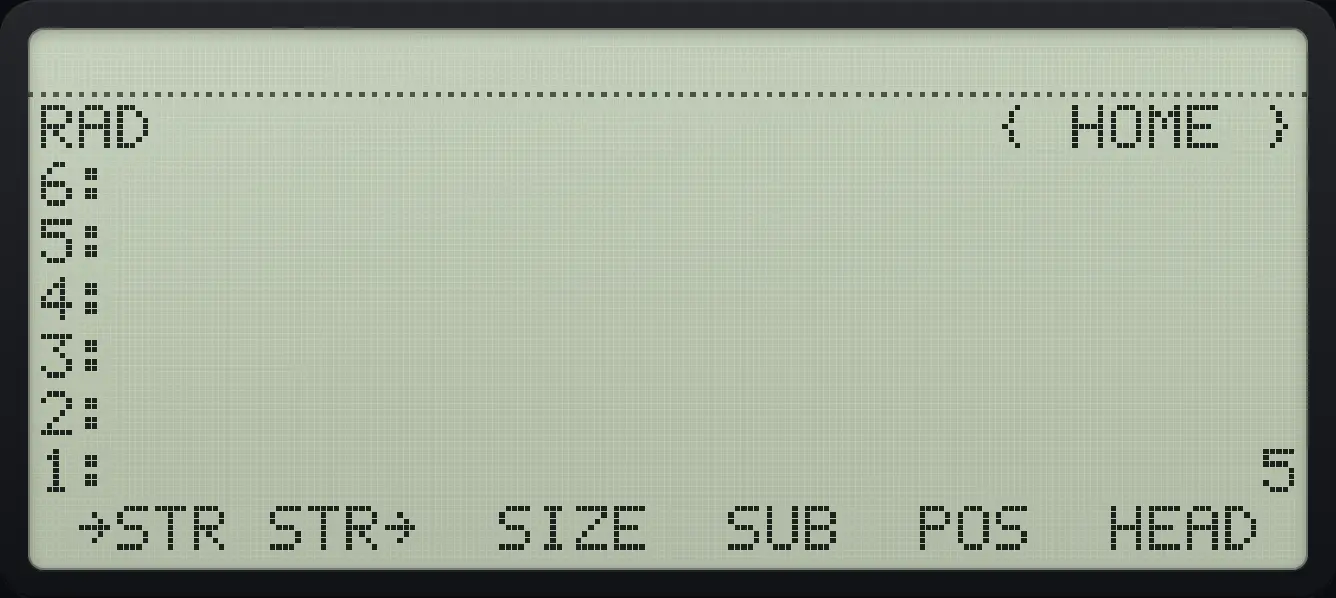
Result of the example "Length of a string" The display shows: RAD                      { HOME } / 6: / 5: / 4: / 3: / 2: / 1:                              5 /  →STR STR→  SIZE  SUB  POS  HEAD .
You should see1: 5
Example 13.3

First character

  1. HEAD is the sixth key.

    ▶" "7ααMODE◀F5◀PREVNXT◀PREVNXT◀SYMB'α▶7ENTER▶STRVARF6
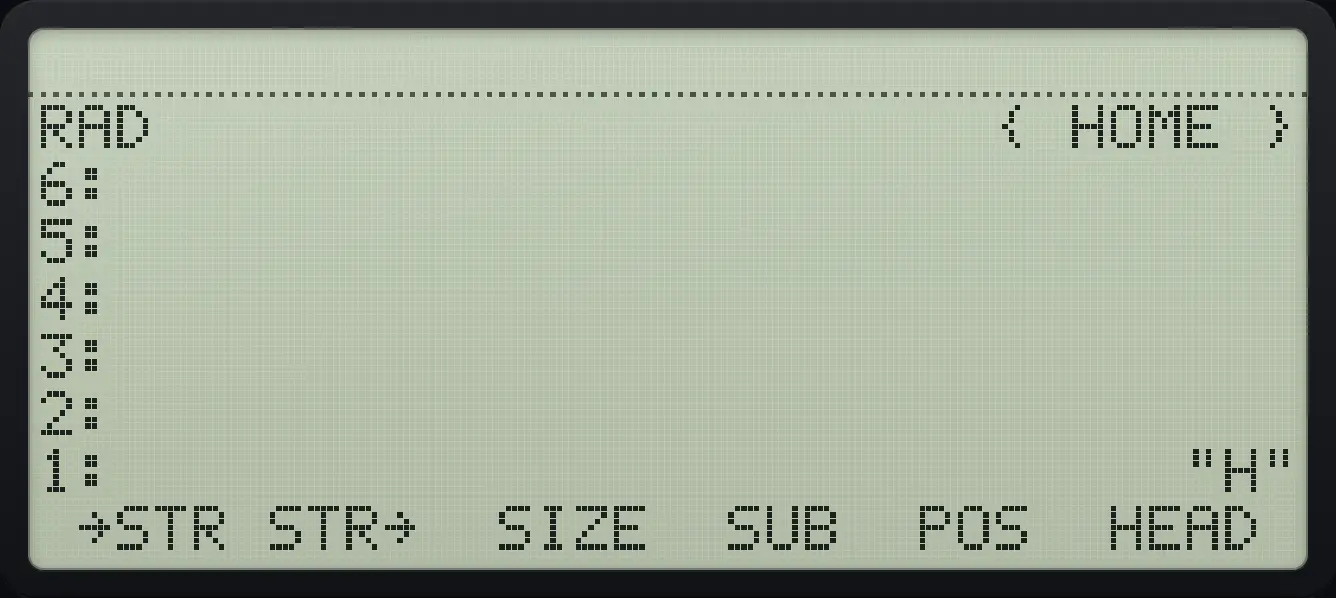
Result of the example "First character" The display shows: RAD                      { HOME } / 6: / 5: / 4: / 3: / 2: / 1:                            "H" /  →STR STR→  SIZE  SUB  POS  HEAD .
You should see"H"
Example 13.4

All but the first character

  1. TAIL is the first key of page 2.

    ▶" "7ααMODE◀F5◀PREVNXT◀PREVNXT◀SYMB'α▶7ENTER▶STRVARNXTF1
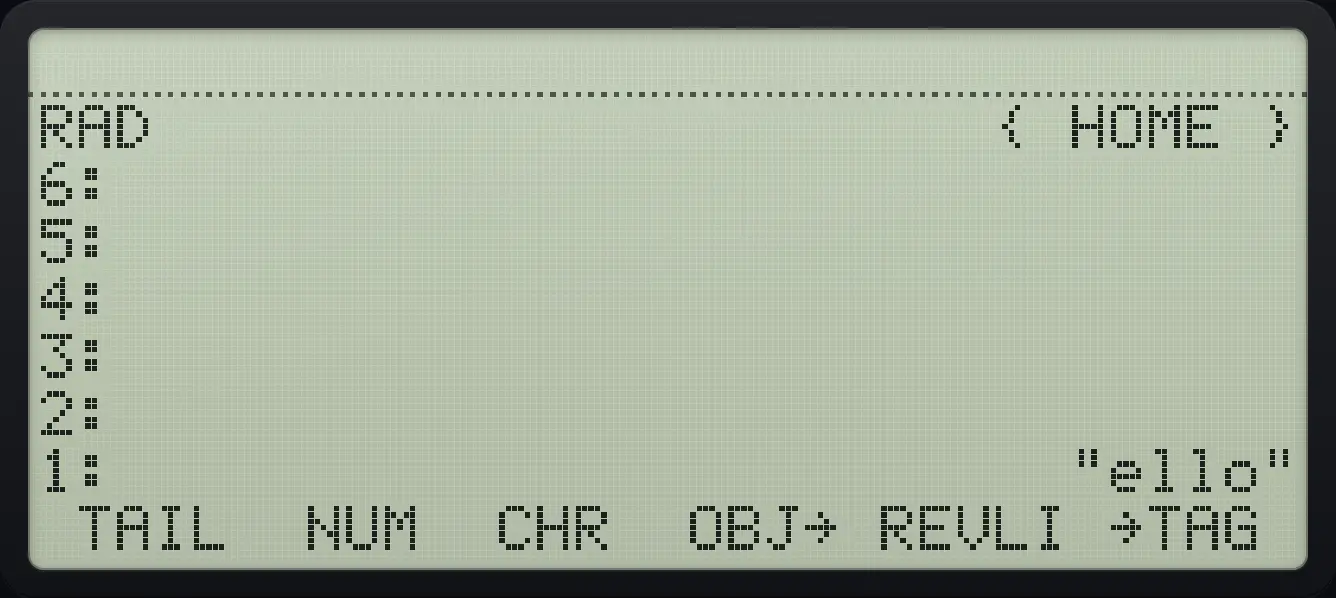
Result of the example "All but the first character" The display shows: RAD                      { HOME } / 6: / 5: / 4: / 3: / 2: / 1:                         "ello" /  TAIL  NUM  CHR  OBJ→ REVLI →TAG .
You should see"ello"
Example 13.5

Reverse a string

  1. REVLIST is the fifth key of page 2.

    ▶" "7ααMODE◀F5◀PREVNXT◀PREVNXT◀SYMB'α▶7ENTER▶STRVARNXTF5
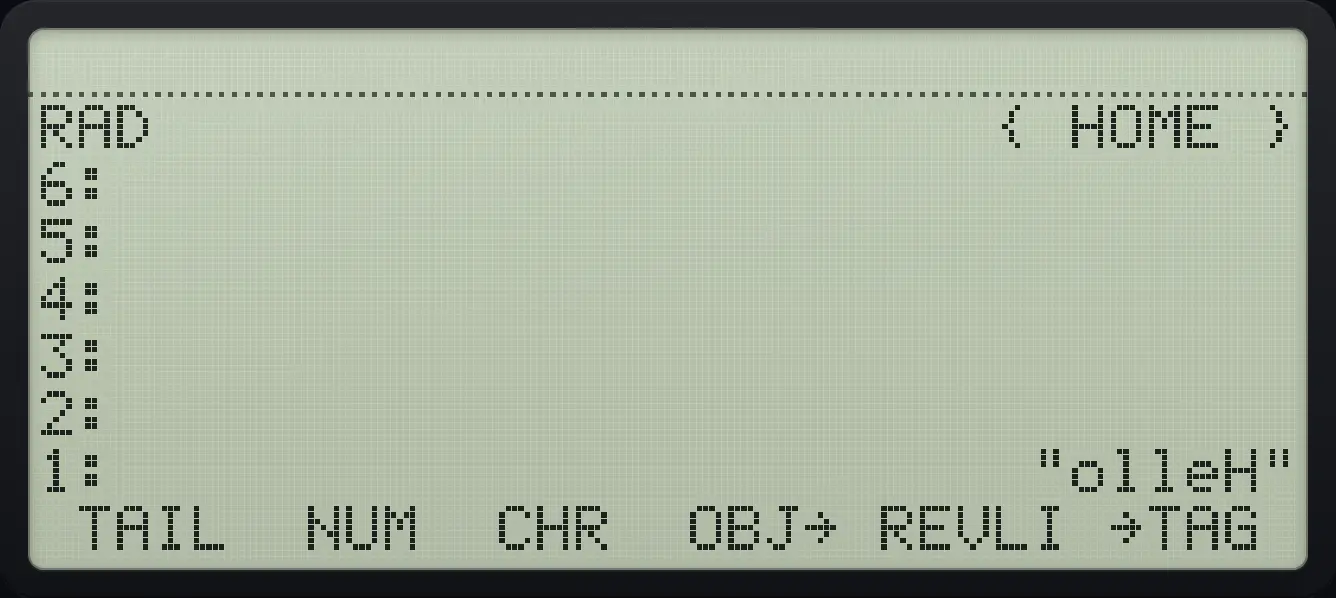
Result of the example "Reverse a string" The display shows: RAD                      { HOME } / 6: / 5: / 4: / 3: / 2: / 1:                        "olleH" /  TAIL  NUM  CHR  OBJ→ REVLI →TAG .
You should see"olleH"
Example 13.6

Part of a string

  1. Type "abc", then 2 and 3, press SUB.

    ▶" "7αα◀F1◀F2◀F3α▶7ENTER2ENTER3ENTER▶STRVARF4
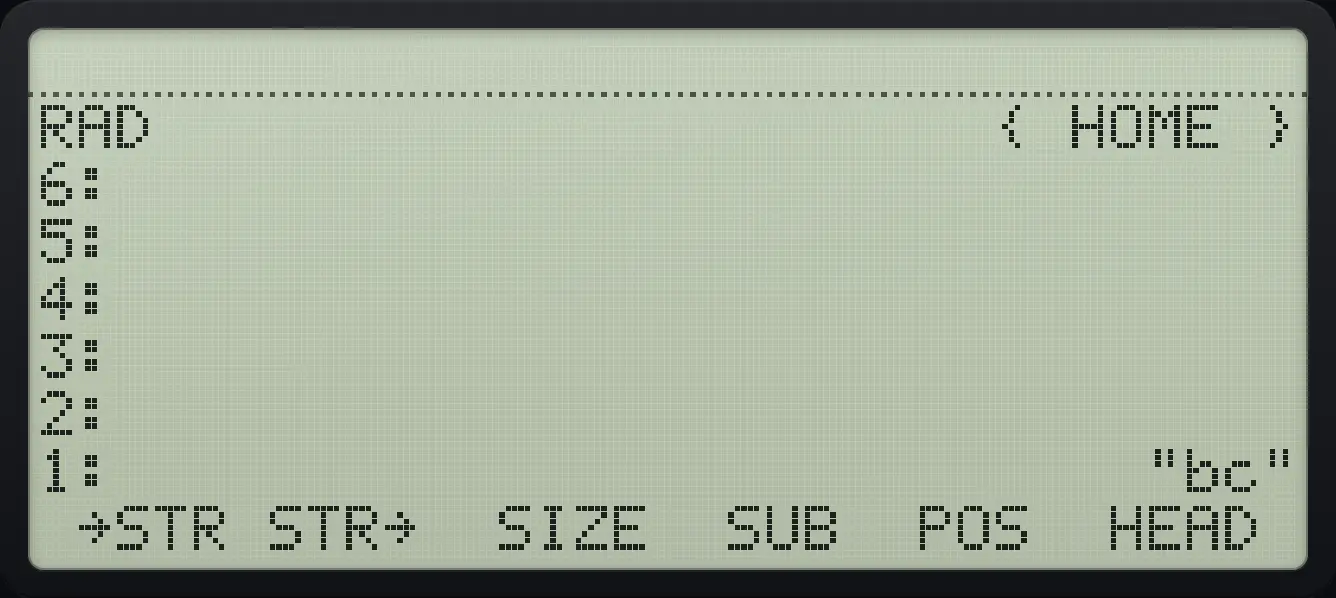
Result of the example "Part of a string" The display shows: RAD                      { HOME } / 6: / 5: / 4: / 3: / 2: / 1:                           "bc" /  →STR STR→  SIZE  SUB  POS  HEAD .
You should see"bc"
Example 13.7

Character code

  1. NUM gives 72 for H.

    ▶" "7ααMODEα▶7ENTER▶STRVARNXTF2
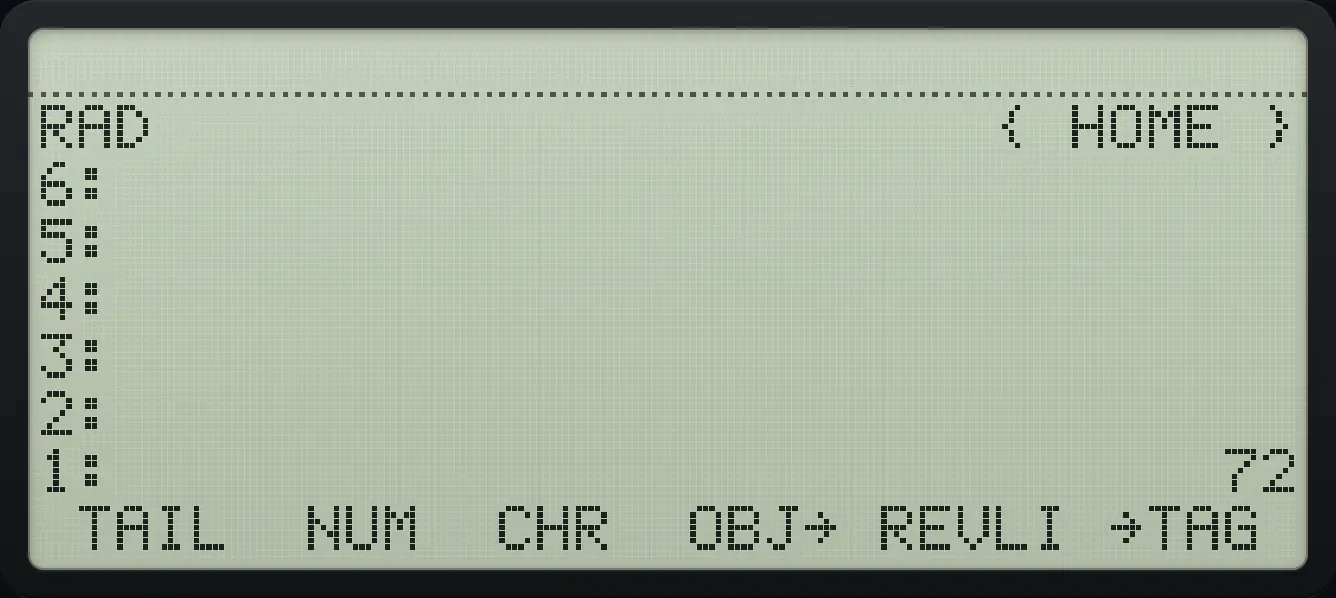
Result of the example "Character code" The display shows: RAD                      { HOME } / 6: / 5: / 4: / 3: / 2: / 1:                             72 /  TAIL  NUM  CHR  OBJ→ REVLI →TAG .
You should see1: 72
Example 13.8

Character from a code

  1. CHR turns 65 into A.

    65▶STRVARNXTF3
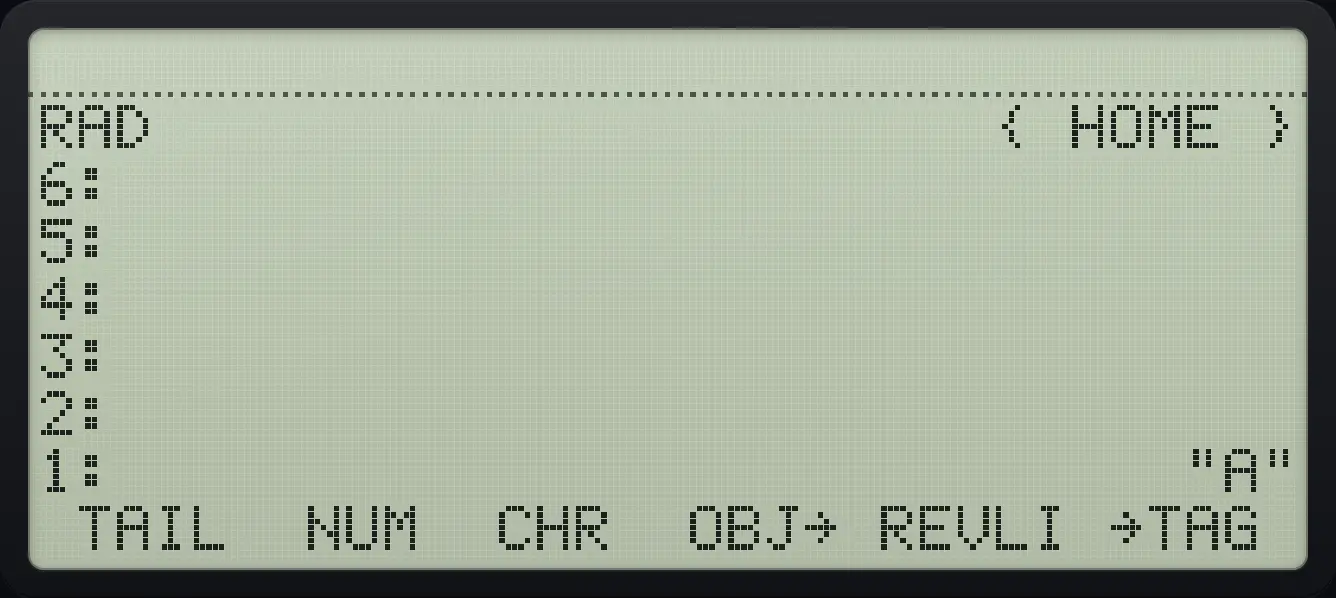
Result of the example "Character from a code" The display shows: RAD                      { HOME } / 6: / 5: / 4: / 3: / 2: / 1:                            "A" /  TAIL  NUM  CHR  OBJ→ REVLI →TAG .
You should see"A"

13.3Join strings and values#

Example 13.9

Join two strings

  1. Type two strings and press +.

    ▶" "7ααMODE◀F5◀PREVNXT◀PREVNXT◀SYMB'α▶7ENTER▶" "7ααDEL◀SYMB'◀ACOSCOS◀PREVNXT◀F4α▶7ENTER+
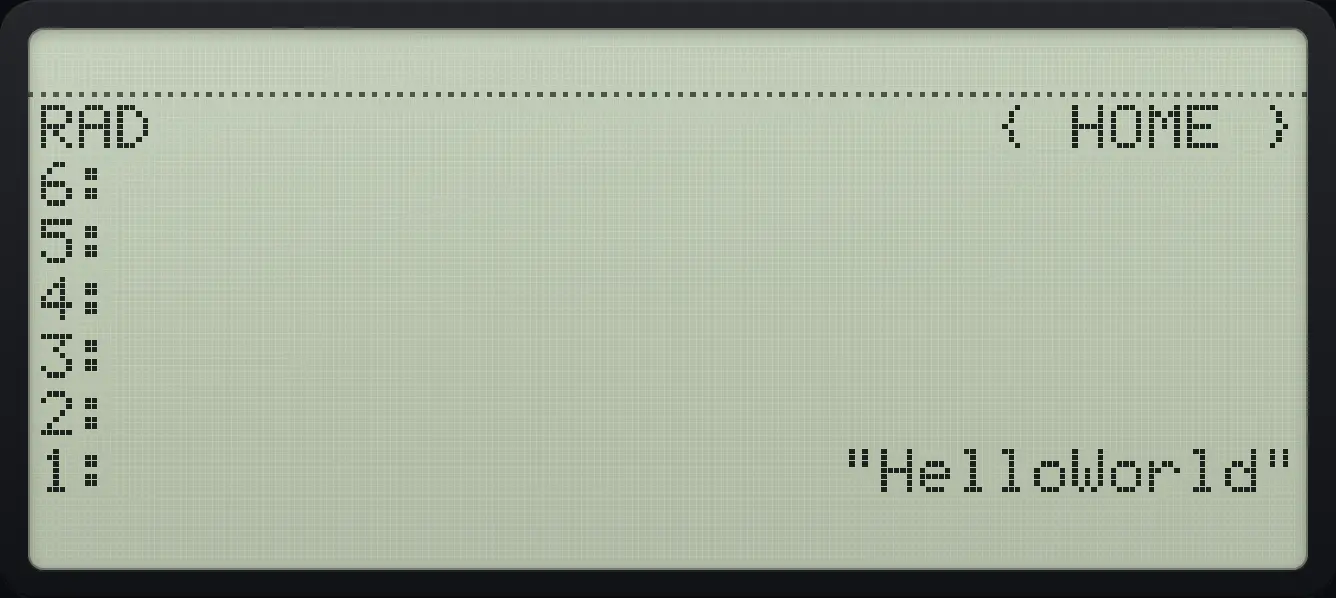
Result of the example "Join two strings" The display shows: RAD                      { HOME } / 6: / 5: / 4: / 3: / 2: / 1:                   "HelloWorld".
You should see"HelloWorld"
Example 13.10

Join a number to a string

  1. Type 3 and a string, add.

    3ENTER▶" "7αα◀F1α▶7ENTER+
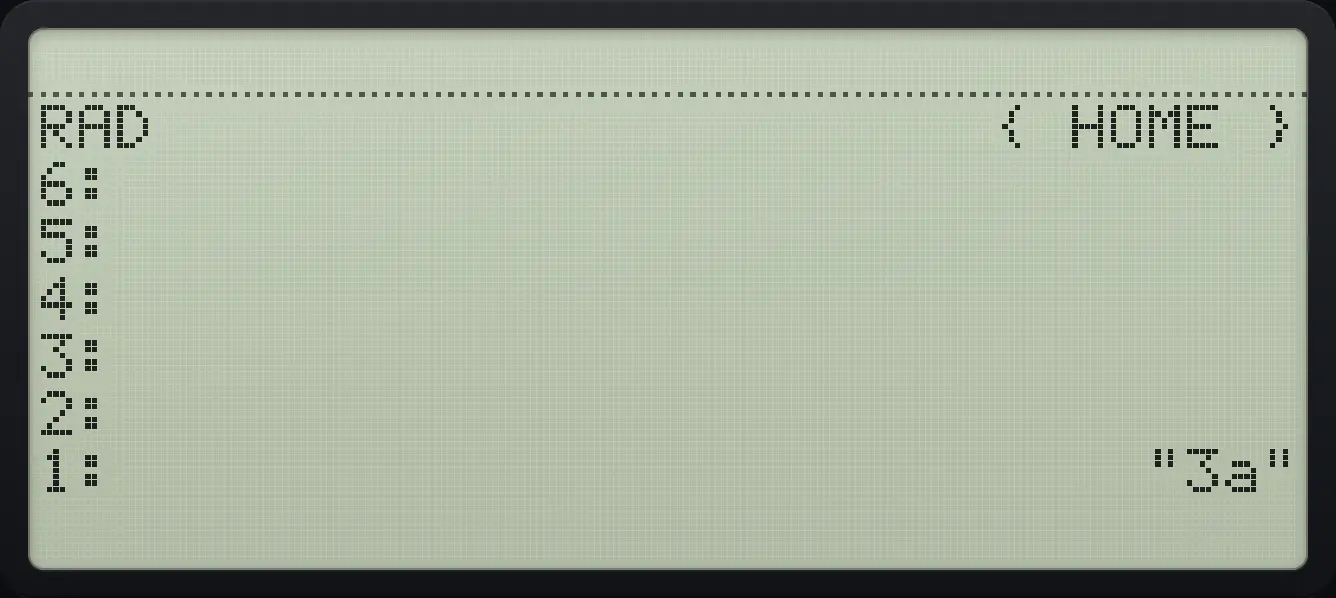
Result of the example "Join a number to a string" The display shows: RAD                      { HOME } / 6: / 5: / 4: / 3: / 2: / 1:                           "3a".
You should see"3a"

HP 48 and HP 50g is a trademark of HP Inc.. Trident Calculator is an independent product by South View Studios and is not affiliated with, sponsored by or endorsed by HP. The name is used only to describe the kind of calculator this model resembles; Trident's names, keys, display, fonts and software are its own clean-room design.