Trident Help

RPN Power 48 manual · Chapter 6 of 19

Functions

Logarithms, trigonometry, hyperbolic functions, rounding, combinations and other MTH menu commands.

6.1Logarithms and exponentials#

Right shift SIN is LOG (base 10) and right shift yˣ is LN (natural). Right shift COS is ALOG (10 to the power x) and left shift yˣ is EXP (e to the power x).

Example 6.1

Common logarithm of 100

log⁡10100=2\log_{10}100=2
  1. Type 100 and press right shift SIN.

    100▶LOGSIN
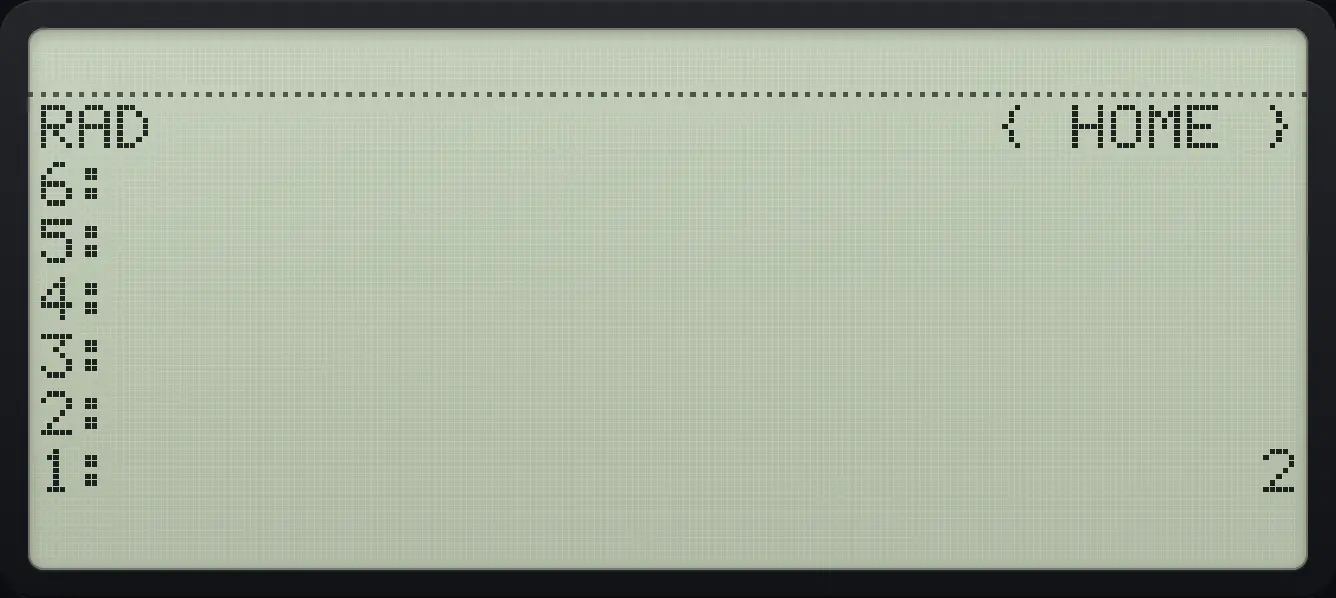
Result of the example "Common logarithm of 100" The display shows: RAD                      { HOME } / 6: / 5: / 4: / 3: / 2: / 1:                              2.
You should see1: 2
Example 6.2

Ten to the power 3

  1. Type 3 and press right shift COS.

    3▶10ˣCOS
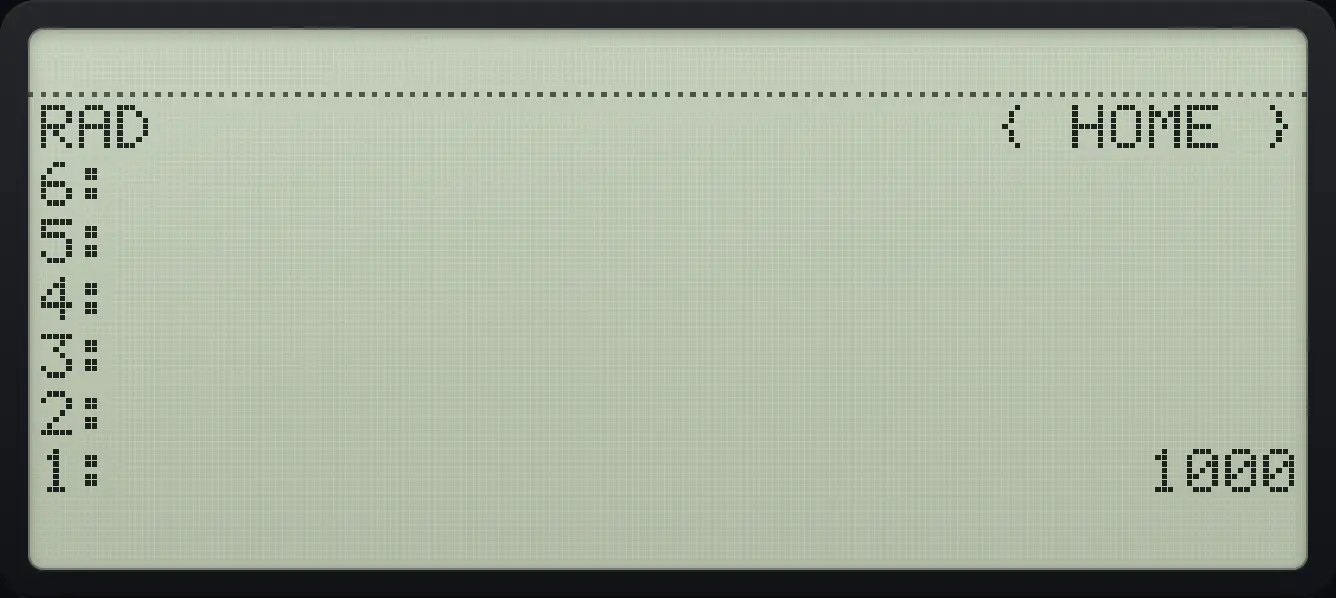
Result of the example "Ten to the power 3" The display shows: RAD                      { HOME } / 6: / 5: / 4: / 3: / 2: / 1:                           1000.
You should see1: 1000
Example 6.3

e to the power 1

  1. Type 1 and press left shift power key.

    1◀eˣyˣ
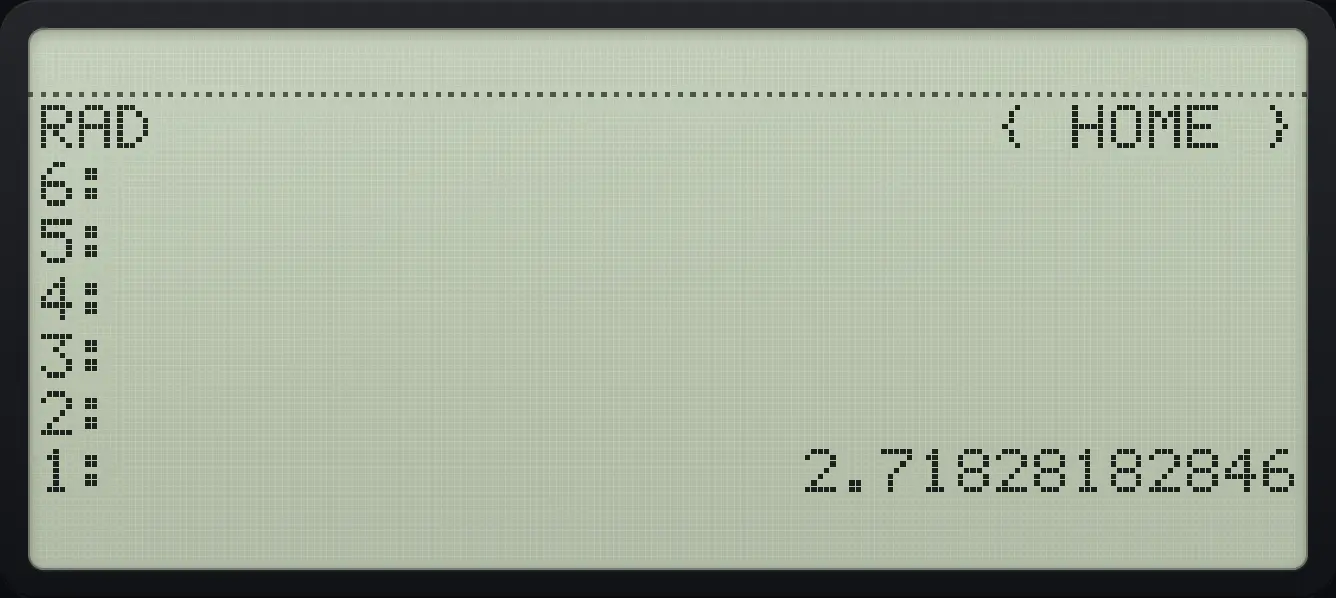
Result of the example "e to the power 1" The display shows: RAD                      { HOME } / 6: / 5: / 4: / 3: / 2: / 1:                  2.71828182846.
You should see1: 2.71828182846
Example 6.4

Natural logarithm of 1

  1. Type 1 and press right shift power key.

    1▶LNyˣ
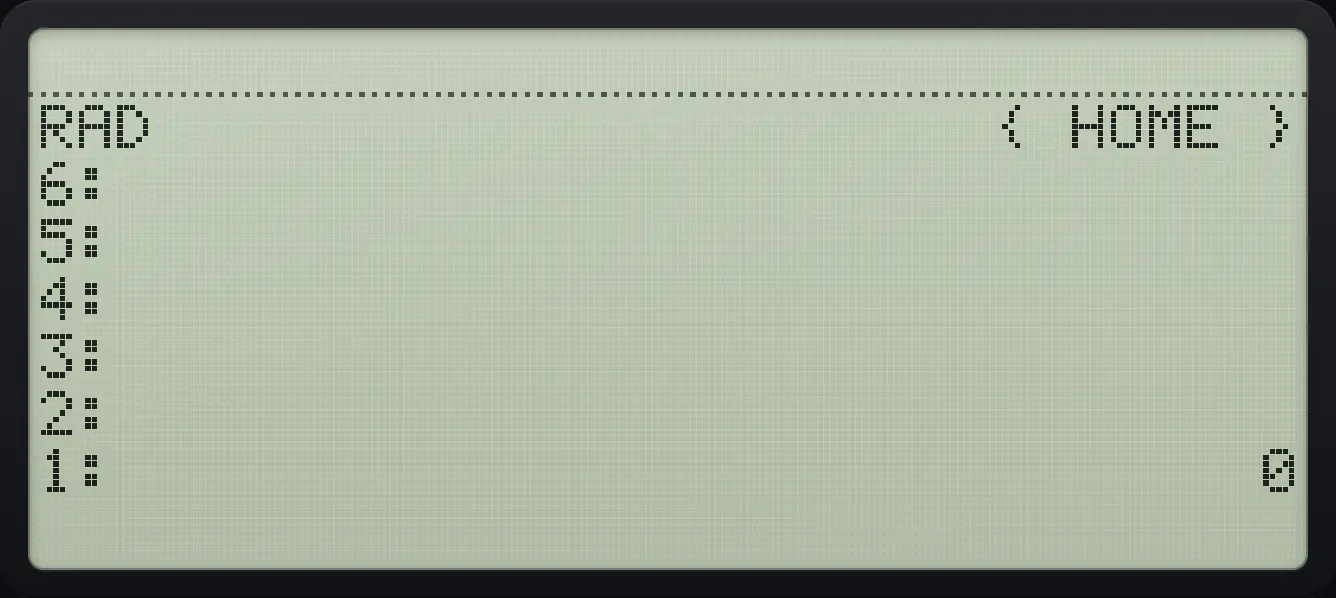
Result of the example "Natural logarithm of 1" The display shows: RAD                      { HOME } / 6: / 5: / 4: / 3: / 2: / 1:                              0.
You should see1: 0

6.2Sine, cosine and tangent#

Trigonometric functions use the angle unit shown in the status line. The default is radians, so change to degrees in the MODE menu when you work with degrees. The left shift keys give the inverse functions.

Example 6.5

Sine of 30 degrees

  1. Open MODE and press DEG (fifth key).

    MODEF5
  2. Type 30 and press SIN.

    30SIN
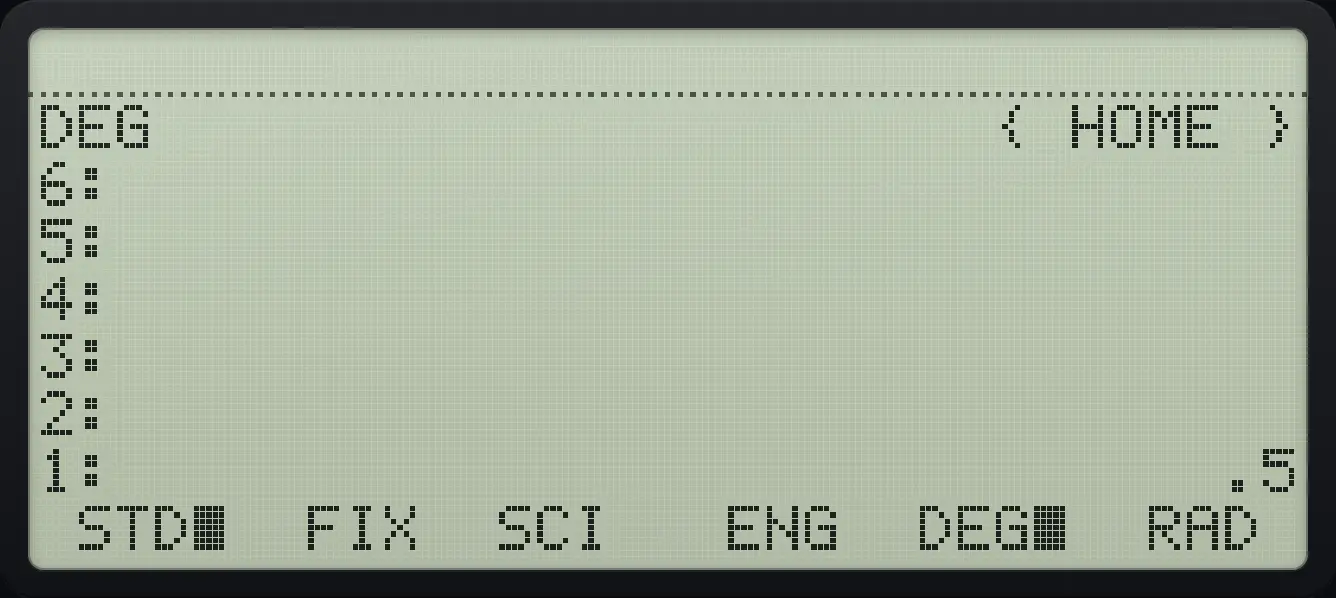
Result of the example "Sine of 30 degrees" The display shows: DEG                      { HOME } / 6: / 5: / 4: / 3: / 2: / 1:                             .5 /  STD■  FIX  SCI   ENG  DEG■  RAD .
You should see1: .5
Example 6.6

Sine of 30 radians

  1. The default angle unit is radians.

    30SIN
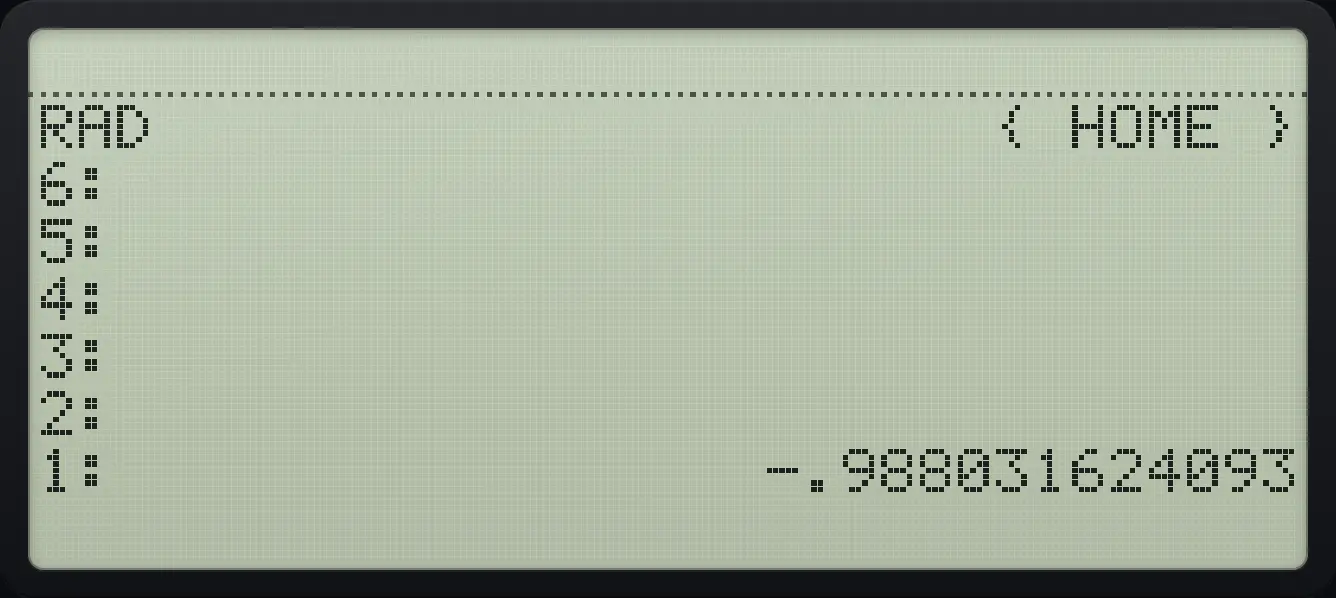
Result of the example "Sine of 30 radians" The display shows: RAD                      { HOME } / 6: / 5: / 4: / 3: / 2: / 1:                 -.988031624093.
You should see-.988031624093
Example 6.7

Angle whose sine is 0.5

sin⁡−1(0.5)=π6\sin^{-1}(0.5)=\frac{\pi}{6}
  1. Left shift SIN is the inverse sine. In radians this gives about 0.5236.

    0.5◀ASINSIN
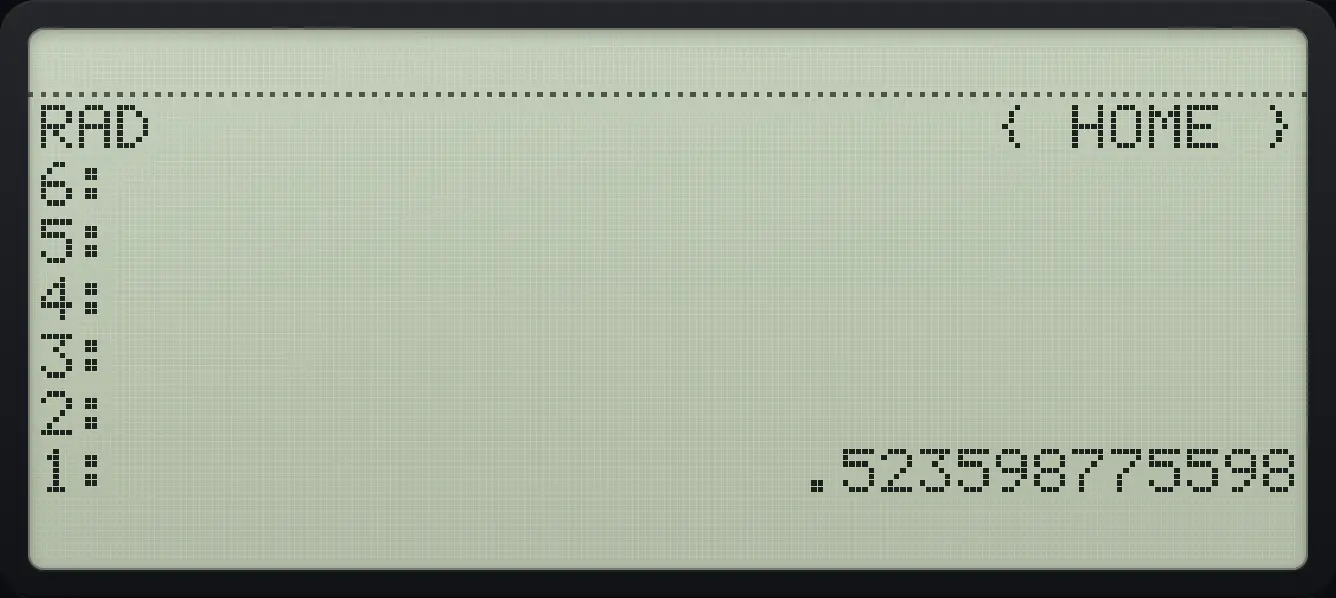
Result of the example "Angle whose sine is 0.5" The display shows: RAD                      { HOME } / 6: / 5: / 4: / 3: / 2: / 1:                  .523598775598.
You should see1: .523598775598
Example 6.8

Inverse tangent of 1 in degrees

  1. Switch to DEG.

    MODEF5
  2. Left shift TAN of 1: 45.

    1◀ATANTAN
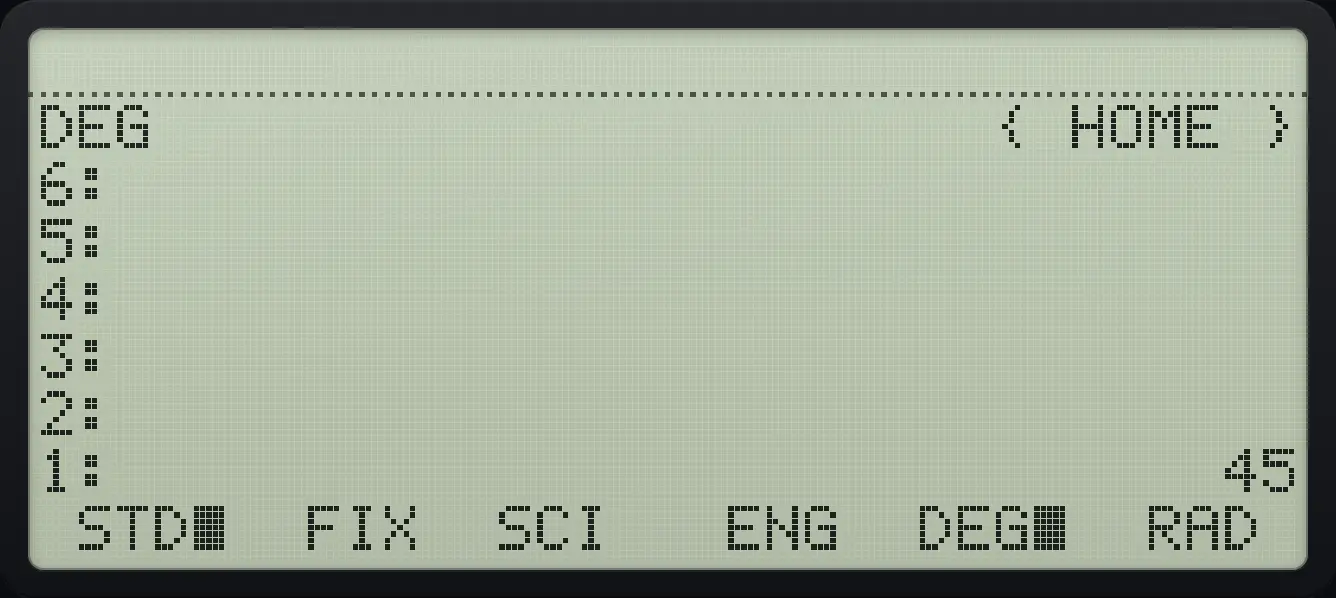
Result of the example "Inverse tangent of 1 in degrees" The display shows: DEG                      { HOME } / 6: / 5: / 4: / 3: / 2: / 1:                             45 /  STD■  FIX  SCI   ENG  DEG■  RAD .
You should see1: 45

6.3Find the hypotenuse of a right triangle#

c=a2+b2c=\sqrt{a^{2}+b^{2}}
Example 6.9

Legs 3 and 4

32+42=5\sqrt{3^2+4^2}=5
  1. Square each leg, add, take the square root.

    3◀x²√x4◀x²√x+√x
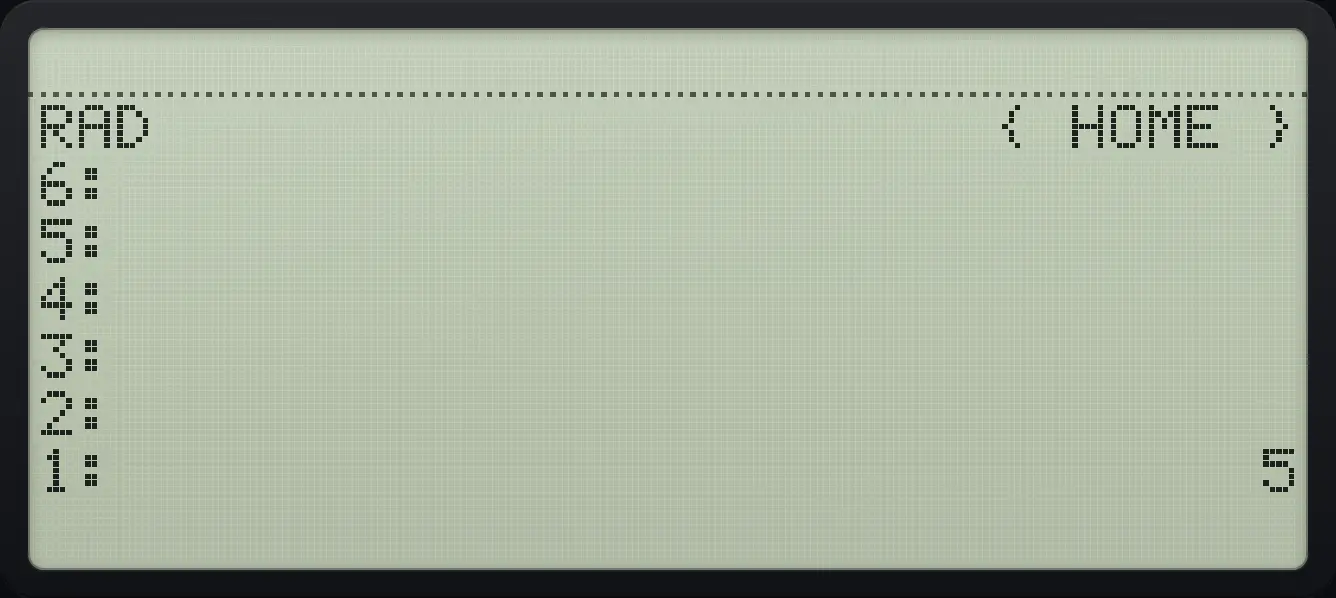
Result of the example "Legs 3 and 4" The display shows: RAD                      { HOME } / 6: / 5: / 4: / 3: / 2: / 1:                              5.
You should see1: 5

6.4The MTH menu#

Left shift APPS opens MTH. It has five pages.
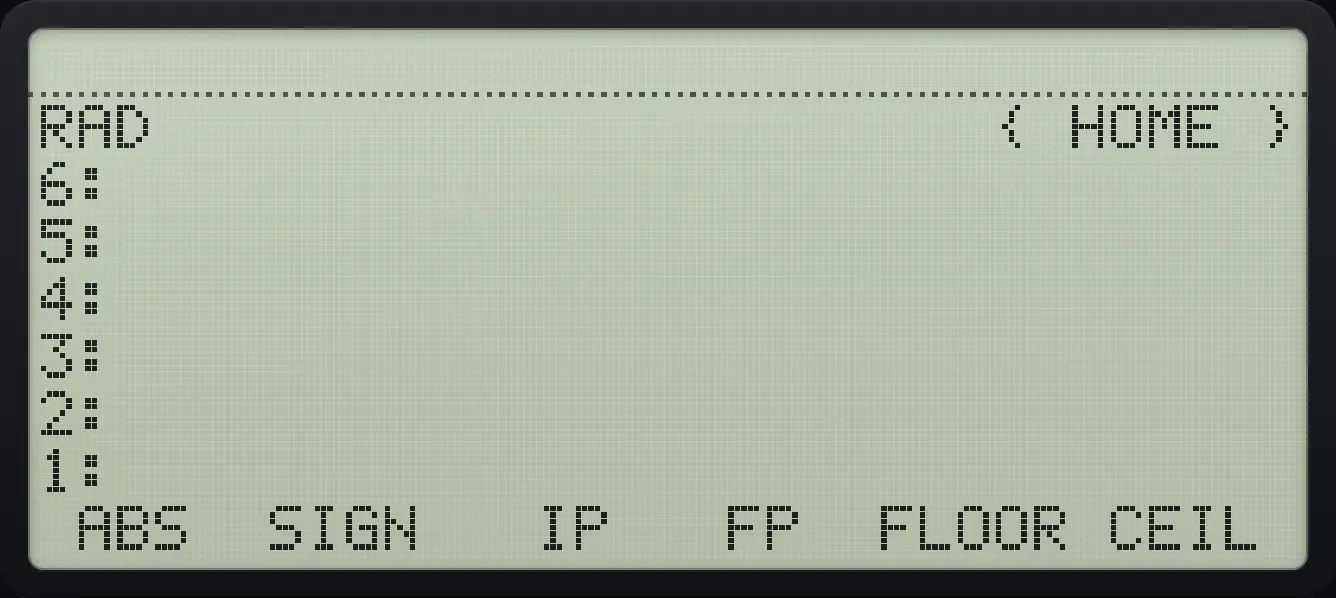
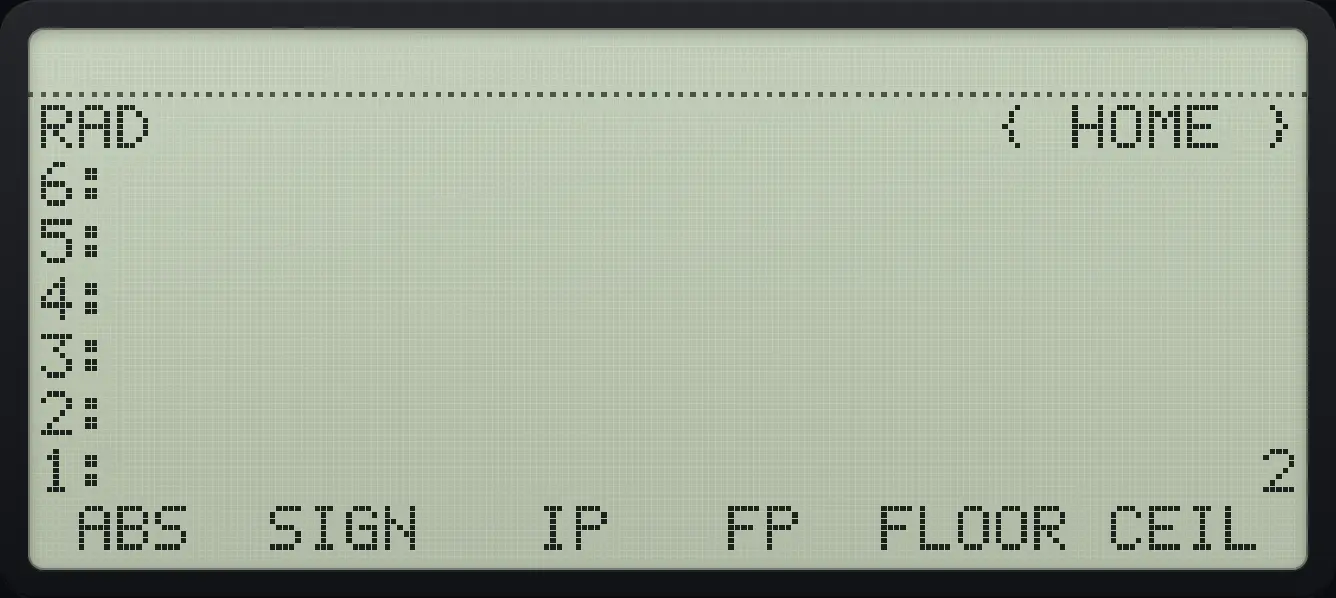
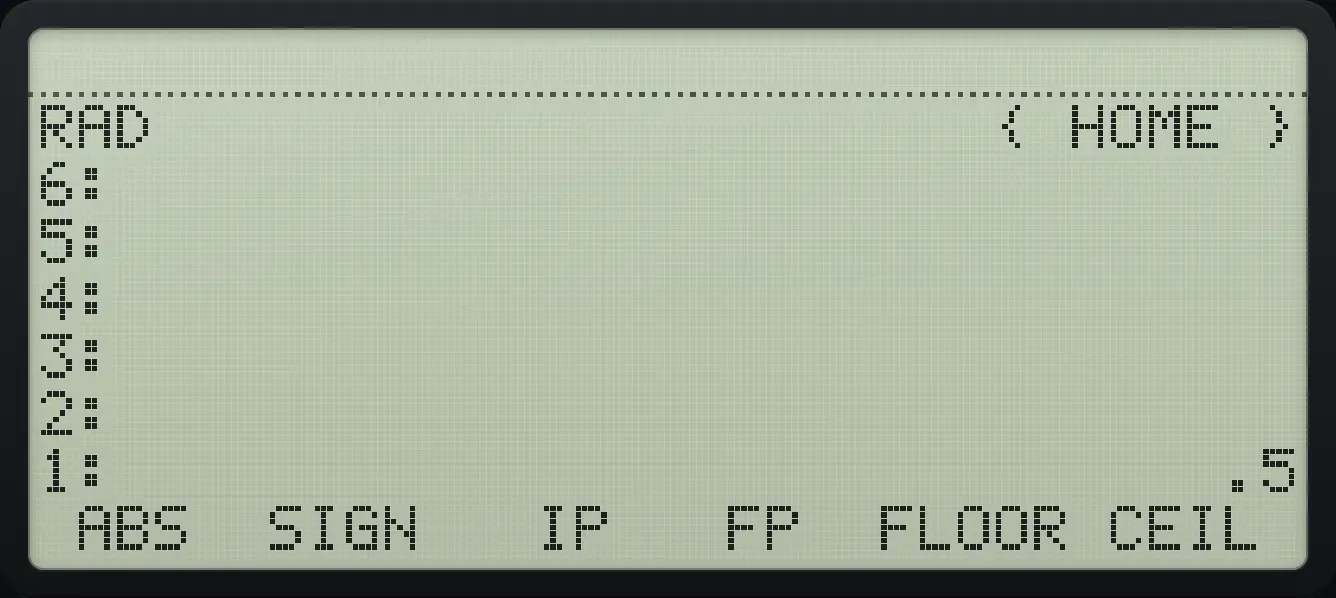
MTH page 1: ABS, SIGN, IP, FP, FLOOR, CEIL. The display shows: RAD                      { HOME } / 6: / 5: / 4: / 3: / 2: / 1: /  ABS  SIGN   IP   FP  FLOOR CEIL .
MTH page 1: ABS, SIGN, IP, FP, FLOOR, CEIL.
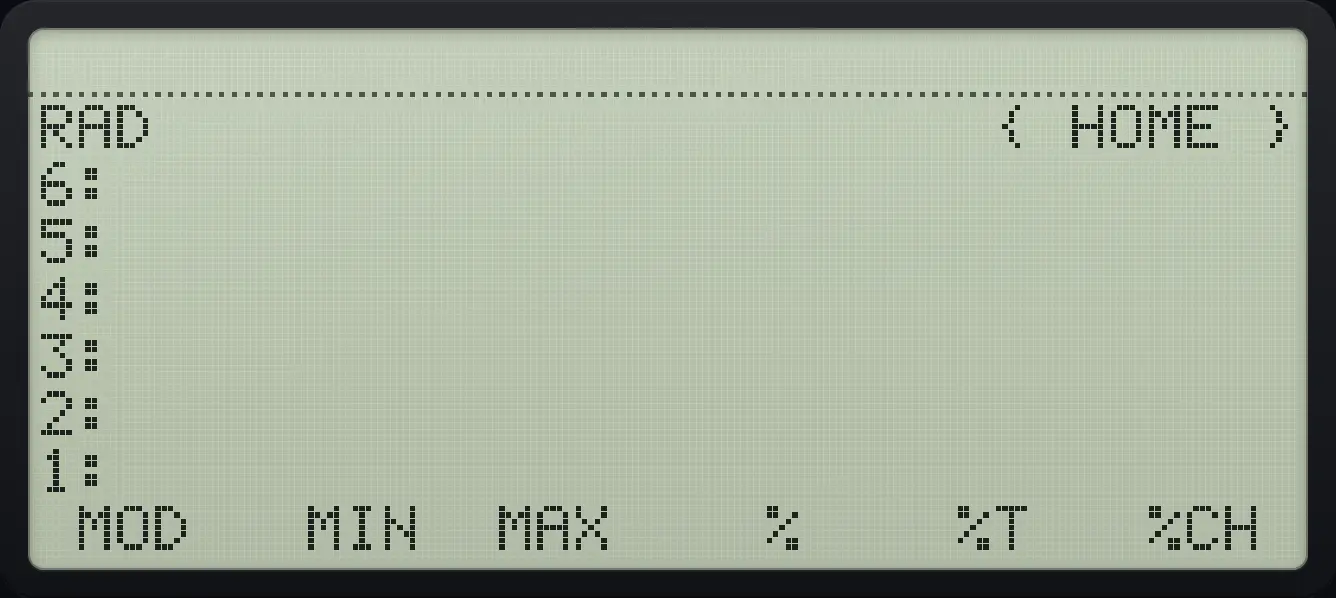
MTH page 2: MOD, MIN, MAX, %, %T, %CH. The display shows: RAD                      { HOME } / 6: / 5: / 4: / 3: / 2: / 1: /  MOD   MIN  MAX    %    %T   %CH .
MTH page 2: MOD, MIN, MAX, %, %T, %CH.
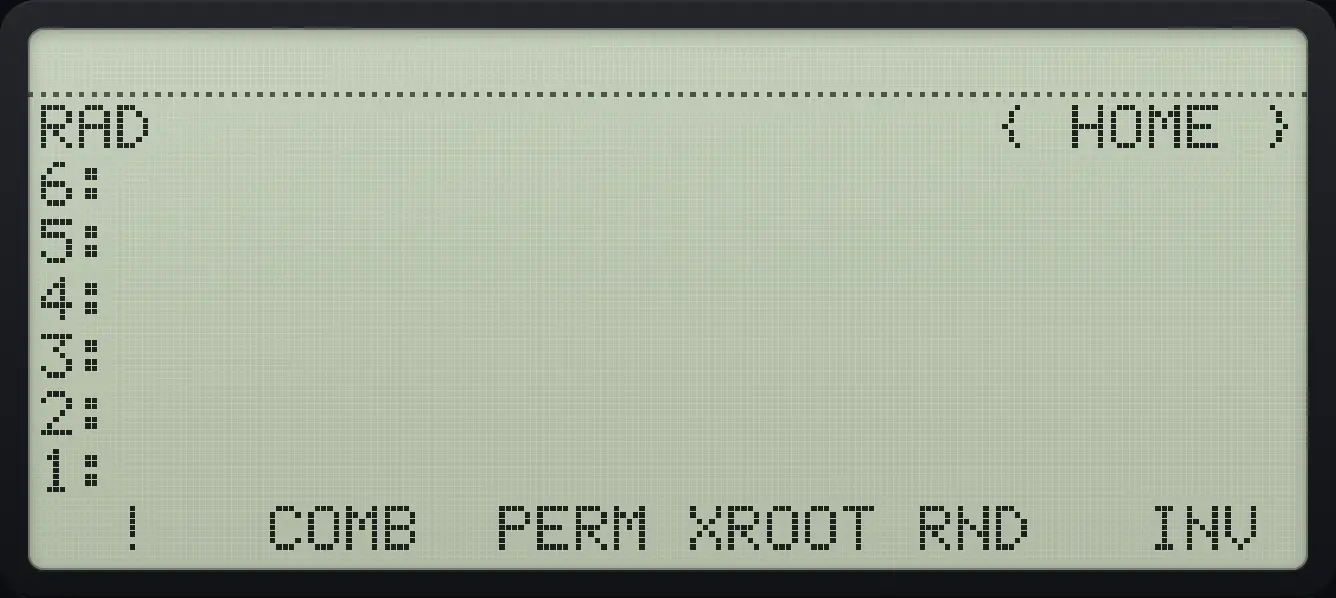
MTH page 3: !, COMB, PERM, XROOT, RND, INV. The display shows: RAD                      { HOME } / 6: / 5: / 4: / 3: / 2: / 1: /   !   COMB  PERM XROOT RND   INV .
MTH page 3: !, COMB, PERM, XROOT, RND, INV.
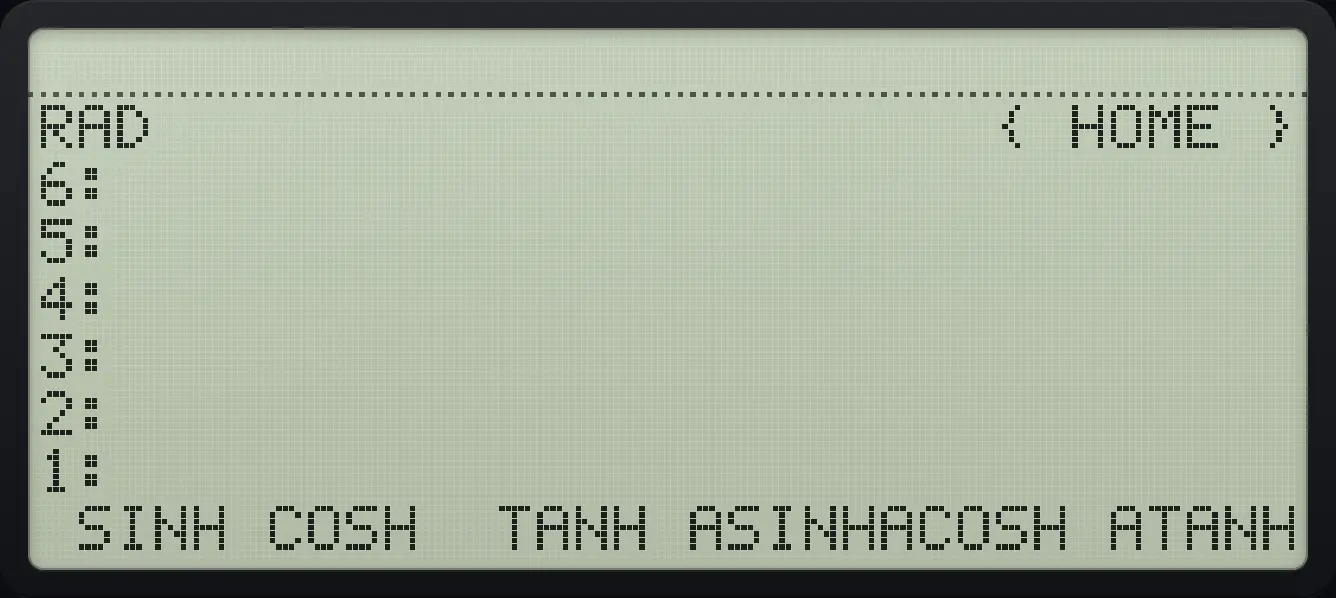
MTH page 4: the hyperbolic functions. The display shows: RAD                      { HOME } / 6: / 5: / 4: / 3: / 2: / 1: /  SINH COSH  TANH ASINHACOSH ATANH.
MTH page 4: the hyperbolic functions.
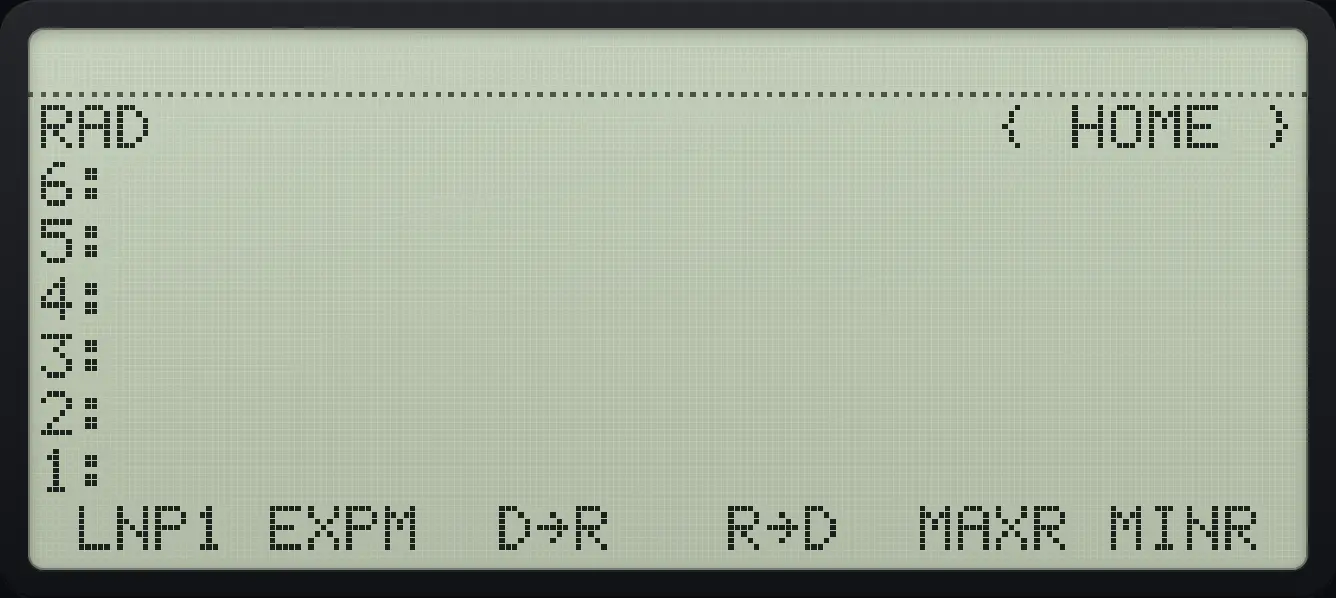
MTH page 5: LNP1, EXPM, D→R, R→D, MAXR, MINR. The display shows: RAD                      { HOME } / 6: / 5: / 4: / 3: / 2: / 1: /  LNP1 EXPM  D→R   R→D  MAXR MINR .
MTH page 5: LNP1, EXPM, D→R, R→D, MAXR, MINR.
CommandWhat it does
ABSAbsolute value (for a vector or complex number, its length).
SIGNSign: -1, 0 or 1.
IP, FPInteger part and fractional part.
FLOOR, CEILRound down or up to a whole number.
MODRemainder of level 2 divided by level 1.
MIN, MAXThe smaller or larger of two numbers.
%, %T, %CHPercent, percent of total, percent change.
!Factorial.
COMB, PERMCombinations and permutations of n things taken r at a time.
XROOTThe x-th root of y.
RNDRounds level 2 to the number of digits in level 1.
INVReciprocal.
SINH … ATANHHyperbolic functions and their inverses.
LNP1, EXPMln(1+x) and e^x − 1, accurate for tiny x.
D→R, R→DDegrees to radians and back.
MAXR, MINRThe largest and smallest real numbers the calculator can hold.
Example 6.10

Absolute value

  1. Type 5, change sign, open MTH and press ABS (first key).

    5+/−◀MTHAPPSF1
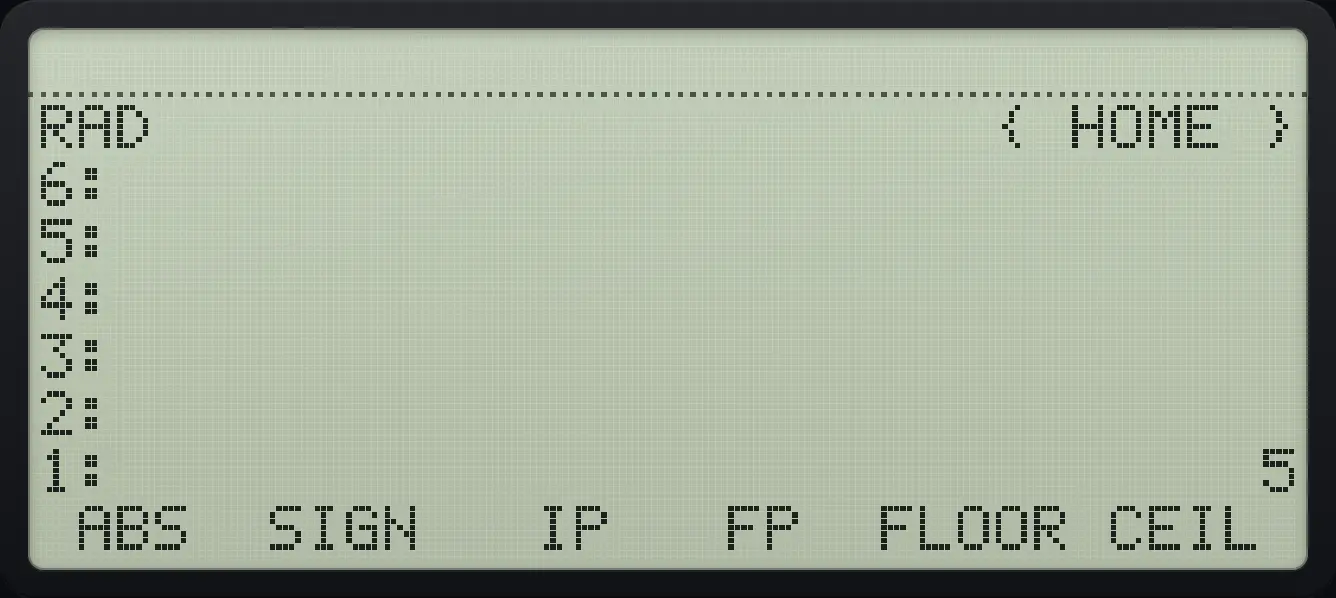
Result of the example "Absolute value" The display shows: RAD                      { HOME } / 6: / 5: / 4: / 3: / 2: / 1:                              5 /  ABS  SIGN   IP   FP  FLOOR CEIL .
You should see1: 5
Example 6.11

Sign of a negative number

  1. SIGN is the second key.

    5+/−◀MTHAPPSF2
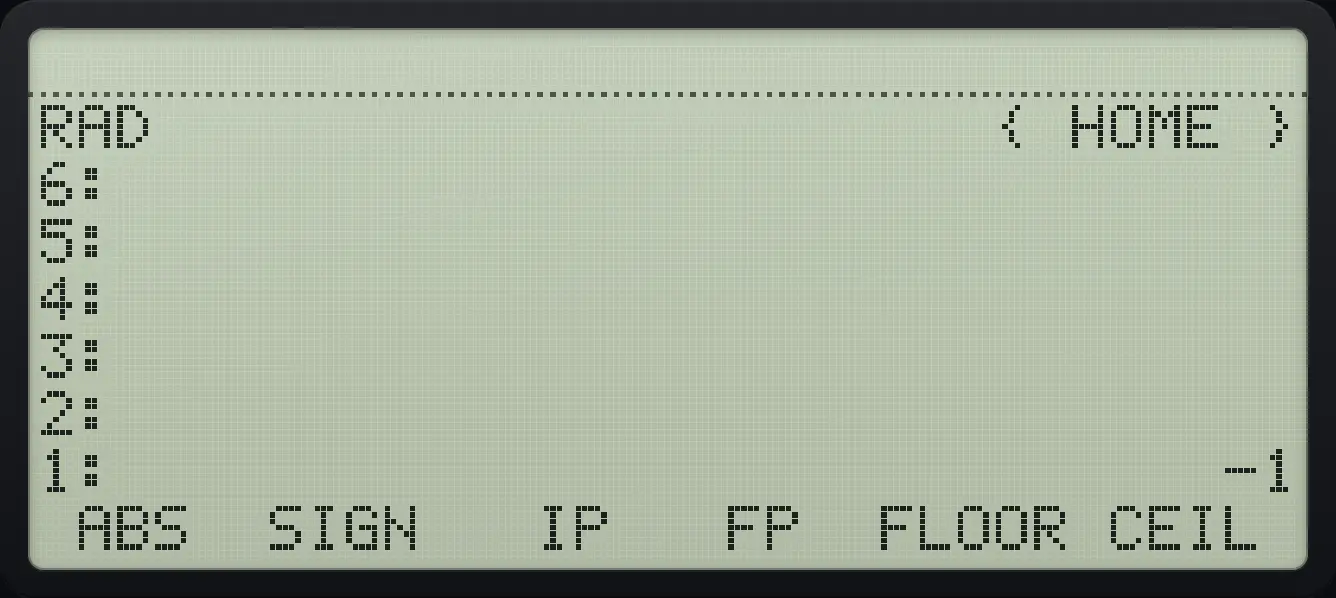
Result of the example "Sign of a negative number" The display shows: RAD                      { HOME } / 6: / 5: / 4: / 3: / 2: / 1:                             -1 /  ABS  SIGN   IP   FP  FLOOR CEIL .
You should see1: -1
Example 6.12

Integer part

  1. IP is the third key.

    2.4567◀MTHAPPSF3
Result of the example "Integer part" The display shows: RAD                      { HOME } / 6: / 5: / 4: / 3: / 2: / 1:                              2 /  ABS  SIGN   IP   FP  FLOOR CEIL .
You should see1: 2
Example 6.13

Fractional part

  1. FP is the fourth key.

    2.5◀MTHAPPSF4
Result of the example "Fractional part" The display shows: RAD                      { HOME } / 6: / 5: / 4: / 3: / 2: / 1:                             .5 /  ABS  SIGN   IP   FP  FLOOR CEIL .
You should see1: .5
Example 6.14

Floor and ceiling

  1. FLOOR (fifth key) of 2.7.

    2.7◀MTHAPPSF5
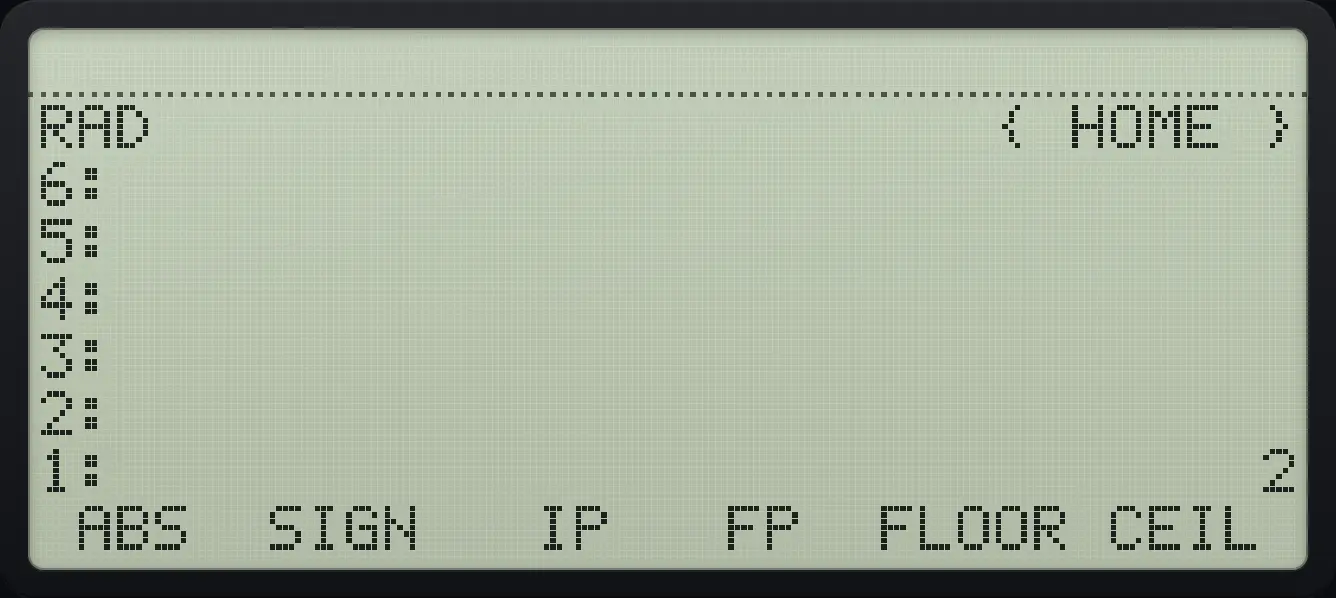
Result of the example "Floor and ceiling" The display shows: RAD                      { HOME } / 6: / 5: / 4: / 3: / 2: / 1:                              2 /  ABS  SIGN   IP   FP  FLOOR CEIL .
You should see1: 2
Example 6.15

Round up with CEIL

  1. CEIL is the sixth key.

    2.1◀MTHAPPSF6
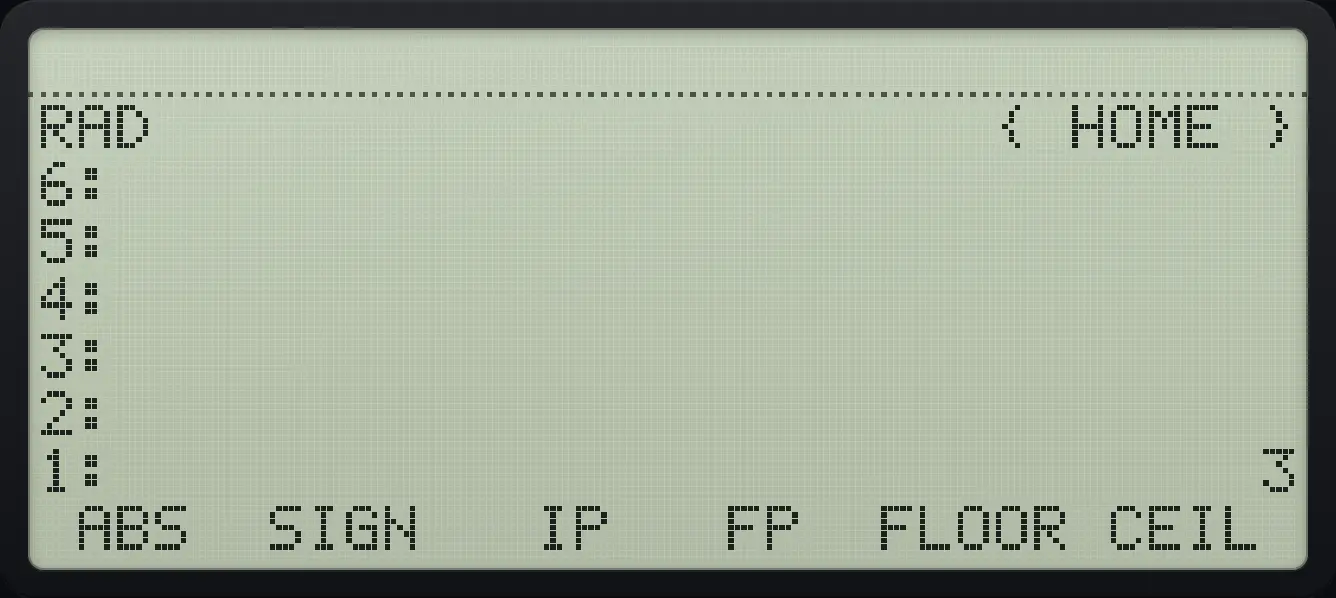
Result of the example "Round up with CEIL" The display shows: RAD                      { HOME } / 6: / 5: / 4: / 3: / 2: / 1:                              3 /  ABS  SIGN   IP   FP  FLOOR CEIL .
You should see1: 3
Example 6.16

Remainder 7 mod 3

  1. Enter 7 and 3, then MOD (page 2, first key).

    7ENTER3◀MTHAPPSNXTF1
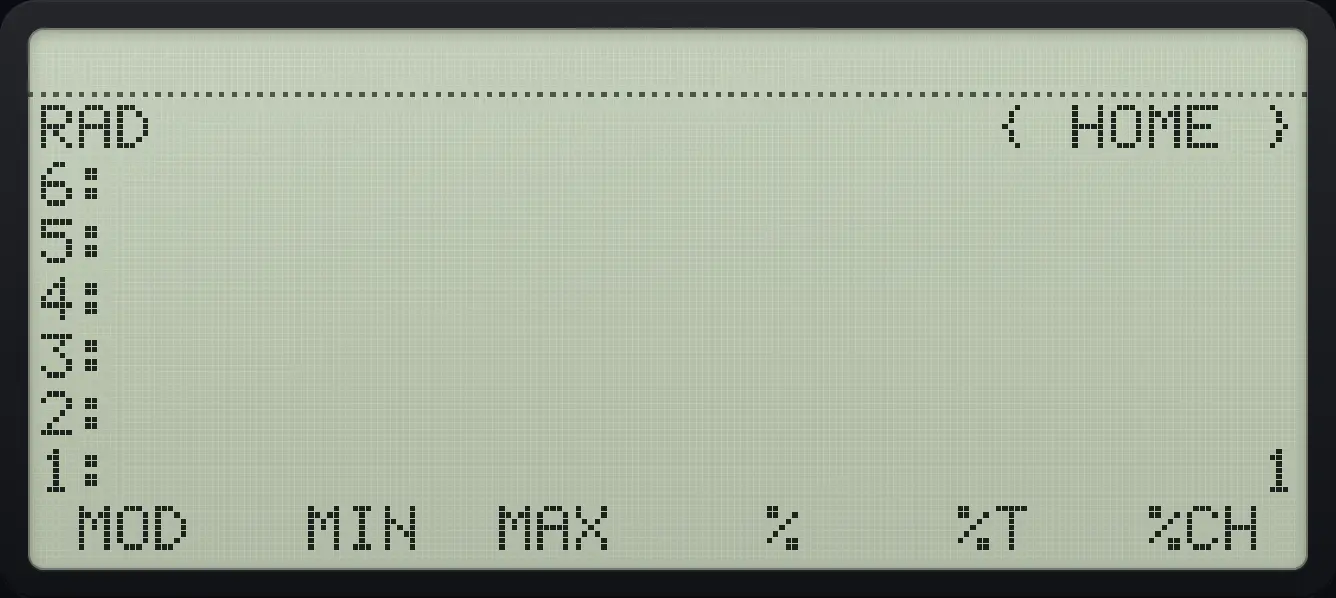
Result of the example "Remainder 7 mod 3" The display shows: RAD                      { HOME } / 6: / 5: / 4: / 3: / 2: / 1:                              1 /  MOD   MIN  MAX    %    %T   %CH .
You should see1: 1
Example 6.17

Larger of two numbers

  1. MAX is the third key on page 2.

    3ENTER9◀MTHAPPSNXTF3
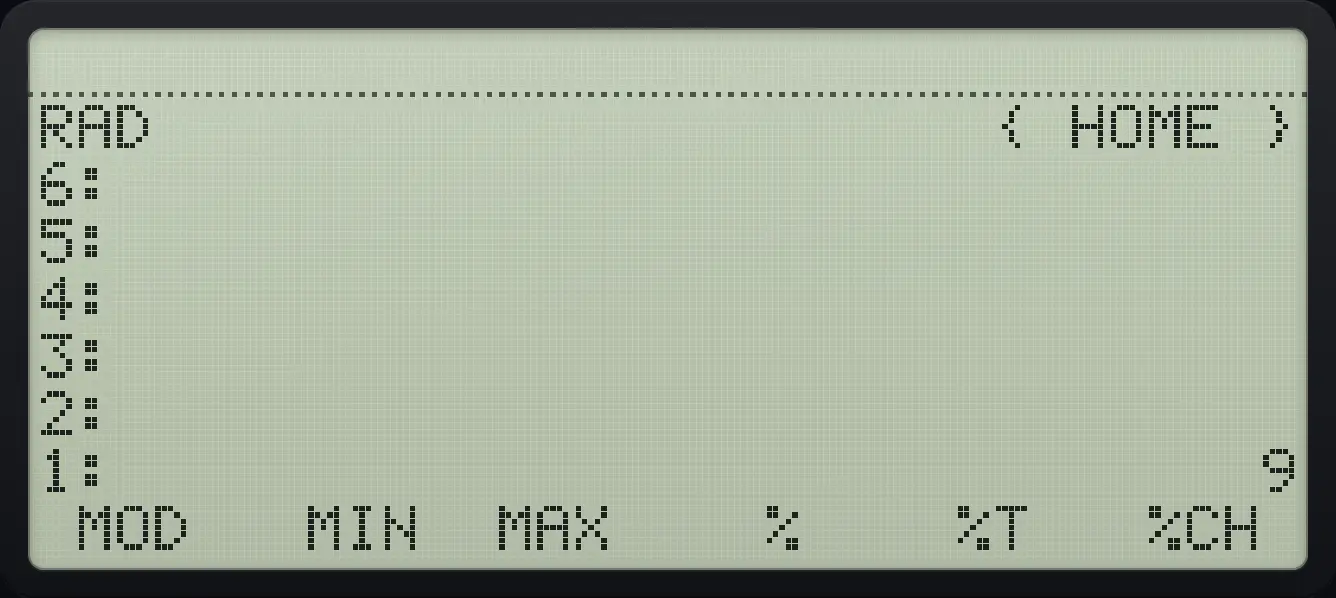
Result of the example "Larger of two numbers" The display shows: RAD                      { HOME } / 6: / 5: / 4: / 3: / 2: / 1:                              9 /  MOD   MIN  MAX    %    %T   %CH .
You should see1: 9
Example 6.18

Smaller of two numbers

  1. MIN is the second key on page 2.

    3ENTER9◀MTHAPPSNXTF2
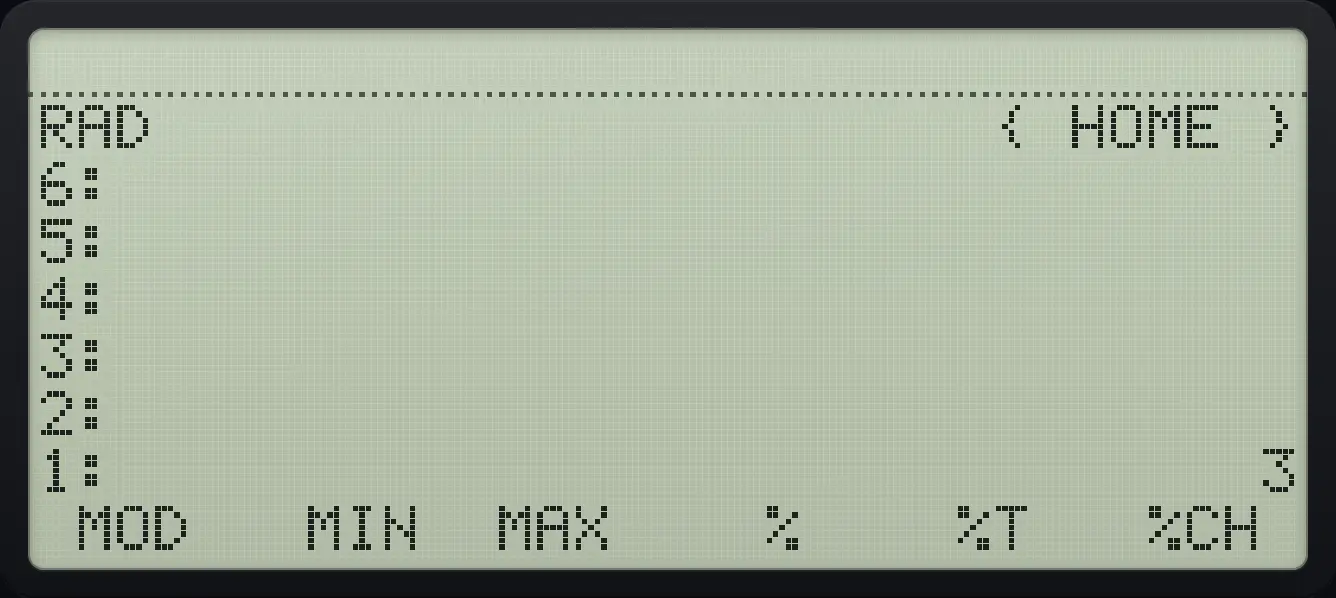
Result of the example "Smaller of two numbers" The display shows: RAD                      { HOME } / 6: / 5: / 4: / 3: / 2: / 1:                              3 /  MOD   MIN  MAX    %    %T   %CH .
You should see1: 3
Example 6.19

Round to 2 digits

  1. Type the number, then 2, then RND (page 3, fifth key).

    3.14159ENTER2◀MTHAPPSNXTNXTF5
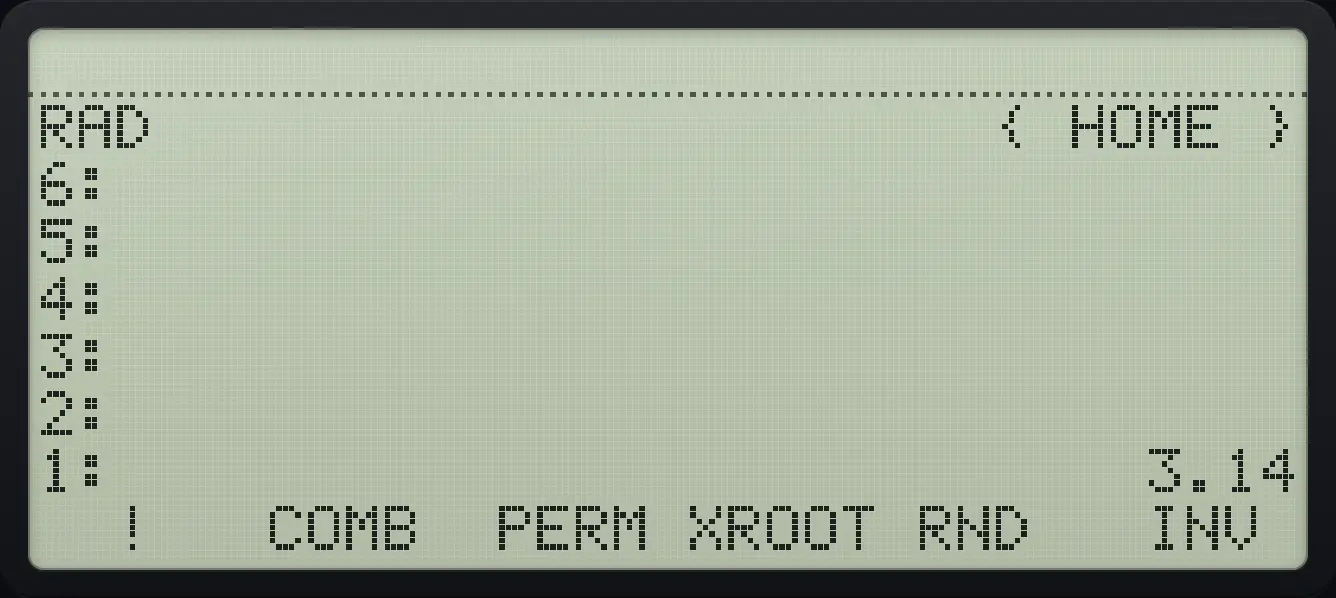
Result of the example "Round to 2 digits" The display shows: RAD                      { HOME } / 6: / 5: / 4: / 3: / 2: / 1:                           3.14 /   !   COMB  PERM XROOT RND   INV .
You should see1: 3.14

6.5Factorial, combinations and permutations#

(nr)=n!r!(n−r)!,nPr=n!(n−r)!\binom{n}{r}=\frac{n!}{r!(n-r)!},\qquad {}_nP_r=\frac{n!}{(n-r)!}
Example 6.20

Factorial of 5

5!=1205!=120
  1. Type 5 and press left shift 3.

    5◀!3
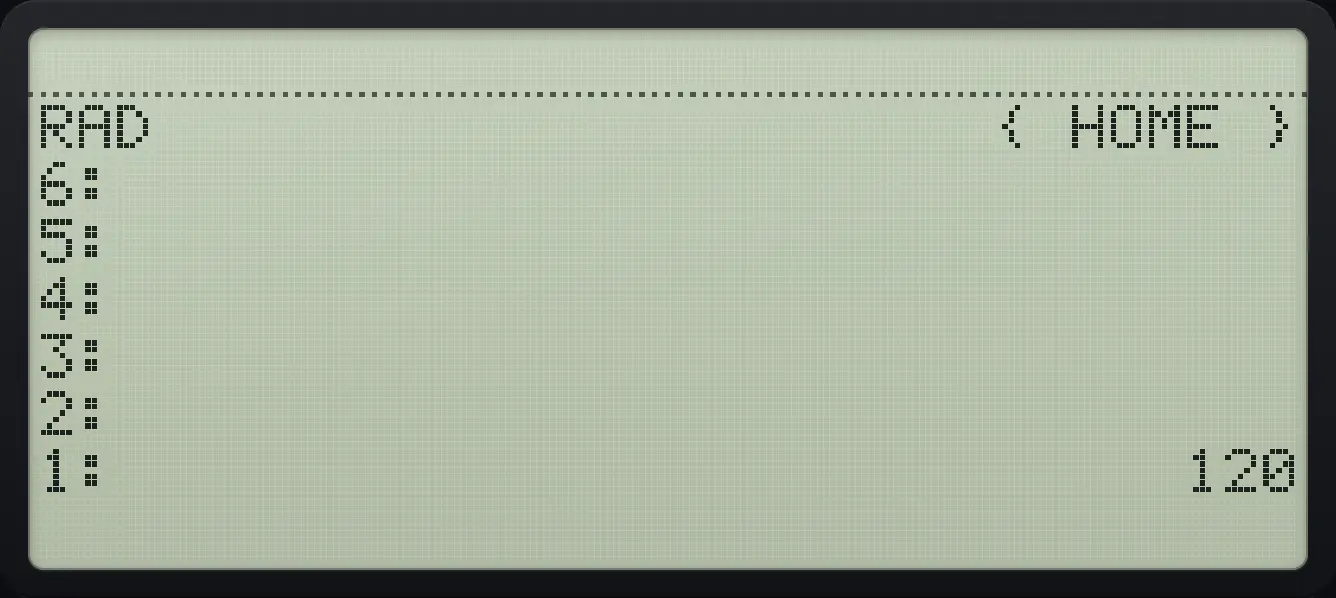
Result of the example "Factorial of 5" The display shows: RAD                      { HOME } / 6: / 5: / 4: / 3: / 2: / 1:                            120.
You should see1: 120
Example 6.21

Combinations of 5 taken 2

(52)=10\binom{5}{2}=10
  1. Open MTH page 3 and press COMB (second key).

    5ENTER2◀MTHAPPSNXTNXTF2
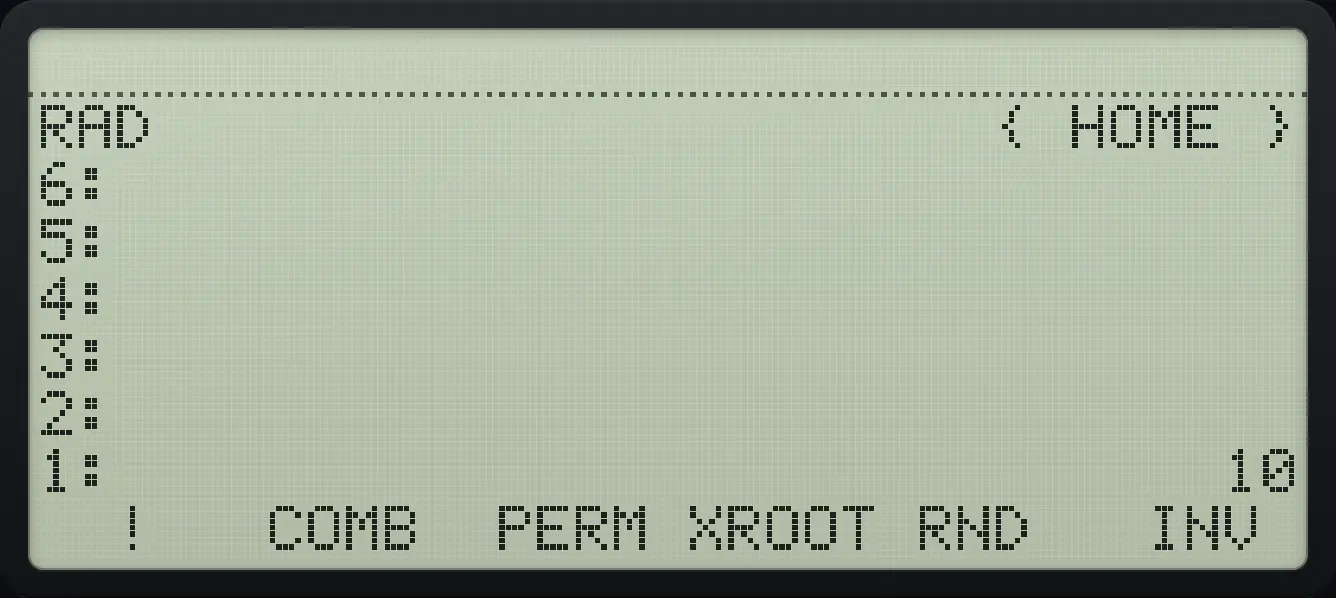
Result of the example "Combinations of 5 taken 2" The display shows: RAD                      { HOME } / 6: / 5: / 4: / 3: / 2: / 1:                             10 /   !   COMB  PERM XROOT RND   INV .
You should see1: 10
Example 6.22

Permutations of 5 taken 2

  1. PERM is the third key.

    5ENTER2◀MTHAPPSNXTNXTF3
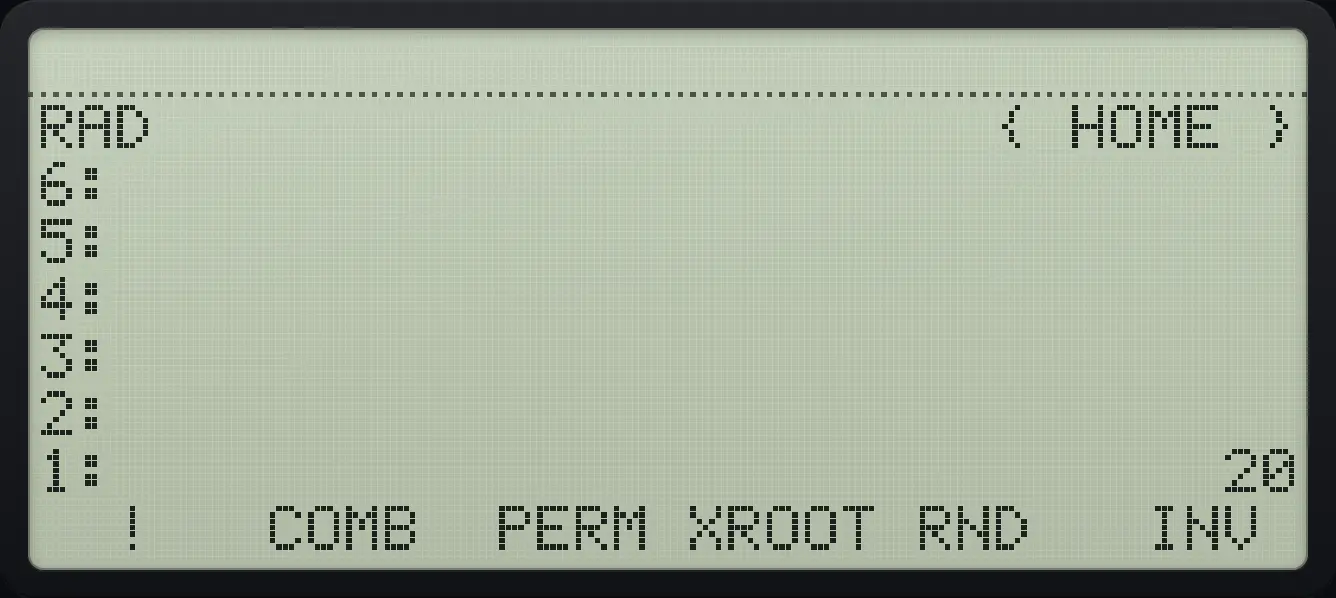
Result of the example "Permutations of 5 taken 2" The display shows: RAD                      { HOME } / 6: / 5: / 4: / 3: / 2: / 1:                             20 /   !   COMB  PERM XROOT RND   INV .
You should see1: 20

6.6Hyperbolic functions#

sinh⁡x=ex−e−x2\sinh x=\frac{e^{x}-e^{-x}}{2}
Example 6.23

Hyperbolic sine of 0

  1. SINH is the first key on MTH page 4.

    0◀MTHAPPSNXTNXTNXTF1
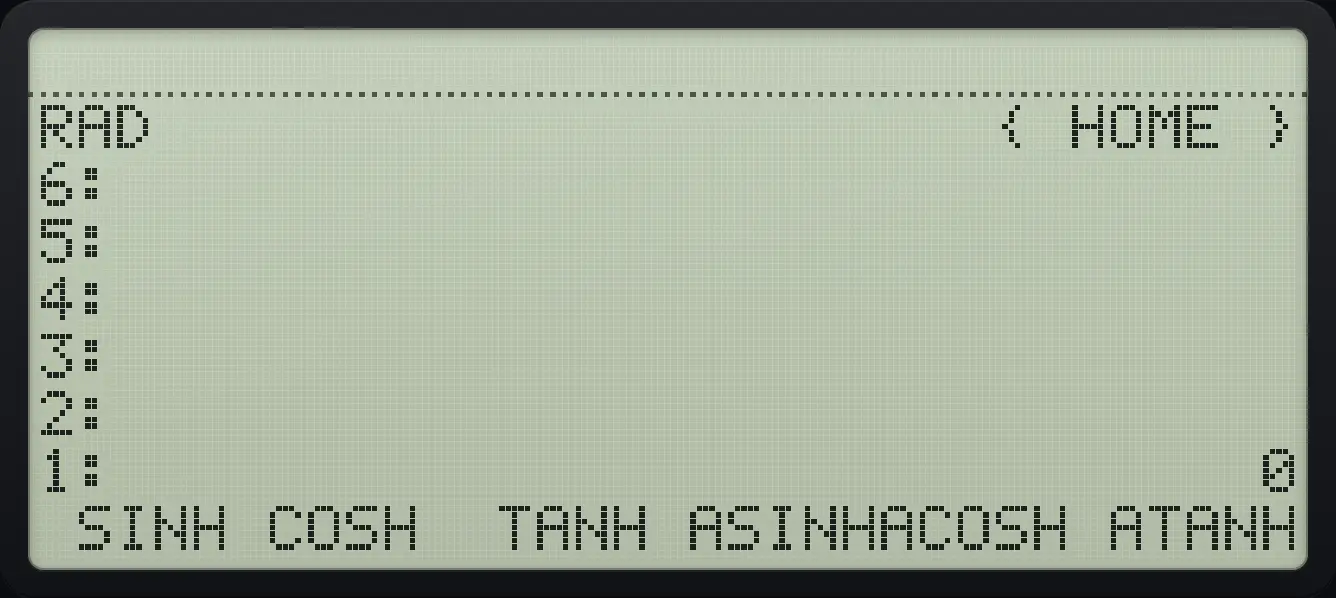
Result of the example "Hyperbolic sine of 0" The display shows: RAD                      { HOME } / 6: / 5: / 4: / 3: / 2: / 1:                              0 /  SINH COSH  TANH ASINHACOSH ATANH.
You should see1: 0
Example 6.24

Hyperbolic cosine of 0

  1. COSH is the second key.

    0◀MTHAPPSNXTNXTNXTF2
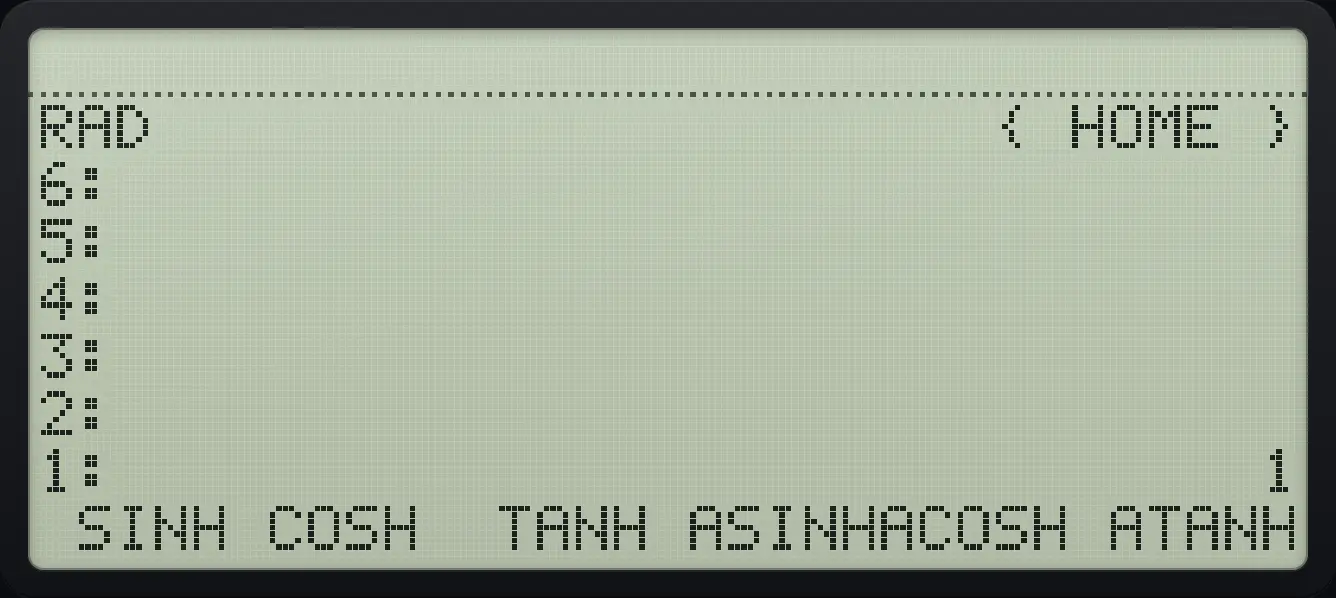
Result of the example "Hyperbolic cosine of 0" The display shows: RAD                      { HOME } / 6: / 5: / 4: / 3: / 2: / 1:                              1 /  SINH COSH  TANH ASINHACOSH ATANH.
You should see1: 1

6.7Degrees and radians#

Example 6.25

Degrees to radians

  1. Type 180 and press D→R (MTH page 5, third key).

    180◀MTHAPPSNXTNXTNXTNXTF3
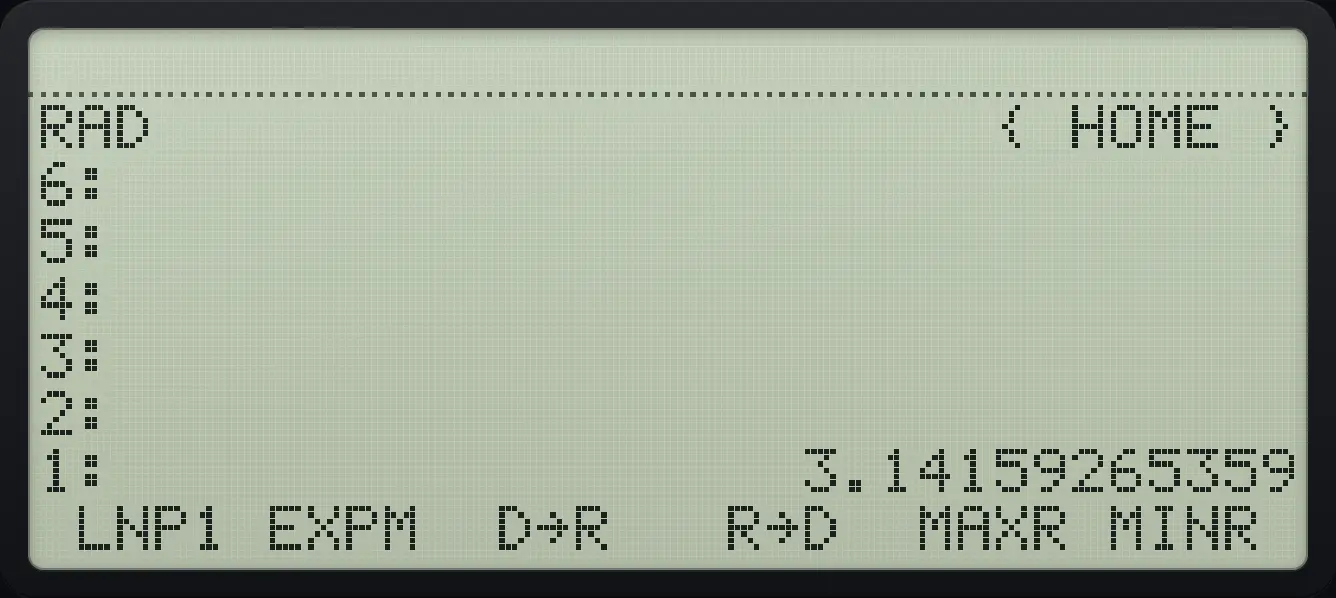
Result of the example "Degrees to radians" The display shows: RAD                      { HOME } / 6: / 5: / 4: / 3: / 2: / 1:                  3.14159265359 /  LNP1 EXPM  D→R   R→D  MAXR MINR .
You should see1: 3.14159265359
Example 6.26

Radians to degrees

  1. Type 3.14159265359 and press R→D (fourth key).

    3.14159265359◀MTHAPPSNXTNXTNXTNXTF4
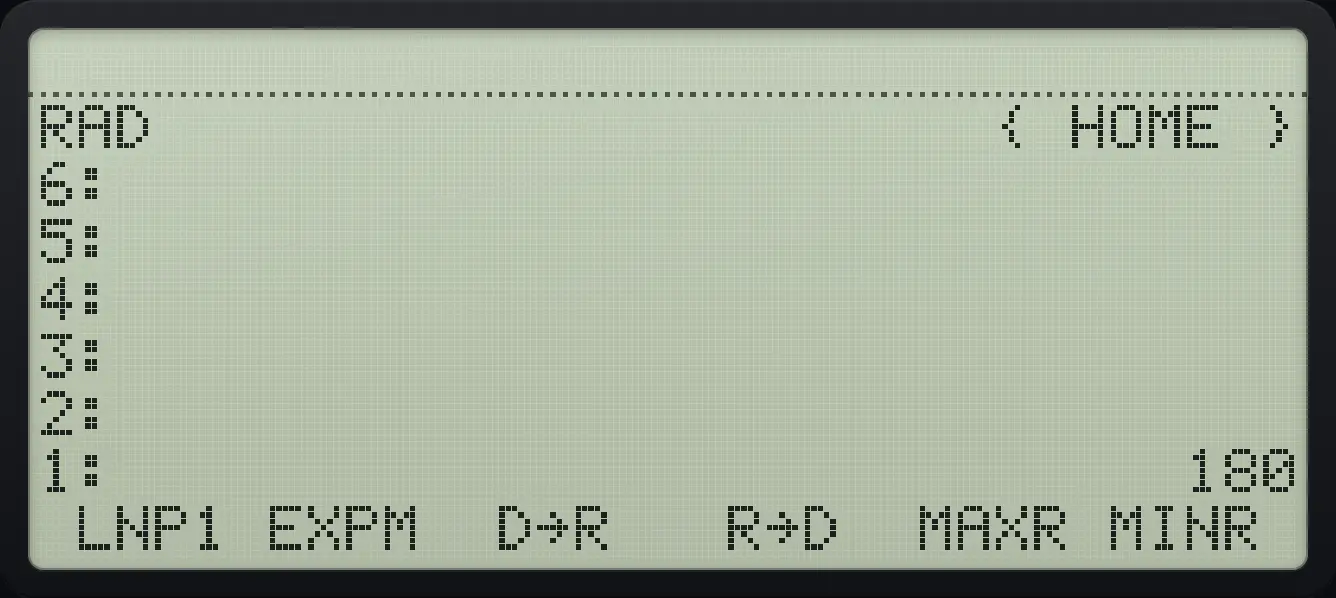
Result of the example "Radians to degrees" The display shows: RAD                      { HOME } / 6: / 5: / 4: / 3: / 2: / 1:                            180 /  LNP1 EXPM  D→R   R→D  MAXR MINR .
You should see1: 180

HP 48 and HP 50g is a trademark of HP Inc.. Trident Calculator is an independent product by South View Studios and is not affiliated with, sponsored by or endorsed by HP. The name is used only to describe the kind of calculator this model resembles; Trident's names, keys, display, fonts and software are its own clean-room design.