
RPN Power 48 manual · Chapter 11 of 19
Lists
Make lists, join and slice them, sort, sum, and generate lists with SEQ.
11.1Make a list#
A list holds any objects, written between braces. Type braces with left shift 8. Or push objects on the stack, type how many, and press →LIST. LIST→ does the reverse. The LIST menu is right shift TOOL.
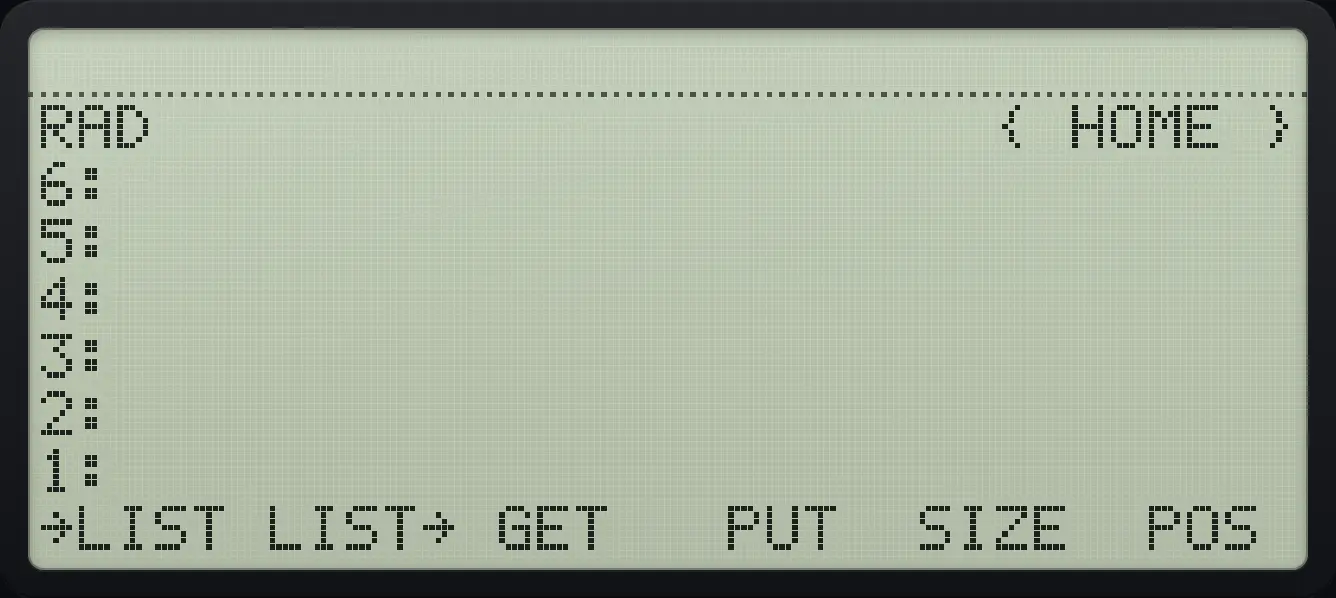
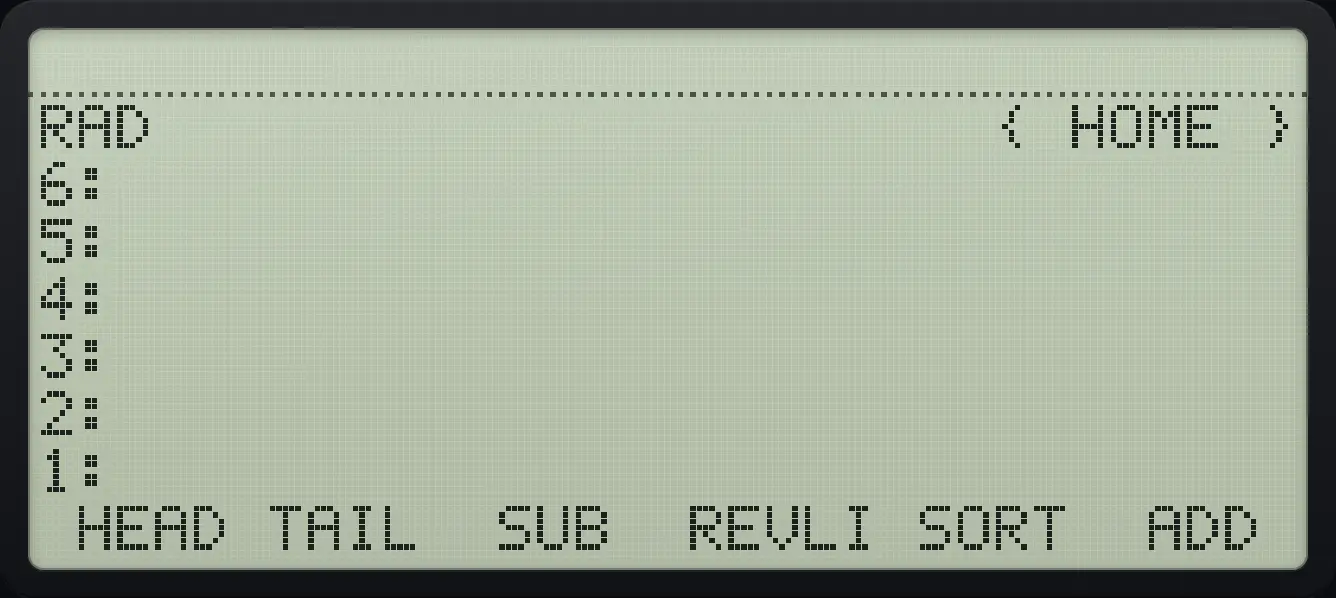
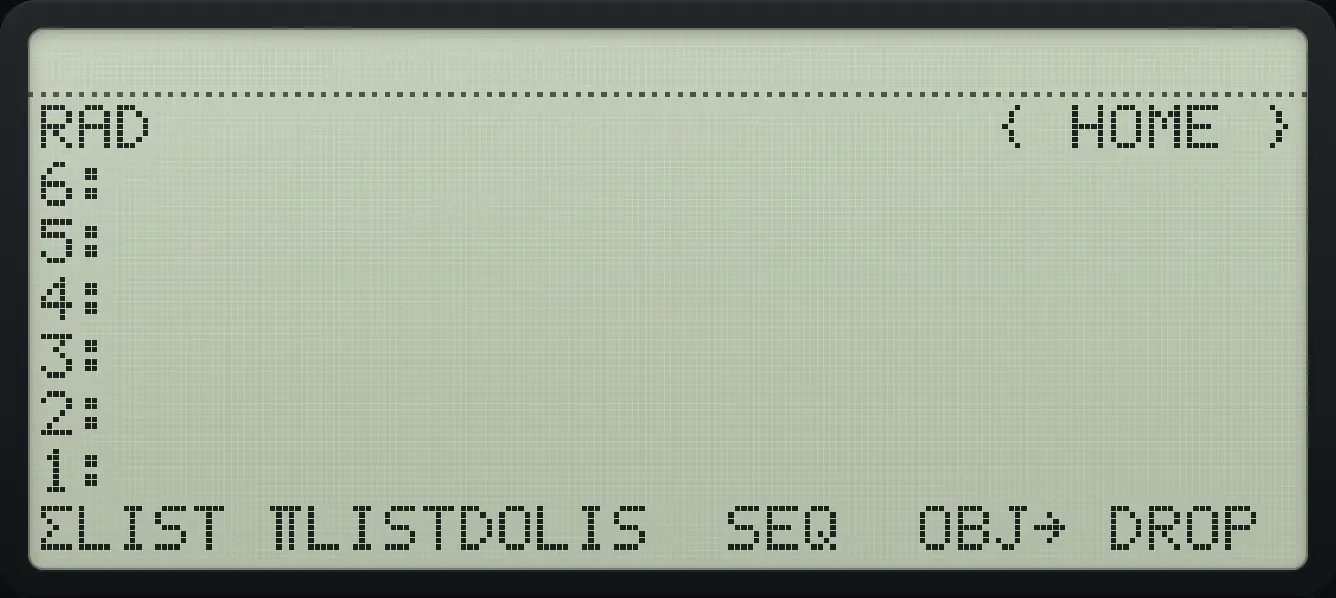
Type a list
Left shift 8, then the numbers.
◀{ }81SPC2SPC3ENTER
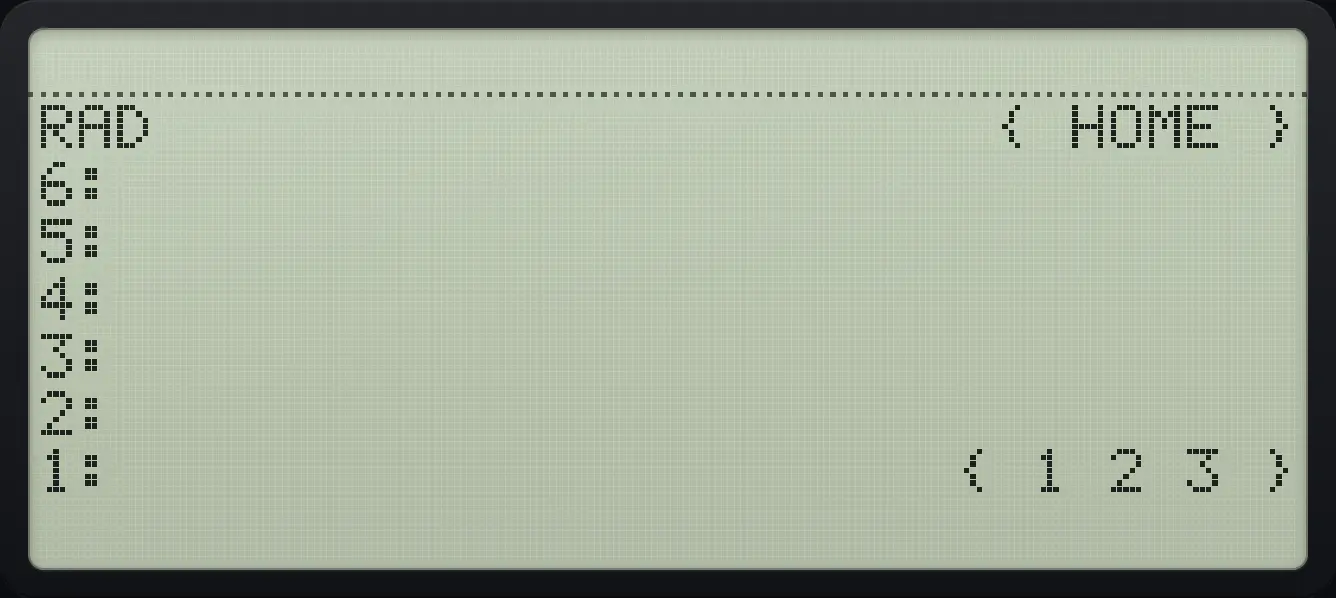
{ 1 2 3 }Build a list from the stack
Push 1, 2, 3, type 3 and press →LIST.
1ENTER2ENTER3ENTER3▶LISTTOOLF1
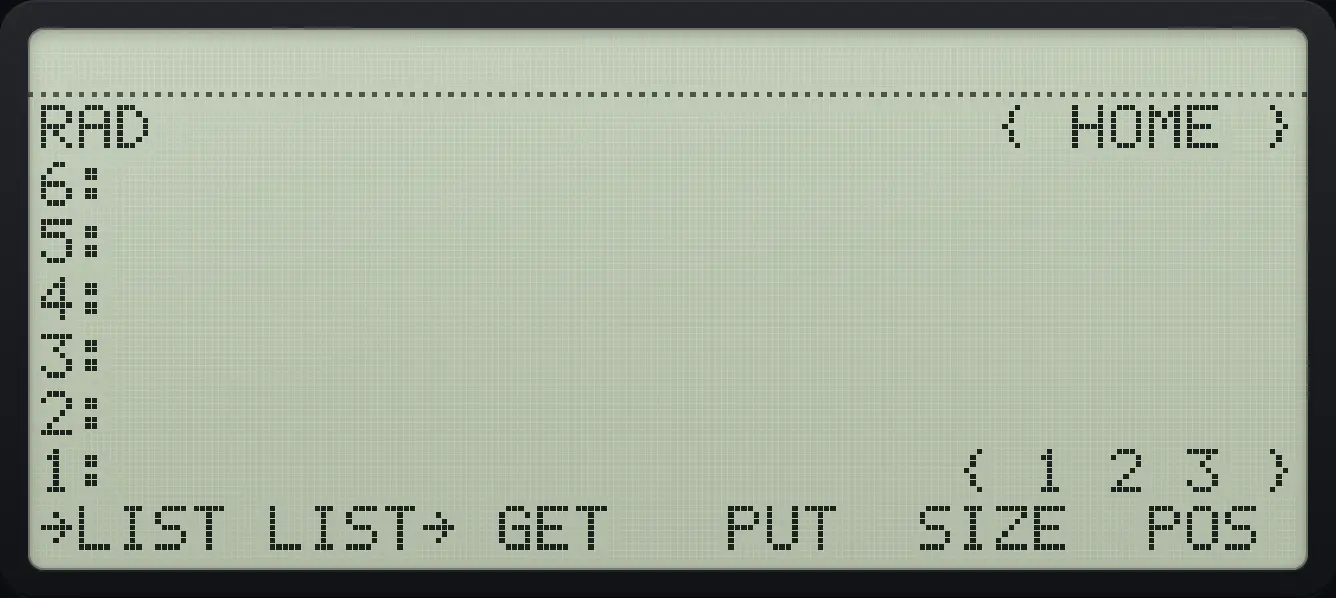
{ 1 2 3 }Explode a list
Press LIST→ (second key): the items and their count arrive.
◀{ }81SPC2SPC3ENTER▶LISTTOOLF2
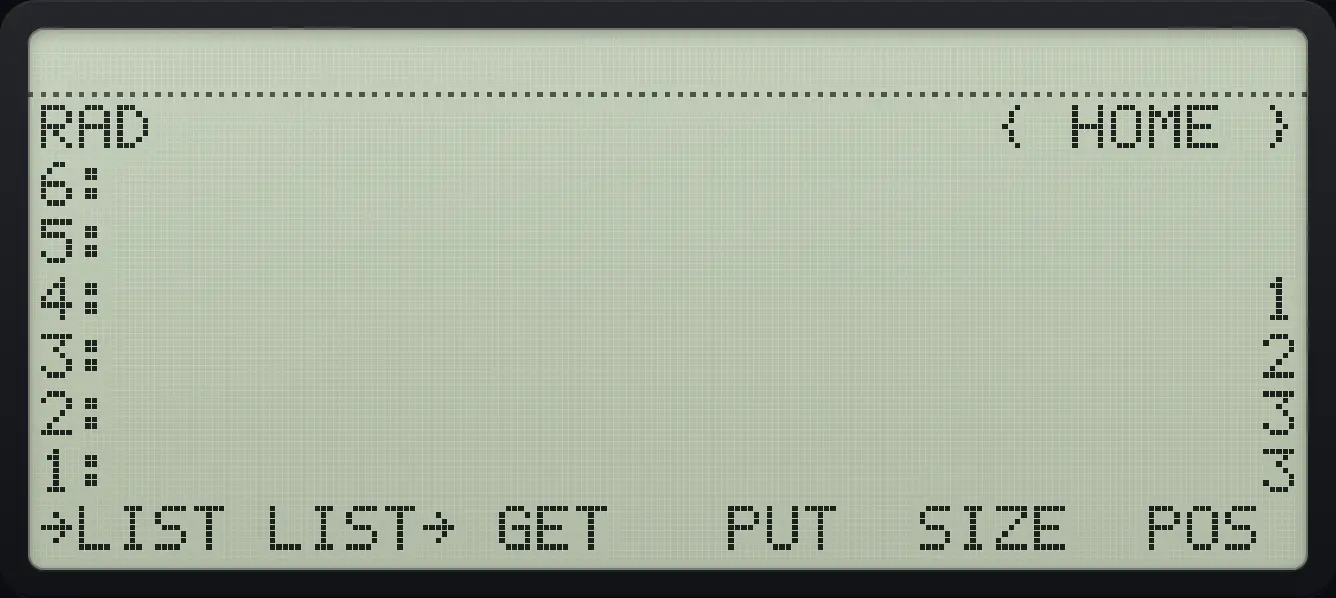
4: 1 3: 2 2: 3 1: 311.2Size, get, put, head, tail#
| Command | What it does |
|---|---|
| SIZE | Number of items. |
| GET | The item at a position (list, position). |
| PUT | Replace the item at a position (list, position, value). |
| POS | The position of an item in the list. |
| HEAD, TAIL | The first item, or everything except the first. |
| SUB | A part of the list (list, first, last). |
| REVLIST | Reverse the order. |
| SORT | Sort ascending. |
| ADD | Add two lists item by item. |
| ΣLIST, ΠLIST | Sum and product of the items. |
| DOLIST, SEQ | Apply a program to lists, or build a list from a formula. |
| OBJ→ | Explode the list onto the stack. |
Size of a list
SIZE is the fifth key of page 1.
◀{ }81SPC2SPC3ENTER▶LISTTOOLF5
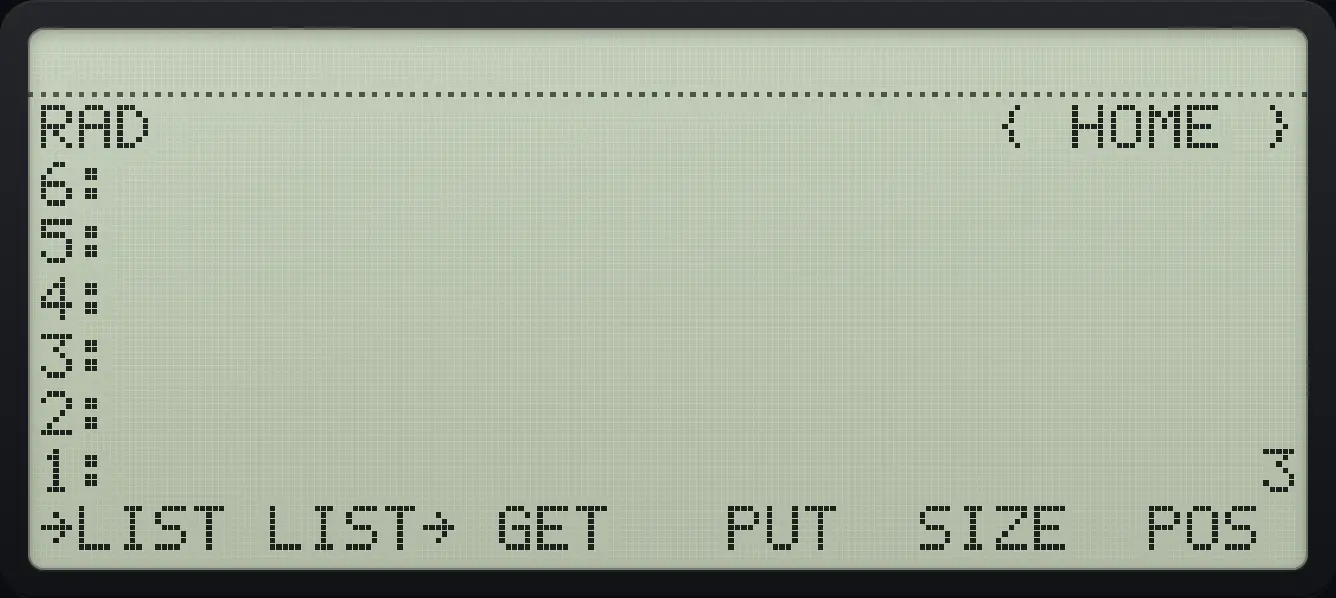
1: 3Get the second item
Type the position 2 and press GET (third key).
◀{ }81SPC2SPC3ENTER2▶LISTTOOLF3
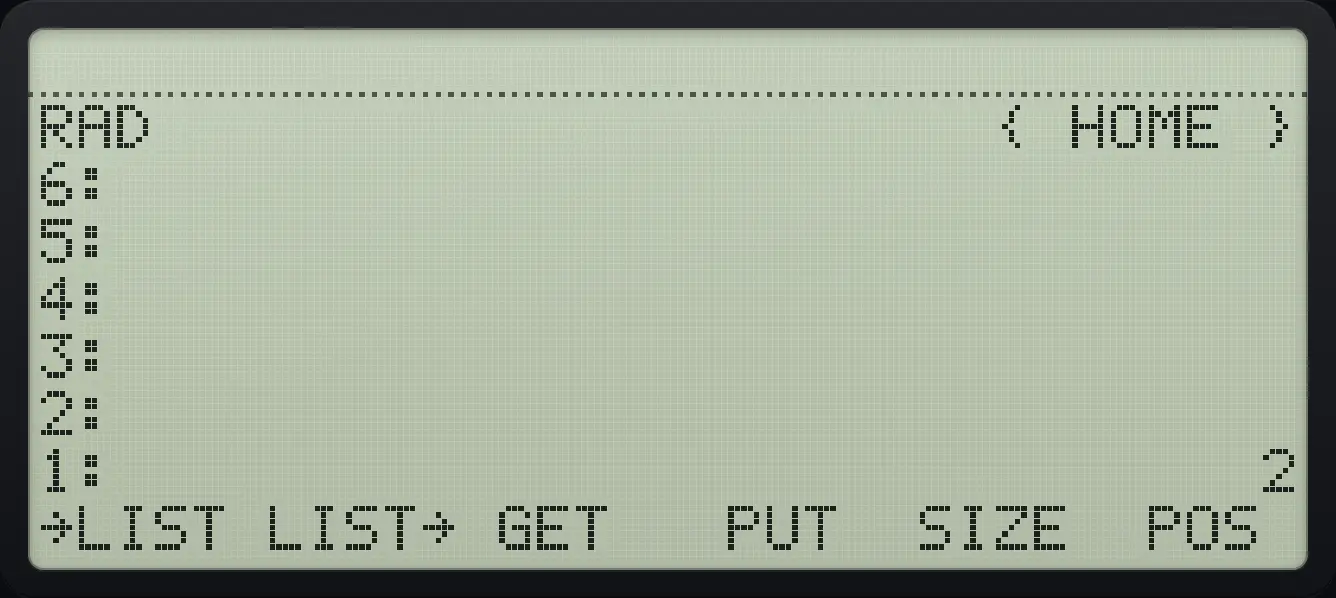
1: 2Replace an item
Type position 2, value 9 and press PUT (fourth key).
◀{ }81SPC2SPC3ENTER2ENTER9ENTER▶LISTTOOLF4
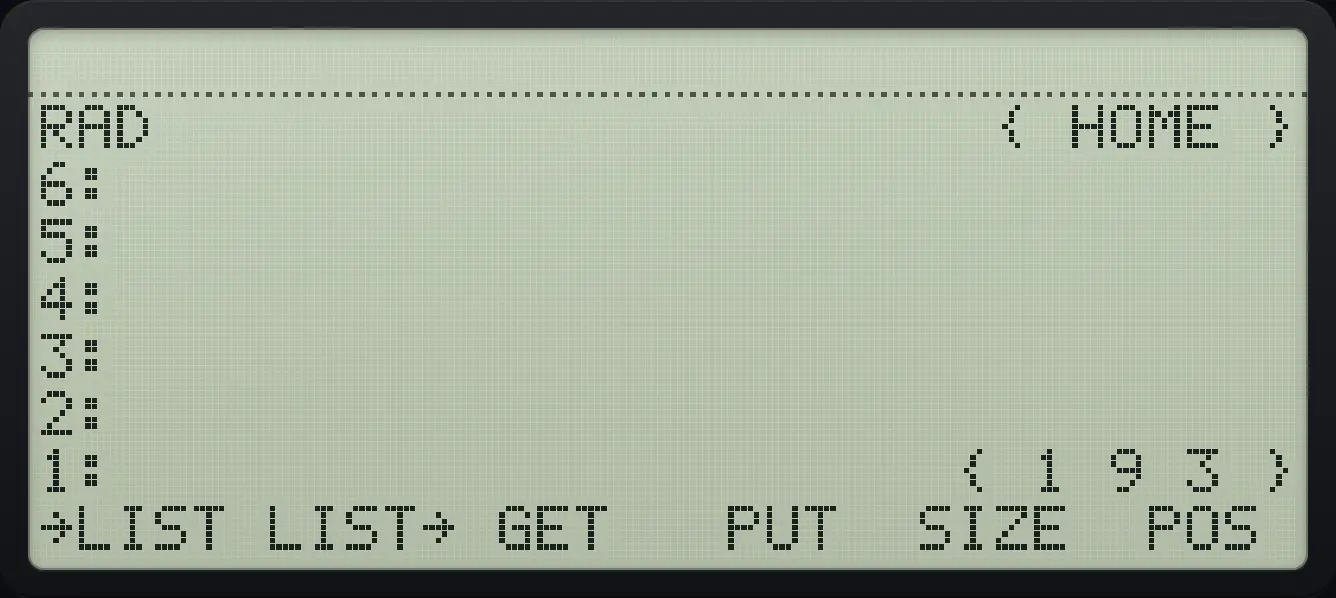
{ 1 9 3 }Head of a list
HEAD is the first key of page 2.
◀{ }81SPC2SPC3ENTER▶LISTTOOLNXTF1
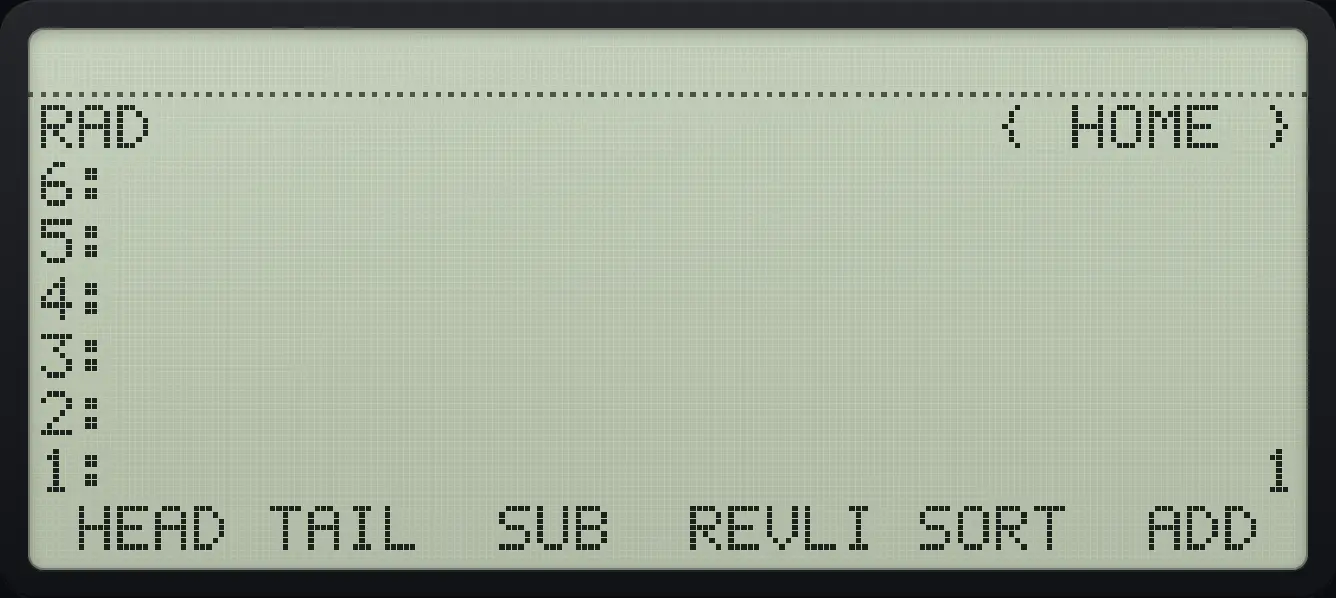
1: 1Tail of a list
TAIL is the second key.
◀{ }81SPC2SPC3ENTER▶LISTTOOLNXTF2
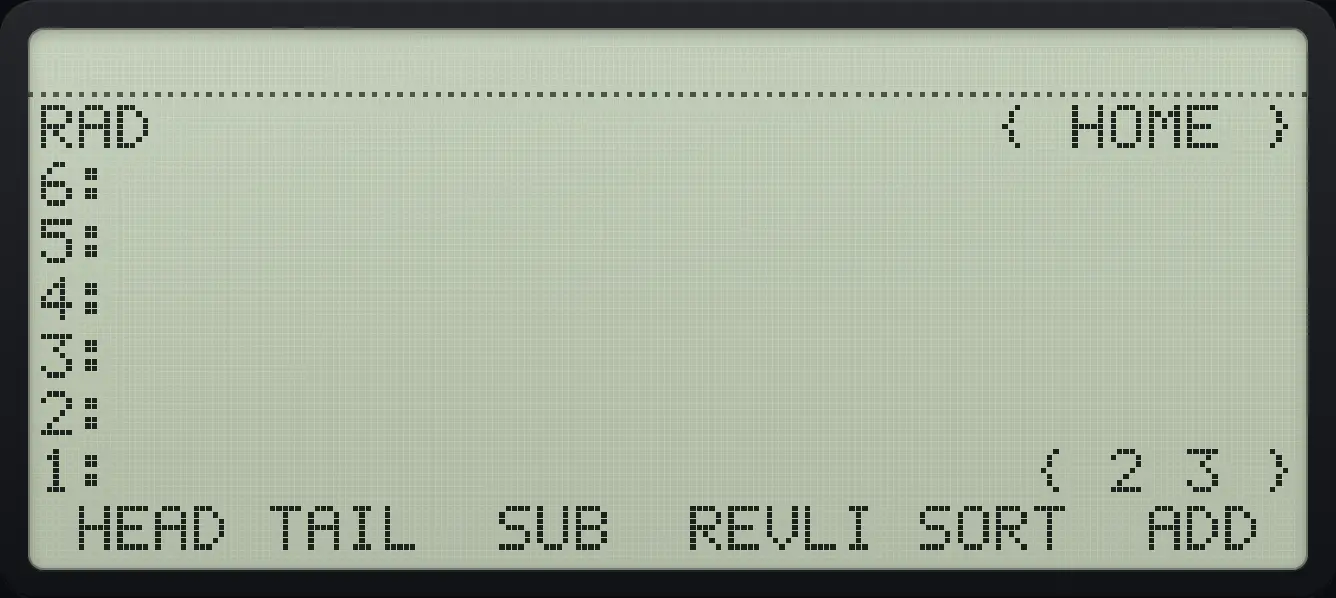
{ 2 3 }Reverse a list
REVLIST is the fourth key of page 2.
◀{ }81SPC2SPC3ENTER▶LISTTOOLNXTF4
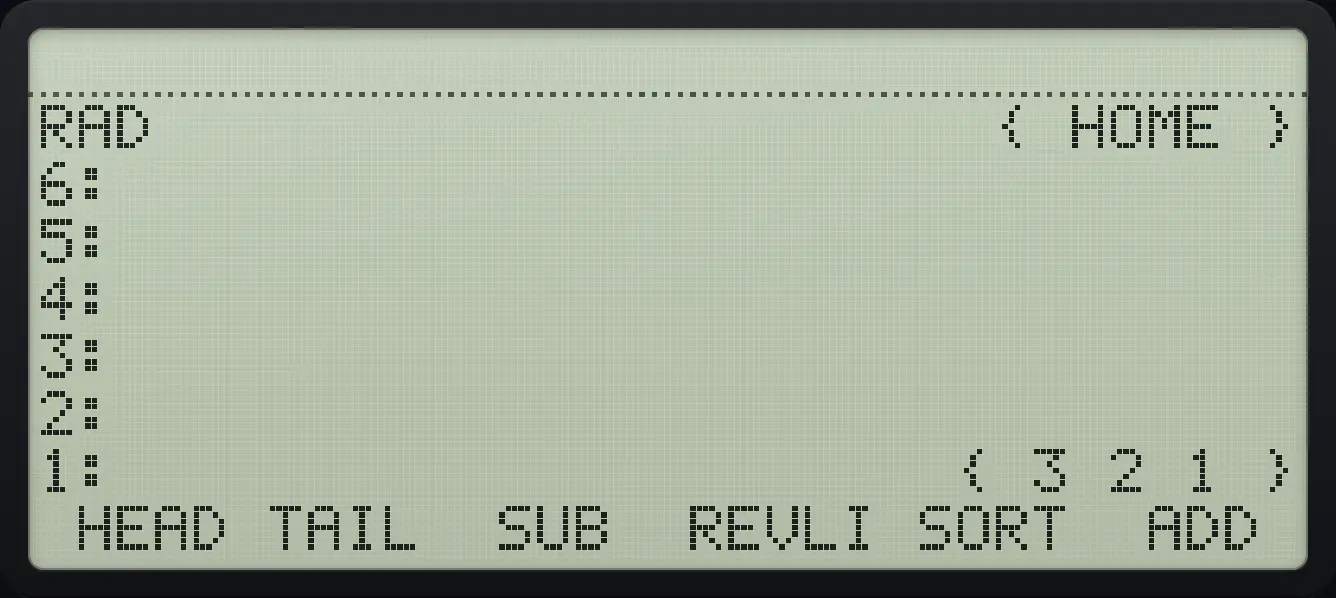
{ 3 2 1 }Sort a list
Make { 3 1 2 } and press SORT.
◀{ }83SPC1SPC2ENTER▶LISTTOOLNXTF5
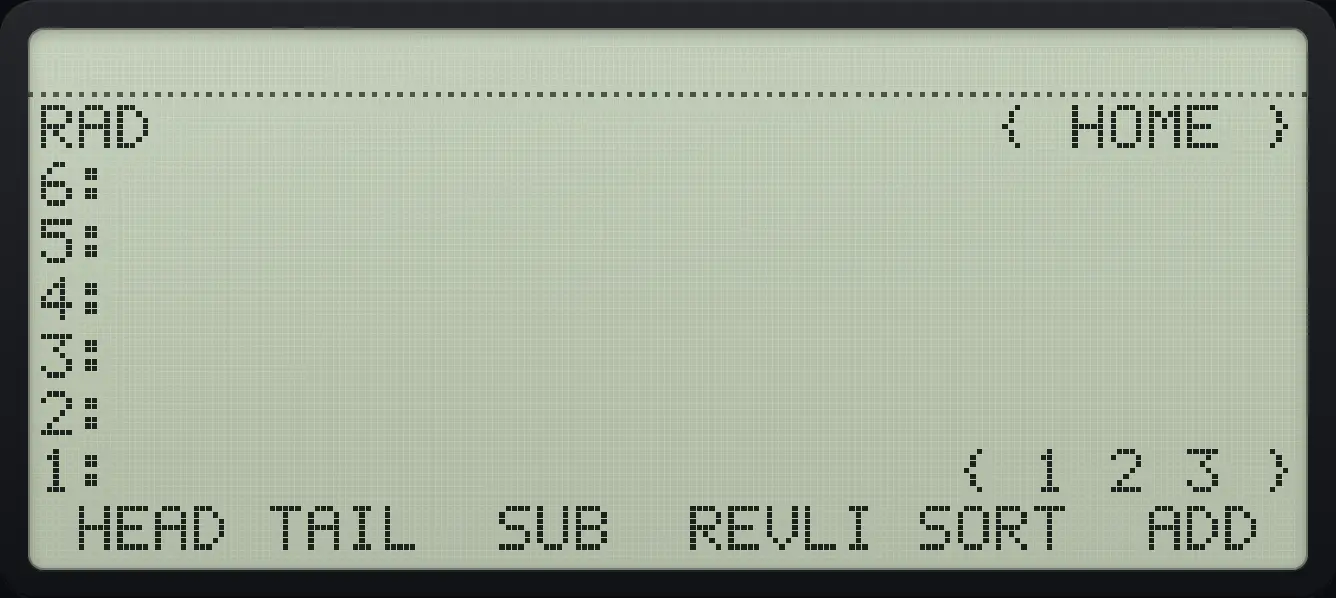
{ 1 2 3 }Sum of a list
Right shift 3 is ΣLIST.
◀{ }81SPC2SPC3ENTER▶ΣLIST3
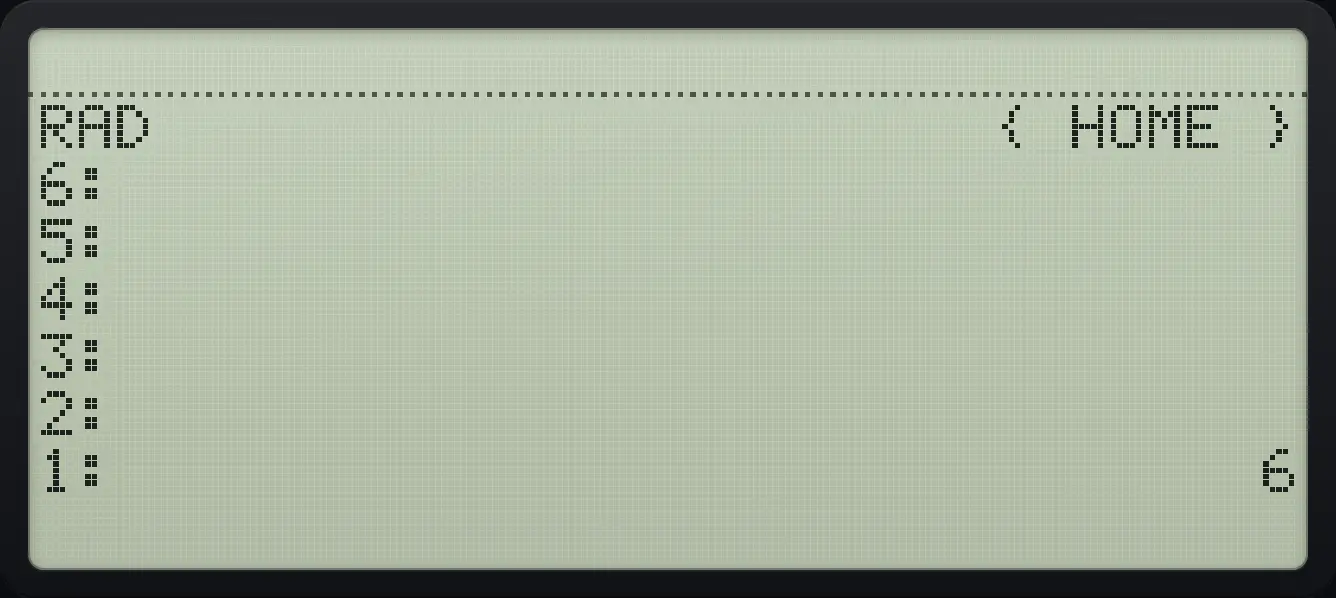
1: 6Product of a list
Right shift + is ΠLIST.
◀{ }81SPC2SPC3ENTER▶ΠLIST+
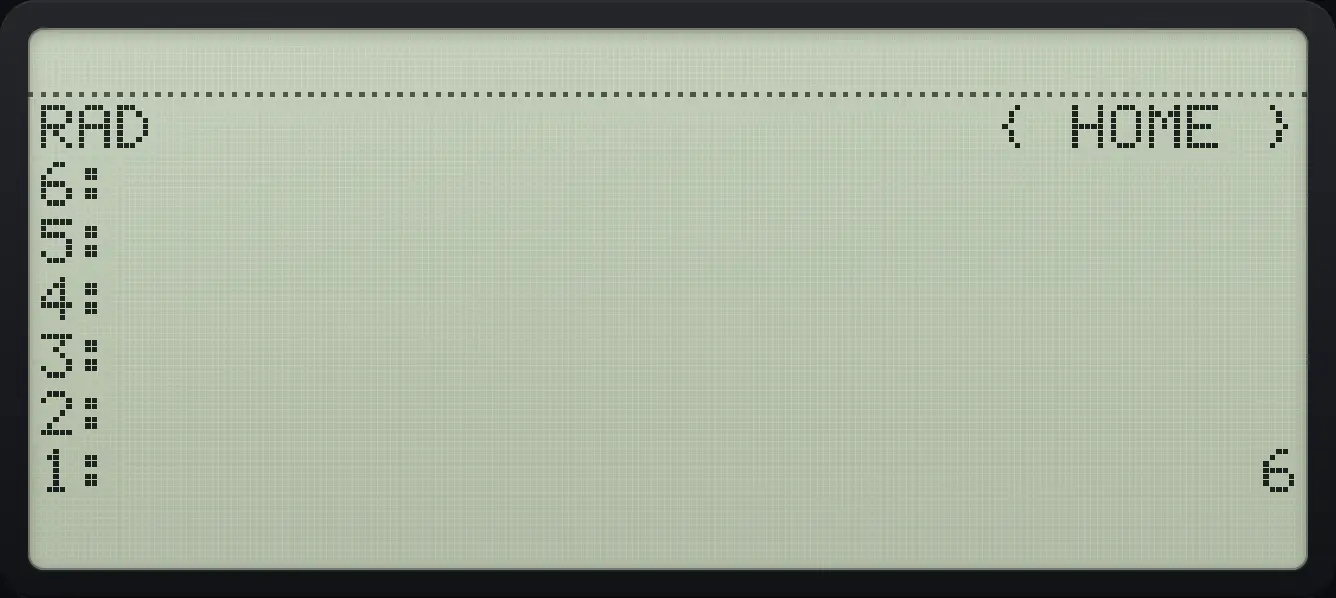
1: 611.3Arithmetic on lists#
Multiplying a list by a number multiplies each item. Adding two lists with + joins them; ADD (left shift +) adds item by item. Adding a number to a list appends it.
Scale a list
Multiply { 1 2 3 } by 2.
◀{ }81SPC2SPC3ENTER2×
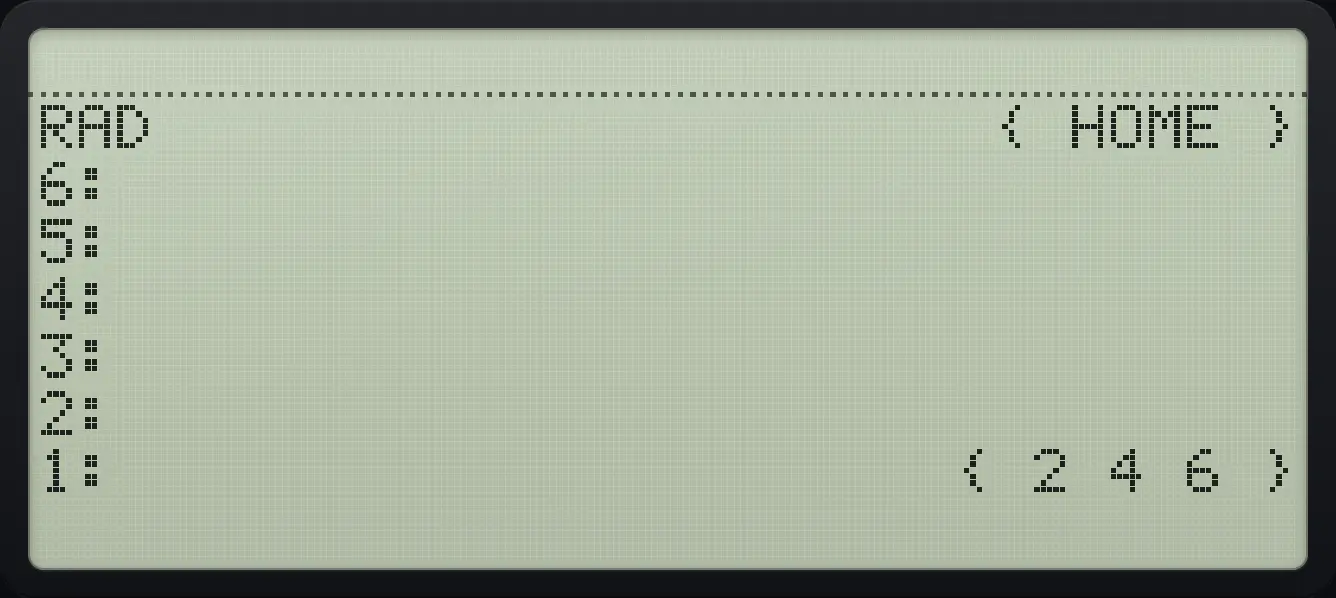
{ 2 4 6 }Join two lists
Add { 1 2 3 } and { 4 5 6 }.
◀{ }81SPC2SPC3ENTER◀{ }84SPC5SPC6ENTER+
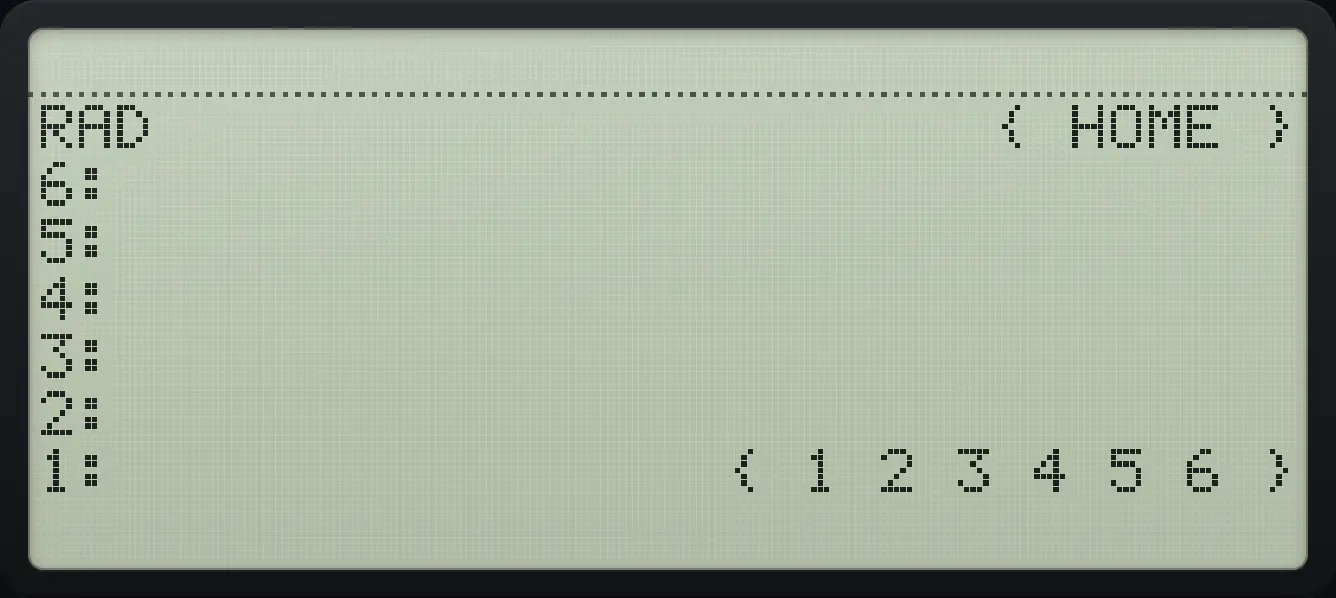
{ 1 2 3 4 5 6 }Add two lists item by item
Left shift + (ADD).
◀{ }81SPC2SPC3ENTER◀{ }84SPC5SPC6ENTER◀ADD+
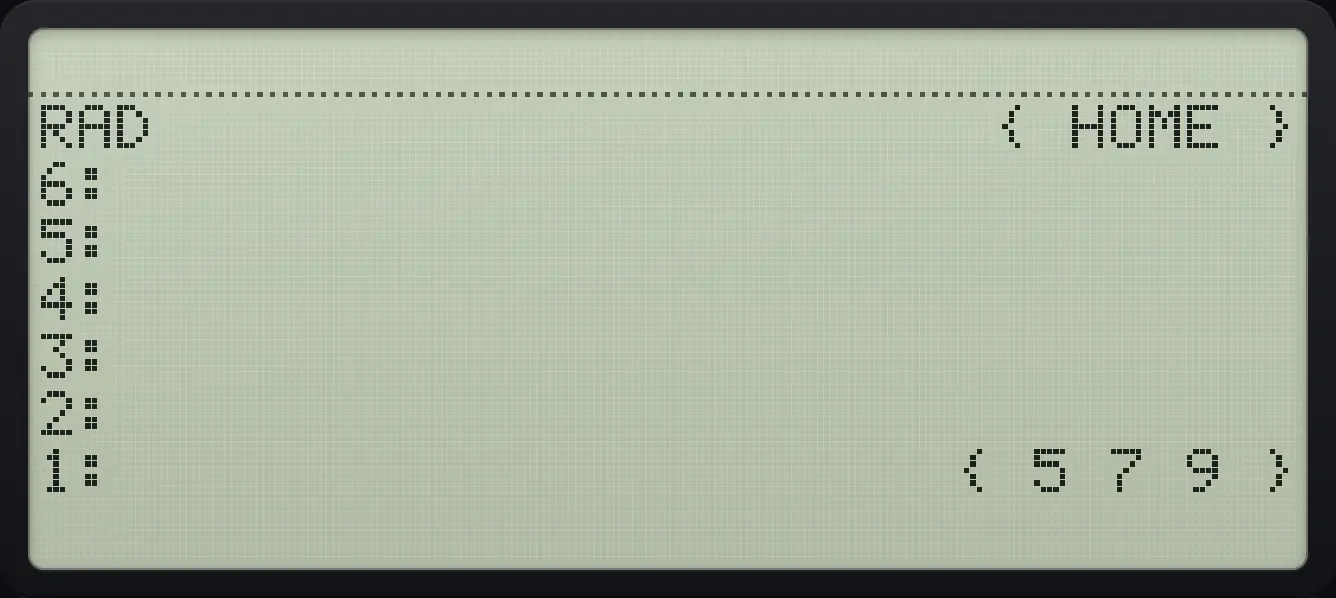
{ 5 7 9 }11.4Build a list with SEQ#
SEQ takes an expression, a variable name, a start, an end and a step, and returns the list of values. The squares of 1 to 5:
Squares from 1 to 5
Type the expression, the name k, the start, end and step, then press SEQ (LIST page 3, fourth key).
'αα◀RCLSTO▶αTyˣ2ENTER'αα◀RCLSTO▶αENTER1ENTER5ENTER1▶LISTTOOLNXTNXTF4
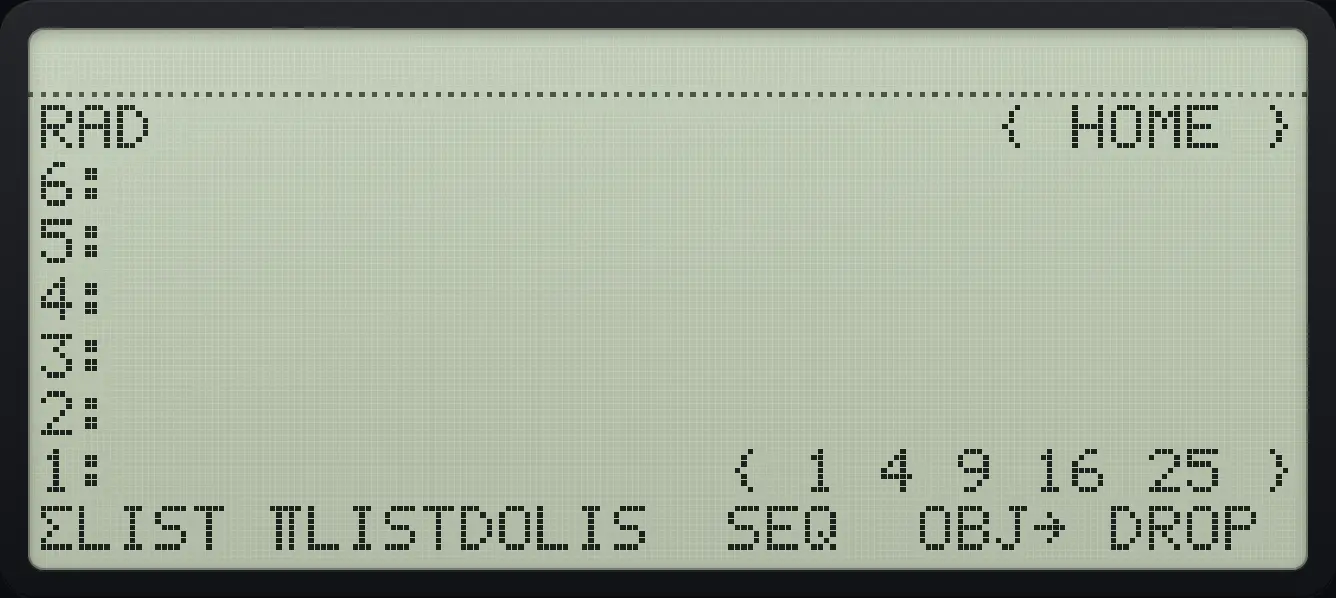
{ 1 4 9 16 25 }HP 48 and HP 50g is a trademark of HP Inc.. Trident Calculator is an independent product by South View Studios and is not affiliated with, sponsored by or endorsed by HP. The name is used only to describe the kind of calculator this model resembles; Trident's names, keys, display, fonts and software are its own clean-room design.