
RPN Power 48 manual · Chapter 4 of 19
Objects and how to type them
Real and complex numbers, strings, lists, vectors, matrices, names, algebraic expressions, programs and binary integers.
4.1The kinds of objects#
Everything on the stack is an object, and each kind has its own delimiters. Commands behave differently depending on the kind: for example + adds numbers but joins strings and lists.
| Object | Looks like | How to type it |
|---|---|---|
| Real number | 12.5 | Digits, . and EEX |
| Complex number | (3,4) | ▶( )8 3 ▶,9 4, or two reals then ◀R→C1 |
| String | "Hello" | ▶" "7, then letters |
| List | { 1 2 3 } | ◀{ }8 |
| Vector | [ 1 2 3 ] | ◀[ ]9 |
| Matrix | [[ 1 2 ] [ 3 4 ]] | ◀[ ]9 twice, one pair per row |
| Name | 'x' | ', then alpha letters |
| Algebraic expression | 'x^2+1' | ', then the expression |
| Program | « 2 * » | ◀« »7 |
| Binary integer | # 10h | ◀#EEX, then digits |
| Tagged object | :a:5 | Colon, label, colon, value (see Tags) |
4.2Real numbers#
Real numbers are shown with up to 12 digits. Use EEX for powers of ten: 1.5 EEX 3 is 1500. Press +/− while typing to make the number or its exponent negative.
Type a number in scientific notation
Type 1.5, EEX, 3 and press ENTER.
1.5EEX3ENTER
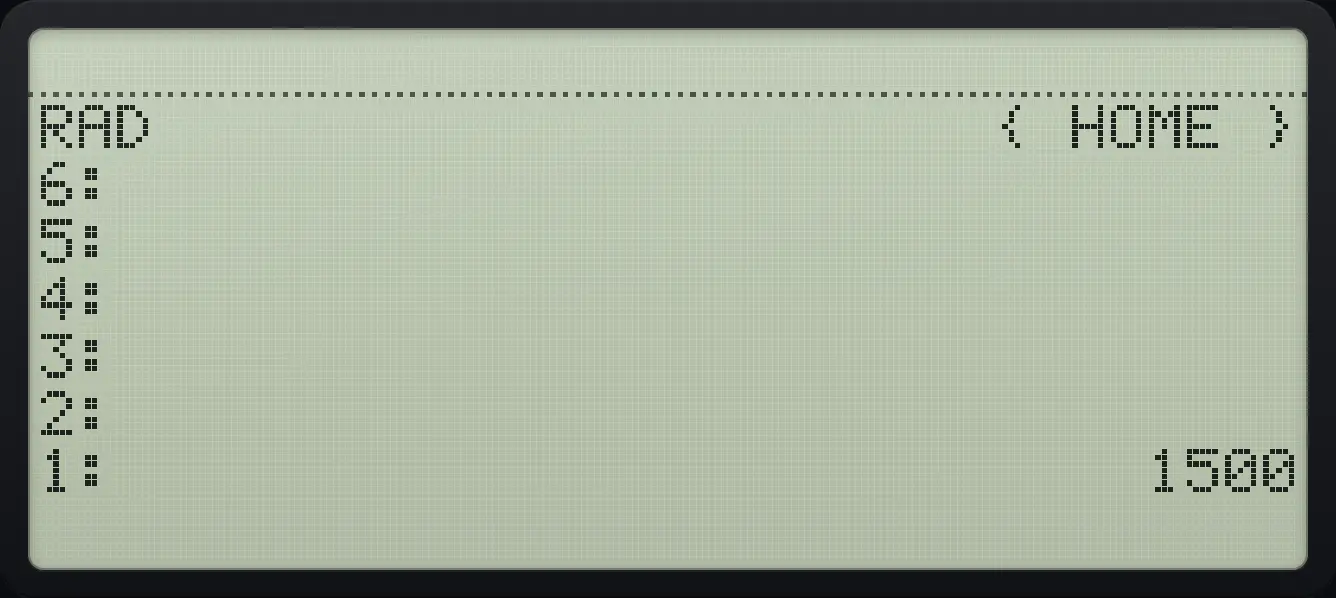
1: 1500A negative exponent
Type 1, EEX, 3, +/−, ENTER.
1EEX3+/−ENTER
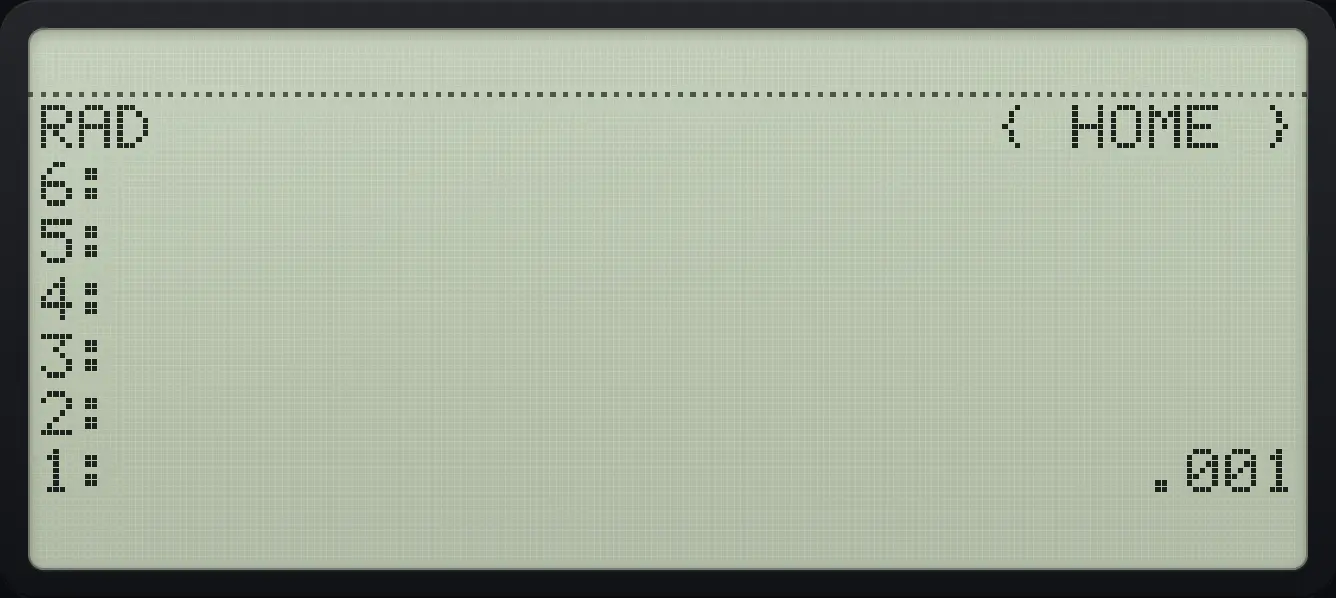
1: .001Change the sign of the number being typed
Type 5, +/−, ENTER.
5+/−ENTER
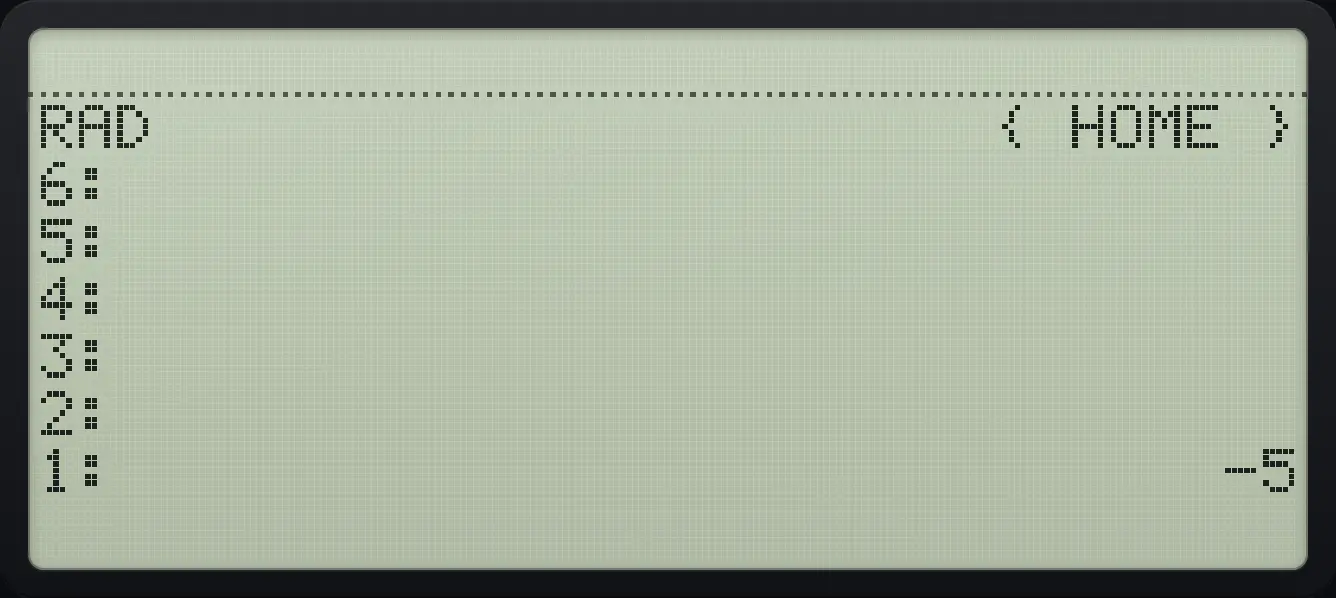
1: -54.3Find out what kind of object is on level 1#
The TYPE command (PRG menu, last page) returns a number for the kind of object: 0 real, 1 complex, 2 string, 3 array, 5 list, 6 name, 8 program. It works on any object.
The type of a list
Make a list and press TYPE (PRG page 4, sixth key).
◀{ }81SPC2SPC3ENTER◀PRGMODENXTNXTNXTF6
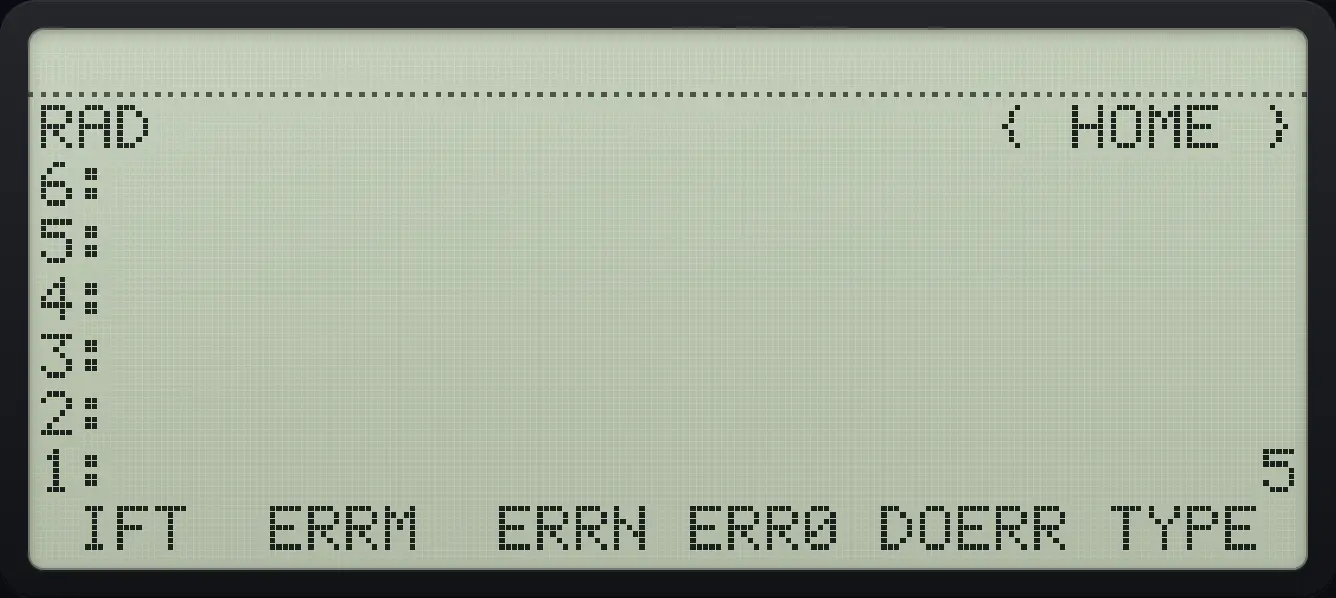
1: 5The type of a real number
A real number has type 0.
3◀PRGMODENXTNXTNXTF6
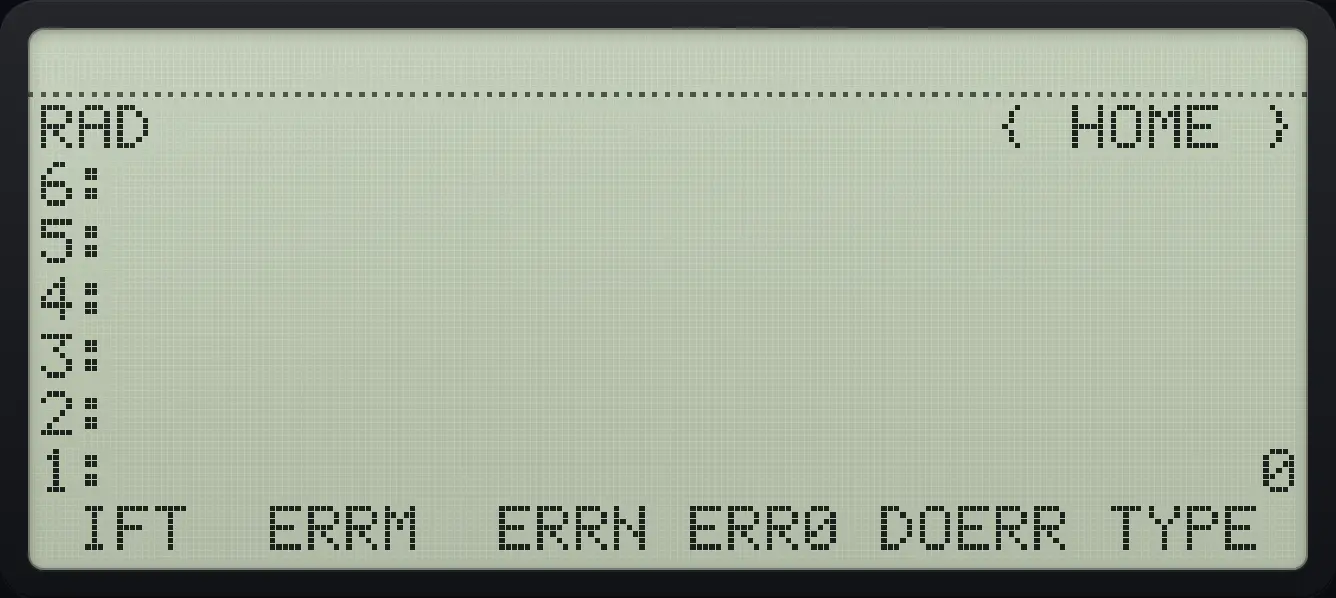
1: 0The type of a string
A string has type 2.
▶" "7ααMODE◀F5◀PREVNXT◀PREVNXT◀SYMB'α▶7ENTER◀PRGMODENXTNXTNXTF6
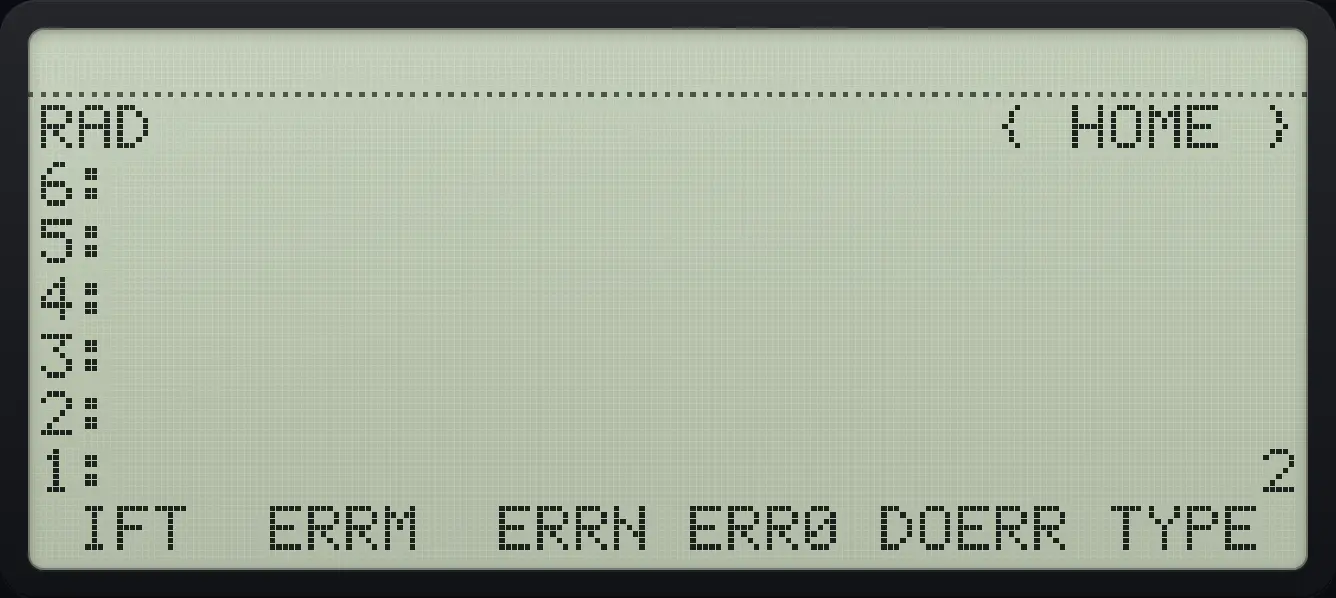
1: 24.4Tagged values#
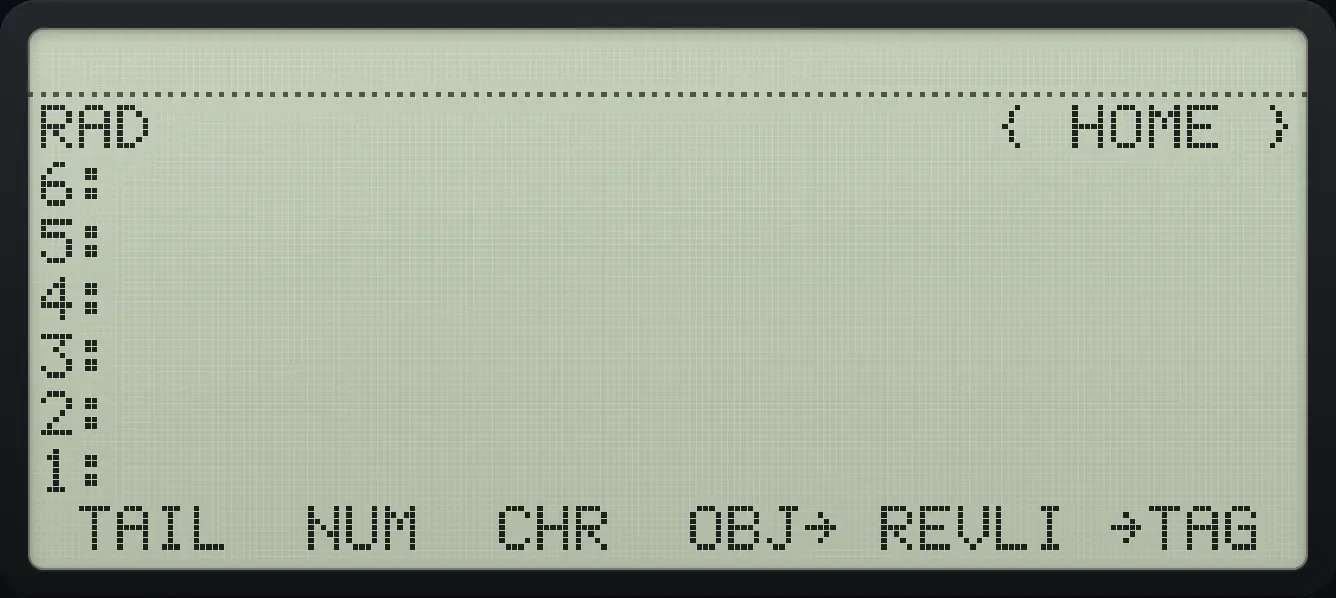
A tag labels a value so you remember what it is. The STR menu has →TAG (put a label on level 2 using the name or string on level 1) and DTAG (remove the label). Calculations ignore the tag and use the value.
HP 48 and HP 50g is a trademark of HP Inc.. Trident Calculator is an independent product by South View Studios and is not affiliated with, sponsored by or endorsed by HP. The name is used only to describe the kind of calculator this model resembles; Trident's names, keys, display, fonts and software are its own clean-room design.