
RPN Power 48 manual · Chapter 7 of 19
Modes and display
Number format, angle unit, rectangular or polar complex form and the binary integer base and word size.
7.1The MODE menu#
The MODE key opens a menu of three pages. A filled square marks the setting that is on. Defaults: STD, RAD, RECT and HEX.
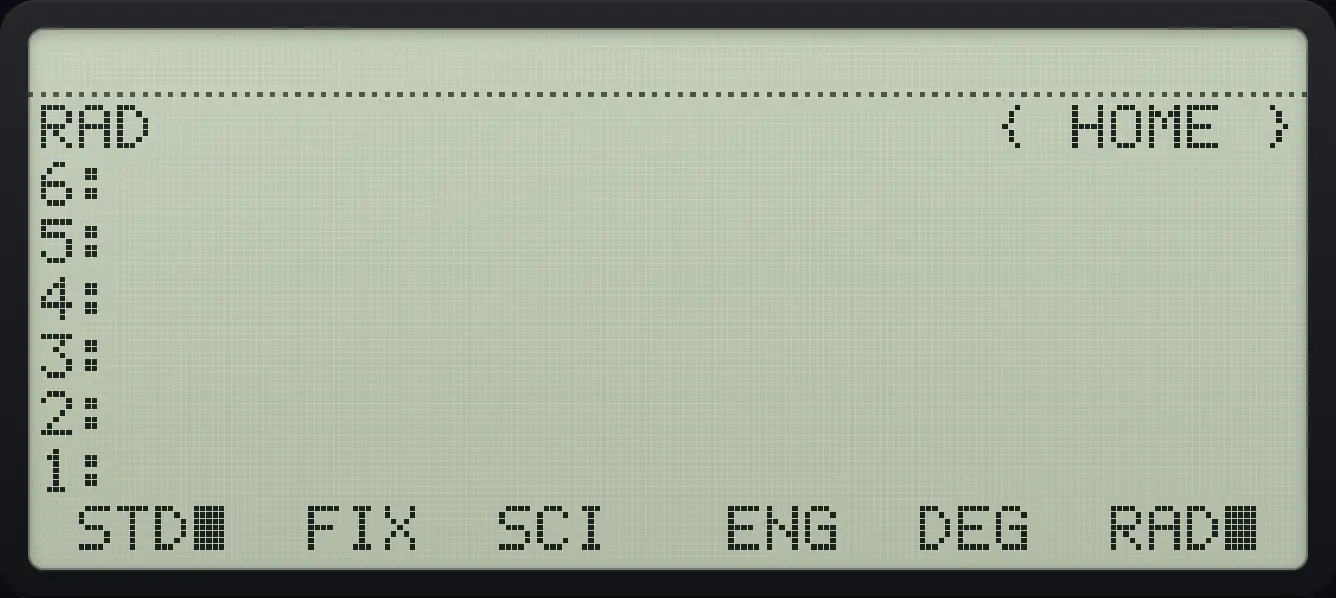
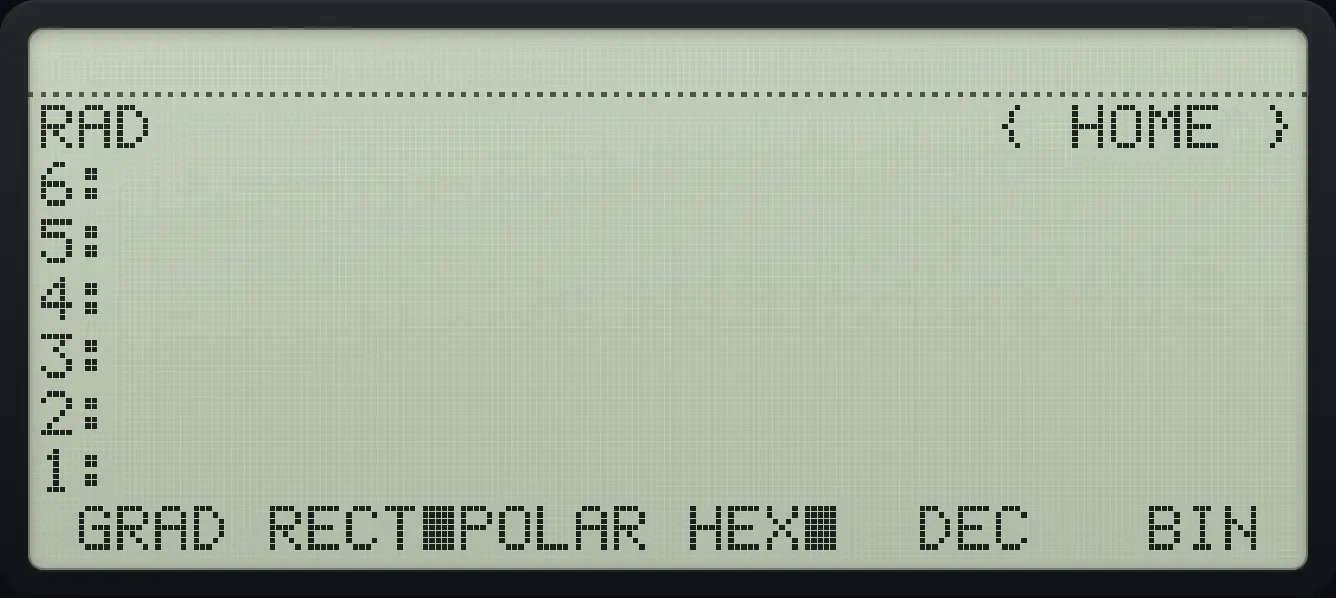
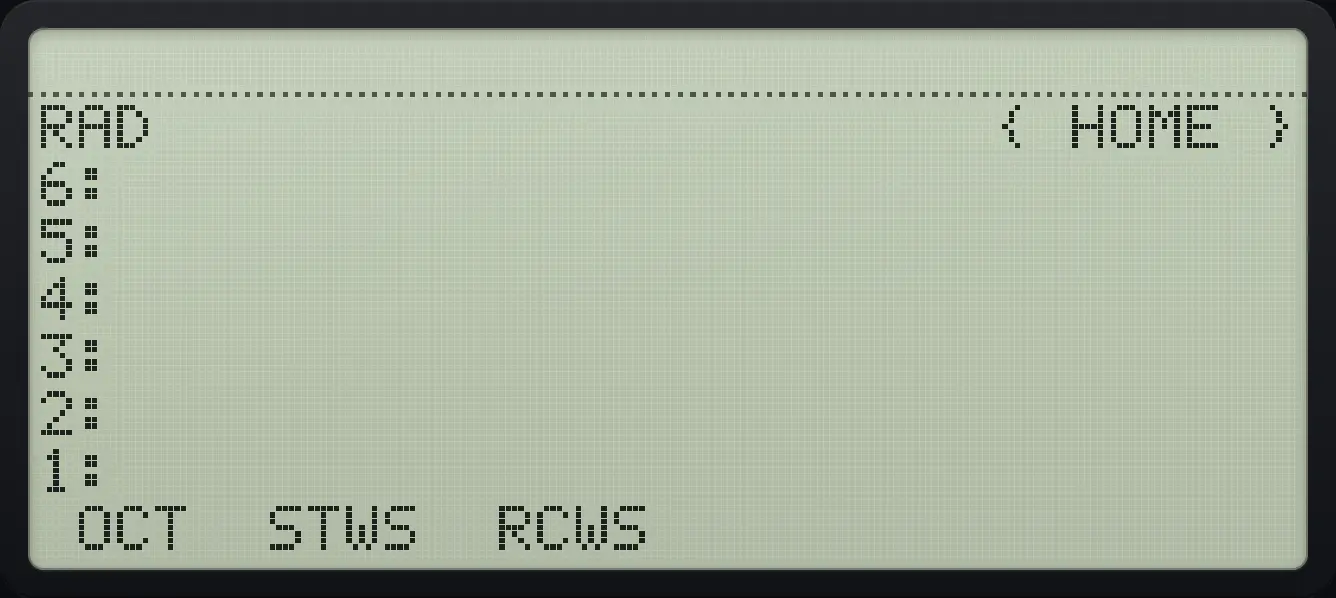
| Setting | Effect |
|---|---|
| STD | Show up to 12 digits, no trailing zeros. |
| FIX, SCI, ENG | Fixed decimals, scientific or engineering notation. Type the number of digits first, then press the key. |
| DEG, RAD, GRAD | Angle unit for trigonometry. |
| RECT, POLAR | Show complex numbers as (x,y) or as (r,∠angle). |
| HEX, DEC, OCT, BIN | The base used to show binary integers. |
| STWS, RCWS | Set or recall the word size of binary integers, in bits. |
7.2Choose the display format#
Type the number of digits, then press FIX, SCI or ENG. The status line shows the format, for example FIX 3.
Show 3 decimal places
Type 3 and press FIX (second key of MODE).
3MODEF2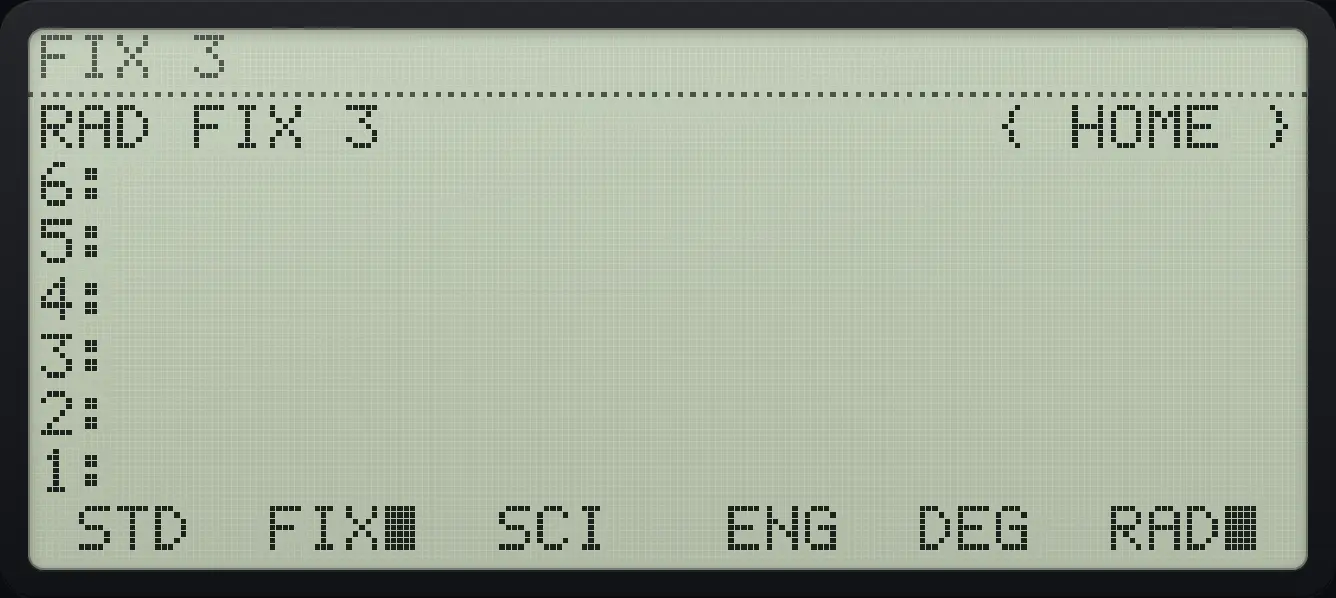
Divide 1 by 3.
1ENTER3÷
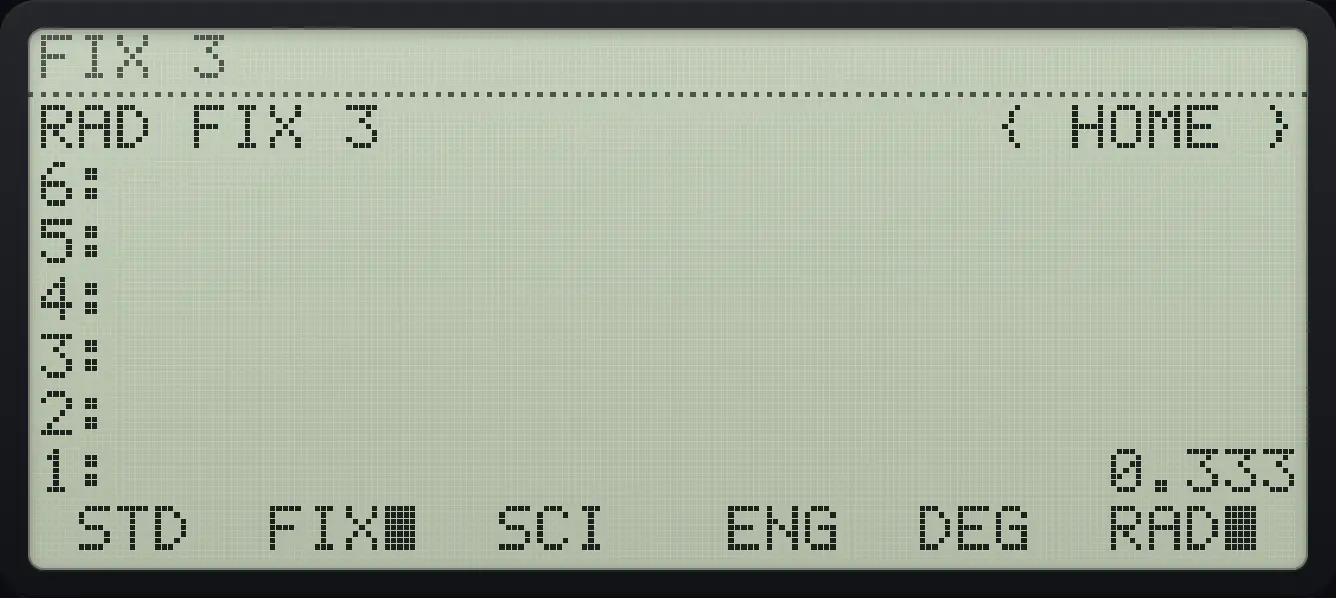
1: 0.333Scientific notation with 3 decimals
Enter 12345, type 3, press SCI.
12345ENTER3MODEF3
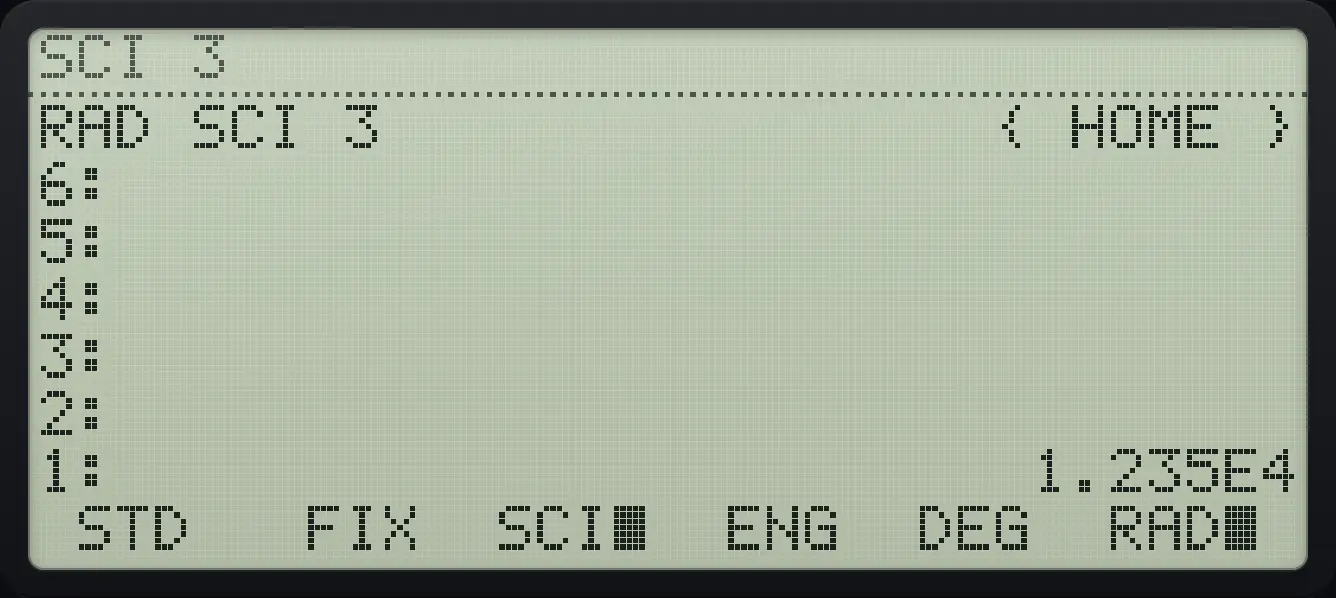
1: 1.235E4Engineering notation
Enter 12345, type 3, press ENG.
12345ENTER3MODEF4
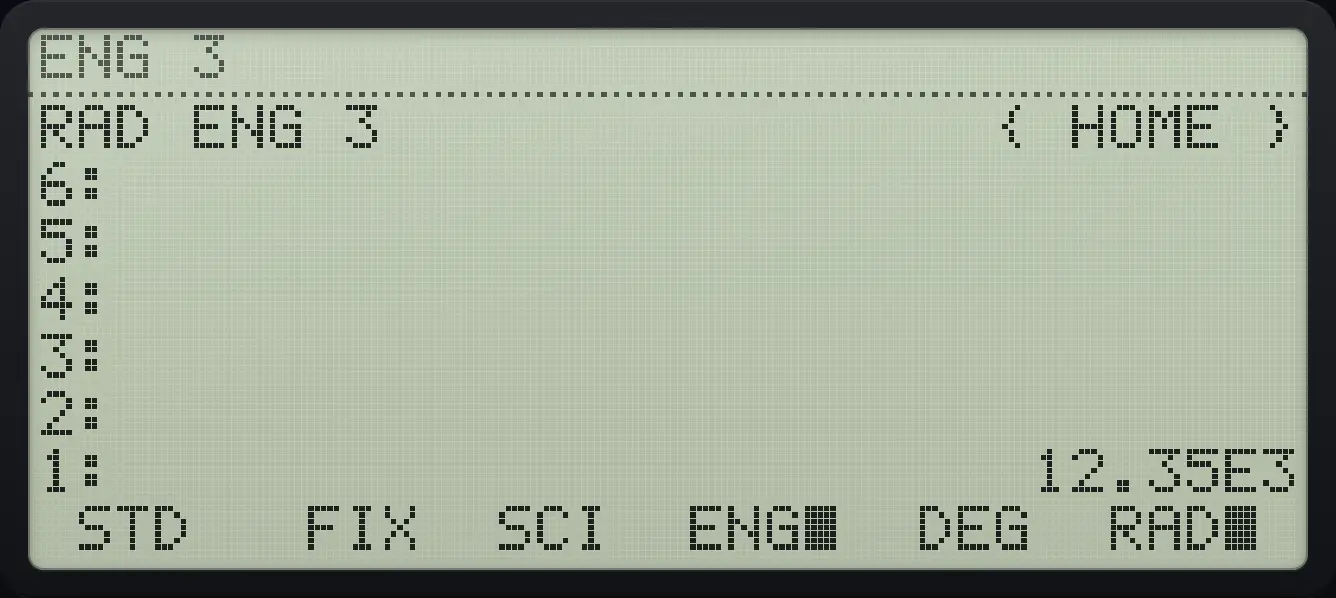
1: 12.35E3Return to STD
Press STD (first key) to show full precision again.
1ENTER3÷3MODEF2MODEF1
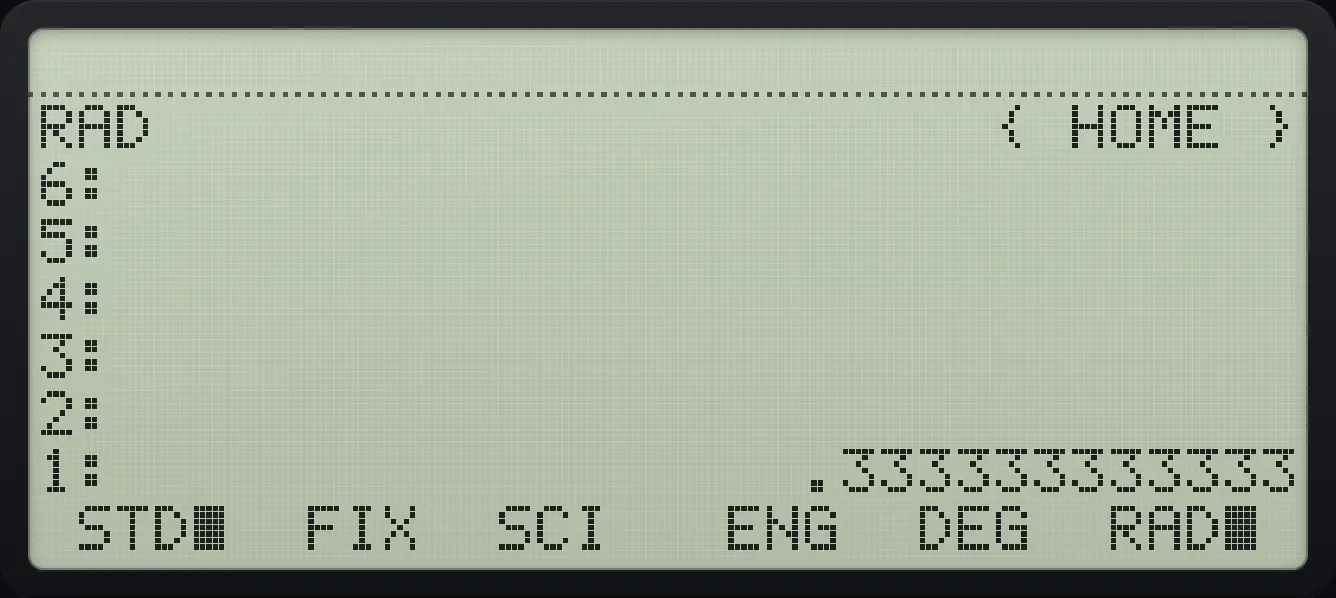
1: .333333333333See also Round answers to a set number of decimalsEnter very big and very small numbersShow answers in engineering notation
7.3Set the angle unit#
Switch to degrees
Press DEG (fifth key). The status line says DEG.
MODEF5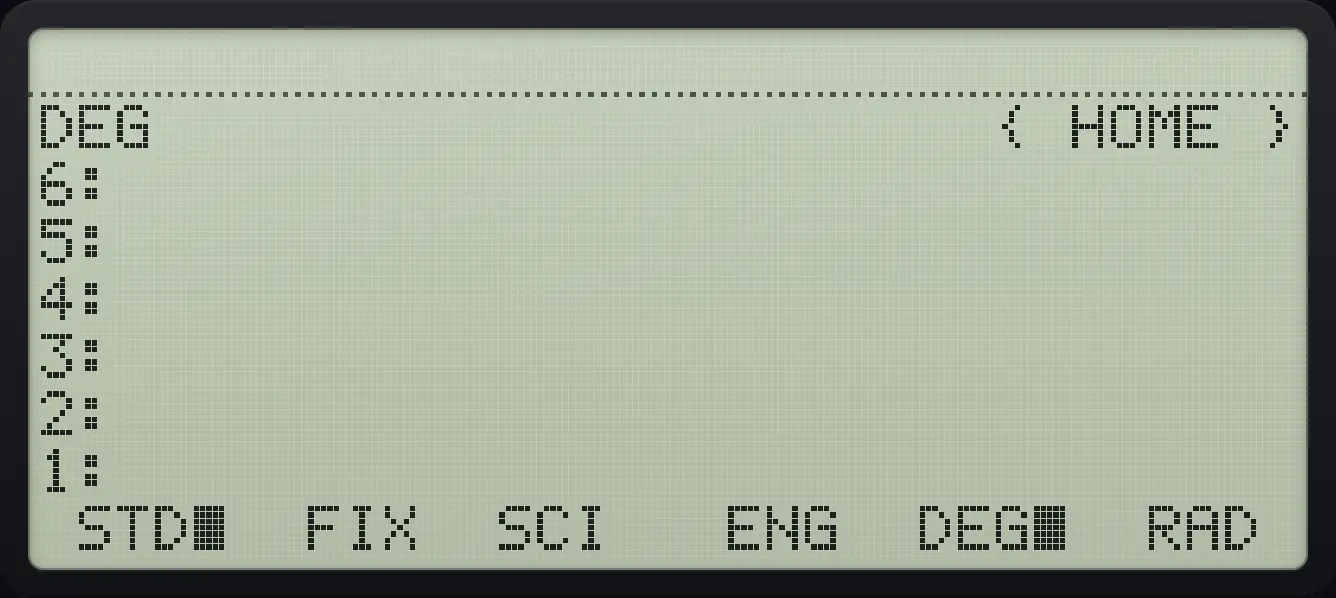
DEGSwitch to grads
Press GRAD (page 2, first key).
MODENXTF1
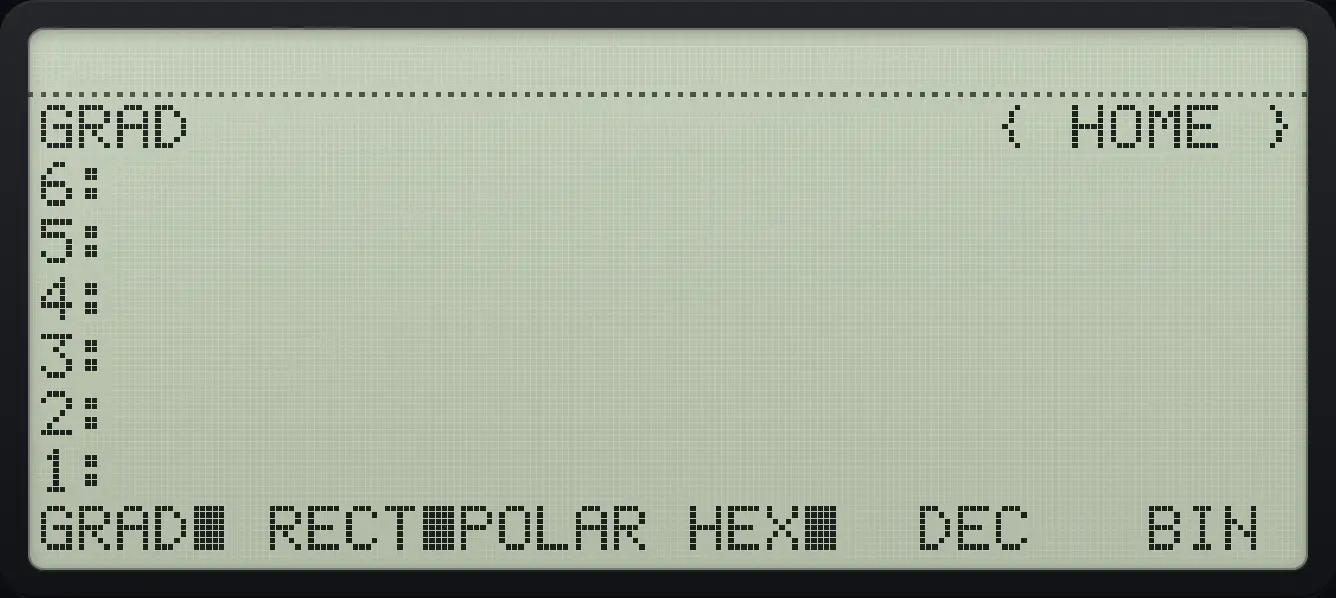
GRADSee also Set degrees or radians
7.4Rectangular or polar form#
Show a complex number in polar form
Make 3 + 4i, open MODE page 2 and press POLAR (third key).
3ENTER4◀R→C1MODENXTF3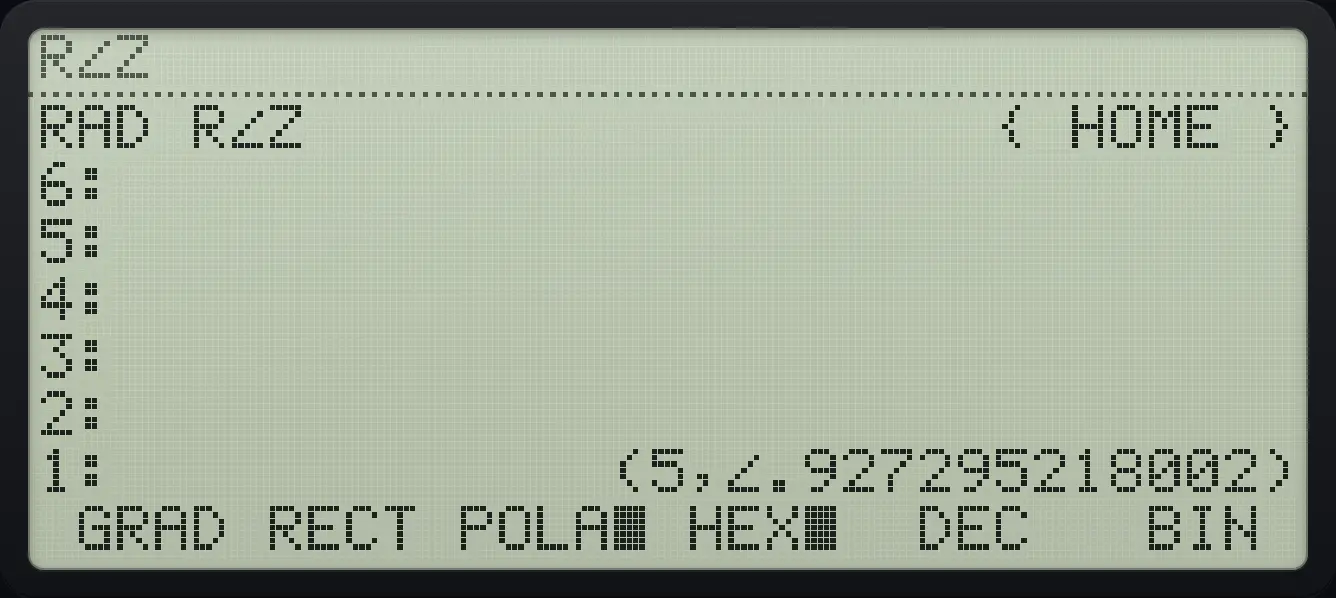
R∠Z (5,∠.927295218002)7.5Binary integer base and word size#
HEX, DEC, OCT and BIN change how binary integers are shown; the objects themselves do not change. STWS sets the number of bits (default 64) and RCWS recalls it. See the Binary integers chapter.
HP 48 and HP 50g is a trademark of HP Inc.. Trident Calculator is an independent product by South View Studios and is not affiliated with, sponsored by or endorsed by HP. The name is used only to describe the kind of calculator this model resembles; Trident's names, keys, display, fonts and software are its own clean-room design.