
Classic Graphing 84 manual · Chapter 19 of 25
Complex numbers
Turn on a complex mode, type numbers with i, calculate, and use conj, real, imag, angle, abs and the rectangular and polar forms.
19.1Turn on complex numbers#
A complex number is with . Type i with 2ndi.. In REAL mode square roots of negative numbers give an error, so first choose a+bi (or re^θi) in MODE, sixth row.
The square root of −4
In MODE move down 5 rows, right to a+bi, enter, home.
mode▼▼▼▼▼▶enter2ndQUITmodeType √(−4).
2nd√x²(−)4)enter
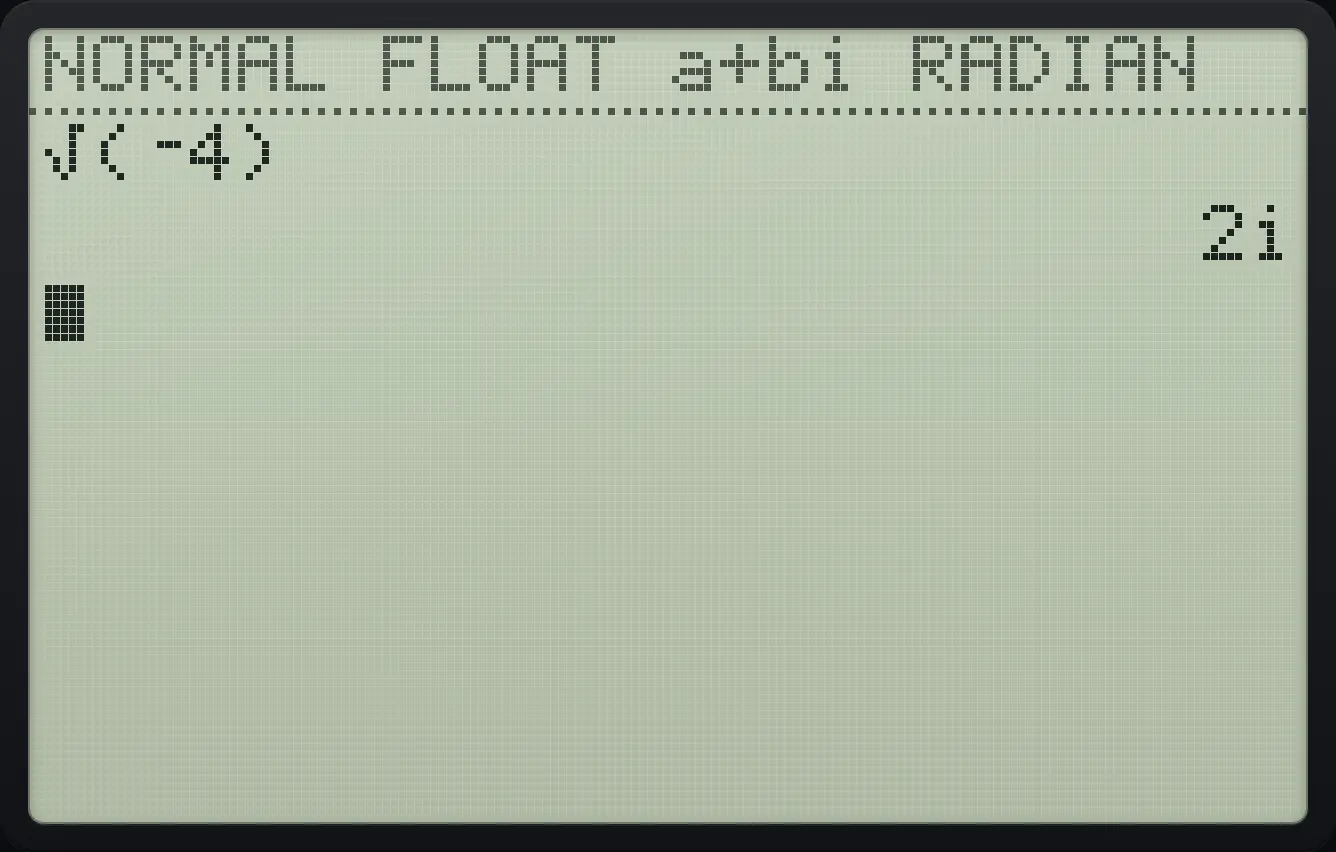
2ii squared
In a+bi mode type i².
mode▼▼▼▼▼▶enter2ndQUITmode2ndi.x²enter
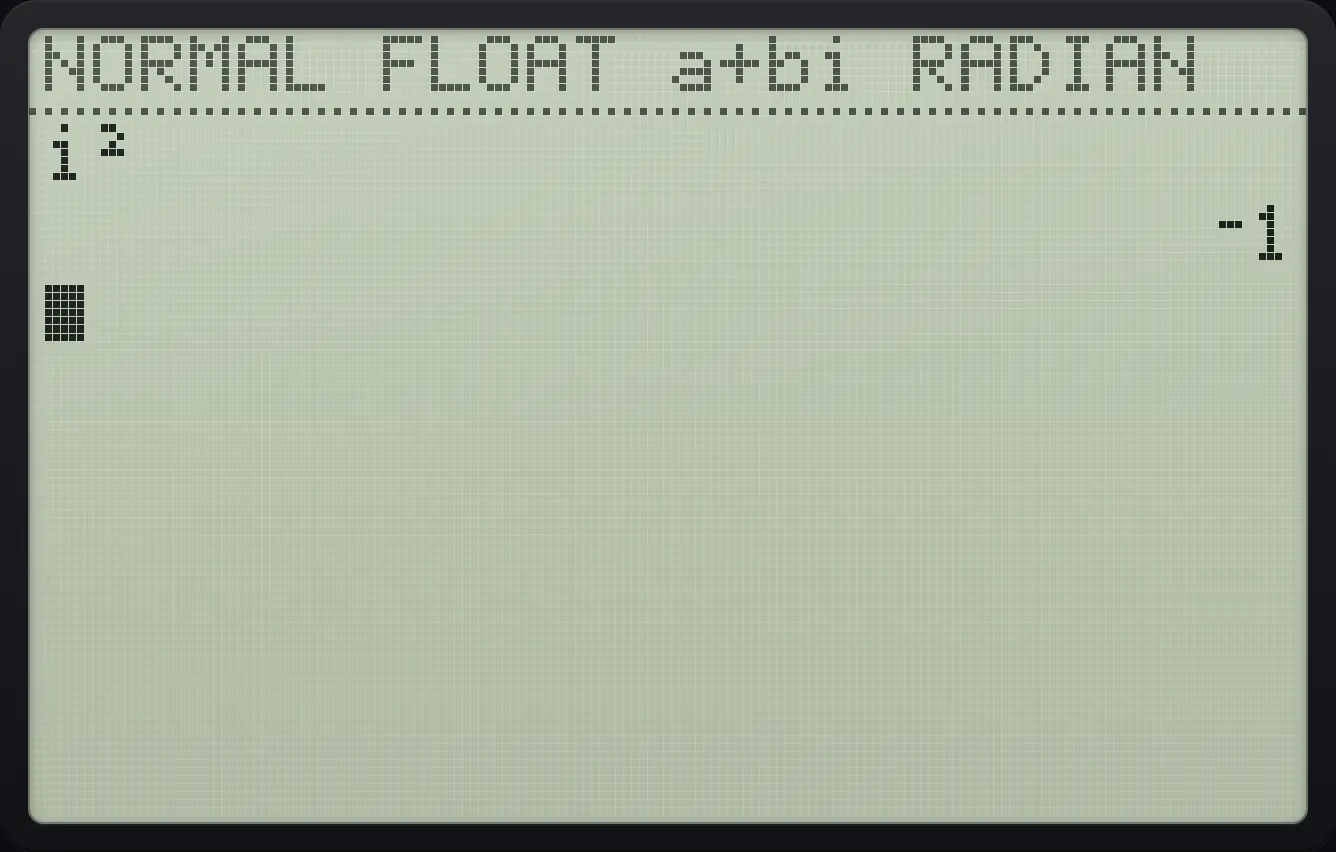
⁻119.2Add, multiply and divide complex numbers#
Multiply
Choose a+bi mode and type (1+2i)(3−i).
mode▼▼▼▼▼▶enter2ndQUITmode(1+22ndi.)(3−2ndi.)enter
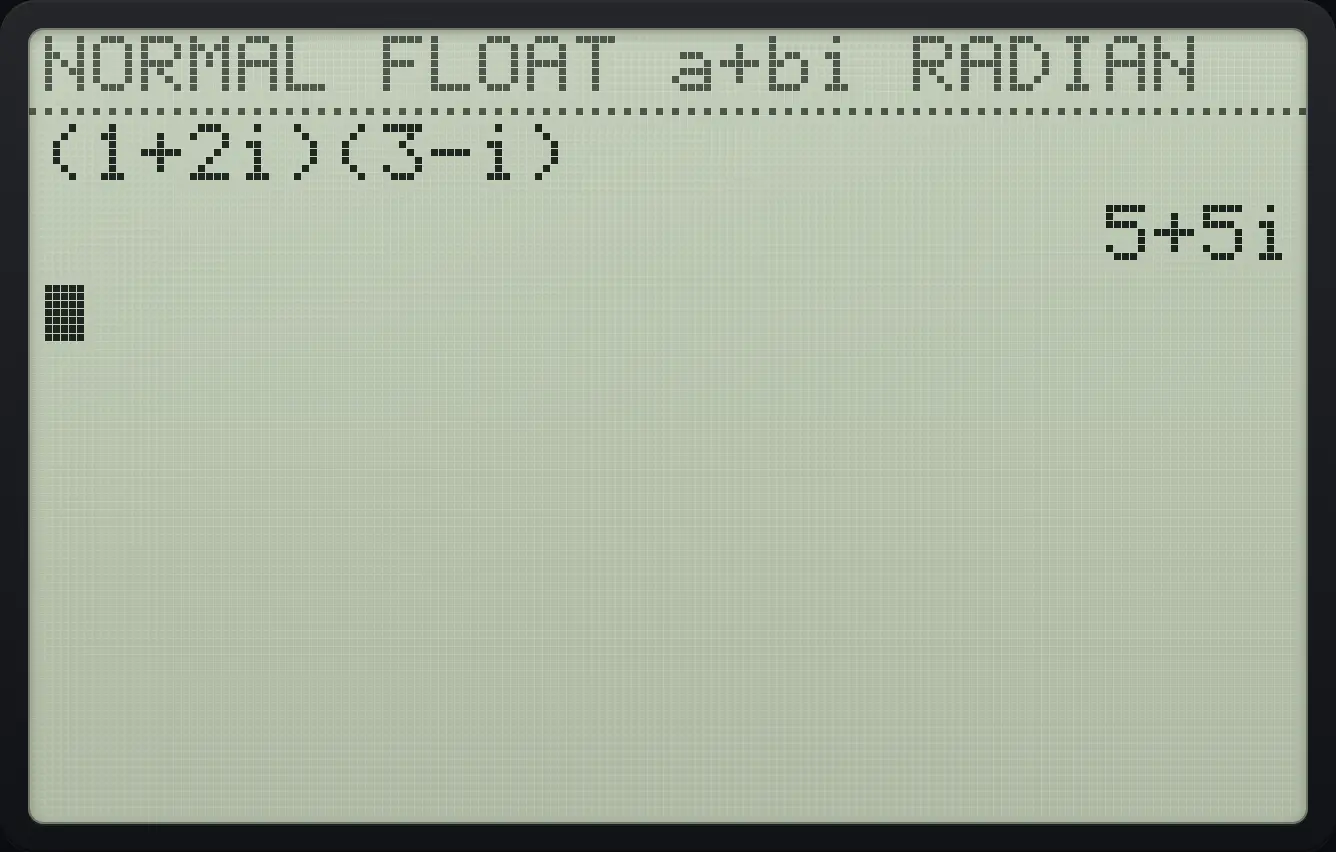
5+5iDivide
Type (1+i)/(1−i).
mode▼▼▼▼▼▶enter2ndQUITmode(1+2ndi.)÷(1−2ndi.)enter
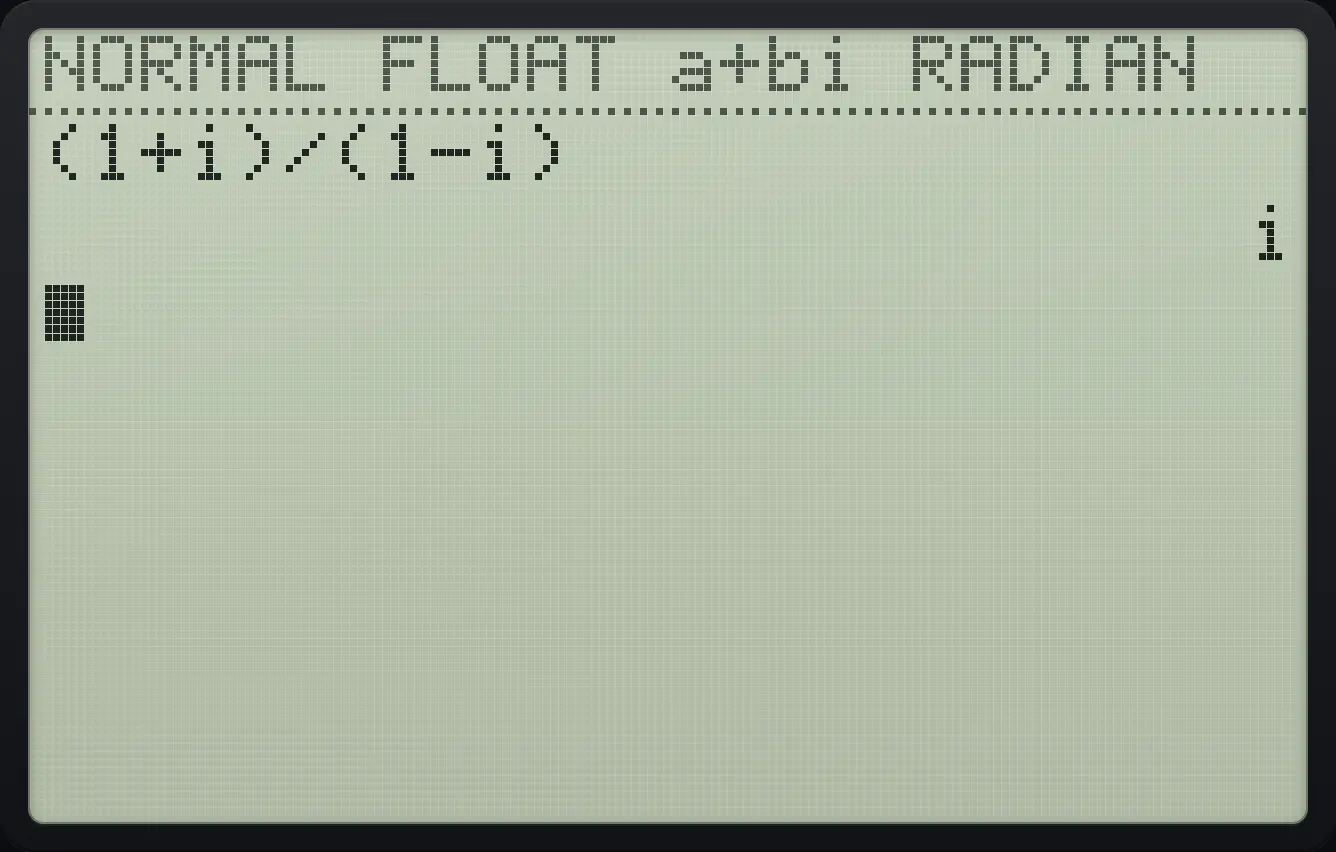
i19.3The CMPLX menu#
Press math then ▶ twice for the CMPLX tab.
![The CMPLX tab of the MATH menu. The display shows: MATH NUM [CMPLX] PROB FRAC / 1:conj( / 2:real( / 3:imag( / 4:angle( / 5:abs( / 6:►Rect / 7:►Polar.](/trident/app/help/manual/img/6902d587s.webp)
| Item | Command | Gives |
|---|---|---|
| 1 | conj( | Complex conjugate: |
| 2 | real( | The real part a |
| 3 | imag( | The imaginary part b |
| 4 | angle( | The argument (angle) of the number |
| 5 | abs( | The modulus |
| 6 | ►Rect | Show the last answer as a+bi |
| 7 | ►Polar | Show the last answer as r e^(θi) |
Conjugate
a+bi mode. Press math, right, right, 1 and type 3+4i.
mode▼▼▼▼▼▶enter2ndQUITmodemath▶▶13+42ndi.)enter
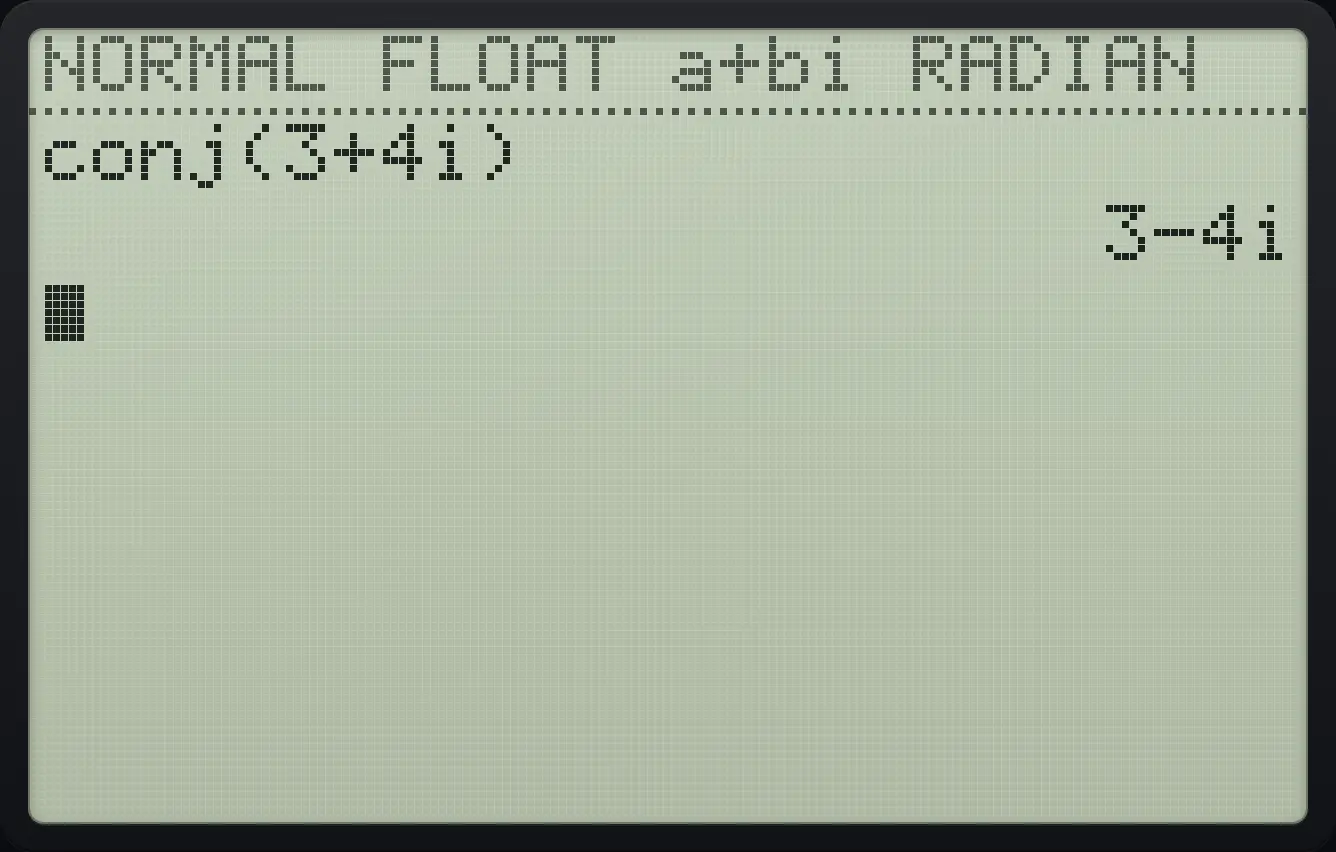
conj(3+4i) 3-4iReal part and imaginary part
real( is item 2.
mode▼▼▼▼▼▶enter2ndQUITmodemath▶▶23+42ndi.)enterimag( is item 3.
math▶▶33+42ndi.)enter
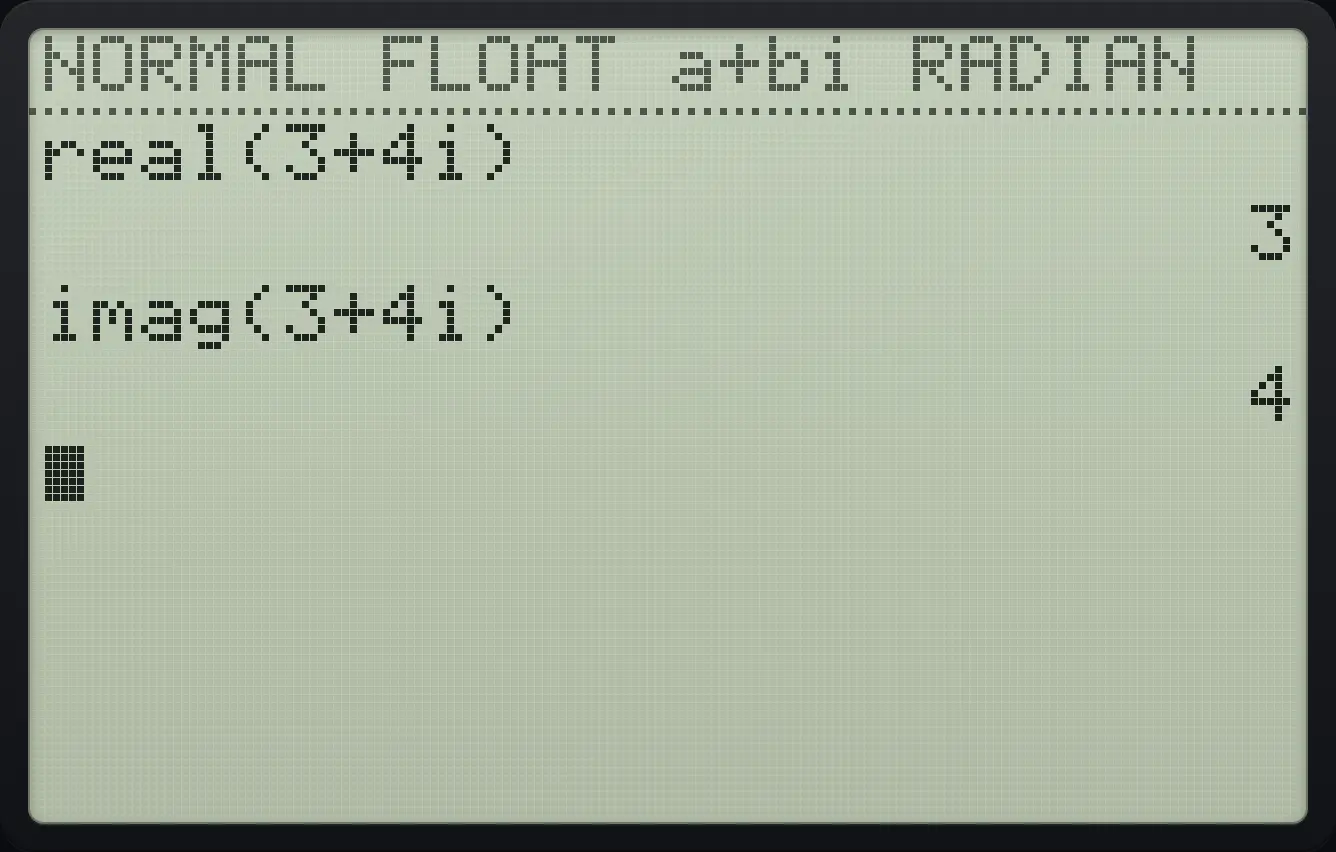
real(3+4i) imag(3+4i)Modulus
abs( is item 5.
mode▼▼▼▼▼▶enter2ndQUITmodemath▶▶53+42ndi.)enter
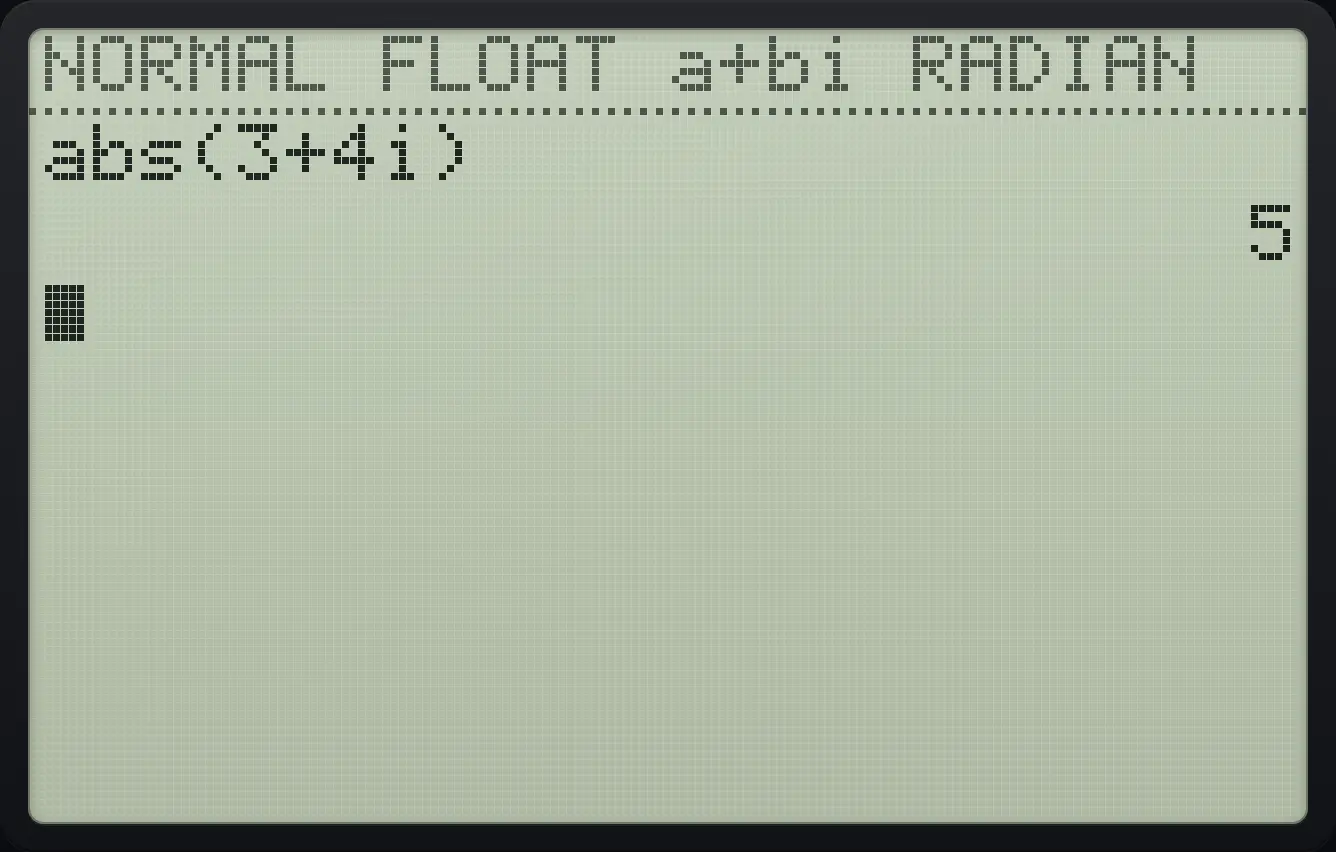
abs(3+4i) 5Angle
angle( is item 4 (radians here).
mode▼▼▼▼▼▶enter2ndQUITmodemath▶▶43+42ndi.)enter
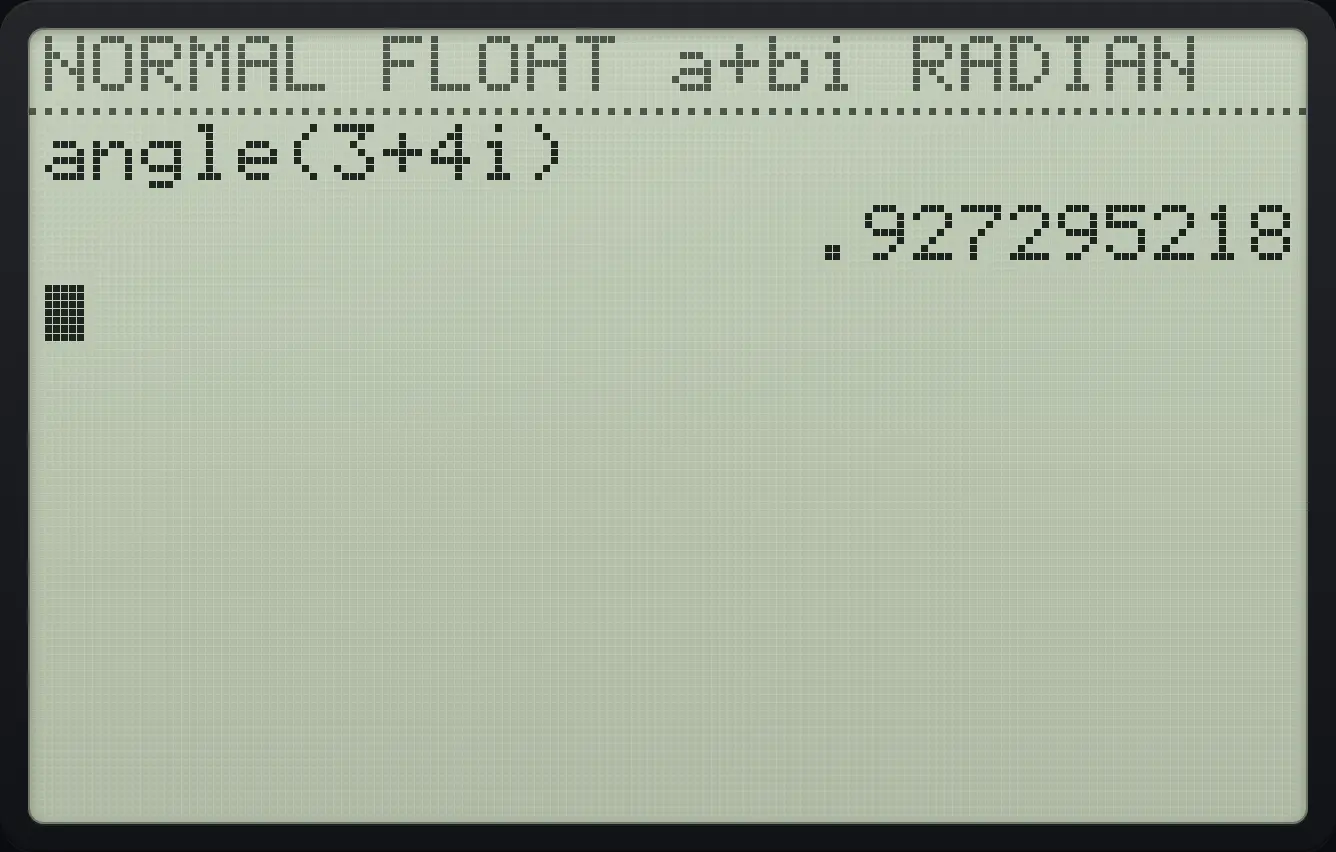
.927295218Polar form
Calculate 3+4i.
mode▼▼▼▼▼▶enter2ndQUITmode3+42ndi.enterPress math, right, right, 7 (►Polar) and enter.
math▶▶7enter
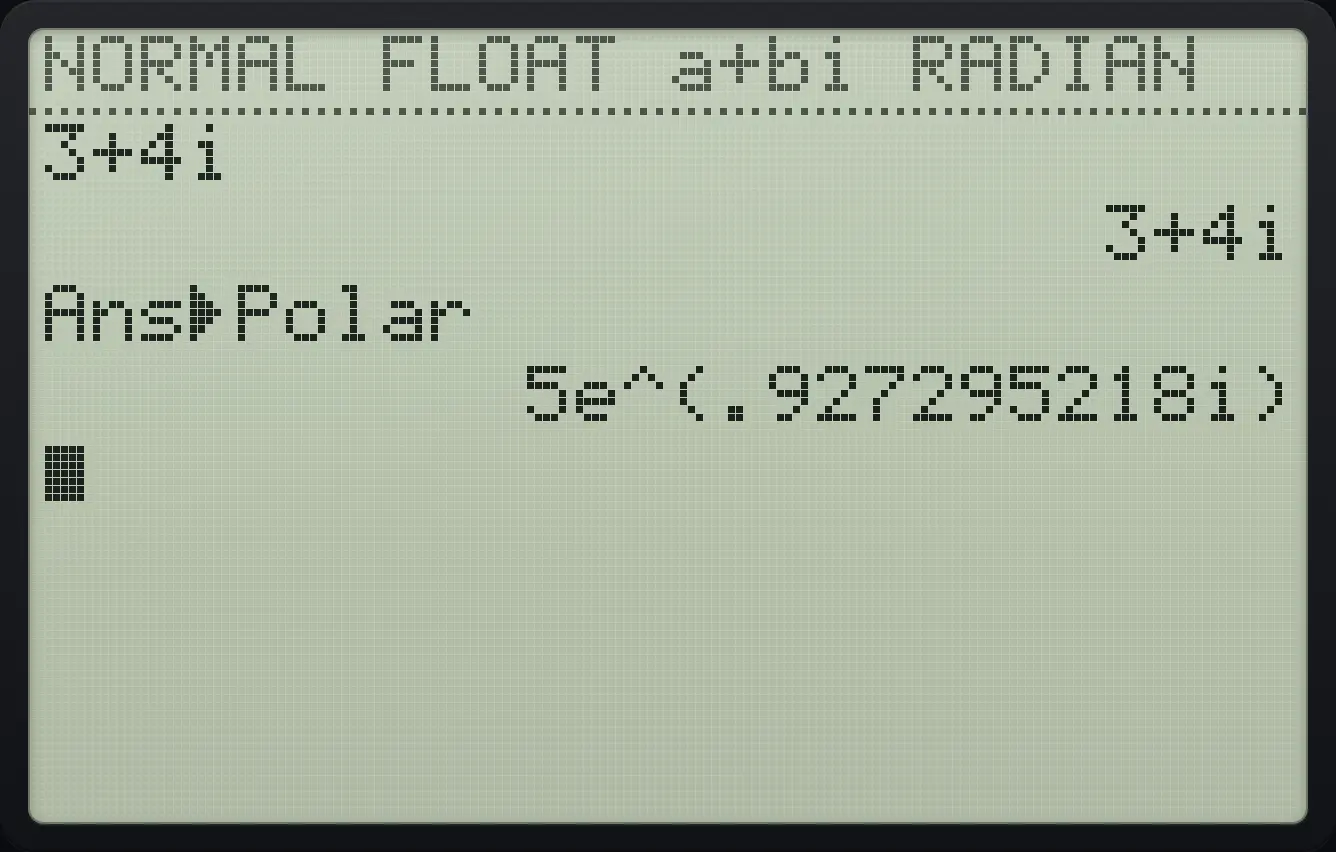
5e^(.927295218i)19.4Always show polar form#
Choose re^θi on the MODE screen and every complex answer is shown in polar form. See the modes chapter.
TI-84 Plus CE is a trademark of Texas Instruments Incorporated. Trident Calculator is an independent product by South View Studios and is not affiliated with, sponsored by or endorsed by Texas Instruments. The name is used only to describe the kind of calculator this model resembles; Trident's names, keys, display, fonts and software are its own clean-room design.