
Classic Graphing 84 manual · Chapter 12 of 25
Lists
Store data in lists, edit them in the STAT editor, calculate with whole lists and use the LIST menu.
12.1What a list is#
A list is an ordered row of numbers written between curly braces, such as {4, 5, 6}. Six lists are built in: L1 to L6 (2ndL11 to 2ndL66). Lists drive statistics, statistics plots and many tools. You can also make lists with other names.
Store a list and read an item
Type {1,2,3} with 2nd lparen and 2nd rparen and store it in L1.
2nd{(1,2,32nd})sto→2ndL11enterType L1(3) to read the third item.
2ndL11(3)enter
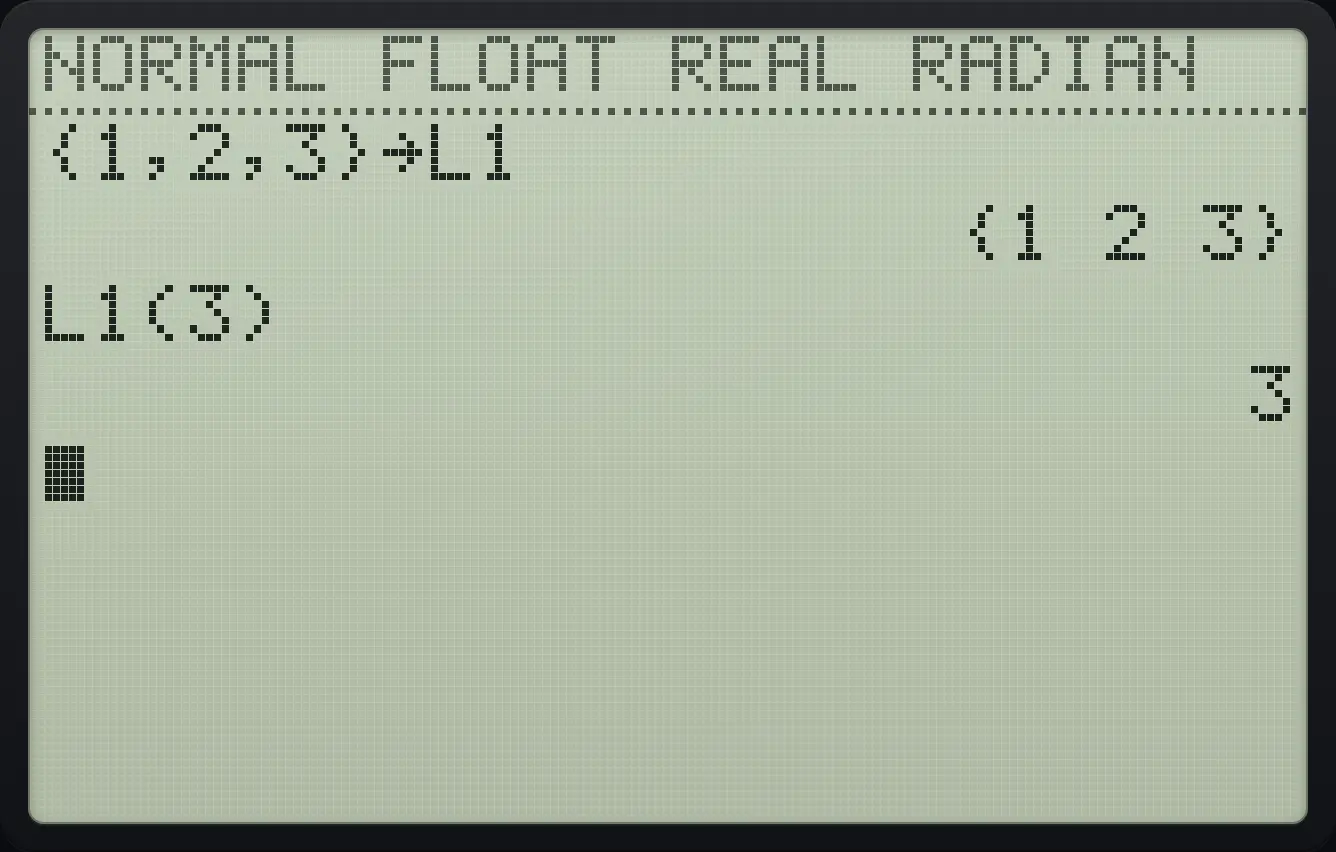
{1 2 3} L1(3) 3Change one item
Store {1,2,3} in L1, then store 9 in the second item.
2nd{(1,2,32nd})sto→2ndL11enter9sto→2ndL11(2)enterShow L1.
2ndL11enter
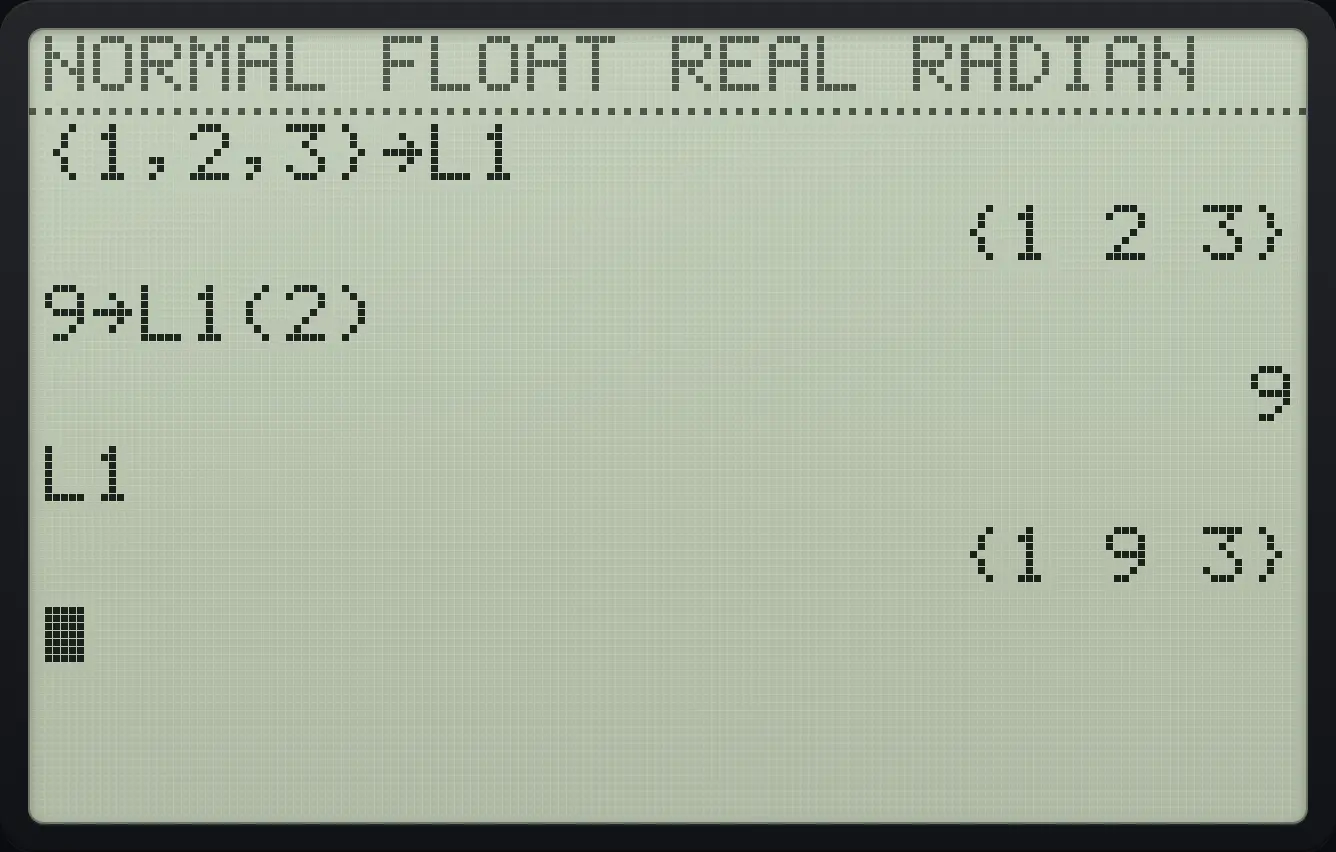
{1 9 3}12.2Calculate with whole lists#
Arithmetic works on every item at once. A list and a number combine item by item; two lists of the same length combine item by item. Functions such as √( and abs( also work on lists. Lists of different lengths give DIM MISMATCH.
Double and add one
Type {1,2,3}*2+1.
2nd{(1,2,32nd})×2+1enter
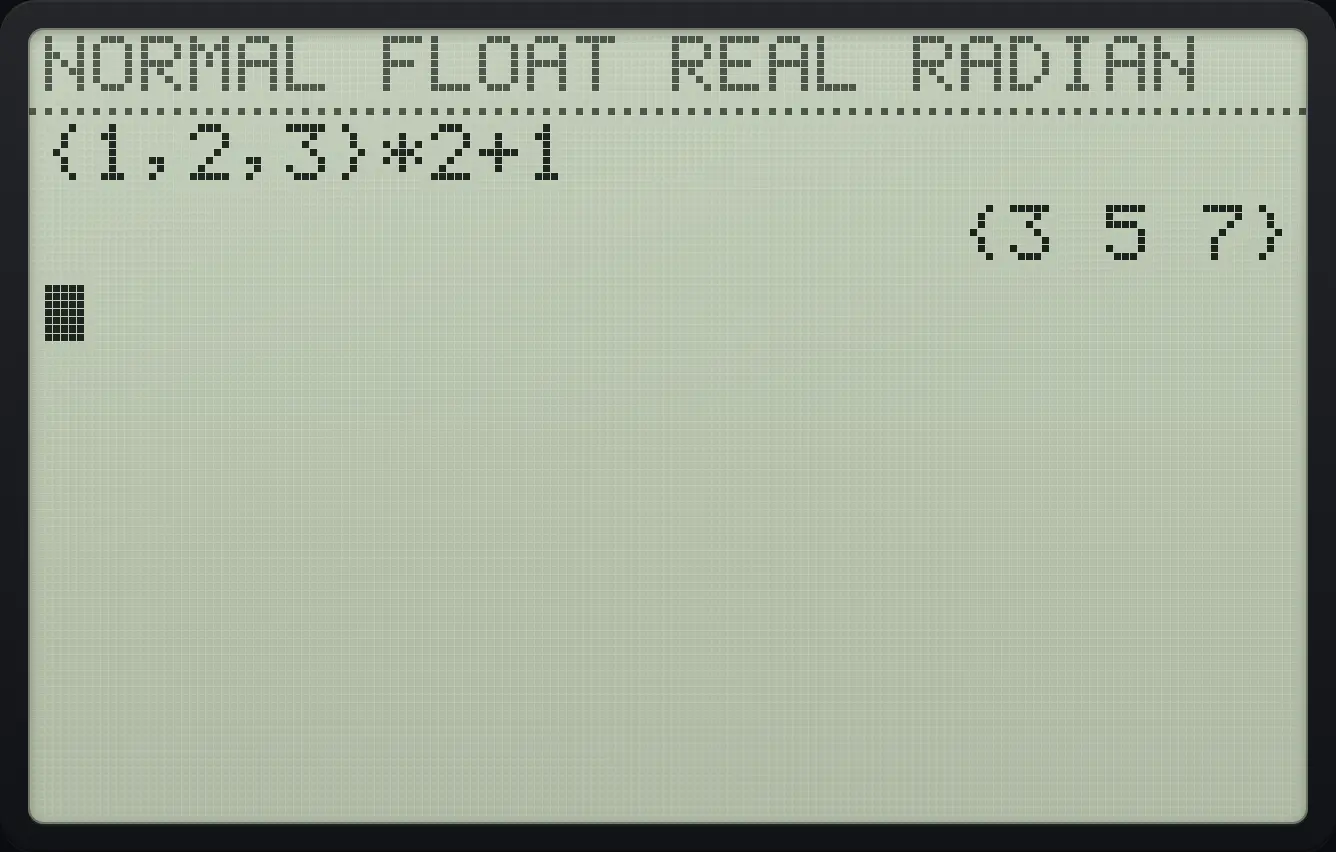
{3 5 7}Add two lists
Type {1,2,3}+{10,20,30}.
2nd{(1,2,32nd})+2nd{(10,20,302nd})enter
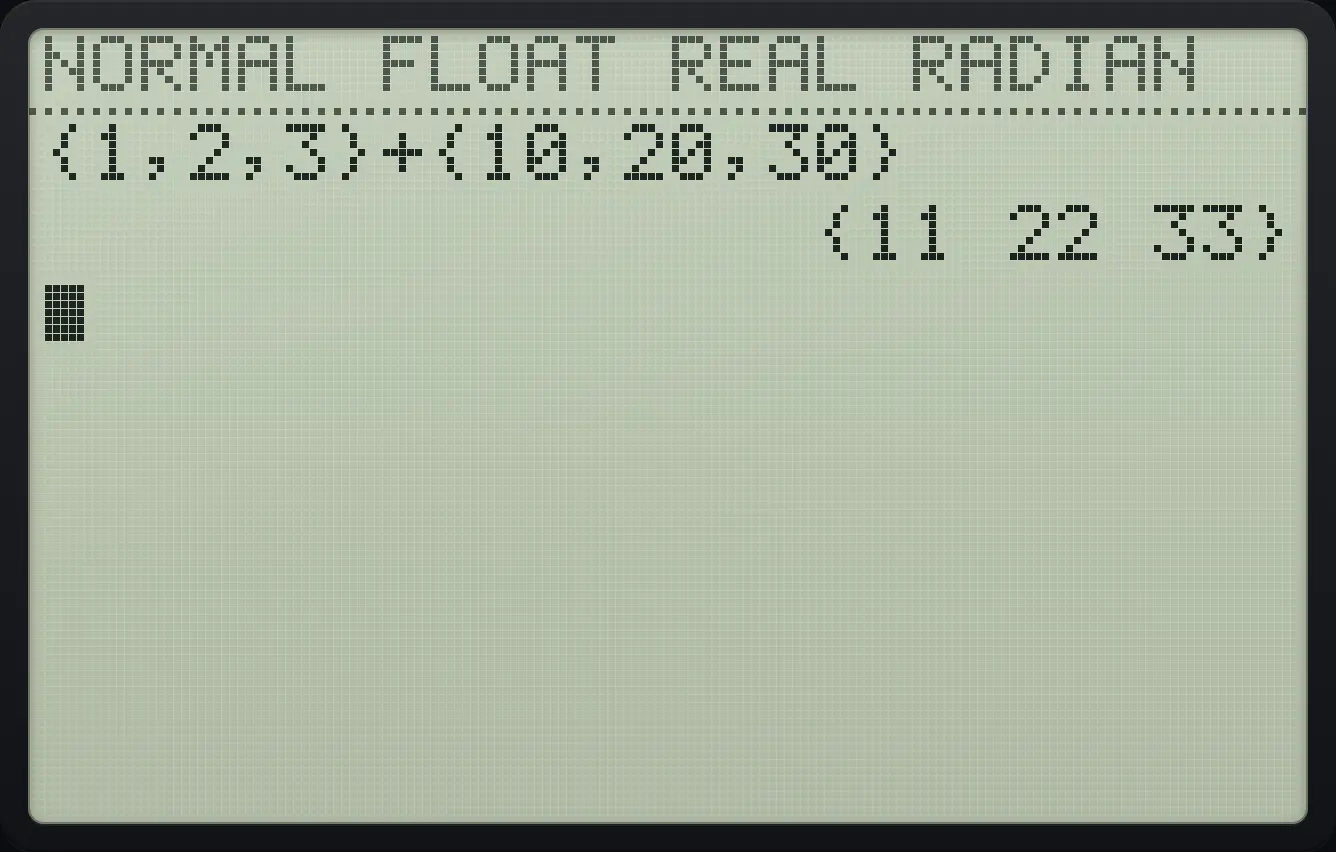
{11 22 33}12.3Enter data in the list editor#
Press stat then 1 (Edit…) to see the lists as columns. Type a value and press enter to store it and move to the next row. Use ◀ and ▶ to change columns and ▲ and ▼ to change rows. At the top of a column, the list name row lets you type a formula for the whole list, or press clear to empty the list.
![The STAT menu. The display shows: [EDIT] CALC TESTS / 1:Edit… / 2:SortA( / 3:SortD( / 4:ClrList / 5:SetUpEditor.](/trident/app/help/manual/img/8f8016afs.webp)
Enter three numbers
Press stat, 1, then type 1, 2, 3, pressing enter after each.
stat11enter2enter3enter
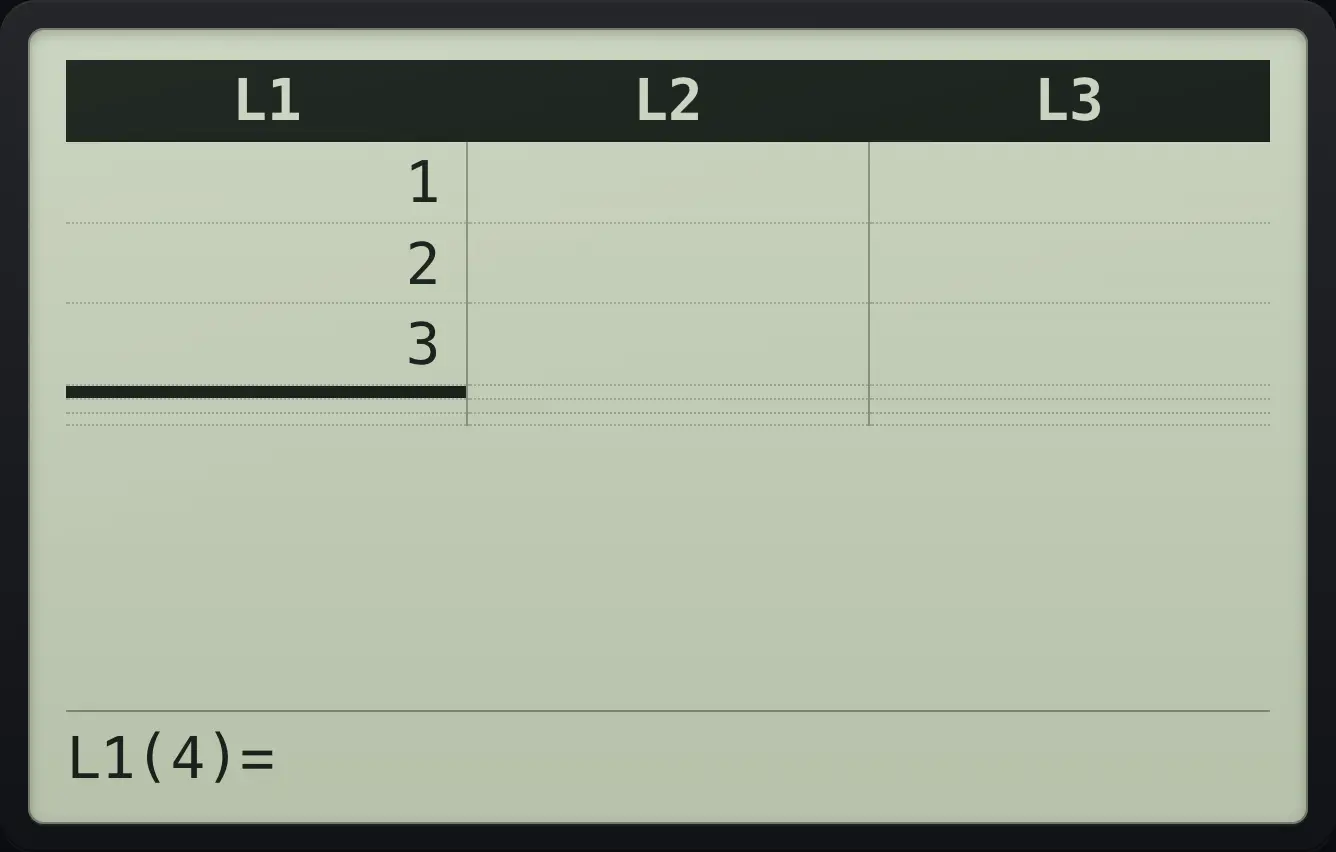
L1 | L2 | L3 L1(4)=Fill two columns
Enter 1, 2 in L1, press right and enter 7, 8 in L2. Then go home and look at L2.
stat11enter2enter▶7enter8enter2ndQUITmode2ndL22enter
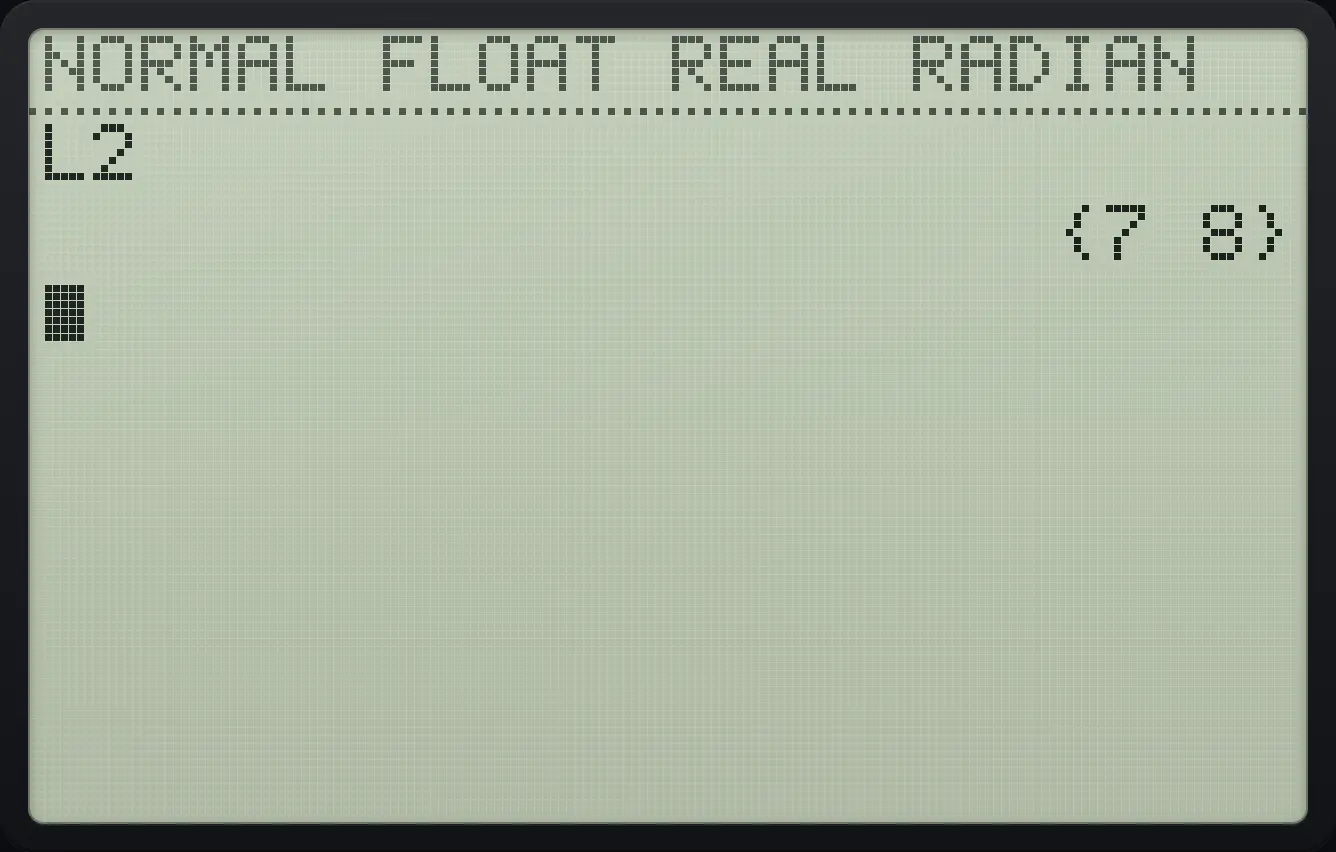
{7 8}Change an existing value
Enter 1, 2 in L1, press up twice to the first value, press enter to edit, type 9 and enter. Show L1.
stat11enter2enter▲▲enter9enter2ndQUITmode2ndL11enter
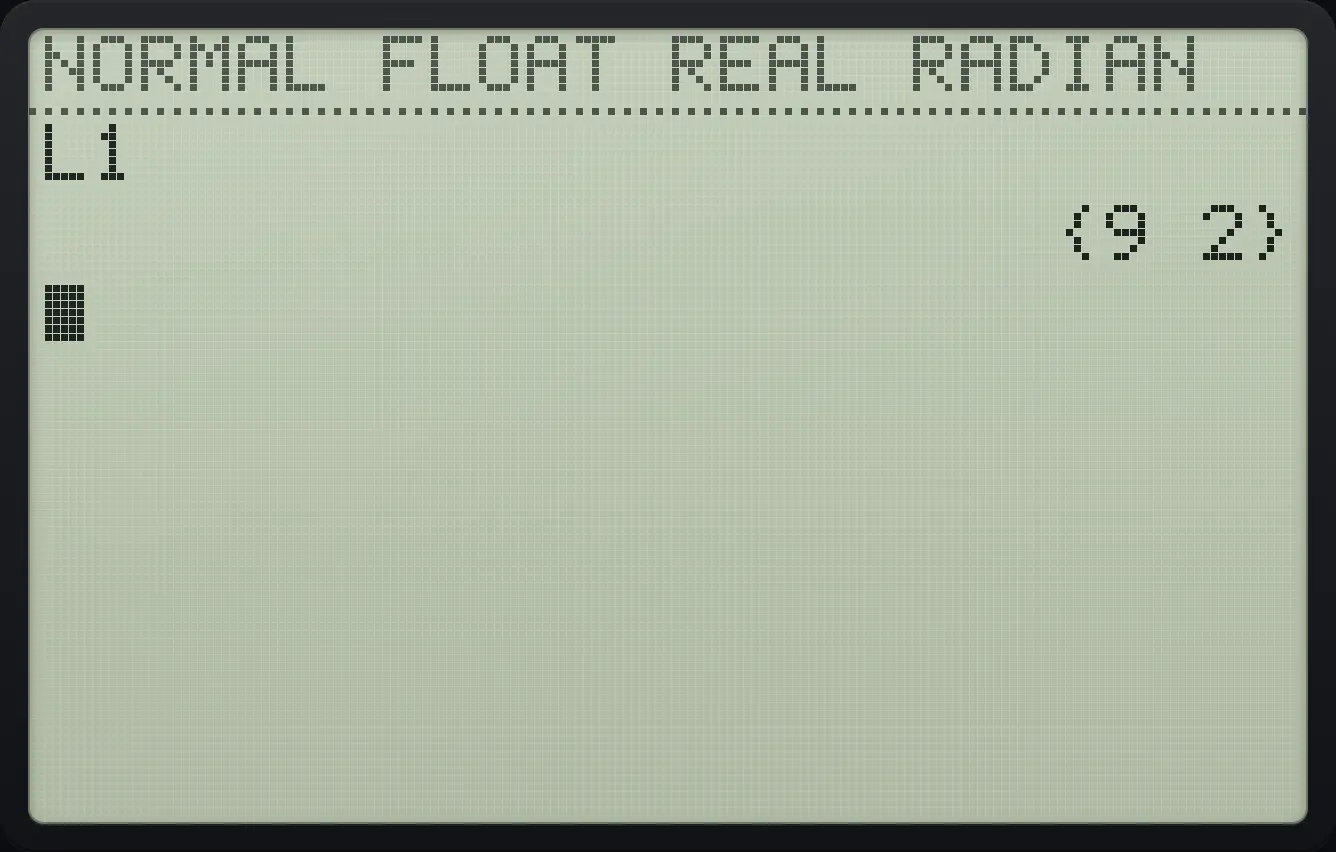
{9 2}Delete a value
Enter 1, 2, 3, go up to the first value and press del. Show L1.
stat11enter2enter3enter▲▲▲del2ndQUITmode2ndL11enter
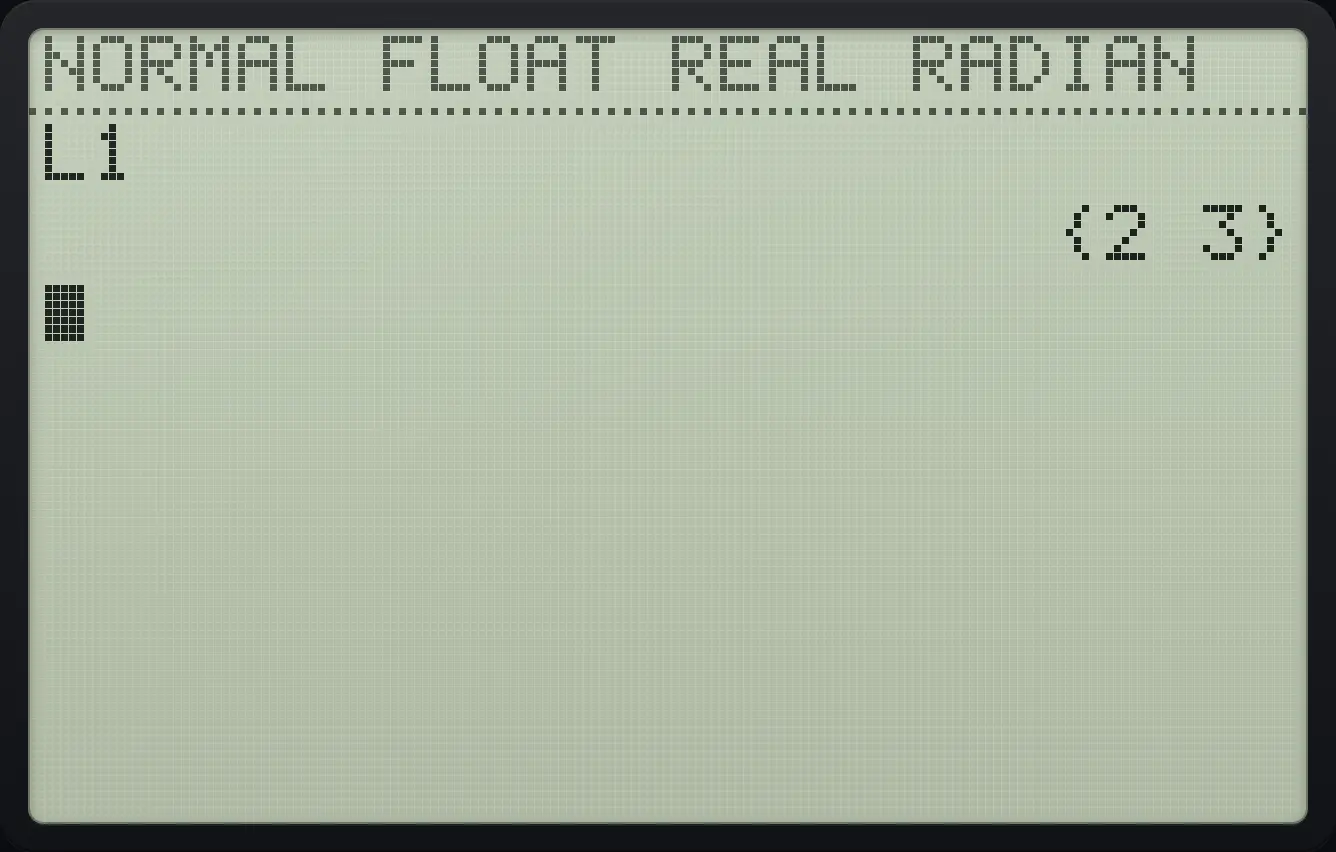
{2 3}Insert a zero
Enter 1, 2, go up to the 1 and press 2nd del (INS). A zero is inserted before it.
stat11enter2enter▲2ndINSdel2ndQUITmode2ndL11enter
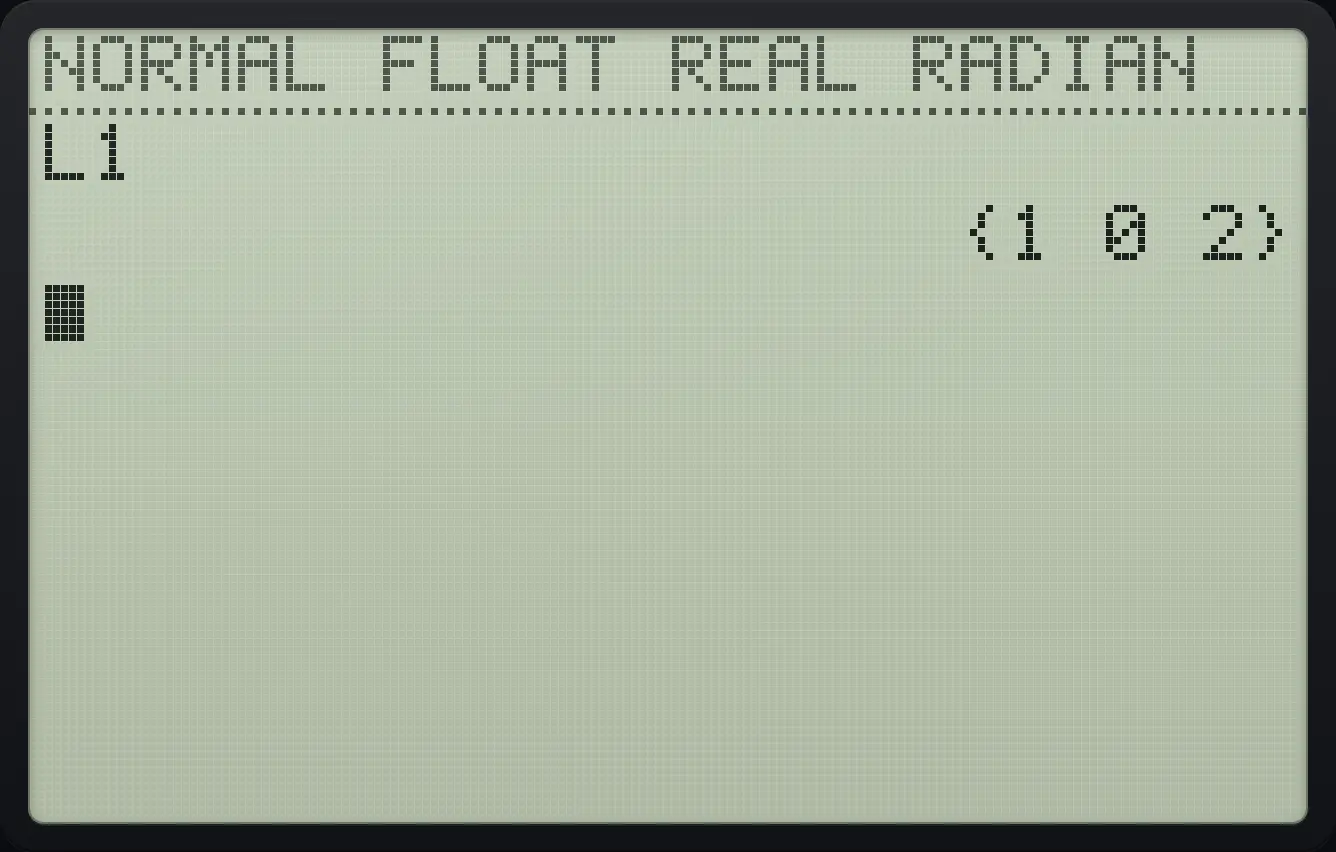
{1 0 2}Type a formula for a whole list
In the editor press up to the list name row, press enter, type {1,2,3}*2 and press enter.
stat1▲enter2nd{(1,2,32nd})×2enter2ndQUITmode2ndL11enter
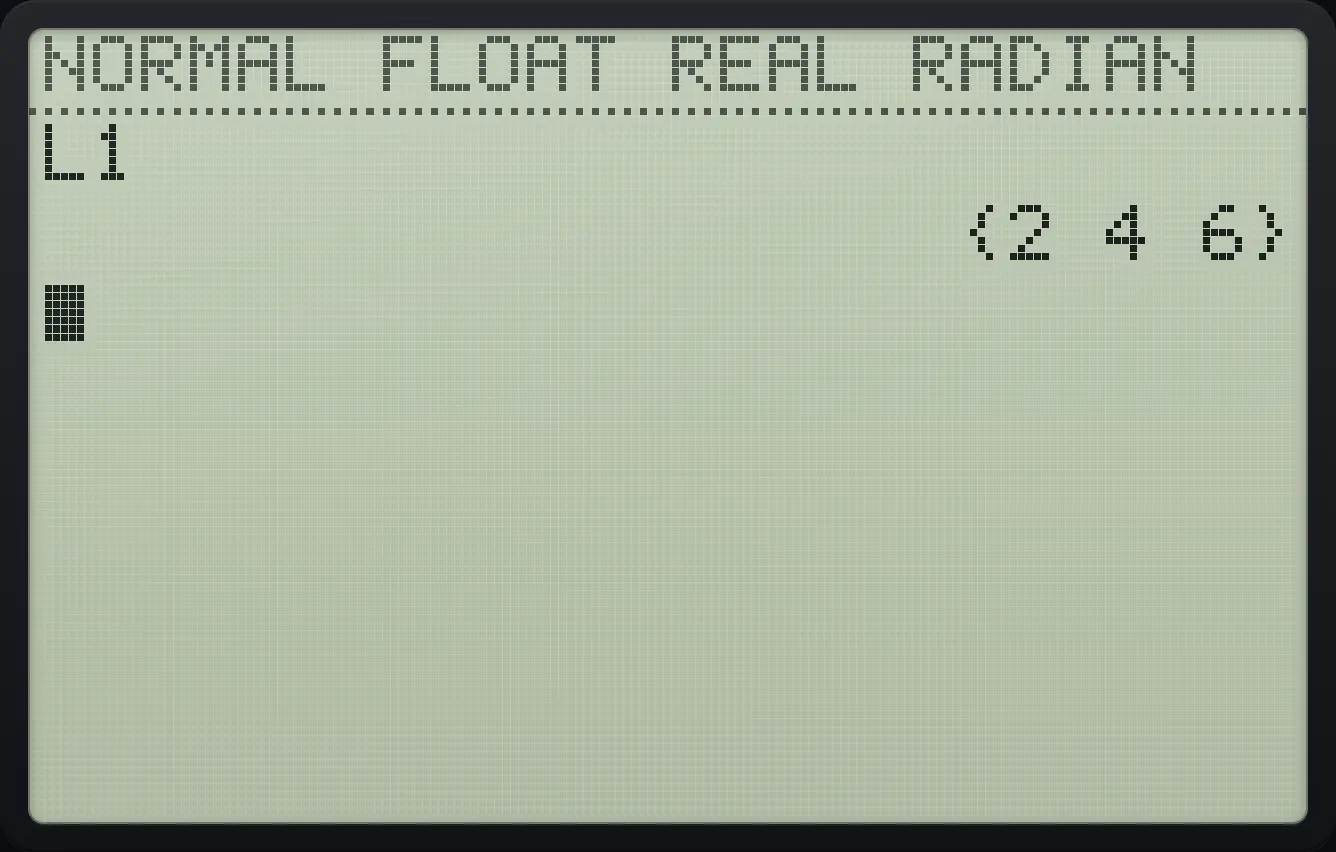
{2 4 6}Empty a list from the editor
Enter 1, 2 in L1, go up to the list name and press clear, then check the length with dim(L1).
stat11enter2enter▲▲▲clear2ndQUITmode2ndLISTstat▶32ndL11)enter
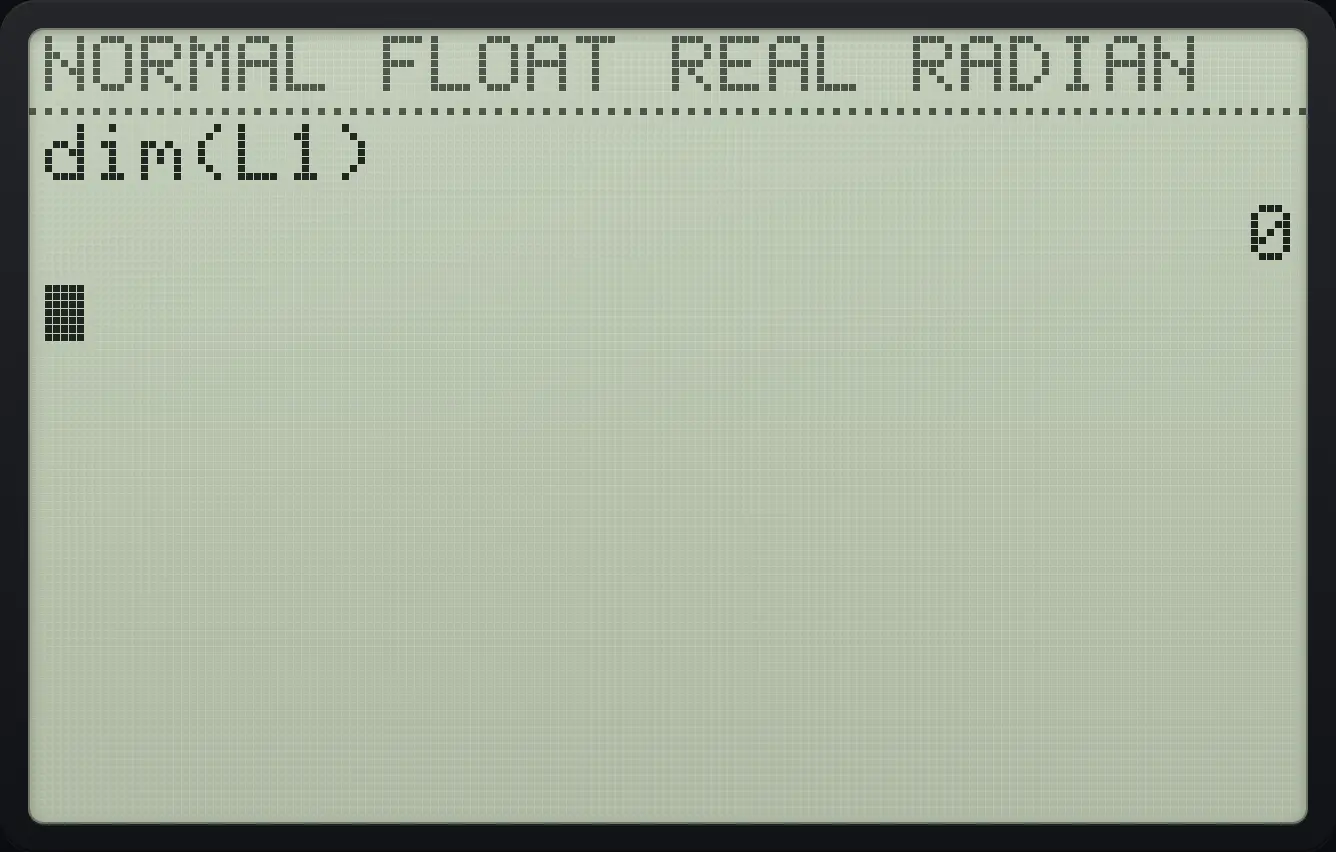
012.4The LIST menu#
Press 2ndLISTstat. The tabs are NAMES, OPS and MATH; use ◀ and ▶ to switch.
![The OPS tab of the LIST menu. The display shows: NAMES [OPS] MATH / 1:SortA( / 2:SortD( / 3:dim( / 4:Fill( / 5:seq( / 6:cumSum( / 7↓ΔList(.](/trident/app/help/manual/img/eb9551cds.webp)
| Tab | Items |
|---|---|
| NAMES | 1 to 6: L1 to L6 |
| OPS | 1 SortA(, 2 SortD(, 3 dim(, 4 Fill(, 5 seq(, 6 cumSum(, 7 ΔList(, 9 augment(, 0 List►matr(, A Matr►list( |
| MATH | 1 min(, 2 max(, 3 mean(, 4 median(, 5 sum(, 6 prod(, 7 stdDev(, 8 variance( |
12.5Sort a list#
Sort ascending
Store {3,1,2} in L1.
2nd{(3,1,22nd})sto→2ndL11enterPress 2nd stat, right, 1 (SortA(), type L1 and a bracket.
2ndLISTstat▶12ndL11)enterShow L1.
2ndL11enter
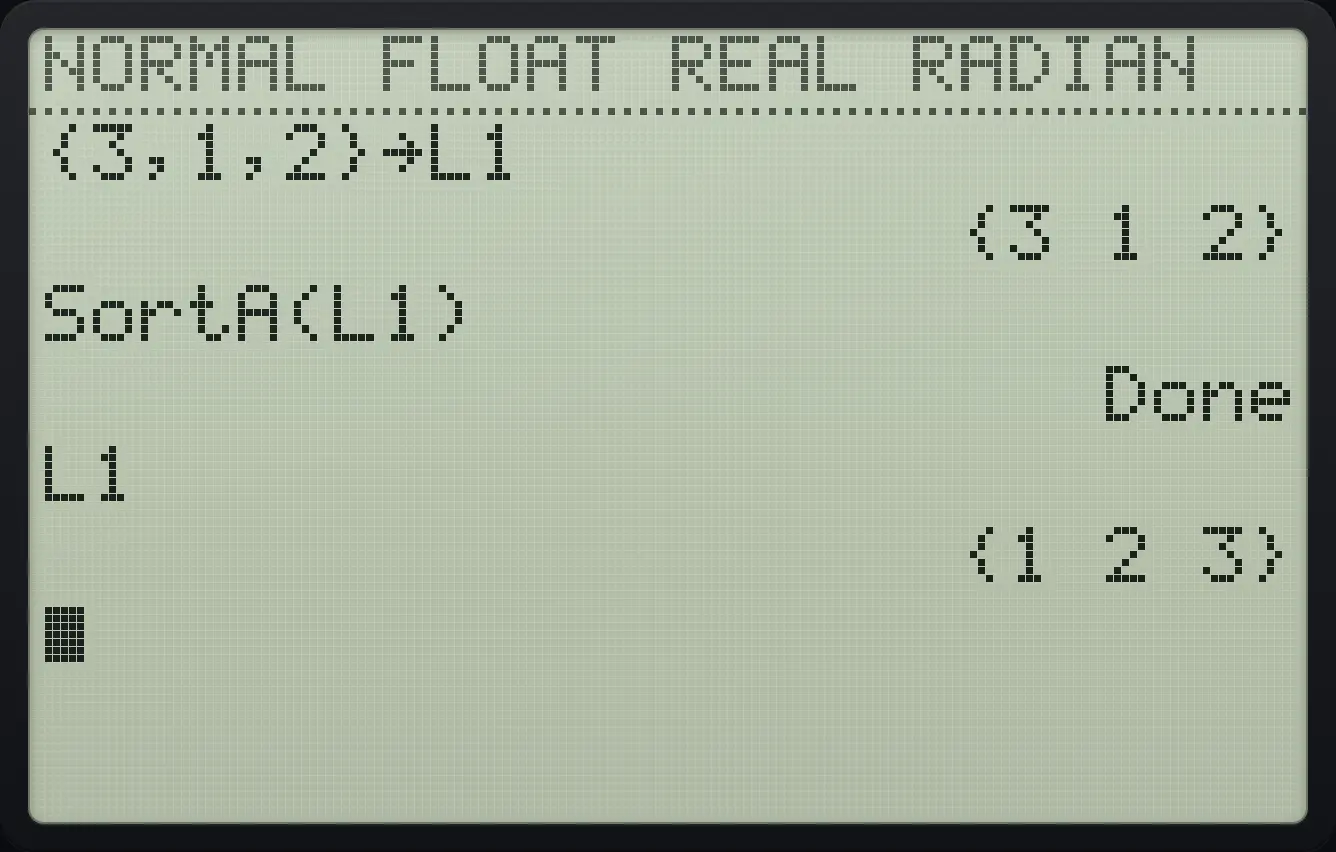
{1 2 3}Sort descending
Store {3,1,2} in L1 and use SortD( (OPS item 2).
2nd{(3,1,22nd})sto→2ndL11enter2ndLISTstat▶22ndL11)enter2ndL11enter
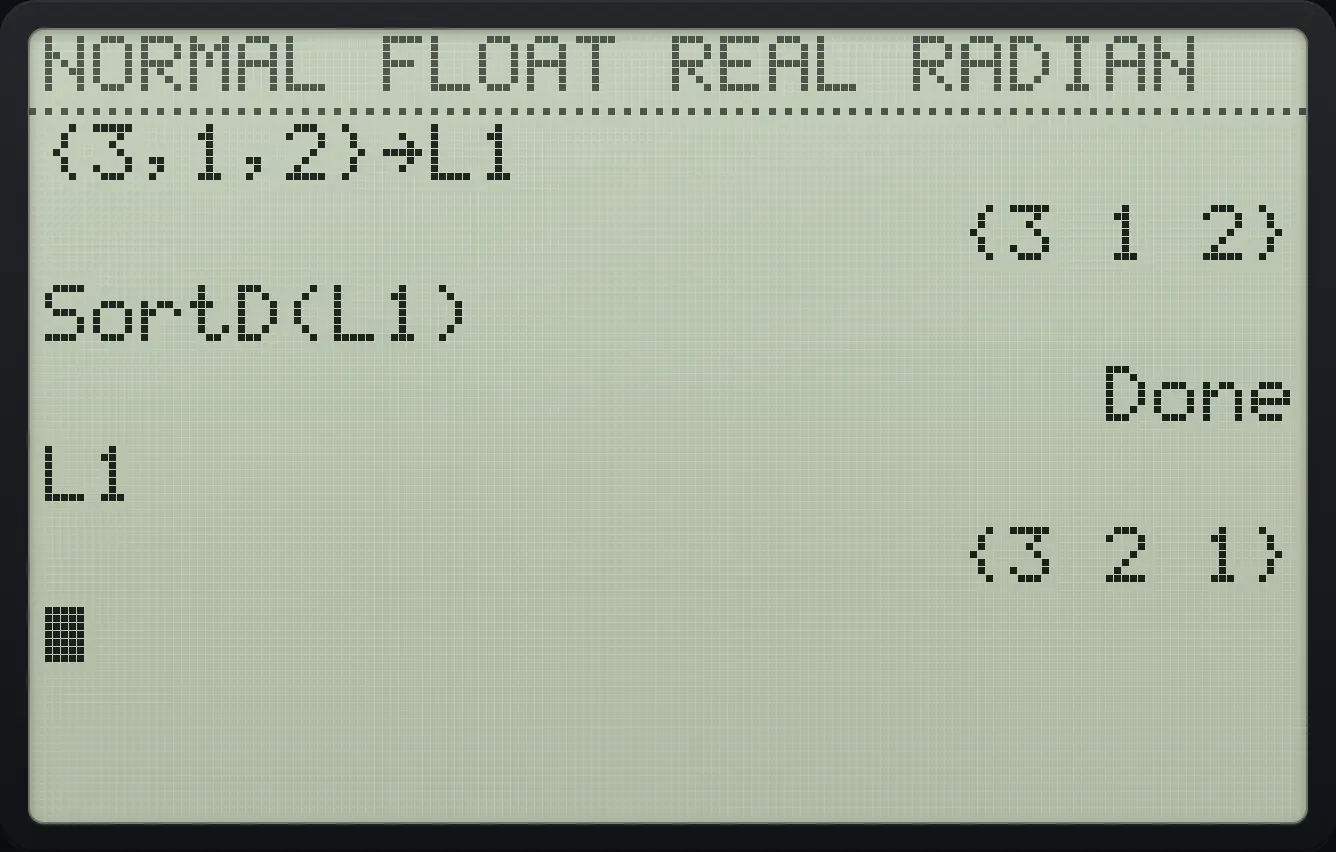
{3 2 1}12.6Build lists: seq, cumSum, ΔList, Fill, augment, dim#
Squares with seq(
Press 2nd stat, right, 5 (seq(), then X², X, 1, 4 and a bracket.
2ndLISTstat▶5X,T,θ,nx²,X,T,θ,n,1,4)enter
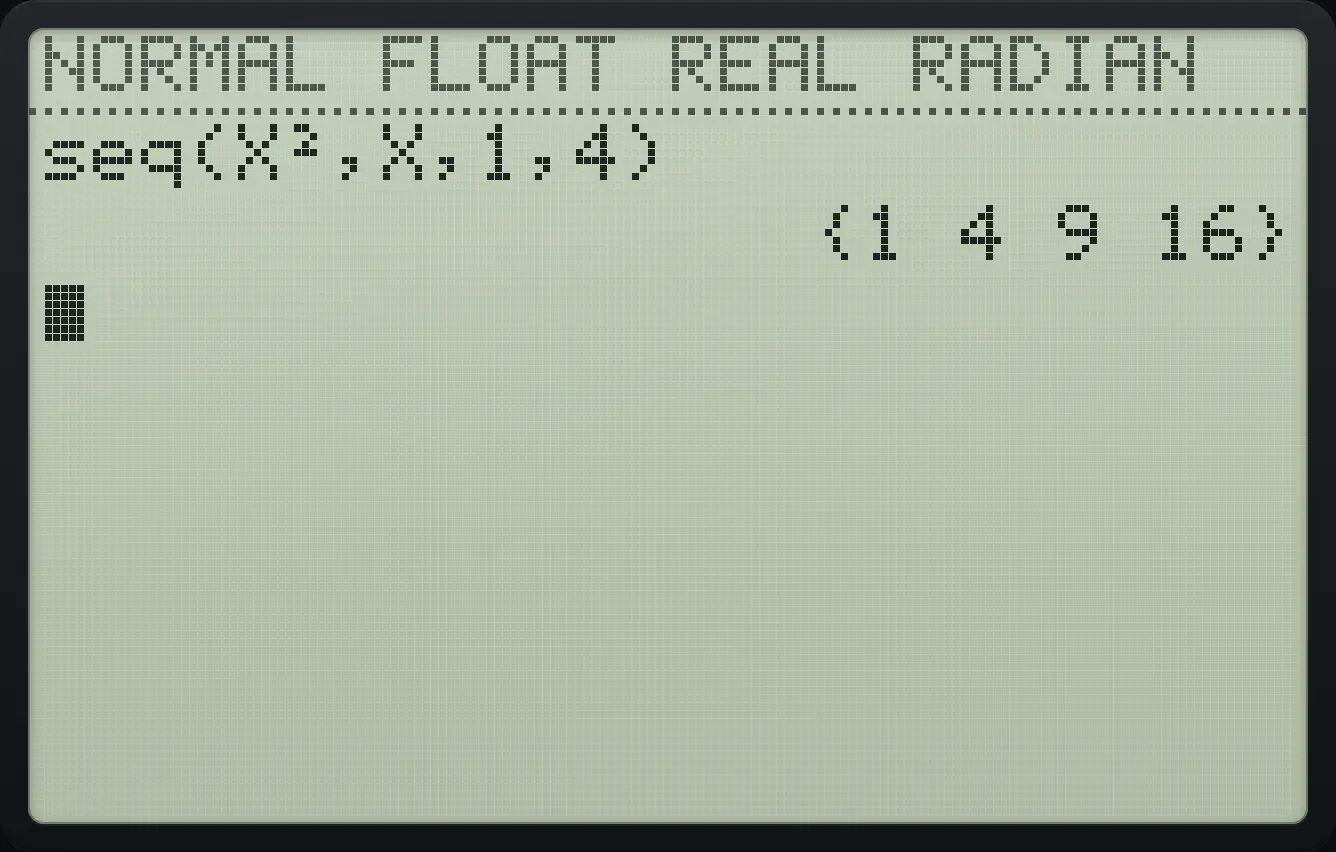
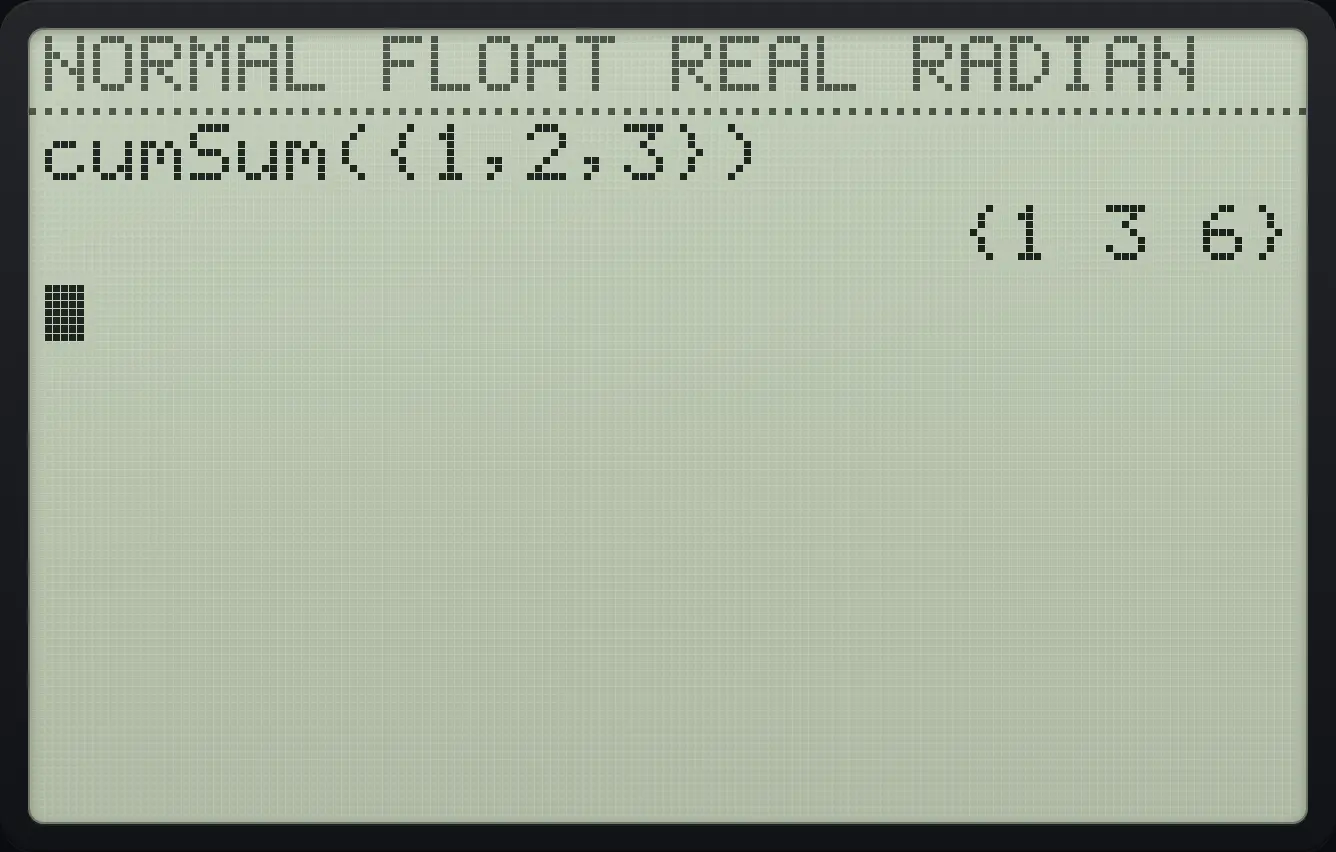
{1 4 9 16}Running totals
cumSum( is OPS item 6.
2ndLISTstat▶62nd{(1,2,32nd}))enter
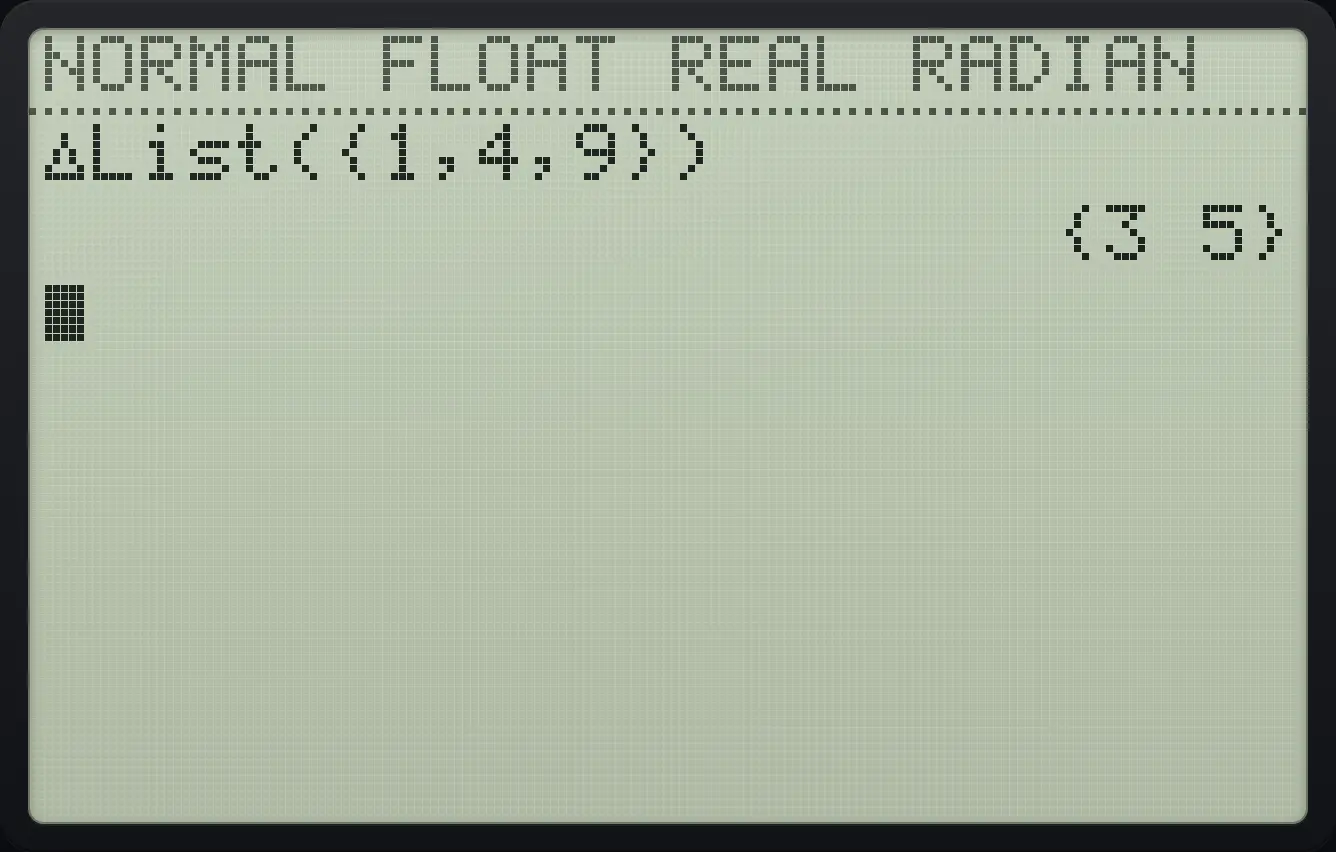
{1 3 6}Differences between neighbours
ΔList( is OPS item 7.
2ndLISTstat▶72nd{(1,4,92nd}))enter
{3 5}Join two lists
augment( is OPS item 9.
2ndLISTstat▶92nd{(12nd}),2nd{(22nd}))enter
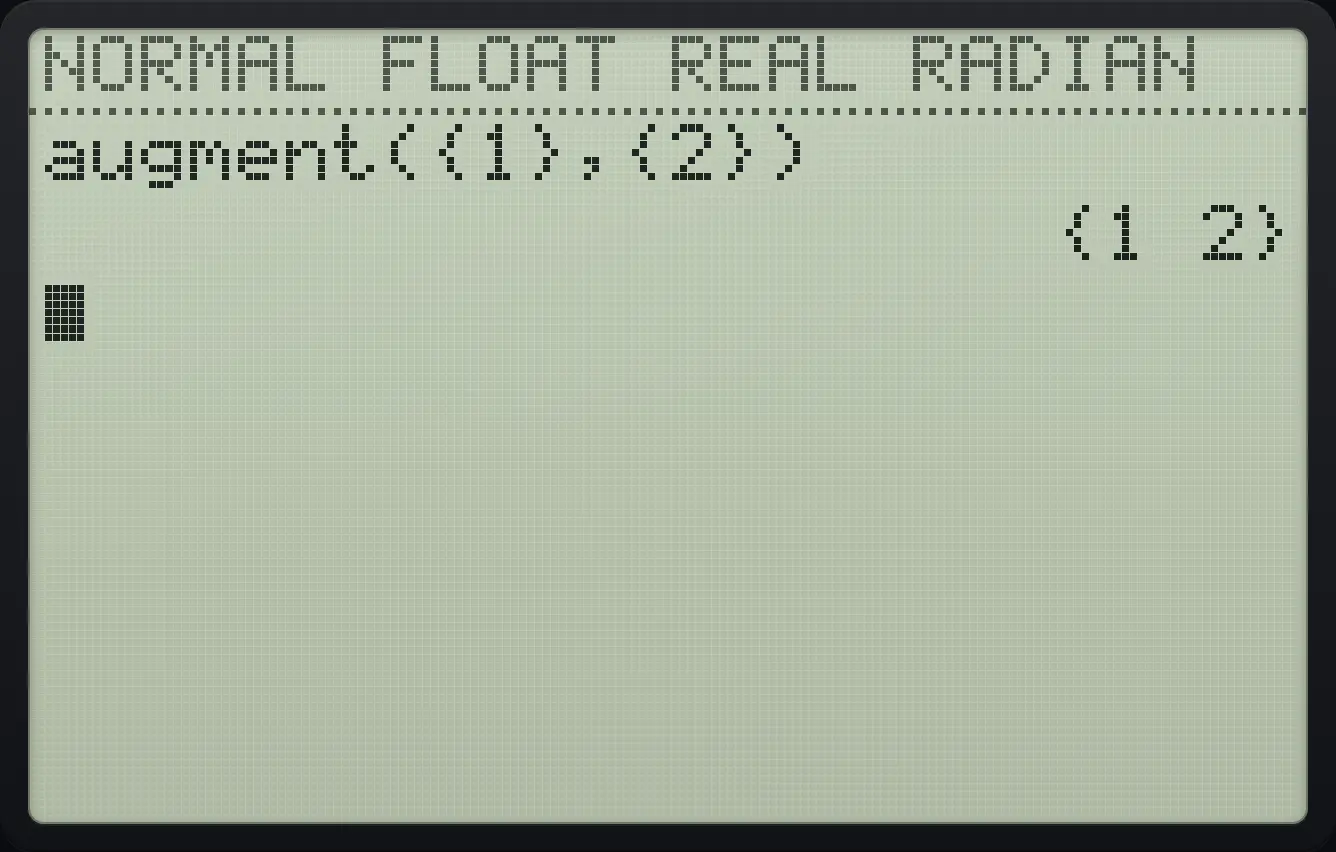
{1 2}Length of a list
dim( is OPS item 3.
2ndLISTstat▶32nd{(5,6,72nd}))enter
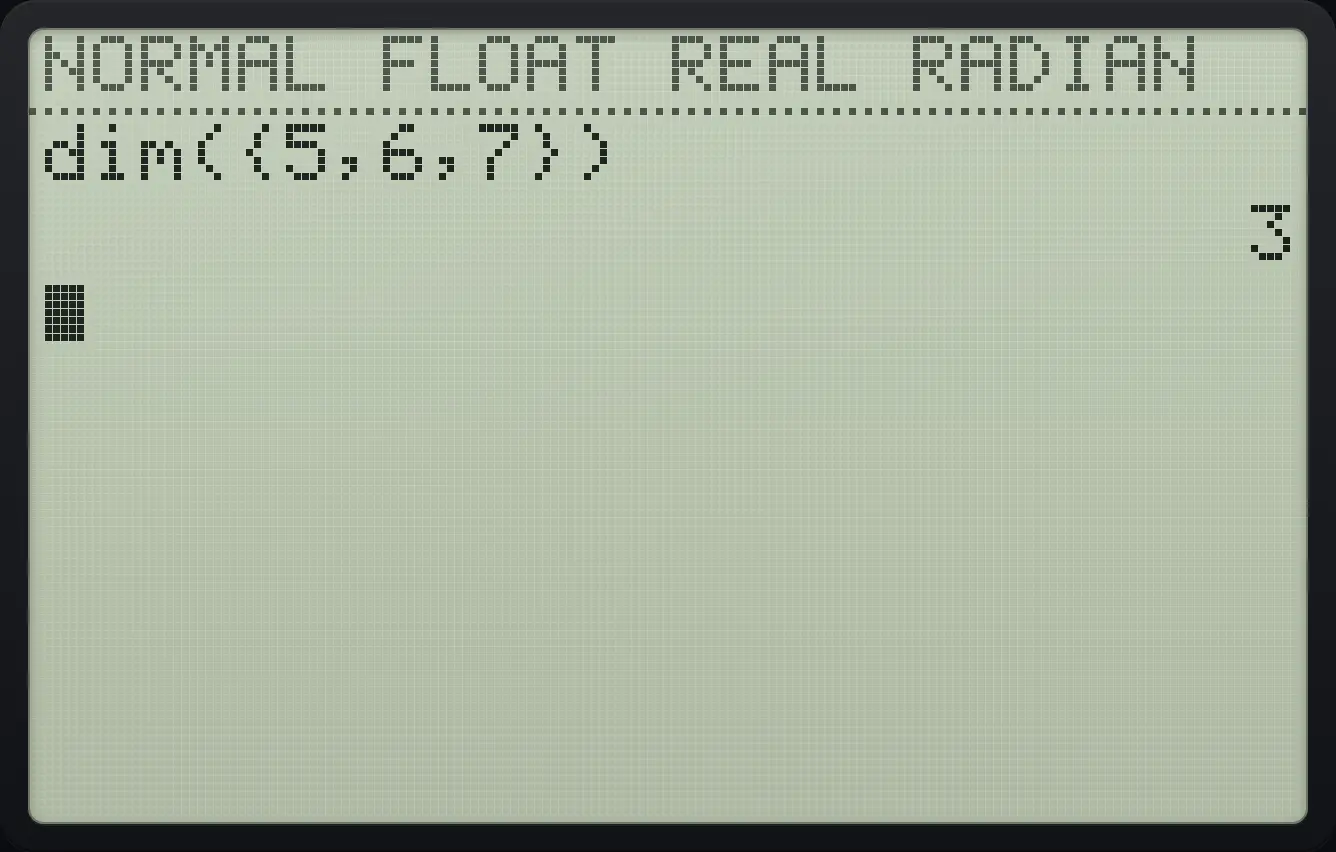
3Fill a list with one value
Store {1,2,3} in L2, then use Fill( (OPS item 4) with 7 and L2.
2nd{(1,2,32nd})sto→2ndL22enter2ndLISTstat▶47,2ndL22)enterShow L2.
2ndL22enter
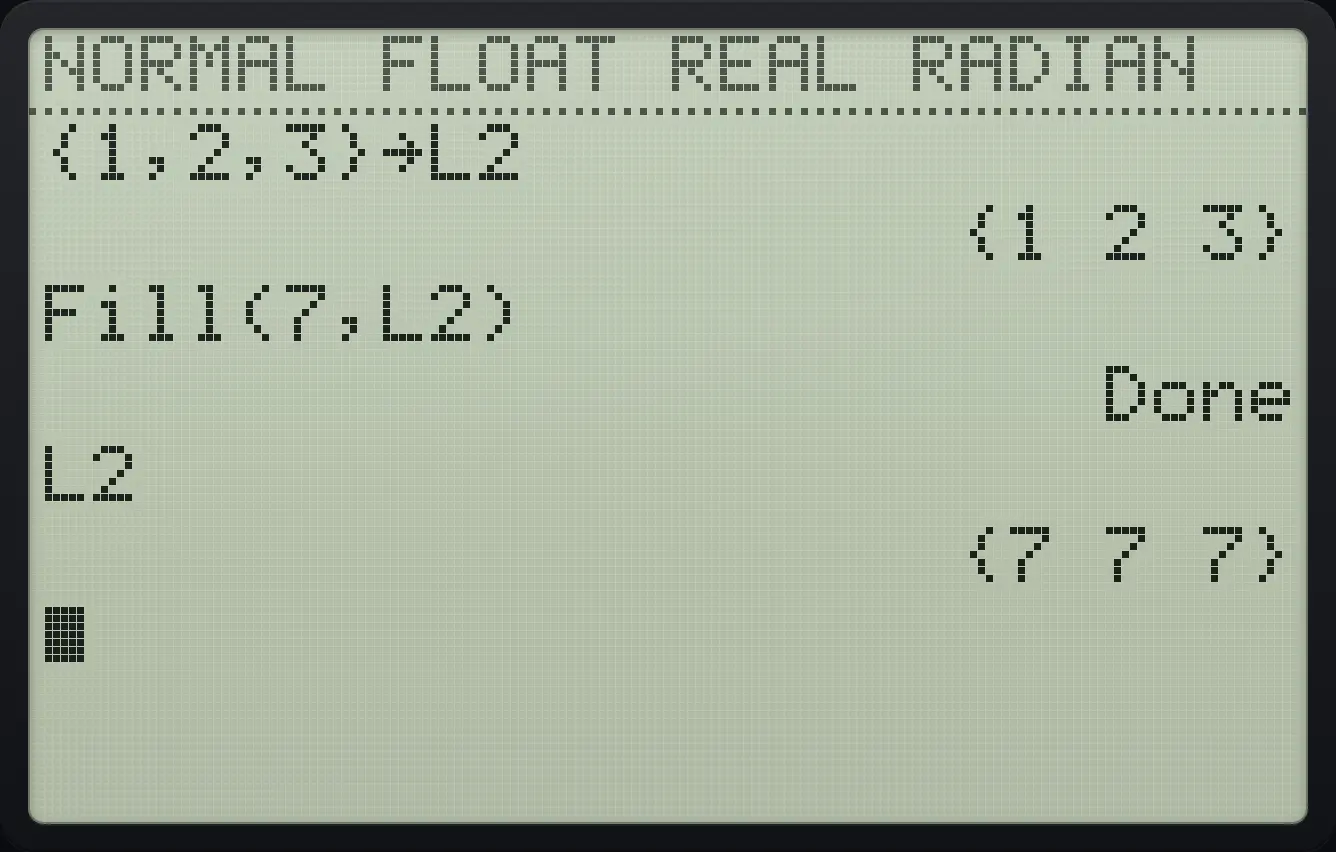
{7 7 7}Clear a list (ClrList)
Store {1} in L1. Press stat, 4 (ClrList), type L1 and press enter.
2nd{(12nd})sto→2ndL11enterstat42ndL11enterCheck dim(L1).
2ndLISTstat▶32ndL11)enter
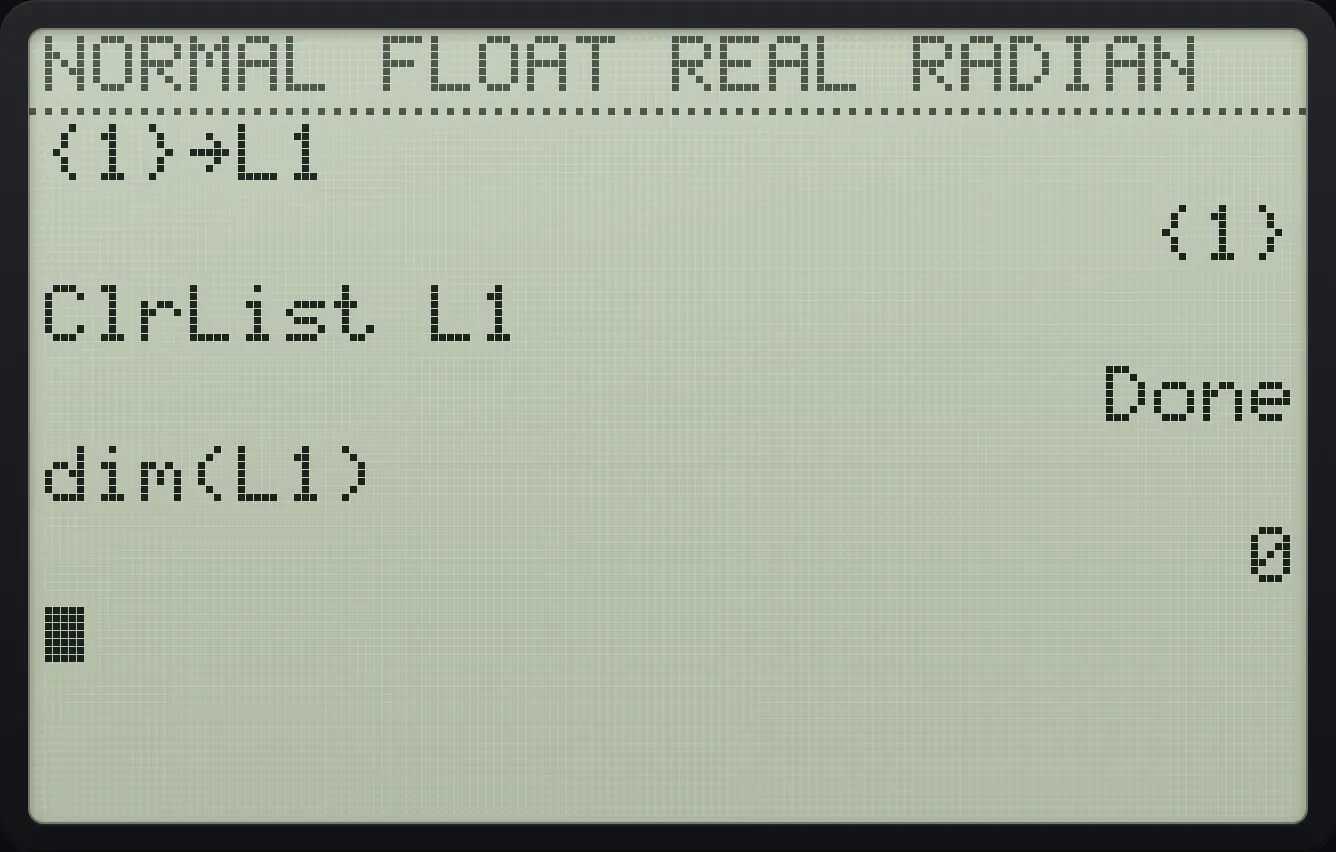
012.7Mean, median, sum and other list math#
Mean
Press 2nd stat, left (MATH), 3 (mean().
2ndLISTstat◀32nd{(1,2,3,102nd}))enter
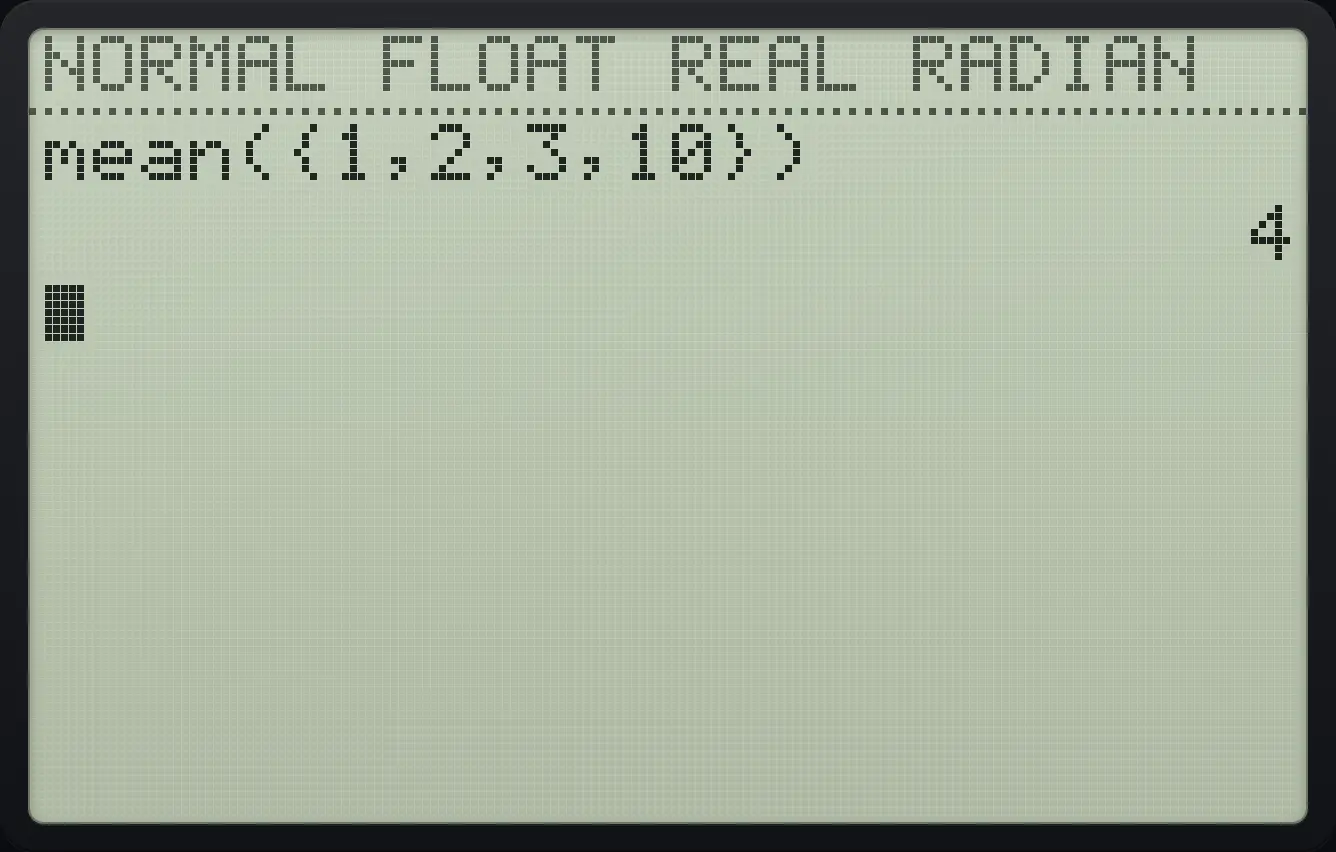
4Median
Press 2nd stat, left, 4 (median().
2ndLISTstat◀42nd{(1,2,3,102nd}))enter
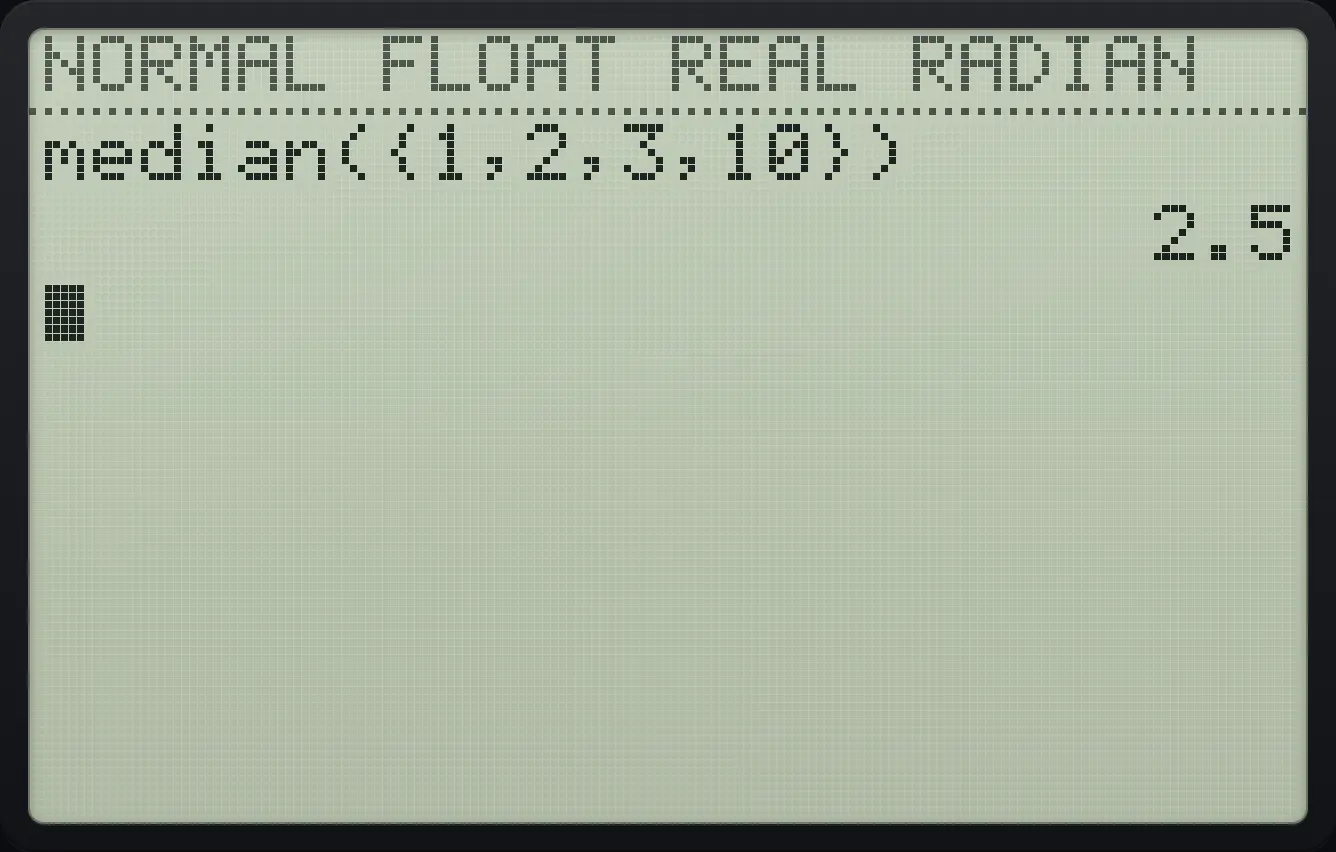
2.5Sum and product
sum( is MATH item 5.
2ndLISTstat◀52nd{(1,2,3,42nd}))enterprod( is MATH item 6.
2ndLISTstat◀62nd{(1,2,3,42nd}))enter
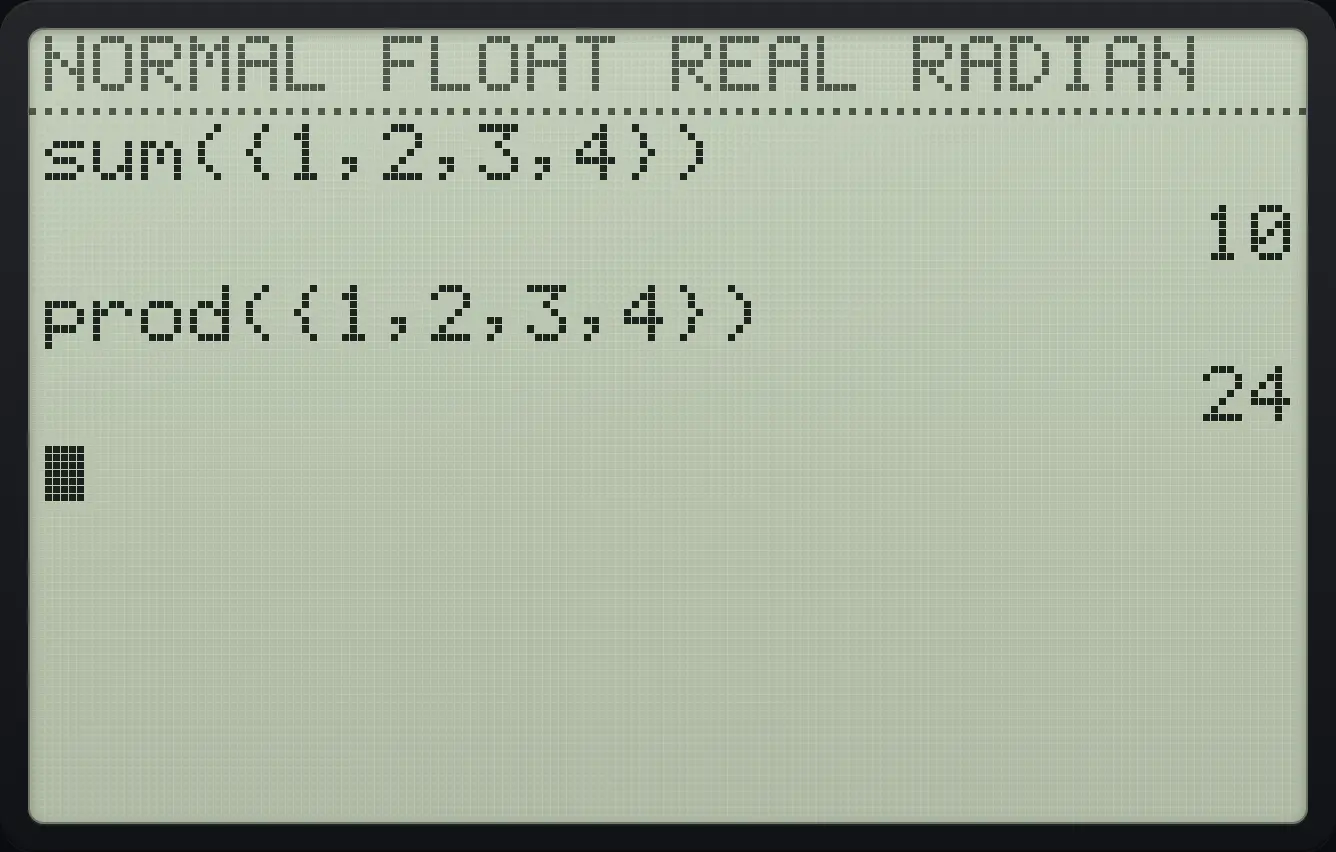
10 24Standard deviation
stdDev( is MATH item 7.
2ndLISTstat◀72nd{(1,2,3,4,52nd}))enter
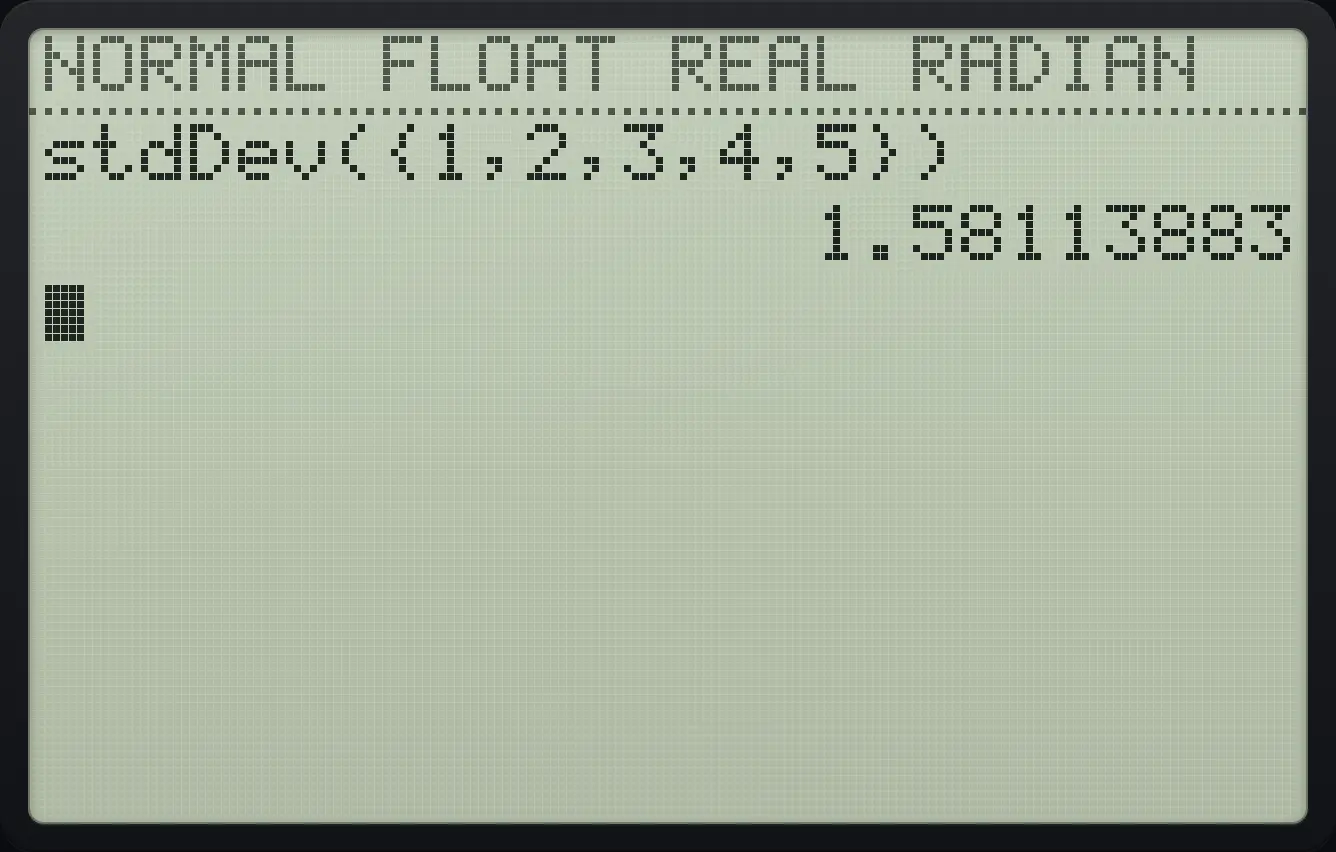
1.58113883Variance
variance( is MATH item 8.
2ndLISTstat◀82nd{(1,2,3,4,52nd}))enter
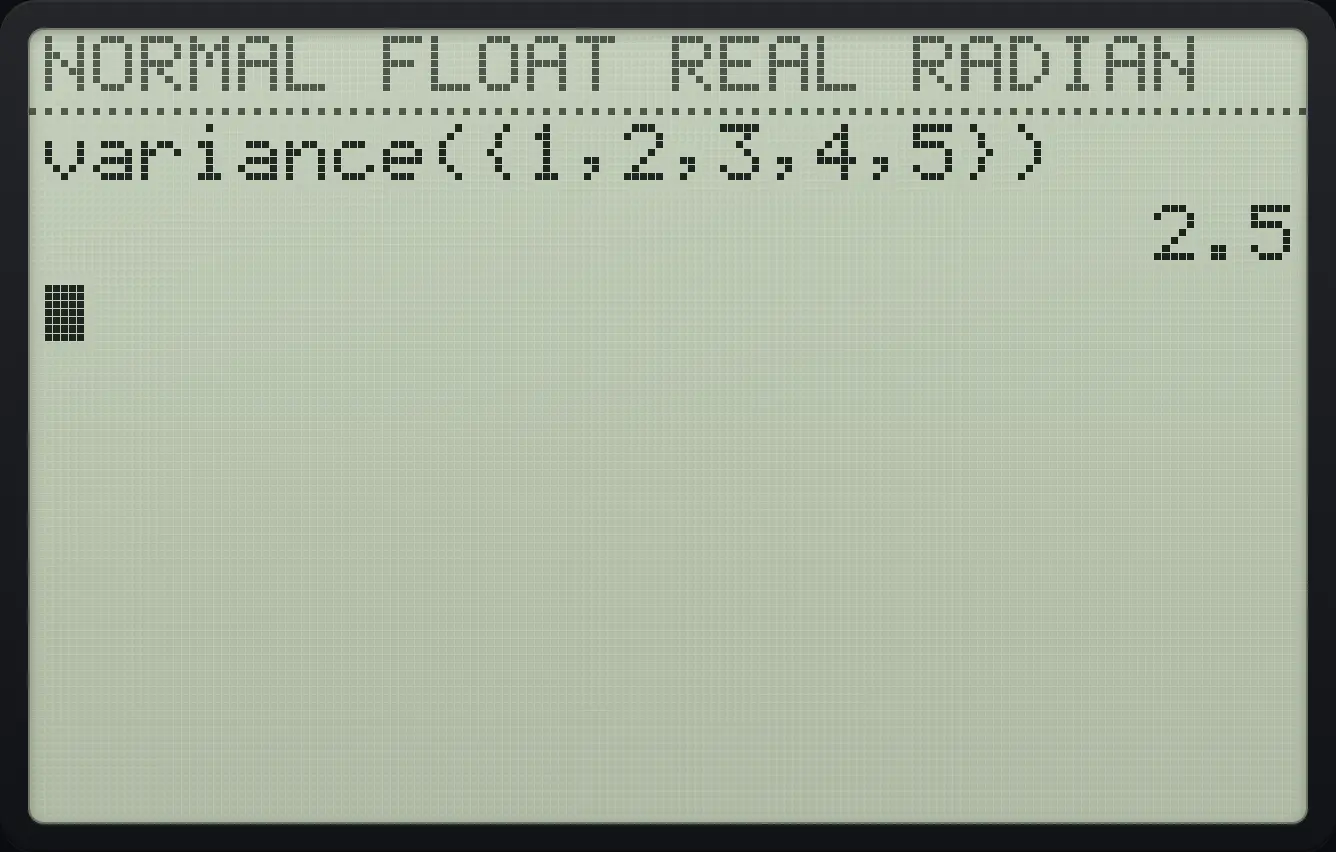
2.5Smallest and largest
min( and max( are MATH items 1 and 2.
2ndLISTstat◀12nd{(4,9,22nd}))enter2ndLISTstat◀22nd{(4,9,22nd}))enter
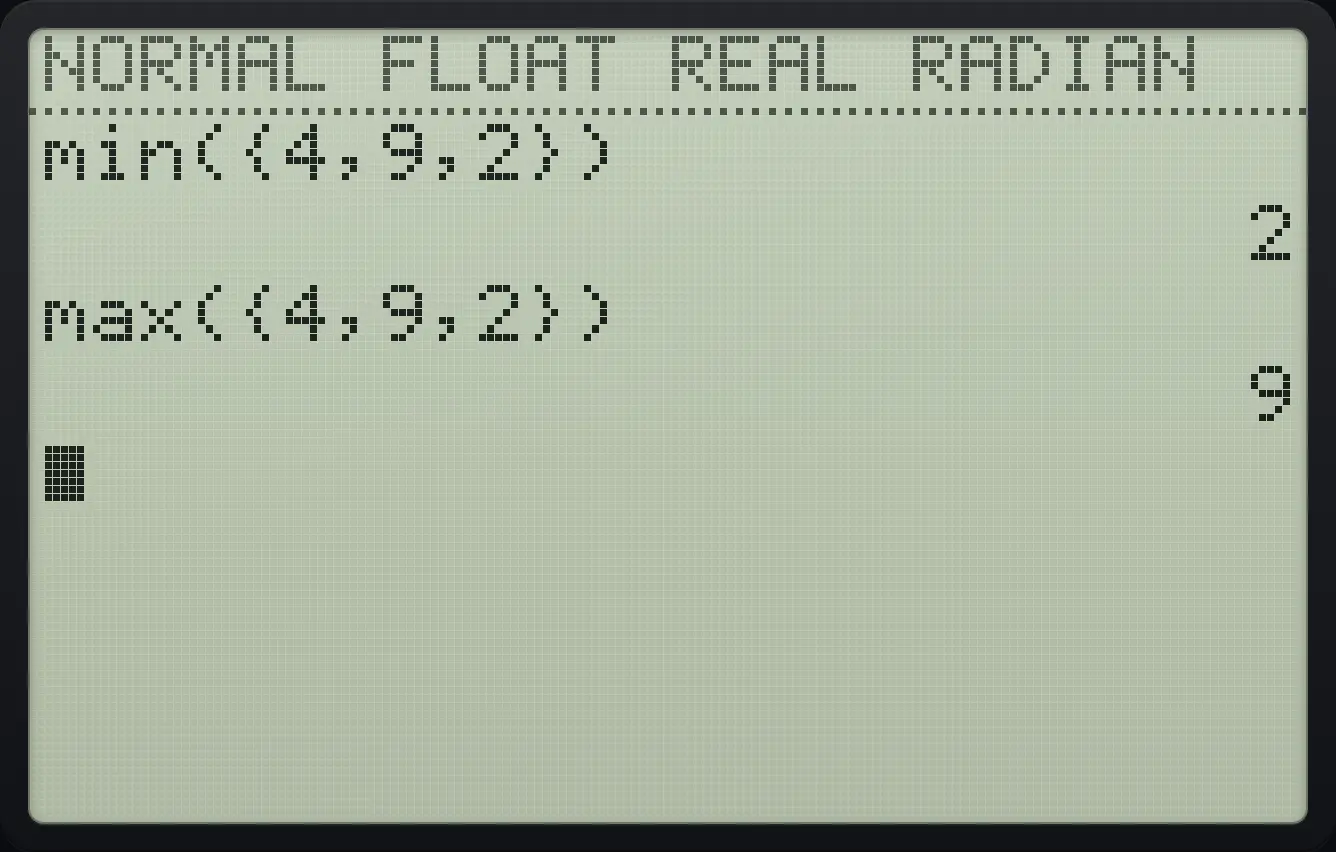
min({4,9,2}) 2 max({4,9,2}) 9TI-84 Plus CE is a trademark of Texas Instruments Incorporated. Trident Calculator is an independent product by South View Studios and is not affiliated with, sponsored by or endorsed by Texas Instruments. The name is used only to describe the kind of calculator this model resembles; Trident's names, keys, display, fonts and software are its own clean-room design.