
Classic Graphing 84 manual · Chapter 20 of 25
Numeric calculus and sums
Minimums and maximums, numeric derivatives and integrals, and sums of a rule, all from the MATH menu.
20.1The MATH menu tools#
These tools work on an expression you type, so you do not need to graph anything. Each takes the expression first, then the variable, then the numbers it needs, and a closing bracket.
![The MATH tab of the MATH menu. The display shows: [MATH] NUM CMPLX PROB FRAC / 1:►Frac / 2:►Dec / 3:³ / 4:³√( / 5:ˣ√ / 6:fMin( / 7↓fMax(.](/trident/app/help/manual/img/149cfa23s.webp)
| Item | Syntax | Gives |
|---|---|---|
| 6 | fMin(expression, variable, lower, upper) | The x where the expression is lowest. |
| 7 | fMax(expression, variable, lower, upper) | The x where the expression is highest. |
| 8 | nDeriv(expression, variable, value) | The slope at the value. |
| 9 | fnInt(expression, variable, lower, upper) | The definite integral. |
| 0 | Σ(expression, variable, start, end) | The sum of the expression as the variable runs from start to end. |
20.2Find the minimum or maximum of an expression#
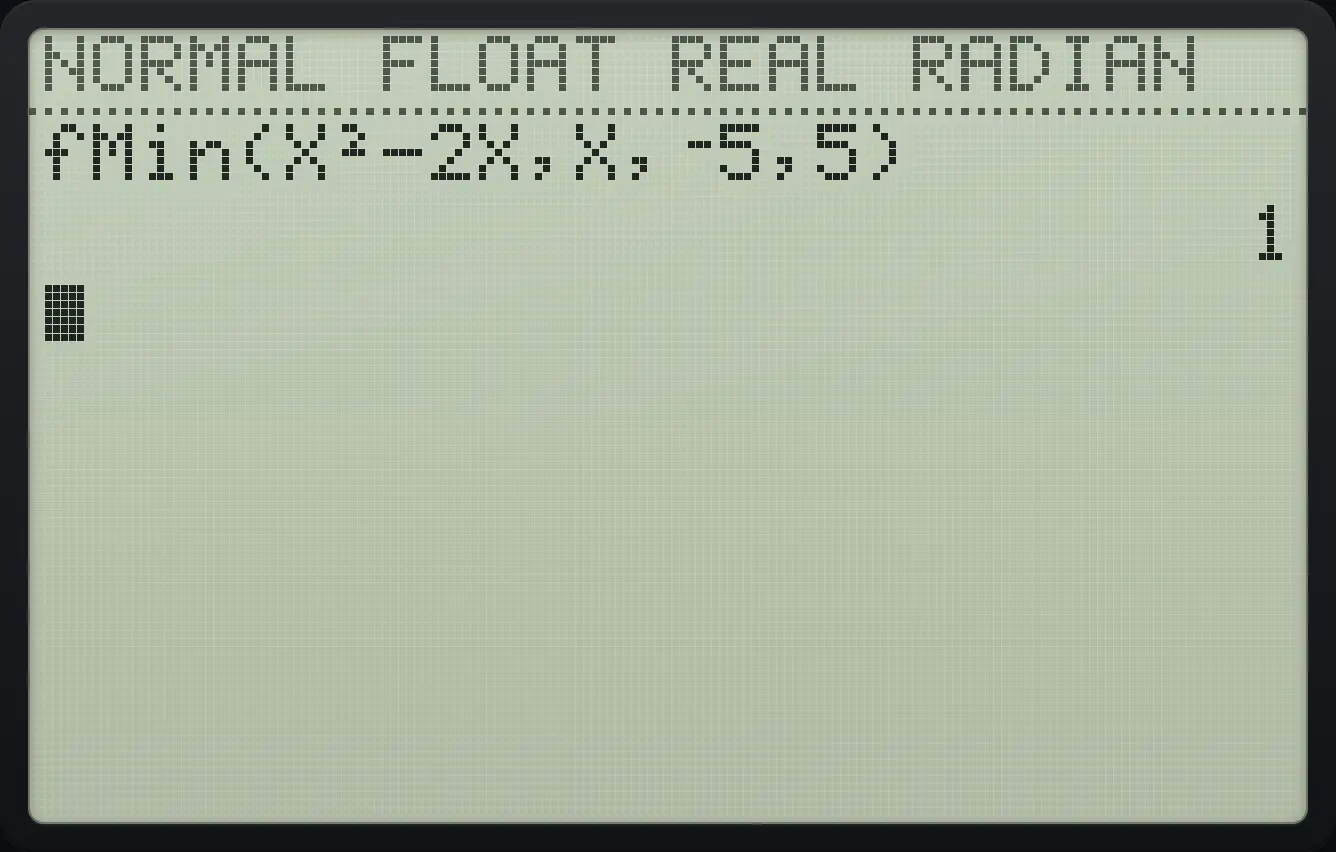
Minimum of x² − 2x
Press math then 6 (fMin() and type X²−2X,X,−5,5).
math6X,T,θ,nx²−2X,T,θ,n,X,T,θ,n,(−)5,5)enter
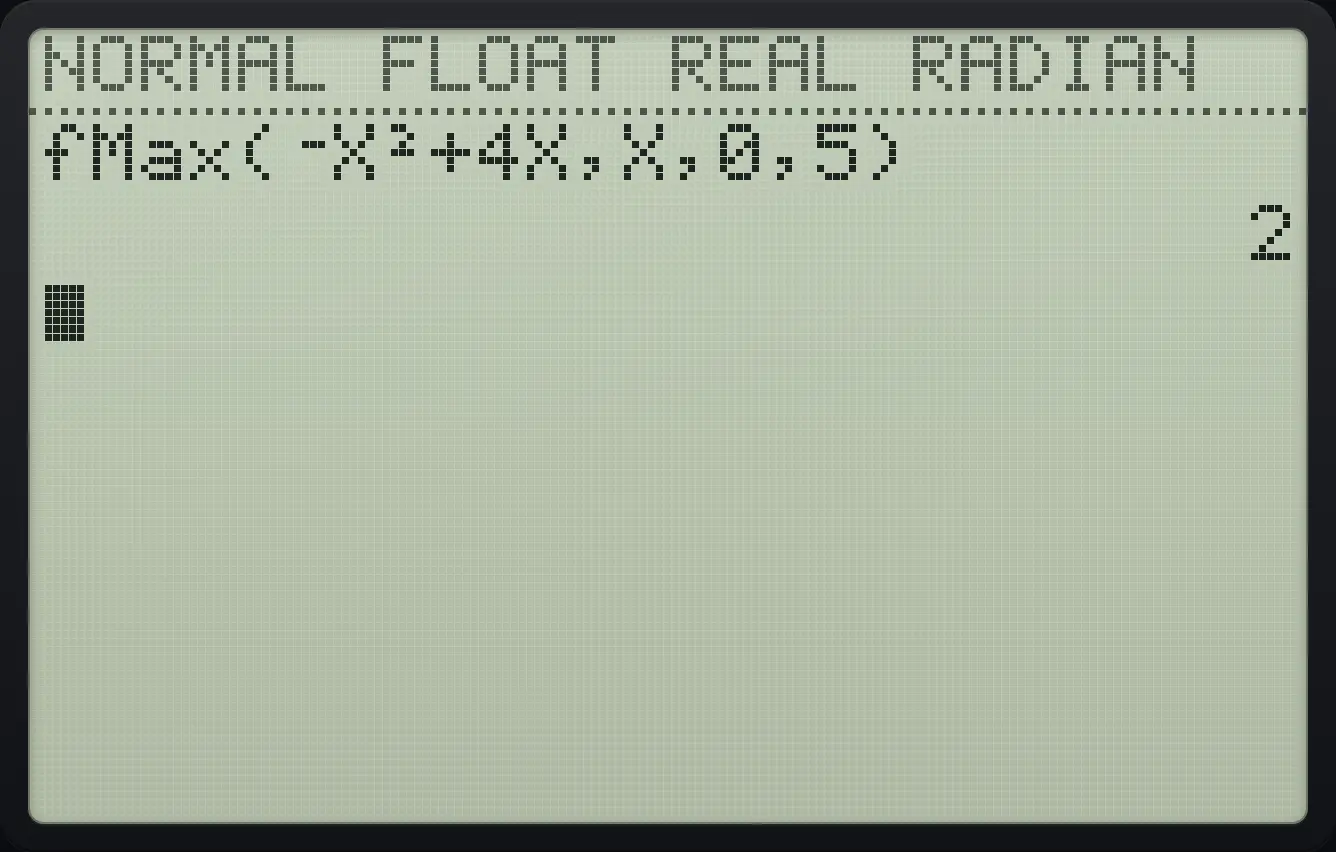
1Maximum of −x² + 4x
Press math then 7 (fMax() and type −X²+4X,X,0,5.
math7(−)X,T,θ,nx²+4X,T,θ,n,X,T,θ,n,0,5)enter
220.3Find a derivative at a point (nDeriv)#
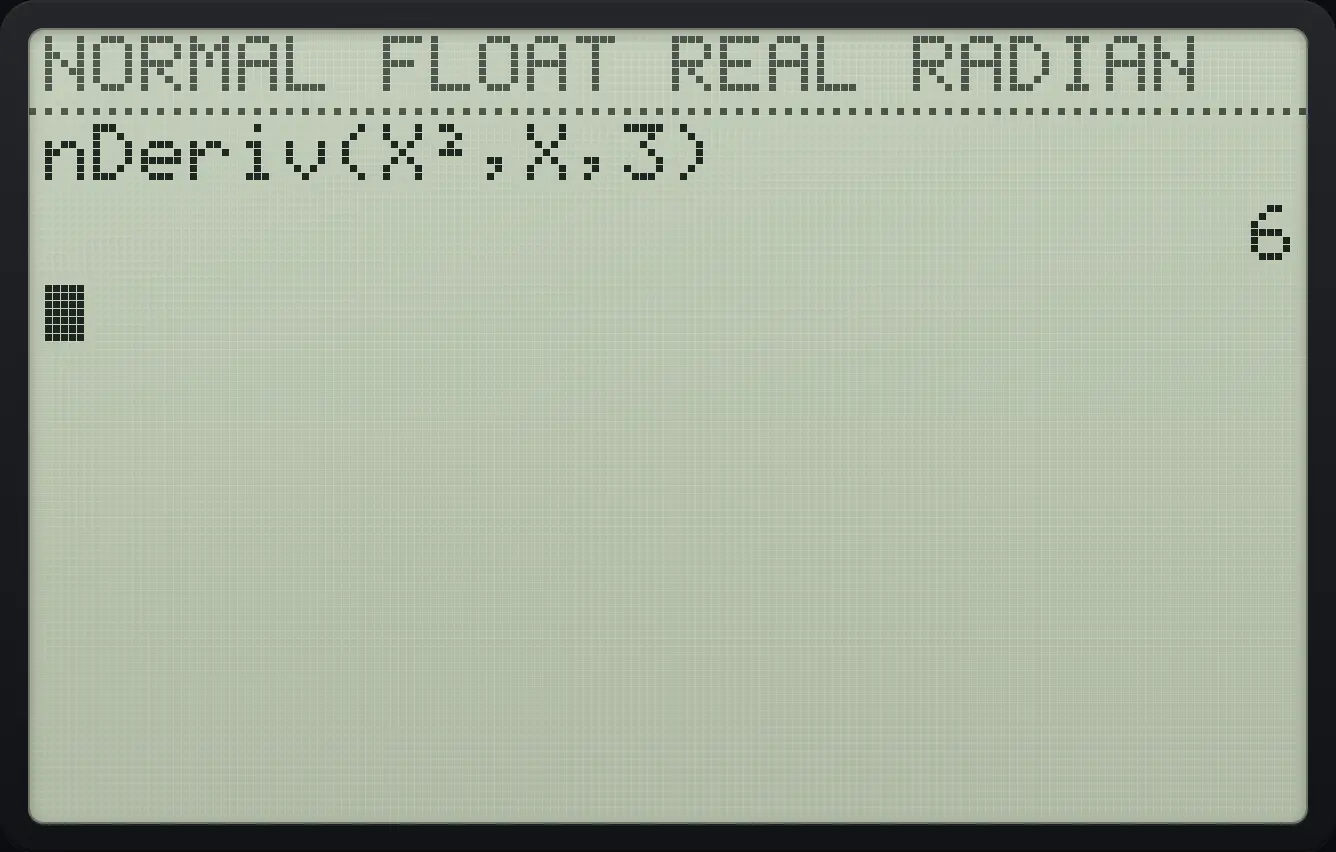
Slope of x² at x = 3
Press math then 8 and type X²,X,3.
math8X,T,θ,nx²,X,T,θ,n,3)enter
nDeriv(X²,X,3) 620.4Find a definite integral (fnInt)#
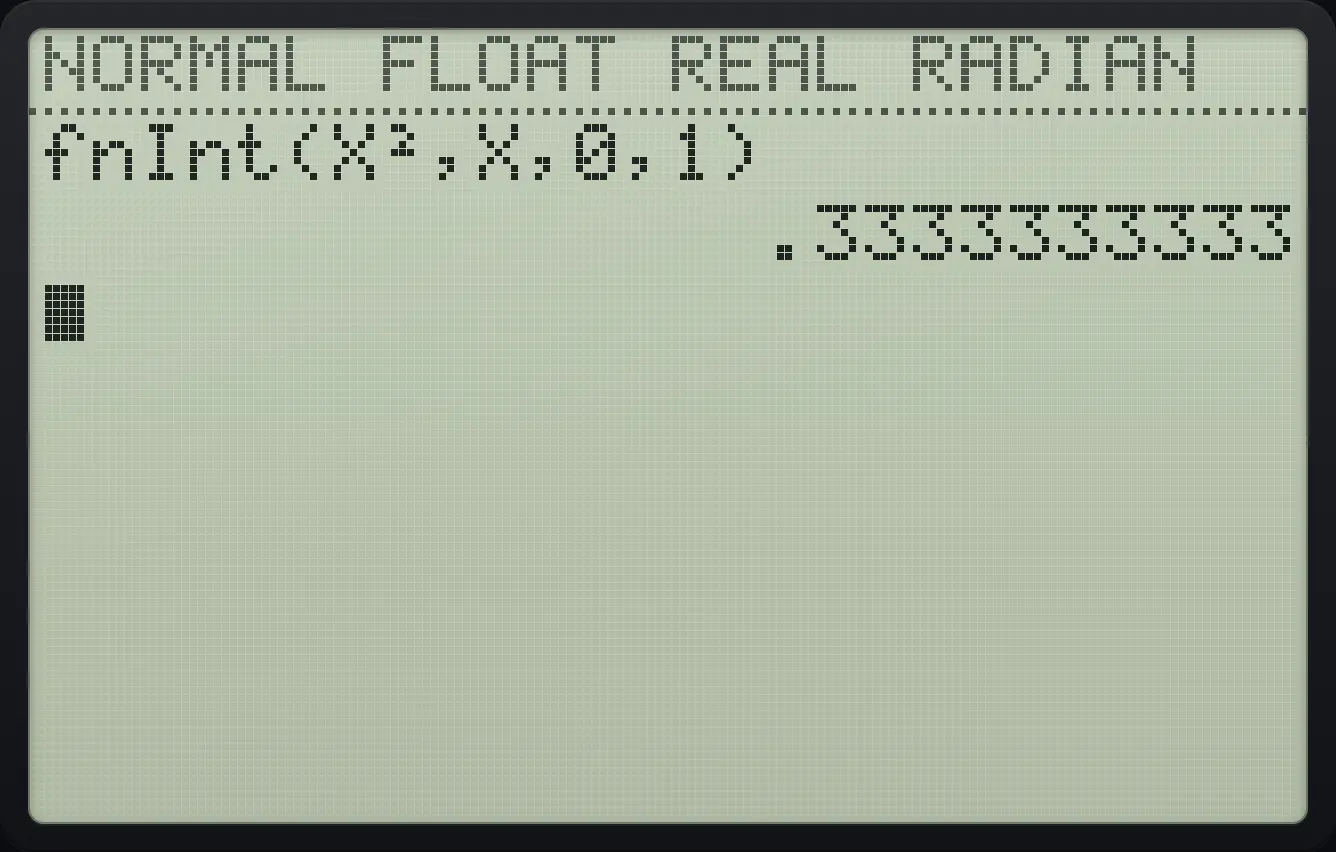
Integral of x² from 0 to 1
Press math then 9 and type X²,X,0,1.
math9X,T,θ,nx²,X,T,θ,n,0,1)enter
.3333333333Integral of sin x from 0 to π
Use radian mode and type sin(X),X,0,π.
math9sinX,T,θ,n),X,T,θ,n,0,2ndπ^)enter
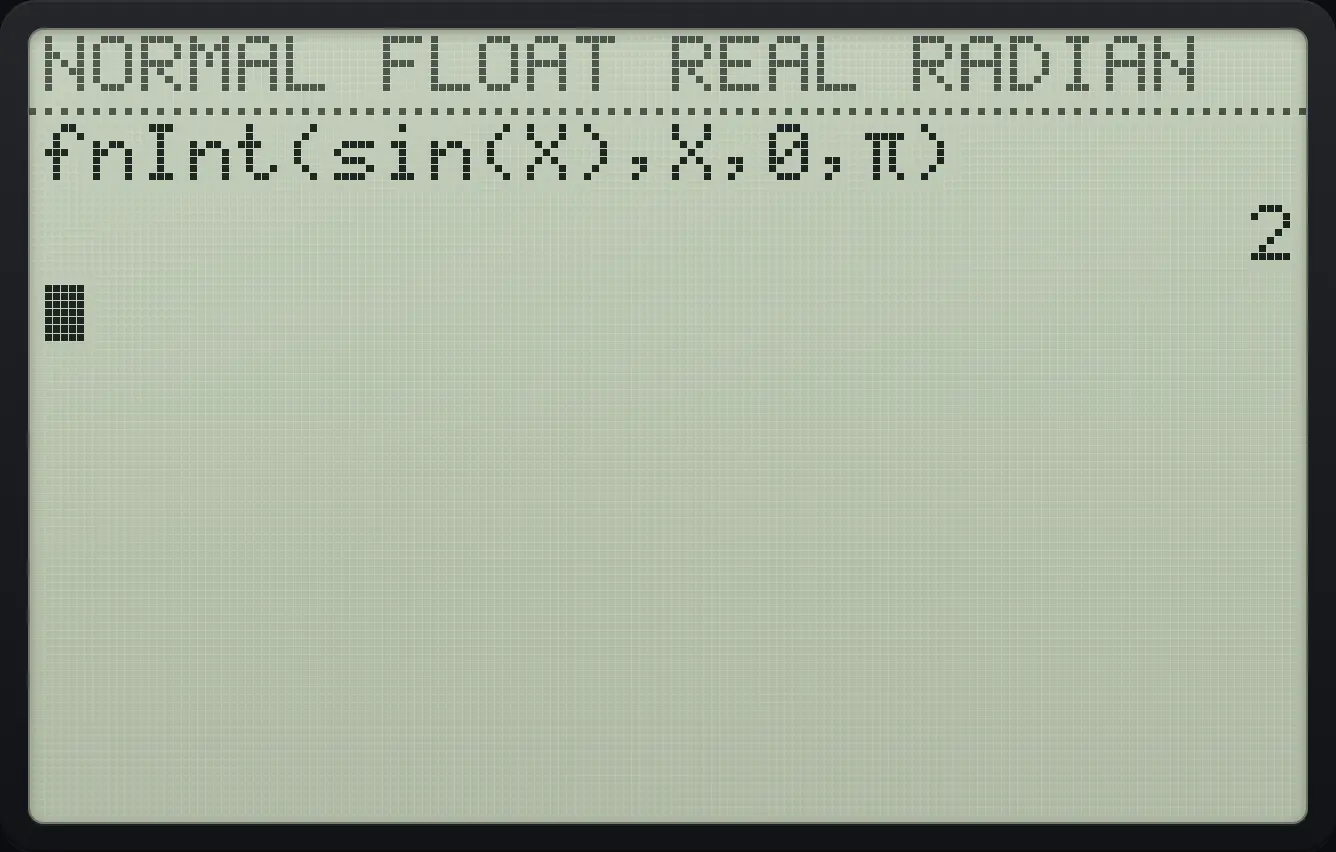
220.5Add up a series (summation)#
Sum of the first ten squares
Press math then 0 (the Σ( item) and type K²,K,1,10.
math0alphaK(x²,alphaK(,1,10)enter
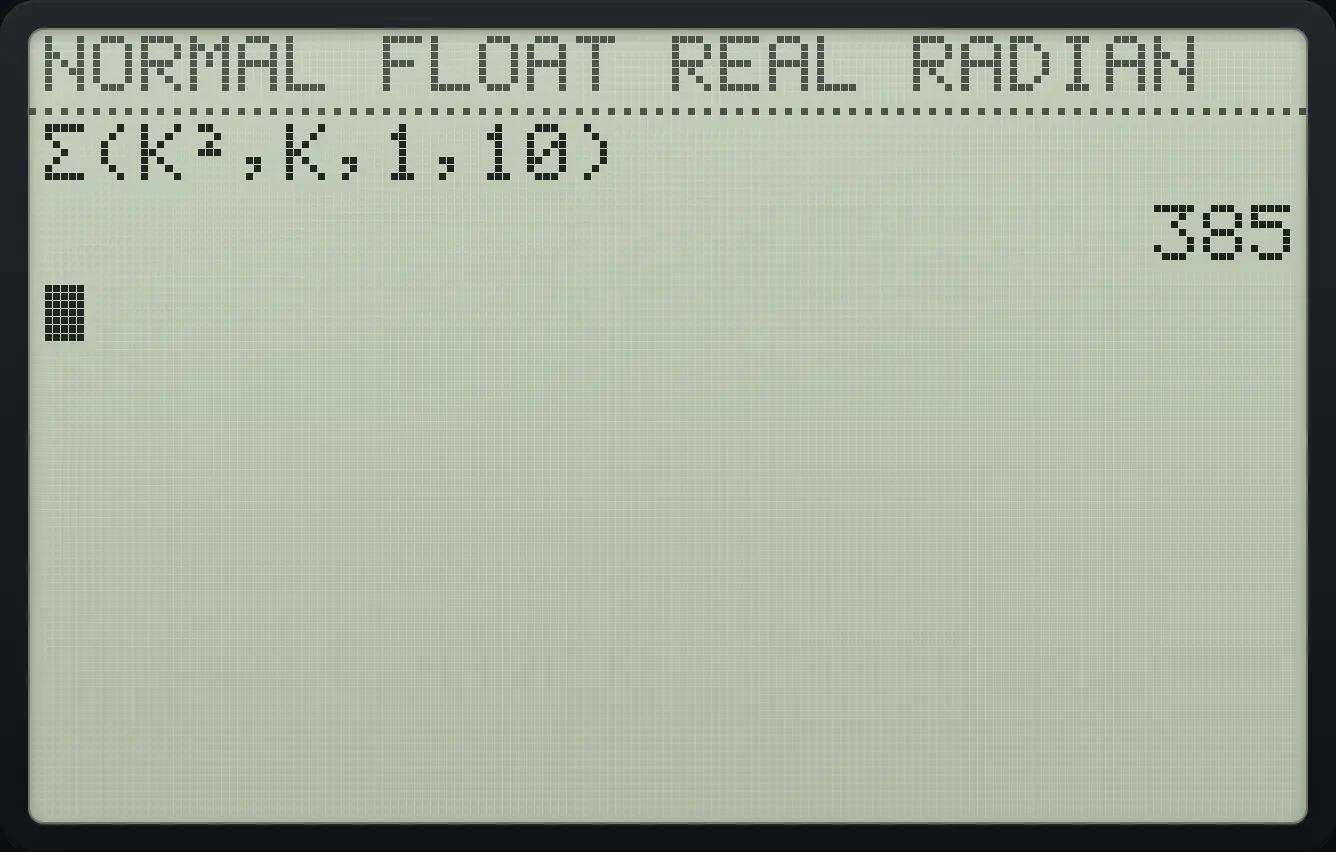
385TI-84 Plus CE is a trademark of Texas Instruments Incorporated. Trident Calculator is an independent product by South View Studios and is not affiliated with, sponsored by or endorsed by Texas Instruments. The name is used only to describe the kind of calculator this model resembles; Trident's names, keys, display, fonts and software are its own clean-room design.