
Classic Graphing 84 manual · Chapter 5 of 25
Fractions, angles and conversions
Turn decimals into fractions and back, work in mixed numbers, convert degrees, minutes and seconds, and convert between rectangular and polar coordinates.
5.1Convert a decimal to a fraction#
Answers appear as decimals. To see a fraction, finish the entry with ►Frac (math, item 1). It works for any number that is a ratio of whole numbers with a denominator under 10000; other numbers stay decimal.
- Type the number
- math
- 1:►Frac
- enter
Decimal to fraction
Type 3.75, press math and 1 (►Frac), then enter.
3.75math1enter
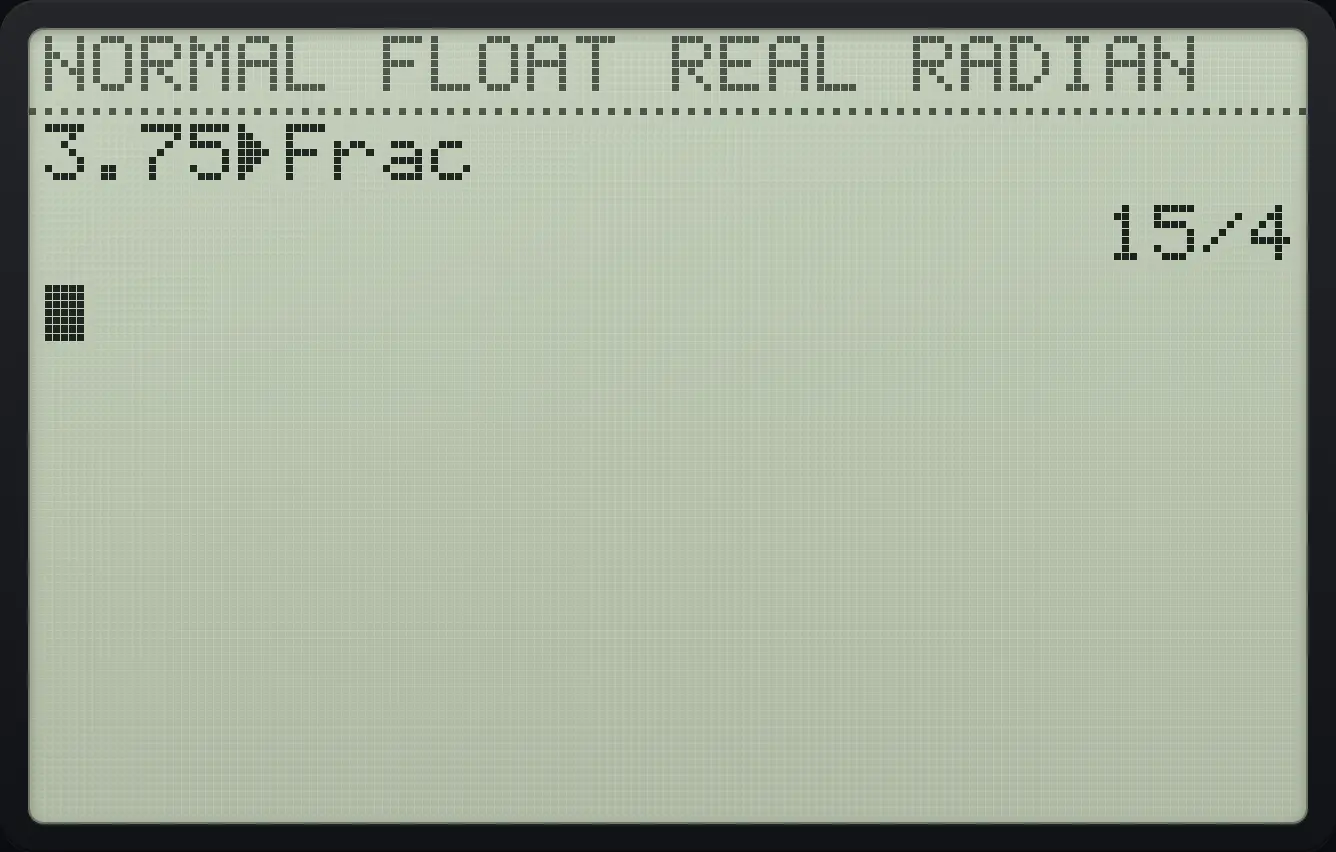
3.75►Frac 15/4Fraction of the last answer
Calculate 1/4 + 1/4. The answer is the decimal .5.
1÷4+1÷4enterPress math then 1. Ans is typed for you. Press enter.
math1enter
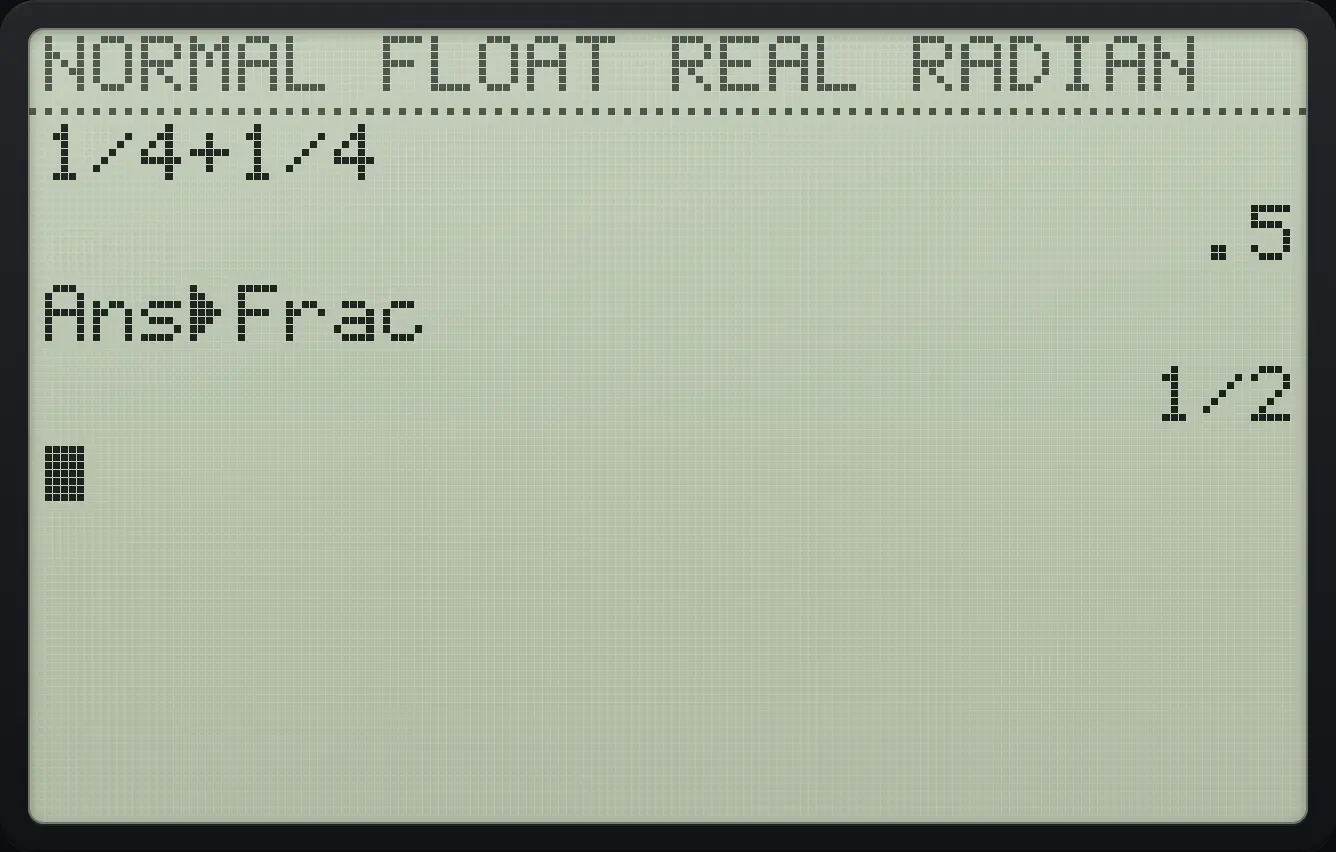
Ans►Frac 1/2Press math then ◀ for the FRAC tab. Item 2 (►F◄►D) switches the last answer between fraction and decimal each time you use it.
Toggle between fraction and decimal
Calculate 1/4, which shows .25.
1÷4enterPress math, left (FRAC tab), 2, enter. The answer is shown as 1/4.
math◀2enter
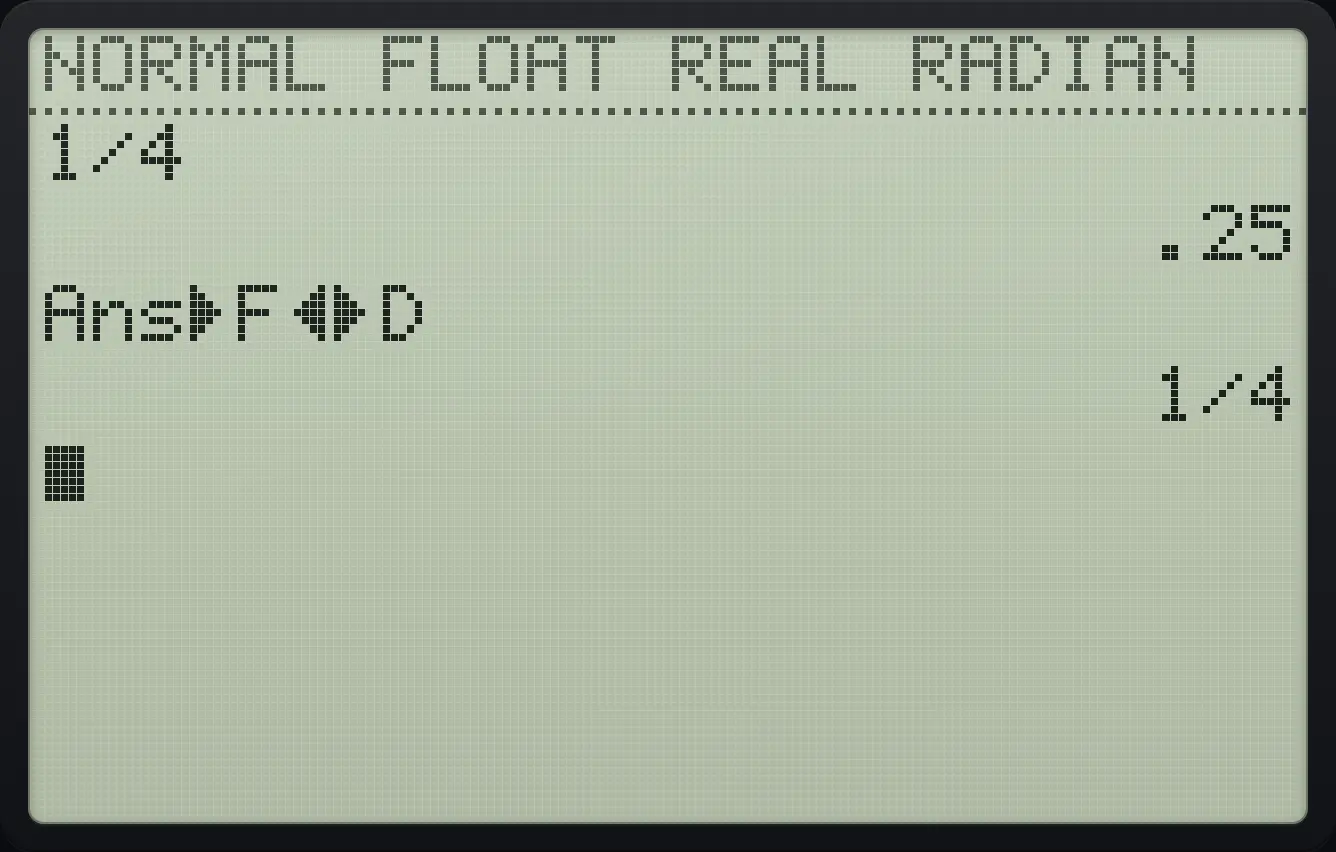
Ans►F◄►D 1/4![The FRAC tab of the MATH menu. The display shows: MATH NUM CMPLX PROB [FRAC] / 1:n/d / 2:►F◄►D.](/trident/app/help/manual/img/6222e76es.webp)
5.2Convert a fraction to a decimal#
Fraction to decimal
Type 1/8, press math and 2 (►Dec), then enter.
1÷8math2enter
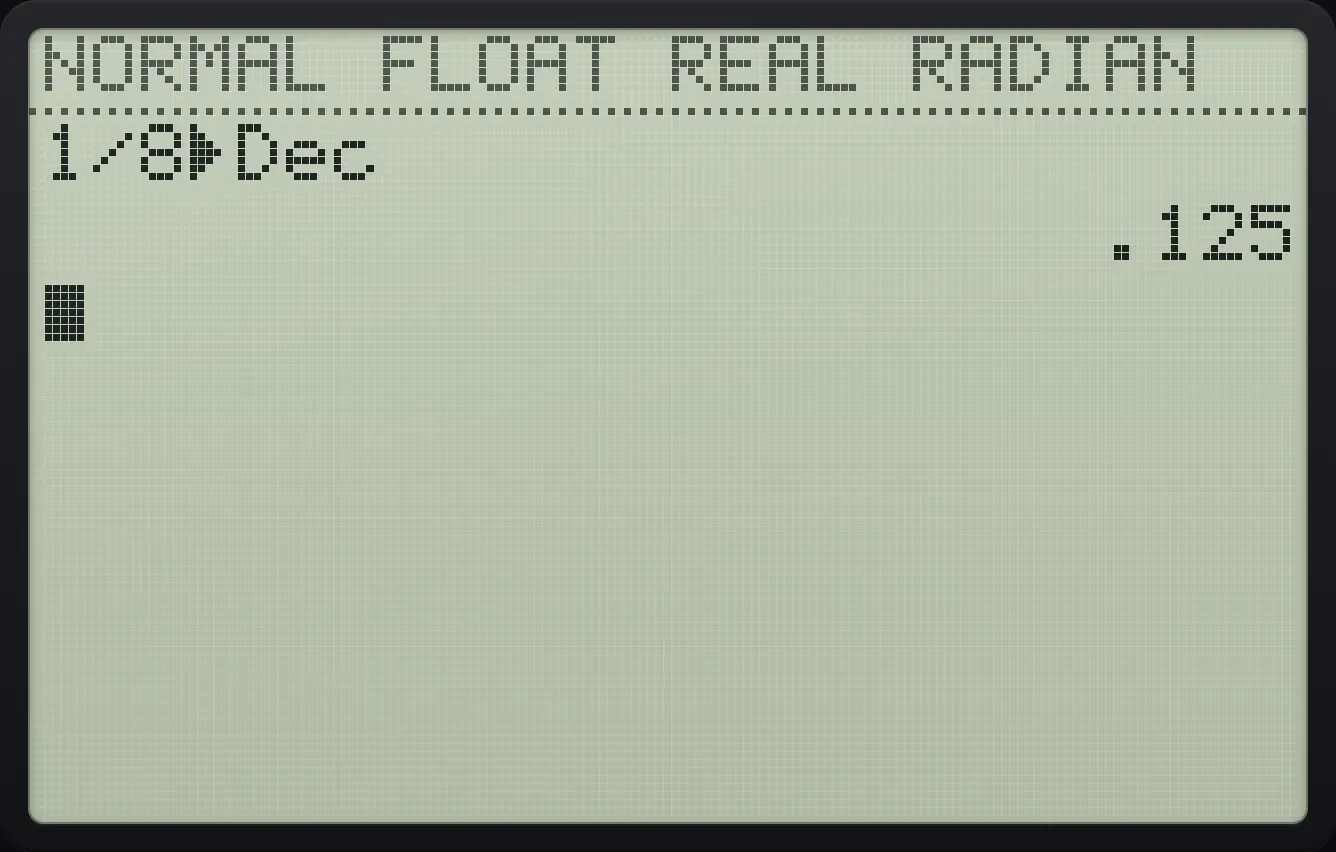
1/8►Dec .1255.3Show answers as mixed numbers#
By default fractions are improper (7/2). In MODE, set FRACTION TYPE to Un/d and ►Frac gives mixed numbers such as 3 1/2, written 3⌟1/2 on the screen. The row is the seventh in the MODE list.
A mixed number
In MODE move down 6 rows, press right to choose Un/d, enter, and return home.
mode▼▼▼▼▼▼▶enter2ndQUITmodeType 7/2 and convert with ►Frac.
7÷2math1enter
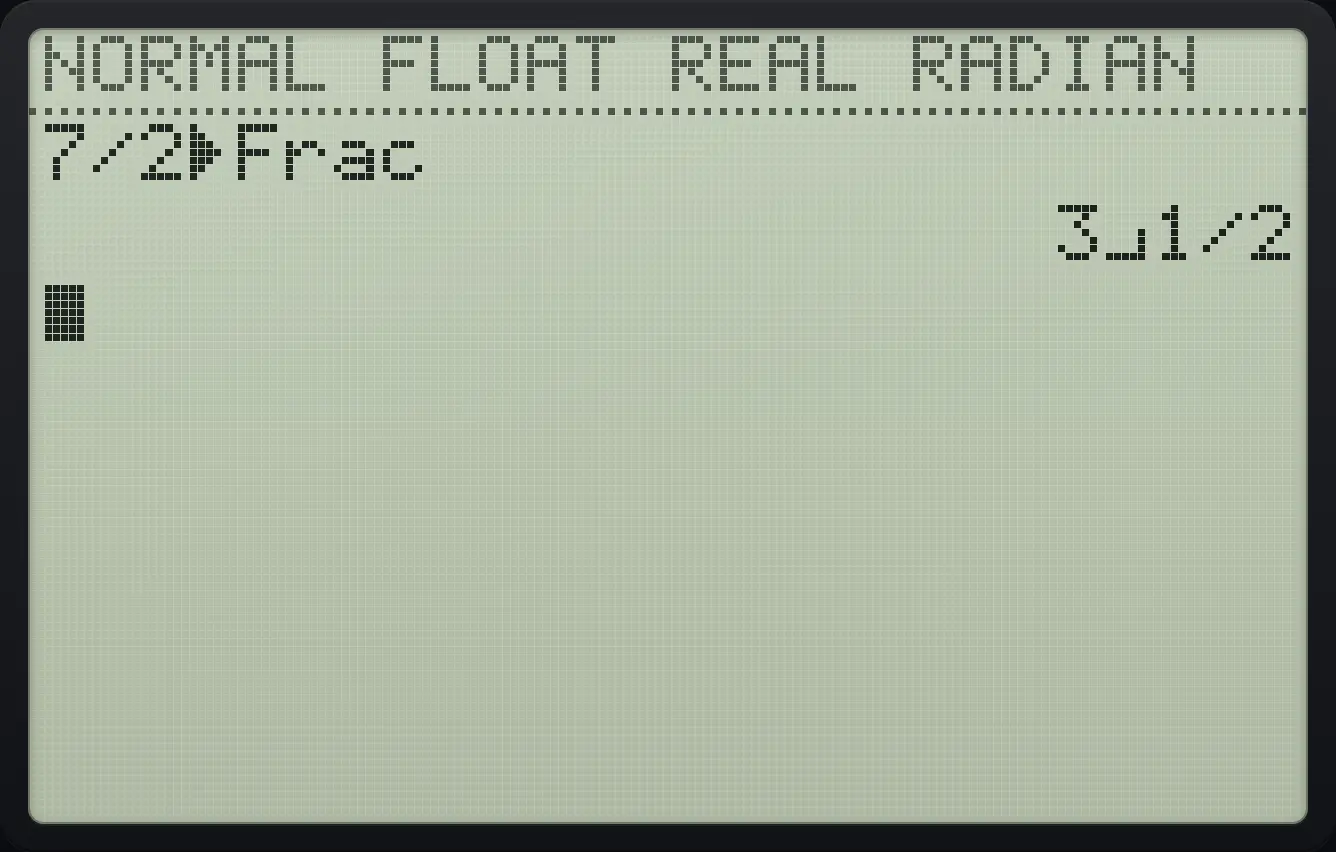
3⌟1/2FRACTION TYPE does not change decimals, only the way fractions are written.
5.4Show every answer as a fraction#
Set ANSWERS to FRAC in MODE (the eighth row) and every real answer that can be a fraction is shown as one automatically. DEC always shows decimals; AUTO shows what you typed.
ANSWERS = FRAC
In MODE move down 7 rows, right twice to FRAC, enter, then return home.
mode▼▼▼▼▼▼▼▶▶enter2ndQUITmodeType 1/4 + 1/4.
1÷4+1÷4enter
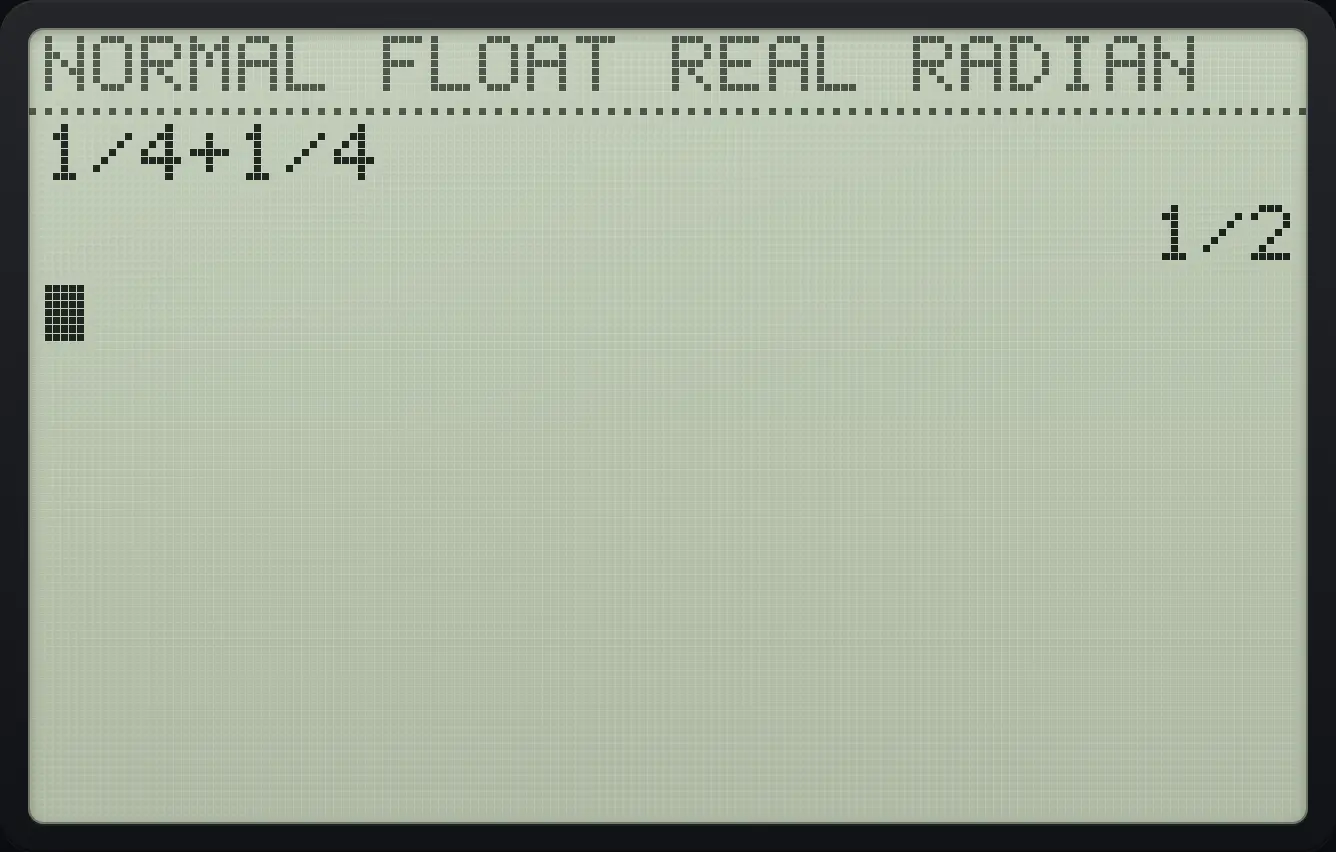
1/25.5Degrees, minutes and seconds#
Press 2ndANGLEapps for the ANGLE menu.
| Item | Meaning |
|---|---|
| 1: ° | Degree mark. Mark one value as degrees even in Radian mode. |
| 2: ' | Minute mark (also used for seconds with a double quote, alpha add). |
| 3: ʳ | Radian mark. Mark one value as radians even in Degree mode. |
| 4: ►DMS | Show the answer as degrees, minutes and seconds. |
| 5: R►Pr( | Polar radius r from x and y: . |
| 6: R►Pθ( | Polar angle θ from x and y. |
| 7: P►Rx( | Rectangular x from r and θ: . |
| 8: P►Ry( | Rectangular y from r and θ: . |
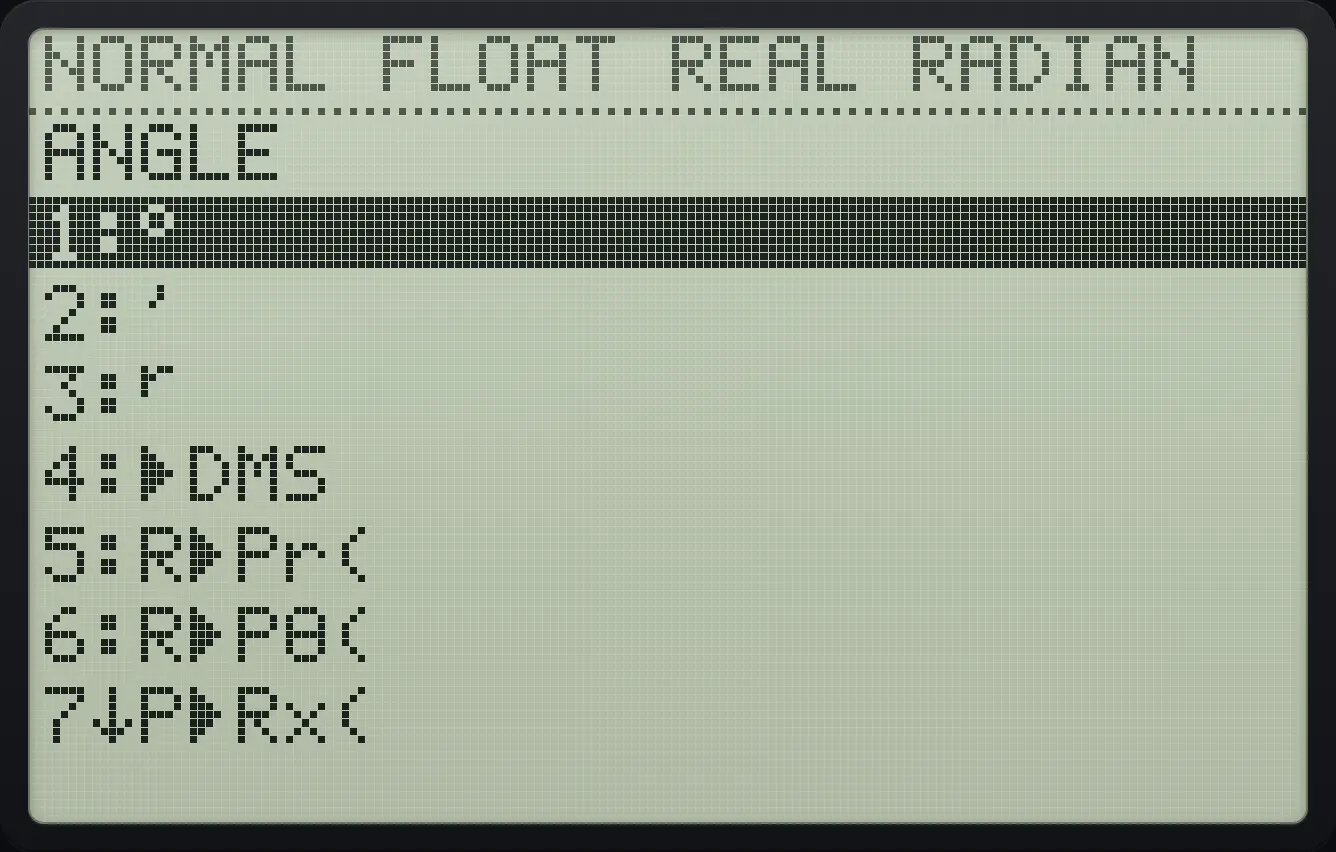
Decimal degrees to degrees, minutes, seconds
Type 30.5, press 2nd apps, 4 (►DMS), enter.
30.52ndANGLEapps4enter
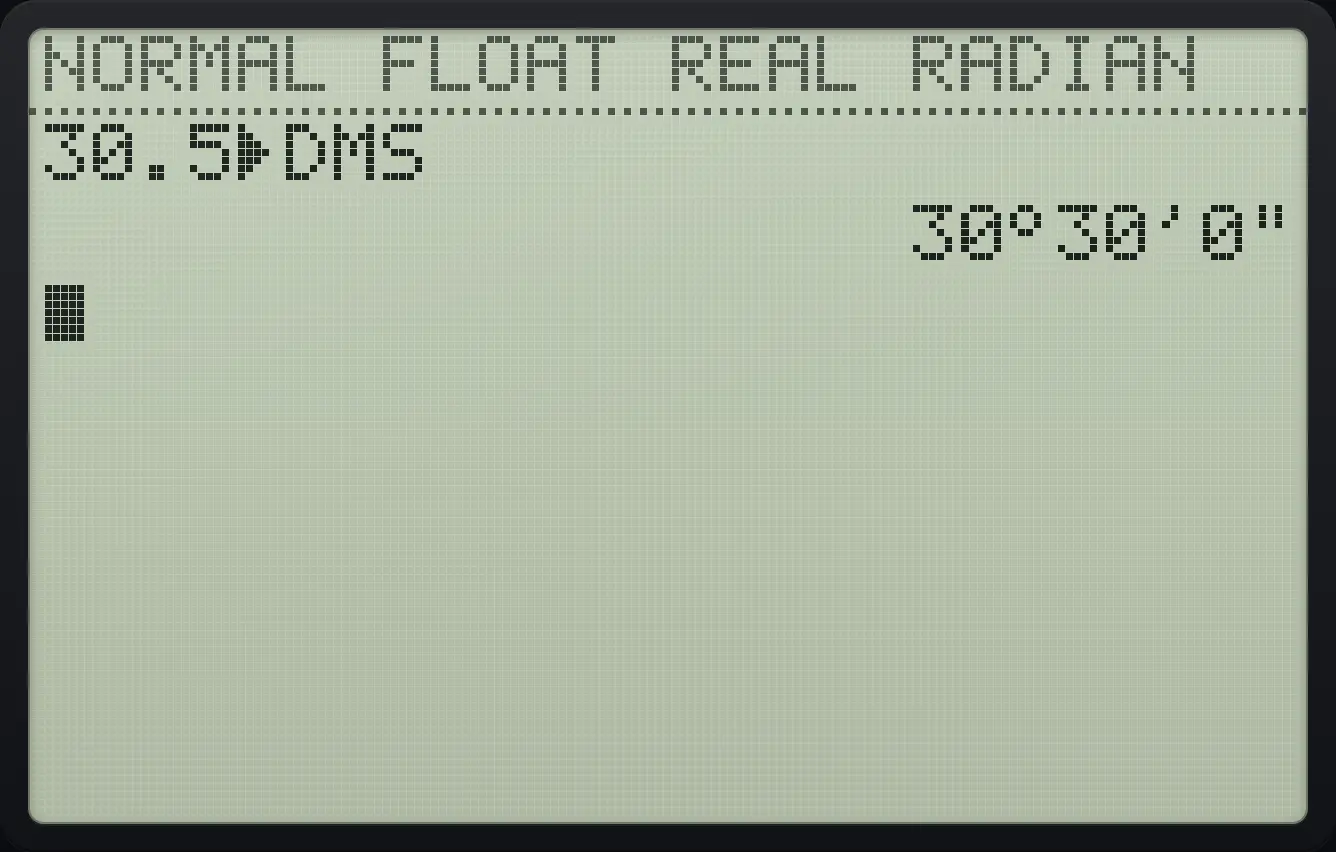
30°30'0"5.6Convert between rectangular and polar coordinates#
Radius of the point (3, 4)
Press 2nd apps, 5 (R►Pr(), type 3, 4 and a bracket.
2ndANGLEapps53,4)enter
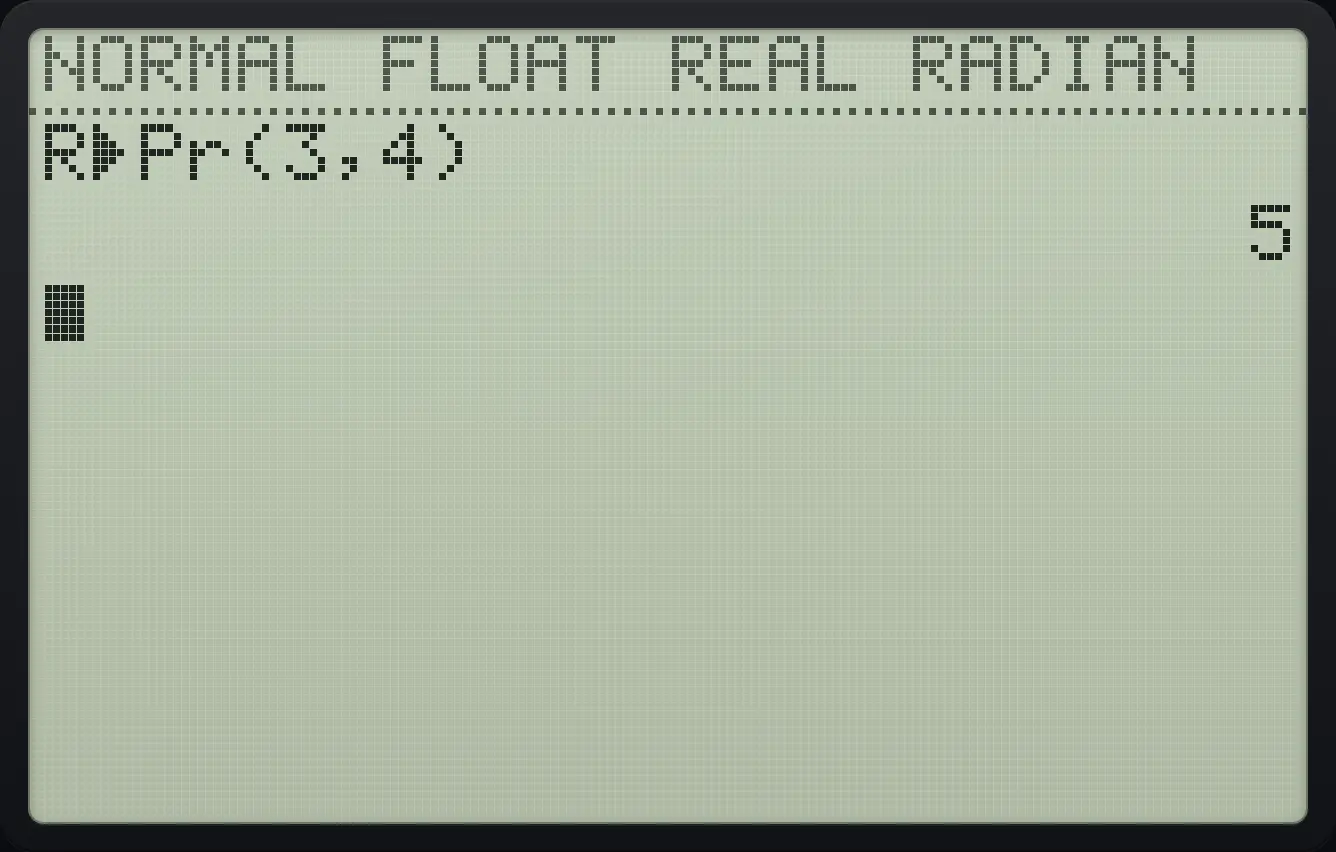
R►Pr(3,4) 5Angle of the point (1, 1)
Choose Degree mode first.
mode▼▼▶enter2ndQUITmodePress 2nd apps, 6 (R►Pθ(), type 1, 1 and a bracket.
2ndANGLEapps61,1)enter
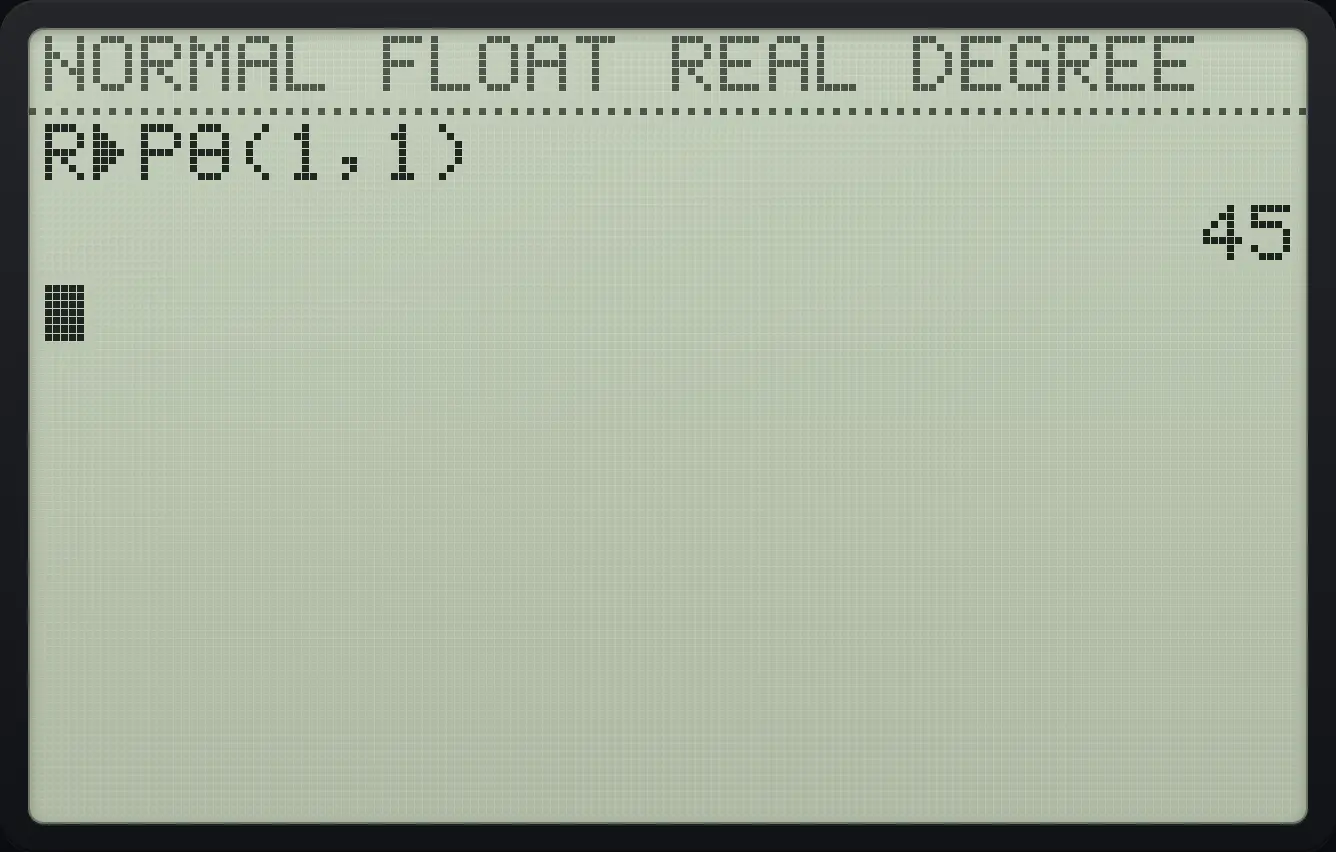
45Rectangular x from r and θ
Press 2nd apps, 7 (P►Rx(), type 2, 0 and a bracket.
2ndANGLEapps72,0)enter
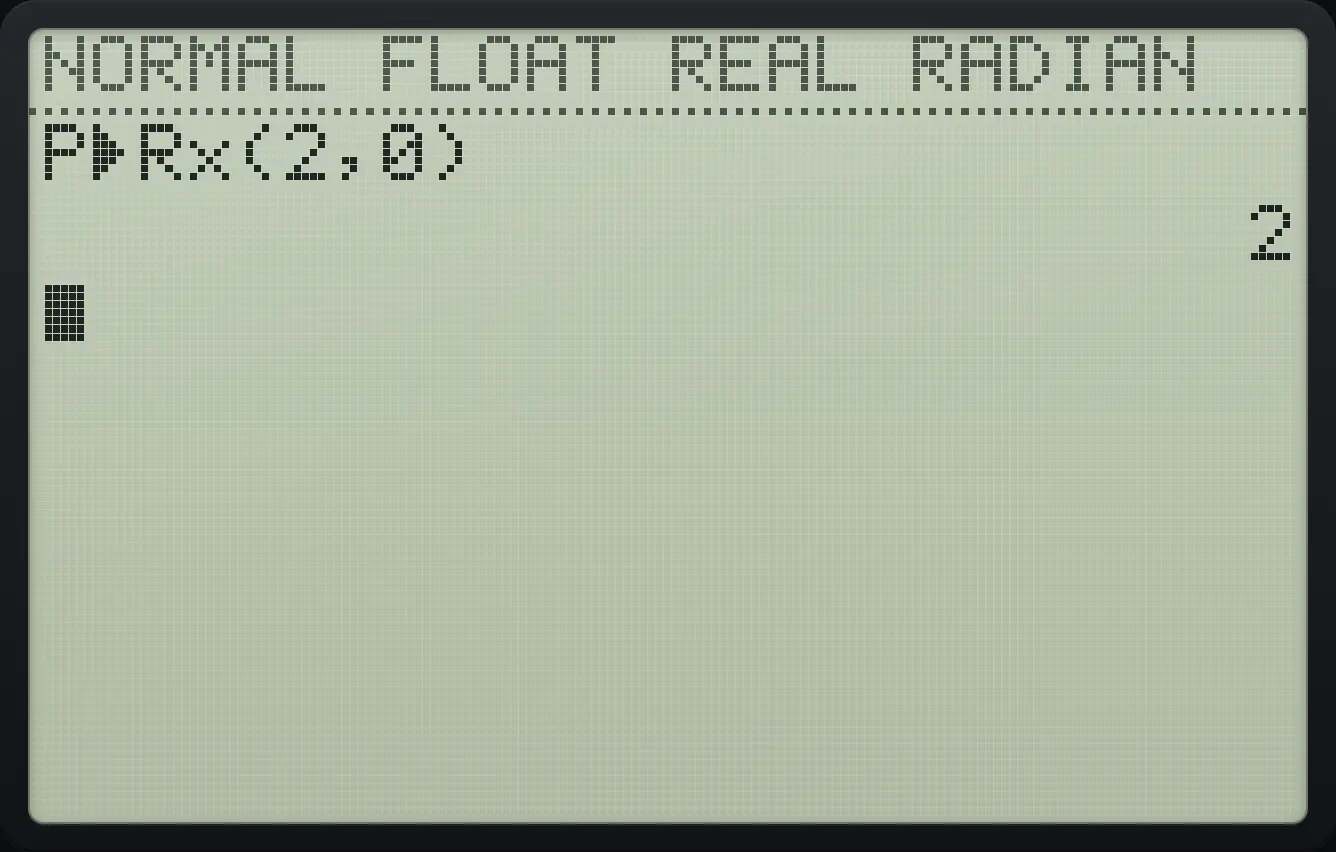
P►Rx(2,0) 2TI-84 Plus CE is a trademark of Texas Instruments Incorporated. Trident Calculator is an independent product by South View Studios and is not affiliated with, sponsored by or endorsed by Texas Instruments. The name is used only to describe the kind of calculator this model resembles; Trident's names, keys, display, fonts and software are its own clean-room design.