
Classic Graphing 84 manual · Chapter 21 of 25
The equation solver
Solve an equation for any one variable numerically, with a guess and optional bounds.
21.1Solve an equation for a variable#
Open the solver with math, then ▲ (which wraps to the last item, B: Solver…), then enter. Type an expression that equals zero, such as X²−4, or an equation with an equals sign, such as X²=9, and press enter. The solver lists the variables. Type a guess in the variable you want to find, then press alphaSOLVEenter (SOLVE). The answer is marked with a black square, and left−rt shows how close the two sides are (0 means an exact solution).
- math ▲
- enter
- Type the equation
- enter
- Guess
- alphaSOLVEenter
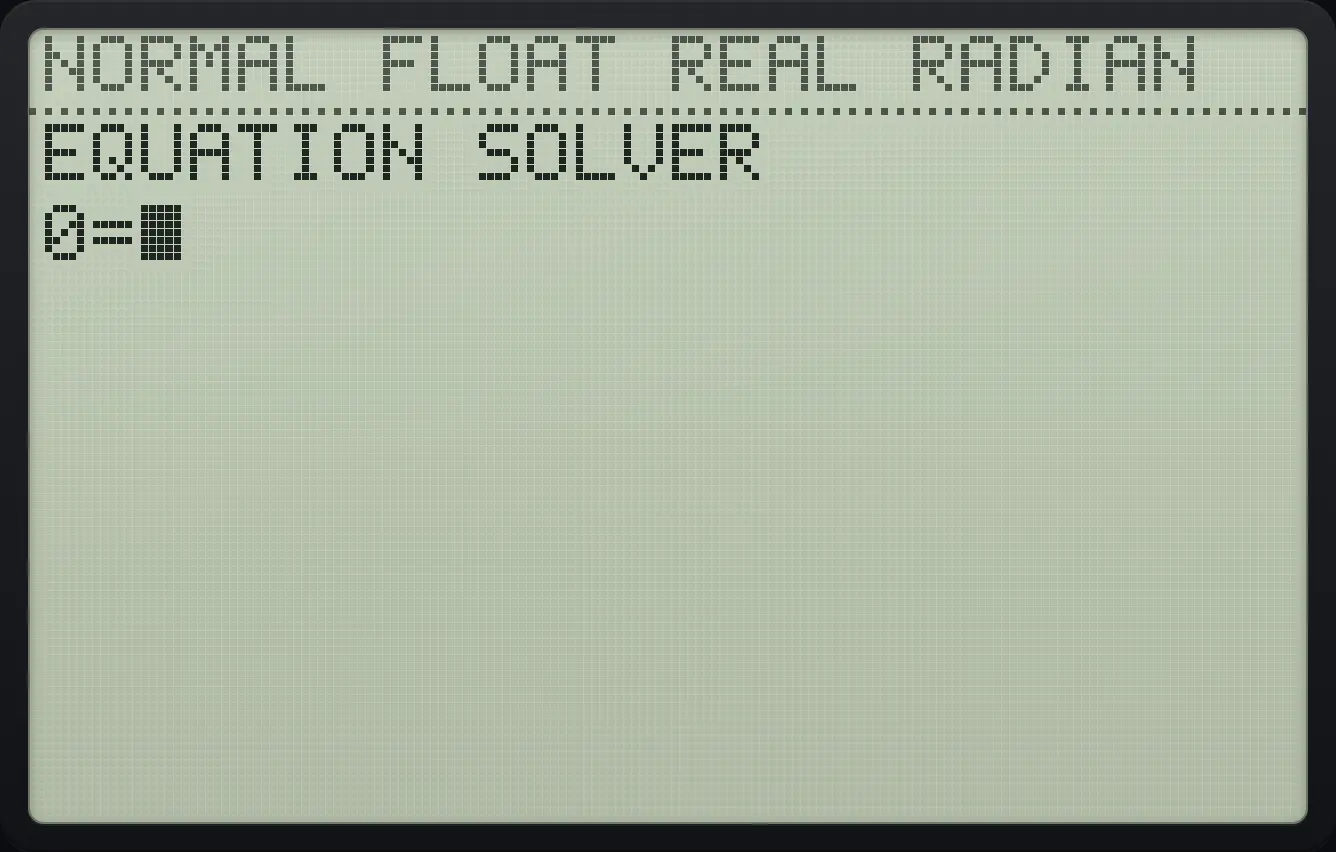
Solve x² − 4 = 0
Open the solver, type X²−4 and press enter.
math▲enterX,T,θ,nx²−4enter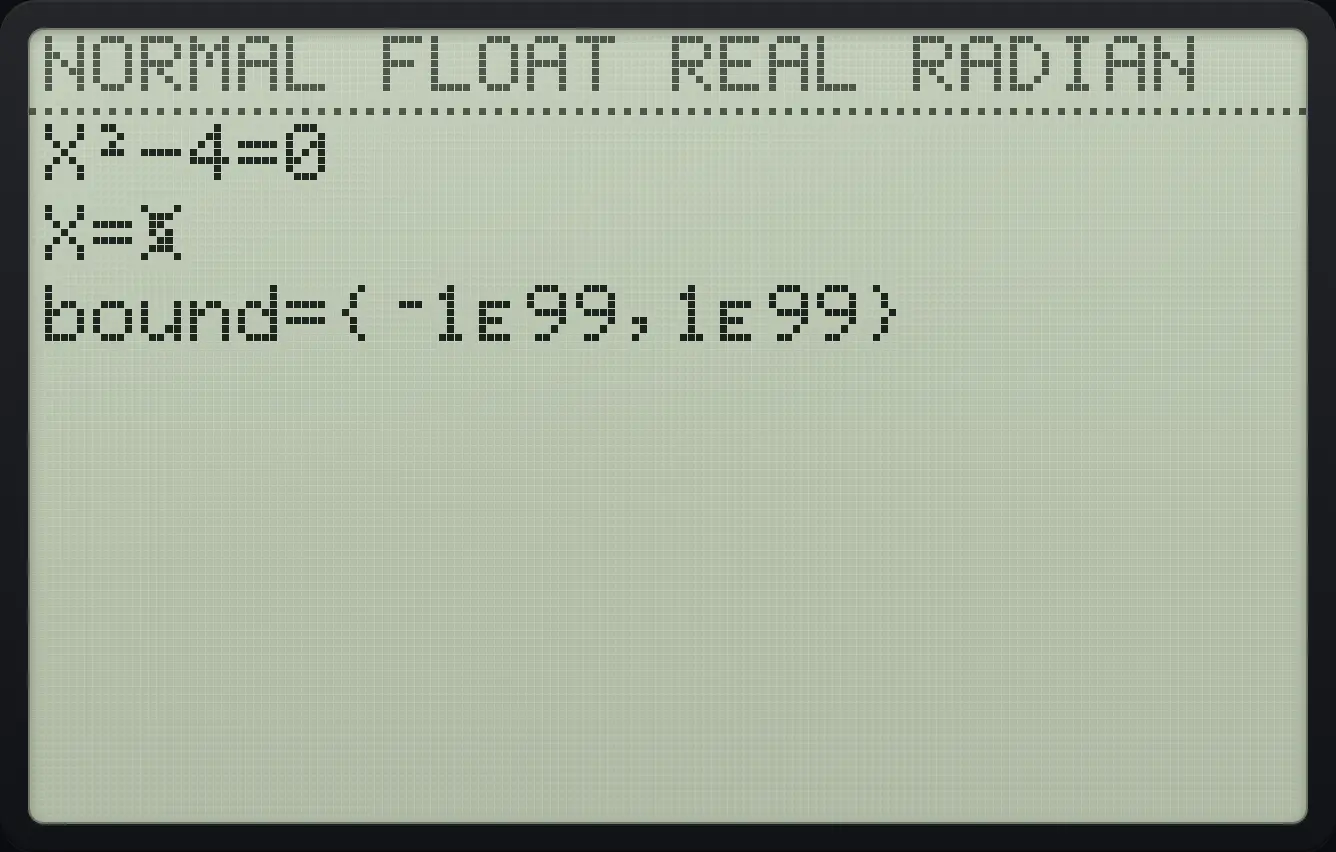
Type 1 as a guess and press alpha enter.
1alphaSOLVEenter
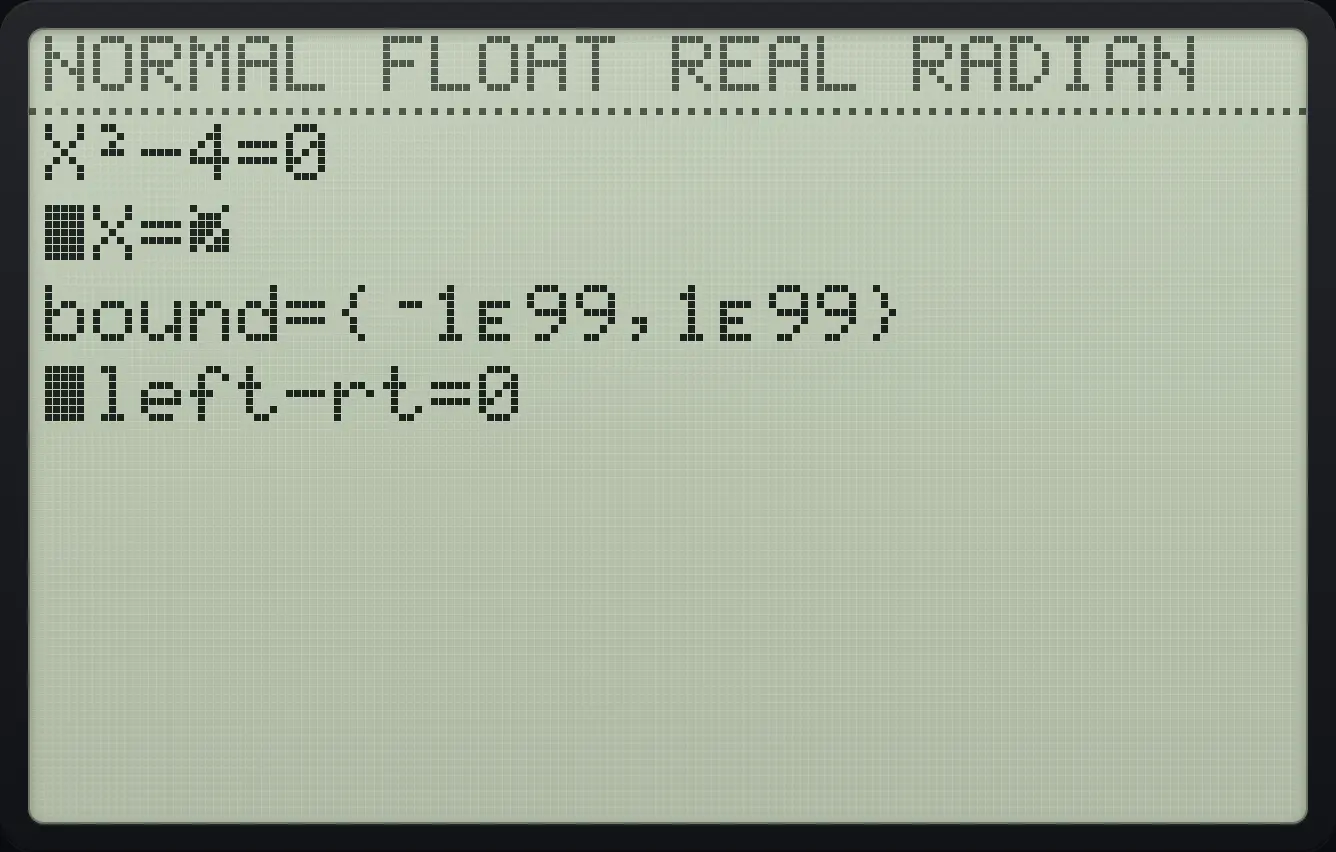
■X=2 ■left−rt=0The other solution comes from another guess
Same equation, guess −1.
math▲enterX,T,θ,nx²−4enter(−)1alphaSOLVEenter
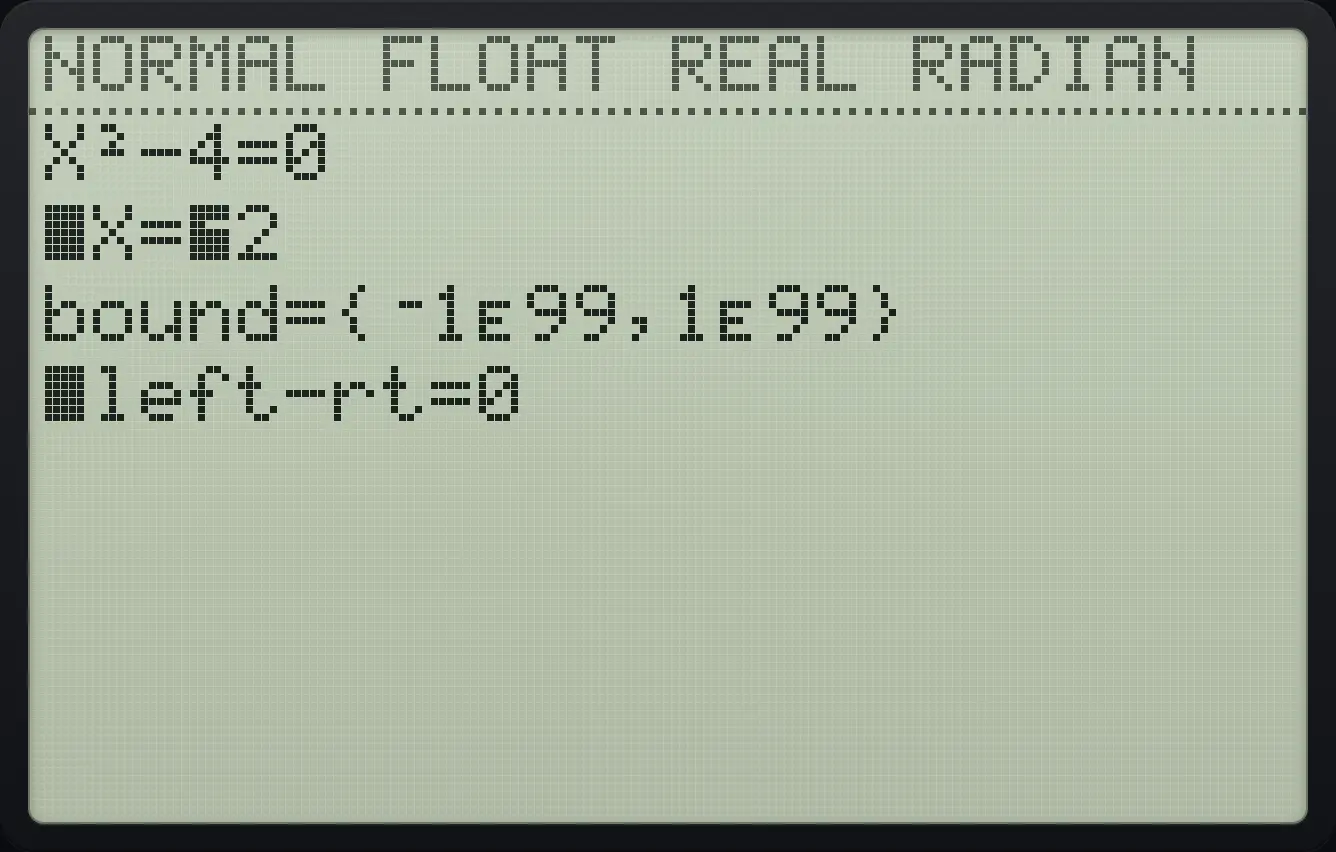
■X=⁻2An equation with an equals sign
Type X²=9 using 2nd math then 1 for the equals sign.
math▲enterX,T,θ,nx²2ndTESTmath19enter1alphaSOLVEenter
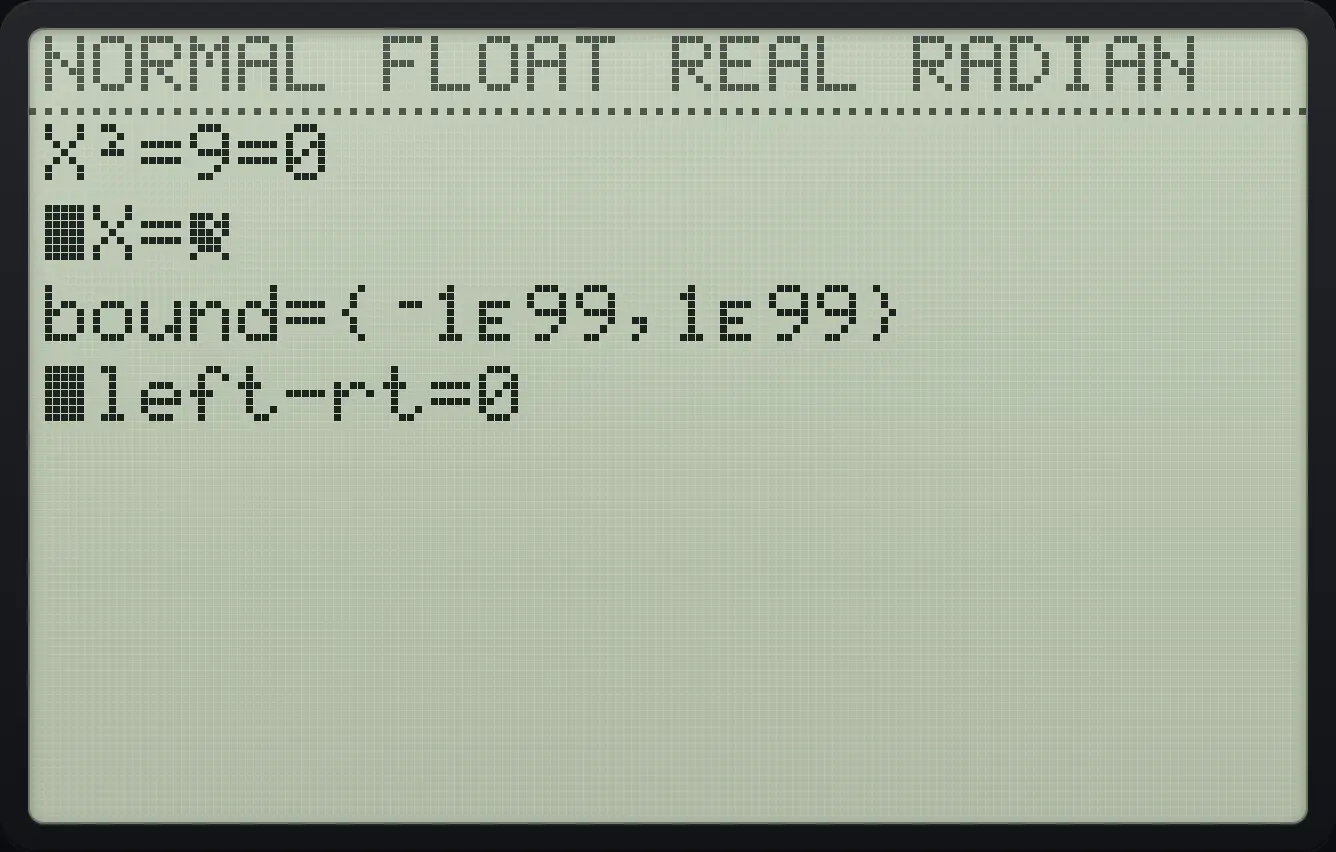
■X=3Solve for a different variable
Type A*B−12. Move down to B and type 3, move up to A and press alpha enter.
math▲enteralphaAmath×alphaBapps−12enter▼3▲alphaSOLVEenter
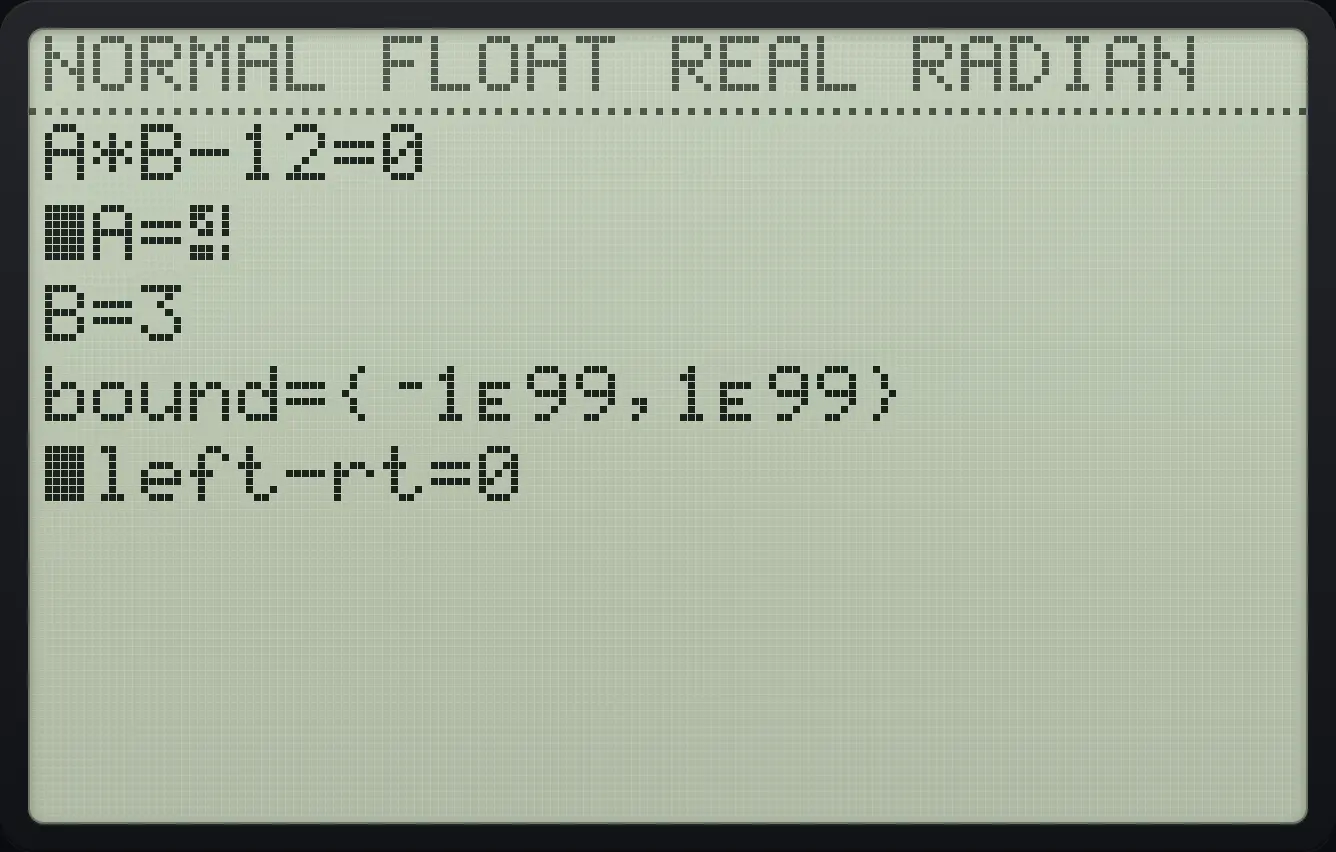
■A=4The answer is stored in the variable
Solve 2X−5 = 0 with the default guess.
math▲enter2X,T,θ,n−5enteralphaSOLVEenterGo home and type X.
2ndQUITmodeX,T,θ,nenter
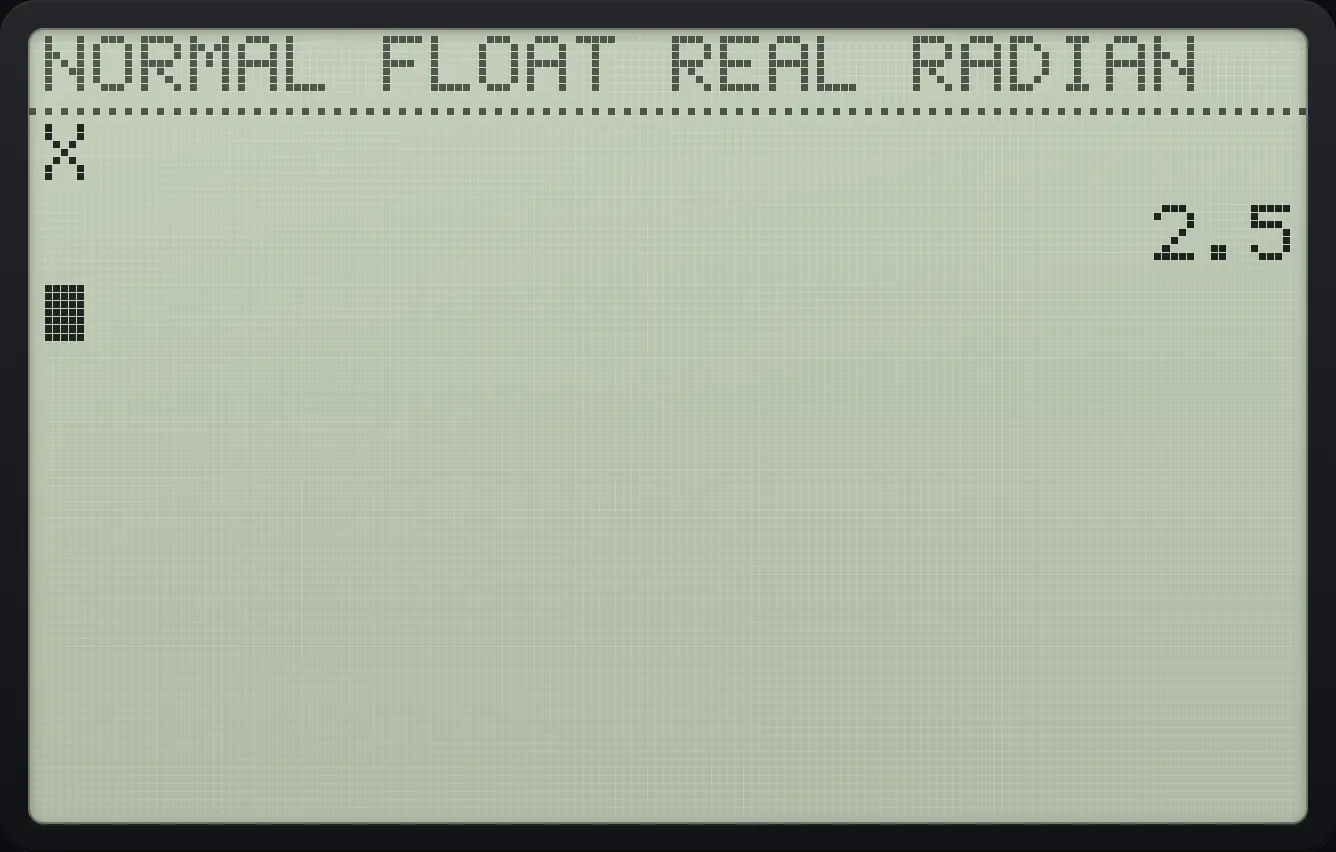
2.5TI-84 Plus CE is a trademark of Texas Instruments Incorporated. Trident Calculator is an independent product by South View Studios and is not affiliated with, sponsored by or endorsed by Texas Instruments. The name is used only to describe the kind of calculator this model resembles; Trident's names, keys, display, fonts and software are its own clean-room design.