
Classic Graphing 84 manual · Chapter 24 of 25
Error messages
Every error message the calculator can show, what it means and how to fix it.
24.1The error screen#
When something cannot be done, the calculator stops and shows ERR: followed by the name. Choose 1:Quit to go home (the entry that failed is still in the history), or 2:Goto to return to the place of the error with the cursor on it, ready to fix. Press clear or 2ndQUITmode to quit.
Fix an error with Goto
Type 1 ÷ 0 and press enter.
1÷0enter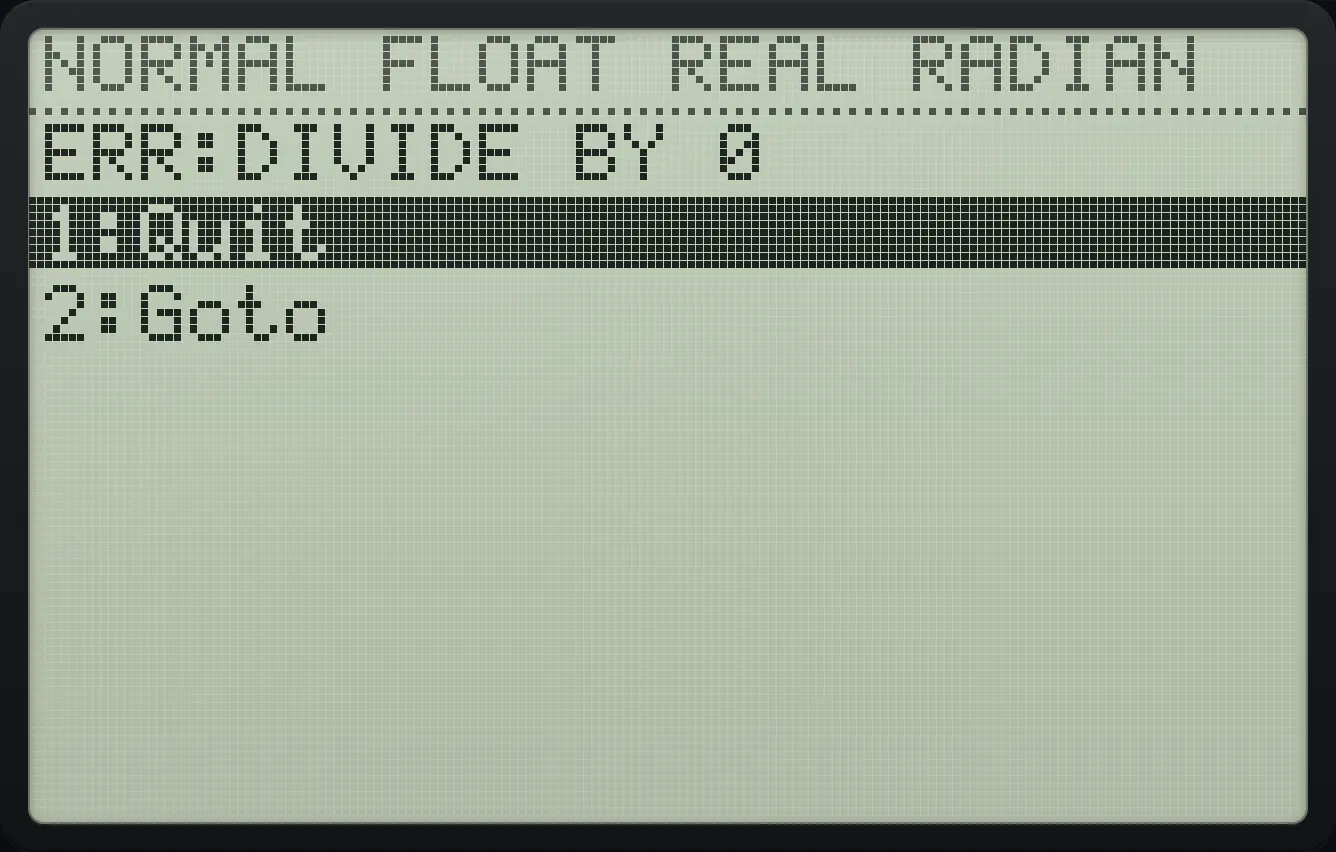
Press 2 for Goto. The line returns for editing.
2
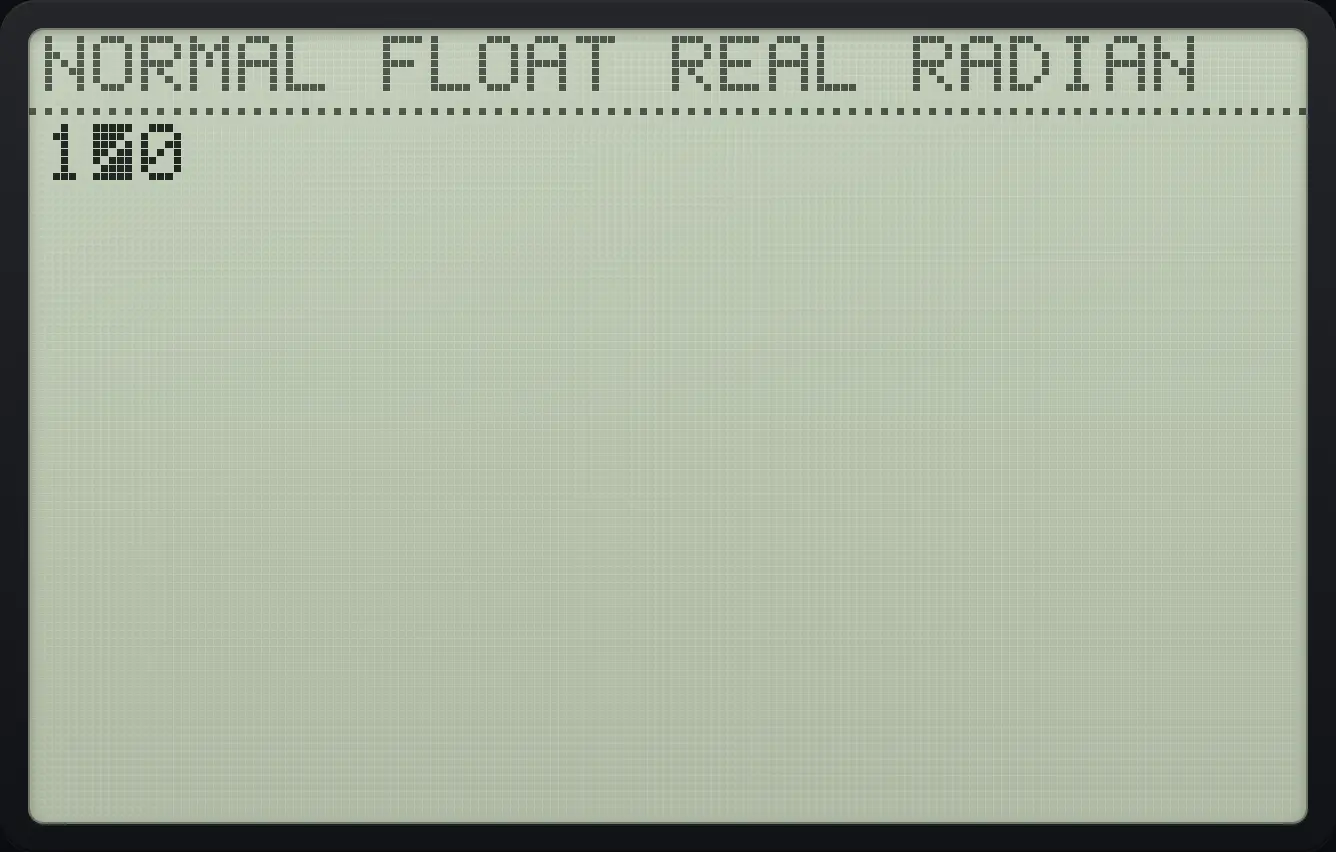
1/024.2Error messages and fixes#
| Message | What it means | How to fix it |
|---|---|---|
| SYNTAX | The entry is not written in a form the calculator understands: a missing bracket, an extra operator, or a (−) mixed up with −. | Choose 2:Goto and correct the highlighted spot. Use (−) for a negative number and − to subtract. |
| DIVIDE BY 0 | You divided by zero. | Check the denominator. |
| DOMAIN | A function was given a number it cannot use, such as sin⁻¹(2), or an argument out of its allowed range. | Use a value in the allowed range. |
| NONREAL ANS | The answer is a complex number but the mode is REAL, for example √(−4) or ln(−1). | Switch MODE to a+bi, or change the input. |
| OVERFLOW | The result is too large (about 10 to the power 100 or more). | Use smaller numbers or break the calculation into steps. |
| DATA TYPE | A value of the wrong kind was used, such as a list where a number is needed. | Check that numbers, lists, matrices and text are used where they belong. |
| DIM MISMATCH | Two lists or matrices have different sizes. | Make the sizes agree. |
| INVALID DIM | A list index or matrix size is not allowed, such as L1(5) in a 1-item list or a matrix with 0 rows. | Use an index between 1 and the length, or a size from 1 to 99. |
| SINGULAR MAT | The matrix has no inverse (its determinant is 0). | Check the matrix; you may need rref( instead. |
| UNDEFINED | A variable, statistic or program you used does not exist yet. | Run the statistics command first, or create the program or variable. |
| NO SIGN CHNG | The zero finder found no crossing of the axis between the bounds. | Choose bounds on either side of the zero. |
| WINDOW RANGE | Xmin is not less than Xmax, or Ymin is not less than Ymax, or Xres is not a whole number from 1 to 8. | Open WINDOW and correct the values. |
| INVALID | An action is not allowed here, for example tracing to an x outside the window. | Use a value inside the window, or change the window. |
| ARGUMENT | A command has the wrong number of arguments or is missing one. | Check the number of values in the command. |
| STAT | A statistics calculation cannot be done with this data, for example too few points. | Check the lists. |
| BREAK | You pressed on while a program was running. | Choose Goto to see where it stopped. |
| LABEL | A Goto or Menu( refers to a label that does not exist in that program. | Add the missing Lbl or fix the name. |
| INCREMENT | A For( loop has a step of 0. | Use a non-zero step. |
| MEMORY | Programs called each other too deeply (for example a program that calls itself with no end). | Add a condition that stops the repetition. |
SYNTAX
Type 2 + × 3.
2+×3enter
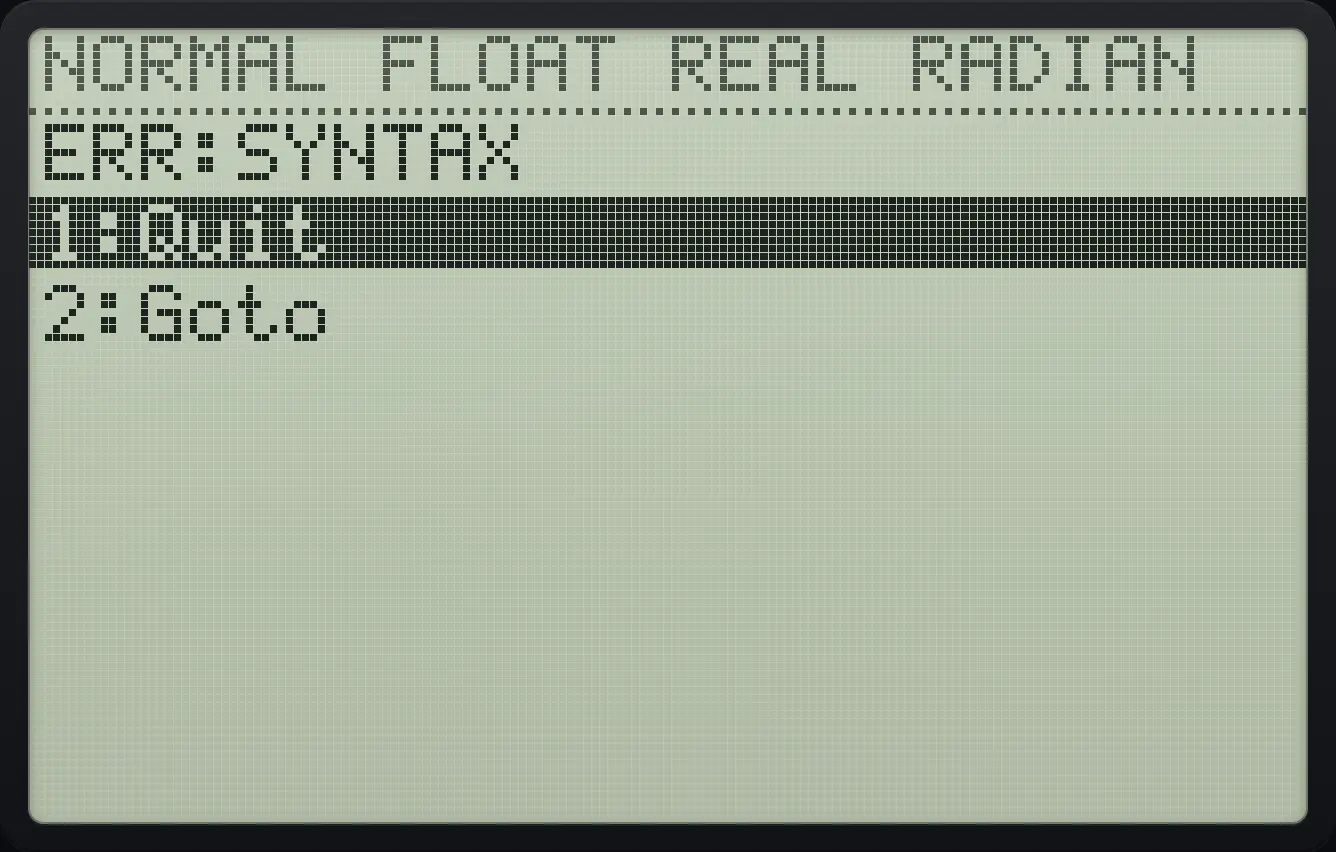
ERR:SYNTAXNONREAL ANS
Type ln(−1) in REAL mode.
ln(−)1)enter
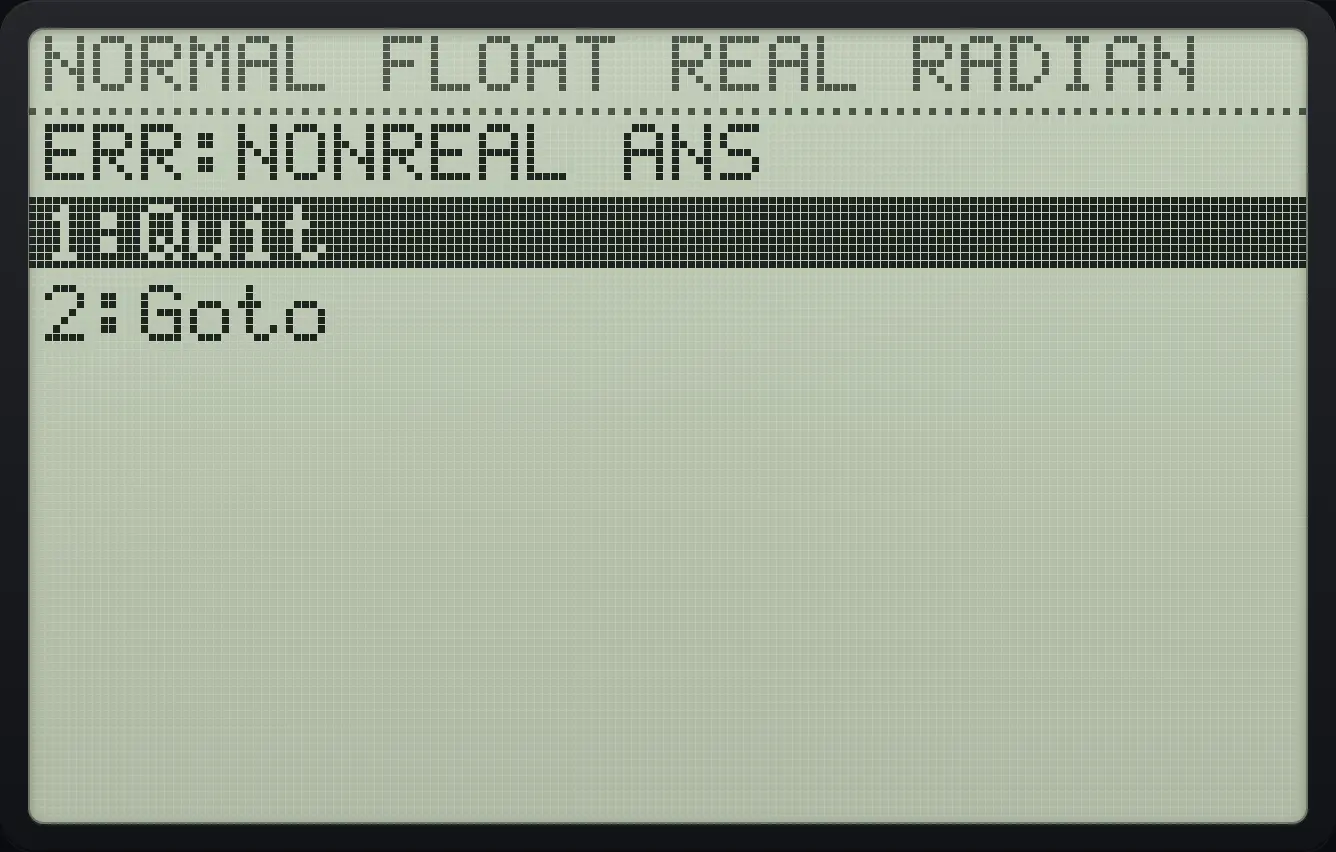
ERR:NONREAL ANSOVERFLOW
Type 1ᴇ99 × 10.
12ndEE,99×10enter
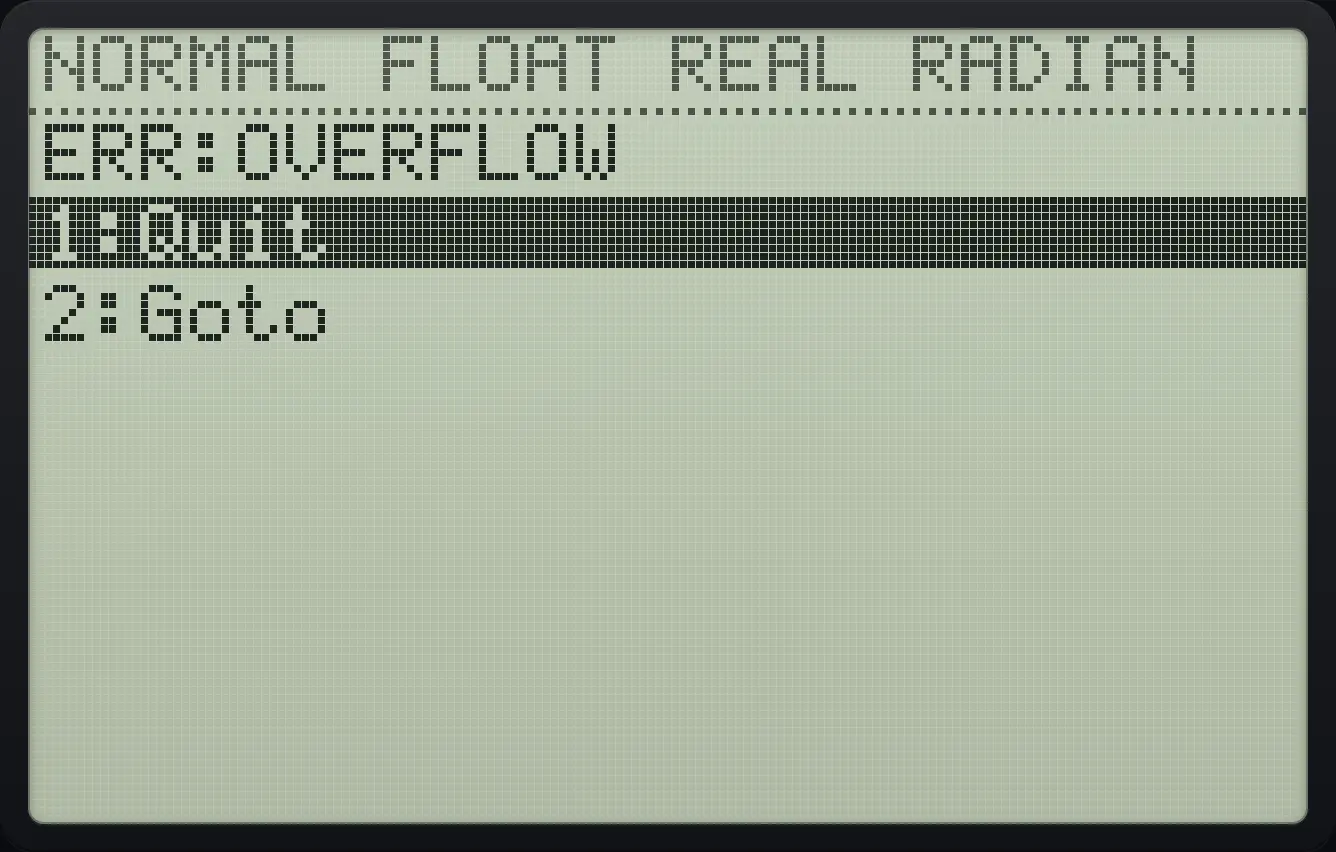
ERR:OVERFLOWDOMAIN
Type sin⁻¹(2).
2ndsin⁻¹sin2)enter
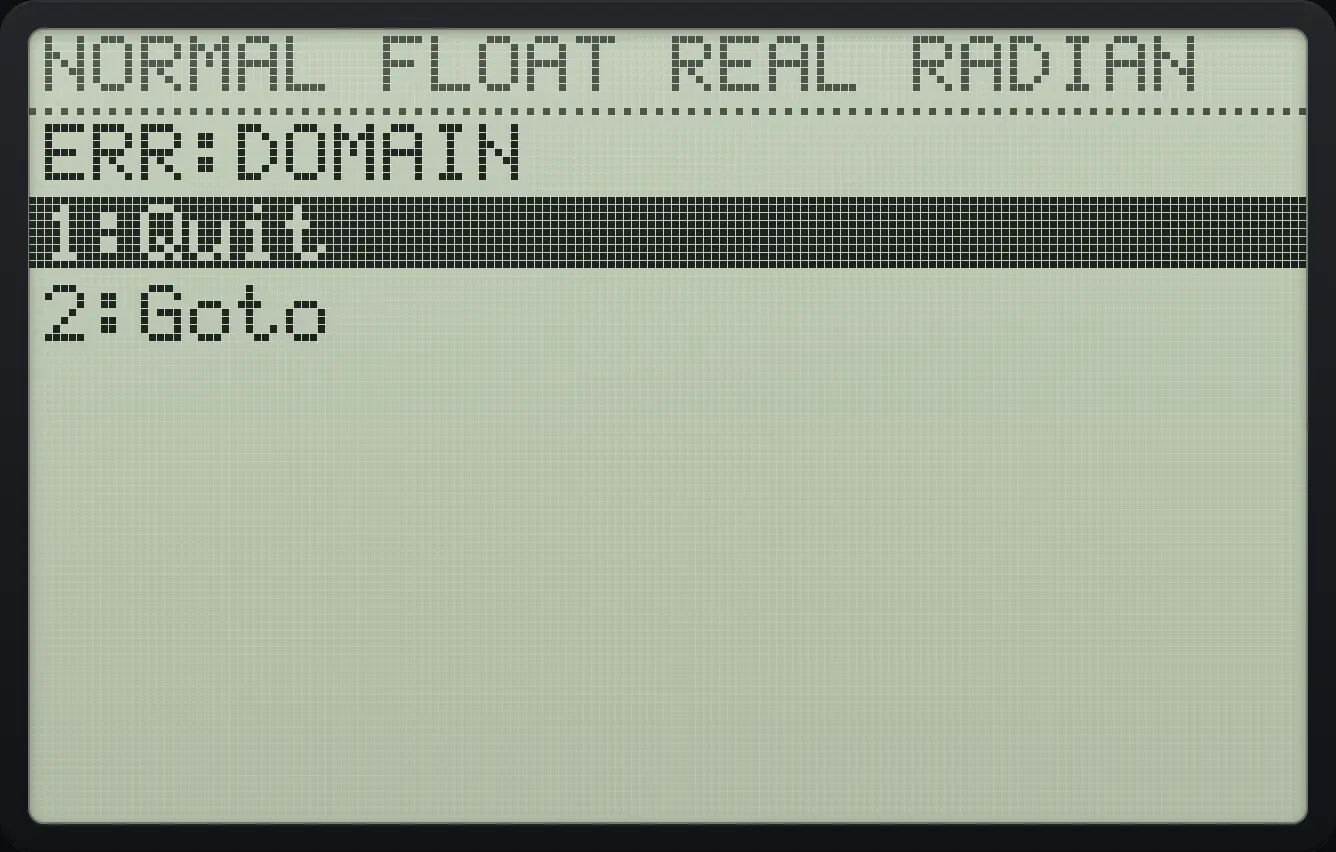
ERR:DOMAINDIM MISMATCH
Add lists of different lengths: {1,2}+{1,2,3}.
2nd{(1,22nd})+2nd{(1,2,32nd})enter
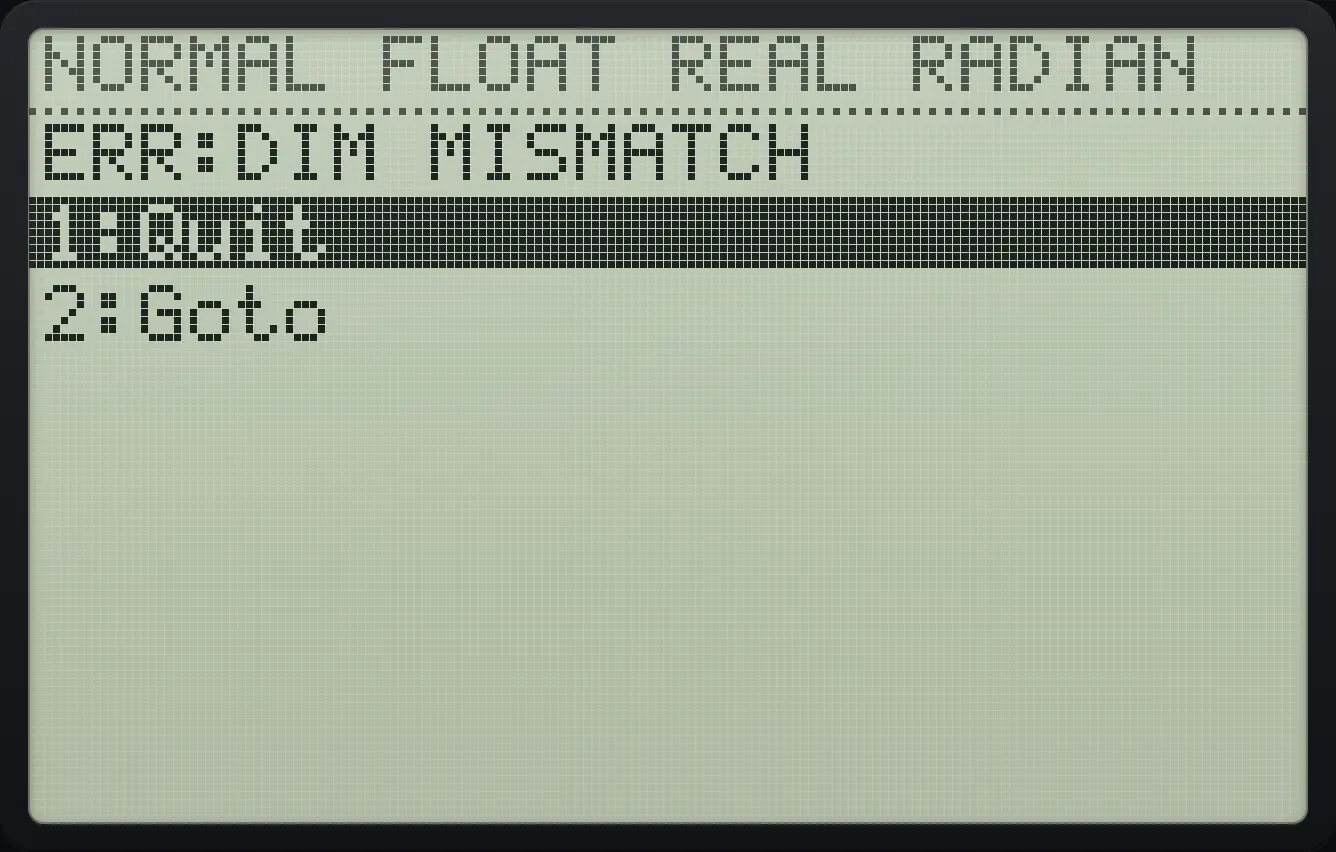
ERR:DIM MISMATCHINVALID DIM
Ask for item 5 of a one-item list.
2nd{(12nd})sto→2ndL11enter2ndL11(5)enter
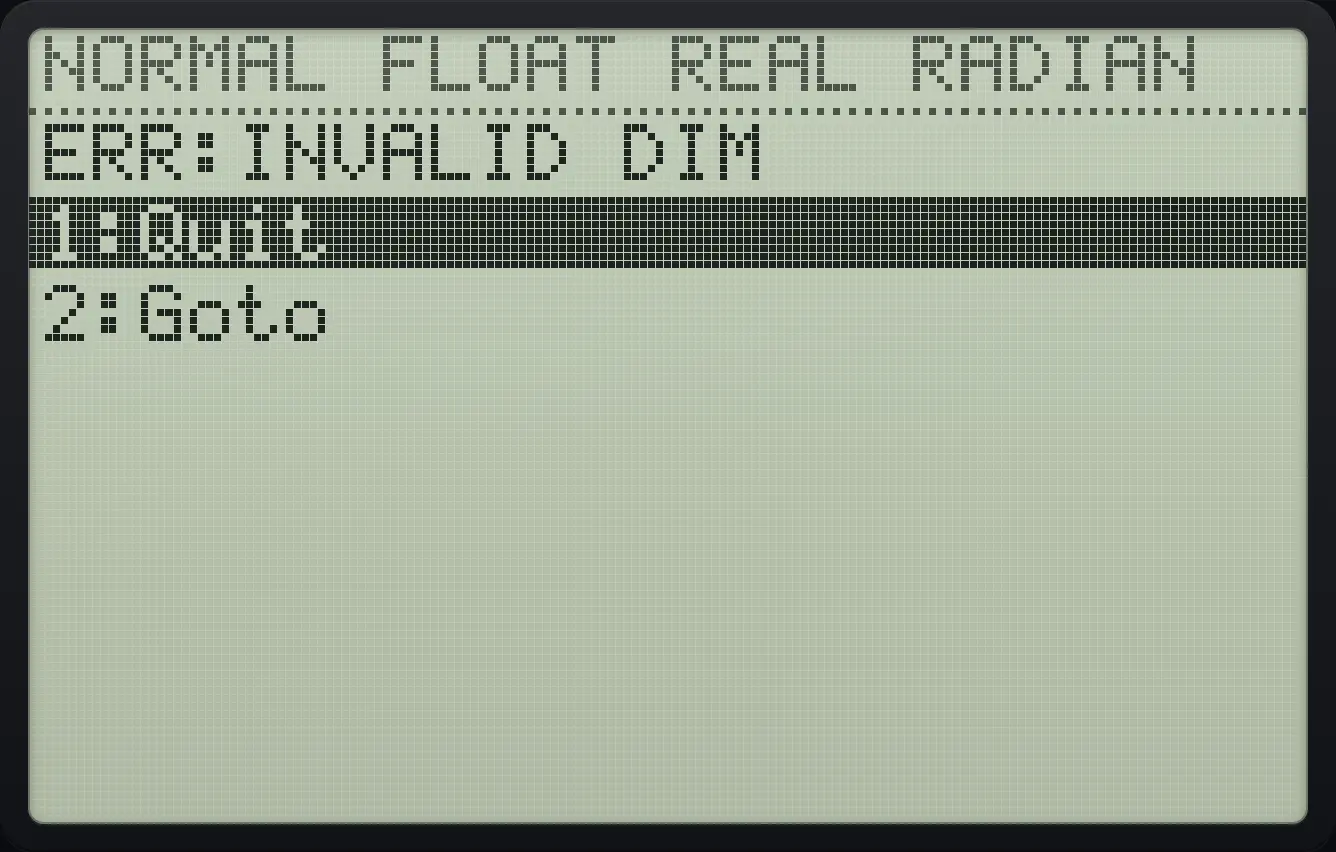
ERR:INVALID DIMUNDEFINED
Paste x̄ from vars, 5, 2 before running any statistics.
vars52enter
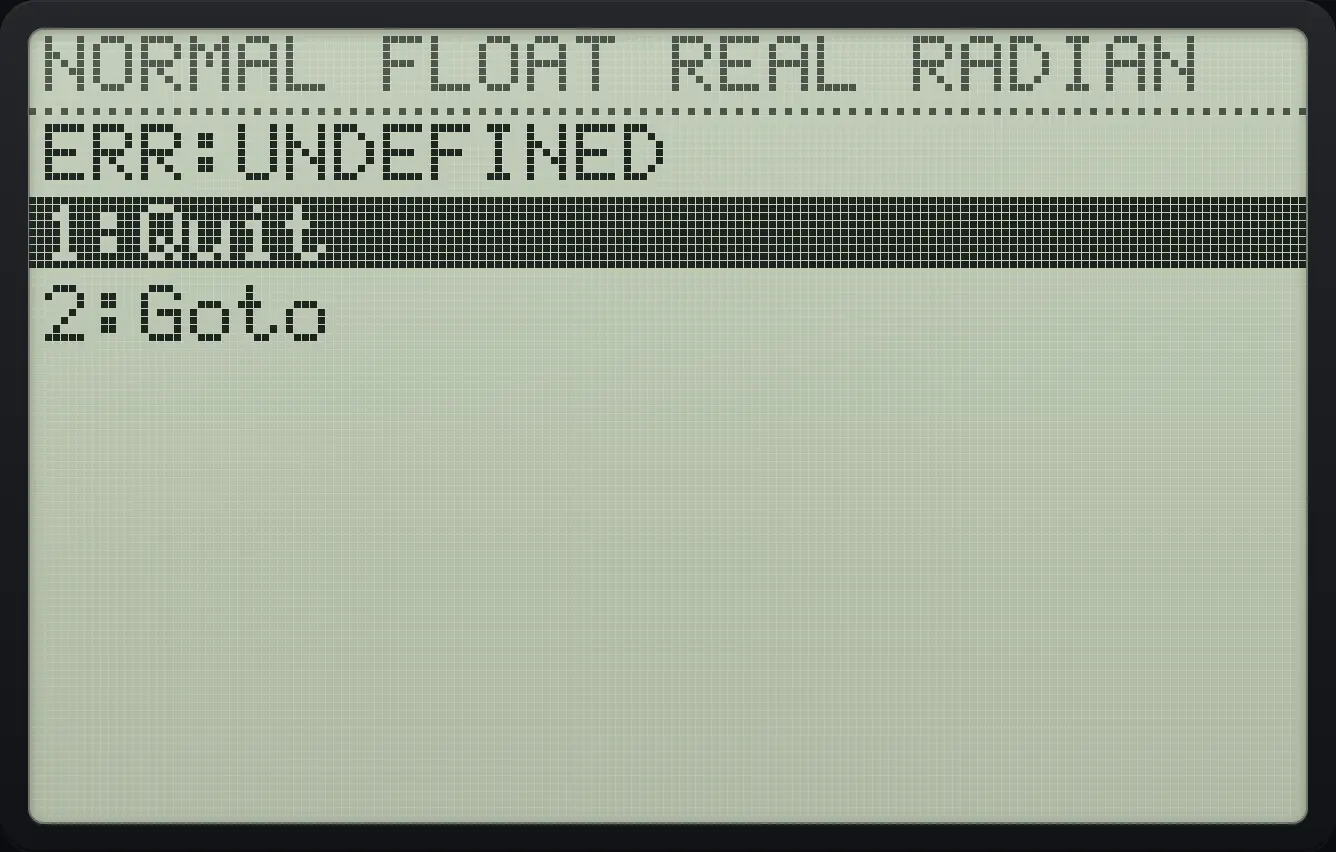
ERR:UNDEFINEDINVALID
Graph Y1 = X, press trace and type 50, which is outside the window.
y=X,T,θ,n▼trace50enter
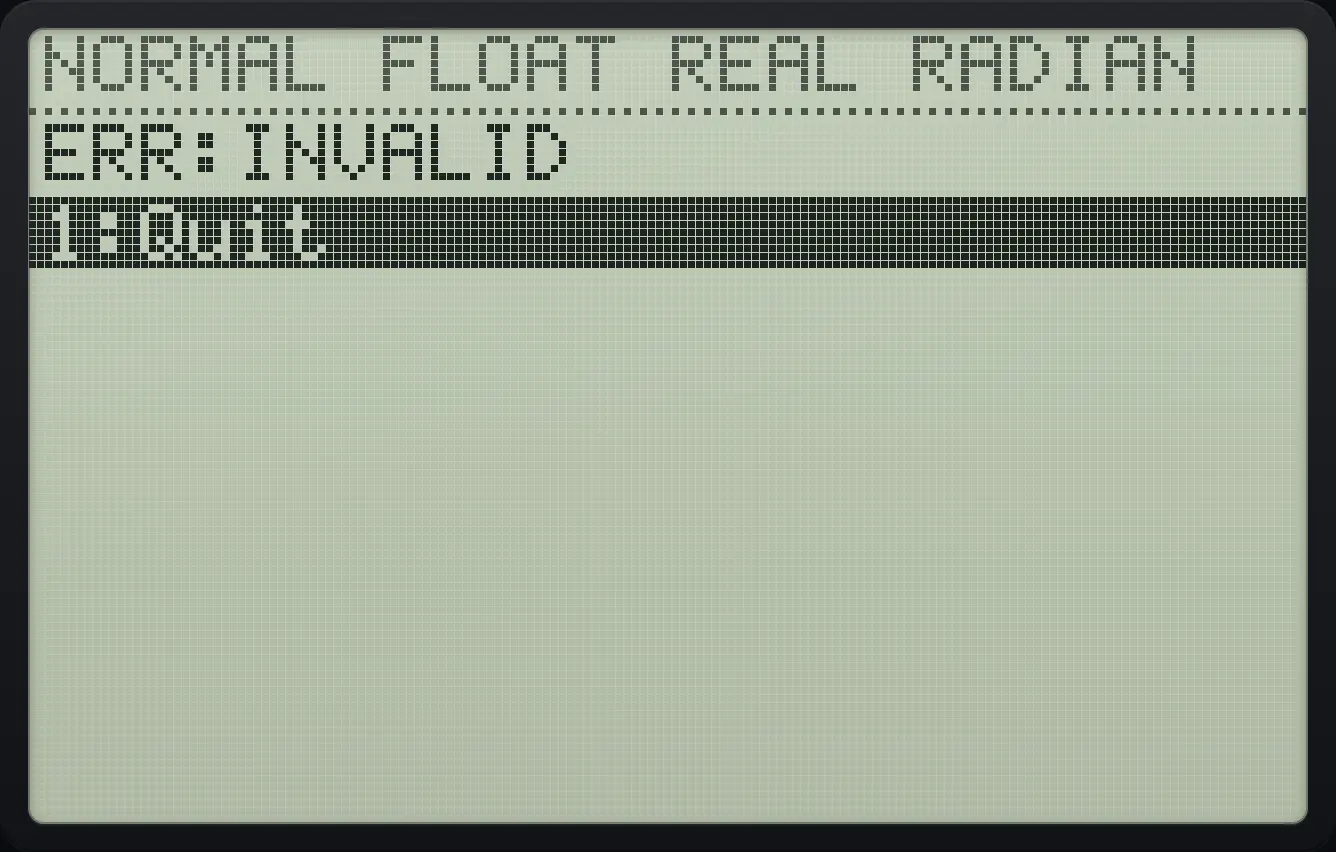
ERR:INVALIDTI-84 Plus CE is a trademark of Texas Instruments Incorporated. Trident Calculator is an independent product by South View Studios and is not affiliated with, sponsored by or endorsed by Texas Instruments. The name is used only to describe the kind of calculator this model resembles; Trident's names, keys, display, fonts and software are its own clean-room design.