
Classic Graphing 84 manual · Chapter 23 of 25
Drawing on the graph
Draw lines, circles, points and text on the graph screen with the DRAW menu, and shade distribution areas.
23.1The DRAW menu#
Press 2ndDRAWprgm for DRAW. Choose a command, type its numbers (they use the coordinates of the current window), close the bracket and press enter. The calculator shows the graph with your drawing. Drawings stay until ClrDraw. The same commands can be used in programs.
![The DRAW tab. The display shows: [DRAW] POINTS / 1:ClrDraw / 2:Line( / 3:Horizontal / 4:Vertical / 5:Circle( / 6:Text( / 7↓ShadeNorm(.](/trident/app/help/manual/img/6e3da687s.webp)
![The POINTS tab. The display shows: DRAW [POINTS] / 1:Pt-On( / 2:Pt-Off(.](/trident/app/help/manual/img/23be3771s.webp)
| Item | Command | Draws |
|---|---|---|
| 1 | ClrDraw | Erases all drawings. |
| 2 | Line( | Line(x1,y1,x2,y2) a segment between two points. |
| 3 | Horizontal | Horizontal y: a horizontal line at y. |
| 4 | Vertical | Vertical x: a vertical line at x. |
| 5 | Circle( | Circle(x,y,radius) a circle. |
| 6 | Text( | Text(row,column,"text") text at a pixel position. |
| 7, 8 | ShadeNorm(, ShadeT( | Shaded areas under normal and t curves (see distributions). |
| POINTS 1, 2 | Pt-On(, Pt-Off( | Pt-On(x,y) turns a point on; Pt-Off( removes it. |
23.2Draw a line segment#
A diagonal line
Press zoom, 6 for the standard window, go home with 2nd mode, then 2nd prgm, 2 and type 0,0,5,5.
zoom62ndQUITmode2ndDRAWprgm20,0,5,5)enter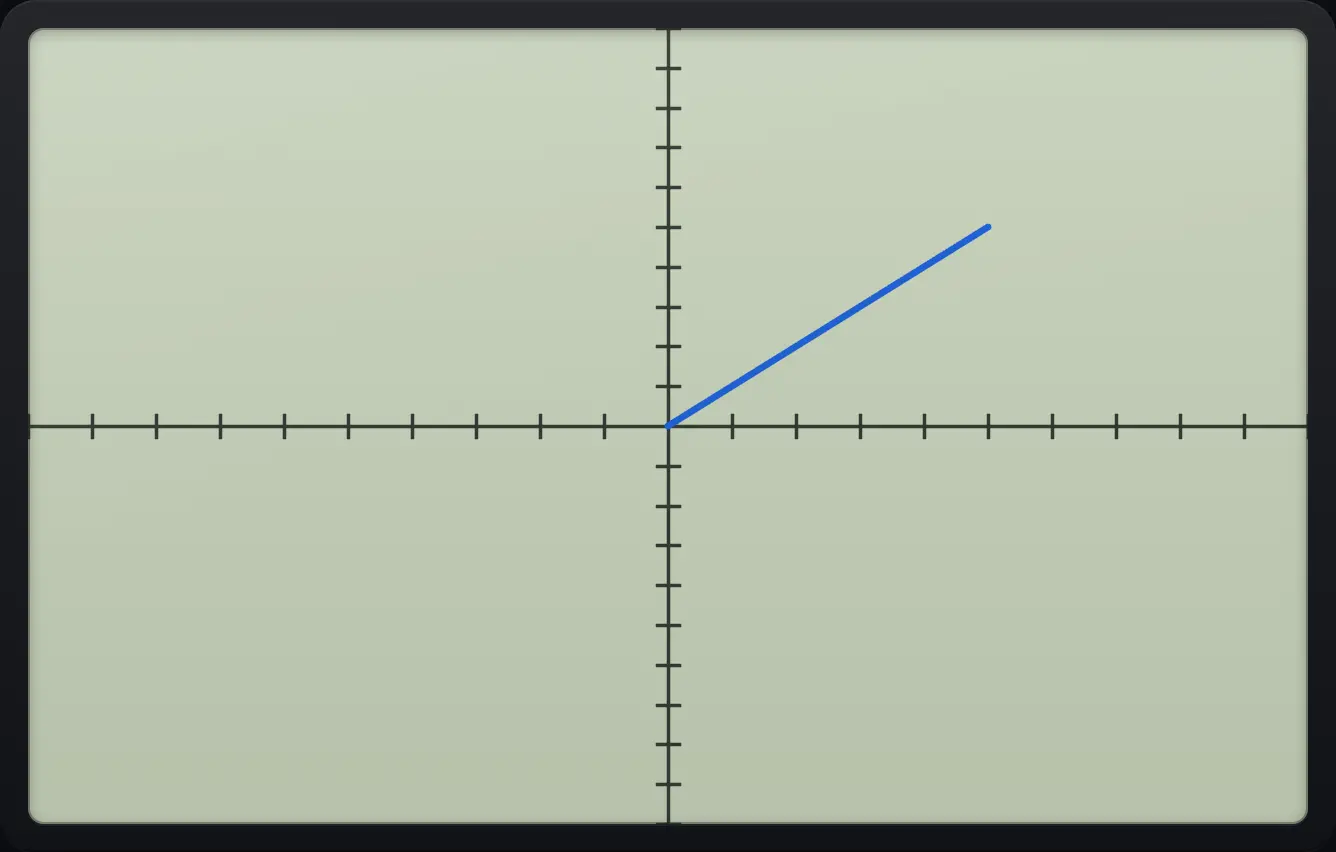
Go home to see that the command ran.
2ndQUITmode
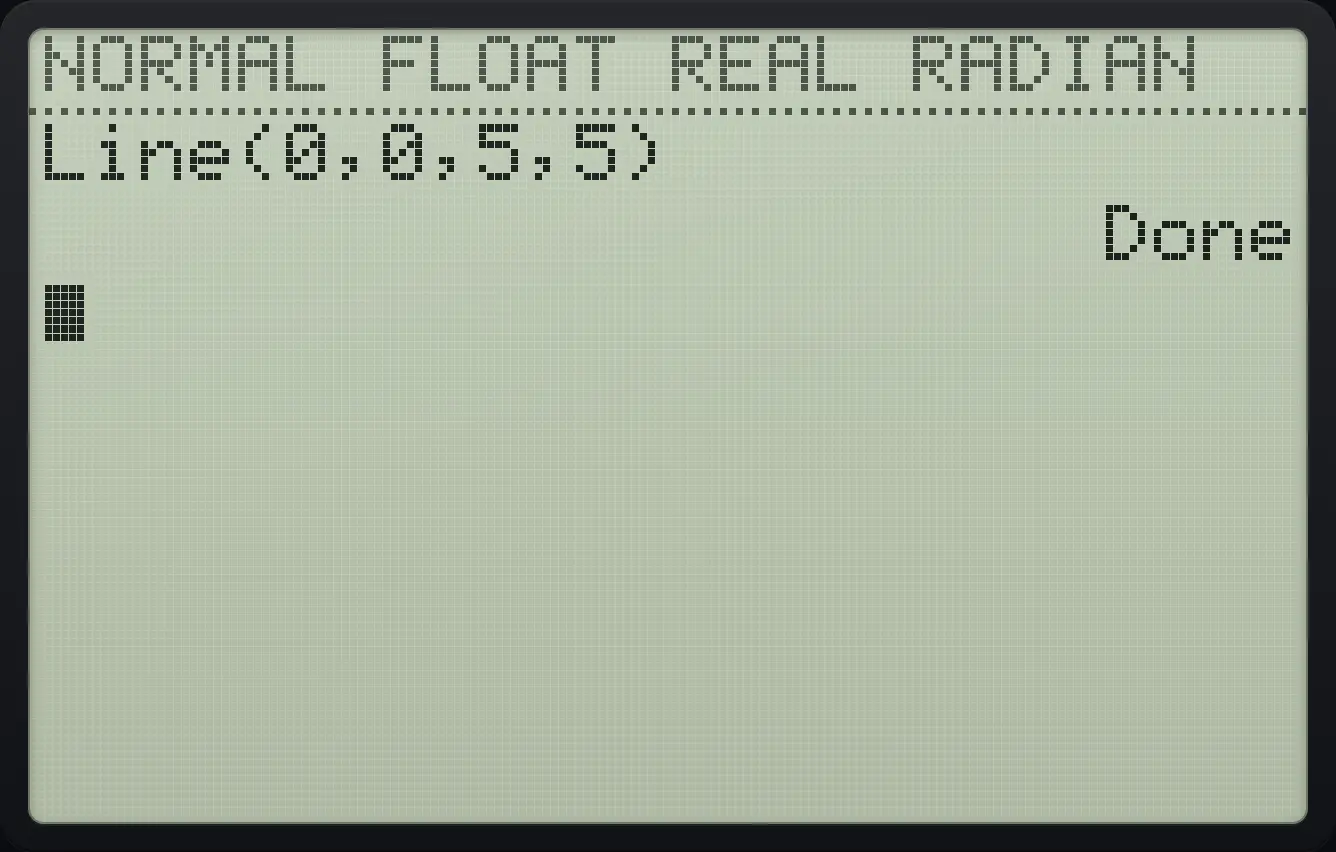
Line(0,0,5,5) DoneUse graph to return to the picture, and ClrDraw (DRAW item 1) to erase it.
23.3Draw a circle#
Circle(x,y,r) draws a circle with centre (x, y). Use ZSquare (zoom, 5) first so that it looks round.
A circle of radius 3
Set the window with ZSquare, go home, then 2nd prgm, 5 and type 0,0,3.
zoom52ndQUITmode2ndDRAWprgm50,0,3)enter2ndQUITmode
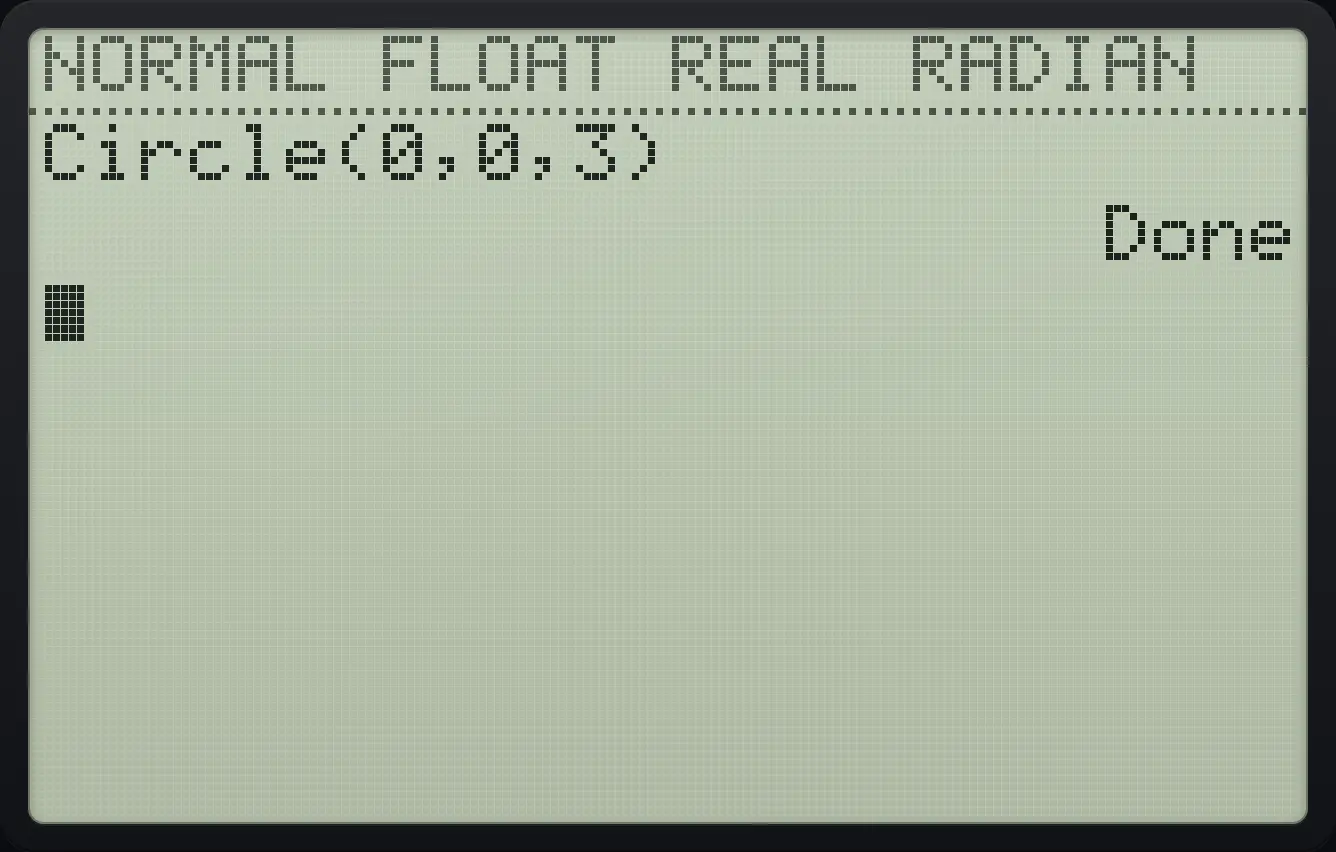
Circle(0,0,3) Done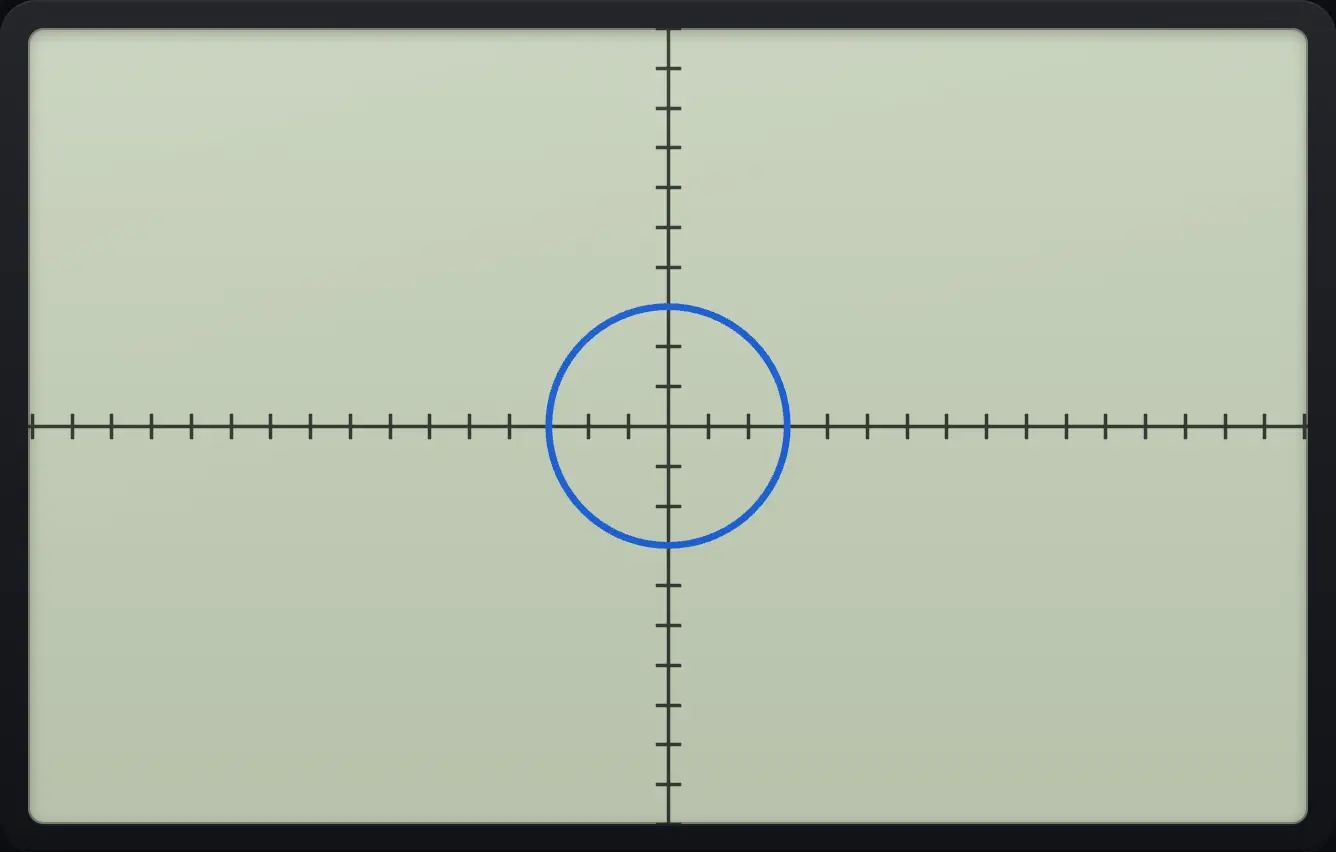
23.4Horizontal and vertical lines and points#
A vertical line at x = 2
Press 2nd prgm, 4 (Vertical) and type 2.
zoom62ndQUITmode2ndDRAWprgm42enter2ndQUITmode
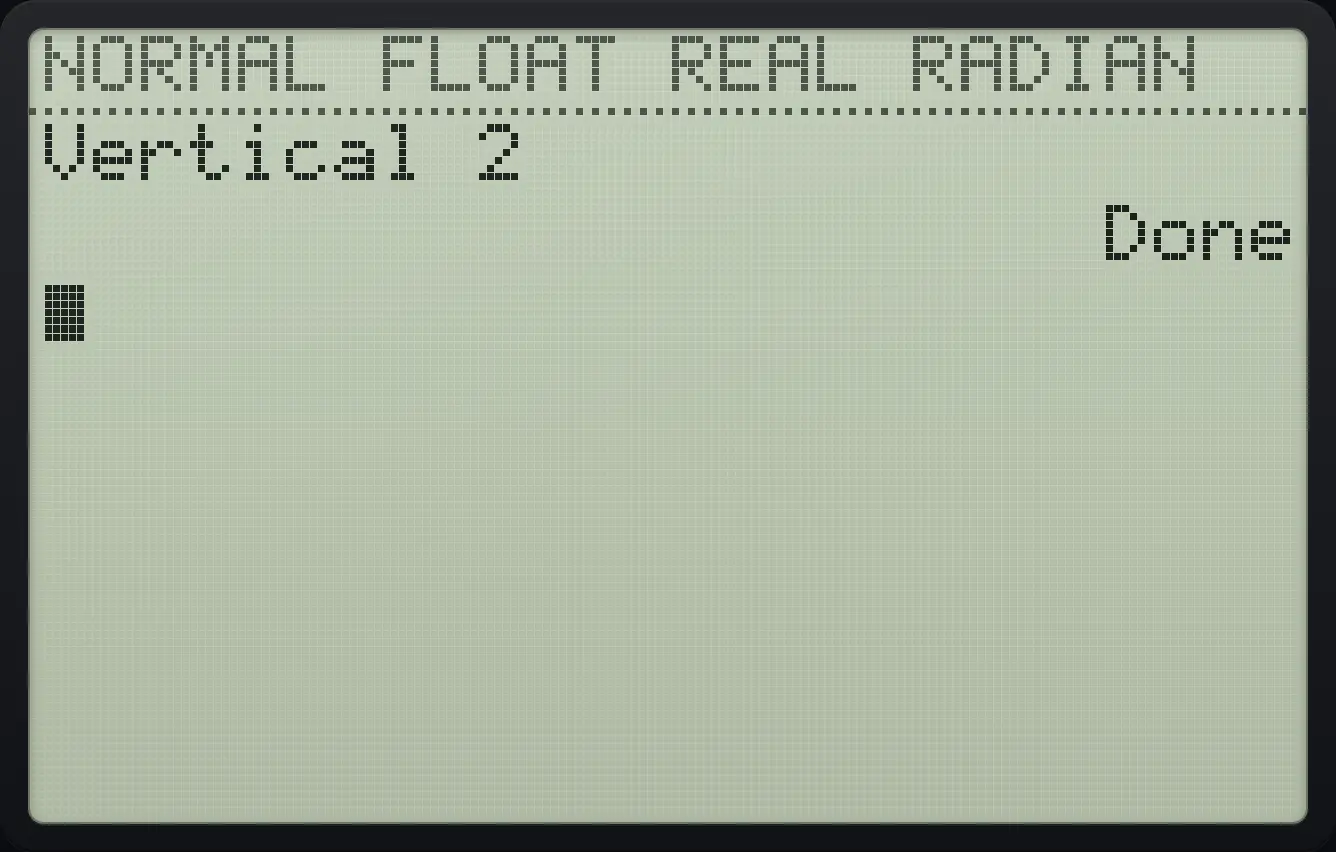
Vertical 2 DonePlot a point
Press 2nd prgm, right, 1 (Pt-On() and type 3,3.
zoom62ndQUITmode2ndDRAWprgm▶13,3)enter2ndQUITmode
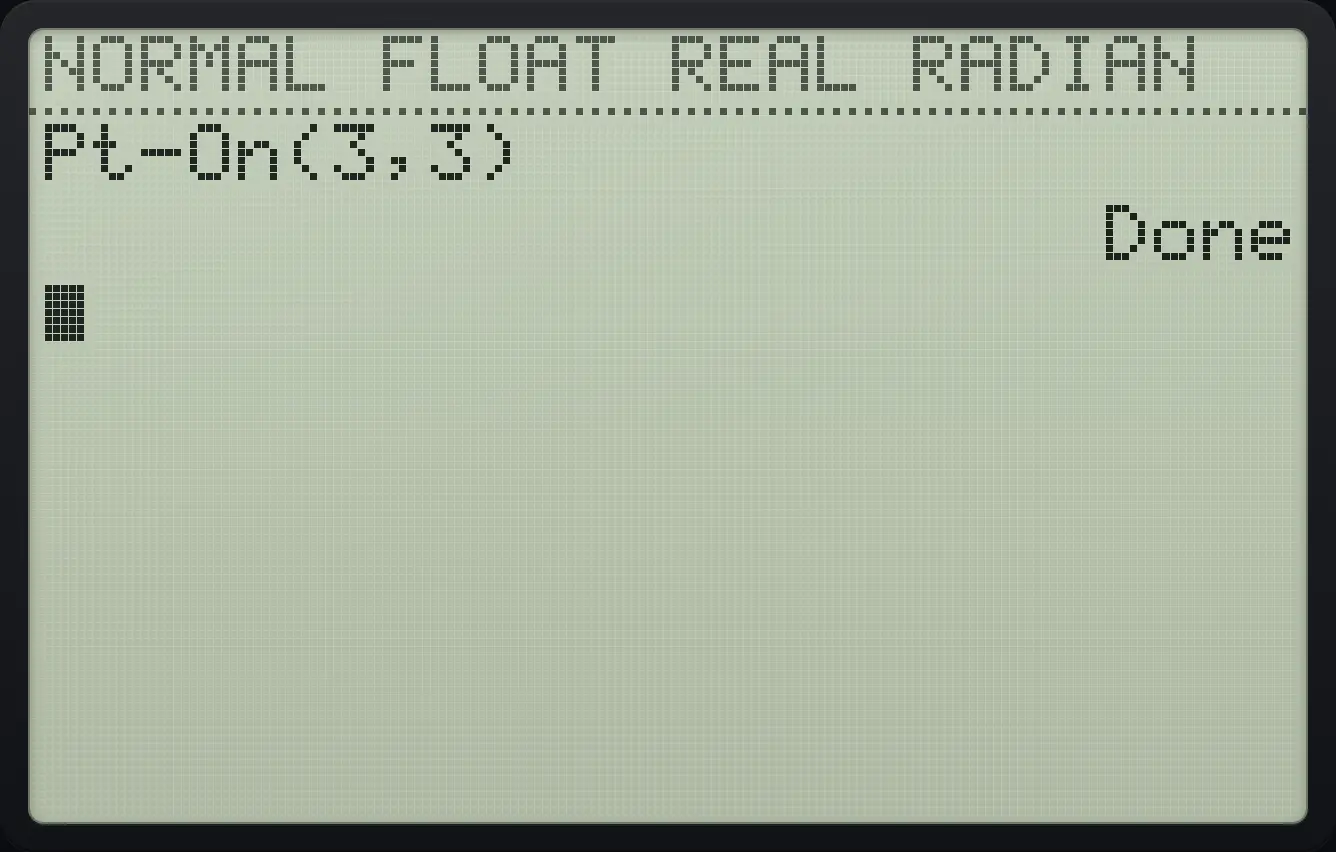
Pt-On(3,3) DoneTI-84 Plus CE is a trademark of Texas Instruments Incorporated. Trident Calculator is an independent product by South View Studios and is not affiliated with, sponsored by or endorsed by Texas Instruments. The name is used only to describe the kind of calculator this model resembles; Trident's names, keys, display, fonts and software are its own clean-room design.