
Classic Graphing 84 manual · Chapter 25 of 25
Reference: limits, resetting and what is not included
Number range and precision, display limits, how to reset the calculator and the features of a full graphing handheld that this version leaves out.
25.1Number range and precision#
| Item | Value |
|---|---|
| Digits shown | Up to 10 significant digits. |
| Calculation precision | More digits than shown are kept internally, so results such as .1+.2 are exact in decimal. |
| Largest numbers | Just under 10 to the power 100. Beyond that: OVERFLOW. |
| Scientific notation | Numbers of 10 digits or more and below .001 are shown as E notation in NORMAL mode. |
| Factorial | Up to 69! (decimals are allowed). |
| List and matrix size | Matrices up to 99 × 99; lists as long as memory allows. |
| Screen | 26 characters by 8 lines of text; the graph is 265 by 165 pixels. |
| Y= slots | 10 functions, 6 parametric pairs, 6 polar equations; 3 statistics plots. |
| Variables | A to Z and θ; L1 to L6; [A] to [J]; Str1 to Str0. |
25.2Reset the calculator#
Press 2ndMEM+, then 7 (Reset…), move down to 2: Reset and press enter. This erases variables, lists, matrices, functions, programs, windows and settings, and returns every mode to its default. The screen shows RAM cleared.
Reset
Press 2nd add, 7, down, enter.
2ndMEM+7▼enter
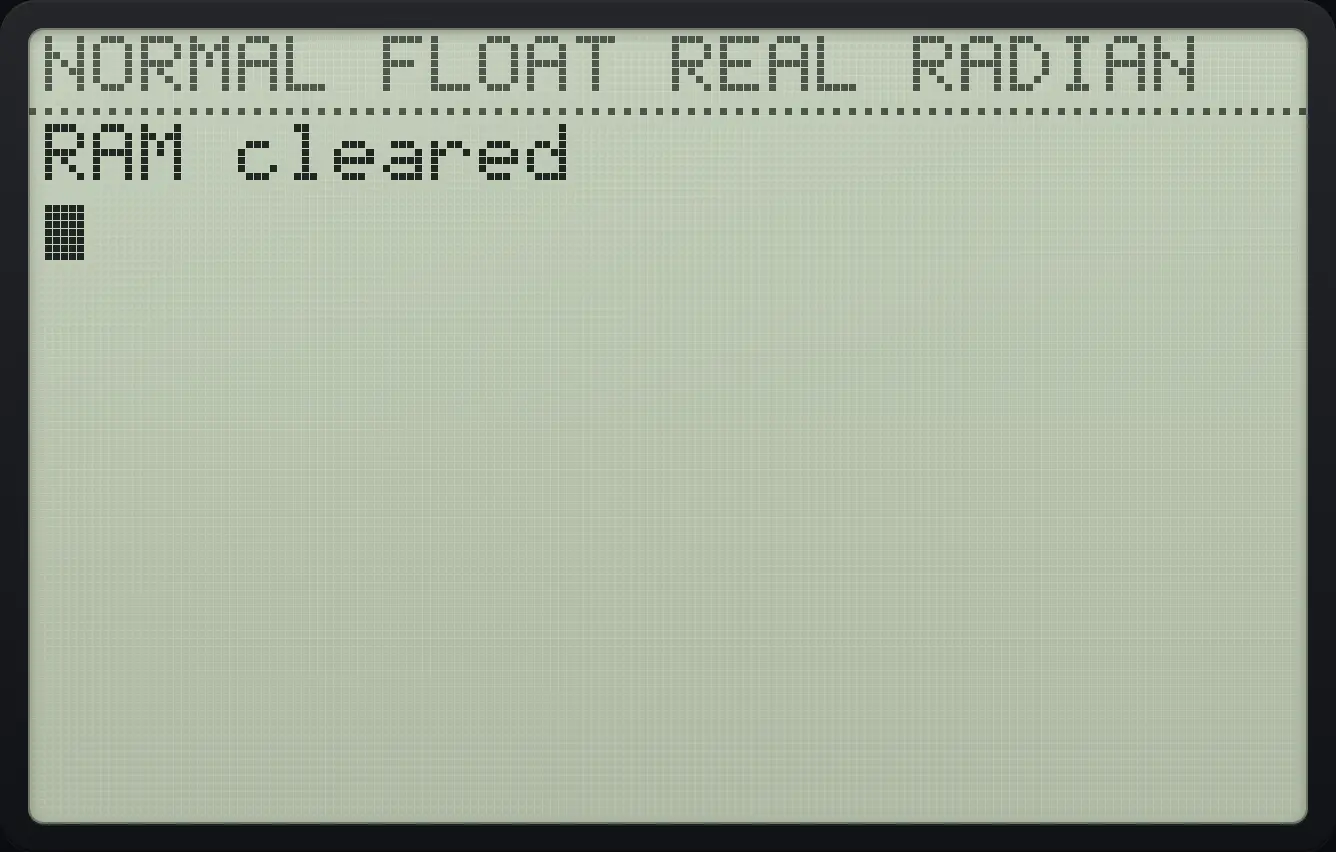
RAM clearedTo remove only the entries, use 2nd add, 3 (Clear Entries). To empty every list, use 2nd add, 4 (ClrAllLists).
25.3Default settings#
| Setting | Default |
|---|---|
| Number format and decimals | NORMAL, FLOAT |
| Angle | RADIAN |
| Graph type and line | FUNC, CONNECTED |
| Complex | REAL |
| Fractions and answers | n/d, AUTO |
| Stat diagnostics | ON |
| Window | Xmin −10, Xmax 10, Xscl 1, Ymin −10, Ymax 10, Yscl 1, Xres 1 |
| Table | TblStart 0, ΔTbl 1, both AUTO |
| Format | RectGC, CoordOn, GridOff, AxesOn, LabelOff, ExprOn |
25.4What is not included#
This is a faithful but smaller graphing calculator. These features of a full graphing handheld are not in this version:
- The APPLICATIONS list (finance, polynomial solver and similar apps) is empty.
- Sequence graphing mode. Graphing is Function, Parametric or Polar only.
- Hyperbolic functions (sinh, cosh, tanh) on the keypad, and the solve( function on the keypad menus (the equation solver is available instead).
- Linking to other calculators (LINK) and the OFF key.
- Saving and recalling graph databases and pictures (the GDB and Picture items in VARS do nothing).
- The remaining DRAW commands: DrawF, DrawInv, Shade(, Tangent(, Pen, StorePic and RecallPic. Only the commands in the DRAW menu are available.
- The F1 to F5 alpha shortcuts, and the u, v, w names used for sequences.
- Deleting a single program or variable from a memory manager: use Reset, or DelVar inside a program.
- Hardware features such as battery, archive memory and the USB cable.
TI-84 Plus CE is a trademark of Texas Instruments Incorporated. Trident Calculator is an independent product by South View Studios and is not affiliated with, sponsored by or endorsed by Texas Instruments. The name is used only to describe the kind of calculator this model resembles; Trident's names, keys, display, fonts and software are its own clean-room design.